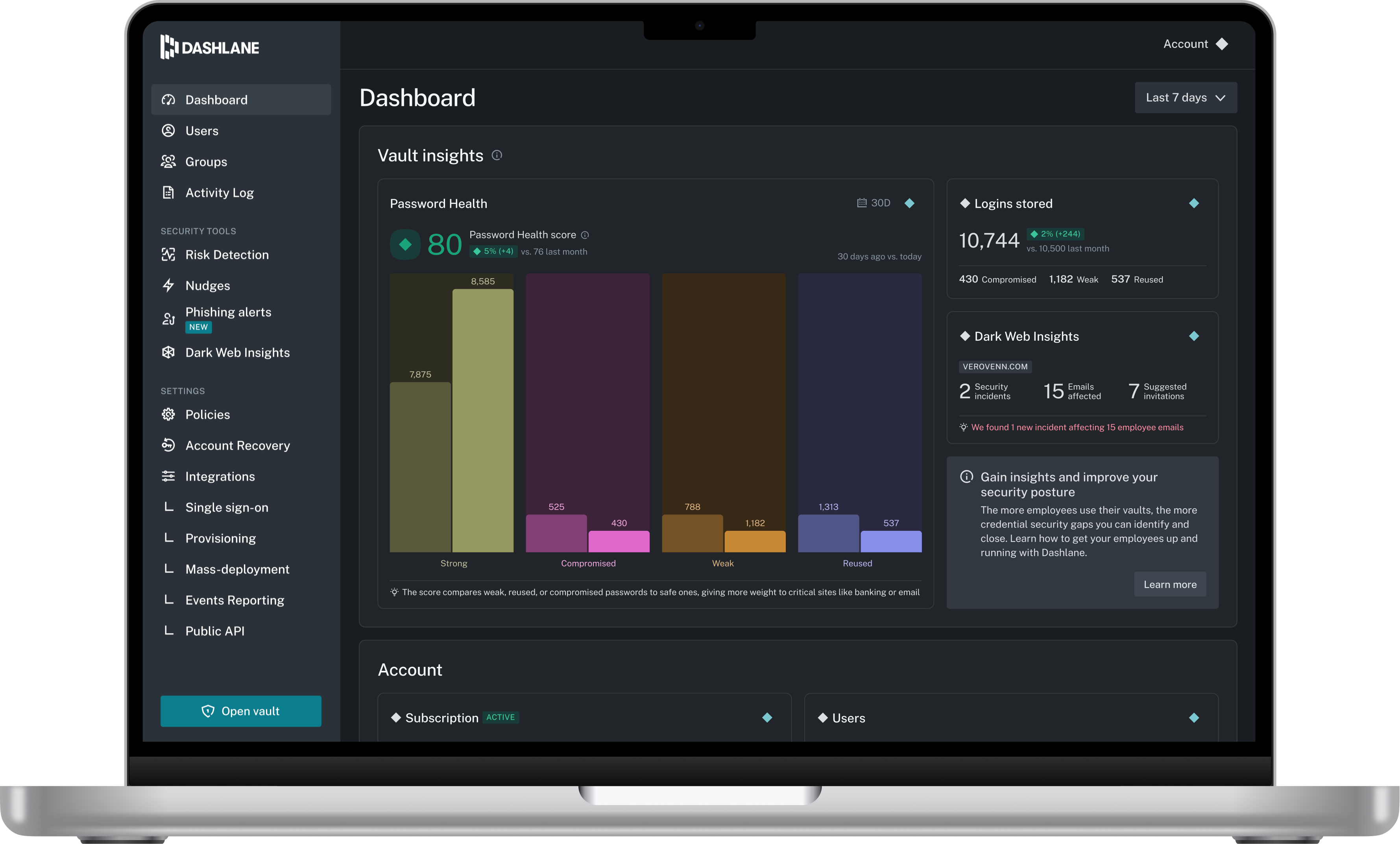
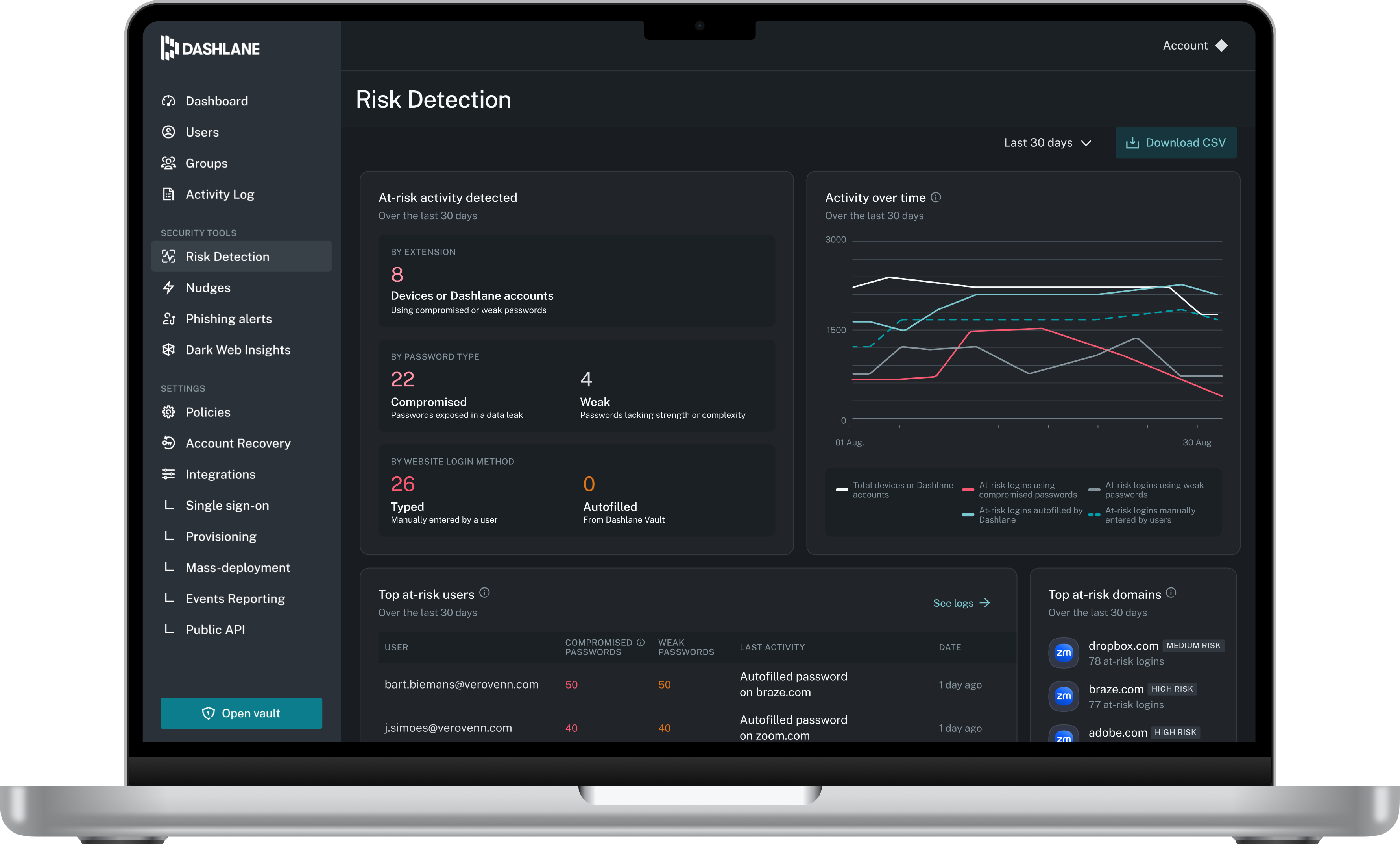
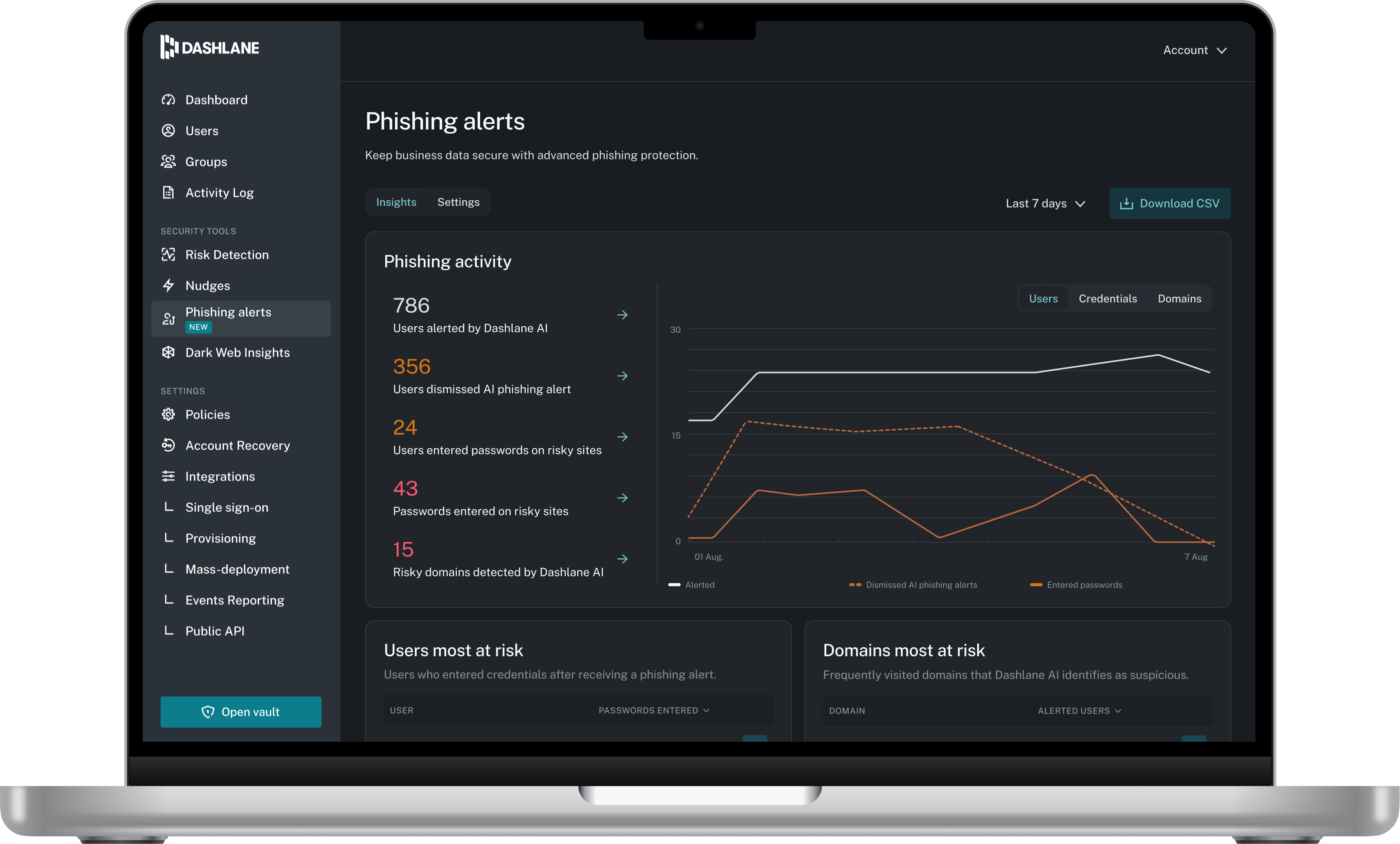
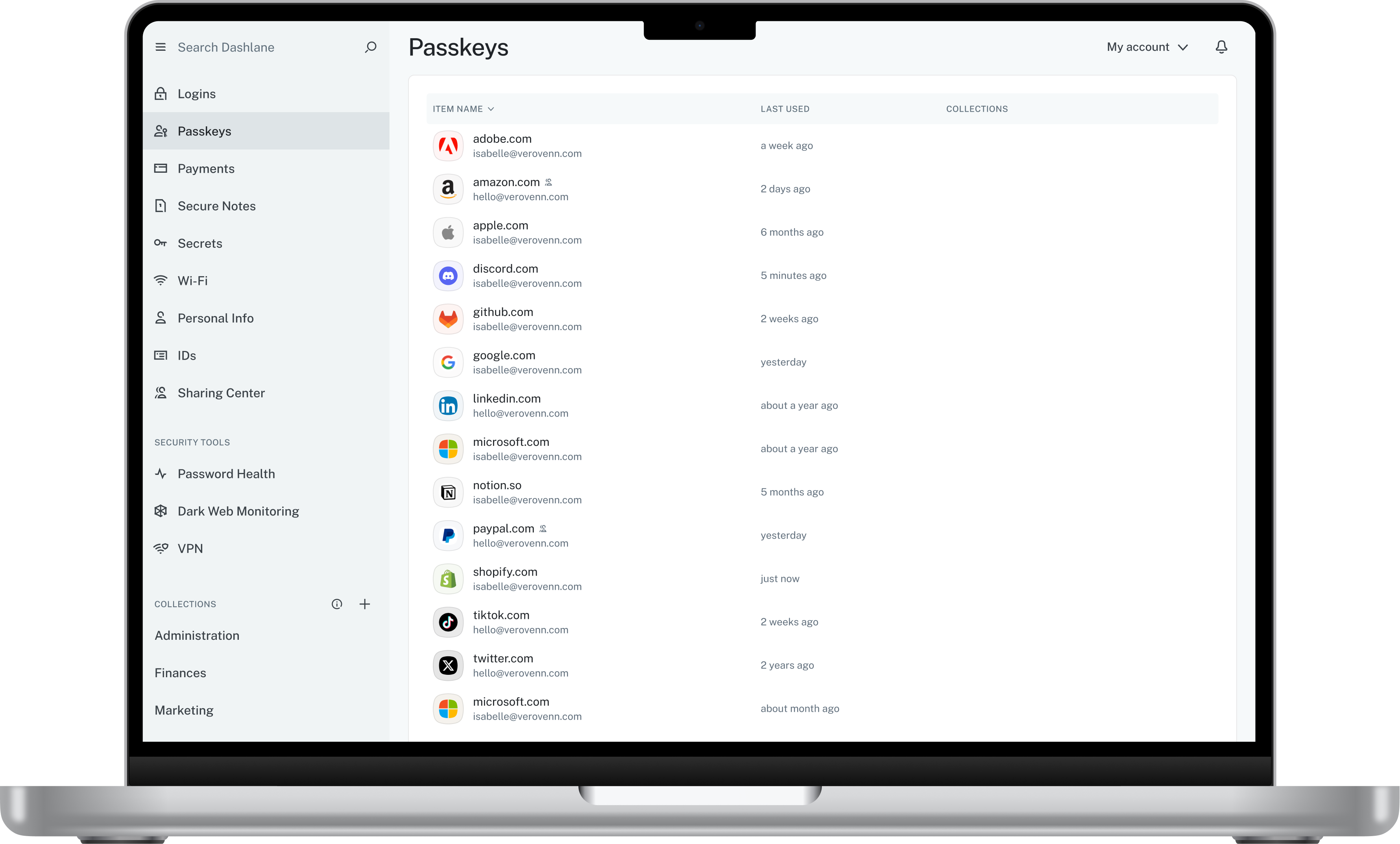
Dashlane is a credential manager that secures every credential, every user, and every employee device to proactively protect against breaches. Brands worldwide can use Dashlane to stay ahead of evolving threats.
$240
per year 10 employees
ManageEngine Password Manager Pro
Score7.7 out of 10
N/A
ManageEngine Password Manager Pro is the Zoho Corporation's password management solution for small and medium sized businesses and enterprises alike.
N/A
Pricing
Dashlane Password Manager
ManageEngine Password Manager Pro
Editions & Modules
Business
$8
per month (billed annually) per seat
Omnix™
Contact Sales
per year for organizations of 100+
No answers on this topic
Offerings
Pricing Offerings
Dashlane Password Manager
ManageEngine Password Manager Pro
Free Trial
Yes
No
Free/Freemium Version
Yes
No
Premium Consulting/Integration Services
No
No
Entry-level Setup Fee
No setup fee
No setup fee
Additional Details
—
—
More Pricing Information
Community Pulse
Dashlane Password Manager
ManageEngine Password Manager Pro
Considered Both Products
Dashlane
Verified User
Chose Dashlane Password Manager
I hated ManageEngine, Nordpass is very similar to Dashlane Password Manager.
A de minimis incentive was given to thank the reviewer for their time. The incentive was not used to bias or drive a particular response, nor was the incentive contingent on a positive endorsement. More Info
Development Operations Systems Administrator in Information Technology at 14 West (Marketing and Advertising, 501-1000 employees)
Chose ManageEngine Password Manager Pro
I have used Dashlane in the past at a previous organization and as great and well designed as it is, it is not great for large companies that are looking for a more commercial and more supported solution. One thing I do like about Dashlane though is how it easily integrates …
A de minimis incentive was given to thank the reviewer for their time. The incentive was not used to bias or drive a particular response, nor was the incentive contingent on a positive endorsement. More Info
Information Systems Manager in Information Technology at Thomson Video Networks (Broadcast Media, 201-500 employees)
Chose ManageEngine Password Manager Pro
We selected Password Manager Pro because of active directory integration, compared to those PC tools. We wanted to have a central password tool accessible by a simple browser rather than having to install a heavy client on each admin PC or access to a database through a Windows …
A de minimis incentive was given to thank the reviewer for their time. The incentive was not used to bias or drive a particular response, nor was the incentive contingent on a positive endorsement. More Info
I think Dashlane is a great service for anyone who uses the internet. We need to create accounts on almost every website, and Dashlane helps generate secure passwords and store them safely, but easily accessible through its seamless browser extension. Any business or personal lifestyle can benefit from Dashlane when you go online
A de minimis incentive was given to thank the reviewer for their time. The incentive was not used to bias or drive a particular response, nor was the incentive contingent on a positive endorsement. More Info
It's great for any company that relies on active-directory as their primary source of user password authentication and other data. It's ability to integrate with a host of other tools such as Google Workspace, Azure AD (if you aren't using ADFS/DirSync/etc.), FreshService, Trello, etc. as well local apps like Postgres, i/AS400, and more make it a great middleware tool for SS.
A de minimis incentive was given to thank the reviewer for their time. The incentive was not used to bias or drive a particular response, nor was the incentive contingent on a positive endorsement. More Info
A de minimis incentive was given to thank the reviewer for their time. The incentive was not used to bias or drive a particular response, nor was the incentive contingent on a positive endorsement. More Info
PMP is great for sorting passwords into different groups depending on the category of application access. This makes it easy to find the password that you are looking for.
Application credentials can easily be saved to the clipboard to make it easier to copy and paste them into the appropriate log in screen.
Different types of credentials for the same application can be stored next to each other and are easy to distinguish by the icon next to the name. For example, SSH credentials, web credentials, and local root credentials are all easy to sort under one application group.
A de minimis incentive was given to thank the reviewer for their time. The incentive was not used to bias or drive a particular response, nor was the incentive contingent on a positive endorsement. More Info
The mobile app works fine for quick access, but autofill across different apps can be inconsistent. Sometimes it doesn’t recognize the login field, which slows people down when they’re on the go.
Occasionally the browser extension logs users out or doesn’t sync immediately with the desktop app, which causes frustration if someone just updated a password.
A de minimis incentive was given to thank the reviewer for their time. The incentive was not used to bias or drive a particular response, nor was the incentive contingent on a positive endorsement. More Info
A de minimis incentive was given to thank the reviewer for their time. The incentive was not used to bias or drive a particular response, nor was the incentive contingent on a positive endorsement. More Info
A de minimis incentive was given to thank the reviewer for their time. The incentive was not used to bias or drive a particular response, nor was the incentive contingent on a positive endorsement. More Info
A de minimis incentive was given to thank the reviewer for their time. The incentive was not used to bias or drive a particular response, nor was the incentive contingent on a positive endorsement. More Info
Dashlane is usable, but there are 2 key issues that annoy me. 1. The mobile app and the browser extension are not synced and i cannot find passwords in the app that are clearly in the extension. 2. The system doe snot make it easy to assign a password to a specific subdomain. I get hundreds of passwords that i have to go through any time i go to any subdomain on my main site because of the nature of my business. I need the option back to assign a password to only work with a specific subdomain (and all related paged on that subdomain) note: The search features have been annoying in the past. I just went to test them to verify my issues and found that notes inside of a password are finally searchable. This helps
A de minimis incentive was given to thank the reviewer for their time. The incentive was not used to bias or drive a particular response, nor was the incentive contingent on a positive endorsement. More Info
ManageEngine Password Manager Pro has an amazing interface for all kind of users. It is easy to use over different ambient and for anybody. T he privileges use have much more control over his password databases and its action for its teams. The auditors have many reports on differents formats, type of reports, filters o action and more.
A de minimis incentive was given to thank the reviewer for their time. The incentive was not used to bias or drive a particular response, nor was the incentive contingent on a positive endorsement. More Info
We've had no issues with Dashlane. I can't speak to their customer service because I have not personally needed to contact them. I guess that speaks about their product if we've not had any issues to reach out about. Great for supporting data/information on multiple platforms that are shared among team members.
A de minimis incentive was given to thank the reviewer for their time. The incentive was not used to bias or drive a particular response, nor was the incentive contingent on a positive endorsement. More Info
The contact is very easy. It is by mail. The resolution isn't easy because the support don't speak spanish and its english isn't good. In my opinion, ManageEngine Password Manager Pro should be have a Spanish Call Center for America.
A de minimis incentive was given to thank the reviewer for their time. The incentive was not used to bias or drive a particular response, nor was the incentive contingent on a positive endorsement. More Info
Planning the implementation with the Team leader of end users. At the begining start with two server in High Availability. Organice the data base structure of resources and users access before that to deploy in production.
A de minimis incentive was given to thank the reviewer for their time. The incentive was not used to bias or drive a particular response, nor was the incentive contingent on a positive endorsement. More Info
Dashlane’s customer support is often rated higher, providing more responsive and helpful assistance. LastPass has a slightly steeper learning curve than Dashlane, but it offers more flexibility with user permissions, which can benefit teams. Dashlane includes unlimited passkey support and a clean breach history, while LastPass is more accommodating for smaller teams.
A de minimis incentive was given to thank the reviewer for their time. The incentive was not used to bias or drive a particular response, nor was the incentive contingent on a positive endorsement. More Info
We evaluated one on-premise solution, Password Manager Pro, one cloud-based solution called Passwordstate to store all sensitive password information and also secure notes. The latter was licensed by users, so we knew as the team grew it would cost quite a lot more to maintain. We wanted access for various users within the information technology and systems department at a granular level to have separation of the various passwords into categories which we then give permission relevant for the right users.
A de minimis incentive was given to thank the reviewer for their time. The incentive was not used to bias or drive a particular response, nor was the incentive contingent on a positive endorsement. More Info
A de minimis incentive was given to thank the reviewer for their time. The incentive was not used to bias or drive a particular response, nor was the incentive contingent on a positive endorsement. More Info
A de minimis incentive was given to thank the reviewer for their time. The incentive was not used to bias or drive a particular response, nor was the incentive contingent on a positive endorsement. TR verified that a representative sample of customers was invited. More Info