Datadog is a monitoring service for IT, Dev and Ops teams who write and run applications at scale, and want to turn the massive amounts of data produced by their apps, tools and services into actionable insight.
$18
per month per host
IBM SevOne
Score 8.6 out of 10
N/A
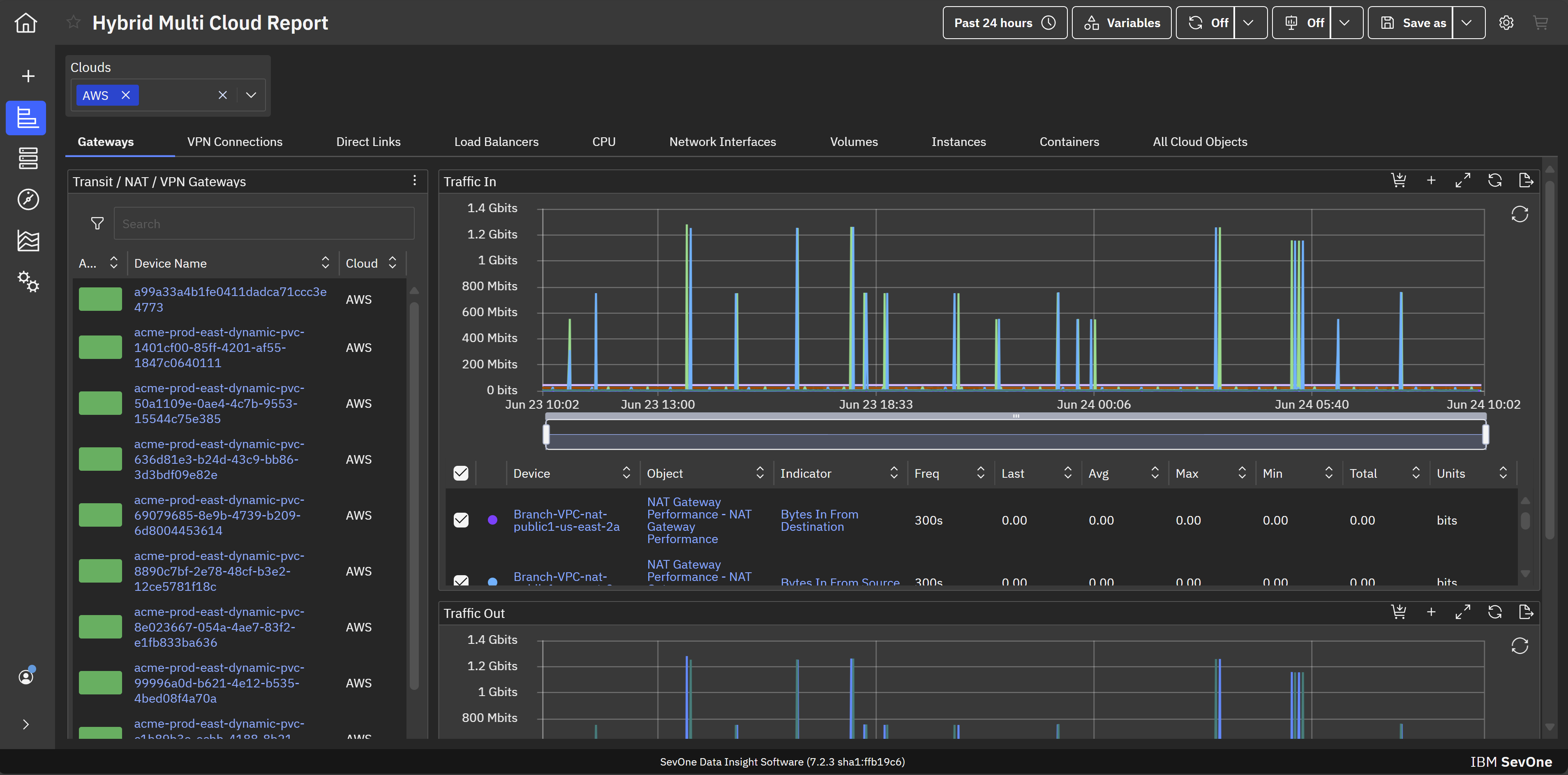
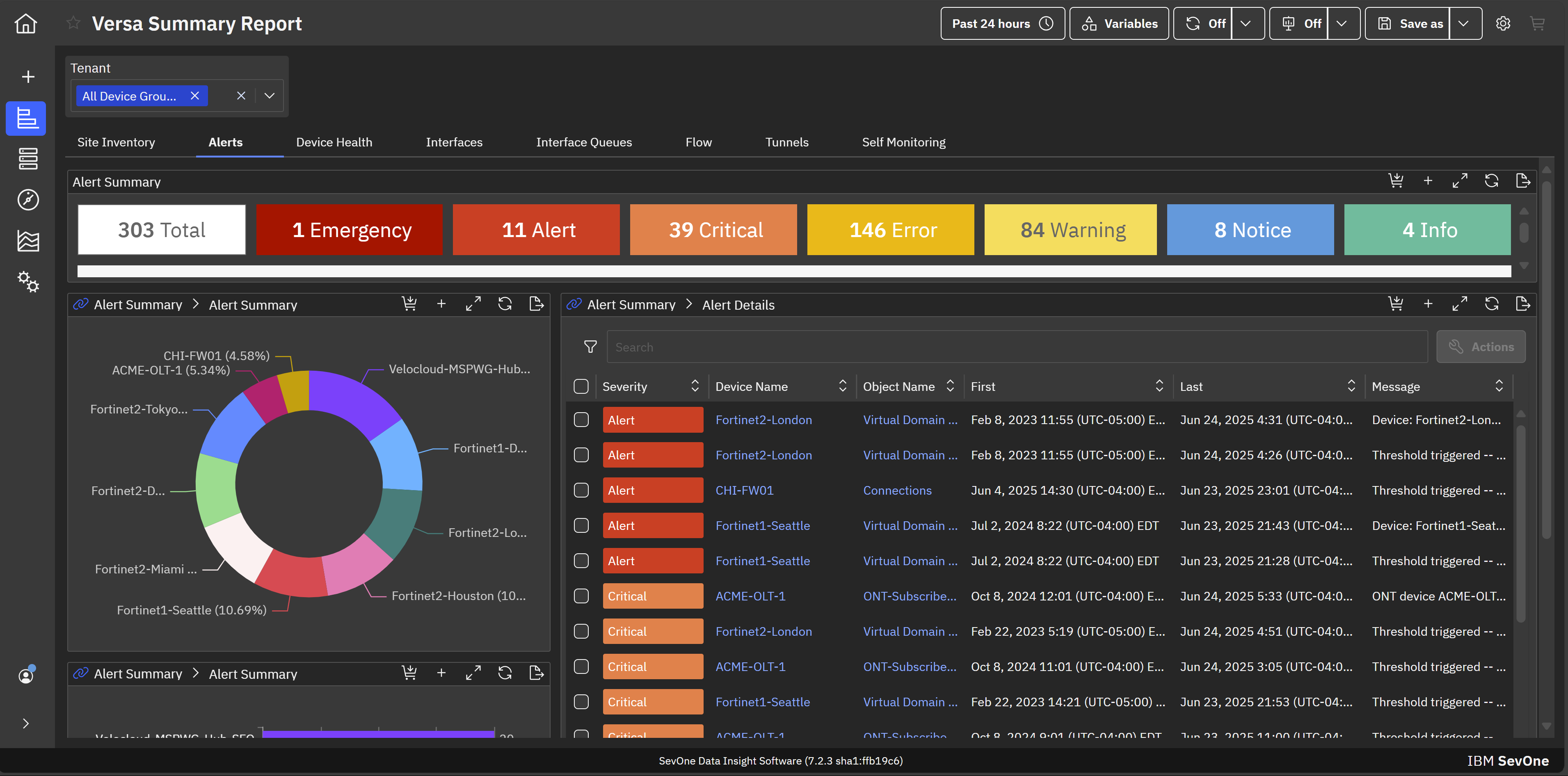
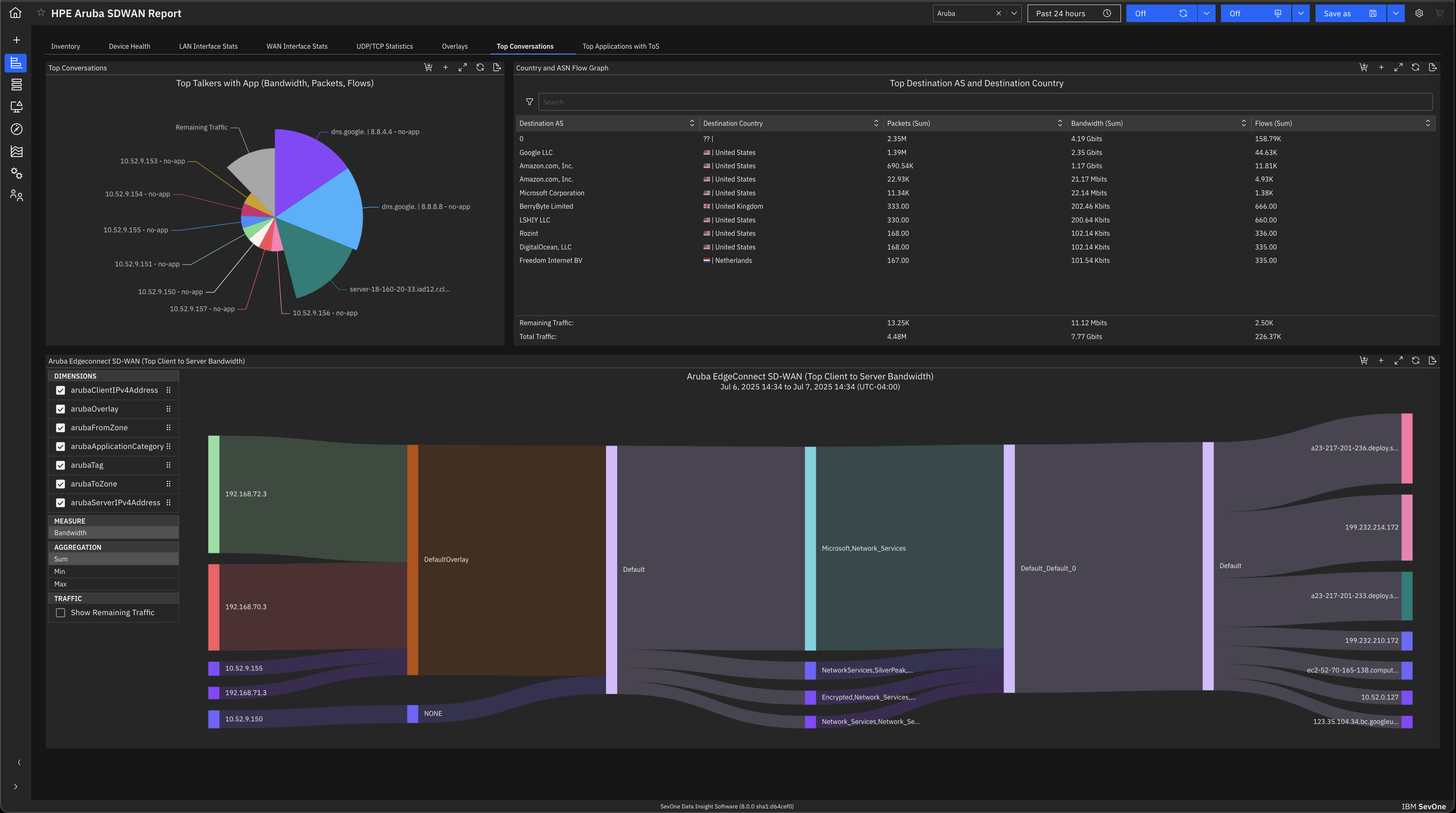
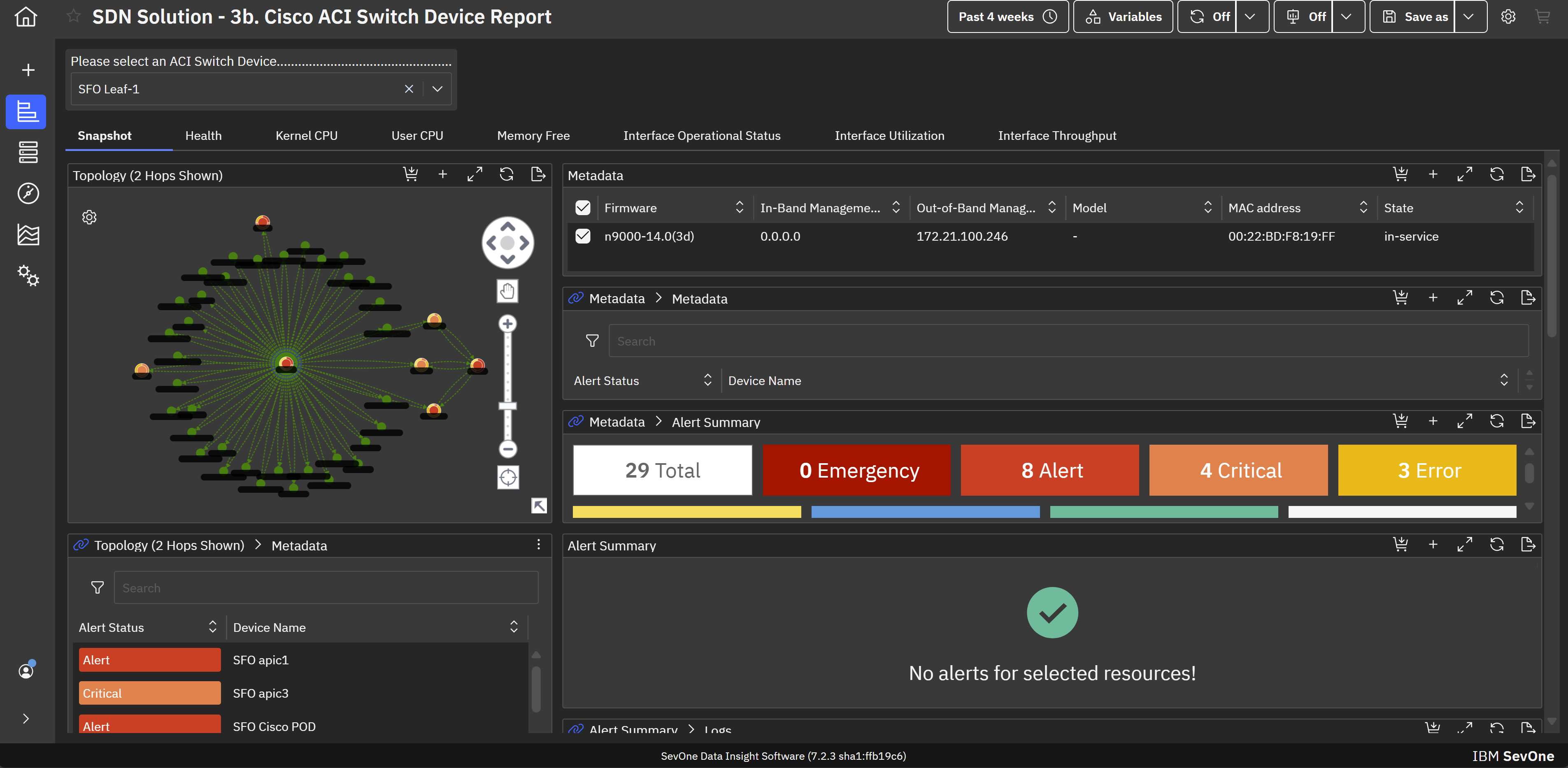
IBM SevOne’s app-centric, hybrid network observability empowers NetOps teams with ML-driven insights, enabling proactive issue prevention and resolution. With a single source of truth for network performance, it delivers visibility to optimize operations and support agility in complex, multi-cloud environments.
N/A
Pricing
Datadog
IBM SevOne
Editions & Modules
Log Management
$1.27
per month (billed annually) per host
Infrastructure
$15.00
per month (billed annually) per host
Standard
$18
per month per host
Enterprise
$27
per month per host
DevSecOps Pro
$27
per month per host
APM
$31.00
per month (billed annually) per host
DevSecOps Enterprise
$41
per month per host
No answers on this topic
Offerings
Pricing Offerings
Datadog
IBM SevOne
Free Trial
Yes
No
Free/Freemium Version
Yes
No
Premium Consulting/Integration Services
No
Yes
Entry-level Setup Fee
Optional
No setup fee
Additional Details
Discount available for annual pricing. Multi-Year/Volume discounts available (500+ hosts/mo).
IBM® SevOne® uses Managed Device (MD) and Managed Client Device (MCD) as pricing metrics. These can be mapped to managed devices for physical, virtualized and containerized functions in the managed environment.
May lack some of the advanced analytics, big-data scale, depth of historical performance, or baseline anomaly detection that SevOne provides. UI / advanced features are less polished. Datadog is strong in cloud-native, full-stack observability; good dashboards; good …
IBM SevOne was selected instead of Datadog because it is perfect for large insurance networks and also connects trouble-free between the on-premise and cloud environments. Its alerts are in real-time, it offers comprehensive dashboards and it allows to gain a better grip on the …
If I want to see what customers are doing wrong in their sessions, we can do that easily. On the other hand, if we want to know the payload in the API calls, that is the area where Datadog can improve.
IBM SevOne ensures deep performance and in depth monitoring and allows customization according to specific organisation or business needs. Availability of real-time alerts and unlimited customization. The software integrates freely with many third party applications and has reliable analytics and reporting systems. Ability of the software in automating routine network monitoring tasks which reduces operational costs. Software pricing is a major challenge towards smooth implementation of the software. It is expensive and not affordable to small businesses and organisations.
The thing which Datadog does really well, one of them are its broad range of services integrations and features which makes it one step observability solution for all. We can monitor all types of our application, infrastructure, hosts, databases etc with Datadog.
Its custom dashboard feature which helps us to visualize the data in a better way . It supports different types of charts through those charts we can create our dashboard more attractive.
Its AI powered alerting capability though that we can easily identify the root cause and also it has a low noise alerting capability which means it correlated the similar type of issues.
Documentation for the embedded help pages in NMS and more. In my opinion, these do not provide anything of any depth or maybe anything helpful at all. If anything it just seems to be a guide of what actually exists on the page. It is nicely searchable documentation though.
It is very surprising and disappointing for us to learn that it isn't until the latest version of IBM SevOne that bulk editing was introduced. I think this is such a basic and foundational feature that should have been a part of the original rollout. My team is still trying to configure the REST API.
It was disappointing for the webinar to start with a speaker who had a thick accent and simply read from slides. To me, it felt hopeless until the second speaker, who was engaging and easy to understand. It's as if this fact wasn't considered. I'm sure the first speaker lost a lot of viewers who didn't stick around to discover the 2nd speaker.
I asked three different questions during the webinar and none were answered.
Its a one stop solution for most processes and does reduce cost overall. This does in turn help teams communicate in a much more efficient way, also RUM is a game changer for any quality product; we use RUM alot for debugging and reverse engineering issues. Reports and coverage has been a plus, it all has helped us a lot in our processes.
There are so many features that it can be hard to figure out where you need to go for your own use case. For example, RUM monitoring us buried in a "Digital Experience" sidebar setting when this is one of our key use cases that I sometimes struggle to find in the application. It appears that ECS + Fargate monitoring was recently released which is great because we had to build a lambda reporting solution for ephemeral task monitoring. But this new feature was never on my radar until I starting clicking around the application.
The support team usually gets it right. We did have a rather complicate issue setting up monitoring on a domain controller. However, they are usually responsive and helpful over chat. The downside would be I don’t think they have any phone support. If that is important to you this might not be a good fit.
In terms of usability, I’ve found Datadog significantly more approachable and powerful compared to Elasticsearch, especially for day-to-day operational monitoring. Datadog offers a much more cohesive, user-friendly interface out of the box, with built-in support for metrics, logs, tracing, alerting, and dashboards—all tightly integrated. In contrast, Elasticsearch often felt barebones and required considerable setup and additional tooling (like Kibana or Logstash) to reach the same level of functionality. While Elasticsearch is excellent for high-volume log ingestion and full-text search, it lacks the depth of features and real-time visualization capabilities that Datadog provides natively. The query language in Datadog is also quite usable and comparable for my needs—mainly filtering and aggregating logs and metrics—without needing to learn Elasticsearch's more complex DSL. Overall, Datadog saves our team time and effort, whereas Elasticsearch often felt like building a monitoring system from scratch. The all-in-one nature of Datadog, despite its complexity, is ultimately more efficient and scalable for our use case.
IBM SevOne was selected instead of Datadog because it is perfect for large insurance networks and also connects trouble-free between the on-premise and cloud environments. Its alerts are in real-time, it offers comprehensive dashboards and it allows to gain a better grip on the network issues, thus helping to keep the downtime small and the operations well managed thanks to the good communication.