Dataminr Pulse for Corporate Security is used to detect, visualize, and respond to events and threats in real-time to protect employees, facilities, and business operations.
N/A
eClincher
Score 7.9 out of 10
N/A
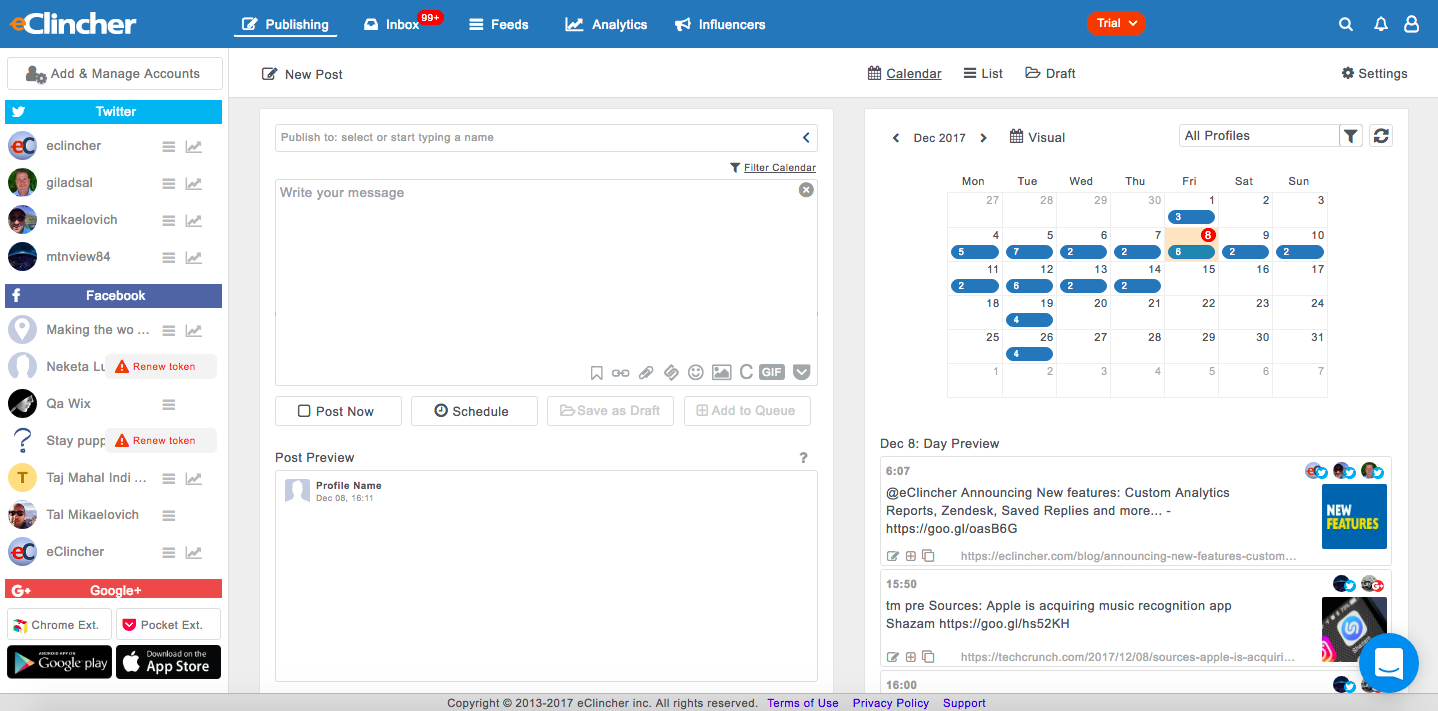
eClincher aims to be the most powerful, complete and intuitive social media management software. According to the vendor, the product is designed to help users, businesses, and agencies manage social media presence with one platform, and offers the following capabilities: advanced publishing publishing automation (queues, RSS feeds, recycle evergreen content) engagement with unified social inbox & live social feeds monitoring content…
$149
per month
Pricing
Dataminr Pulse for Corporate Security
eClincher
Editions & Modules
No answers on this topic
Standard
$149
per month
Professional
$349
per month
Enterprise
Contact Vendor
Offerings
Pricing Offerings
Dataminr Pulse for Corporate Security
eClincher
Free Trial
No
Yes
Free/Freemium Version
No
No
Premium Consulting/Integration Services
No
No
Entry-level Setup Fee
No setup fee
No setup fee
Additional Details
Dataminr is packaged/priced based on the size of the organization and the use cases it will to address.
A discount is offered for annual billing.
More Pricing Information
Community Pulse
Dataminr Pulse for Corporate Security
eClincher
Features
Dataminr Pulse for Corporate Security
eClincher
Listening/monitoring
Comparison of Listening/monitoring features of Product A and Product B
Dataminr Pulse for Corporate Security
-
Ratings
eClincher
7.0
5 Ratings
9% below category average
Boolean keyword searches
00 Ratings
7.04 Ratings
Filtering out noise/spam
00 Ratings
7.04 Ratings
Broad channel coverage
00 Ratings
7.05 Ratings
Publishing
Comparison of Publishing features of Product A and Product B
Dataminr Pulse for Corporate Security
-
Ratings
eClincher
6.0
6 Ratings
30% below category average
Content planning and scheduling
00 Ratings
8.06 Ratings
Audience targeting
00 Ratings
1.03 Ratings
Content optimization
00 Ratings
9.04 Ratings
Workflow management
00 Ratings
6.06 Ratings
Engagement
Comparison of Engagement features of Product A and Product B
Dataminr Pulse for Corporate Security
-
Ratings
eClincher
6.3
5 Ratings
25% below category average
Automated routing and prioritization
00 Ratings
7.05 Ratings
Customer interaction histories
00 Ratings
4.83 Ratings
Bulk actions
00 Ratings
7.05 Ratings
Marketing
Comparison of Marketing features of Product A and Product B
Dataminr Pulse for Corporate Security
-
Ratings
eClincher
1.0
3 Ratings
154% below category average
Lead generation
00 Ratings
1.01 Ratings
Content marketing
00 Ratings
1.13 Ratings
Channel coverage/integration
Comparison of Channel coverage/integration features of Product A and Product B
Dataminr Pulse for Corporate Security
-
Ratings
eClincher
6.8
6 Ratings
20% below category average
Twitter
00 Ratings
7.05 Ratings
Facebook
00 Ratings
8.06 Ratings
LinkedIn
00 Ratings
6.05 Ratings
Google+
00 Ratings
9.93 Ratings
Instagram
00 Ratings
8.05 Ratings
Pinterest
00 Ratings
8.03 Ratings
YouTube
00 Ratings
1.03 Ratings
Reporting/analytics
Comparison of Reporting/analytics features of Product A and Product B
Dataminr Pulse for Corporate Security
-
Ratings
eClincher
4.0
6 Ratings
63% below category average
Campaign success analytics
00 Ratings
4.05 Ratings
Real-time tracking
00 Ratings
4.06 Ratings
Account management
Comparison of Account management features of Product A and Product B
For any news editor, Dataminr is a must. It is the only platform I have used which I would 100 percent recommend to anyone who needs constant access and notification to all that is going on in the world's media. Various other platforms provide information, but Dataminr collates all these other platforms together into one easy to use interface. It is remarkably quick to check Dataminr after receiving a desktop or email notification and find out what is going on regarding a specific subject. As a news editor, I am required to manage a news team that produces copy for breaking stories, and Dataminr allows me to find news and commission it faster than any other platform I have previously used.
Best suited for a marketer that cares about reports, needs a social media management platform and doesn't want to pay more for a more aesthetically pleasing version of a platform with the same or less functionality, such as Hootsuite or Sprout Social. For a social media marketer that wants to automate some of their postings, the queues feature is great for this functionality. Not best suited for beginners to social media, as their platform is best utilized with someone familiar with the industry that knows what they are doing. Their chat support team is very good though, but this type of individual might find themselves spending a lot of time on the platform.
Collating various sources into one interface makes keeping track of breaking news remarkably easy.
The live update feature means updates from breaking stories are fed directly to the consumer. This means users do not have to go out their way to find out every last detail of a story, and can instead use their time writing the story.
eClincher supports nearly every social network and connects to a large number of sources (blogs, bit.ly, Google Analytics, Google My Business). This makes workflow tremendously easy.
Posting Groups. At higher levels of service, eClincher allows you to set-up individual brand accounts. My agency isn't at that level, so we utilize eClincher's posting groups to make 1-click groups that post to all of the profiles for each client. This allows us to quickly post a cohesive message across all channels.
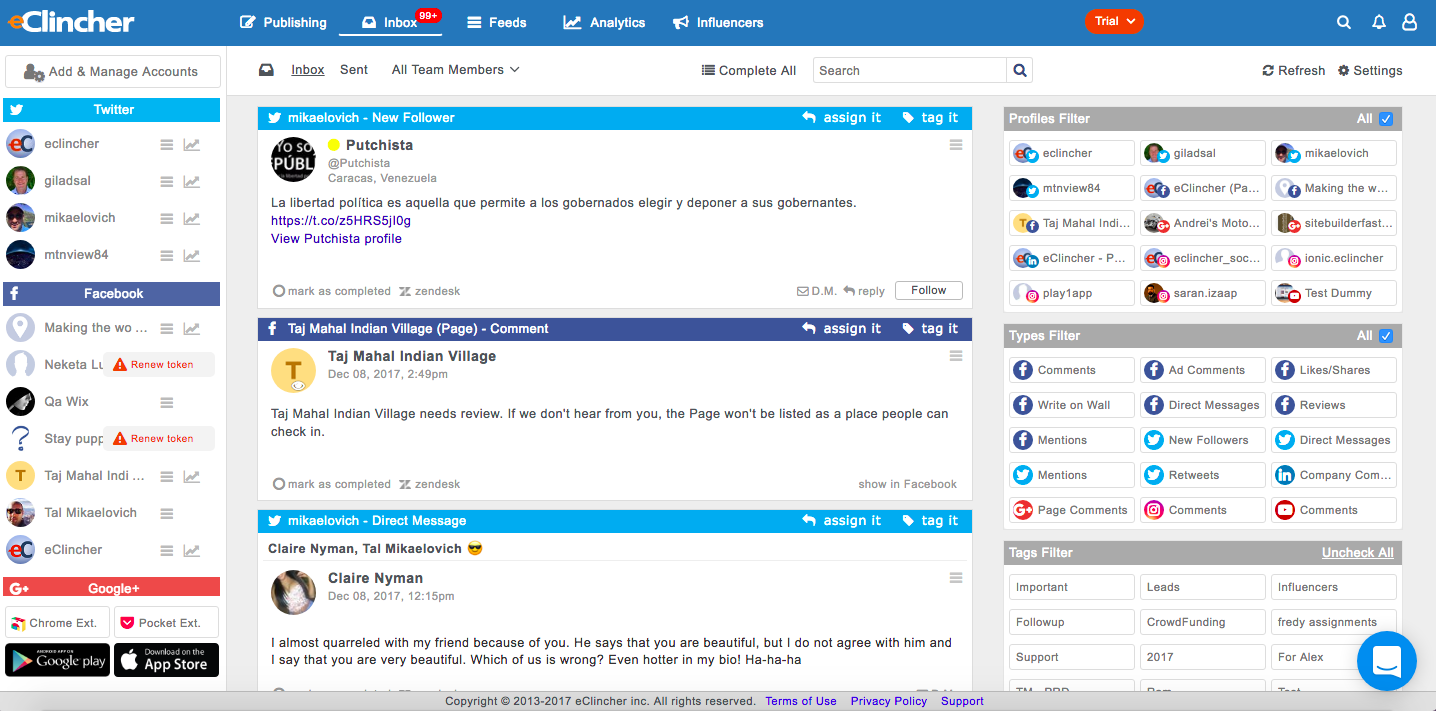
Workflow management: eClincher adds plenty of additional tools to make your workflow fast. Connections to free stock photo services make it easy to add generic pictures to your content. Google Analytics and bit.ly can keep track of statistics and measure success. The Inbox allows you to handle all your clients' accounts from one screen (including comments, messages, reviews, and more). The Feeds and Influencers tabs allow you to understand your market and what's being said. Altogether, eClincher makes a 1-app solution for Social Media Management.
Setting up Dataminr can be relatively obtuse. Although basic functions are easy to use, the more in-depth aspects require research and training to use correctly.
Topics are very broad, which can be a negative at times. It would be useful to have 'football' as a topic rather than 'sport', for instance.
It's not very visually appealing, but this is not a dealbreaker.
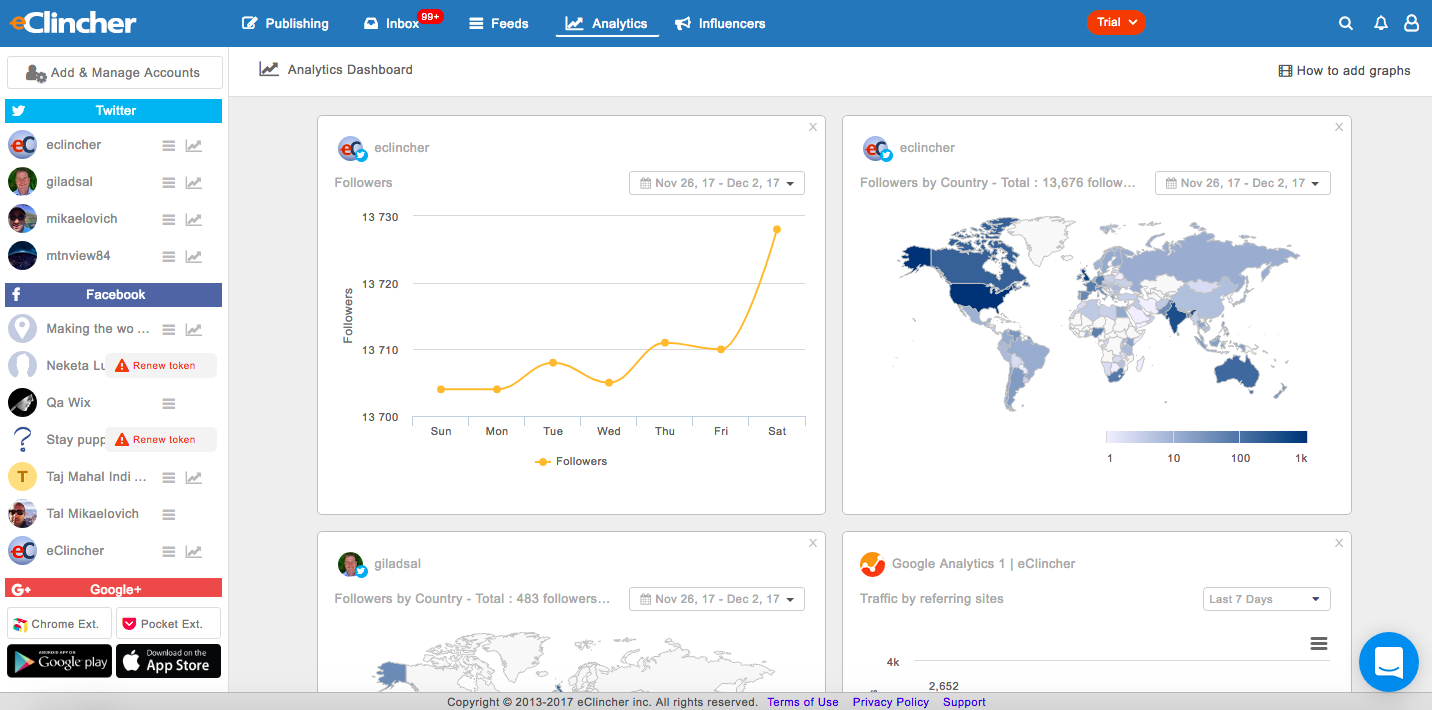
The reporting features could definitely use some work. I still get more value from the native SNS pages, but this is quickly changing. They removed the "export to CSV" functionality, but they plan to reintroduce it soon. As mentioned previously, they really respond to criticism well and update the tool constantly.
The inbox could use some work. I don't like being directed offsite to view certain comments deemed "requests for further info" when they could just easily display them there.
Unless the price of eClincher moves to a point where it is too much to justify, I don't see any reason why we wouldn't continue to use eClincher for our agency. The value at this price-point is unbelievable and we'd be foolish to move to a pricier program purely for the sake of slicker graphics or UI. eClinchers pricing is fantastic, and is only matched by its functionality—it matches or beats any of the major Social Media Manager SaaS programs out there for a fraction of the cost. This tool is great for growing agencies, but would also be useful for any marketing department or large agency that wants to streamline their social media workflow.
Its usability was good until they changed their plans and stopped their LTD program for its early adopters who helped raise the tool by giving it positive reviews. I don't think eClincher is ethical in any sense based on the recent actions.
Connection issues/downtime occur but they are rare and generally quickly fixed. There are frequent seminars and tutorials to teach the platform. This is an excellent decision from the company and has made me more willing to learn how to use Dataminr correctly. As a result of this, I use the platform more than I would have if I had been forced to learn everything myself.
[In my experience,] due to the fact that they did a bait and switch on their plans and blamed AppSumo for the lifetime program ending is simply wrong. [I believe that] it's unethical to get support and reviews from their early adopters then take the plan away later.
Be patient. eClincher isn't perfect and has some software issues. These issues will be exacerbated if you get frustrated or have a slow connection. If something "breaks" or locks up, just refresh the page and re-do that step. It may take your team a couple weeks to get use to using the new system. Once they've gotten the hang of it, I'm sure they'll love the amount of time they save. I'd recommend taking your time with the set-up. Though there aren't a lot of steps to get everything squared away, you can break the process into small chunks to make sure you're managing your time. To just hook-up all the social accounts, it may only take an hour or so. But, if you want to set-up all the extra tools (such as user accounts, listening feeds, posting groups, schedules, etc.) it'll take longer. I think it took around a day to set-up completely, but your mileage my vary.
Before using Dataminr we did not use a similar platform, with stories discovered by simply crawling the web (TweetDeck/Reddit/news sites, etc). Because of this, Dataminr has been a game-changer for us and has revolutionized the way we have worked since it was introduced. Being able to completely remove one aspect of the job (searching for news) has increased productivity in all other areas.
There are loads of social scheduling tools out there. I was using Buffer but then found it was limited in terms of listening and reporting so I started to look at a more professional software. I tried Hootsuite but hated the interface, way too busy with the primary focus being on feeds rather than scheduling. Sprout Social I found clunky and hard to use. eClincher was recommended to me by a friend. I think the interface (desktop and mobile) is easy to use but what sets it apart is its support - the live chat is brilliant.
Since starting to use Dataminr, our traffic has vastly increased. Though not entirely to thank for the growth, Dataminr has played a role in talkSPORT.com's ComScore increasing by 150 percent over the past 18 months.
Increased traffic is partly due to producing more content, and Dataminr has directly led to discovering a number of stories we previously would have missed.