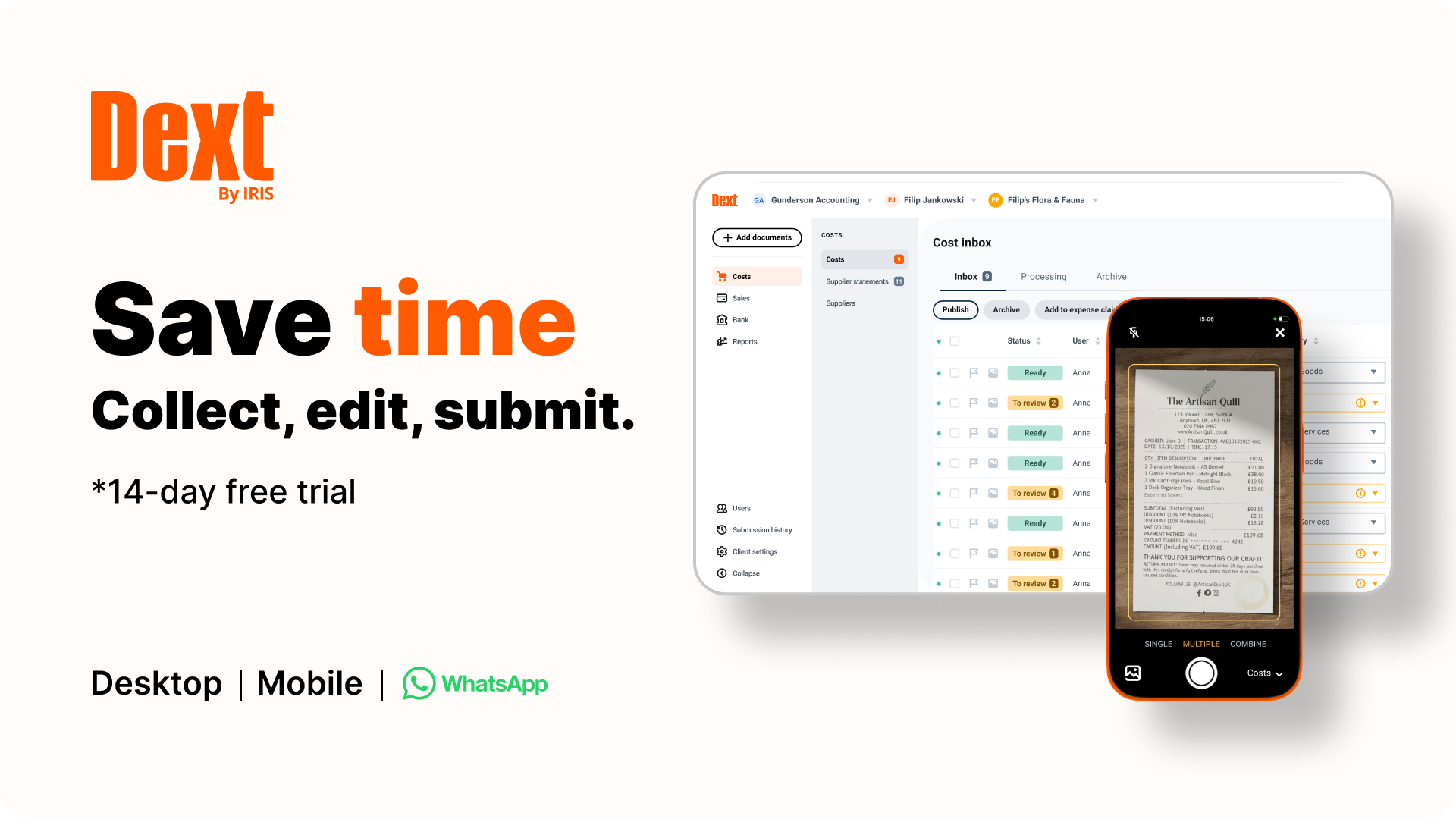
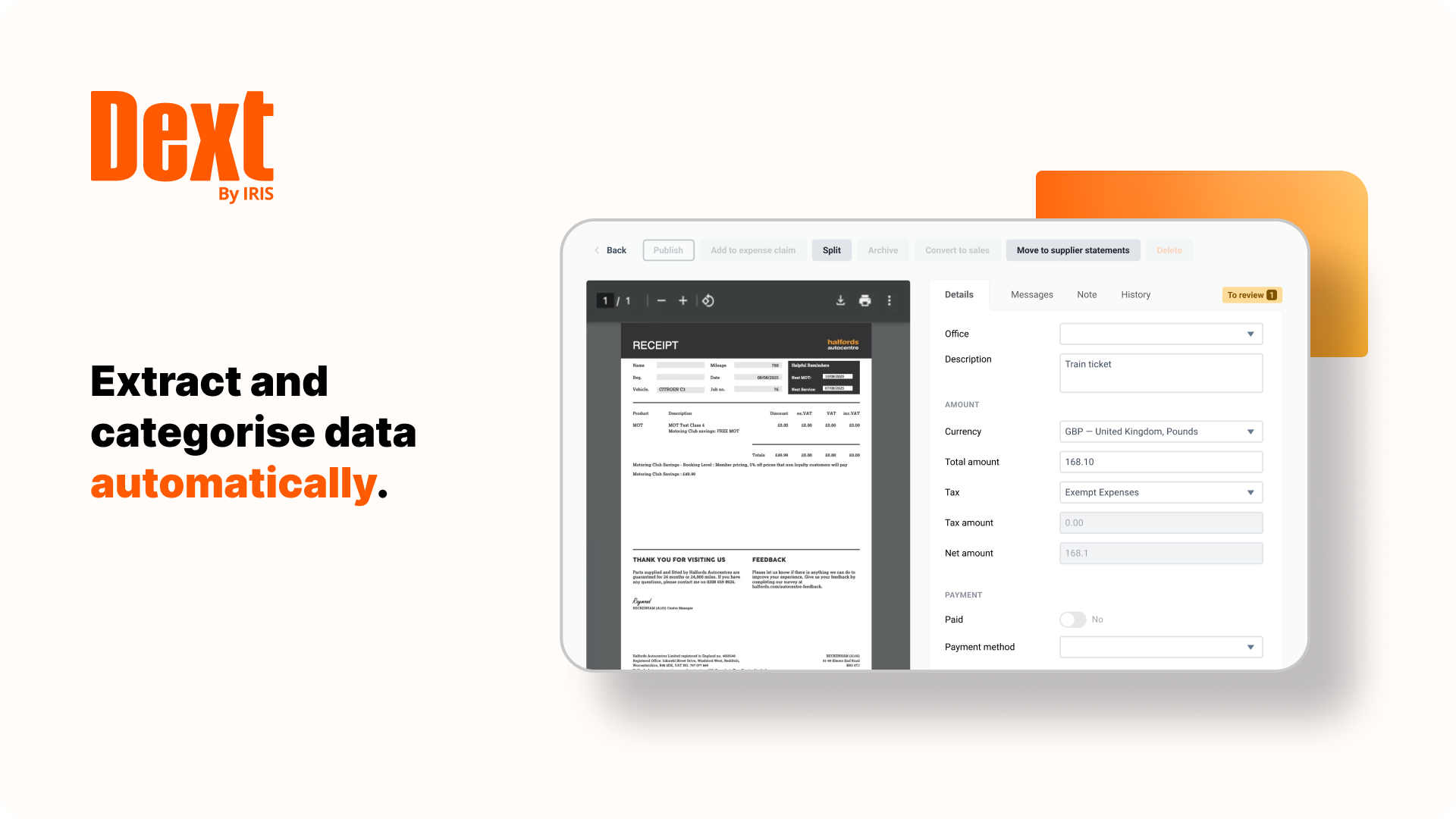
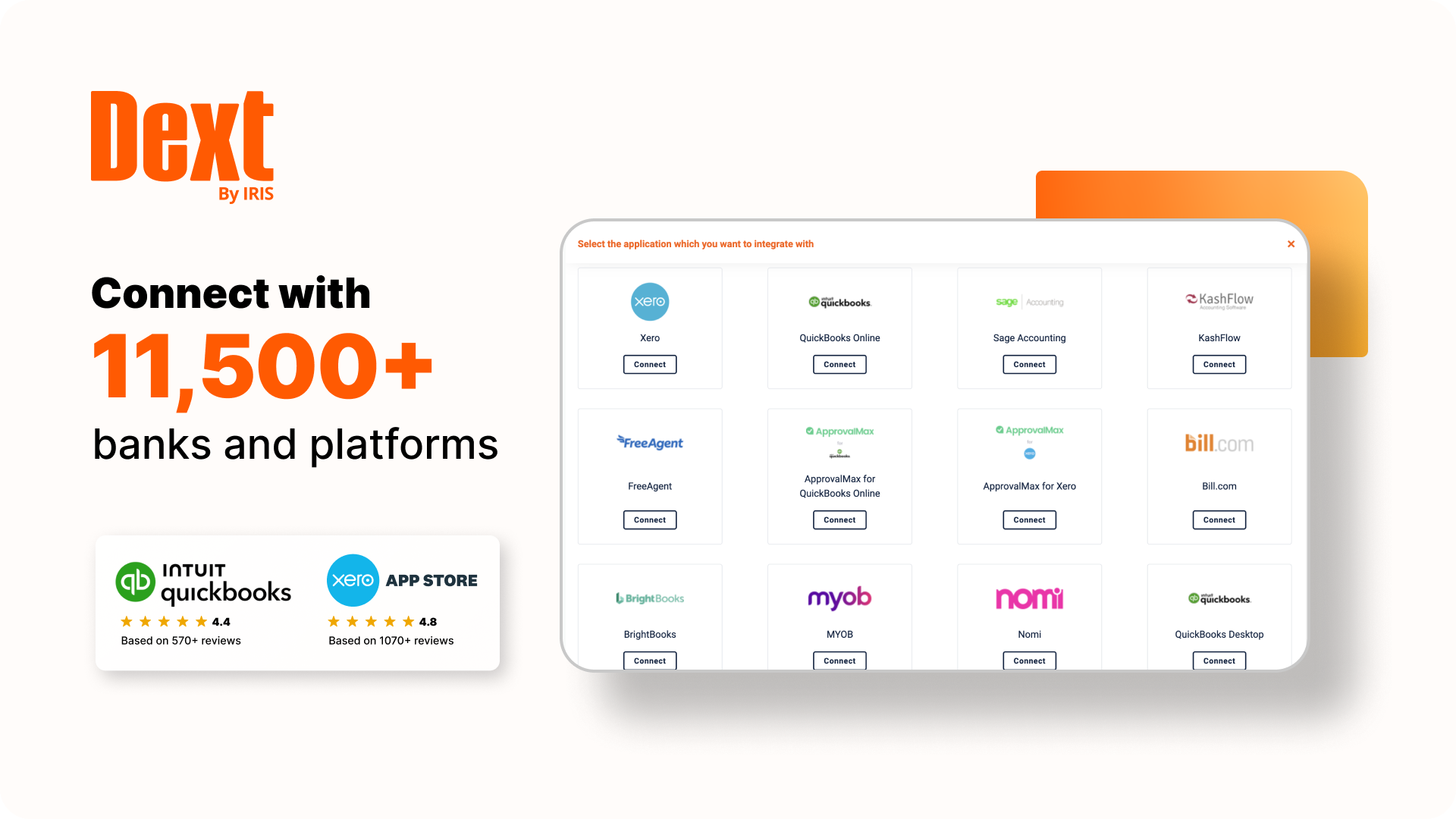
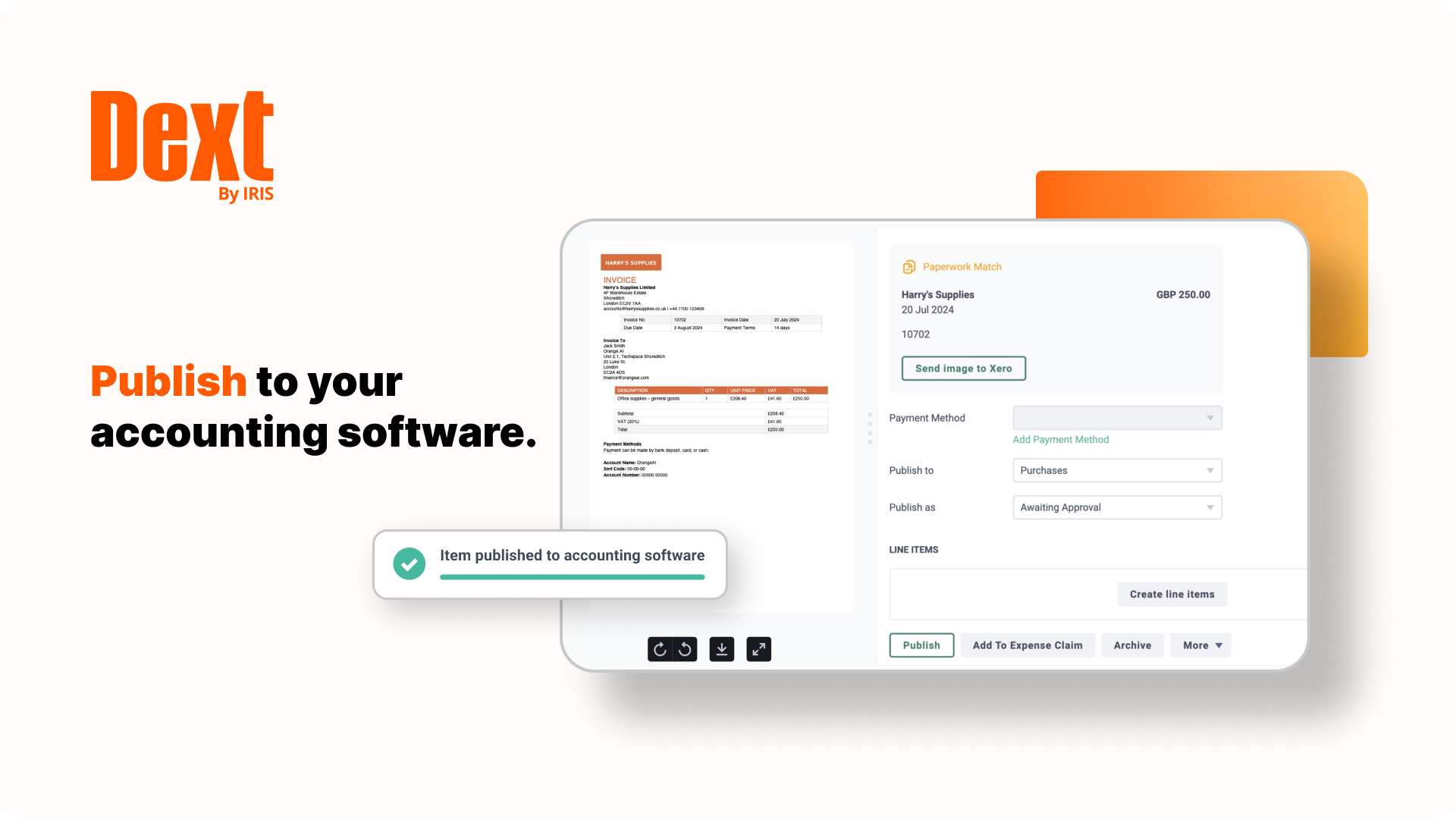
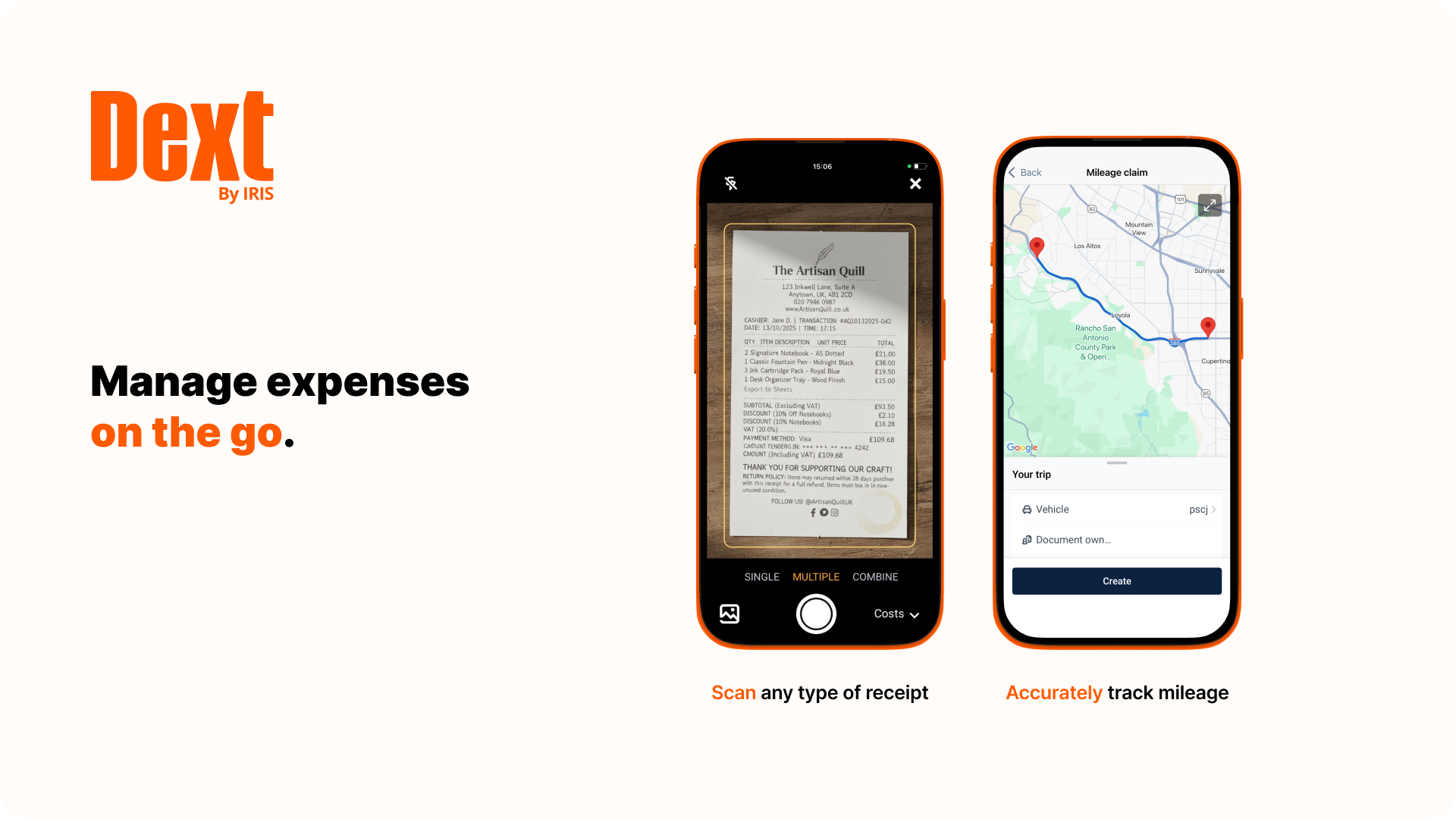
Dext is a bookkeeping automation platform now from IRIS (acquired December 2024) that eliminates much of the manual work associated to accounting processes.
$32
per month for 5 users (minimum) and 250 documents per month
Emburse Nexonia
Score 6.9 out of 10
N/A
Nexonia, by Emburse, is a tool designed to streamline employee expense reporting. It is designed to increase visibility into spendings and make the expense tracking, approval, and reporting process paperless.
Nexonia was part of a merger with Certify in 2017 and is now part of the larger company formed from it and Chrome River, Emburse.
N/A
Pricing
Dext
Emburse Nexonia
Editions & Modules
Dext Essential (Pricing for practices)
$23.92
per month per client (10 minimum, for accounting & bookkeeping firms)
Dext Advanced (Pricing for practices)
$25.64
per month per client (10 minimum, for accounting & bookkeeping firms)
Dext for Businesses
starting at $31.50
per month for 5 users
No answers on this topic
Offerings
Pricing Offerings
Dext
Emburse Nexonia
Free Trial
Yes
Yes
Free/Freemium Version
No
No
Premium Consulting/Integration Services
No
No
Entry-level Setup Fee
No setup fee
No setup fee
Additional Details
Discount available for annual pricing.
—
More Pricing Information
Community Pulse
Dext
Emburse Nexonia
Features
Dext
Emburse Nexonia
Expense Management
Comparison of Expense Management features of Product A and Product B
Dext
10.0
1 Ratings
19% above category average
Emburse Nexonia
9.3
3 Ratings
12% above category average
Employee Expense Reporting
10.01 Ratings
9.33 Ratings
Corporate Card Reconciliation
00 Ratings
9.33 Ratings
Payment Management
Comparison of Payment Management features of Product A and Product B
It is great for accounting firms. Easy to add and administer client accounts. Easy to integrate with QuickBooks Online. Easy for clients to capture and submit receipts on the go. It is hard to use for manual data entry, and if your clients frequently have very long receipts the Dext Mobile app does not work well as it compresses the image to the point where it is completely illegible. It does not seem to be designed for business owners to use directly rather than using it through their accounting firm.
Very easy to upload & maintain all your expenses at the same place & the same time and its a very clean & clear user interface and supports various formats. many times we can approve the timesheets form our mobile itself and takes less time to submit the reports if asked to attach any missing reports and it is very easy to code the departments & Gl categories and also we have specific employee codes to search very fast & its easy to delete also if something is not requierd maybe Thank you payments stuff and etc and it is also detects if any duplicate transactions are uploaded & we can also ignore those specific transactions to avoid it in the next month's uploads and also we can download each and every month reports of all the list of employees who all are using this application and can find the approvers very easily in the settings tab and also we can change our approvers & can change the proxy approver also and we can verify if any connection failures are happening in if any reports are having failure message and we have all types of card uploaded like manual cards & corporate cards & Amex cards & easy to reject if any missing details to be added by employees
Receipt Bank does a stellar job of extracting information from photos of receipts and bills. I'd say 95% of the time the information pulled is correct, so very rarely do I have to correct an amount or date.
One feature I really enjoy is not only the syncing with Quickbooks Online, but the fact that it also pushes the image to Quickbooks Online as an attachment! This means that for every expense/bill processed through Receipt Bank, an image of it is available inside of the transaction inside of Quickbooks Online. This makes researching a breeze.
Receipt Bank makes it very simple for users to add documents to the platform. Each company receives a dedicated Receipt Bank email address, which they can email to and upload documents, or users can use the phone apps (which are really easy to use), or they can upload documents from their computer. Training our clients to use it really can't be any easier!
Receipt Bank Practice Platform has many great features. As they develop the platform I would like to see a rigorous review of all features so as not to add too many and overwhelm my team.
Having the flexibility to pick and choose from a suite of features and implement the ones that best suit my practice. A tailor made Receipt Bank Practice Platform. this would allow my practice to grow into the features rather than be overwhelmed by too many.
Synchronisation errors list should be available to download
Synchronisation fails for whole timesheet when there is one error and we need to hunt for the particular one. It will be better if it fails only the one that has errors
Downtime during monthend close timelines occasionally
Dext is the best way for us to manage our business expenses. Physical and PDF receipts/invoices will be around for a while, but the move to eInvoicing is very good and we look forward to Dext adding this feature
Dext Prepare's usability is great, it has lots of functions and you can scan any type of document, including hard copy handwritten documents. It is not very accurate but it is handwritten!! Apart from it, you can use multiple functions like one page at a time, multiple, in bulk. You can send emails with multiple attachments and one of the greatest function is the mobile application capabilities.
When I think I have broken the platform the help guys and girls are simply fantastic. They take time to understand the problem and usually resolve the issue on the spot. I have not had to wait more than an hour to get anything resolved - be that an issue I have created or a fault in my understanding of the program. Can't rate their support I have received to date highly enough.
I was not talking directly with the customer support. My understanding was that, there was some maintenance on the platform but it was never inconvenient for employee or during pick time when employee would put their expenses in the tool. To that extent, I think the support for Nexonia is correct
Dext is much easier to use than Hubdoc. You can approve documents in batches whereas in Hubdoc you need to review each document separately. Once Dext is set up properly, there is little need to review every document.
Hubdoc does have the ability to save documents to an external site, like Google docs as a backup.
As mentioned earlier in the several questions, Emburse Nexonia is easy to use compared to all the above applications. Integration is easy and plenty of automation opportunities in Emburse Nexonia. Capturing a time sheet is an additional option that no other application has this feature which is a key aspect in any org. to do variance analysis.
I am a single operator Bookkeeping business and run a very profitable business because DEXT provides me a very efficient process to capture critical data without the need for additional manpower.
The information DEXT captures, stores and reports helps me plan an present relevant information to the client to support pricing increases at client reviews
The information DEXT contains helps me present business insights to the client thereby assisting in their business aspirations which helps deepen client relationships