
Everflow - Partner Marketing Platform vs. X Premium Business
| Product | Rating | Most Used By | Product Summary | Starting Price |
|---|---|---|---|---|
 Everflow - Partner Marketing Platform | Score7.1 out of 10 | N/A | Everflow, from the company of the same name in Mountain View, is presented by the vendor as a smart partner marketing and tracking platform. Performance marketing has grown sophisticated, so the vendor has designed Everflow to help companies stay ahead. Everflow handles scale through Google Cloud, drill down analytics reporting, and automated optimization with Smart Switch. | N/A |
 X Premium Business | Score8 out of 10 | N/A | X Premium Business (formerly Verified Organizations) is the enterprise-tier infrastructure for the X platform, designed to centralize brand authority, account security, and high-velocity content distribution for commercial and governmental entities. | $200 per month |
| Everflow - Partner Marketing Platform | X Premium Business | |||||||||||||||
|---|---|---|---|---|---|---|---|---|---|---|---|---|---|---|---|---|
| Editions & Modules | No answers on this topic |
| ||||||||||||||
| Offerings |
| |||||||||||||||
| Entry-level Setup Fee | No setup fee | No setup fee | ||||||||||||||
| Additional Details | Everflow Plus is our white glove service where we provide proactive support from taking you from pre-launch to hyperscaling your partner program. | Discount available for annual billing. | ||||||||||||||
| More Pricing Information | ||||||||||||||||
| Everflow - Partner Marketing Platform | X Premium Business | |
|---|---|---|
| Considered Both Products | No answer on this topic | No answer on this topic |
| Key User Insights | ||
| Would buy again | ||
78% Would buy again 7 Answers | 100% Would buy again 7 Answers | |
| Delivers good value for the price | ||
100% Delivers good value for the price 9 Answers | 86% Delivers good value for the price 6 Answers | |
| Happy with the feature set | ||
100% Happy with the feature set 9 Answers | 100% Happy with the feature set 7 Answers | |
| Lived up to sales and marketing promises | ||
100% Lived up to sales and marketing promises 8 Answers | 100% Lived up to sales and marketing promises 6 Answers | |
| Implementation went as expected | ||
100% Implementation went as expected 9 Answers | 100% Implementation went as expected 5 Answers | |
| Everflow - Partner Marketing Platform | X Premium Business | |
|---|---|---|
| Small Businesses | No answers on this topic |  Sendible Score7.1 out of 10 |
| Medium-sized Companies | No answers on this topic |  Emplifi Score8.9 out of 10 |
| Enterprises | No answers on this topic |  Salesforce Marketing Cloud Social Studio (discontinued) Score8.1 out of 10 |
| All Alternatives | View all alternatives | View all alternatives |
| Everflow - Partner Marketing Platform | X Premium Business | |
|---|---|---|
| Likelihood to Recommend | 9.5 | 8.0 |
| Likelihood to Renew | - | 7.1 |
| Usability | - | 8.0 |
| Availability | - | 8.4 |
| Performance | - | 8.0 |
| Support Rating | 5.0 | 8.0 |
| Implementation Rating | - | 10.0 |
| Everflow - Partner Marketing Platform | X Premium Business | |
|---|---|---|
| Likelihood to Recommend |
|
|
| Pros |
|
|
| Cons |
|
|
| Likelihood to Renew | No answers on this topic |
|
| Usability | No answers on this topic |
|
| Reliability and Availability | No answers on this topic |
|
| Performance | No answers on this topic |
|
| Support Rating |
|
|
| Implementation Rating | No answers on this topic |
|
| Alternatives Considered |
|
|
| Return on Investment |
|
|
| ScreenShots | Everflow - Partner Marketing Platform Screenshots 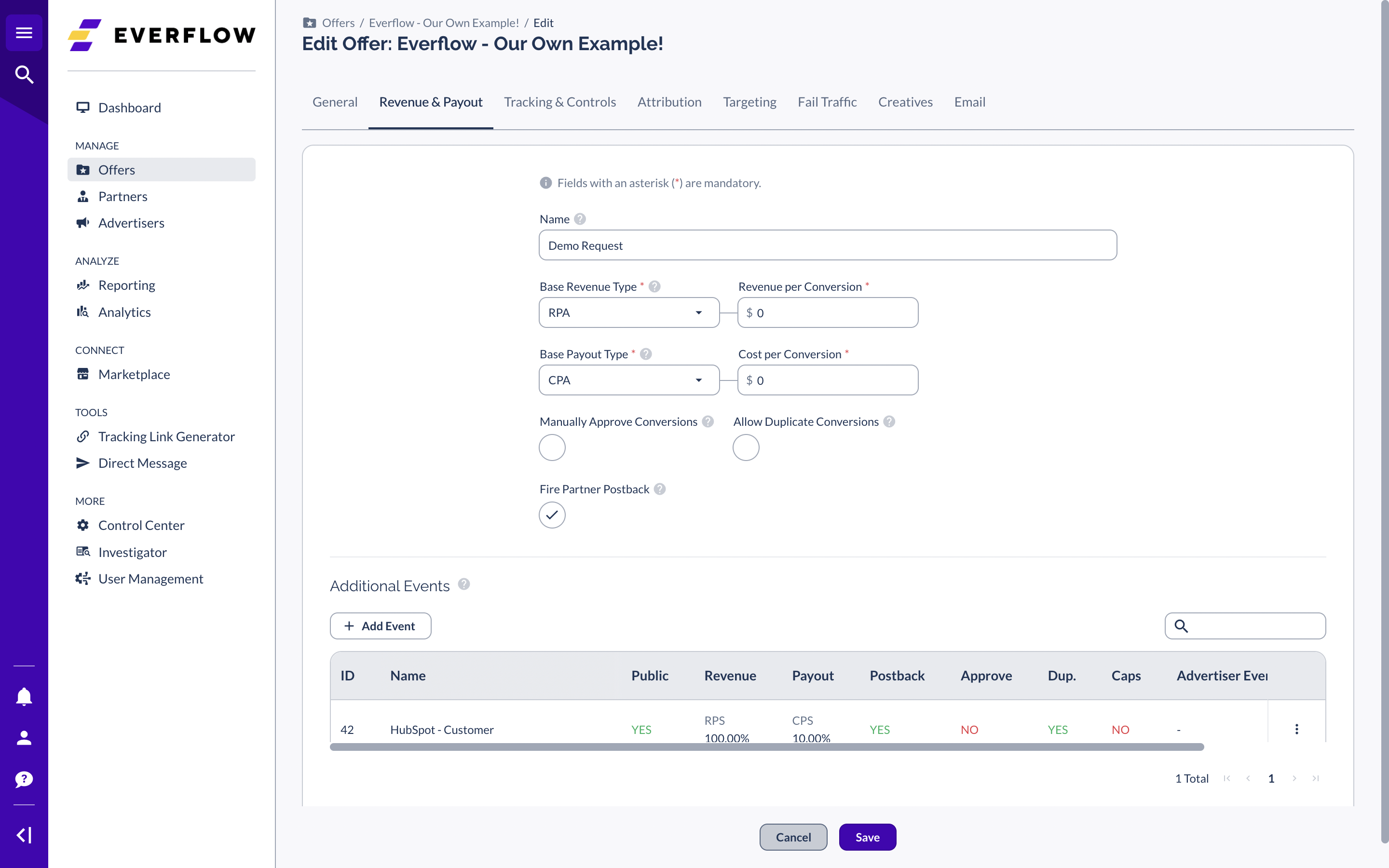   |




