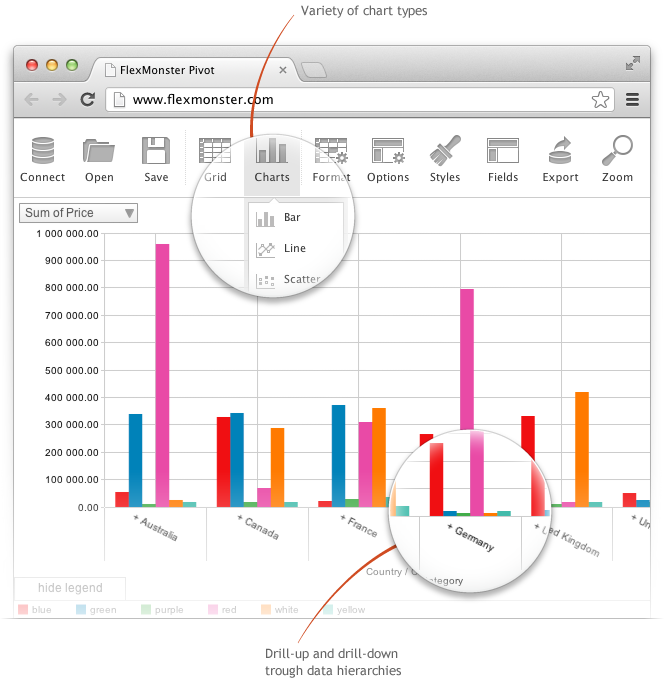
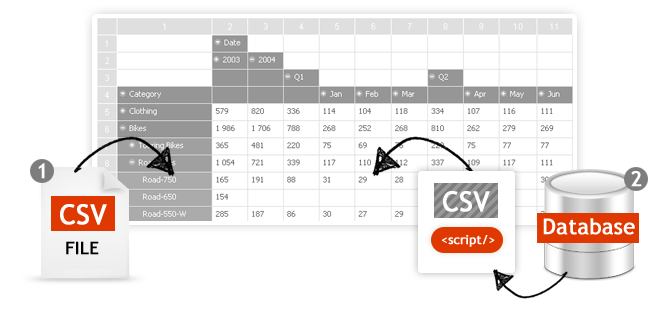
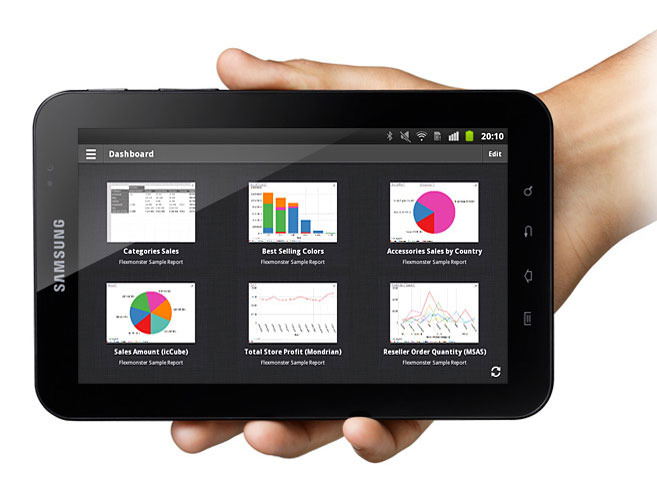
Flexmonster Pivot Table & Charts is a component for interactive pivot reports that can be inserted into a web page or a web application. It’s a JavaScript tool that enables a user to visualize their business data. This solution supports Microsoft Analysis Services OLAP cubes, Mondrian, icCube, JSON, SQL (MS SQL, MySQL and others) databases or static JSON or CSV files. According to the vendor, this solution allows users to work extremely quickly with really large data…
$0
Annual SaaS Subscription
Jaspersoft
Score 6.0 out of 10
N/A
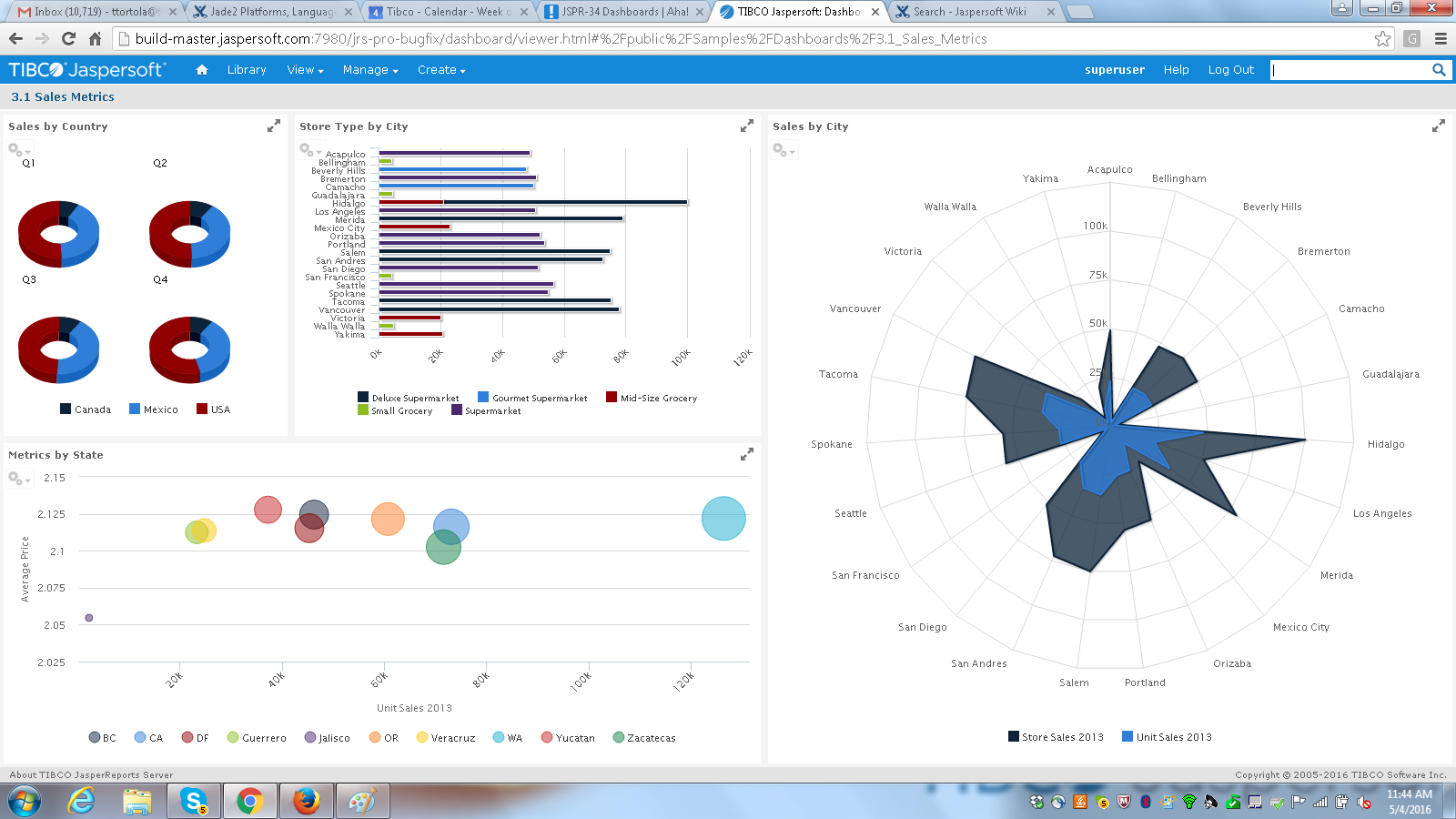
Jaspersoft commercial edition is an embedded business intelligence suite designed to be built-into SaaS products as an integrated reporting engine. It provides reports and dashboards for customer-facing applications without requiring app developers to build their own reporting engine.
N/A
Progress Kendo UI
Score 8.0 out of 10
N/A
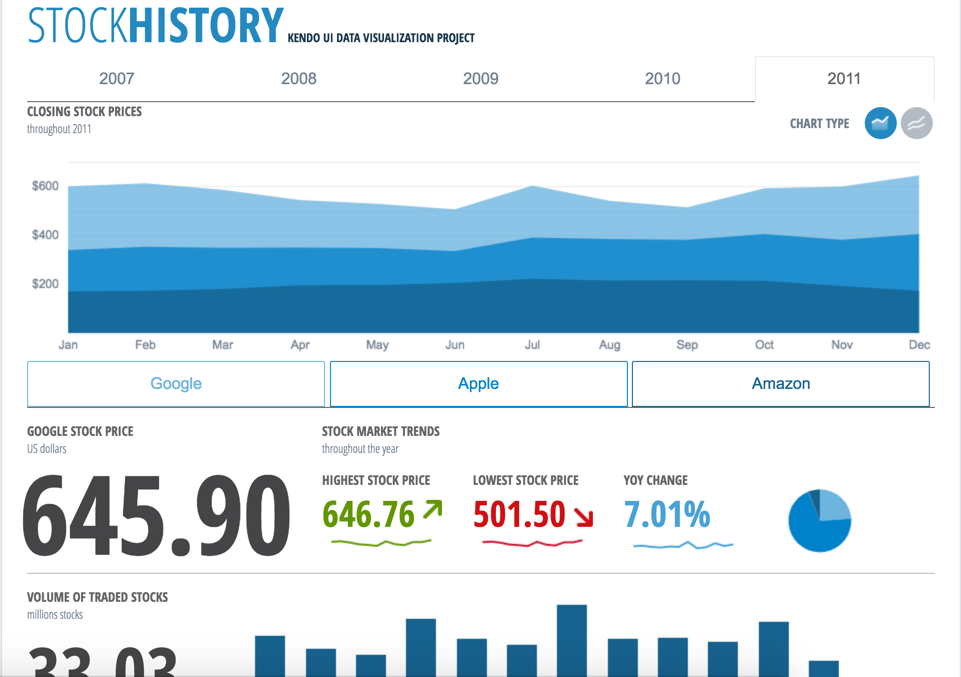
Kendo UI is a JavaScript UI toolkit that allows users to build responsive web-based apps integrated into their framework of choice (jQuery, Angular, React, or Vue). The vendor’s value proposition is that Kendo UI offers a large library of popular and configurable components ranging from sophisticated grids and charts to basic buttons, so users don’t have to waste development time building their UI. The vendor also says the large library of customizable themes means users can easily deploy a…
$999
per developer, royalty-free
Pricing
Flexmonster Pivot Table & Charts Component
Jaspersoft
Progress Kendo UI
Editions & Modules
Pivot Table for SQL/CSV/JSON Unlimited
$0
Annual SaaS Subscription
Pivot Table for Pentaho Mondrian
$0
Annual SaaS Subscription
Pivot Table for MS Analysis Services
$0
Annual SaaS Subscription
Pivot Table for SQL/CSV/JSON Basic
$299
Annual subscription
Pivot Table for Pentaho Mondrian
$799
Annual subscription
Pivot Table for SQL/CSV/JSON Unlimited
$799
Annual subscription
Pivot Table for MS Analysis Services
$799
Annual subscription
No answers on this topic
Kendo UI with Priority Support
$999
per developer, royalty-free
DevCraft UI
$1,299
per developer, royalty-free
DevCraft Complete
$1,499
per developer, royalty-free
DevCraft Ultimate
$2,199
per developer, royalty-free
Offerings
Pricing Offerings
Flexmonster Pivot Table & Charts Component
Jaspersoft
Progress Kendo UI
Free Trial
Yes
Yes
Yes
Free/Freemium Version
No
Yes
No
Premium Consulting/Integration Services
Yes
Yes
Yes
Entry-level Setup Fee
No setup fee
No setup fee
No setup fee
Additional Details
—
Jaspersoft offers flexible pricing for ISVs and SaaS per customer or by CPU core.
—
More Pricing Information
Community Pulse
Flexmonster Pivot Table & Charts Component
Jaspersoft
Progress Kendo UI
Features
Flexmonster Pivot Table & Charts Component
Jaspersoft
Progress Kendo UI
BI Standard Reporting
Comparison of BI Standard Reporting features of Product A and Product B
Flexmonster Pivot Table & Charts Component
10.0
1 Ratings
20% above category average
Jaspersoft
7.6
100 Ratings
7% below category average
Progress Kendo UI
-
Ratings
Report Formatting Templates
10.01 Ratings
7.886 Ratings
00 Ratings
Pixel Perfect reports
00 Ratings
7.687 Ratings
00 Ratings
Customizable dashboards
00 Ratings
7.588 Ratings
00 Ratings
Ad-hoc Reporting
Comparison of Ad-hoc Reporting features of Product A and Product B
Flexmonster Pivot Table & Charts Component
9.5
1 Ratings
17% above category average
Jaspersoft
7.4
98 Ratings
8% below category average
Progress Kendo UI
-
Ratings
Formatting capabilities
9.01 Ratings
7.397 Ratings
00 Ratings
Report sharing and collaboration
10.01 Ratings
7.781 Ratings
00 Ratings
Drill-down analysis
00 Ratings
7.289 Ratings
00 Ratings
Report Output and Scheduling
Comparison of Report Output and Scheduling features of Product A and Product B
Flexmonster Pivot Table & Charts Component
10.0
1 Ratings
19% above category average
Jaspersoft
7.7
101 Ratings
7% below category average
Progress Kendo UI
-
Ratings
Publish to PDF
10.01 Ratings
8.799 Ratings
00 Ratings
Publish to Web
00 Ratings
7.176 Ratings
00 Ratings
Report Versioning
00 Ratings
7.759 Ratings
00 Ratings
Report Delivery Scheduling
00 Ratings
7.582 Ratings
00 Ratings
Delivery to Remote Servers
00 Ratings
7.562 Ratings
00 Ratings
Mobile Capabilities
Comparison of Mobile Capabilities features of Product A and Product B
Flexmonster Pivot Table & Charts Component
10.0
1 Ratings
25% above category average
Jaspersoft
6.6
64 Ratings
16% below category average
Progress Kendo UI
-
Ratings
Responsive Design for Web Access
10.01 Ratings
7.959 Ratings
00 Ratings
Mobile Application
00 Ratings
5.528 Ratings
00 Ratings
Dashboard / Report / Visualization Interactivity on Mobile
00 Ratings
8.141 Ratings
00 Ratings
Data Discovery and Visualization
Comparison of Data Discovery and Visualization features of Product A and Product B
Fantastic product to embed in any SaaS solution for reporting and data exports. Excellent performance, ability to customize fields and tons of other features out of the box that makes it a well-rounded tool that is easy to use. To top it off their support is amazing for answering technical questions quickly and they provide great examples to learn how to interact with the code. We are very happy with our choice to use Flexmonster!
It is well suited for the fact of scalability itself and the breadth of features this application has in order to make the migration from legacy systems to the newer different versions more seamless and effective. Data integrity and security are the main aspects of this tool which does not lose their value when doing day-to-day operations for data mapping.
It allows us to extend the components or create new components in an easy way. The control suite is complete and powerful enough that you do not need to consider other competing packages. The controls are relatively easy to implement and when we ran into problems the documentation and online support were very reliable.
TIBCO Jaspersoft allows you to embed reports into your own application, which gives users the feeling they are using a single product.
TIBCO Jaspersoft Studio allows for more advanced report development, such as adding subreports, drilldown to detail reports, images, page headers, page footers, maps, and more.
TIBCO's Jaspersoft Domain Designer is very easy to use and navigate.
Kendo UI controls provides rich set of features and capability that is required for enterprise products.
Performance of controls are satisfactory overall though few other vendors provides extraordinary performance for specific controls and for specific purpose. Kendo UI provides most of the required controls and with rich feature that made us to select Kendo UI controls for our development.
Kendo UI controls quality, in terms of performance, robustness and well defined interfaces are very positive notes.
One of the issues we found during our implementation was that the reporting software would work faster for certain data sources and not the others. Extracting CSVs and XML was slower in comparison to JSON in our experience.
Jaspersoft Studio was the main IDE we used for development. Built atop the Eclipse IDE, we found that the tool was really resource intensive and generally take long time to initialize.
Kendo UI is always moving forward and staying current with latest development trends. While that is beneficial, that can cause some issues when supporting customers (particularly government) that don't move their IT infrastructure along nearly as fast. A prime example is web font icons. Great and easy to use, but where Kendo UI utilizes web font icons as the sole means of displaying an icon, not all organizations (again, especially government) allow the use of these. There have been times where Kendo UI became unusable and we had to downgrade to a version a few years old. Makes continued payment for licenses sometimes feel wasted as we may not be able to always use the new releases
Kendo UI has a wonderful feedback system and they do indeed listen to the community. However, there do seem to be some instances where there is large support for a new feature/component and it never gets addressed. It is easy to understand that not all ideas are easy or even prudent to implement, but would be nice to see a better follow-up on ideas with a current status
Refreshing Kendo UI grids is simple, yet the standard API method causes the grid to return to the default state. We have many use cases where we would love to update the grid data but need current grid state (such as expanded detail rows, sorts, filters, etc) preserved after the grid is updated so that users do not have to perform grid actions again to return to the desired state.
JasperSoft has been amazing. It is well documented, fast, and transparent in how it functions. We have been very confident in JasperSoft in every aspect of our business and offerings where we've used it. On top of that, their improvements to the product have been fantastic. I am really looking forward to seeing where they take their product and how we can leverage that to please our clients
Nothing better has come along. I'm always on the lookout for new UI libraries and I have tried most of them. Kendo has done a good job of keeping my business. They aren't perfect, but no one has done it better as far as I can tell. I'll keep a look out and my rating may change in the future if they get complacent.
I think it's a tool well suited for a software developer. Others with less coding skills could struggle somewhat with the tool. I find java a little unforgiving as a language for expressions and not very user friendly for the technically dis-inclined. Sometimes the numeric conversions cause issues (who knew that 0 and 0.0 would cause different things to happen). Previous experience with a reporting tool that used visual basic for its' expressions that I found much simpler to use. On the other hand, java is so widespread, you can easily google the syntax to accomplish what you need to do.
it's easy to implement in applications. The kendo widgets are able to be used in almost any type of business application which has a UI. For most part, once the developer has completed a project which uses Kendo, many time code can be copy/paste into a new application. Kendo UI documentation keeps improving so finding the answers to questions can be easy
They have a great customer support ticketing system in which they always respond same-day. They offer conference calls with srcreensharing as well in order to better understand your issues.
I wish that the lower level support access came with more than just 12 cases per year though as this makes us less likely to reach out for questions on things that we then instead try to solve ourselves which results in loss of time in trying to acquire new features and or solve a problem.
Overall, we are satisfied with the support offered by the Progress Kendo UI team. We had raised few helpline incidents in the past and they have been resolved timely by the team. Also, we were satisfied with the level of information and support provided by the team.
It did the job of getting us to our deadline we set for ourselves for initial launch. The customer we launched the product for was also there to learn about it at the same in order to better understand the capabilities. This helped greatly so that the customer was on the same page on what was possible when using jaspersoft. I think most people would not want their customers aware the product they are using is third-party but in this case it was a new experience for us both and so as we learned more about jaspersoft, we both had better communication on what the future road map was for their business needs in BI.
Resources available in the TIBCO Knowledge Base are covering almost everything. They are well organized, and covering almost every possibility. There is always the change to get back to the TIBCO support or to the dedicated Customer Success Manager whenever something very specific or bound to a customization is not covered.
Having just completed an upgrade to the latest version of Jaspersoft, I am happy to say their support was very good. There were a couple of small challenges which were not easily resolved, but they were primarily related to the fact that we had skipped updates for a couple of versions. The current update procedures assumed we were upgrading from the prior latest version (6.4) to to the new version (7.1).
it took me about one day to make the components available for all the team members, including a quick demo, parallel setup in everyone’s workstation and packages deployment into our nuget server after 3 days of one to one support, everyone was able to use the components or find help in the documentation or resuest support
When looking at the different features of these reporting engines, and what we were going to be using it for, the answer seemed clear. Jasper offered exactly what we were looking for, and did so for a price that we were happy with. For a scalable, feature-rich reporting engine that doesn't break the bank, Jaspersoft is the way to go.
At the time of our product selection we identified better cross-browser compatibility and we estimated that turnaround for support was superior. At the time, the vendor had a higher positive feedback footprint among their user community.
When we demo our Jaspersoft environment to potential clients, their eyes light up and they sit up in their chairs a bit more. A lot of our meetings have ended with with the client very interested in our product due to Jaspersoft.
Our existing clients have been very satisfied with the adhoc features of Jaspersoft. We've been able to provide them better access to their data on their terms instead of ours. Of course this turns into a huge win for us.
We've always used SQL Server Reporting Services to deliver our reports to our clients. Converting to Jaspersoft has allowed us to generate the reporting layer that our clients demand. They no longer feel like they are settling for what we offer.
Kendo UI has saved us a ton of time in development.
We were able to get certain things to market faster due to the fact that we didn't have to piece multiple libraries together like is so common with modern web development.
Because of the price of the library, however, we have not been able to purchase upgrades every year.