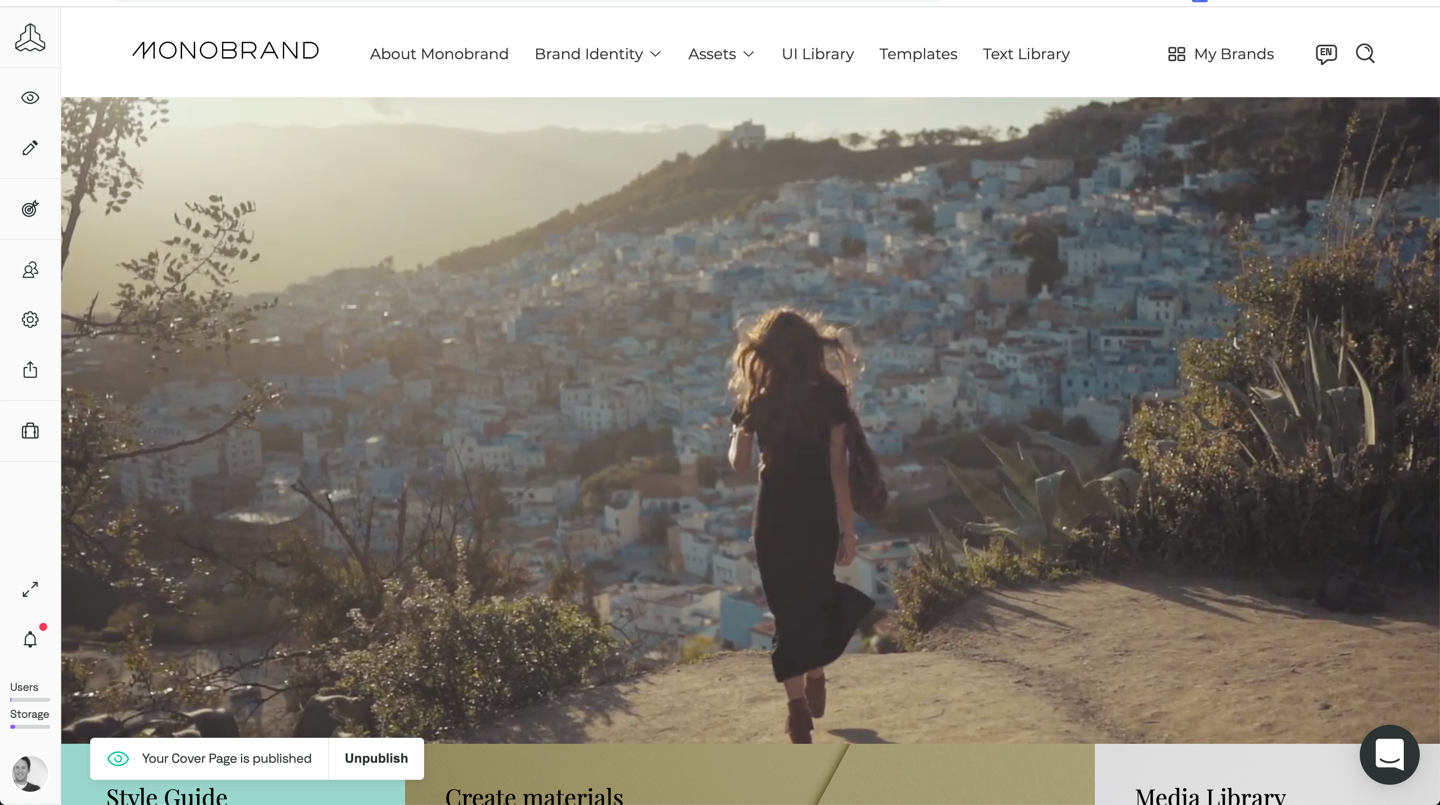
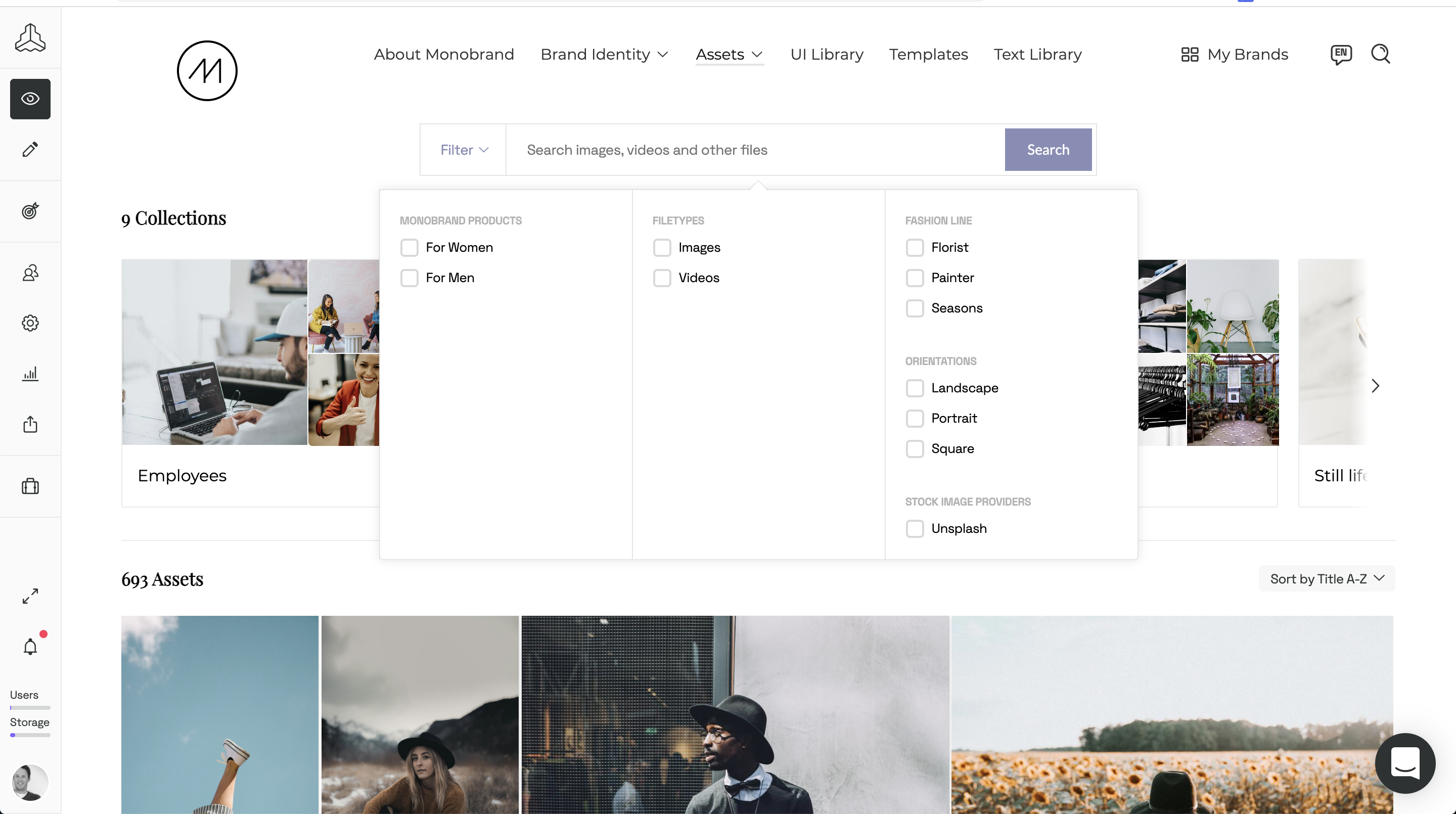
Frontify aims to simplify brand management with a platform that connects everything (and everyone) important to the growth of a brand. Offering plans for all company sizes, the vendor states Frontify is used by 4,000 brands globally. Frontify features: Cloud-based brand guidelines to ensure consistency across every touchpoint Digital asset management for centralizing all brand assets and essentials Creative collaboration to accelerate project…
N/A
monday.com
Score 8.3 out of 10
Mid-Size Companies (51-1,000 employees)
monday.com Work OS is an open platform designed so that anyone can create the tools they need to run all aspects of their work. It includes ready-made templates or the ability to customize any work solution ranging from sales pipelines to marketing campaigns, CRMs, and project tracking.
$12
per month per user
SeoSamba Marketing Operating System
Score 8.0 out of 10
Small Businesses (1-50 employees)
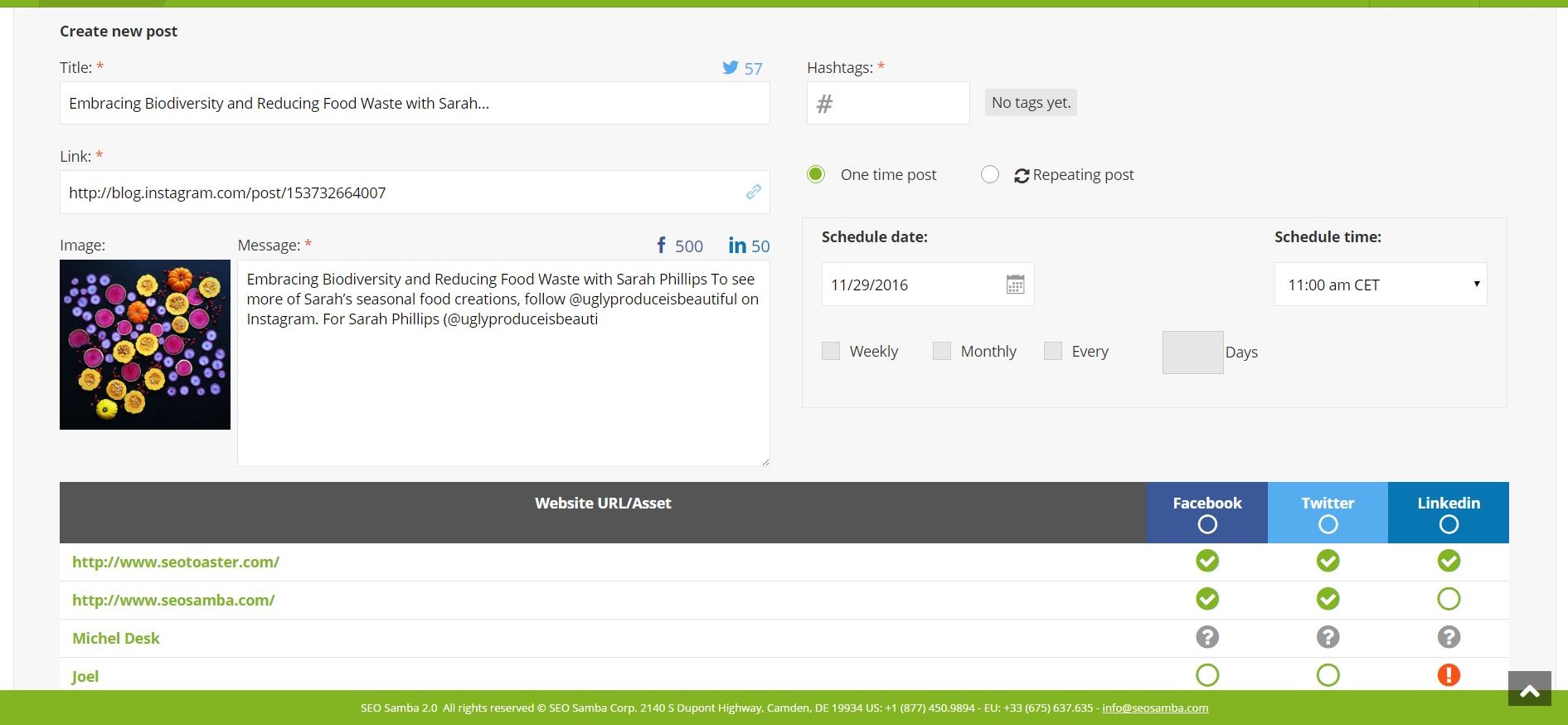
SeoSamba Marketing Operating System (formerly SambaSaaS) is cloud marketing software that includes tools that let users automate search engine optimization (SEO), schedule social media marketing posts across LinkedIn, Twitter, Facebook and Instagram, manage business reputation across 100+ directories by responding to reviews, as well as create and send email newsletters. It also enables users to publish content; broadcast press releases; track inbound phone and form leads; monitor Google Ads…
$5
per local number
Pricing
Frontify
monday.com
SeoSamba Marketing Operating System
Editions & Modules
No answers on this topic
Basic
$12
per month per user
Standard
$14
per month per user
Pro
$24
per month per user
Enterprise
Contact Sales
Contact us
Call tracking & Dynamic Number Insertion
$5
per local number
Standard monthly license
$109
per domain
Offerings
Pricing Offerings
Frontify
monday.com
SeoSamba Marketing Operating System
Free Trial
Yes
Yes
No
Free/Freemium Version
No
Yes
Yes
Premium Consulting/Integration Services
No
No
No
Entry-level Setup Fee
Optional
Optional
$299 per installation
Additional Details
—
An 18% discount is available for annual billing.
You can take advantage of many SeoSamba's Marketing Operating System (MOS) features regardless of your website platform. However, MOS offers even more functionalities when your website is also powered by WordPress, SeoToaster CMS, SeoToaster E-commerce or SeoToaster Ultimate CRM.
SeoSamba offers migration package with or without look & feel re-design, but always including a comprehensive search engine optimization process that is implemented on your behalf. What's unique about it? SeoSamba benchmarks your existing search ranking positions, and offers a 60 days post-release improvement guarantee.
Migration packages costs vary usually between $1500 and $2500 range or most small businesses clients.
We've invested time building our own hosted interface, and recently begun exploring Figma for design system management too. The benefit of Frontify is it's easy public access. The downfall is integration with other systems required in the UX, Design, Product Management, and …
OpenBrand.com is not quite as visually appealing as Frontify, but it would be worth investigating if you are looking for brand management. I frequently use them in combination with each other and have a more appealing pricing structure.
I'm not sure of other software that is too similar Frontify. We chose Frontify because of prior usage at other organizations. Frontify is easy to use and allows for the central management of brand assets and guidelines.
monday.com feels like it offers a lower barrier to entry as well as more versatility, extensibility without becoming too complex. Atlassian is geared more for larger companies requiring a greater degree of granular controls.
Both platforms have a number of integrations (though, …
I used Pipedrive in my previous roles, so I did not evaluate monday.com as an alternative to Pipedrive. Similarly, Salesforce is not positioned as an alternative to monday.com for us. We currently use both Salesforce and monday.com, as they serve different purposes and …
Planner is very hard to figure out. Insightly is a good resource to keeping track of customers and their info but for tasks, monday.com is far superior
Workfront offered a more intuitive user interface, which made team adoption easier. It also included additional products that aligned well with the needs of our Dev, Work Management, and Service teams.
Cost is a big factor as the alternatives stacked up poorly in user costs and built in features. Also, the business was already using a different facet of monday.com so it was a quick setup and we already had experience and people were Jo knew the platform. Less complex and also …
monday is more capable and comprehensive when it comes to project and task management as well as the CRM side. However, Odoo is better suited for managing other areas that monday doesn’t cover, such as employee management, payroll, and invoicing. If one were to prioritize cost …
We have not used anything like Monday.com before. We used to do all of what I described on Google Sheets and share them with the company. It was very time consuming and cumbersome to remake new sheets every year, Monday.com gives us the freedom to add on year by year and not …
monday.com is far superior to Microsoft Planner and Basecamp, and arguably superior to Trello and Slack Lists as well. Asana (for work management and Zendesk (for request management) put it to shame. My main monday-using client selected it primarily because of its slightly …
We have only ever tried one other software that was designed to work similarly to monday.com. I will not name the company but our experience with it was just short of harrowing. The company was friendly and supportive but the product they designed was not user friendly. It did …
monday.com is so much better and cheaper. We moved from Zendesk because, in our experience, their customer service was terrible, they kept raising prices, and there was limited functionality relevant to our organization. The tools within monday.com allow us to use it as more …
It's been a while since trying Asana, so it's hard to say. I think they are very similar from what I remember, but maybe monday.com has more reporting and customization possibilities?
monday.com offer much of the standard tools and seems to be ever evolving. They seem to take feedback and constantly upgrade the tools. If all the tools are there, the differentiating factor might be the cost, any integrations you may need, and the visual "chemistry". To me, …
We chose to move from Zoho to monday.com when our company started growing exponentially. Overall, our team was thankful for the change because we were growing at far to fast of a speed for Zoho's tools to keep up with us. monday.com is a better, beefier platform with far better …
We decided to go with monday.com because they offered a free tier for nonprofits and because they are easier to use and offered additional features that we could not find on the other choices. Hands down, there was no better choice for us than monday.com.
When I arrived at my org, I was initially disappointed to hear that we used something other than Asana for project management. Fast forward just a few months, and I became a complete monday.com convert. While its organization is similar to Asana's, it's user interface, …
Prior to SeoSamba we were making manual changes. Then we started researching several possible other plugins but the reviews all said the same - that if WP made significant enough changes those plugins would become ineffective. SeoSamba's ability to automate optimization and …
Both Infusionsoft and SambaSaaS are popular email marketing tools. However, I chose SambaSaaS because it helped me manage multiple websites, social media accounts and create SEO-friendly landing pages.
Simple and straightforward to understand, usable without much introduction, even for users without much prior knowledge. Helps us enormously, the image database saves us so much time and nerves. Before, we always had to search for a picture for a very long time, now it's super fast thanks to keywords.
The platform is very well suited for our nonprofit programs that serve low-income clients who need diapers, wipes, and period products. It has helped us run our programs, capturing information and allowing us to view the data for reporting purposes. The ability to filter data is very helpful by allowing us to categorize information to get a better picture of the progress of our programs.
The more pages you have, the better, if you choose SeoSamba. For us, it exceeds our needs as we're not fans of excess numbers of pages just to have a lot of pages. We find that distracting as the people "living" on a website either aren't finding anything compelling or are there to learn something, not to take any real action. The best scenario to use SeoSamba in is when you want to prioritize your creative team's time to create, and not to simply do a lot of maintenance of your site(s).
I like summary of subitems, especially with subitasks as subitems and add item tracking for each subtask it can show total tracked in parent item. Similar with other columns, like numbers, status, date.
Dashboard features, Many kinds of dashboard view available, we can utilize on the basis of requirements.
monday.com workform is very powerful, easily share form link when submitted it will create line item in board with provided data.
monday.com automation is very helpful in order to automate steps with specific rules and easy setup.
monday.com also provides integrations in order to automate processes if need to integrate multiple app together. or need to transfer data between multiple apps.
Automates multisite SEO, so we can stay focused on great content that attracts the right audience for our two entirely different strategic business units.
Eliminates the surprises we used to get with other plugins when Wordpress makes unannounced changes that crash other plugins.
Agile, easy to use, and saves hours of time and creative resources
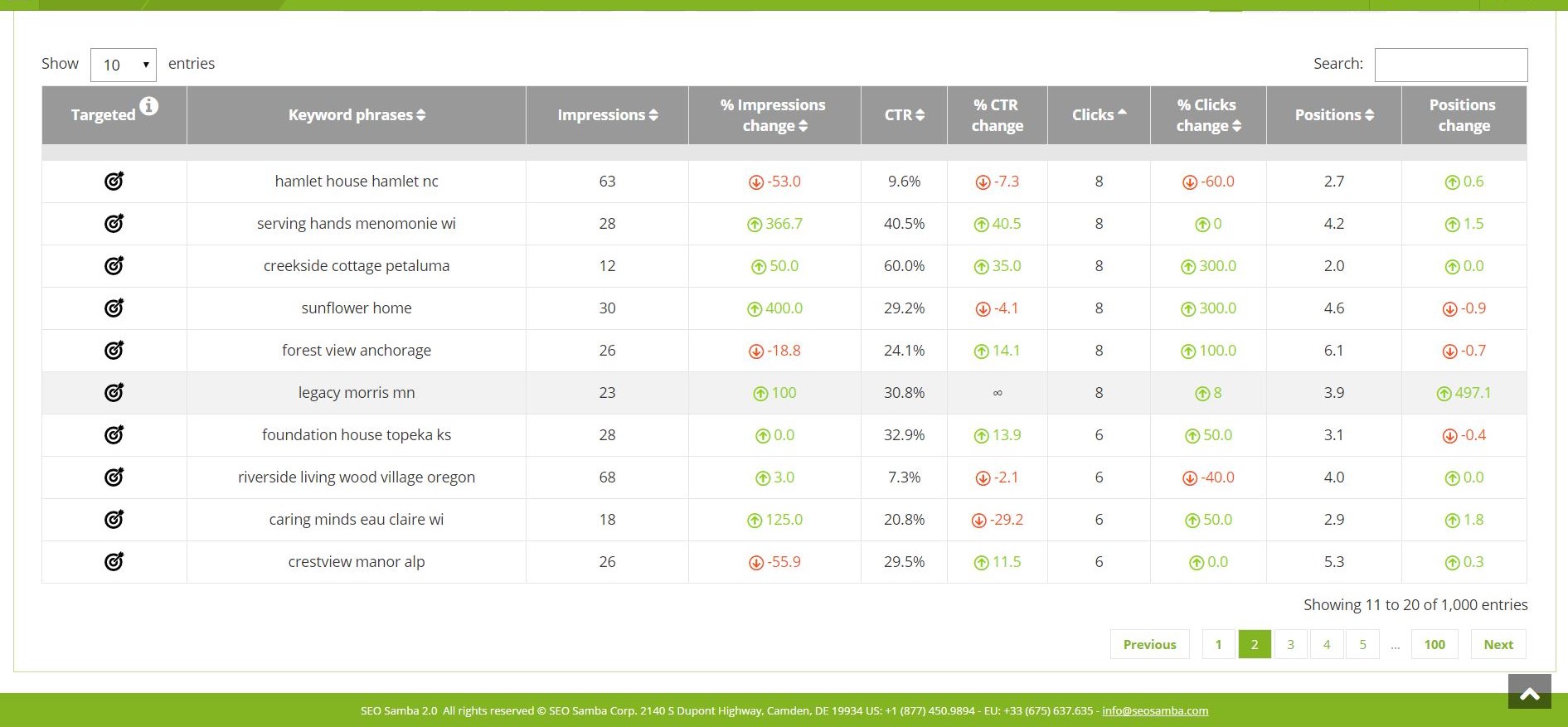
Automates metric capture: site analytics, keyword/phrase capture, search engine page results etc...in an online dashboard (and it's free).
The desktop app for Mac seems to have a few issues with visual glitches appearing on screen, it only seems to go away when I close the tool and reopen it
Subtasks don't show on the individual users to-do list, only main level tasks
It has a lot of features. So, it's kind of difficult to get started and to learn every feature in the software. However, once you get used to SambaSaaS, it's fairly easy to navigate.
Frontify is very easy to use and makes updating information a breeze. Frontify acts a central location to house assets and information for easy sharing. You can plug and play information and even white label the guide if desired
Teams involved in content creation, such as marketing or editorial teams, could use monday.com to manage the entire content lifecycle. Boards might track content ideas, assignments, drafts, reviews, approvals, and publication schedules, helping teams collaborate and keep content production on track.
It's really about ease of use. I use Click-Up as well, which I really enjoy, but monday.com is a lot less complex to use. Its structure is a bit easier to understand and I got accustomed to the functionality very quickly. I have not explored enough of its functionality to comment any further but it's a really great tool for tracking progress and for capturing absolutely everything I need to save, including ideas, brain-dump, insights, continuous improvement on tasks and processes. I am lucky to be able to use monday.com as a member of my client's team.
Everything performs fairly well. Every now and then there are user errors where an employee will not click "ok" on a note they've created and simply exit out (I do wish that something was in place to prevent this, such as a pop "are you finished?")
monday.com only really care about accounts that have 20 seats or more. While this is great for monday.com, it pushes smaller organisations to evaluate alternatives. We rate monday.com highly in our organisation because key staff have already got good experience with the application and we know we will get to 20+ seats one day. But, till then the billing model and lack of permanent enterprise features is a dread.
To have someone walk you thru the features and capabilities of Monday.com is priceless. Someone also coming along later in the contract to see if you are maximizing the program to suit your company needs is beyond helpful. The staff that have provided this training are fun, creative and very patient.
We signed up for the accounts. Created the accounts. Ran the trial version and tested it live while we were running multiple projects and found that it was fitting our needs perfectly. When the trial ended and we were asked to purchase the full version, we did. We have found other ways to use it and it's a breeze.
We've invested time building our own hosted interface, and recently begun exploring Figma for design system management too. The benefit of Frontify is it's easy public access. The downfall is integration with other systems required in the UX, Design, Product Management, and Development processes - something Figma supports well.
monday.com feels like it offers a lower barrier to entry as well as more versatility, extensibility without becoming too complex. Atlassian is geared more for larger companies requiring a greater degree of granular controls. Both platforms have a number of integrations (though, Atlassian may have "more" because of it's marketplace and longer tenure), but monday.com may be easier to configure, though with potentially more limited functionality. monday.com definitely lends itself well to getting a business off the ground with simpler automations and the ability to grow you to the point of "graduating" to a more specialized tools.
Both Infusionsoft and SambaSaaS are popular email marketing tools. However, I chose SambaSaaS because it helped me manage multiple websites, social media accounts and create SEO-friendly landing pages
For it to work across multiple departments and sites, I would like to see improvements made with integrations and automation. For this question, I am acknowledging not only the addition of internal triggers/automation, but also an expansion on external ones.
For a highly visual brand with a small team, I believe the time saved and the tools offered would make the plus plan attractive. I do not know that I would recommend the larger plans to my clients.
By using monday.com as an enablement tool for templated onboarding plans, we have been able to begin calculating the number of manager hours saved through our work (not defined yet).
monday.com's reporting tools also allow us to more easily report on the productivity and output of our team since we keep up with all projects and subitems in monday.com.