Google Search Console is a search engine optimization software solution offered by Google.
N/A
Moz Local
Score8.9 out of 10
N/A
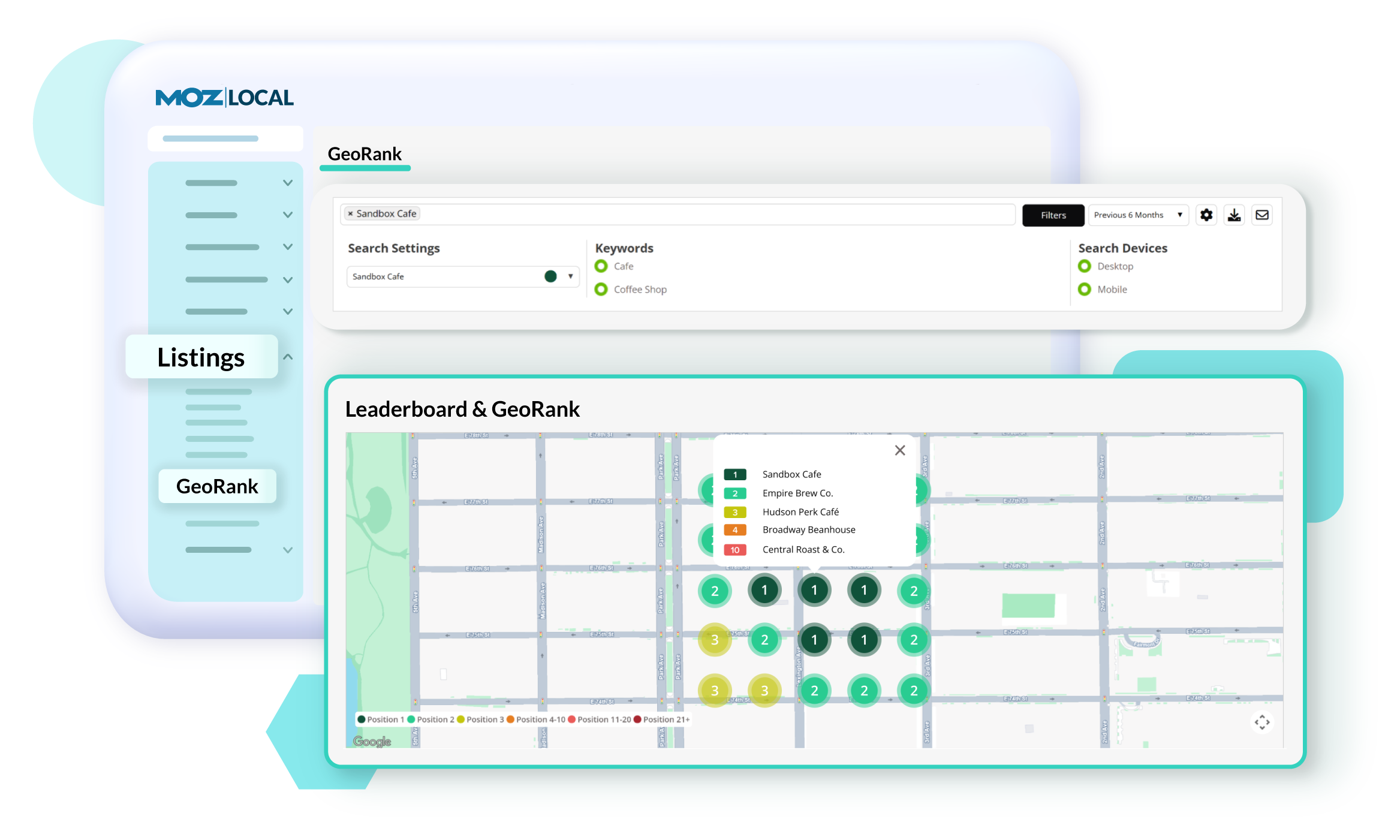
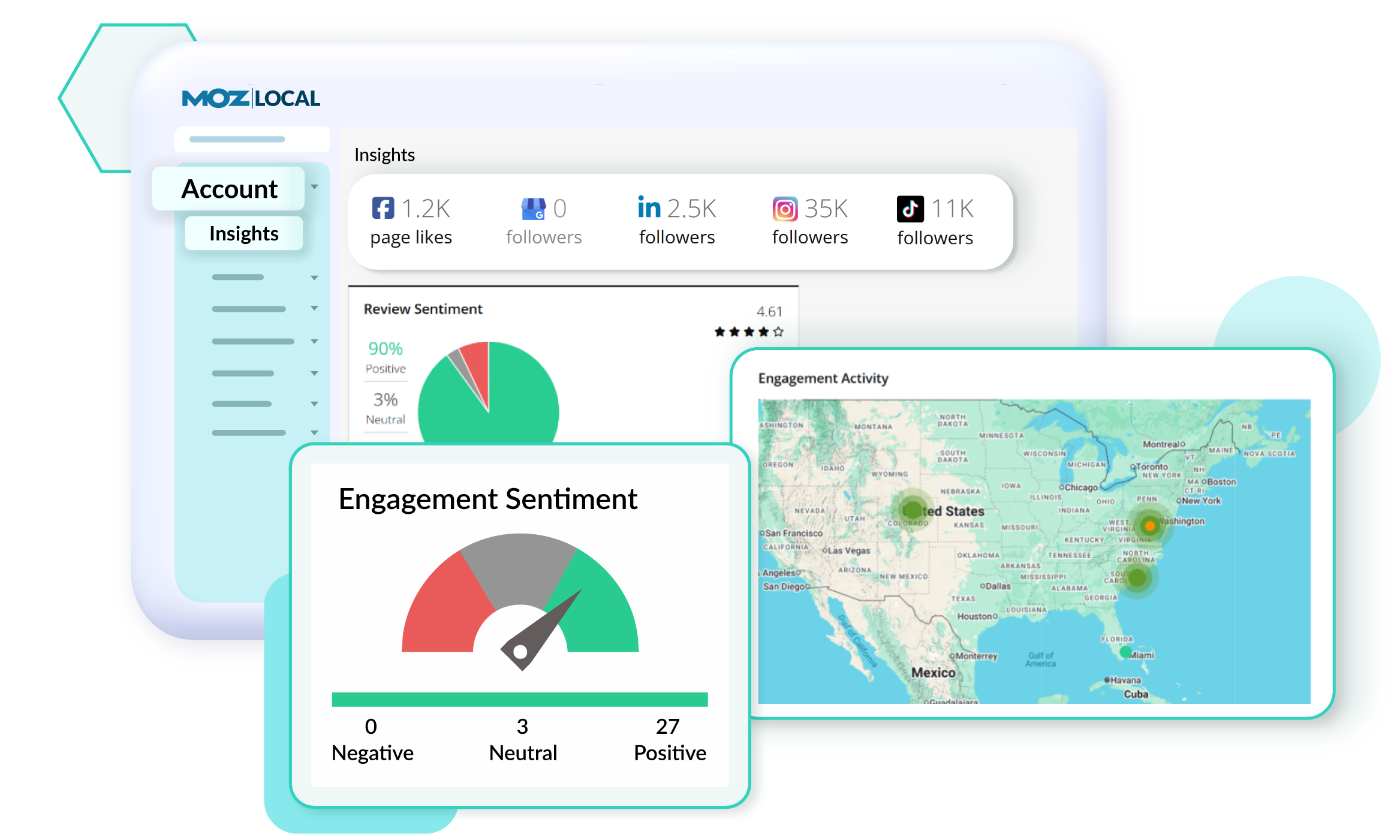
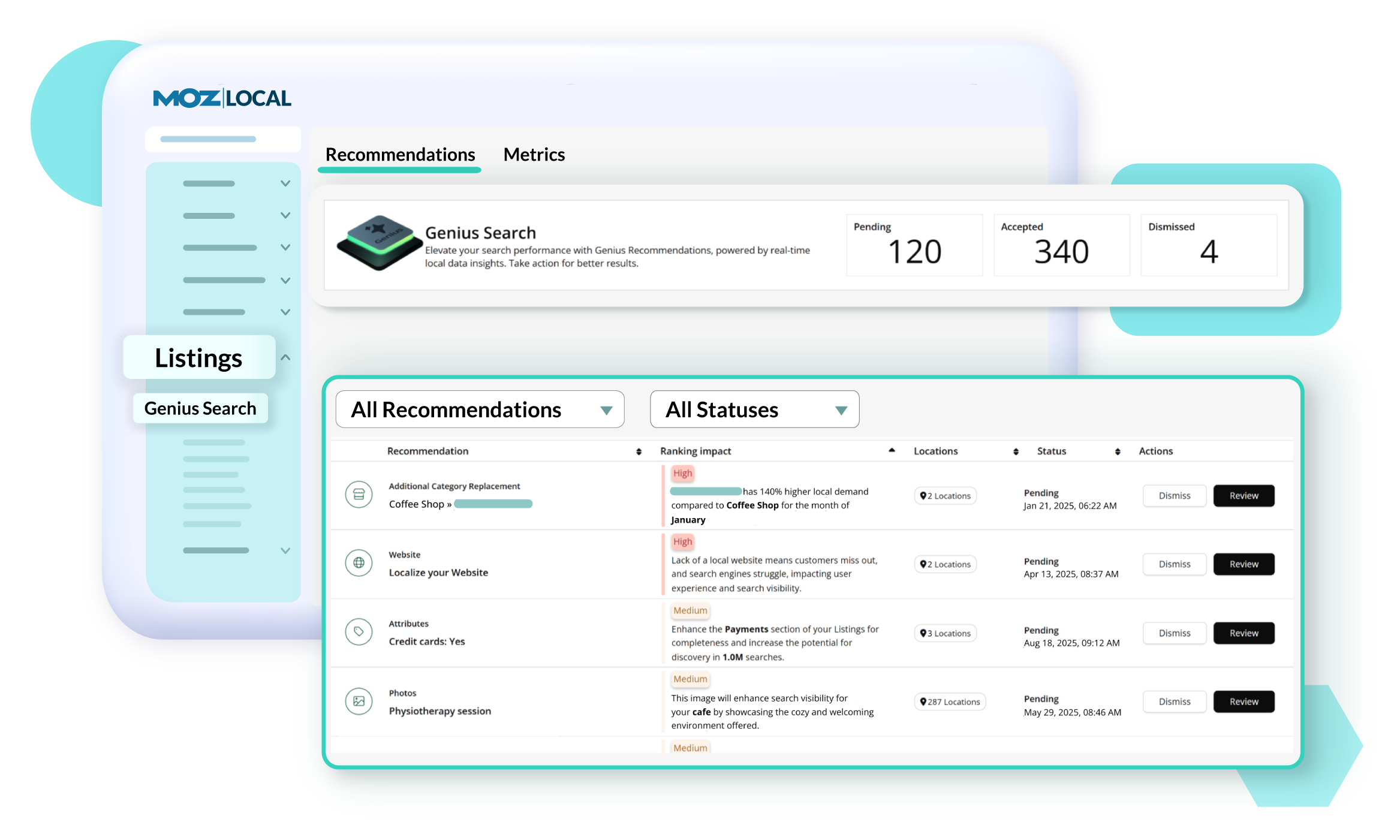
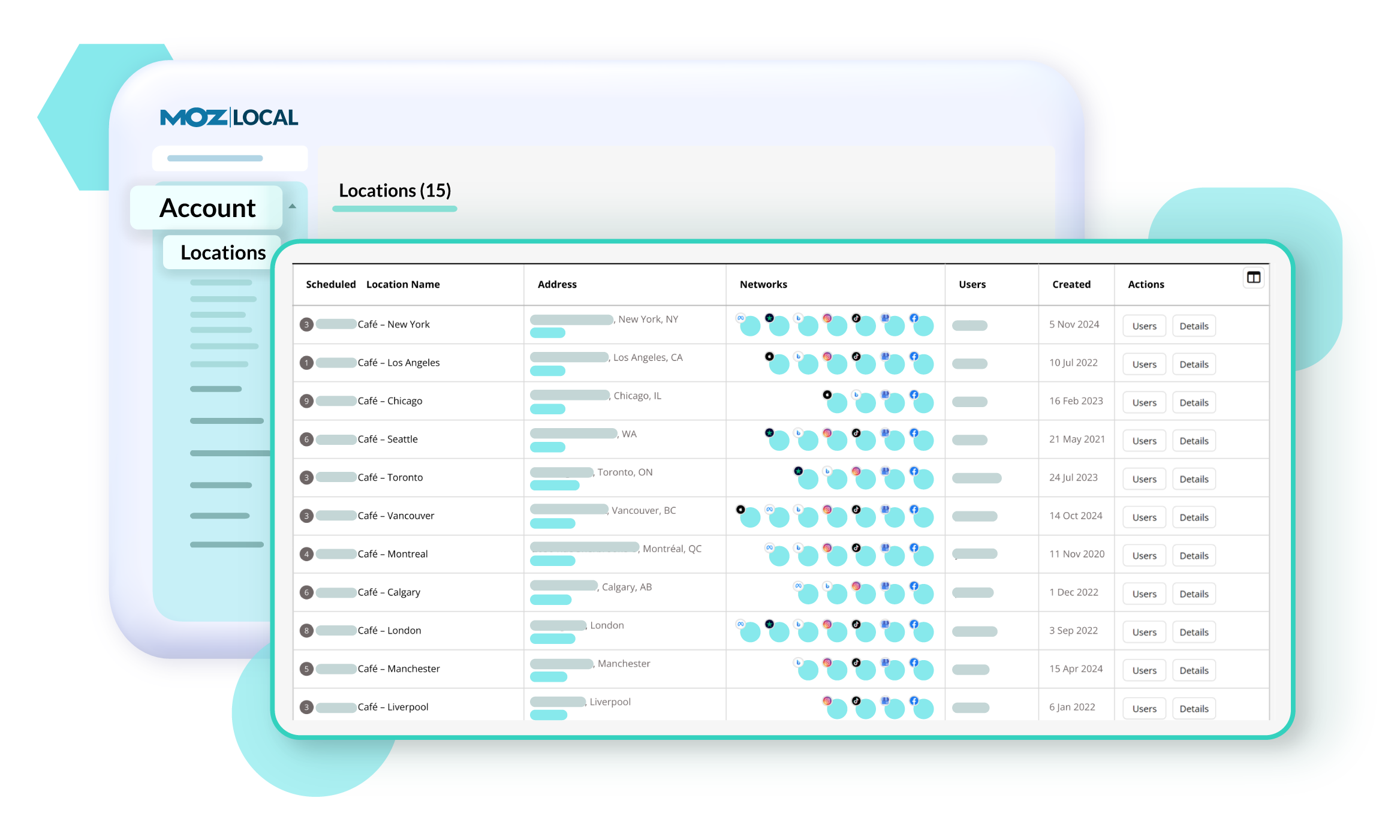
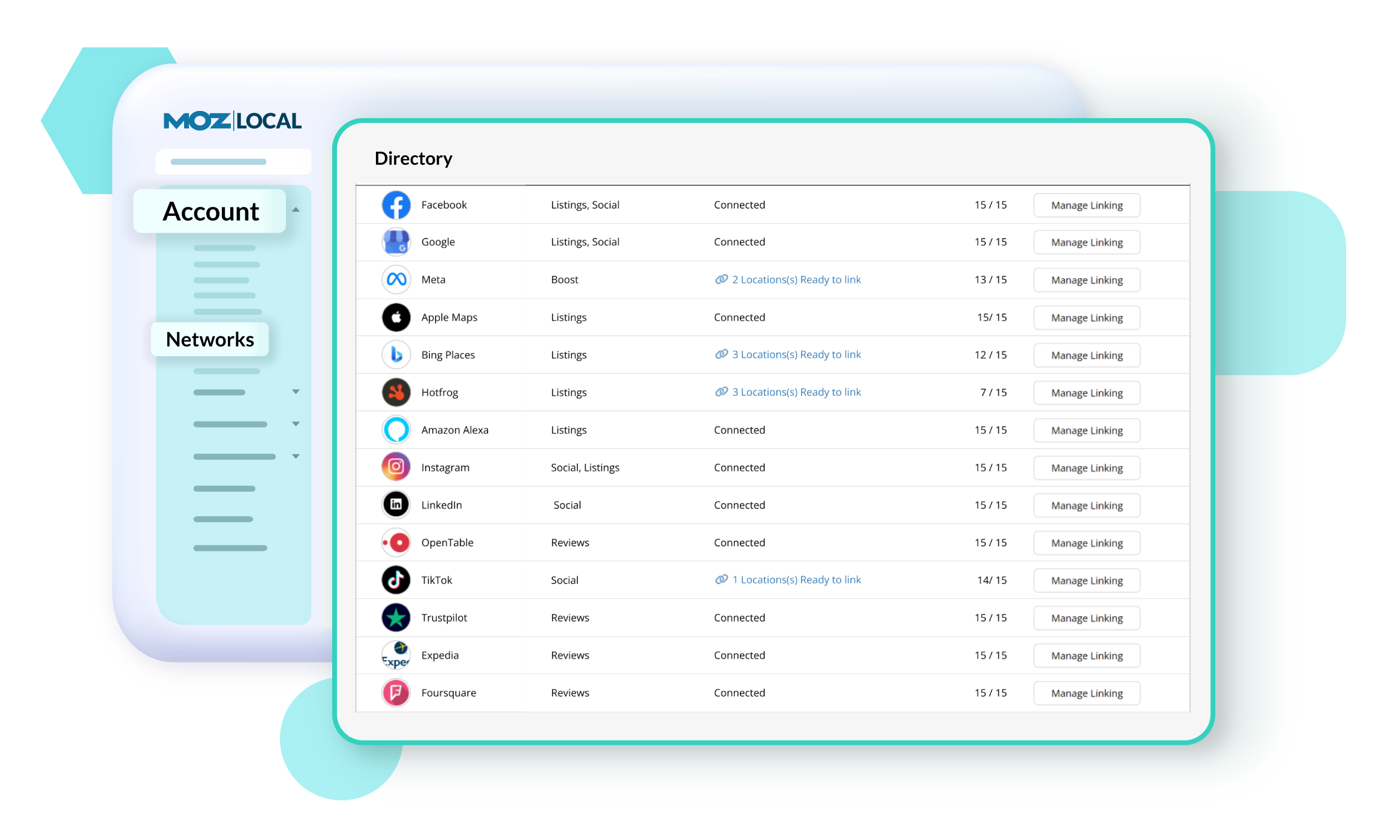
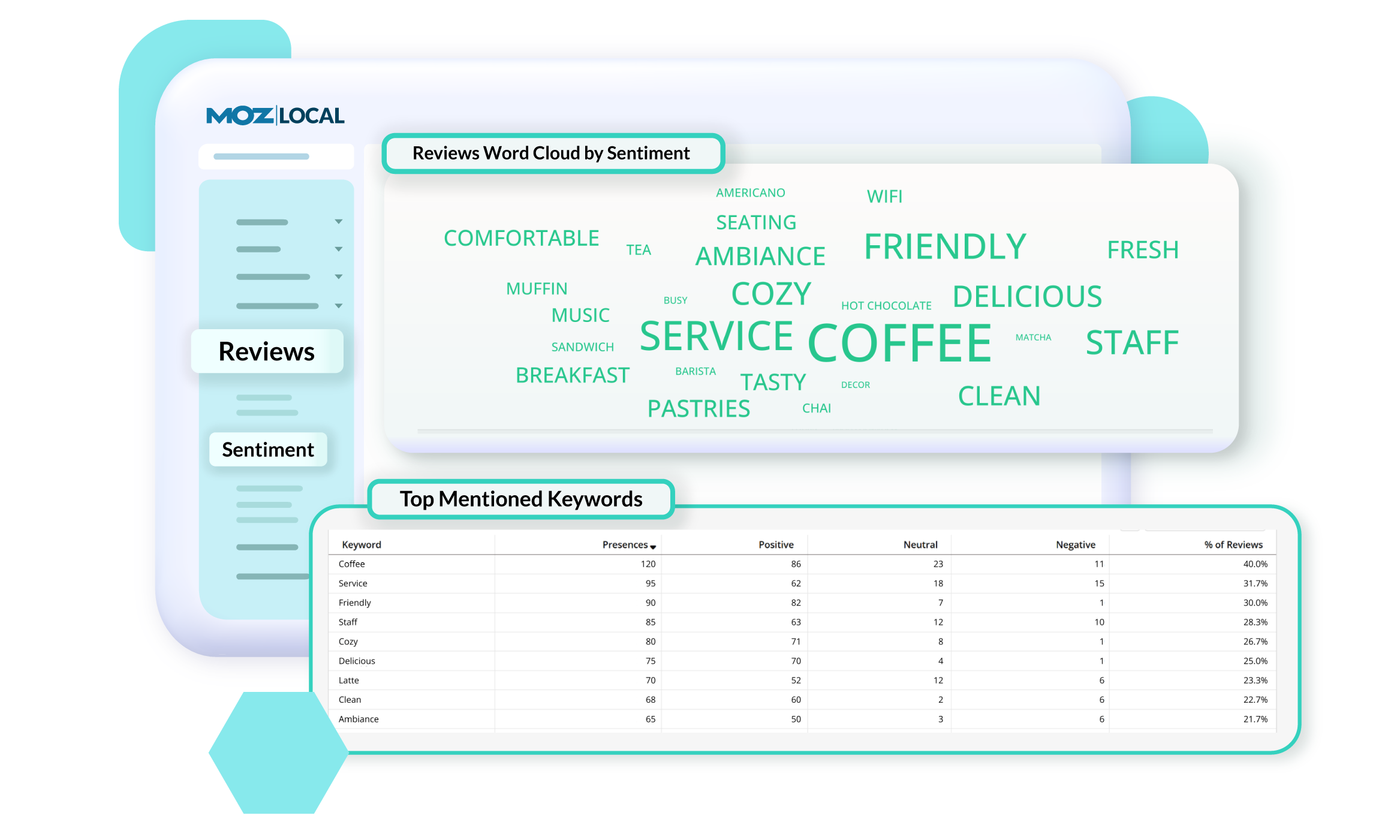
Moz Local is a Listing Management & Distribution software solution that enables users to actively manage location data to optimize local search performance. The solution also enables users to respond to reviews and analyze review sentiment on the most popular sites without having to visit them individually, delete duplicate listings, and engage with consumers to share news, offers, and updates across Google, Facebook and other directories.
$20
per month
Pricing
Google Search Console
Moz Local
Editions & Modules
No answers on this topic
Lite
$20
per month
Preferred
$30
per month
Elite
$40
per month
Offerings
Pricing Offerings
Google Search Console
Moz Local
Free Trial
No
No
Free/Freemium Version
No
No
Premium Consulting/Integration Services
No
No
Entry-level Setup Fee
No setup fee
No setup fee
Additional Details
—
Discounts are available for annual billing. Add-ons like Reviews AI and Listings AI are available on certain plans. A discount of up to 20% is available for annual billing.
Director Of Operations at Clearfire, Inc. (Internet, 1-10 employees)
Chose Google Search Console
Google uniquely provides specific data that is important for optimizing SEO and performance for websites. While it doesn't provide as comprehensive an analysis as other tools like Ahrefs and Moz, it provides Google performance-specific data that can't be found elsewhere. When …
A de minimis incentive was given to thank the reviewer for their time. The incentive was not used to bias or drive a particular response, nor was the incentive contingent on a positive endorsement. More Info
It's suited for all use cases, but for big companies, the data might be crippling, so an add-on tool to analyse the data would be a good companion for GSC to solve this issue. Therefore, I think it's suited for any use case with some add-ons and companions needed for analysis.
A de minimis incentive was given to thank the reviewer for their time. The incentive was not used to bias or drive a particular response, nor was the incentive contingent on a positive endorsement. More Info
Moz Local is a great alternative as well as a compliment to Yext. The service has a smaller network but is just as powerful. The dashboard is super easy to load your location information into and allows the product to do the work by distributing the data across platforms. Issues are easily identifiable and can easily be corrected. Depending on your service level package, you also can have access to reviews and be able to monitor those as you see fit. I would strongly recommend this service to anyone who has a local business they are looking to get seen across the web. For a larger business, I'd consider a larger company with a bigger network.
A de minimis incentive was given to thank the reviewer for their time. The incentive was not used to bias or drive a particular response, nor was the incentive contingent on a positive endorsement. More Info
Google Search Console insights is a great feature which provides an overview of my top content, how my new content is performing, etc.
It gives detailed information around backlinks - who is linking to us, how many backlinks do we have, how is the internal linking within the website, etc.
I like the graph feature that shows how the website is performing overall in one month, three months etc. Seeing the graph can help us understand whether it is trending upward or downward and we can shift strategies accordingly.
A de minimis incentive was given to thank the reviewer for their time. The incentive was not used to bias or drive a particular response, nor was the incentive contingent on a positive endorsement. More Info
A de minimis incentive was given to thank the reviewer for their time. The incentive was not used to bias or drive a particular response, nor was the incentive contingent on a positive endorsement. More Info
More training resources would be an asset. A beginner is given the power to completely destroy a sites search results at the push of a button. Likewise it is a powerful tool to enhance search results also.
An option to take care of multiple versions of the same site simultaneously would be helpful. An option to use the same validation script across all versions and administer them simultaneously would be a time save (i.e. non-www, www, http://, and https:// versions of the same site).
A de minimis incentive was given to thank the reviewer for their time. The incentive was not used to bias or drive a particular response, nor was the incentive contingent on a positive endorsement. More Info
A de minimis incentive was given to thank the reviewer for their time. The incentive was not used to bias or drive a particular response, nor was the incentive contingent on a positive endorsement. More Info
It's easy to use, but some features are lacking a clear explanation. Somethings don't always match up. For example, the Core Web Vitals often doesn't match what you would see in the Chrome Lighthouse report or the Google Page Speed Insights tool. The tool itself is a little too basic and has to be used alongside other SEO tools and other Google properties such as Analytics
A de minimis incentive was given to thank the reviewer for their time. The incentive was not used to bias or drive a particular response, nor was the incentive contingent on a positive endorsement. More Info
As it is a free tool, you mainly have to rely on their knowledge base and forums. Google has provided in-depth guides and KB for every function of the search console. So, you can refer to it in case of any problem. You can also ask questions on their forums but direct support is not available.
A de minimis incentive was given to thank the reviewer for their time. The incentive was not used to bias or drive a particular response, nor was the incentive contingent on a positive endorsement. More Info
SEMRush is a supplementary tool we use to provide competitive analysis. While it does, or should, provide the same data that Search Console does, but I only fully trust Search Console when it comes to basic performance in Google for the sites we develop and own. SEMRush, and other products like it, does provide much more in-depth insights that can help drive business decisions, including site performance on other search engines, along putting organic and paid search performance in one spot. However, SEMRush costs money while Search Console is free.
A de minimis incentive was given to thank the reviewer for their time. The incentive was not used to bias or drive a particular response, nor was the incentive contingent on a positive endorsement. More Info
A de minimis incentive was given to thank the reviewer for their time. The incentive was not used to bias or drive a particular response, nor was the incentive contingent on a positive endorsement. More Info
Given that this is a free tool, the return on investment has been particularly high - we've identified and addressed a few site issues that could have meant a reduction in search traffic.
Our organic search traffic has been on the rise in part due to the insights gained from the search traffic analytics provided within the console.
A de minimis incentive was given to thank the reviewer for their time. The incentive was not used to bias or drive a particular response, nor was the incentive contingent on a positive endorsement. More Info
A de minimis incentive was given to thank the reviewer for their time. The incentive was not used to bias or drive a particular response, nor was the incentive contingent on a positive endorsement. More Info