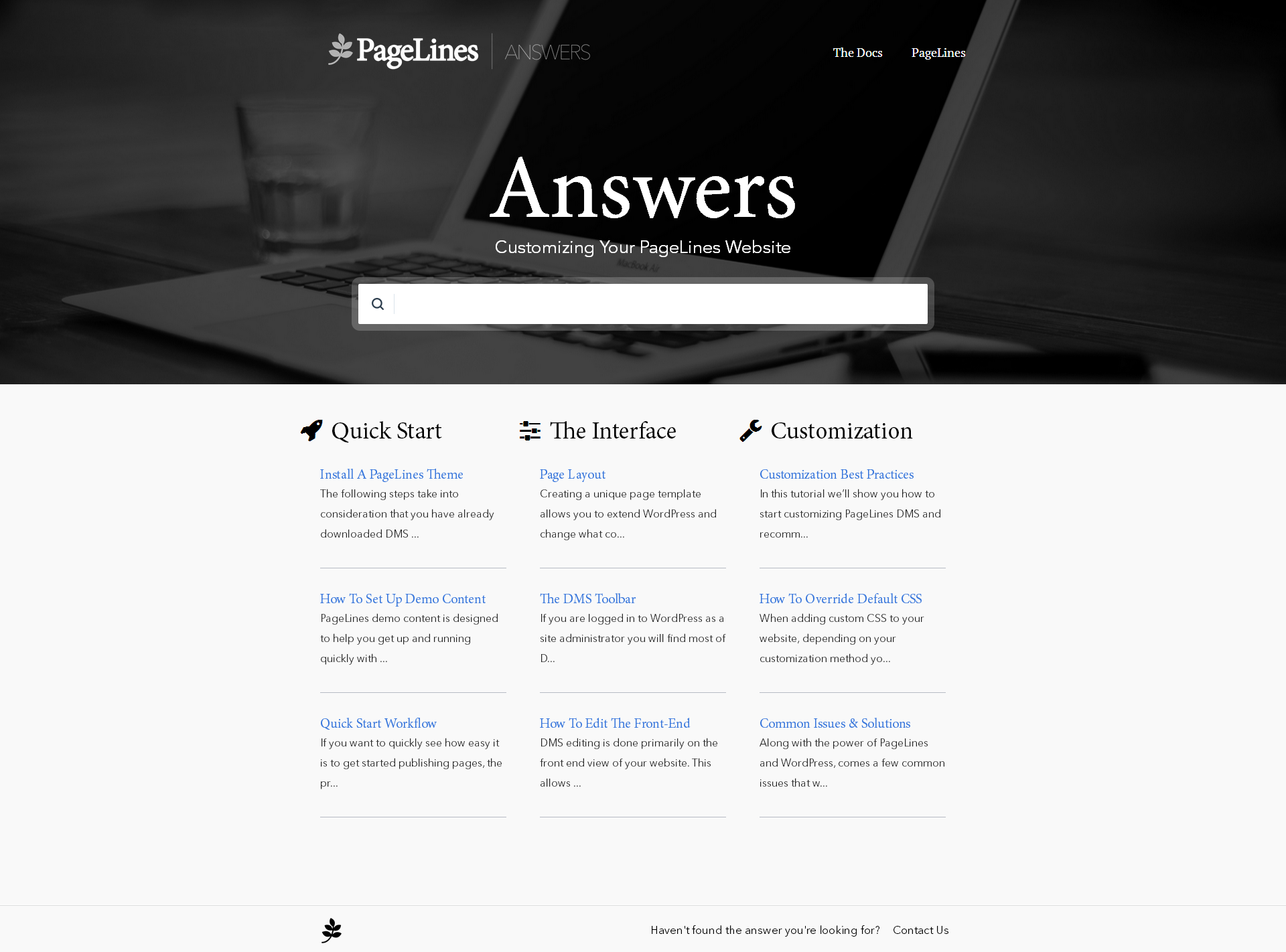
Helpjuice is a web app that companies can use to keep their help pages up-to-date. Instead of answering the same question repeatedly, companies can use Helpjuice to keep track of content. This app includes analytics that enable businesses to see the content their users are searching for the most as well as content that needs improvement. The vendor says that companies that manage a support page full of FAQs and user guides can benefit from using Helpjuice. This app can be integrated…
$120
per month
osTicket
Score8.5 out of 10
N/A
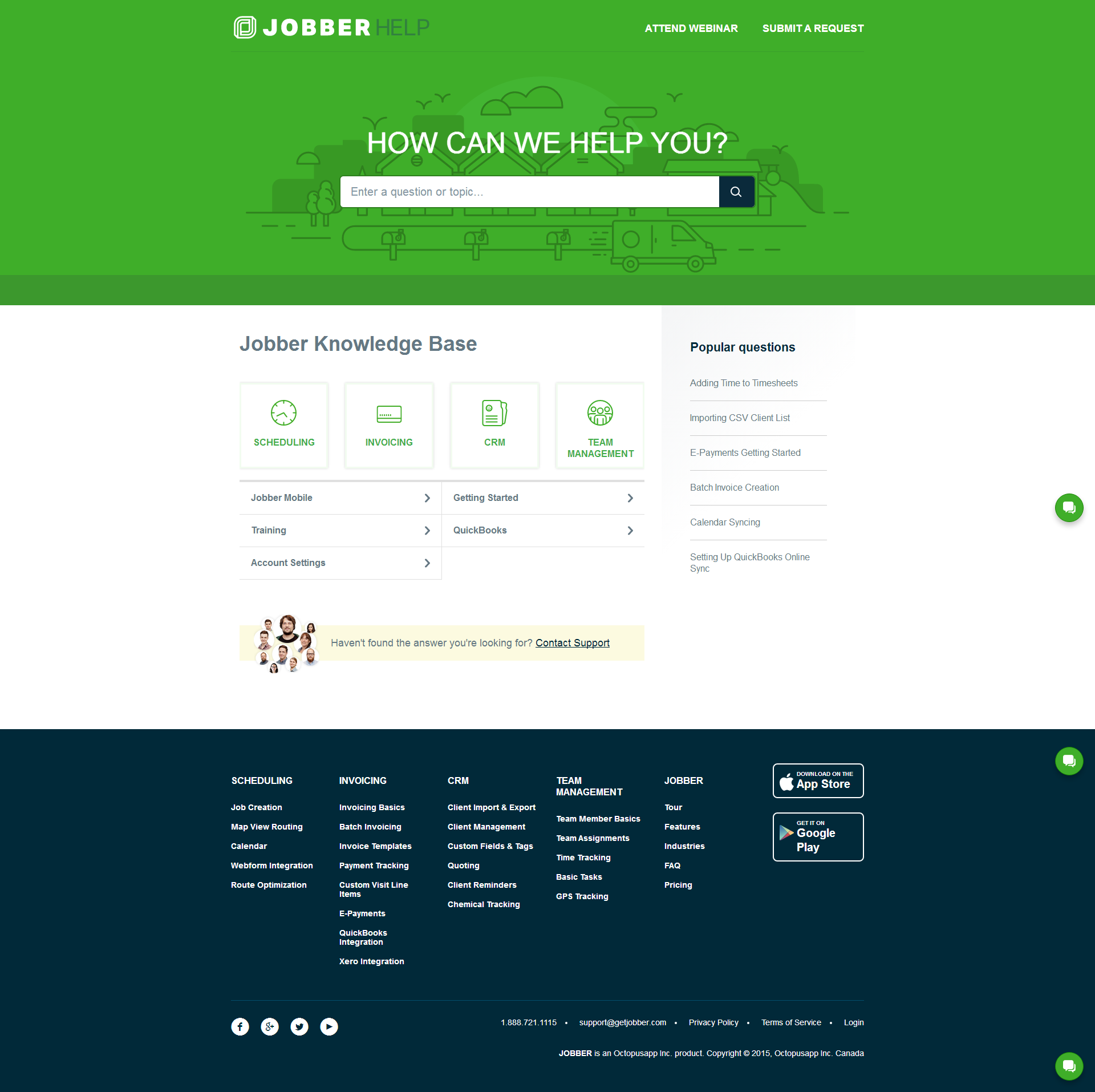
osTicket is an open-source help desk / ticketing platform that can create inquiries online, through email, and through phone calls.
$12
per month
Pricing
Helpjuice
osTicket
Editions & Modules
No answers on this topic
No answers on this topic
Offerings
Pricing Offerings
Helpjuice
osTicket
Free Trial
Yes
Yes
Free/Freemium Version
No
Yes
Premium Consulting/Integration Services
Yes
No
Entry-level Setup Fee
No setup fee
No setup fee
Additional Details
Every Plan Comes With A 100% Money-Back Guarantee, No Questions Asked. Starting price includes up to 4 users.
Helpjuice is an excellent platform when you’re looking to modernize the way you create documentation. Many companies, especially larger corporations, are stuck in the past, utilizing PDFs and share drives to house and access procedures. With Helpjuice, we now have a centralized web-based platform that provides everything from analytic functions to standard templates, user-specific features, and more. My team specifically chose Helpjuice during the pandemic, when all the tech writers from my company (including myself) were moved into a single team. We needed to find a platform that would allow us to align our publishing standards while also moving us forward in the way we publish procedures. That platform was ultimately Helpjuice. Helpjuice certainly offers a variety of features, but one of the few drawbacks is that it does not incorporate or seem to integrate with any specific ticketing tool. While this isn’t an issue for me or my team, as we are required to use a specific tool internally, I can imagine that someone looking for a complete package with multi-step workflows and an intake process would not find Helpjuice adequate.
A de minimis incentive was given to thank the reviewer for their time. The incentive was not used to bias or drive a particular response, nor was the incentive contingent on a positive endorsement. More Info
For beginning smaller companies that are in need of partially automating their incoming requests this product is easy to set up and will assist in structuring these request[s]. These requests can come in via email/phone or web portal. For companies that are beginning to streamline their support procedures, this tool can be a first step into automating part of these processes. This is also how user[s] should see it. It is merely a tool that can assist in structuring the incoming request flow the rest still has to be fit into business processes.
A de minimis incentive was given to thank the reviewer for their time. The incentive was not used to bias or drive a particular response, nor was the incentive contingent on a positive endorsement. More Info
A de minimis incentive was given to thank the reviewer for their time. The incentive was not used to bias or drive a particular response, nor was the incentive contingent on a positive endorsement. More Info
osTicket is extremely user friendly for end users and support agents. It's very easy for new end users to put in a service request. This aspect of simplicity is important because we don't have to train new users on how to put in service requests.
Feature wise osTicket has everything you need without being overly complicated or cluttered. This is important for us because it allows for faster support times and happier end users.
Lightweight and very reliable, osTicket uses PHP and MySQL. Setup is easy and it can be hosted internally or externally web hosed. Also, since it relies on PHP it gives you flexibility to use Apache, Nginx , Lighttpd , IIS, etc.
Thriving community: the community behind osTicket is feature-wise. Which is very helpful if you have any questions.
Best of all, osTicket is completely free and open source. While they do offer pair tier cloud-hosting and enterprise support. The free version offers all the features of the paid tiers (minus hosing and support).
A de minimis incentive was given to thank the reviewer for their time. The incentive was not used to bias or drive a particular response, nor was the incentive contingent on a positive endorsement. More Info
A de minimis incentive was given to thank the reviewer for their time. The incentive was not used to bias or drive a particular response, nor was the incentive contingent on a positive endorsement. More Info
HelpJuice is really amazing as a starter knowledge base vendor. They have great customer service and the ability to customize your website is endless. However, it is difficult to scale up.
A de minimis incentive was given to thank the reviewer for their time. The incentive was not used to bias or drive a particular response, nor was the incentive contingent on a positive endorsement. More Info
I am familiar with osTicket and this allow me to teach all the staff and support them whenever they have any concern regarding the usability and following processes.
A de minimis incentive was given to thank the reviewer for their time. The incentive was not used to bias or drive a particular response, nor was the incentive contingent on a positive endorsement. More Info
Prior to using Helpjuice, I was using Microsoft Publisher to create all the training materials and manuals for multiple divisions within my company. It was awful. It would lag whenever I opened larger manuals, it operated like software from the late 90s, it was not intuitive, from a design perspective, and after migrating to a MacBook Pro as my work computer, I discovered that the program was NEVER created for Mac OS, requiring me to run Windows on my MacBook whenever I had to update any procedures that hadn’t yet migrated to Helpjuice. What a nightmare.
A de minimis incentive was given to thank the reviewer for their time. The incentive was not used to bias or drive a particular response, nor was the incentive contingent on a positive endorsement. More Info
osTicket has proven to be a very useful tool for the team to help support the business. Open-source was the right price point and self-hosting as mentioned was quite important (however I believe that osTicket does have a hosting solution available if needed). Jitbit was a close contender but didn't like how it doesn't separate people submitting tickets from users acting as agents. So all in quite happy with the choice.
A de minimis incentive was given to thank the reviewer for their time. The incentive was not used to bias or drive a particular response, nor was the incentive contingent on a positive endorsement. More Info
When we had a hosted version of osTicket, we were saving some time by having them work on our setup, but we were spending a lot. Switching to our own osTicket build from their open sourcing not only saved us money upfront but we actually spent LESS time developing because we knew our ideas and didn't have to explain them to another (unrelated) party.
Creating our own ticketing infrastructure for institutional data requests has been a game changer for us. We have been able to interface with our enterprise email client and create a level of customization that meets our existing informational technology culture.
A de minimis incentive was given to thank the reviewer for their time. The incentive was not used to bias or drive a particular response, nor was the incentive contingent on a positive endorsement. More Info