Chose IBM Cognos Analytics
i believe that CA is more powerful, has better modelling, and is not held back by a cumbersome method of re-using data models. The only thing that holds it back is the complexity of licensing.

| Product | Rating | Most Used By | Product Summary | Starting Price |
|---|---|---|---|---|
 IBM Cognos Analytics | N/A | IBM Cognos is a full-featured business intelligence suite by IBM, designed for larger deployments. It comprises Query Studio, Reporting Studio, Analysis Studio and Event Studio, and Cognos Administration along with tools for Microsoft Office integration, full-text search, and dashboards. | $11.25 per month per user | |
 Jaspersoft | N/A | Jaspersoft commercial edition is an embedded business intelligence suite designed to be built-into SaaS products as an integrated reporting engine. It provides reports and dashboards for customer-facing applications without requiring app developers to build their own reporting engine. | N/A | |
 Toad Data Modeler | N/A | A cross-platform database modeling software used to create data models. Toad Data Modeler is used to deploy changes to data structures across more than 20 different platforms, and to construct logical and physical data models, compare and synchronize models, generate complex SQL/DDL, create and modify database schema and scripts, as well as reverse and forward engineer both databases and data warehouse systems. Toad's database modeling tools ultimately aim to simplify design, maintenance and… | N/A |
| IBM Cognos Analytics | Jaspersoft | Toad Data Modeler | ||||||||||||||||||||||
|---|---|---|---|---|---|---|---|---|---|---|---|---|---|---|---|---|---|---|---|---|---|---|---|---|
| Editions & Modules |
| No answers on this topic | No answers on this topic | |||||||||||||||||||||
| Offerings |
| |||||||||||||||||||||||
| Entry-level Setup Fee | Optional | No setup fee | No setup fee | |||||||||||||||||||||
| Additional Details | — | Jaspersoft offers flexible pricing for ISVs and SaaS per customer or by CPU core. | — | |||||||||||||||||||||
| More Pricing Information | ||||||||||||||||||||||||
| IBM Cognos Analytics | Jaspersoft | Toad Data Modeler | |
|---|---|---|---|
| Considered Multiple Products |  IBM Cognos Analytics  Nishant Thakkar Senior Analyst Chose IBM Cognos Analytics IBM Cognos Analytics is robust in terms of reporting, governance and scheduling while Power BI excels in use, interactivity and visuals. In nutshell, IBM Cognos Analytics has edge over Power BI for enterprise grade , structured reporting needs.  Ranjit R Puthenpuramodyil Principal Chose IBM Cognos Analytics I think IBM Cognos Analytics is better than others I have used.  Bernd Oerthle Head of analytic infrastructure Chose IBM Cognos Analytics IBM Planning Analytics  Dion Paul Business Intelligence Administrator Chose IBM Cognos Analytics We chose IBM Cognos Analytics because, in our experience, IBM Cognos Analytics was Better, had more feature functionality, and is easier to use  Eric Pleiss Business Development Chose IBM Cognos Analytics Microsoft Power BI Embedded  Astrid Ortega Data Analyst and Risk Assessor Chose IBM Cognos Analytics Tableau, Power BI, QlikView were the other options considered. Tableau lacked the following key components of business intelligence and analytics. Some other statistical functions that are available on the platform were not matched by Power BI. QlikView lacked robust …  Vinit Mahiwal BI Developer Chose IBM Cognos Analytics It was due to trust in IBM. Very good support provide by IBM. Response time is pretty good Product is proven in past & well robust feature Many good enterprises have used this product  Cristian Racu Deputy CEO Chose IBM Cognos Analytics It is a tool that delivers good performance at a good price. | Jaspersoft  Himanshu Bhardwaj Senior Quality Assurance Analyst Chose Jaspersoft TIBCO does a better job in providing seamless data mapping and migration from one legacy system to other without any loss of traffic or compromising the security of the data. Whereas with another tool sometimes because of the integral framework there may be some questions as to …  Lokesh Katamaneni Software Engineer Chose Jaspersoft Very interactive and easy to understand.  Brian Baley Business Analyst / Sr. Applications Developer Chose Jaspersoft I haven't evaluated anything similar.  Jhonattan Smith Peláez Nimisica Líder de gestión de la configuración e infraestructura Chose Jaspersoft Facility in Data integration was one of the main reasons to choose TIBCO Jaspersoft. Besides the multi-dimension in analytics.  Suresh Regonda Project Manager Chose Jaspersoft It was under the budget and covered all the requirements the client needed  Yogesh Ailawadi, CISSP Sr. Director, Product Management Chose Jaspersoft None  Pedro G. Jiménez Developer Tibco Jaspersoft ETL Chose Jaspersoft Tibco Jaspersoft is a stronger competitor than the Microsoft Reports and ETL products. The flexibility and power of using the software, multi platform and deployment and monitoring has no comparison to what you use. It would be interesting to integrate some features of … |  Toad Data Modeler No answer on this topic |
| IBM Cognos Analytics | Jaspersoft | Toad Data Modeler | |||||||||||||||||||||||||||
|---|---|---|---|---|---|---|---|---|---|---|---|---|---|---|---|---|---|---|---|---|---|---|---|---|---|---|---|---|---|
| BI Standard Reporting |
| ||||||||||||||||||||||||||||
| Ad-hoc Reporting |
| ||||||||||||||||||||||||||||
| Report Output and Scheduling |
| ||||||||||||||||||||||||||||
| Data Discovery and Visualization |
| ||||||||||||||||||||||||||||
| Access Control and Security |
| ||||||||||||||||||||||||||||
| Mobile Capabilities |
| ||||||||||||||||||||||||||||
| Application Program Interfaces (APIs) / Embedding |
|
| IBM Cognos Analytics | Jaspersoft | Toad Data Modeler | |
|---|---|---|---|
| Small Businesses |  Yellowfin Score 8.6 out of 10 | Yellowfin Score 8.6 out of 10 | No answers on this topic |
| Medium-sized Companies |  Reveal Score 10.0 out of 10 | Reveal Score 10.0 out of 10 |  ER/Studio Score 9.9 out of 10 |
| Enterprises |  Kyvos Semantic Layer Score 9.5 out of 10 | Kyvos Semantic Layer Score 9.5 out of 10 | ER/Studio Score 9.9 out of 10 |
| All Alternatives | View all alternatives | View all alternatives | View all alternatives |
| IBM Cognos Analytics | Jaspersoft | Toad Data Modeler | |
|---|---|---|---|
| Likelihood to Recommend | 7.7 (0 ratings) | 7.3 (0 ratings) | - (0 ratings) |
| Likelihood to Renew | 8.1 (0 ratings) | 8.0 (0 ratings) | - (0 ratings) |
| Usability | 7.3 (0 ratings) | 7.9 (0 ratings) | - (0 ratings) |
| Availability | 8.6 (0 ratings) | 8.0 (0 ratings) | - (0 ratings) |
| Performance | 9.0 (0 ratings) | 7.0 (0 ratings) | - (0 ratings) |
| Support Rating | 1.0 (0 ratings) | 7.0 (0 ratings) | - (0 ratings) |
| In-Person Training | 8.7 (0 ratings) | 8.0 (0 ratings) | - (0 ratings) |
| Online Training | 8.0 (0 ratings) | 6.5 (0 ratings) | - (0 ratings) |
| Implementation Rating | 7.0 (0 ratings) | 7.8 (0 ratings) | - (0 ratings) |
| Configurability | 7.0 (0 ratings) | 7.0 (0 ratings) | - (0 ratings) |
| Ease of integration | 5.7 (0 ratings) | 7.0 (0 ratings) | - (0 ratings) |
| Product Scalability | 2.7 (0 ratings) | 8.0 (0 ratings) | - (0 ratings) |
| Vendor post-sale | 7.0 (0 ratings) | 8.0 (0 ratings) | - (0 ratings) |
| Vendor pre-sale | 7.0 (0 ratings) | 8.0 (0 ratings) | - (0 ratings) |
| IBM Cognos Analytics | Jaspersoft | Toad Data Modeler | |
|---|---|---|---|
| Likelihood to Recommend |
|
| No answers on this topic |
| Pros |
|
| No answers on this topic |
| Cons |
 Josepe Bonfante Social Media Strategist |
| No answers on this topic |
| Likelihood to Renew |
 Dwight Taylor Manager of BI Reporting |
 Robert Mills Sr. Software Architect | No answers on this topic |
| Usability |
 Robert Goodman Director, Business Intelligence & Analytics |
 Gerald Meachem Senior Software Analyst | No answers on this topic |
| Reliability and Availability |
 Gerrit Goewey Senior Analytics Consultant |
| No answers on this topic |
| Performance |
 Meghdeep Raval, PMP Manager, Data Architecture |
| No answers on this topic |
| Support Rating |
 Jonathan Kyrlach Business Intelligence Architect |
 Ashley Lee CSR/Project Management for Software Development | No answers on this topic |
| In-Person Training |
Robert Goodman Director, Business Intelligence & Analytics |
Ashley Lee CSR/Project Management for Software Development | No answers on this topic |
| Online Training |
Gerrit Goewey Senior Analytics Consultant |
 Davide Marzucco Post Provisioning & Deployment Manager | No answers on this topic |
| Implementation Rating |
Robert Goodman Director, Business Intelligence & Analytics |
| No answers on this topic |
| Alternatives Considered |
Nishant Thakkar Senior Analyst |
Himanshu Bhardwaj Senior Quality Assurance Analyst | No answers on this topic |
| Scalability |
Robert Goodman Director, Business Intelligence & Analytics |
| No answers on this topic |
| Return on Investment |
|
| No answers on this topic |
| ScreenShots | IBM Cognos Analytics Screenshots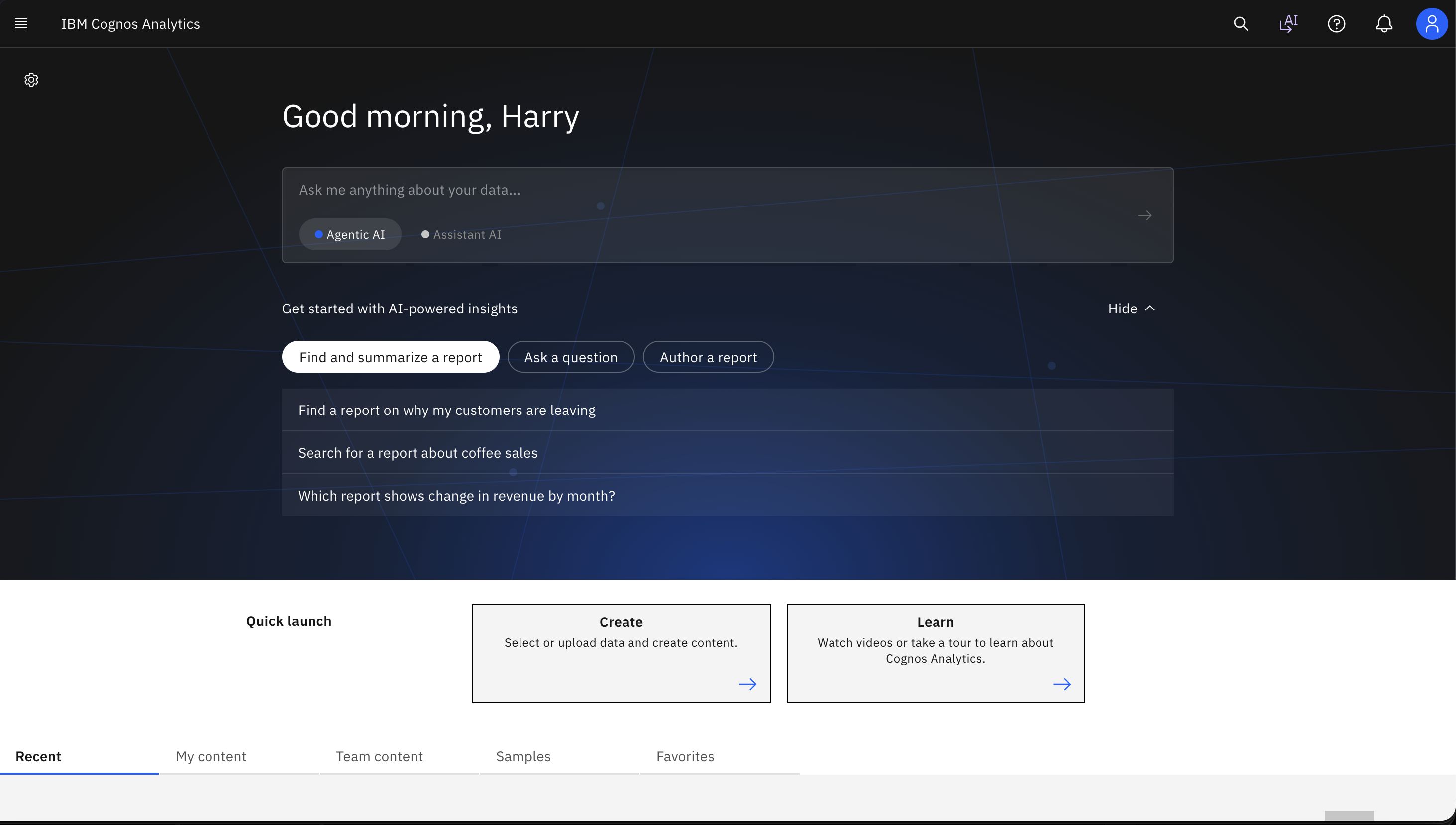    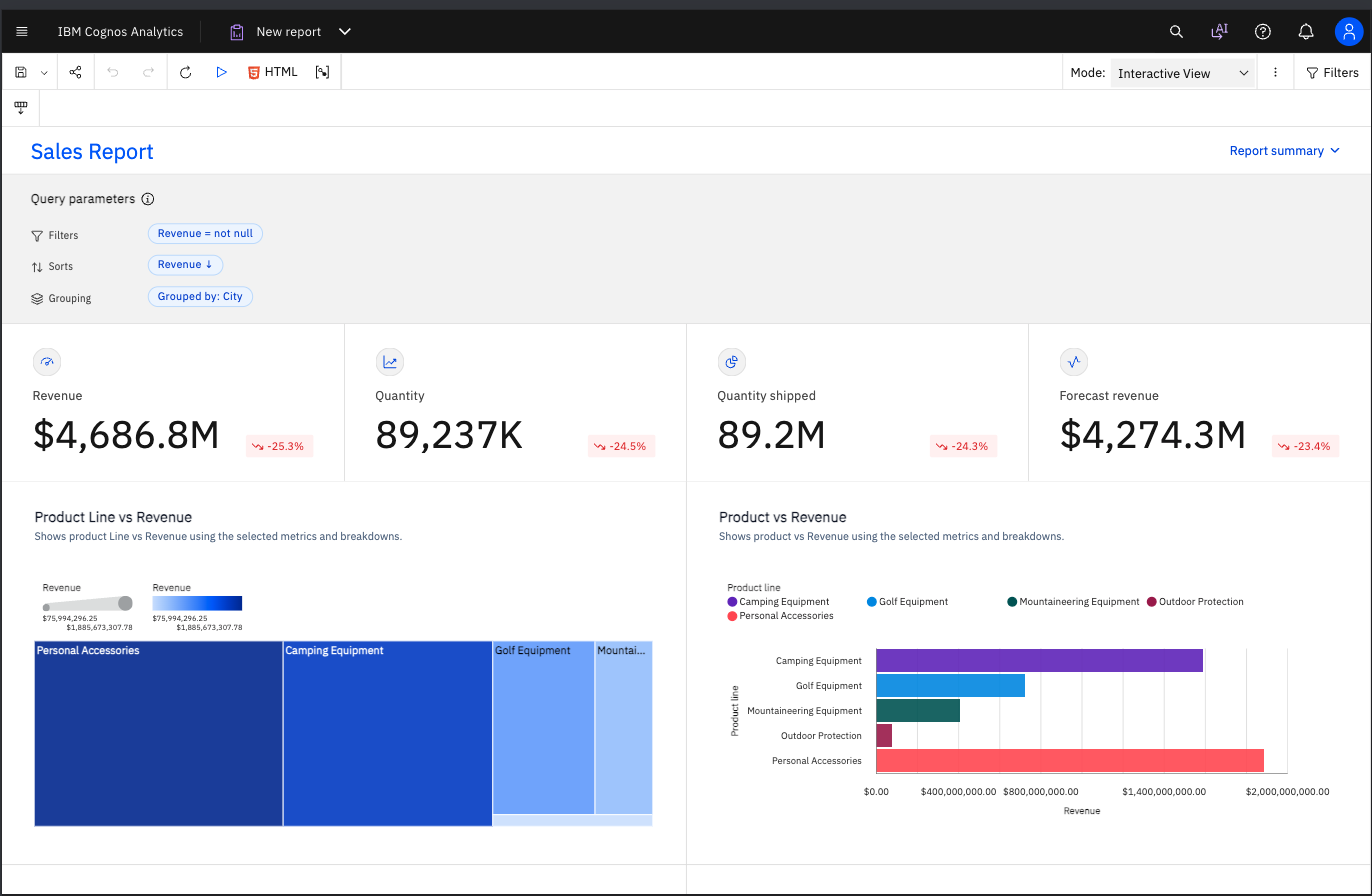 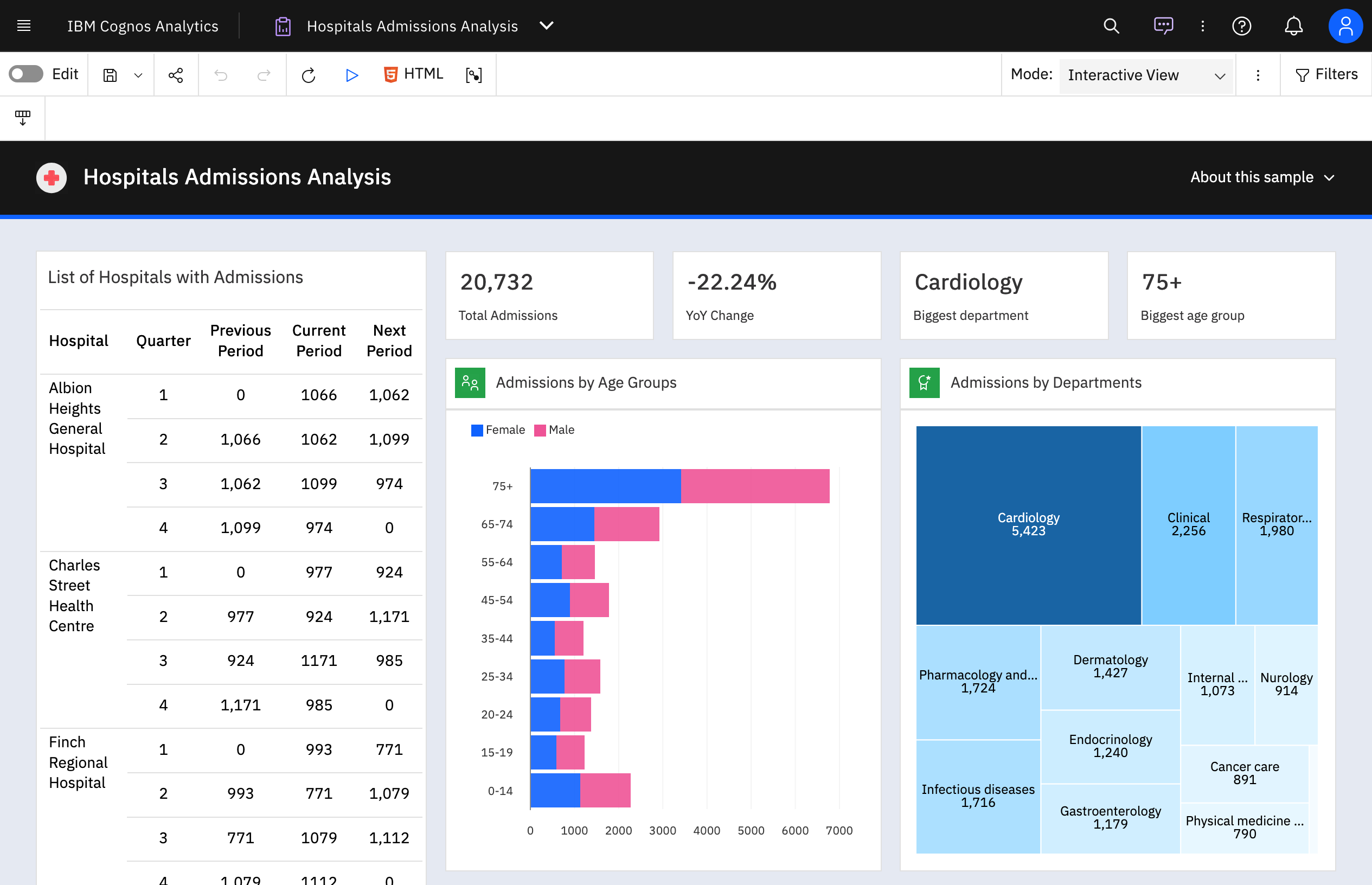 | Jaspersoft Screenshots   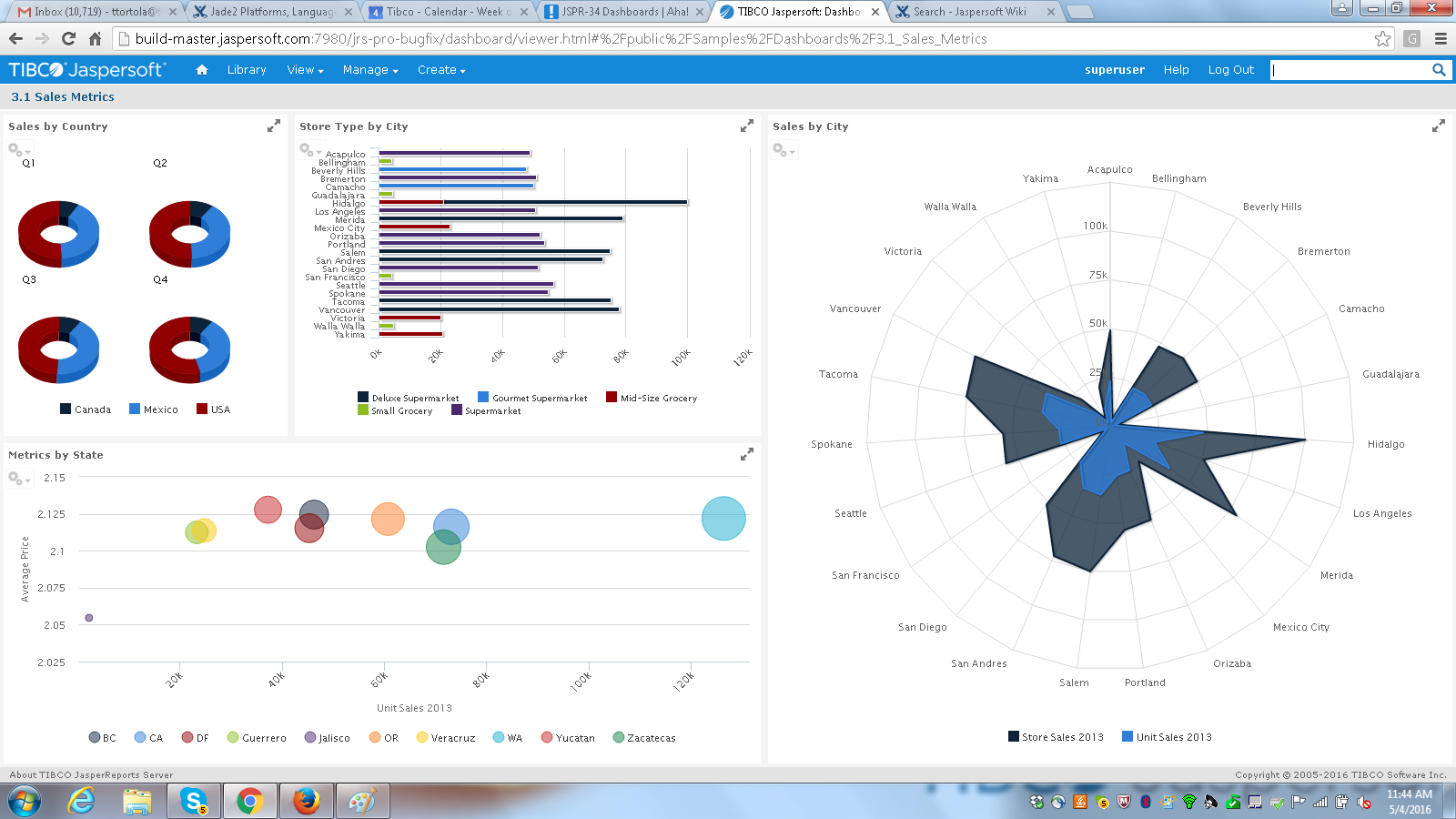 |