IdeaScale vs. Miro

Overview
ProductRatingMost Used ByProduct SummaryStarting Price
IdeaScale
Score 8.0 out of 10
N/A
IdeaScale offers idea and innovation management software. There are four editions: Free, SMB, Challenge and Enterprise.
$12,999
Per 2 Years
Miro
Score 9.2 out of 10
N/A
Miro empowers cross-functional teams to flow from early discovery through final delivery on a shared, AI-first canvas. With the canvas as the prompt, Miro’s AI capabilities keep teams in the flow of work, and scale shifts in ways of working.
$10
per month per user
Pricing
IdeaScaleMiro
Editions & Modules
Engage
$12,999.00
Per 2 Years
Evolve
$21,999.00
Per 2 Years
Advance
$34,999.00
Per 2 Years
Transform
$64,999.00
Per 2 Years
1. Free - To discover what Miro can do. Always free
$0
2. Starter - Unlimited and private boards with essential features
$8
per month (billed annually) per user
3. Business - Scales collaboration with advanced features and security
$16
per month (billed annually) per user
4. Enterprise - For work across the entire organization, with support, security and control, to scale
contact sales
annual billing per user
Offerings
Pricing Offerings
IdeaScaleMiro
Free Trial
YesYes
Free/Freemium Version
YesYes
Premium Consulting/Integration Services
NoNo
Entry-level Setup FeeNo setup feeOptional
Additional DetailsMonthly billing also available at $10 per month for the Starter plan, or $20 for the Business plan.
More Pricing Information
Community Pulse
IdeaScaleMiro
Considered Both Products
IdeaScale

No answer on this topic

Miro
Chose Miro
I would say that it is superior in terms of polish to all of them, with the nearest true competitor being draw.io with its ability to horizontally scale in use and ease of use. For technical drawings I would still choose draw.io simply because of familiarity, but with some …
Best Alternatives
IdeaScaleMiro
Small Businesses
MindMeister
MindMeister
Score 2.5 out of 10
Lucid Visual Collaboration Suite
Score 8.8 out of 10
Medium-sized Companies
Oracle Fusion Cloud PLM
Score 7.8 out of 10
Lucid Visual Collaboration Suite
Score 8.8 out of 10
Enterprises
Miro
Miro
Score 9.2 out of 10
Lucid Visual Collaboration Suite
Score 8.8 out of 10
All AlternativesView all alternativesView all alternatives
User Ratings
IdeaScaleMiro
Likelihood to Recommend
8.6
(2 ratings)
9.1
(6082 ratings)
Likelihood to Renew
-
(0 ratings)
9.4
(185 ratings)
Usability
-
(0 ratings)
8.6
(454 ratings)
Availability
-
(0 ratings)
9.4
(20 ratings)
Performance
-
(0 ratings)
9.0
(19 ratings)
Support Rating
-
(0 ratings)
7.7
(63 ratings)
In-Person Training
-
(0 ratings)
1.0
(1 ratings)
Online Training
-
(0 ratings)
9.1
(7 ratings)
Implementation Rating
-
(0 ratings)
8.9
(3659 ratings)
Configurability
-
(0 ratings)
8.5
(14 ratings)
Ease of integration
-
(0 ratings)
8.1
(4002 ratings)
Product Scalability
-
(0 ratings)
8.6
(19 ratings)
Vendor post-sale
-
(0 ratings)
6.9
(7 ratings)
Vendor pre-sale
-
(0 ratings)
6.1
(8 ratings)
User Testimonials
IdeaScaleMiro
Likelihood to Recommend
IdeaScale
Ideascale is well suited for open innovation, private campaigns and sharing of knowledge across multiple organizations and boundaries.
Read full review
Miro
For me, Miro works best for messy internal processes. One of the instances include there are updates in math guidelines or reorganizing how topics should flow. I can put everything on the board, drag things around, color code it, and suddenly everything actually makes sense. It's also a common interacting space for the team to think out loud. Keeps everyone aligned without different documents floating around. It has a downside too. When the board gets big and full of screenshots or reference files, it slows down and I have to wait for things for so long.
Read full review
Pros
IdeaScale
  • IdeaScale allows open and quick interaction.
  • Campaign moderation is a breeze.
  • Creation of the campaigns is very simple.
Read full review
Miro
  • Makes it easy to design and visualize different label hierarchies which keeps labelling rules unbiased and intact.
  • It has unique unique feature where team members can jump onto same board, edit and comment in real time. Makes it efficient.
  • Built in templates in Miro really helps in making quality board layouts fast making it easy to organize sections.
  • Its infinite canvas never runs out. Helps me in mapping many interconnected topics or focusing on future model.
Read full review
Cons
IdeaScale
  • The reporting platform needs improvement to make it easier to show results directly from the system.
  • It takes time and effort to get traffic in the tool.
Read full review
Miro
  • Sticky notes cannot be easily resized. It would often be useful for them to transform into workspaces, because they become actual text content rather than just notes.
  • Perhaps there is no option to sort the work boards according to specific criteria (such as alphabetical order or date).
  • The various functions available should perhaps be explained clearly with a tooltip or something similar while you are working with the various tools. I often don't realise that certain things can be done.
Read full review
Likelihood to Renew
IdeaScale
No answers on this topic
Miro
I have advocate for the renew of Miro quite few times, however, it is not under my control as the decision is made in another team with their own budget. I would buy for my own entrepreneur projects (1-2 members) as I do know the value and work there 100%. So, I would pay out of my own pocket to get the value. However, If I wouldn't know the value it provides, it would be hard to decide with the current freemium features
Read full review
Usability
IdeaScale
No answers on this topic
Miro
Solid usability, we transitioned from Mural, so some of it is a learning curve from what we were used to in the prior tool. As previously mentioned, the scrolling feature and moving around the board is not as intuitive as I would like. Outside of that, the functionality seems to mee the expectations we have for a collaboration tool
Read full review
Reliability and Availability
IdeaScale
No answers on this topic
Miro
I only give a 9/10 because of the speed at which it loads. I have never experienced issues with Miro logging me out early, or some other technical issue causing the program to crash, or even it just loading in perpetuity without ever actually coming up (unlike other programs such as SFDC). It take a minute for all of my boards to come up after I click on it in my favorites, but besides that, it's all good.
Read full review
Performance
IdeaScale
No answers on this topic
Miro
Sometimes it gets quite slow and there is a correlation between this and the size of the board. Hence we are trying to segment the boards based on product stages or projects so that the size doesn't go big. When you go from discovery to delivery on a simple board, it will get large and difficult to load, even crash or go white screen
Read full review
Support Rating
IdeaScale
No answers on this topic
Miro
We have never reached out to or contacted support because Miro's platform has been incredibly intuitive and user-friendly. The comprehensive resources available, such as tutorials, documentation, and community forums, have provided all the guidance we needed. The seamless integration with our existing tools and the reliability of the platform have ensured that we rarely encounter issues that require external assistance. This self-sufficiency has allowed us to focus more on our projects and collaboration without interruptions. Overall, our experience with Miro has been smooth and efficient, eliminating the need for additional support
Read full review
Online Training
IdeaScale
No answers on this topic
Miro
There was a series of webinars which Miro hosted with our organization that went over the basics, then progressively became more advanced with additional sections. The instructors were knowledgeable, and provided examples throughout the sessions, as well as answered peoples' questions. There was ample time and experience on the calls to cover a range of topics. The instructors were also very friendly and sociable, as well as honest. Of course Miro isn't a "God-tool" that does absolutely everything, but the instructors were aware and emphasized the strengths where Miro had them and sincerely accepted feedback.
Read full review
Implementation Rating
IdeaScale
No answers on this topic
Miro
Easy to learn, Miro has a series of videos on YouTube that effectively taught this program to my team members and me. The program is drag-and-drop and works excellently. People pick up on how to use it efficiently, and it's great for organizing ideas more freely. This product is more challenging for some older audiences who are not accustomed to using a touchpad, but for most, it was very easy to use.
Read full review
Alternatives Considered
IdeaScale
IdeaScale is the first Ideation tool I came across.
Read full review
Miro
While not as feature rich to be honest as some of these focused tools, it still replaces a vast majority of them. It is enough to make it easily replace the listed tools if you wish to do so. This not only saves time pivoting between tools, but also money with licensing which is an easy sell to my management.
Read full review
Scalability
IdeaScale
No answers on this topic
Miro
Maybe is possible now so... Could be useful to manage in some way source code for the projects? not to edit so when we make solutions with different components in MIro, maybe each component could redirect to the source code of this component
Read full review
Return on Investment
IdeaScale
  • Ideascale was launched recently so no concrete ROI yet
  • Supports driving innovation as a discipline internally and externally
Read full review
Miro
  • We did a dynamic activity based on actionable insights from a research study that I conducted. It was great to see people interacting, and one of the proposals was successful, resulting in a 6 million (in local currency) contribution to the company!
Read full review
ScreenShots

IdeaScale Screenshots

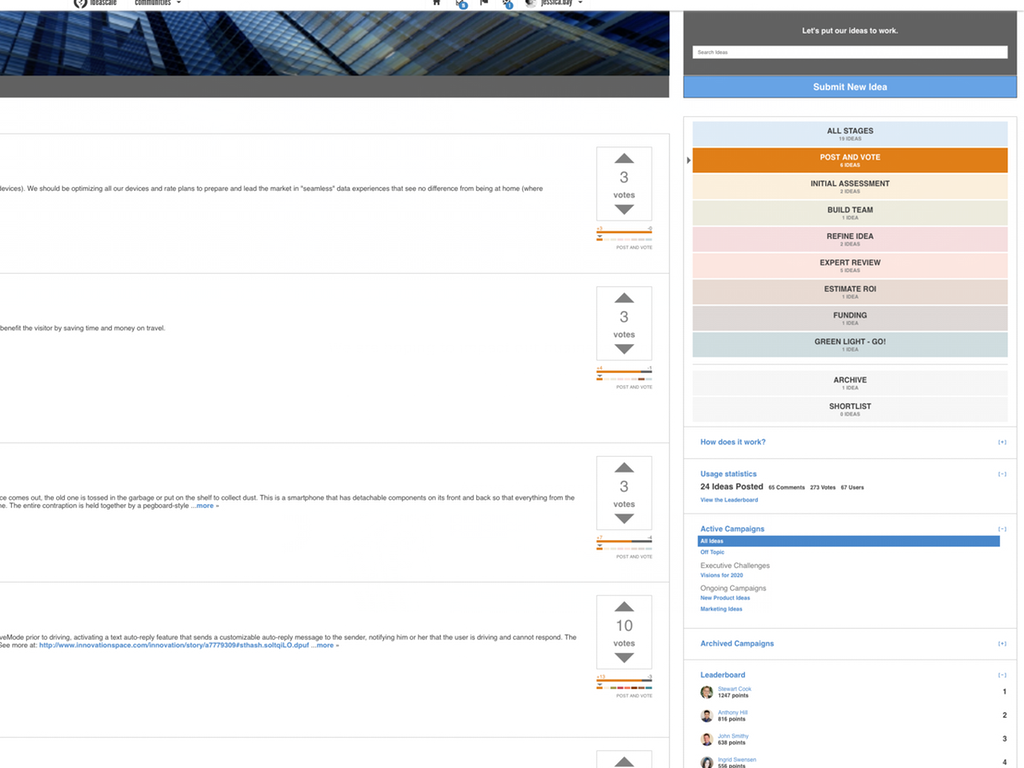
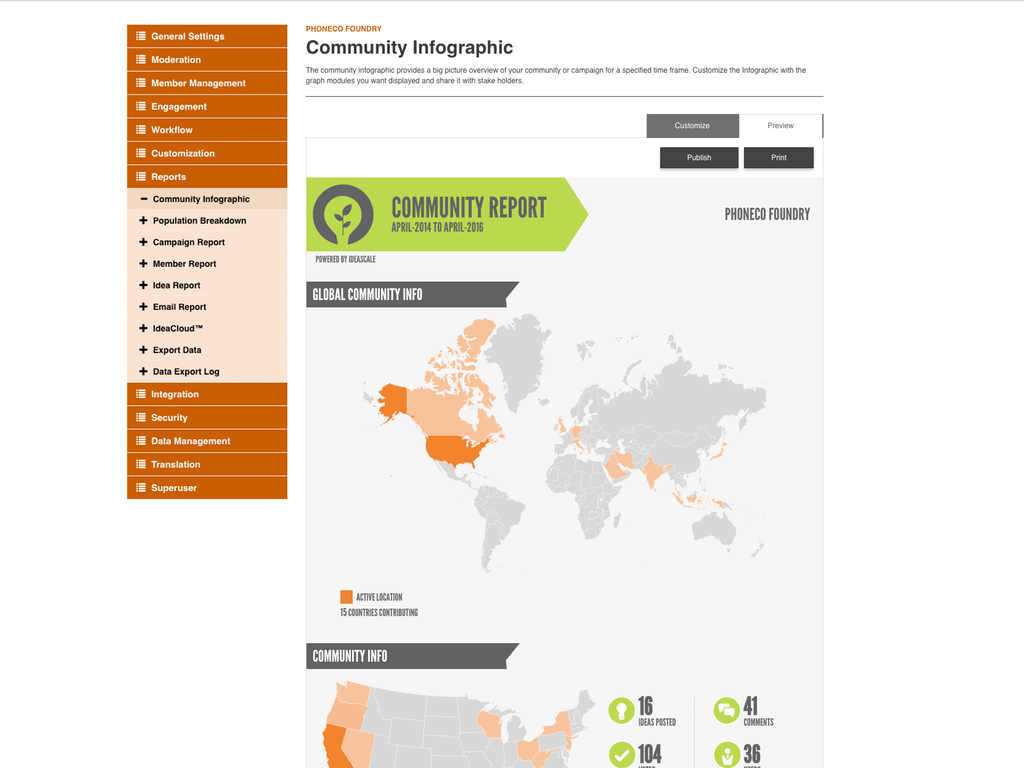
Screenshot of IdeaScale Configurable StagesScreenshot of IdeaScale Multi-Language SettingsScreenshot of IdeaScale Infographic Report

Miro Screenshots

Screenshot of Miro's design sprint templates, used to solve big challenges, create new products or improve existing ones.Screenshot of the Sprint Planning features in Miro, that assists Development Teams in creating a transparent understanding of what can be built and how. Users can run sprints and turn a team into creative and active participants. Today, many organizations use Agile tools to manage software development and other non-IT projects.Screenshot of the PI Planning Template that brings teams toward one vision of what stories to develop. Used to manage a backlog, increase productivity, and build the foundation for a successful PI Planning event. Miro’s PI Planning Template helps to get an overview of any PI Planning event, with step-by-step frames to guide the process.Screenshot of diagrams, concept maps, and system mapping templates used to communicate complex flows and create a shared understanding. Users can check off all the essential steps of the diagramming process and gain a complete overview of operations with Miro's diagramming templates collection.