Instapage is a growth marketing platform that includes a builder for PPC, SEO, demand generation, A/B testing, personalization, and email automation. It is used to convert visitors into customers, engage them at every touchpoint, and optimize performance across the marketing funnel.
$99
per month per user
Tilda
Score10 out of 10
N/A
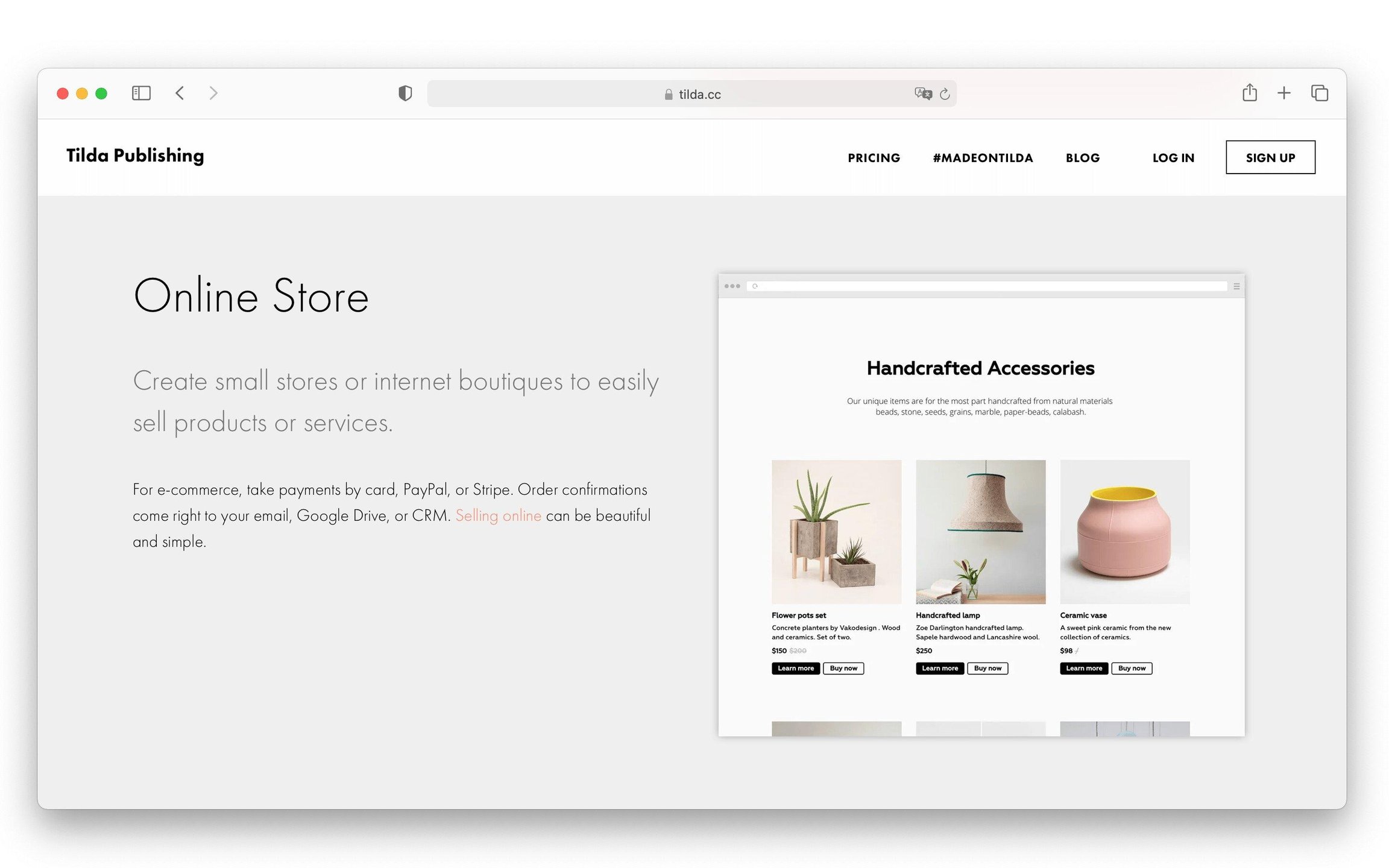
Tilda website builder helps users build websites for business and media. With Tilda users can create long forms and articles, as well as landing pages, websites, blogs and all other kinds of content oriented web projects.
$15
per month
Pricing
Instapage
Tilda
Editions & Modules
Create
$99
per month 15,000 unique monthly visitors
Optimize
starting at $199
per month starting with 30,000 unique monthly visitors
Convert
Custom Pricing
Personal
$15
per month
Business
$25
per month
Offerings
Pricing Offerings
Instapage
Tilda
Free Trial
Yes
No
Free/Freemium Version
No
Yes
Premium Consulting/Integration Services
No
No
Entry-level Setup Fee
No setup fee
No setup fee
Additional Details
20% discount for annual pricing.
—
More Pricing Information
Features
Instapage
Tilda
SEO and Conversion Optimization
Comparison of SEO and Conversion Optimization features of Instapage and Tilda
Feature
Instapage
8.4
4 Ratings
34% above category average
Tilda
-
Ratings
Landing page A/B testing:
10.04 Ratings
00 Ratings
Dynamic page text replacement
7.33 Ratings
00 Ratings
Real-time analytics dashboard
7.04 Ratings
00 Ratings
SEO tools
7.73 Ratings
00 Ratings
Optimization recommendations
10.04 Ratings
00 Ratings
Security
Comparison of Security features of Instapage and Tilda
Feature
Instapage
-
Ratings
Tilda
9.1
1 Ratings
10% above category average
Role-based user permissions
00 Ratings
9.11 Ratings
Platform & Infrastructure
Comparison of Platform & Infrastructure features of Instapage and Tilda
Feature
Instapage
-
Ratings
Tilda
8.2
1 Ratings
5% above category average
API
00 Ratings
9.11 Ratings
Internationalization / multi-language
00 Ratings
7.31 Ratings
Web Content Creation
Comparison of Web Content Creation features of Instapage and Tilda
Feature
Instapage
-
Ratings
Tilda
8.3
1 Ratings
6% above category average
WYSIWYG editor
00 Ratings
9.11 Ratings
Code quality / cleanliness
00 Ratings
9.11 Ratings
Admin section
00 Ratings
9.11 Ratings
Page templates
00 Ratings
9.11 Ratings
Library of website themes
00 Ratings
9.11 Ratings
Mobile optimization / responsive design
00 Ratings
4.51 Ratings
Web Content Management
Comparison of Web Content Management features of Instapage and Tilda
Well-suited for simple landing pages which don't have any complex functionality. Great for creating landing pages for lead generation campaigns - as it comes with tons of excellent templates and a variety of forms. Not great for pages that contain a lot of information and can potentially be very long. We found that Instapage is not a great fit for building pages that need to be updated frequently, like a blog page.
A de minimis incentive was given to thank the reviewer for their time. The incentive was not used to bias or drive a particular response, nor was the incentive contingent on a positive endorsement. More Info
Tilda is very well suited for designers and artists who are aiming for an easy, fast, and creative website builder. Either for personal use or for a client’s work, Tilda is just what you need, if you want a blank canvas with almost full freedom to create the craziest animations and designs. I wouldn’t say there is a less appropriate scenario, since Tilda can be very flexible for anyone who’s looking to create a website. There are templates in a large gallery, as well as a huge support feature that shows tutorials and examples.
Instapage makes it easy to frame out a landing page really quickly. They provide template blocks for various components of a landing page (header, features, testimonials, etc.) that you can easily modify for your own needs. Other tools provide whole-page templates, but I much prefer the section-level templating. It's more convenient to assemble a page this way and add the details on top of that versus taking a finished template and peeling away design and functional elements to get what I want.
Instapage's mobile auto-resizer works better than other platforms I've used. I found that I had many fewer adjustments on their auto-resizing of the full page than I've experienced with other tools. I still had to work with text size a bit, but they generally did a better job of ordering elements for mobile the way I would want and maintain proportionality of page elements better.
Instapage has a lot of integrations that marketers will love. I don't know if they particularly stand out in this respect, but this is a particularly important aspect of their tool that most marketers will care about.
A de minimis incentive was given to thank the reviewer for their time. The incentive was not used to bias or drive a particular response, nor was the incentive contingent on a positive endorsement. More Info
A de minimis incentive was given to thank the reviewer for their time. The incentive was not used to bias or drive a particular response, nor was the incentive contingent on a positive endorsement. More Info
There are only a couple of minor issues that I dislike. One is offering a Drupal community-approved update to their module. We are using a slightly older version of Drupal and it appears they don't have plans to offer a Drupal-approved update to their module for that version.
There are also random bugs when trying to format text. For example, sometimes a sans serif font appears as a serif and doesn't seem to want to change.
If you work with a template and some code, it can be challenging to edit the default coding.
The built-in forms can be a bit limiting.
The program will try to automatically reformat for mobile, but it may not always be exactly the way you want it to look, so there is a bit of redesigning required when going to mobile.
A de minimis incentive was given to thank the reviewer for their time. The incentive was not used to bias or drive a particular response, nor was the incentive contingent on a positive endorsement. More Info
I've tried all of the other landing page services on the market, and this is literally the easiest to use. I am not a designer or software developer, just a simple guy and if I can learn how to use it, anyone can. That's what won me over. Their support and pre-made templates are awesome, but the usability is what I love!
HubSpot was terrible because it required a lot of coding experience if you wanted to work outside the given 4-5 templates. If you wanted a new template built, or to rebrand existing templates, they charged you. Very inflexible program and was very challenged by it. Our main website was built using WordPress, which is great for building webpages, but more difficult to build a landing page without the distraction of the top navigation menu. Instapage literally answered all the problems we were seeking to address: simplicity, customization, ease of use.
A de minimis incentive was given to thank the reviewer for their time. The incentive was not used to bias or drive a particular response, nor was the incentive contingent on a positive endorsement. More Info
A de minimis incentive was given to thank the reviewer for their time. The incentive was not used to bias or drive a particular response, nor was the incentive contingent on a positive endorsement. More Info
We've not had much of a conversion rate on some of our landing pages -- but this could be because we are relatively green with the marketing side of things and forget to send people to it. It's not easy for people to find on their own -- so I highly recommend you use some of the "hidden" SEO tools to increase the ROI. Without it, you're not going to be happy with your investment.
A de minimis incentive was given to thank the reviewer for their time. The incentive was not used to bias or drive a particular response, nor was the incentive contingent on a positive endorsement. More Info