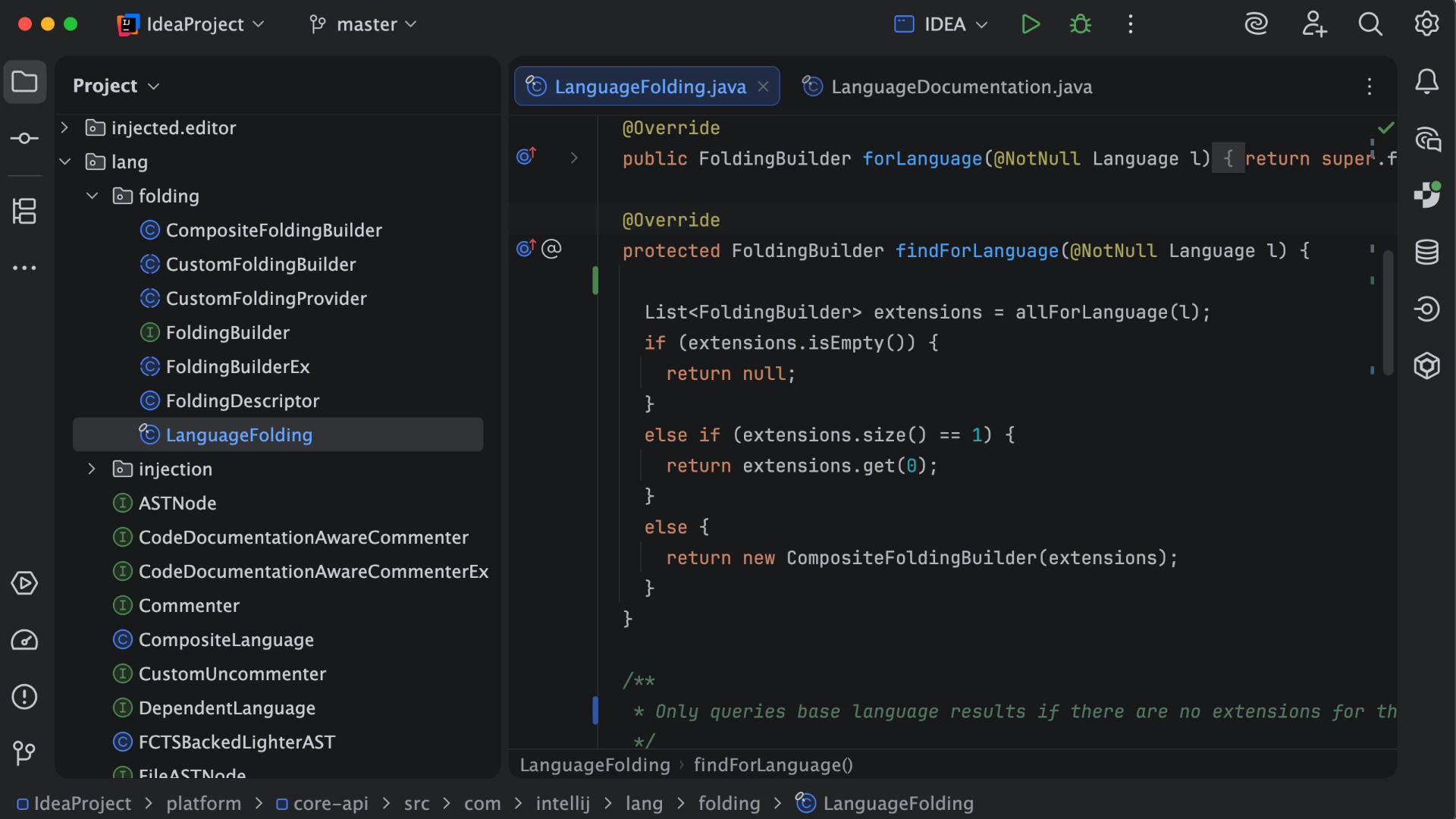
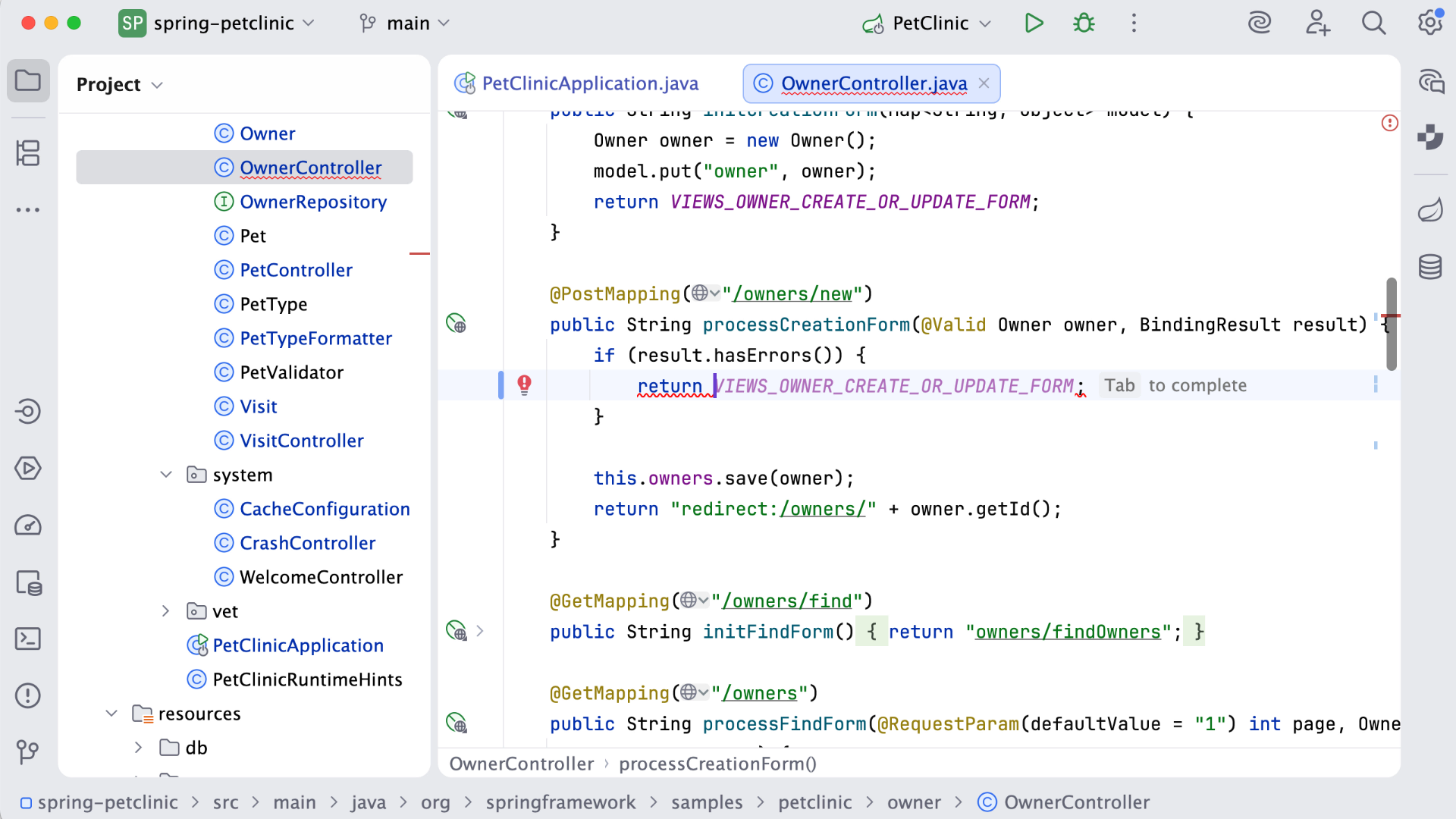
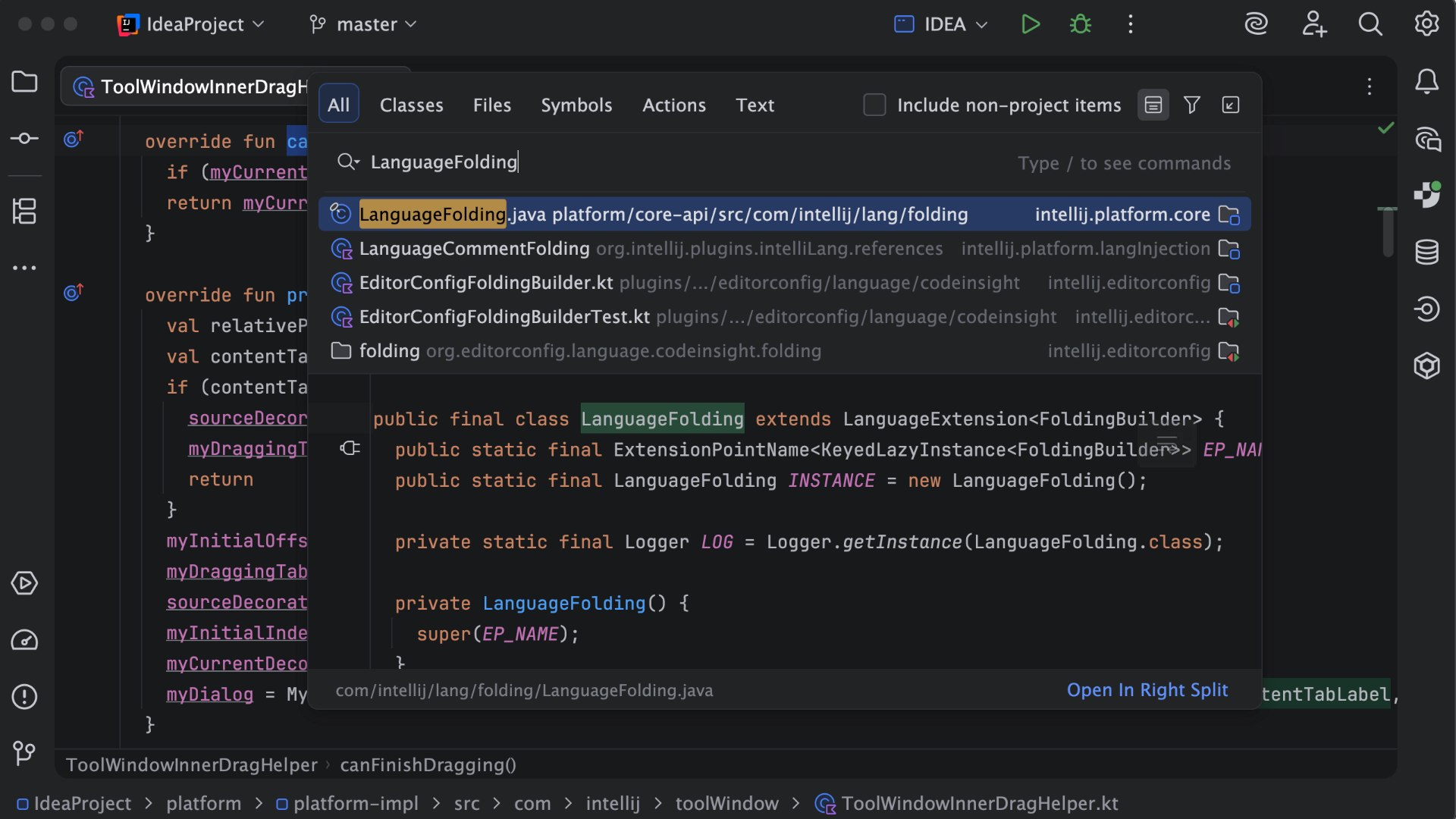
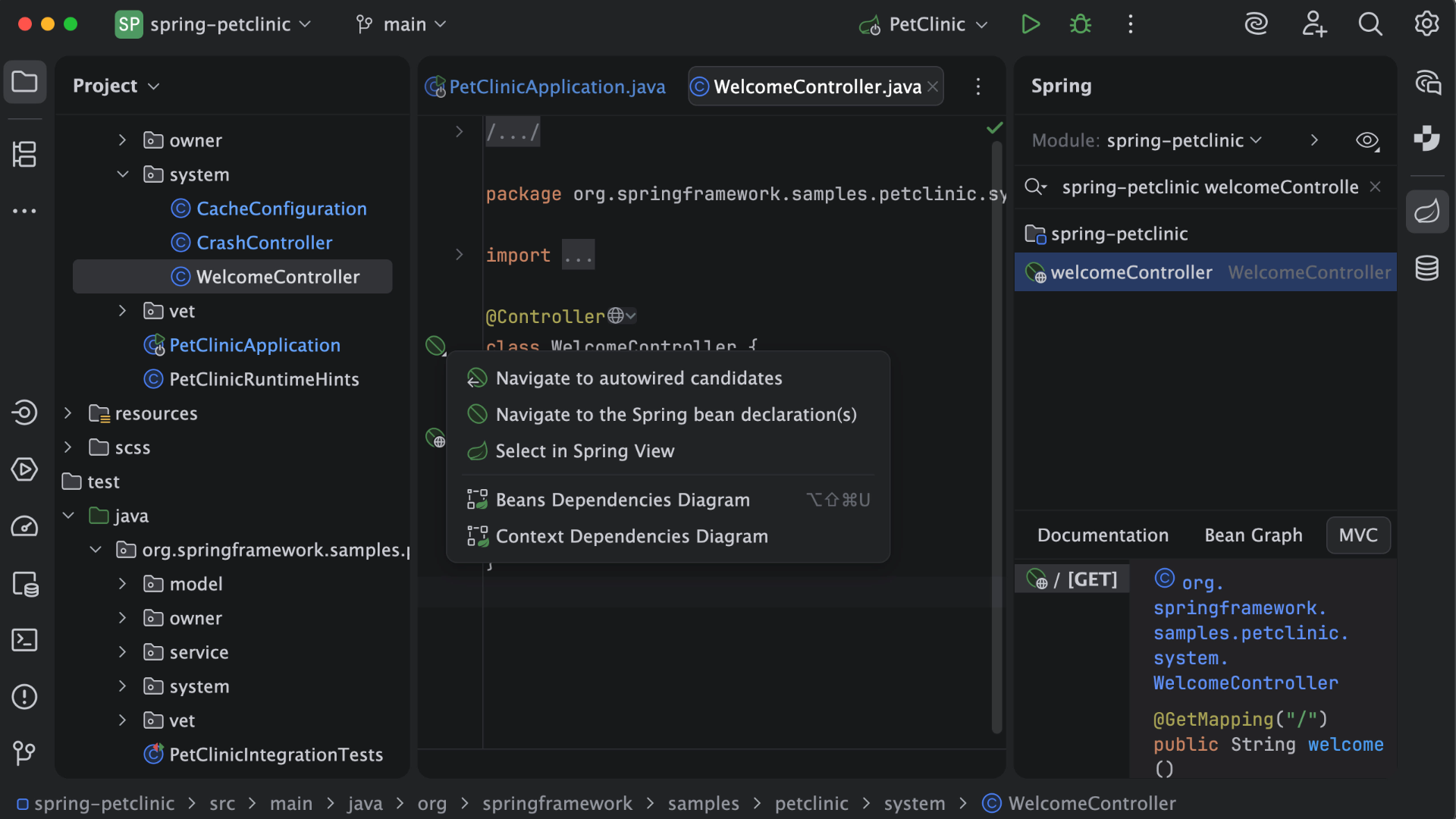
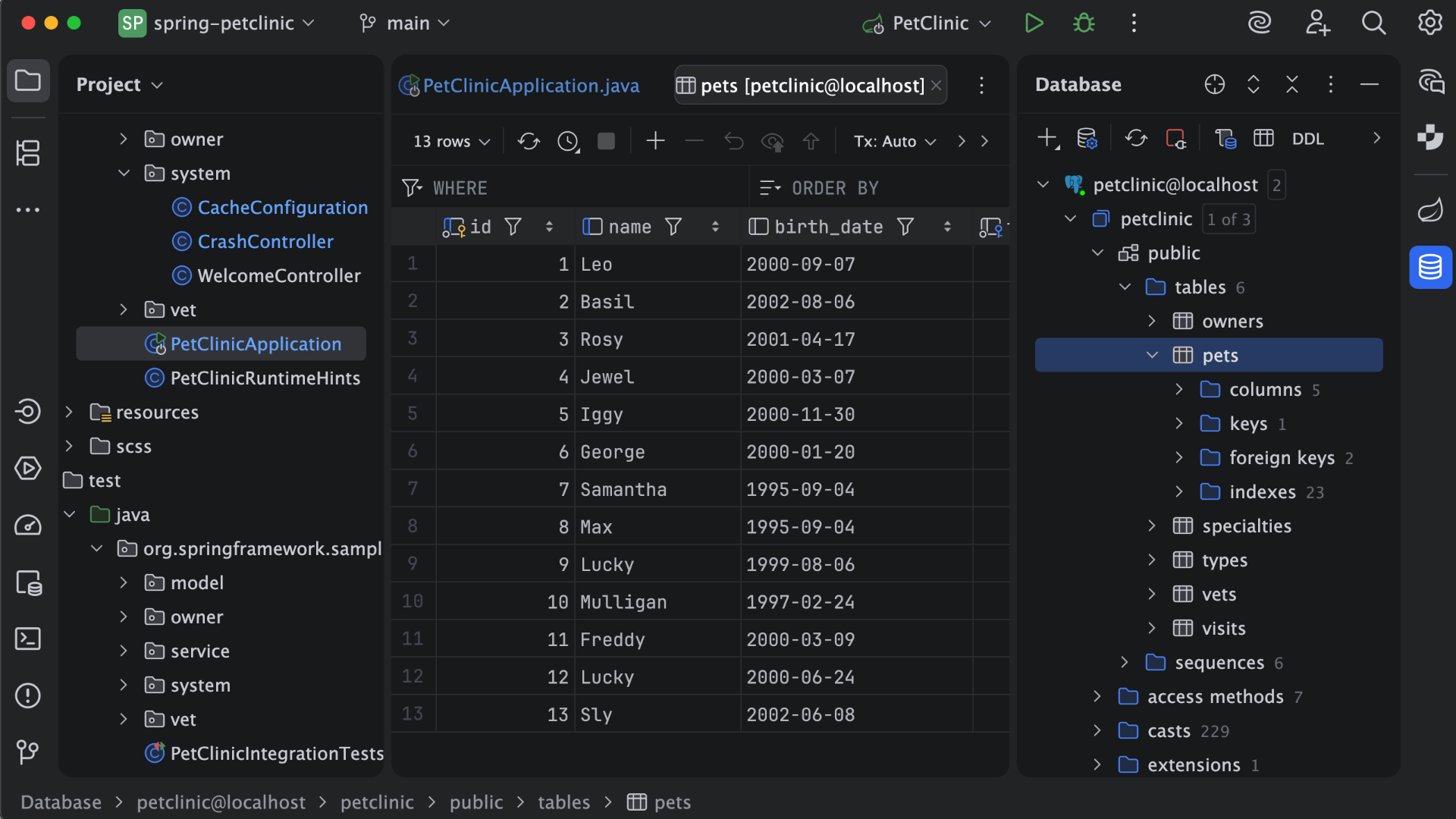
IntelliJ IDEA is an IDE that aims to give Java and Kotlin developers everything they need out of the box, including a smart code editor, built-in developer tools, framework support, database support, web development support, and much more.
$19.90
per month
UiPath Automation Platform
Score8.5 out of 10
N/A
UiPath's agentic platform combines the company's Robotic Process Automation (RPA) solution for automating repetitive tasks with agentic automation. By unifying agentic AI, automation, BPM, and process intelligence, the platform gives organizations control to design, run, and optimize new agentic processes.
$25
per month (for 1 user with basic tier features)
Pricing
IntelliJ IDEA
UiPath Automation Platform
Editions & Modules
For Individual Use (Monthly billing)
$19.90
per month
For Organizations (Monthly billing)
$71.90
per month
For Individual Use (Yearly billing)
$199
per year
For Organizations (Yearly billing)
$719
per year
Automation Cloud Basic
$25
per month 1 user, 1 basic platform tier
Automation Cloud Enterprise
Contact Sales
Enterprise Medium Business
Contact Sales
Automation Cloud Standard
Contact Sales
Automation Cloud Basic
starting at $25
per month 1 user, 1 basic platform tier
Automation Suite
Contact Sales
Offerings
Pricing Offerings
IntelliJ IDEA
UiPath Automation Platform
Free Trial
Yes
Yes
Free/Freemium Version
Yes
No
Premium Consulting/Integration Services
No
No
Entry-level Setup Fee
No setup fee
No setup fee
Additional Details
All Products Pack (For Individual Use) – $299 /1st year, $ 239 /2nd year and $ 179 /3d year onwards
All Products Pack (For Organizations) – $979 / year
Systems Engineer in Information Technology at Infosys Limited (Information Technology & Services, 10,001+ employees)
Chose UiPath Automation Platform
UiPath has a flow-diagram-based code editor, which makes it easier for a developer to debug the code. The Drag and Drop Feature of UiPath helps in reducing dependency to memorize the code syntax. Citrix Automation Capabilities in UiPath is much better compared to other tools …
A de minimis incentive was given to thank the reviewer for their time. The incentive was not used to bias or drive a particular response, nor was the incentive contingent on a positive endorsement. More Info
Verified User
Chose UiPath Automation Platform
Automation Anywhere is not that user-friendly. And, they are not providing free training like UiPath. And its installation process is easy. UiPath has good community support. The configuration of robots in the Orchestrator is pretty easy. Running the process in different …
A de minimis incentive was given to thank the reviewer for their time. The incentive was not used to bias or drive a particular response, nor was the incentive contingent on a positive endorsement. More Info
Verified User
Chose UiPath Automation Platform
The last time we used it, WorkFusion had less usability experience. It was hard for us to find out the usage of the platform. They had very little documentation and the robot built using WorkFusion was not efficient for automating the process. UiPath had good documentation, …
A de minimis incentive was given to thank the reviewer for their time. The incentive was not used to bias or drive a particular response, nor was the incentive contingent on a positive endorsement. More Info
This is a superb tool if your project involves a lot of backend development, especially in Java/Spring Boot and Kotlin. The support for the front end is great as well, but some developers may prefer to use the GitHub copilot add-on. I especially love using the GitHub copilot add-on. It may be less appropriate if your project requires heavy use of HotSwaps for backend debugging, as sometimes the support for that can be limited.
A de minimis incentive was given to thank the reviewer for their time. The incentive was not used to bias or drive a particular response, nor was the incentive contingent on a positive endorsement. More Info
UiPath Automation Platform is well-suited for automating repetitive and time-consuming tasks such as invoice processing, data entry, and report generation. By using UiPath Automation Platform, employees can focus on more strategic tasks, which leads to increased efficiency. Additionally, UiPath Automation Platform is highly effective at automating rule-based processes, such as financial processes like bank statement reconciliation, account payable, and account receivable processes that follow a set of predetermined rules.
Unit testing: Fully integrated into IntelliJ IDEA. Your unit tests will run smoothly and efficiently, with excellent debugging tools for when things get tricky.
Spring integration: Our Spring project using Maven works flawlessly in IntelliJ IDEA. I know firsthand that Apache is also easily and readily supported too. The integration is seamless and very easy to set up using IntelliJ IDEA's set up wizard when importing new projects.
Customization: IntelliJ IDEA comes out of the box with a bunch of handy shortcuts, as well as text prediction, syntax error detection, and other tools to help keep your code clean. But even better is that it allows for total customization of shortcuts you can easily create to suit your needs.
A de minimis incentive was given to thank the reviewer for their time. The incentive was not used to bias or drive a particular response, nor was the incentive contingent on a positive endorsement. More Info
Any type of application can be automated (Desktop Application, Web Application and also applications reachable only via remote technologies such as Citrix, Remote Desktop and so on).
The writing of a process code takes place entirely through the use of objects. In the event that there were no objects capable of solving a particular problem, it is possible to use some languages of the .net platform such as: VB.net, C#.
It is easy to scale the solution by adding more robots to run a process in case the solution requires more performance in the future.
It can also be used by functional analysts to design the flow to be automated.
An academy is available online where basic and advanced courses can be taken. It is also possible to take a completely free basic certification.
A de minimis incentive was given to thank the reviewer for their time. The incentive was not used to bias or drive a particular response, nor was the incentive contingent on a positive endorsement. More Info
A de minimis incentive was given to thank the reviewer for their time. The incentive was not used to bias or drive a particular response, nor was the incentive contingent on a positive endorsement. More Info
As I mentioned, Excel automation is not very effective, there are a number of packages to add, but there is nothing as smooth as a good macro.
Working with selectors is certainly challenging and UiPath does a good job with that, but there is room for improvement since the interface could be smarter in selecting the right attributes and warn the user if something is not properly setup.
A de minimis incentive was given to thank the reviewer for their time. The incentive was not used to bias or drive a particular response, nor was the incentive contingent on a positive endorsement. More Info
VS Code is maturing and has a Scala plugin now. The overall experience with VS Code - for web development at least - is very snappy/fast. IntelliJ feels a bit sluggish in comparison. If that Scala plugin for VS Code is deemed mature enough - we may not bother renewing and resort to the Community Edition if we need it.
A de minimis incentive was given to thank the reviewer for their time. The incentive was not used to bias or drive a particular response, nor was the incentive contingent on a positive endorsement. More Info
This platform has so much potential and have been garnering a lot of attention by proving benefits in terms of saving operational and manpower costs. I am sure with minute efforts we were able to achieve our ROI and the same is the case with many of our customers whom we have been working around Digital Automation initiatives.
A de minimis incentive was given to thank the reviewer for their time. The incentive was not used to bias or drive a particular response, nor was the incentive contingent on a positive endorsement. TR verified that a representative sample of customers was invited. More Info
There is always room for improvement, but I haven't met any IDE that I liked more so far. Even if it did not fit a use case right out of the box, there is always a way to configure how it works to do just that.
A de minimis incentive was given to thank the reviewer for their time. The incentive was not used to bias or drive a particular response, nor was the incentive contingent on a positive endorsement. More Info
There are two main reasons with this rating 1. UiPath Automation Platform requires the old school type of Change Weather management, Which actually eats a lot of time to manage and roll out the recent changes. There is not something kind of CI/CD when you are developing the things With UiPath Automation Platform. 2. Very high development and maintenance cost, which actually decrease its usability.
A de minimis incentive was given to thank the reviewer for their time. The incentive was not used to bias or drive a particular response, nor was the incentive contingent on a positive endorsement. More Info
A de minimis incentive was given to thank the reviewer for their time. The incentive was not used to bias or drive a particular response, nor was the incentive contingent on a positive endorsement. More Info
A de minimis incentive was given to thank the reviewer for their time. The incentive was not used to bias or drive a particular response, nor was the incentive contingent on a positive endorsement. More Info
Customer support is really good in the case of IntelliJ. If you are paying for this product then, the company makes sure that you will get all the services adequately. Regular update patches are provided to improve the IDE. An online bug report makes it easier for the developers to find the solution as fast as possible. The large online community also helps to find the various solutions to the issues.
A de minimis incentive was given to thank the reviewer for their time. The incentive was not used to bias or drive a particular response, nor was the incentive contingent on a positive endorsement. More Info
UiPath RPA has an exceptional studio interface. It has been a year and so since I am using UiPath RPA. Whether it is some my personal task to scrape information & links from the Journal or find a specific character string from multiple PDF collection using OCR, UiPath RPA has made its roots to our technological ecosystem
A de minimis incentive was given to thank the reviewer for their time. The incentive was not used to bias or drive a particular response, nor was the incentive contingent on a positive endorsement. More Info
Video material supported by text. The training has evolved a lot in the past 3 years to become more attractive. Specific training tracks exist for the different roles in RPA development, where everyone is expected to learn basic development.
A de minimis incentive was given to thank the reviewer for their time. The incentive was not used to bias or drive a particular response, nor was the incentive contingent on a positive endorsement. More Info
This installs just like any other application - its pretty straight forward. Perhaps licensing could be more challenging - but if you use the cloud licensing they offer its as simple as having engineers login to the application and it just works.
A de minimis incentive was given to thank the reviewer for their time. The incentive was not used to bias or drive a particular response, nor was the incentive contingent on a positive endorsement. More Info
A de minimis incentive was given to thank the reviewer for their time. The incentive was not used to bias or drive a particular response, nor was the incentive contingent on a positive endorsement. More Info
Eclipse is just so old, like a dinosaur, compared to IntelliJ. There are still formats that Eclipse supports better, especially old and/or propriety ones. Still, most of the modern software development needs can be done on IntelliJ, & in a much better way, some of them are not even supported on Eclipse.
A de minimis incentive was given to thank the reviewer for their time. The incentive was not used to bias or drive a particular response, nor was the incentive contingent on a positive endorsement. More Info
As compared to other products, we require programming knowledge and concepts to work but UiPath is for everyone. It provides us extensive event logging at various stages and effective exception handling for applications and business. It increases our agility and enhances the overall productivity further by using the source control SVC. The solution that we implemented is also very scalable in terms of incorporating new requirements.
The open source tools require lots of IT effort in order to set up and maintain over time. UiPath is like a complete package and customer service is also active in terms of solving issues arising while automating procession on a day to day basis.
A de minimis incentive was given to thank the reviewer for their time. The incentive was not used to bias or drive a particular response, nor was the incentive contingent on a positive endorsement. More Info
A de minimis incentive was given to thank the reviewer for their time. The incentive was not used to bias or drive a particular response, nor was the incentive contingent on a positive endorsement. More Info
A de minimis incentive was given to thank the reviewer for their time. The incentive was not used to bias or drive a particular response, nor was the incentive contingent on a positive endorsement. More Info