Intuit Online Payroll was a small business payroll option available as a standalone SaaS solution, that Intuit announced it was discontinuing in favor of Quickbooks Online Payroll, available via Quickbooks.
$22.50
per month
Patriot Payroll
Score 8.2 out of 10
N/A
Patriot Software headquartered in Canton, Ohio offers Patriot PAY, their benefits administration and payroll software.
$17
per month
Pricing
Intuit Online Payroll (discontinued)
Patriot Payroll
Editions & Modules
Core
22.50 + $4 per employee
per month
Premium
37.50 + $8 per employee
per month
Elite
62.50+ $10 per employee
per month
Basic Payroll
$17/mo + $4 per employee/contractor
Accounting Basic
$20/mo (unlimited use)
Accounting Premium
$30/mo (unlimited use)
Full Service Payroll
$37/mo + $4 per employee/contractor
Offerings
Pricing Offerings
Intuit Online Payroll (discontinued)
Patriot Payroll
Free Trial
No
Yes
Free/Freemium Version
No
No
Premium Consulting/Integration Services
No
No
Entry-level Setup Fee
No setup fee
No setup fee
Additional Details
—
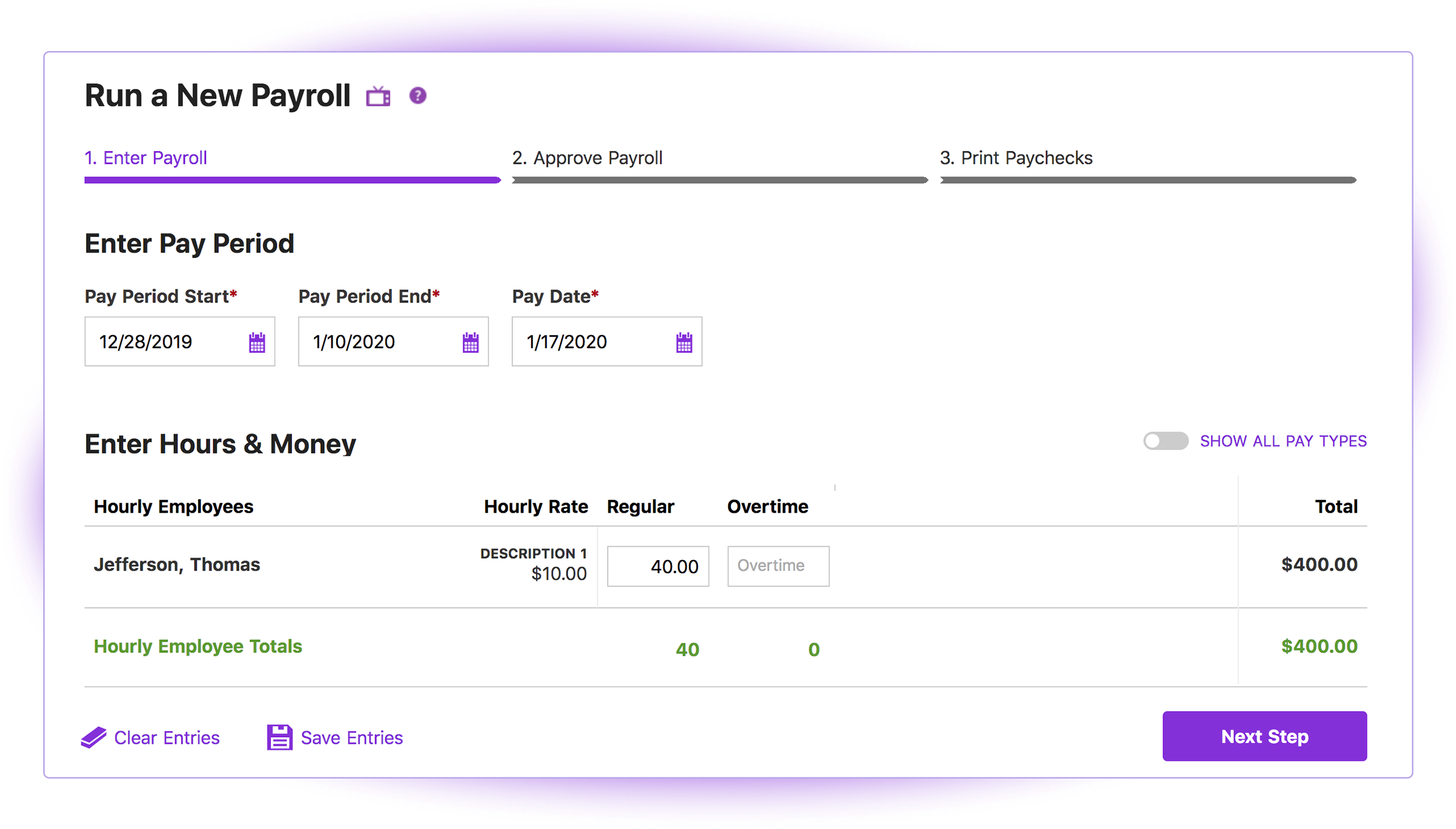
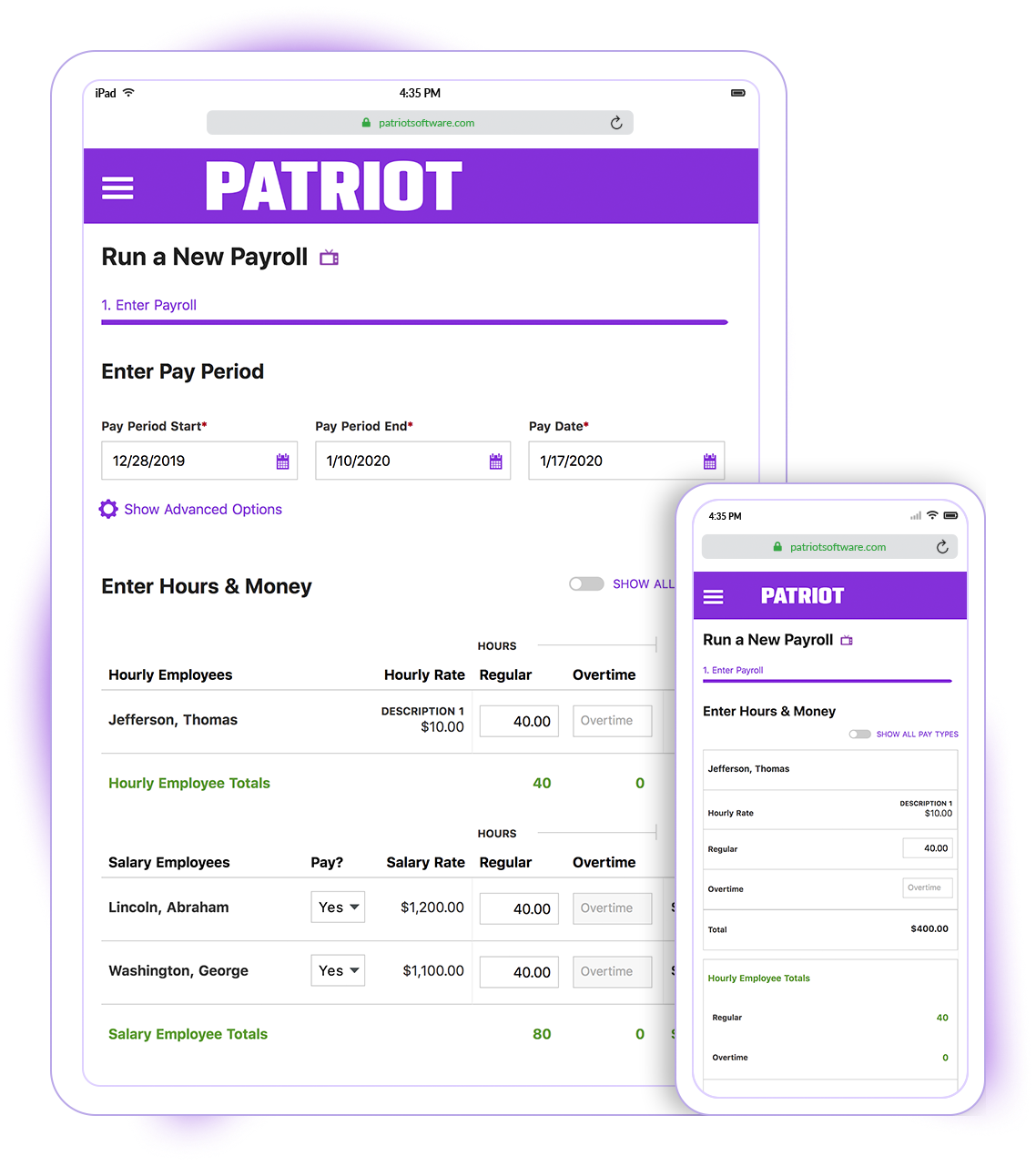
Patriot Software has two payroll options to choose from: Basic Payroll, and Full Service payroll software. Both start with a simple three-step payroll process. With the Full Service Payroll, Patriot will collect, deposit, and file federal, state, and local payroll taxes on the customer's behalf; end-of-the-year payroll tax filing is included at no extra charge.
Print W2s on 8 x 1/2 x 11 plain white office paper to hand to employees, or post to the free employee portal. Also, Patriot Software offers free direct deposit.
It is unfortunate to be stuck with only one solution and to be paying for each client. The two-day (and in some cases, one day) turn around time really sealed the deal for me. And that is without pre-funding an account. It reduces complexity, so I'm not paying for a bunch of …
I briefly used Intuit Online Payroll, and it was expensive, had no support, and was very frustrating to use. I also used 3 local tax companies for payroll - they were extremely expensive and messed up all of the time. Their employee turnover was very annoying (and it seemed to …
QuickBooks Online Payroll is literally the devil. They make things unclear, very difficult to tell what has been filed and what has been missed, hard to adjust owner salary whenever you want. I hate it! Gusto is more robust than Patriot and so for bigger companies with more …
Cost is the major factor here, but the ease of use (and design of the interface) is a big advantage for Patriot PAY. Items are (ironically) more "intuitive" to find and manage in Patriot PAY than Intuit.
Patriot PAY is closer to ADP/Gusto/Paychex in how it looks and feels and …
I believe the ideal scenario is when you are already using the Intuit family of products and the payroll bolts on to your existing QuickBooks infrastructure. Payroll software products have been around a long time, and this is a very competitive niche. Most of the companies do a good job of filing taxes promptly, reporting W-2 items properly, providing good reports, etc. Where you might really get some extra efficiency and benefit is the fact that the payroll is woven into the accounting system, creating one seamless enterprise solution. Also, where it might be less appropriate is in a really simple use case such as a one person company where there aren't complex fringe benefits to deal with. In that scenario, you can set up the ACH debits directly with the state agency and the IRS and possibly file your own 941, 940, W-2/W-3 and state equivalent forms. Of course, if you're willing to do this and are good with details, you can save yourself some money.
Patriot PAY is well-suited to a company that has a 10-day window between the end of the pay period and the payday. The company size makes very little difference and it is easy to use for any company. It is also very progressive in development and improvement. If a company has a small window for turn-around, but fairly consistent payroll amounts (such as a lot of salary workers), Patriot PAY might also be a good fit for them.
Companies with tight turn-around times or payrolls that vary significantly in direct deposit amounts might have difficulty using Patriot PAY.
Integration with QuickBooks Desktop. This is the key strength of IP... it is a complete, native integration and let's you maintain all employee records and time keeping in QuickBooks
Job Costing. Another key differentiation -- some payroll outsources say they do true job costing (by work or item code). Don't believe them. If its' not integrated with your accounting system, you will not get "TRUE" job costing. You can get costs ASSIGNED to jobs (which may be fine), but you won't get item level detail in QuickBooks from anyone but Intuit.
Variety of Payment options. Use Direct Deposit or manual checks... or whatever you want. Since its in QB, you can make payments any way you want.
Cash Flow. This is both good and bad, but IP will not take taxes out of your bank account until they are due. That's different than some other providers that want assurance that you have the tax payments available at the moment you push "SUBMIT."
It is simple, intuitive and straightforward in its design. Someone with little experience with roles in human resources roles, bookkeeping or payroll can quickly learn how to set-up the software and run payroll regularly by reading through the support portion of the site, or by contacting the helpful staff at Patriot. Patriot staff have walked me through issues or guided me on the phone as I learned how to use a function of the software.
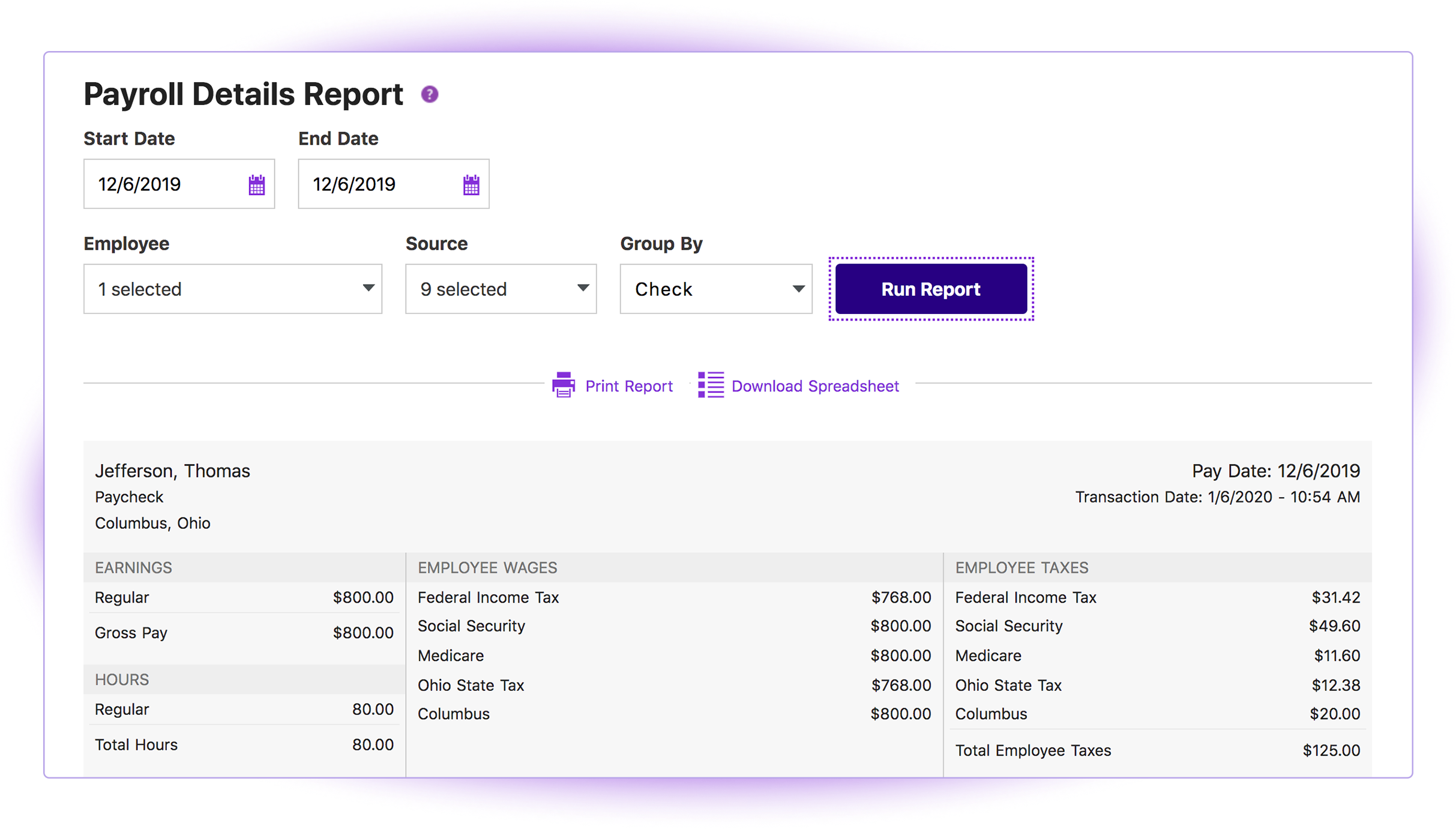
Patriot provides comprehensive quarterly tax filing records, including 941s, state unemployment compensation tax payments, state employer's tax and local employer's tax filings. You can also generate payroll or tax deposit reports over a specific time period or per employee.
The support and FAQ pages available on Patriot are very practical and written in an easy to understand manner. Using the information provided there, I was able to properly set up new employees according to local and state filing requirements.
My biggest issue is that they do continue to raise their prices on a regular basis and it makes people feel stuck when there are so many clients already using the system.
They do not support roaming employees, so employees that cross over into various tax jurisdictions in one pay period pose a challenge for calculating taxes and pay.
The setup can be a bit daunting still if you are not familiar with the system or the various taxes and requirements for reporting.
Connecting with outside software - we have an issue of Patriot not recognizing donors when connected to other websites when all the information is the same minus a middle initial
Giving an error page when something small is off. Instead of giving an easy to fix error notification, Patriot brings the user to an error page and they have to reenter everything.
Fixing dates easily. If a date is entered incorrectly, 8/13/21 instead of 2021, an error pop up appears but the user has to click enter/okay many times or refresh the page in order to fix this issue.
Enter vs Tab key - Patriot loves the tab key but if the user clicks enter instead, many times it brings them to the home page.
I would rate it a 0. It gets worse and worse all the time. It seems like every time I go into IOP to run a payroll for one of my clients, I have one more problem.
I think it is great once things are setup as for general user looking to look for simple things like a copy of a paystub or a current pay rate for an employee. However, to find specialized things like a state withholding number or payroll integration settings those do require a bit more digging to find or possibly a call to customer service for help.
The customer support personnel have always walked me through the steps they need to take to assist me. Never rushed through anything. Always exceptionally thorough, answering all my questions and even sharing my screen visually (I have control, not them). It actually helps me to resolve future issues and questions, if they should arise.
Generally speaking it is pretty good that when I need to call somebody up for a payroll question I can generally within five minutes get somebody on the phone and they can help me resolve the problem or specify where specifically I need to go or contact to find my answers. However, that being said, for my specific situation as a partner my assigned contact has not always been very responsive.
It's a payroll software with decent customer support readily available and direct integration with my accounting tools. This made it a prime fit for me, and made payment and tax reporting relatively simple, and errors readily correctable. It does not have time tracking, and I still believe that this software is overpriced, but it's the best fit for me right now.
I briefly used Intuit Online Payroll, and it was expensive, had no support, and was very frustrating to use. I also used 3 local tax companies for payroll - they were extremely expensive and messed up all of the time. Their employee turnover was very annoying (and it seemed to happen every other month) and each employee did things differently. When I let one of my employees go, the last company paid them after termination (2 weeks of salary), and had to get into a legal battle because the employee would not give the money back.
Positive: Less of a learning curve to train payroll accountants, as they are already familiar with using Intuit. Also, in general there are a larger pool of candidates who know this system than many of the other "niche" lesser known payroll products.
Positive: More options to choose from depending on the level of service needed. For example, there is a Full Service offering if needed. This might apply to an organization that doesn't have the resources available or an internal person who has the time/bandwidth to handle the entire company's payroll. Thus, it is possible to cherry pick the level of service needed depending on the type of company/situation.
Positive: Good audit trail. This can be extremely important and cost efficient when a business is going through an external audit by an outside CPA firm and the payroll accounting function is undergoing testing (ie. less time required by the external auditor would likely lower their bill for their services).