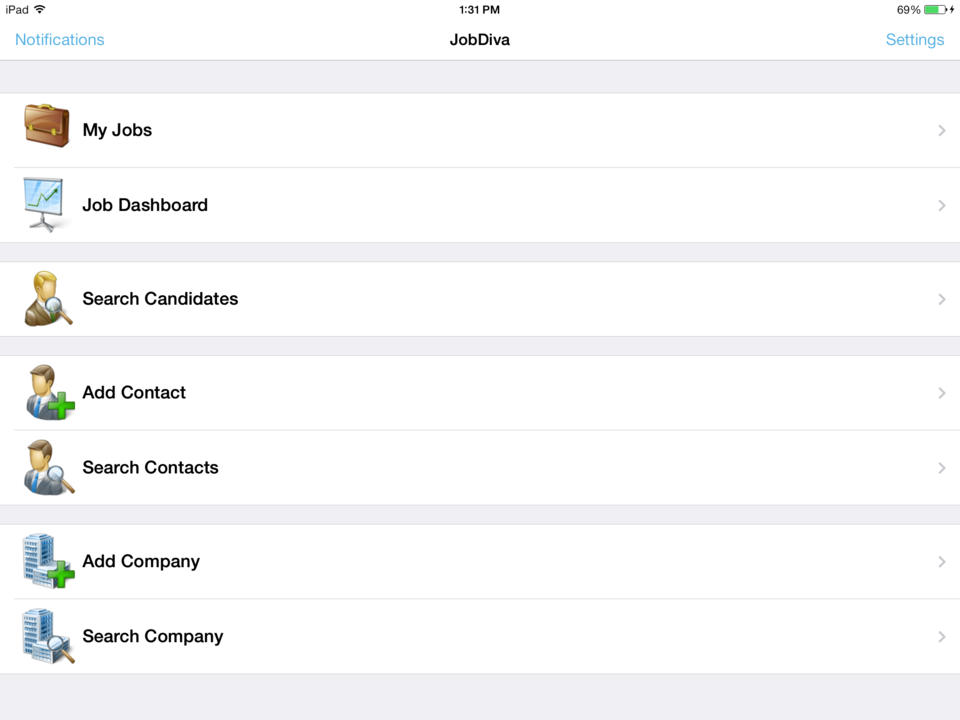
JobDiva is a global applicant tracking system (ATS) and front-to-back talent management solution. JobDiva combines a CRM, synchronization with all major job boards and VMS providers, BI analytics, a mobile app, and a resume database. JobDiva also advertises unique search filters for screening resumes.
N/A
Lightning Tools Lightning Forms
Score9.1 out of 10
Enterprise companies (1,001+ employees)
Lightning Forms is a SharePoint list form design tool that aims to enable users to improve the logic, layout and styling of responsive SharePoint Forms. Lightning Forms offers cascading lookups, customized buttons with actions, repeating lists integration, tab controls, styling and conditional control formatting, calculations, and expressions. These features help users to build business forms within SharePoint and offers an alternative to InfoPath Forms.
$2,200
per year per installation
Pricing
JobDiva
Lightning Tools Lightning Forms
Editions & Modules
No answers on this topic
Lightning Forms OnPrem
From $2000
per year per installation
Lightning Forms Plus OnPrem
From $3500
per year per installation
Lightning Forms OnPrem Enterprise Edition
POA
per year per installation
Lightning Forms (Online)
From $2200
per year per installation
Form Designer Suite (Online)
From $4000
per year per installation
Lightning Forms Enterprise Edition (Online)
POA
per year per installation
Offerings
Pricing Offerings
JobDiva
Lightning Tools Lightning Forms
Free Trial
No
Yes
Free/Freemium Version
No
No
Premium Consulting/Integration Services
Yes
Yes
Entry-level Setup Fee
No setup fee
No setup fee
Additional Details
—
Prices stated are minimum per installation for "stock" products.
$2.2 & $4.00 per user/year for each product ion top of base price.
Enterprise editions can be amended to suit business needs if deemed necessary, additional costs incurred and TBD.
All packages include free technical support.
Free upgrades available to latest versions of tool as they are released. (online versions)
The functionality the platform holds is top-notch where I can house details regarding contact information, requested rates, what jobs we're submitting them to, and all the personal information (CV, certifications, degrees, etc) that we obtain from our candidates. It's extremely helpful that I am able to submit candidates externally as that is our M.O. routinely. I really like it.
A de minimis incentive was given to thank the reviewer for their time. The incentive was not used to bias or drive a particular response, nor was the incentive contingent on a positive endorsement. More Info
Overall, there are many use cases for which Lightning Forms provides a slick, easy to develop and extremely useful solution. Request forms that need to be actioned and inspection forms are the scenarios that we have used them for so far, which have seen a lot of success. We have decided that other scenarios that are perhaps more sensitive, for instance forms that may contain special category data relating to our customers, are less appropriate given the permissions/licensing constraints of both SharePoint and Lightning Forms.
A de minimis incentive was given to thank the reviewer for their time. The incentive was not used to bias or drive a particular response, nor was the incentive contingent on a positive endorsement. More Info
Simple user interface - users of the forms intuitively aware of how/where to input information. This is in part due to being able to show or hide different questions or areas of the form, and making them required or not, based on previous answers.
Low/simple code - building complex forms with automation and multiple dependencies or lookups is relatively easy once you get started. You have the power of JavaScript to use and do some quite clever things if you can get to grips with it - a lot of solutions are only a Google away.
As it is based on SharePoint, it integrates perfectly with the rest of the M365 suite. Things like PowerAutomate enhance its functionality even further.
A de minimis incentive was given to thank the reviewer for their time. The incentive was not used to bias or drive a particular response, nor was the incentive contingent on a positive endorsement. More Info
The styling of the form can sometimes be slightly awkward to use depending on what you're looking to do. For instance, if I was looking to highlight fields that users have missed (left empty), I would need to set up a validation for that question and then set a style for that particular field for when it is invalid. When you have a large and complex form with lots of dependencies, this is awkward.
Support for complex and niche issues is slightly lacking in my experience. I submitted a helpdesk ticket for help with a strange issue I couldn't figure out, which took several weeks to get a response to. Because it is niche, it's more difficult to find an answer by searching the internet. Luckily, knowing there is likely to always be a fix if you find the right place/use the right formula, I manage to resolve the issue with some trial and error.
It is disappointing that Lightning Forms does not integrate with the MS Lists app. Having the ability to access the form through the list app would add in a lot of useful functionality, including a better experience for users when taking photos to add as attachments.
We have invested a lot of time and technically money (on the part of our people) in JobDiva. We had an independent company come in and do a gap analysis to tell us where we were using the product as we should be and where we were not. We are working on correcting things that we are not doing to "best practice" for our business.
A de minimis incentive was given to thank the reviewer for their time. The incentive was not used to bias or drive a particular response, nor was the incentive contingent on a positive endorsement. TR verified that a representative sample of customers was invited. More Info
JobDiva is one of the best applicant tracking systems - it's easy for recruiters to use and provides the ability to quickly build a search and filter millions of resumes of available candidates with the required levels of experience, skills or attributes. Jobdiva itself is a very intelligent and powerful tool to recruit and source qualified candidates.
It is very user friendly both to me who is building the content (with little background knowledge of coding etc., other than what I have picked up from using products like PowerAutomate, PowerBI, a bit of html etc.) and to end users of varying levels of IT proficiency. This has been extremely important as we have used the forms to make relatively large process changes, and need to have our users on board and seeing that it is actually easier than it was before.
Over all I think JobDiva works well. It has some issues from time to time, but the support staff seems to handle it quickly. The major issue is the email merges getting black listed as spam. That takes away a very important JobDiva feature. That is our major functionality complaint these days
A de minimis incentive was given to thank the reviewer for their time. The incentive was not used to bias or drive a particular response, nor was the incentive contingent on a positive endorsement. More Info
Usually, we don't come across downtime or any such issues. However, whenever required, the Support team is always up and ready to solve it as soon as possible. One of its best features is it always Notifies users of any changes related to any of its uses or new additions.
Some support has been okay, but in one instance of a fairly complex problem, the support team were not able to provide me with a fix within a few weeks, before I was able to find a workaround myself.
A de minimis incentive was given to thank the reviewer for their time. The incentive was not used to bias or drive a particular response, nor was the incentive contingent on a positive endorsement. TR verified that a representative sample of customers was invited. More Info
A de minimis incentive was given to thank the reviewer for their time. The incentive was not used to bias or drive a particular response, nor was the incentive contingent on a positive endorsement. TR verified that a representative sample of customers was invited. More Info
This is a SaaS platform so the implementation is easy. One thing to consider is to make sure your organization has agreed to this system. Not all will like it but atleast everyone must understand how this will impact Staffing efforts in a positive way. Once everyone is bought then the rest is smooth. The reason I mention this is because after the implementation some where reluctant to change thus not maximizing JOBDIVA to its full capacity.
A de minimis incentive was given to thank the reviewer for their time. The incentive was not used to bias or drive a particular response, nor was the incentive contingent on a positive endorsement. More Info
Bullhorn seemed very focused on integration with LinkedIn but was missing on other factors. WinSearch was lacking as an ATS on all fronts, mass email would go to same people, there was no real prevention of duplicates and there was really no great way to link information and easy access later on
A de minimis incentive was given to thank the reviewer for their time. The incentive was not used to bias or drive a particular response, nor was the incentive contingent on a positive endorsement. More Info
We were using Microsoft Forms, SharePoint Lists and PowerAutomate to attempt to do much of what we are currently doing. Functionality is very limited in comparison. The ability to make questions required based on previous answers was a massive improvement from normal SharePoint List forms and has greatly improved the quality of data. Also just the very visual display and customisation is much better.
It had a positive impact of the number of candidates I was able to reach and which actually helped to increase the hiring rate at one of our clients.
The reporting system in JobDiva. It actually helped to focus more on the business objectives instead of documenting about each and every employee.
The only negative it had was that in a ew positions (asking for niche skills), when it required to submit candidates in a quick time, the other vendors were able t he win the race.
We changed the process by which site colleagues report repairs on behalf of customers. Instead of emailing them into a shared inbox, they now report them using a lightning form. We have seen a great improvement in the time taken for our team to log the repair issue from the time is arrives with them.
We anticipate that streamlining our void property reletting process by using a SharePoint kanban board view with lightning forms (providing a single platform for all things void) will reduce avoidable days vacant and therefore reduce our void loss.