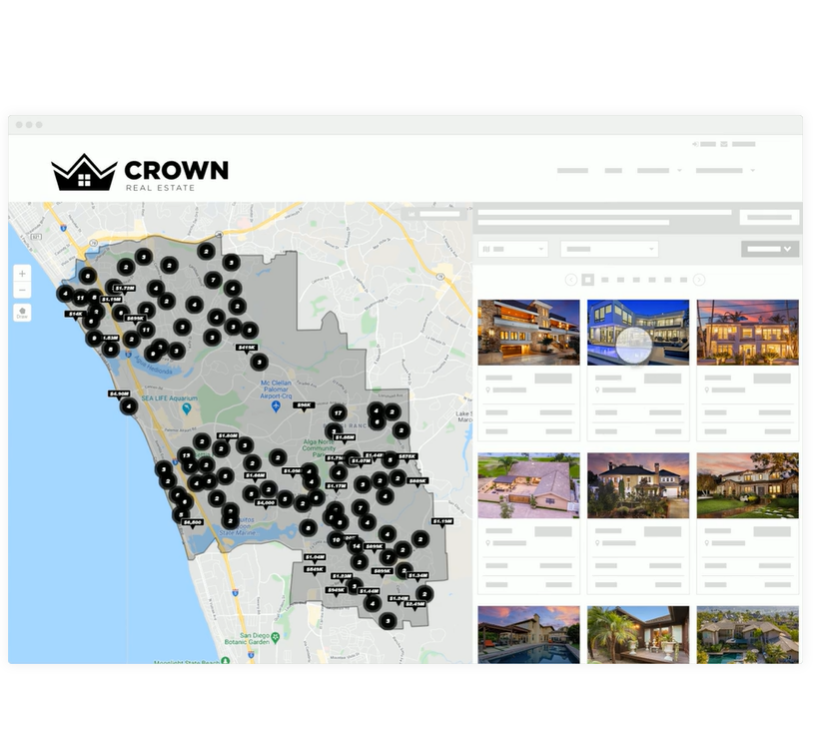
The kvCORE platform is described by the vendor, Inside Real Estate in Draper, as a next-gen solution for modern brokerages and enterprises to run their entire business on one platform.
N/A
Really Simple Systems
Score 7.6 out of 10
Small Businesses (1-50 employees)
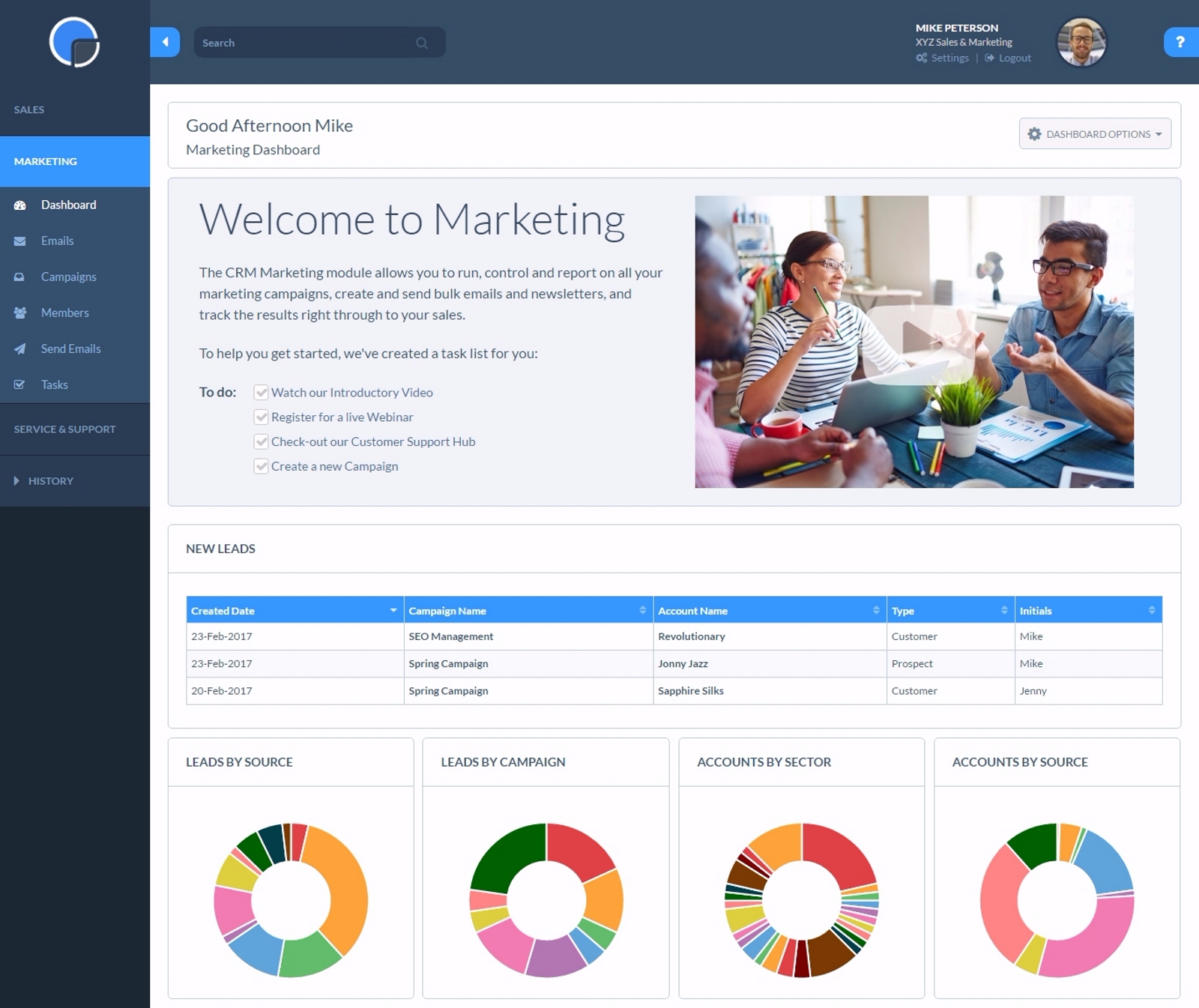
Really Simple Systems is a customer relationship management (CRM) software deployed via cloud with built-in features like email marketing, pipeline management, and case management.
$8
per month
Pricing
kvCORE
Really Simple Systems
Editions & Modules
No answers on this topic
Free CRM
$0
2 Users and 100 Company Records
Starter
$15
per User, 1000 Company Records, Unlimited Contacts, 1 GB Document Storage, MailSync, Custom Settings, Custom Reports, API Integration, Online ‘self-service’ Support Hub, Email and Online Chat Support, Optional Marketing Module
Professional
$33
per User, 5000 Company Records, Unlimited Contacts, 5 GB Document Storage, MailSync, Custom Settings, Custom Reports, API Integration, Advanced User Permission Levels, Online ‘self-service’ Support Hub, Free Email, Chat and Phone Support, Priority Technical Support, Optional Marketing and Service Desk Modules
Enterprise
$50
per User, Unlimited Company Records, Unlimited Contacts, Unlimited Document Storage, MailSync, Advanced Reporting, Custom Settings, Advanced User Permission Levels, API Integration, Online ‘self-service’ Support Hub, Free Email, Chat and Phone Support , Top Priority Technical Support, Dedicated Account Manager, Free Online Team Training , Optional Marketing and Service Desk Modules
Offerings
Pricing Offerings
kvCORE
Really Simple Systems
Free Trial
No
Yes
Free/Freemium Version
No
Yes
Premium Consulting/Integration Services
Yes
No
Entry-level Setup Fee
Optional
No setup fee
Additional Details
—
All plans include free customer support and setup help.
More Pricing Information
Community Pulse
kvCORE
Really Simple Systems
Features
kvCORE
Really Simple Systems
Sales Force Automation
Comparison of Sales Force Automation features of Product A and Product B
kvCORE
-
Ratings
Really Simple Systems
7.2
33 Ratings
8% below category average
Customer data management / contact management
00 Ratings
7.833 Ratings
Workflow management
00 Ratings
7.213 Ratings
Territory management
00 Ratings
6.98 Ratings
Opportunity management
00 Ratings
7.727 Ratings
Integration with email client (e.g., Outlook or Gmail)
00 Ratings
6.325 Ratings
Interaction tracking
00 Ratings
7.525 Ratings
Customer Service & Support
Comparison of Customer Service & Support features of Product A and Product B
kvCORE
-
Ratings
Really Simple Systems
7.2
25 Ratings
7% below category average
Case management
00 Ratings
7.423 Ratings
Help desk management
00 Ratings
7.024 Ratings
Marketing Automation
Comparison of Marketing Automation features of Product A and Product B
kvCORE
-
Ratings
Really Simple Systems
7.1
27 Ratings
9% below category average
Lead management
00 Ratings
7.024 Ratings
Email marketing
00 Ratings
7.220 Ratings
CRM Project Management
Comparison of CRM Project Management features of Product A and Product B
kvCORE
-
Ratings
Really Simple Systems
7.0
29 Ratings
10% below category average
Task management
00 Ratings
7.127 Ratings
Reporting
00 Ratings
6.925 Ratings
CRM Reporting & Analytics
Comparison of CRM Reporting & Analytics features of Product A and Product B
kvCORE
-
Ratings
Really Simple Systems
6.5
25 Ratings
17% below category average
Forecasting
00 Ratings
6.320 Ratings
Pipeline visualization
00 Ratings
6.321 Ratings
Customizable reports
00 Ratings
6.824 Ratings
Customization
Comparison of Customization features of Product A and Product B
kvCORE
-
Ratings
Really Simple Systems
6.8
28 Ratings
12% below category average
Custom fields
00 Ratings
7.128 Ratings
Custom objects
00 Ratings
6.824 Ratings
API for custom integration
00 Ratings
6.517 Ratings
Platform
Comparison of Platform features of Product A and Product B
kvCORE
-
Ratings
Really Simple Systems
6.8
21 Ratings
11% below category average
Mobile access
00 Ratings
6.821 Ratings
Security
Comparison of Security features of Product A and Product B
I think if you have a very large brokerage and can afford to pay for a fully customized set up then it may be worthwhile. I would make sure you have a dedicated support team, not an account manager. In my opinion, the account managers are worthless and will not respond most of the time. We are on our second account manager in 9 months of using the system and cannot get in touch with him. In my experience, the account managers have no knowledge of how the system works or how anyone in real estate would want it to work. Obviously, I can only say this for the two managers we have had so far. I would steer clear of this system unless you want to spend a few thousand a month for a system that, I feel, will impede your business rather than improve it.
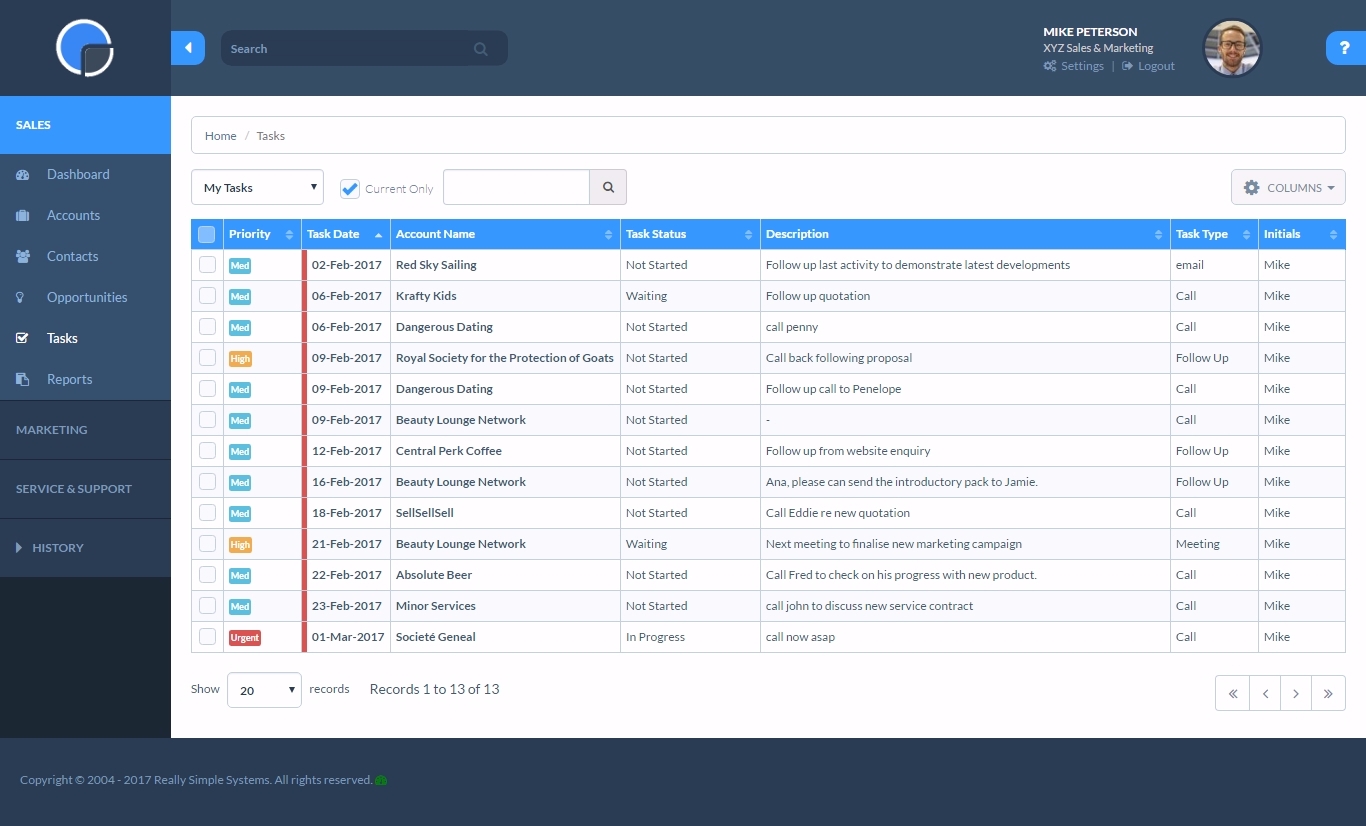
If you have a customer/job where there are steps to be followed such as quotes, follow up, purchase orders received, etc. You can set reminders for a member of the team with their next step and they will be sent reminders. Works well as long as it is kept updated.
It sends unwanted canned responses to potential clients that you haven't approved. You must figure out how to use it to make them stop. This was day 1.
If you like to learn using many many different videos to learn a product, then this maybe for you.
Their support is good, but wait times can be long. They want you to use their chat, but then when you ask your question, it can be a several hour wait time between responses. The people are nice and resolve your issue. But I think chat is for quick back and forth communication, not something with a long delay. Also, you can only really do it effectively on your computer, not on your phone.
It's proving very tough to track leads from campaigns we are running ourselves. If your website converts a lead, it really just gives you the website source, and even that only some of the time. It would be great to create custom sources and have kvCORE track that traffic and lead via some sort of UTM tag or URL parameter.
Some of the load times aren't great. When I load up my database, it takes a while to actually display. Also, when a lead is claimed in a pond, you have to refresh to be able to contact them. Then once you add a campaign, you have to refresh again to see the tasks that fire. This is a bit clunky.
The app is great, but there is still some limited functionality. It would be great to access and claim leads from a pond on the mobile app. Also if you could get push notifications when new leads are added. Our time to lead sucks, and that's because kvCORE doesn't alert you super quickly.
Resends - I would like a simple [one-click] function to resend email campaigns to [non-openers.]
[Emails] that have been created but not sent or attached to a campaign I would like to see a place that they could be in [the] draft so I can come back to them at a later date without them appearing on the email list[.]
It doesn't deserve a zero because you can access contacts and get reminders to contact them. In my experience, you can not use the system for proper communication with both prospects and their spouses.
Simple systems is great for smaller sales and marketing teams to log their territories and report on progress on their opportunities. There are many useful features such as tasks and reporting to show to management how opportunities are progressing and when the estimated close date would occur. The two main issues are scalability within larger [organizations] and the ease to duplicate contacts.
I love kvCORE's support. Having the little chat feature in the bottom right of my screen the whole time I'm working takes away any stress or worry about using it. When I first started using it, I learned its features by clicking and trying things, and more than once I had to go into the chat support and ask how to undo or fix what I had done. I don't think I've ever waited more than 5 minutes to get a reply back and it being almost instant and right there on my screen allowed me to continue working and know immediately when my question had been answered.
Whenever I have had any issues, which is probably only 3 times in 10 years, the back office support has been fantastic and got me up and running again in a very short time. Cannot fault them at all. But as I stated, problems have been very few and far between.
Konversion and BoomTown are the only two I have used. Both have their things to recommend. Since I used Konversion, using kvCORE was simpler and I was able to upload my contacts seamlessly. This made adopting a new system easier and less likely to have a gap in contacting customers.
We choose RSS due to cost. We are a startup and needed a great solution that did not cost [a lot]. RSS [fits] all our needs at the perfect price. We could not be more thrilled with our choice and it has simplified our client interaction[.]
A very positive effect on our understanding of our customers and what kind of events are working well at the venue and which aren't. This will allow us to work more smartly when responsive to enquiries, improving our overall productivity.
Very positive impact on our current review of marketing and sales strategy.