
LogMeIn Resolve vs. OpenLM for Engineering Licensing
| Product | Rating | Most Used By | Product Summary | Starting Price |
|---|---|---|---|---|
 LogMeIn Resolve | Score9.1 out of 10 | N/A | LogMeIn Resolve is an IT management and support solution designed to help organizations take control of their IT infrastructure. The platform combines features like remote monitoring, access, and support with tools such as ticketing, AI-assisted task automation, and patch management. | $29 per month |
 OpenLM for Engineering Licensing | Score8 out of 10 | N/A | OpenLM for Engineering Licensing provides essential engineering software license tracking capabilities and reports. Users can optimize software inventory, helping to stretch expensive software licenses to their limit. Works with a wide range of license managers including Flexera, DSLS, Reprise and Sentinel RMS. Handles all | N/A |
| LogMeIn Resolve | OpenLM for Engineering Licensing | |||||||||||||||
|---|---|---|---|---|---|---|---|---|---|---|---|---|---|---|---|---|
| Editions & Modules |
| No answers on this topic | ||||||||||||||
| Offerings |
| |||||||||||||||
| Entry-level Setup Fee | No setup fee | Optional | ||||||||||||||
| Additional Details | Volume discounts are available. MDM is available as a standalone or as an add-on. Discount available for annual billing. | — | ||||||||||||||
| More Pricing Information | ||||||||||||||||
| LogMeIn Resolve | OpenLM for Engineering Licensing | |
|---|---|---|
| Considered Both Products | No answer on this topic | No answer on this topic |
| Key User Insights | ||
| Would buy again | ||
91% Would buy again 101 Answers | No answers on this topic | |
| Delivers good value for the price | ||
94% Delivers good value for the price 92 Answers | No answers on this topic | |
| Happy with the feature set | ||
95% Happy with the feature set 106 Answers | No answers on this topic | |
| Lived up to sales and marketing promises | ||
93% Lived up to sales and marketing promises 69 Answers | No answers on this topic | |
| Implementation went as expected | ||
95% Implementation went as expected 88 Answers | No answers on this topic | |
| LogMeIn Resolve | OpenLM for Engineering Licensing | |
|---|---|---|
| Small Businesses |  Avast CloudCare Score10 out of 10 | No answers on this topic |
| Medium-sized Companies |  Action1 Score9.4 out of 10 | No answers on this topic |
| Enterprises |  ManageEngine Endpoint Central Score9 out of 10 | No answers on this topic |
| All Alternatives | View all alternatives | View all alternatives |
| LogMeIn Resolve | OpenLM for Engineering Licensing | |
|---|---|---|
| Likelihood to Recommend | 9.0 | 8.2 |
| Likelihood to Renew | 6.8 | - |
| Usability | 8.3 | - |
| Availability | 9.1 | - |
| Performance | 6.4 | - |
| Support Rating | 9.1 | - |
| In-Person Training | 9.1 | - |
| Online Training | 9.1 | - |
| Implementation Rating | 9.1 | - |
| Configurability | 9.1 | - |
| Contract Terms and Pricing Model | 7.3 | - |
| Product Scalability | 9.1 | - |
| Professional Services | 9.1 | - |
| Vendor post-sale | 9.1 | - |
| Vendor pre-sale | 9.1 | - |
| LogMeIn Resolve | OpenLM for Engineering Licensing | |
|---|---|---|
| Likelihood to Recommend |
|
|
| Pros |
|
|
| Cons |
|
|
| Likelihood to Renew |
| No answers on this topic |
| Usability |
| No answers on this topic |
| Reliability and Availability |
| No answers on this topic |
| Performance |
| No answers on this topic |
| Support Rating |
| No answers on this topic |
| In-Person Training |
| No answers on this topic |
| Online Training |
| No answers on this topic |
| Implementation Rating |
| No answers on this topic |
| Alternatives Considered |
|
|
| Contract Terms and Pricing Model |
| No answers on this topic |
| Scalability |
| No answers on this topic |
| Professional Services |
| No answers on this topic |
| Return on Investment |
|
|
| ScreenShots | LogMeIn Resolve Screenshots  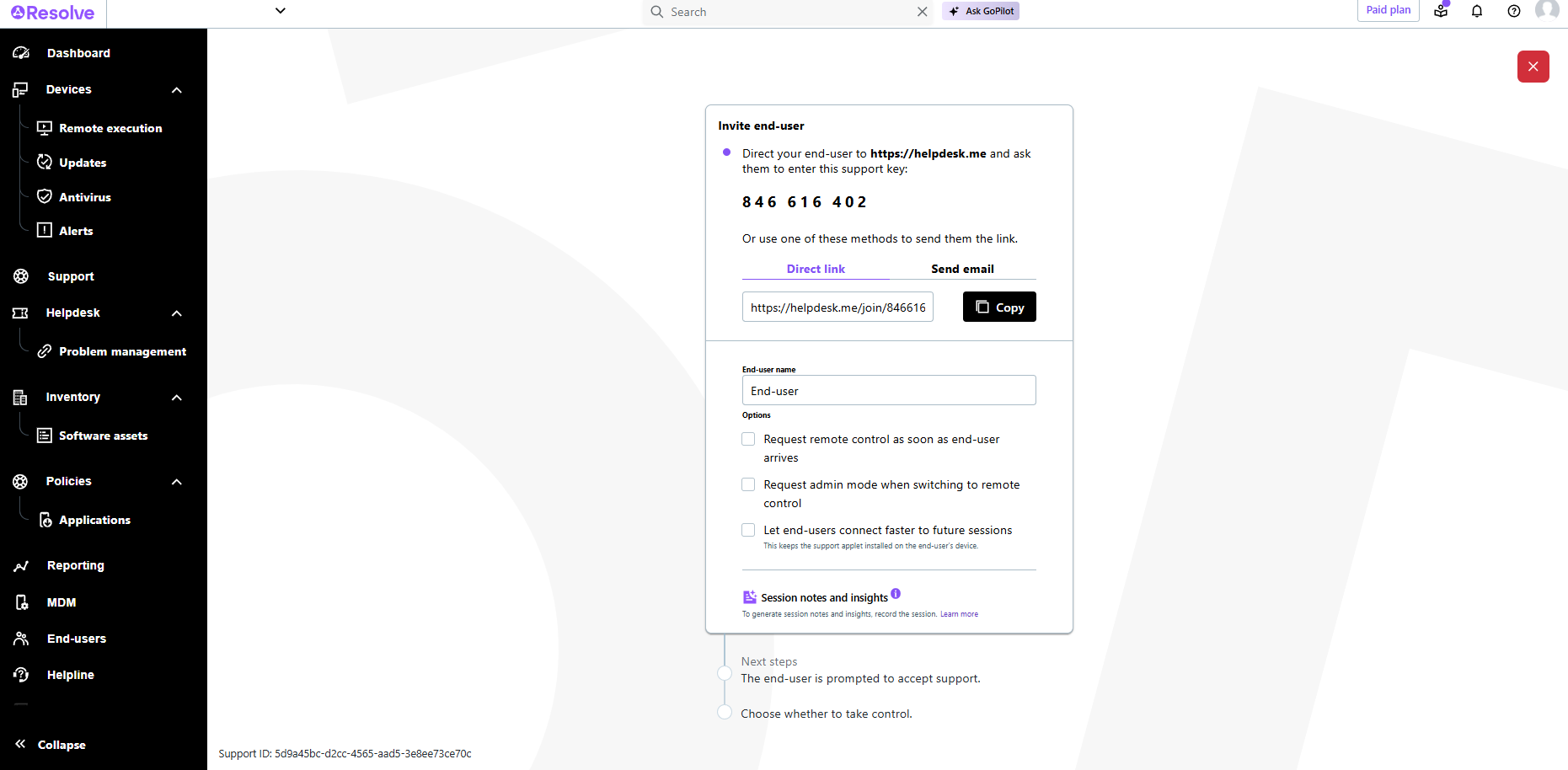    | OpenLM for Engineering Licensing Screenshots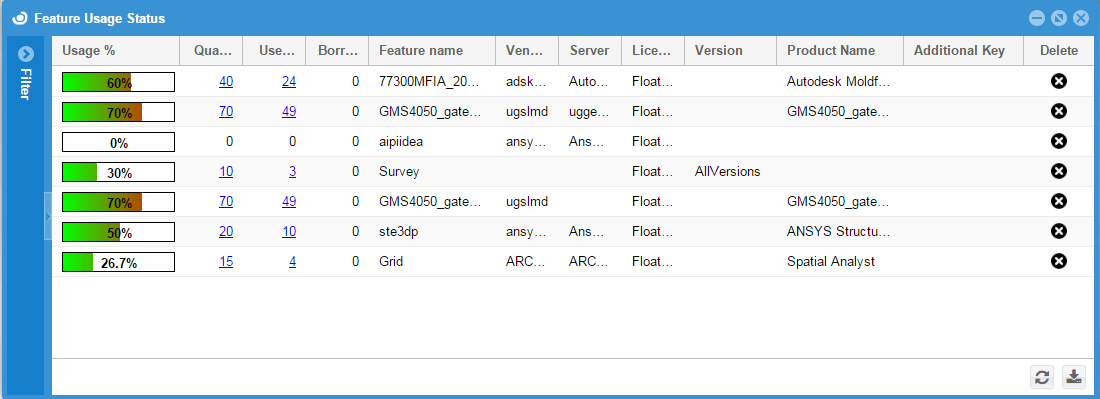    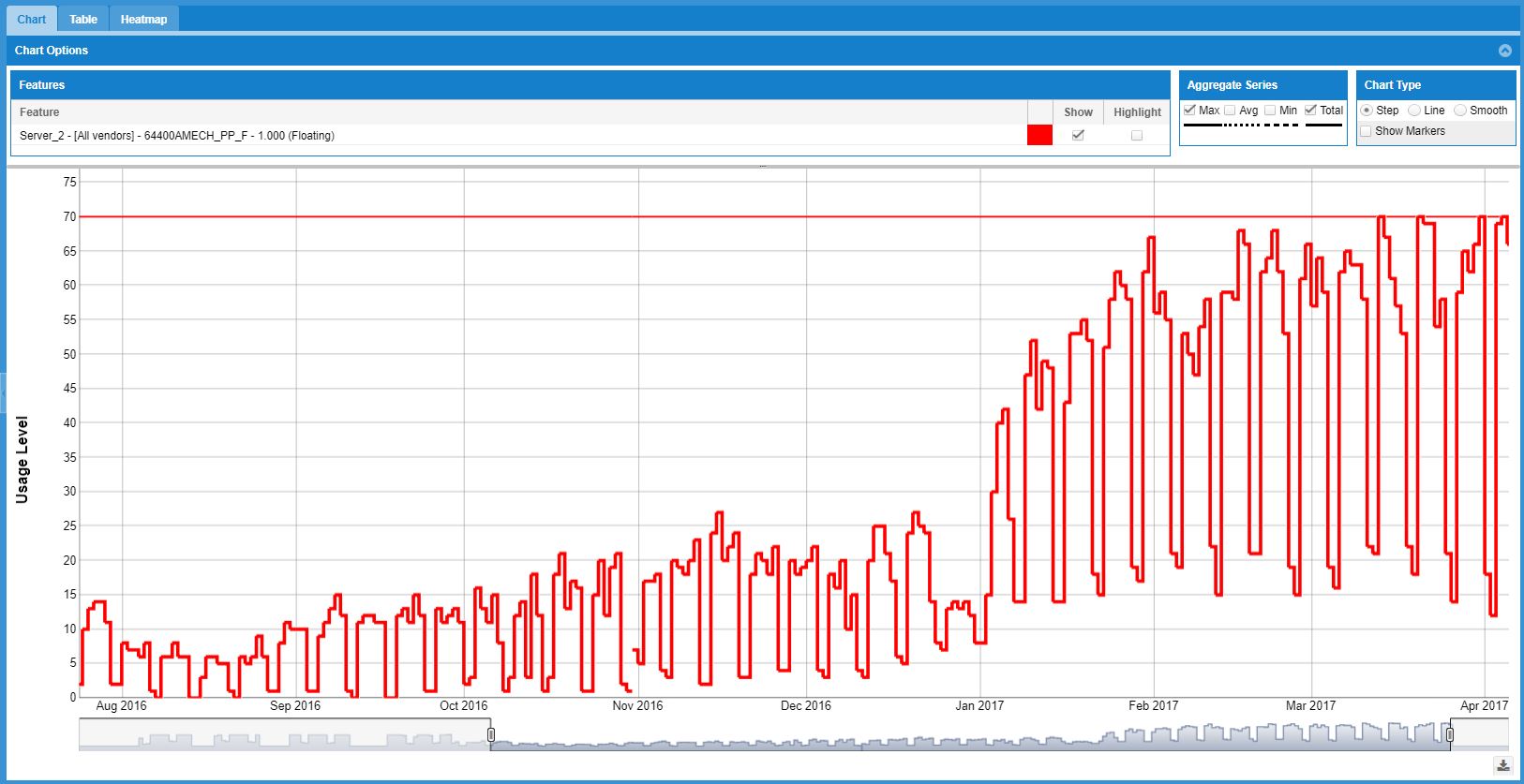  |
