Loopio is a Toronto-based RFP response software provider that helps companies streamline their process for RFPs, DDQs, and Security Questionnaires. Loopio’s RFP response software is for RFIs, Security Questionnaires, DDQs, and sales proposals.
N/A
Privia (discontinued)
Score 9.7 out of 10
N/A
Privia's bid capture and proposal management tools were for companies handling RFPs / RFIs in the public sector. Privia was acquired by Xait, and is no longer available for sale.
$29
per month
Responsive
Score 8.9 out of 10
N/A
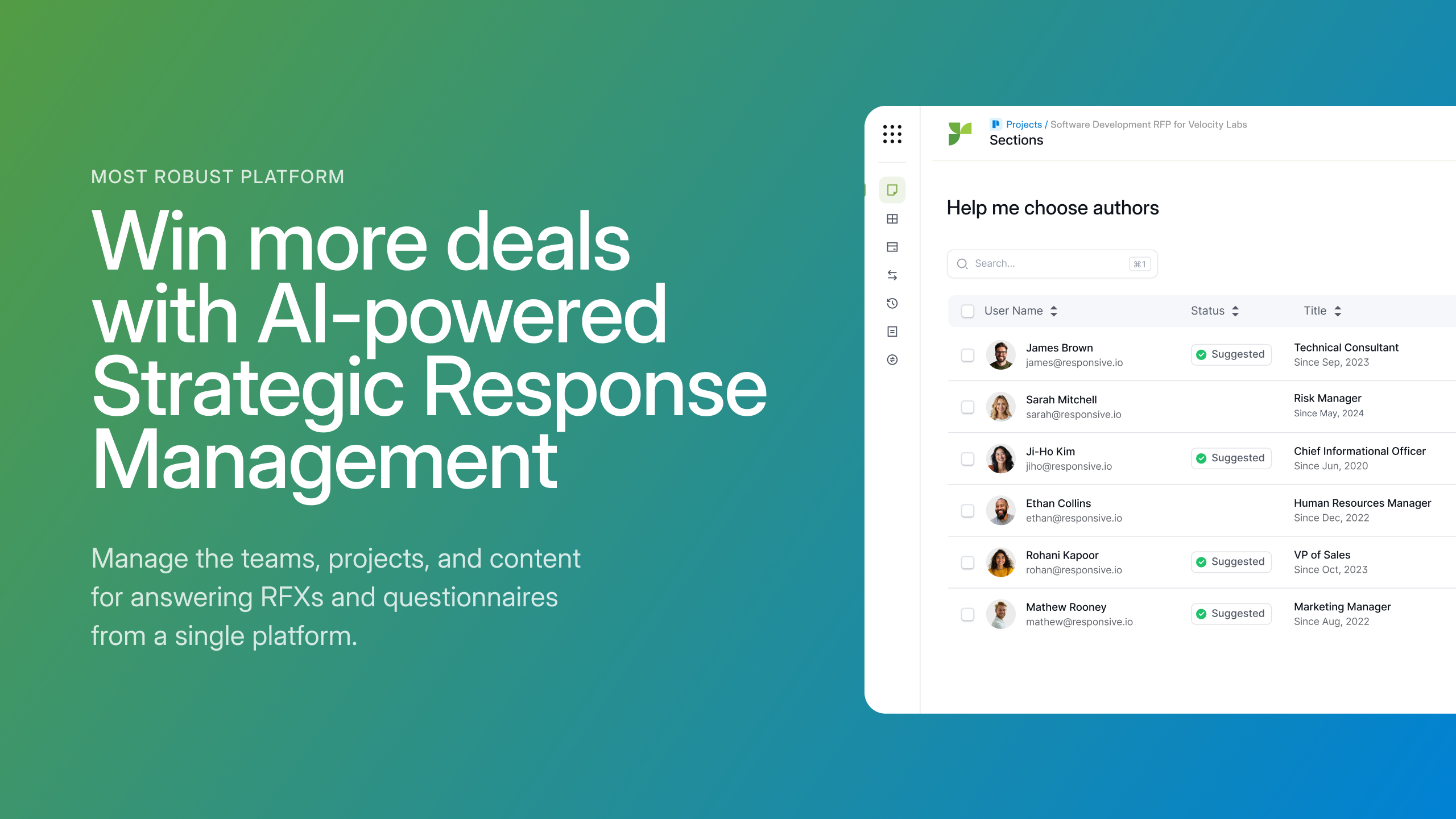
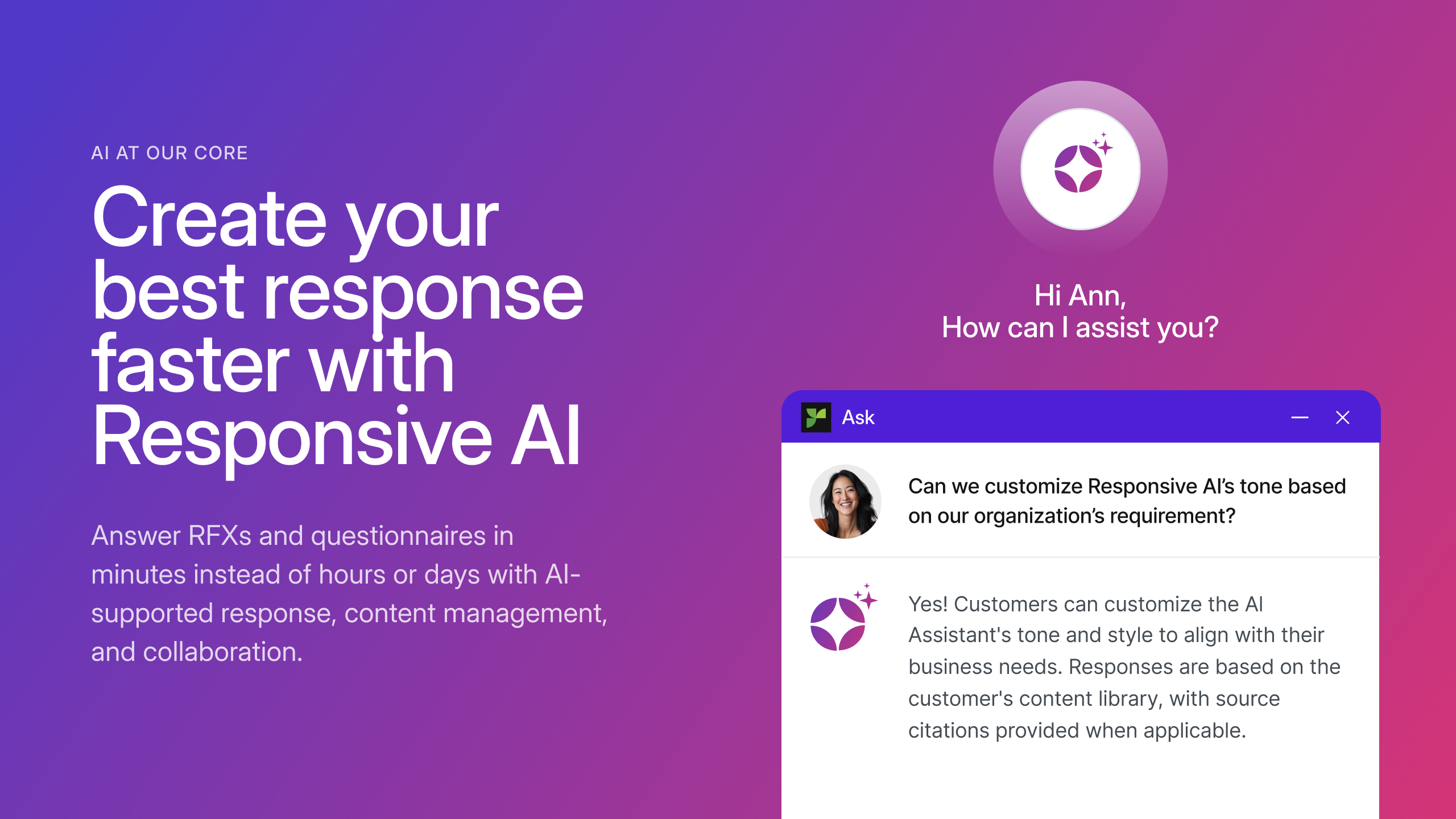
Responsive (formerly RFPIO), headquartered in Beaverton, offers their proposal management and automation software, featuring import and export, proposal knowledgebase and answer library, evaluation intake forms, and project management tools (e.g. Gantt chart) associated to proposal tracking.
RFP360 - We used this tool for three years and it was a great first step/upgrade from a searchable Google doc. We decided to start evaluating other systems for a couple of reasons:
RFP360 is an end-to-end tool for RFP requestors and responders. We felt they were more focused on …
At the time, three years ago, we evaluated Loopio as an alternative to RFPIO. Loopio didn't have the same resources as far as dynamic branding, content segmentation ability and was less price competitive than RFPIO. RFPIO also has an unlimited user model where you are not …
We are a small proposal team, with a large group of resources who support our responses. Responsive is easy to use for internal and external users, doesn't require extensive onboarding for new users, and is constantly adding new capabilities and enhancements to make the product …
RFPIO has outstanding, responsive, helpful customer support located in the US in Oregon. Support techs go the extra mile to help with basic issues and functionality training. Same-day support response and problem resolution are the norms. The system is also very user-friendly …
RFPIO's licensing model is a bit different from others which worked better for our organization. Rather than licensing by a number of users, it's licensed by the active project. This allows us to add multiple users that are responsible for reviewing and updating content without …
I use Loopio specifically for RFP's mostly. I think it is a great and adequate tool for this and much of what I think that needs to improve are not large needle movers for me since the software as a whole is fantastic. It is very easy to upload an RFP into Loopio and begin answering those questions or pulling from previously answered questions. I also will use Loopio for large client proposals and I often use the "search functionality within Loopio to see if I can find answers to clients questions. I like that I can also pull images from Loopio as well and often use those visualizations in my proposals.
It is VERY important to make sure you think through the map for how your system should be configured. Time spent carefully determining exactly how you want it laid out and how you will use the system will make your implementation and roll out much more successful. You should understand how your process currently works and determine any preferred process changes before your implementation.
1. RFPIO is perfect for searching for specific information when you are responding to an RFP. Search engine is powerful. We narrow our search using several customized filters and know we are getting a thorough search. 2. Excel responses work very well in RFPIO. 3. Typical RFPs that are formatted in Word are challenging to run via RFPIO. We struggle with this. 4. We have yet to master the template.
Document Repository with standardized Folder Structures: Privia has the ability to create customized & standardized Privia workspaces with set training documents and folder structures as a foundation for each project. This helps assure that the process remains intact without jeopardizing quality throughout the lifecycle of each project / proposal.
Customized Workspace Permissions: Privia allows the Workspace owner to maintain control over who is able to view, edit, add / remove documents, add / remove additional users, etc. This is particularly helpful when dealing with classified information such as financial data, as well as ensuring that corporate strategies are protected when it comes to subcontractors. There are many instances where subcontractors would like to share certain information with the prime, but would like to keep their data separate from other subcontractors also working on the same project / proposal.
Commenting / Editing and Lock Feature Tools: Privia has the ability to allow multiple users to comment and edit upon the same document simultaneously. This is highly useful when it comes to proposal review teams. At the end of each review team, the comments are consolidated and the document lead can lock the document for editing so that no changes may be made while the comments are taken into consideration, accepted, or rejected.
Adding new answers to the library was easier and better with the "close the loop" functionality. Now, it seems like it is easier to miss questions to add to the library.
When using the pure web version of Privia (that is, without installing the thick client on a PC), the comment feature is null and void. This is because without the thick client installed, the pure web platform cannot interact with MS Office products. This creates hassles during reviews when users show up with a laptop and don't have permissions to install software.
Reporting and Analytics is basic, you can purchase advanced analytics though
It would have been nice to have a set structure in mind or a example/case study to structure our responses in the most appropriate way, but we are working through that with their stellar support team
Privia has proved, uniformly, to be an asset. I look forward to my next experience with it. While, as I stated, users can feel advance trepidation when using Privia, those problems evaporate immediately when Privia is activated.
This tool has been fantastic as we have revamped our RFP process. We are much faster and far more efficient.Our win rate is up, but I am not 100% sure this is the cause, but I love to see it. The customer support and training are also fantastic. Thumbs up!
Usability is good but falls short of excellent. The interface is clean and well organized. They clearly spent some time working on the UI and took some feedback from focus groups to help keep it tidy. On a few occasions, we have experienced a little bit of lag while updating the question database. I'd like to see just a little faster response time on a consistent basis.
It is very intuitive and I found it very easy for my decidedly non-technical users to work with. Training was quite easy even for technophobes or complete newbies. I have a team of about 500 users on this system who are primarily writers and project managers, frequently not computer savvy at all.
We rarely, if ever, had unplanned outages when we were using Privia. When we did, our support staff were attentive and quick to resolve the problem no matter the hour.
They're very supportive and reply in a timely manner. Whenever I contacted the support I received a helpful reply that actually solved my issue. Quite often when my team suggested an improvement that would simplify and speed up our work it happened not long after which is perfect for us.
Each company is assigned an account manager whom you can contact directly with any questions, comments, and/or concerns. You may contact them directly via email and they will submit a ticket via their system for you or you can submit a ticket through their system and they will contact you immediately. All issues are resolved in a highly timely manner, and the customer service is impeccable. All accounts folks are well-trained from a customer service and technical standpoint and will escalate the issue as necessary depending on their expertise - though, that is rarely a necessity. Should they be unavailable, you will be notified prior to their leave / departure and assigned a secondary contact in the meantime. Overall, I was beyond impressed with Privia's customer support services.
The team at RFPIO is extremely responsive. If I email our account manager or report a bug, I usually hear back within two hours. Additionally, they are quick to make software adjustments based on customer requests and needs. We had a really complicated Excel sheet that their team ended up having to upload for me because of the amount of manual work I was doing. Based on that, they updated the software within two release cycles to make the process more automated, so that future Excel uploads would be more streamlined. I have also had several suggestions implemented rather quickly, and they don't hesitate to reach out for clarification when needed.
It is critical to plan your implementation carefully and take the time to understand the product. You have to make sure you get the initial set up and design correct so that the tool supports your business practices. If you do this up front, you can have a very successful and easy implementation.
Its been too long since we did our due diligence, I don't even remember the names of the competitive products. Privia stood out at the time and meeting users at their annual conference was a strong reference for the product.
I was not involved in the process of selecting RFP360 for our firm, so I am largely unfamiliar with competitors. I am, however, quite pleased with RFP360 as a user, and am confident that my colleagues who were responsible for making the decision were thorough and discerning.
I have saved hundreds of hours working in Loopio instead of answering RFP's on my own. This has allowed me to spend other hours elsewhere. Having an RFP management tool has been an incredible timesaver
The creation and management of questions has also saved me hours of time in searching out tough questions to answer and has also saved my colleagues time as well since we don't need to collaborate to find answers.
Have had some issues with downloading the proposal in a readable format for clients to view. I've sometimes had to go back and figure out what went wrong when exporting which can be frustrating- especially when dealing with very tight deadlines.
Increased employee efficiency is #1. For example, without having to manage cumbersome piles of separate, track changes comments and revisions, Privia saves time and money in the review process.
Improved reporting. Privia's web interface and pipeline management capabilities allow for generation of customizable reports to garner greater visibility and insight into business development activities.
Overall the product is a bit expensive and robust for some smaller businesses, though the functionality is definitely worth the cost.
Library Health Dashboard is helpful in reducing time to clean up content but could use additional improvement by showing more granular data instead of a global assessment like good, poor, moderate.
ROI is reduced for us because of additional cost for using AI
Overall, Responsive has significantly improved our proposal process.