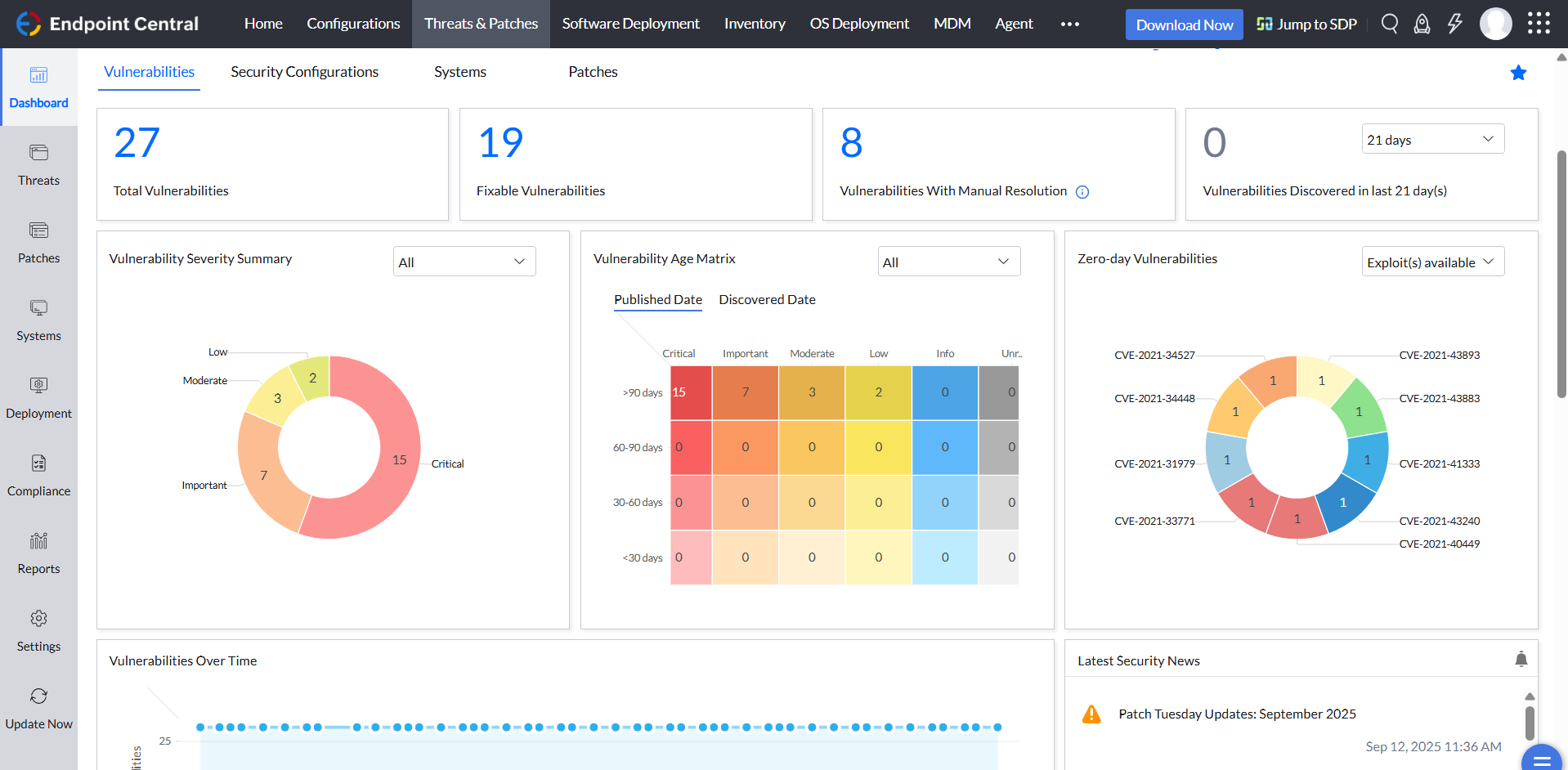
Desktop Central from ManageEngine is a client desktop management with patching, remote control, and configuration.
$795
per year per user
Tenable Nessus
Score8.8 out of 10
N/A
Tenable headquartered in Columbia offers Nessus, a vulnerability scanning and security assessment solution used to analyze an entity's security posture, vulnerability testing, and provide configuration assessments.
Jefe Servicio IT in Information Technology at Banco Ficohsa (Banking, 5001-10,000 employees)
Chose ManageEngine Endpoint Central
The other applications perform limited activities such as vulnerability scanning management, but not mitigation in the case of Nessus; Intune controls device access and key management, but does not patch, does not provide remote support, and does not manage access to USB and …
A de minimis incentive was given to thank the reviewer for their time. The incentive was not used to bias or drive a particular response, nor was the incentive contingent on a positive endorsement. More Info
A de minimis incentive was given to thank the reviewer for their time. The incentive was not used to bias or drive a particular response, nor was the incentive contingent on a positive endorsement. More Info
Architecte Infrastructure et Sécurité in Information Technology at Port Autonome de Strasbourg (Logistics & Supply Chain, 51-200 employees)
Chose ManageEngine Endpoint Central
We preferred Endpoint Central for several reasons. The wide range of functionality, the ability to manage our entire infrastructure from a single console, and the capability to manage our smartphones. No other solution allowed us to do all this, except Microsoft Intune which is …
A de minimis incentive was given to thank the reviewer for their time. The incentive was not used to bias or drive a particular response, nor was the incentive contingent on a positive endorsement. More Info
System Administrator in Information Technology at Countybank (Financial Services, 201-500 employees)
Chose ManageEngine Endpoint Central
Intune doesn't offer 3rd party patching and the reporting isn't on the same level for some of the offerings in this application. Nessus is very expensive, and we have used both at the same time to compare and they pull the same results with the ManageEngine Endpoint Central …
A de minimis incentive was given to thank the reviewer for their time. The incentive was not used to bias or drive a particular response, nor was the incentive contingent on a positive endorsement. More Info
Head of IT Services in Information Technology at Trinity School of John Whitgift (Education Management, 201-500 employees)
Chose ManageEngine Endpoint Central
ManageEngine has all of the features of the other products, but it came in significantly below the cost of these, and as such won out. It is easy to use, deployment works well, and the web site is very responsive.
A de minimis incentive was given to thank the reviewer for their time. The incentive was not used to bias or drive a particular response, nor was the incentive contingent on a positive endorsement. More Info
Verified User
Chose ManageEngine Endpoint Central
ManageEngine Endpoint Central is a simple patch manager which helps you spot the latest updates for more popular applications. ManageEngine Endpoint Central can also scan for out-of-date drivers, but we wouldn't recommend that. You're unlikely to see any major benefits (drivers …
A de minimis incentive was given to thank the reviewer for their time. The incentive was not used to bias or drive a particular response, nor was the incentive contingent on a positive endorsement. More Info
A de minimis incentive was given to thank the reviewer for their time. The incentive was not used to bias or drive a particular response, nor was the incentive contingent on a positive endorsement. More Info
For small businesses, it is also free, which, for what it offers, is really helpful. It works better than similar products, such as SCCM, both within and outside the internal network. I do not see scenarios in which it could be less appropriate.
It is an excellent tool for scanning servers, workstations, and network devices to identify missing patches and misconfiguration; we regularly use it to confirm patch effectiveness after the update; it also helps us for preparing audits such as iso 27001, and regulatory requirements, it also helps us to identify open ports and services that violate security.
We set alerts when a devices gets low on disk space. That is automatic and creates a ticket in ME SDP. We are then able to Add space to a VM Desktop, and then go thru ManageEngine Endpoint Central to extend the drives so the entire process can be done without interruption to the end user.
Using the patch scans we can easily see what patches have been installed for all manufacturers not just Microsoft, without having to physically go to the device. It also allows us to choose which patches we want to push out and automate the process so we can be hands off, freeing up out time for other things.
Remote access to devices. This allows us to remotely make changes, not just via remote control but also make registry changes and clean up space without going to the device and without interruption to the end user.
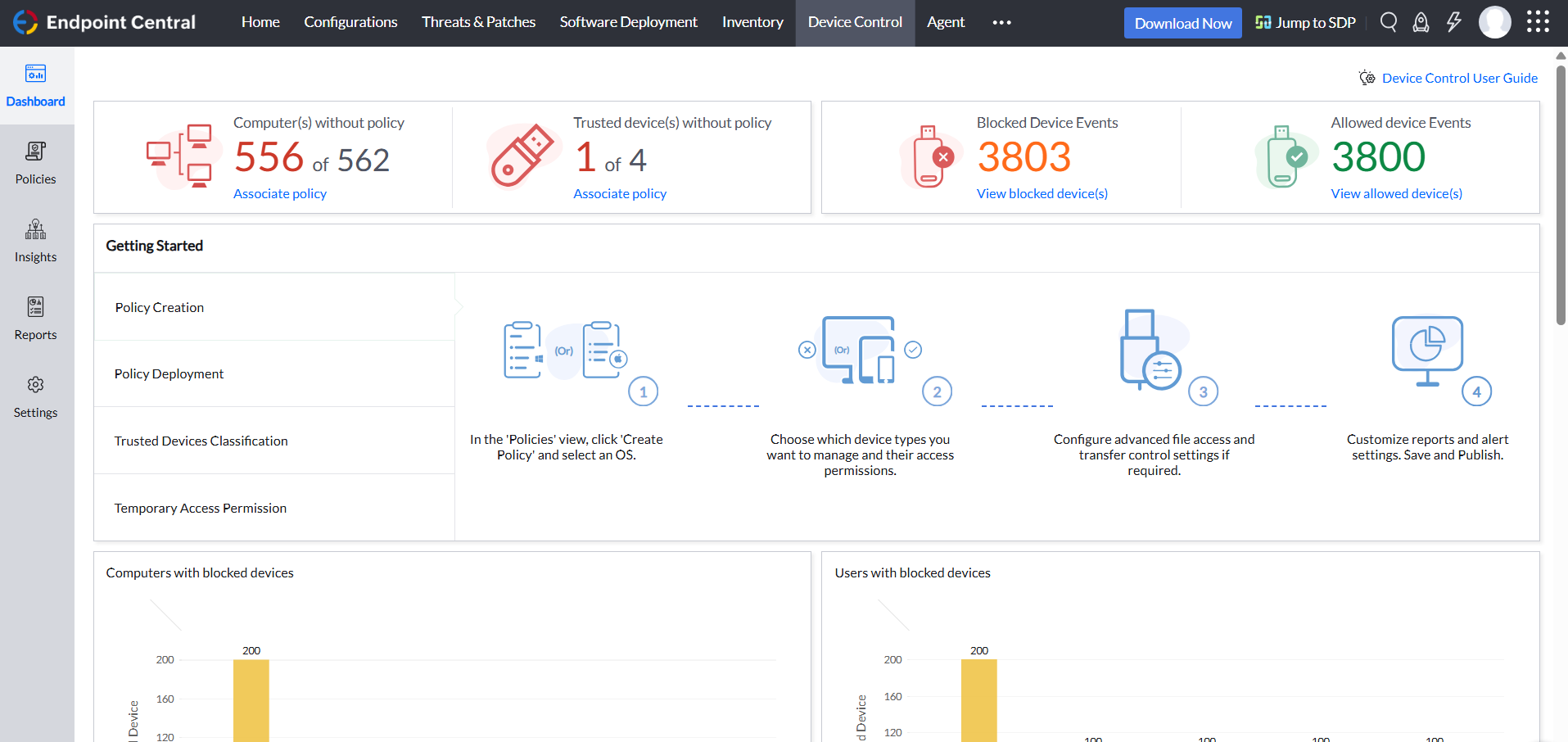
Alerts. We have set up to get email alerts when new hardware is plugged into any computers. This lets us know if someone is bringing in un-authorized equipment (thumb drives, hubs, etc) to better manage what is/is not on our network.
A de minimis incentive was given to thank the reviewer for their time. The incentive was not used to bias or drive a particular response, nor was the incentive contingent on a positive endorsement. TR verified that a representative sample of customers was invited. More Info
Nessus is best at performing vulnerability scans, in fact, it gives findings and moreover accurate findings of the assessments. It does not do penetration testing or exploit the vulnerabilities because it is concerned about scanning the systems/applications.
In fact, Nessus has multiple profiles/policies to perform different types of scans such as, scans oriented for PCI-DSS, malware scans, web application scans, bad shell shock detection scan to name a few.
Nessus has the ability to classify the vulnerabilities into risk-based categories from critical to even informational which I think is one of the things that separates Nessus from other vulnerability scanners.
A de minimis incentive was given to thank the reviewer for their time. The incentive was not used to bias or drive a particular response, nor was the incentive contingent on a positive endorsement. More Info
A de minimis incentive was given to thank the reviewer for their time. The incentive was not used to bias or drive a particular response, nor was the incentive contingent on a positive endorsement. More Info
The tool has lots of options for setting up before scanning any device, this methodology could be simplified further with default configuration for various devices predefined, anyhow we can use this technique by making use of policies.
For advanced users we cannot disable the plugins inside the plugin groups, we can enable the whole set of plugins at a time, for few hundreds its ok, but thousands of plugins are of waste of resource and time.
A de minimis incentive was given to thank the reviewer for their time. The incentive was not used to bias or drive a particular response, nor was the incentive contingent on a positive endorsement. More Info
ManageEngine is considered an excellent product due to its comprehensive suite of solutions for IT management, with ManageEngine Endpoint Central specifically excelling in endpoint management. The platform stands out for its user-friendly interface, robust features, and versatility in addressing diverse IT needs. It offers organizations a centralized solution for endpoint security, patch management, software deployment, and asset management
Nessus is best and easy to use application for Vulnerabilities finding and reporting, it has multiple platforms and wide scope covering almost all devices for security improvement so far, thus we are very likely to continue its services.
A de minimis incentive was given to thank the reviewer for their time. The incentive was not used to bias or drive a particular response, nor was the incentive contingent on a positive endorsement. More Info
Not using WNS to communicate with the endpoint console is a big plus. We now use Workspace One, and WNS can be really annoying at times. After deployment, it cleans itself, which is important for us because our current solution leaves the package on the computer and requires maintenance. The remotely script command is a lifesaver.
A de minimis incentive was given to thank the reviewer for their time. The incentive was not used to bias or drive a particular response, nor was the incentive contingent on a positive endorsement. More Info
Tenable Nessus is a great product and provides a lot of value, but it is difficult to set up and use and the amount of data it generates can be overwhelming. It does help us prioritize based on the severity of the detection, however there are sometimes mitigating factors that we have implemented that Nessus does not account for, which causes lots of noise in the reports.
A de minimis incentive was given to thank the reviewer for their time. The incentive was not used to bias or drive a particular response, nor was the incentive contingent on a positive endorsement. More Info
The immediate chat support is great and very helpful. However, if you need escalated support or have a deeper need that the chat tool can't help with, you will experience significant wait times and slow responses. The time zone difference becomes painful to the point of often just giving up.
I haven't needed to contact support yet. But issues are easily solved with a quick internet search which means support and by extension, the larger community are involved and knowledgeable.
A de minimis incentive was given to thank the reviewer for their time. The incentive was not used to bias or drive a particular response, nor was the incentive contingent on a positive endorsement. More Info
It seems that the services offered with the purchase change from what is covered to what is an additional cost. Somethings I thought we had ended up requiring an additional purchase if we wanted to continue using the feature.
A de minimis incentive was given to thank the reviewer for their time. The incentive was not used to bias or drive a particular response, nor was the incentive contingent on a positive endorsement. More Info
I was not a part of the initial selection process, but I understand the issue was related to cost per endpoint. As a user of the other solutions I would say that the other solutions do have other strengths that ManageEngine is missing. The remote access tools are superior but at the end of the day you get what you pay for.
A de minimis incentive was given to thank the reviewer for their time. The incentive was not used to bias or drive a particular response, nor was the incentive contingent on a positive endorsement. More Info
Sometimes when we identify a vulnerability with Nessus that has an exploit, we made a proof of concept with Metasploit in order to show to the IT managers the importance of the software/hardware hardening.
A de minimis incentive was given to thank the reviewer for their time. The incentive was not used to bias or drive a particular response, nor was the incentive contingent on a positive endorsement. More Info
A de minimis incentive was given to thank the reviewer for their time. The incentive was not used to bias or drive a particular response, nor was the incentive contingent on a positive endorsement. TR verified that a representative sample of customers was invited. More Info
Nessus certainly has a positive impact while me while performing my job, either as security research, or performing vulnerability assessments for clients. It gives a lot of information about the system/application after performing scans. The number of false positives is also less compared to other vulnerability scanners.
The professional edition is very useful as policy templates available in this edition are very handy and useful even to perform compliance scan like PCI DSS scan.
Also, the ability to export the scan results into reports in formats like HTML, PDF is very useful which could be for performing system/application reviews.
A de minimis incentive was given to thank the reviewer for their time. The incentive was not used to bias or drive a particular response, nor was the incentive contingent on a positive endorsement. More Info