Microsoft BI is a business intelligence product used for data analysis and generating reports on server-based data. It features unlimited data analysis capacity with its reporting engine, SQL Server Reporting Services alongside ETL, master data management, and data cleansing.
$14
per month per user
SAP Crystal
Score 7.4 out of 10
N/A
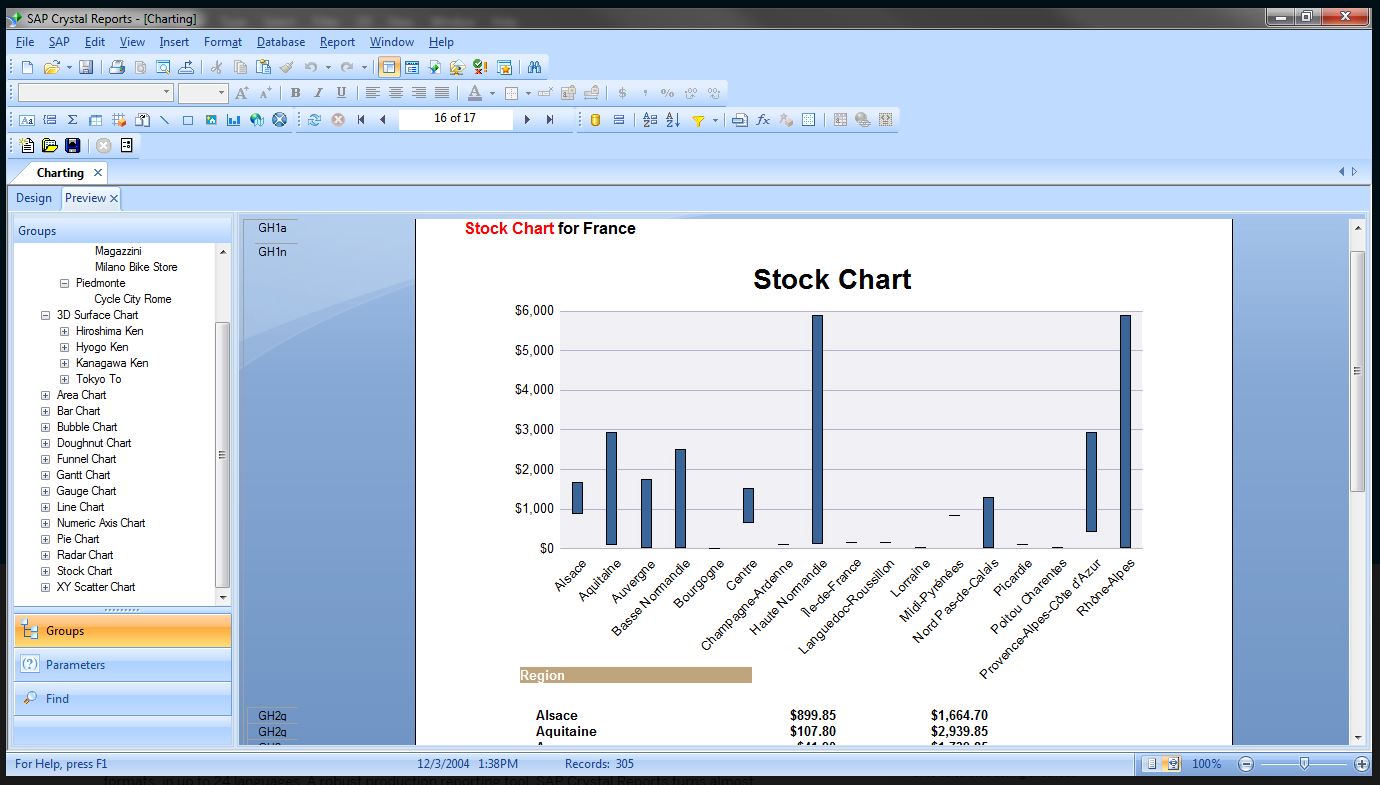
SAP Crystal is an analytics and reporting software solution for SMBs. SAP Crystal comprises Crystal Reports for pixel-perfect reporting, and SAP Crystal Server for automated distribution and self-service access to reports, dashboards and data exploration.
$295
per single user license
Toad Database Developer Tools
Score 8.8 out of 10
N/A
Toad by Quest is a database management toolset that database developers, administrators and data analysts use to simplify workflows, create code free from defects, automate frequent or repetitive processes, and minimize risks. Editions include Toad for Oracle, which automates administration tasks and helps proactively manage databases while embracing performance optimization and risk mitigation. Similar editions exist for IBM DB2, SQL Server, SAP, or MySQL and Postgres environments (Toad Edge).
$229
per year
Pricing
Microsoft BI (MSBI)
SAP Crystal
Toad Database Developer Tools
Editions & Modules
Power BI Pro
$14
per month per user
Power BI Premium
$24
per month per user
Upgrade Version to SAP Crystal Reports 2020
$295
per single user license
SAP Crystal Reports 2020 64-Bit
$495
per single user license
SAP Crystal Reports 2016 32-Bit
$495
per single user license
SAP Crystal Server 2020 1 NUL
$869
per user license + first year maintenance to be added
SAP Crystal Server 2020 5 CAL
$8,744
5 concurrent users + first year maintenance to be added
Toad Edge For MySQL
$229
per year
Toad Edge For Postgres
$229
per year
Toad for SQL - Pro Edition
$437
per year
Toad for Oracle - Base Edition
$550
per year
Toad for DB2 z/OS - Base Edition
$636
per year
Toad for SAP - Base Edition
$636
per year
Toad for SQL - Xpert Edition
$763
per year
Toad for Oracle - Professional Edition
$829
per year
Toad for SQL - Dev Edition
$930
per year
Toad for DB2 z/OS - Pro Edition
$996
per year
Toad for Oracle - Professional DB Admin Edition
$1,370
per year
Toad for DB2 z/OS - Xpert Edition
$1,529
per year
Toad for SAP - Xpert Edition
$1530
per year
Toad for Oracle - Xpert Plus Edition
$1,753
per year
Toad for DB2 z/OS - Dev Edition
$1,861
per year
Toad for SAP - Dev Edition
$1863
per year
Toad for SAP - Xpert+ Edition
$2099
per year
Toad for SAP - DBA Edition
$3661
per year
Offerings
Pricing Offerings
Microsoft BI (MSBI)
SAP Crystal
Toad Database Developer Tools
Free Trial
No
Yes
Yes
Free/Freemium Version
Yes
Yes
No
Premium Consulting/Integration Services
No
Yes
No
Entry-level Setup Fee
No setup fee
Optional
No setup fee
Additional Details
—
* SAP Crystal Reports 2020 Viewer allows you to view static data within a SAP Crystal Reports file.
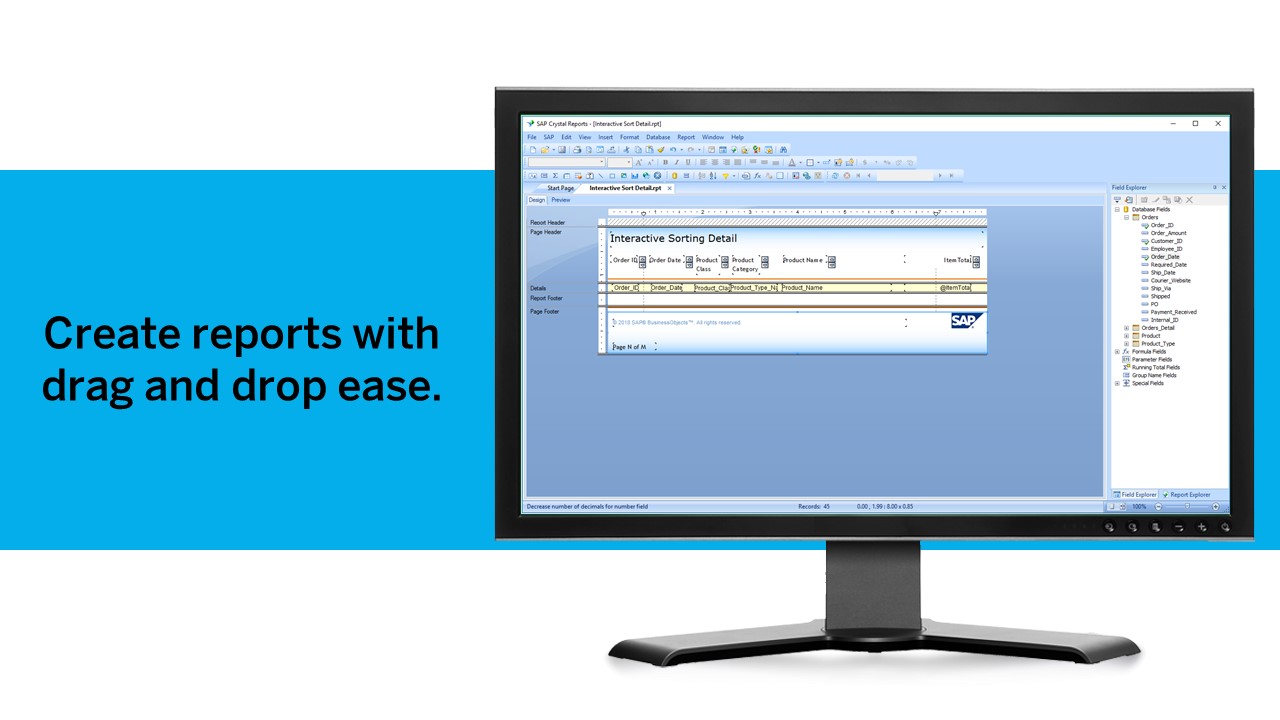
* SAP Crystal Reports 2020 - Full version allows you to create powerful, richly formatted, and dynamic reports from virtually any data source, delivered in dozens of formats, in up to 28 languages. If you already have an older version of Crystal Reports, buy a license for SAP Crystal Reports 2020 - Upgrade at a discounted, upgrade price.
* SAP Crystal Server 2020, 1 NUL includes 1 license of: SAP Crystal Reports 2020 - SAP Crystal Server 2020.
* As an add-on to SAP Crystal Server 2020 1 NUL, SAP Crystal Server 2020 5 CAL allows you to support a wider, intermittent audience of end users, up to five logged on at the same time.
Better integration with Microsoft products is one of the advantages of using Business Intelligence (BI). It's simple to understand, and plenty of resources are available to outsource it. Many of our existing clients have Microsoft licensing agreements. It's an obvious path when …
MSBI is great for data collection and reporting, but it lacks the visual appeal and features of Power BI. Even though it's still useful, it falls short of Power BI in terms of features. There's no reason to doubt MSBI's findings. MSBI has a proactive customer service team that …
A lot of our existing client base has licensing agreements in place with Microsoft, couple that with decision-makers wanting to achieve the outcome with the least amount of additional licensing costs added, and it becomes an obvious path, however, it is very crucial to first …
-Tableau is clearly more cutting edge when it comes to data visualization and connecting to multiple data sources (support for MongoDB, Hadoop, etc). -Assuming your data is not that sophisticated, Microsoft BI is a great product. I would say its a good "all around" BI tool. It …
Microstrategy - I went with Microsoft BI because of features, usability, integration capabilities, performance, availability of talent, cost, and end-user (self-service) capabilities.
SAP Crystal
Verified User
Analyst
Chose SAP Crystal
We actually have all 3 in place and all 3 are used in different situations. Some are bundled with certain products so we continue to use them. Others such as BI from Microsoft are stand alone and allow for easier data visualizations than SAP Crystal does. We chose SAP Crystal …
Due to its bigger brand and excellent user support, it is better than many competitors. If you have huge organization support, then operating it will make your reporting system much better. Otherwise, you might need better employee support for operating it. Otherwise, the whole …
We are very happy with SAP Crystal Server and we chose to go with SAP Crystal Server because it was the best fit for all the different departments that use it. With the other programs that we evaluated, we could not come to a consensus because certain critical features were …
SAP Crystal Server was chosen because of the scheduled reports capabilities that it had and because we were happier with the end look of the reports. We found the reports that are obtained with SAP Crystal Server easier to interpret than some what some of the other BI programs …
When we evaluated several options, we found SAP Crystal Server to be more reliable than some of its competitors. We wanted something that we could customise to use in several departments and for all different types of situations where reports would be useful. We also use other …
My department actually had a preference for another more powerful product but in the end I think SAP Crystal Server was chosen because it met our needs and it was within the budget we were looking to allocate to this type of software.
Crystal Reports fits a niche for us in standard reporting. We don't use it for creating dashboards or interactive data analysis. That's where Tableau excels. For on-demand reports, we prefer Microsoft Reporting Service and Analysis Services. Crystal Report is very good when it …
The one big difference in the area of usability is the Object Browser in Toad for Oracle. It's very easy to navigate between different database objects at different schema levels without hassle. This is not true with SQL Developer.
Microsoft BI is well suited for Stream analytics, easy data integration, report creation and UI/UX designs (limited but what all available are great ones) Microsoft BI may be less appropriate for handling huge number of datasets and difficult queries. It may also be difficult for a company with heavy data.
Generation of templated reports is the strong suit of SAP Crystal. Allows users to change formats in templates bases on requirement with minimal effort. Automated report delivery requires the user to be aware of sql which cannot be expected from all users. Should support more document export formats and improve the UI for SAP B1 Users
Toad for Oracle is very well suited for all Oracle implementations, be it single instance or RAC. It is best suited for use of Oracle DBA, Developer and Database Engineers. I don't recommend Toad for Oracle for Project Managers or Solution Architects. This can be a pricier choice for these people. They can do fine with free options like SQL Developer.
Crystal Reports allows us to create a consistent template for all of our reports.
Crystal Reports and Server allows us to house a repository for all of our reports to make them easy to find and update when necessary.
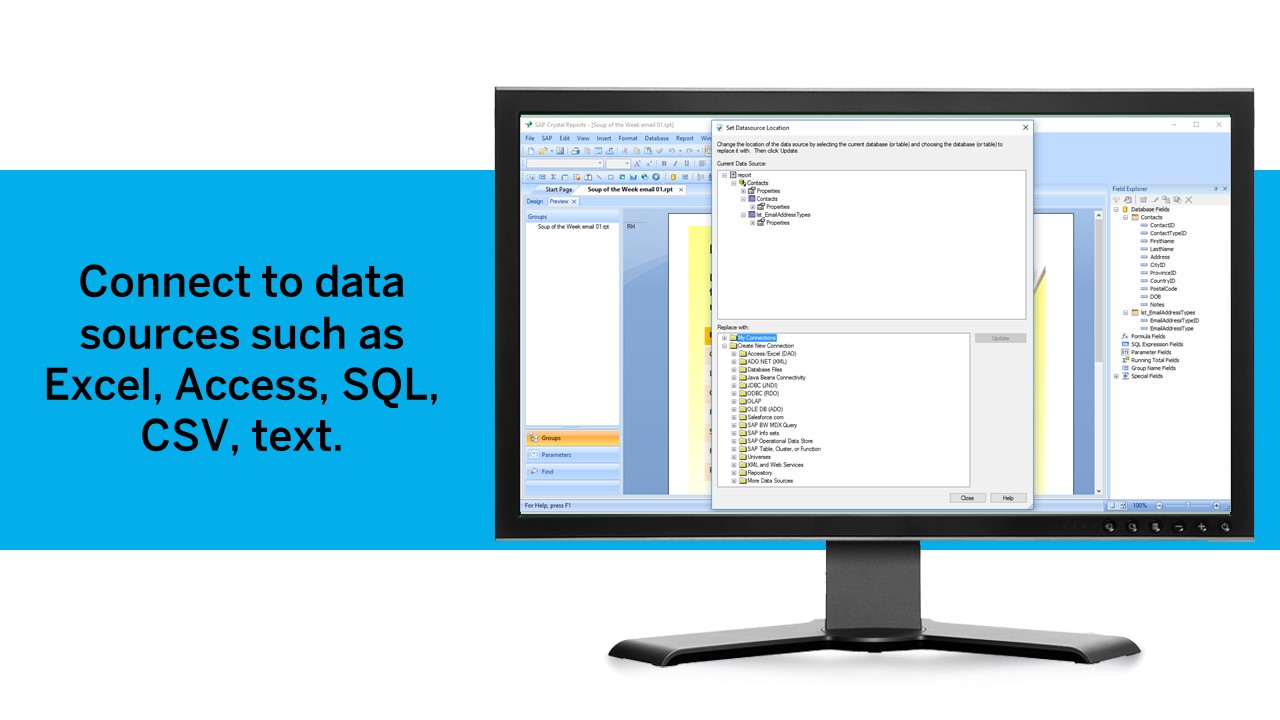
Crystal Reports can connect to a wide variety of data sources.
Crystal Reports can be a little daunting when first implementing. There are a lot of nuances in learning how to truly master this software and it can be frustrating at times.
Toad is a de-facto standard tool for data developers and analysts. Generally speaking it provides almost every function needed to manage data in EDW with great performance and stability.
The nature of clinical data is big-sized: one table may have billions of rows. Toad provides critical functions to manage SQLs, e.g. Top SQL that can monitor and manage SQLs using CPU power and network bandwidth, so that EDW administrator can optimize ETL operations in the best efficiency.
Many of our data analysts are not computer science backgrounded (having clinical / nursing background). Toad provides great auditing tools such as Tuning Lab or SQL Scanner, so that data analysts can train themselves with guidance of the tool.
The race to perfect gathering of Non-Traditional datasets is on-going; with Microsoft arguably not the leader of the pack in this category.
Licensing options for PowerBI visualizations may be a factor. I.e. if you need to implement B2C PowerBI visualizations, the cost is considerably high especially for startups.
Some clients are still resistant putting their data on the cloud, which restricts lots of functionality to Power BI.
The power and control it gives is at the same time kind of a negative thing. There's too many options available, even when you don't need them. For simple database operations it's sometimes easier to just use SQL Developer since navigation is way more intuitive and easy.
Related with the above: there is a steep learning curve. However, since this is the main tool for any Oracle developer, this is not that much of a problem.
If I remember well, Toad used to be free, some 20 years ago. Or at least had a free version. It would be nice to have a free version. The dedicated Oracle developers and DBA's won't use the free version, but all the rest of us developers might use it instead of SQL Developer. It would make communications between everybody somewhat easier.
Microsoft BI is fundamental to our suite of BI applications. That being said, Northcraft Analytics is focused on delighting our customers, so if the underlying factors of our decision change, we would choose to re-write our BI applications on a different stack. Luckily, mathematics are the fundamental IP of our technology... and is portable across all BI platforms for the foreseeable future.
We have been using this product for so many years and it has truly become a cornerstone to our business processes when it comes to developing and distributing information via reports. We currently have over 500 reports developed to date over about 30 systems and that will continue to grow as user needs change.
The Microsoft BI tools have great usability for both developers and end users alike. For developers familiar with Visual Studio, there is little learning curve. For those not, the single Visual Studio IDE means not having to learn separate tools for each component. For end-users, the web interface for SSRS is simple to navigate with intuitive controls. For ad-hoc analysis, Excel can connect directly to SSAS and provide a pivot table like experience which is familiar to many users. For database development, there is beginning to be some confusion, as there are now three tool choices (VS, SSMS, Azure Data Studio) for developers. I would like to see Azure Data Studio become the superset of SSMS and eventually supplant it.
Crystal is very robust, but not always easy to use. It create wonderful looking reports, and so deserves a high rating. However, I have to take a couple of points off for the simple fact that I cannot hand it to a user and expect them to be able to do development with it.
I give is an 8 because nothing is a 10 and there is always room for improvement. I believe the user who is not as technologically inclined would be better suited with an easier way to identify the options for setting the layout up for Toad's GUI. To some it is very cumbersome and confusing.
SQL Server Reporting Services (SSRS) can drag at times. We created two report servers and placed them under an F5 load balancer. This configuration has worked well. We have seen sluggish performance at times due to the Windows Firewall.
While support from Microsoft isn't necessarily always best of breed, you're also not paying the price for premium support that you would on other platforms. The strength of the stack is in the ecosystem that surrounds it. In contrast to other products, there are hundreds, even thousands of bloggers that post daily as well as vibrant user communities that surround the tool. I've had much better luck finding help with SQL Server related issues than I have with any other product, but that help doesn't always come directly from Microsoft.
The support community can be difficult to navigate. I've also run into issues with my login. The SAP system has a bizarre mechanism for validating users that requires users to have what is called an S-ID. A basic ID may not give you access to all the features in the portal. The limitation may include not being able to perform a simple task like downloading patches and updates. This isn't a big deal for single user license but for teams it can be a pain.
I give the overall support for Toad for Oracle a 10/10. This is because whenever there has been an issue with this software, our team has got an immediate response. The same can not be said for similar software. The most recent example of this is when we needed to renew our licenses. Some employees were unable to log in to code with the given license key. Support was able to resolve the issue quickly.
I have used on-line training from Microsoft and from Pragmatic Works. I would recommend Pragmatic Works as the best way to get up to speed quickly, and then use the Microsoft on-line training to deep dive into specific features that you need to get depth with.
We are a consulting firm and as such our best resources are always billing on client projects. Our internal implementation has weaknesses, but that's true for any company like ours. My rating is based on the product's ease of implementation.
Just like any other implementation: When designing the differing reports, get end users' input, make sure to design the reports so that they display the information that the company requires, in the best and clearest way possible.
Test, test, test, revise when needed, and, particularly, do sufficient training so users are comfortable using Crystal Reports!
We have used the built in ConnectWise Manager reports and custom reports. The reports provide static data. PowerBI shows us live data we can drill down into and easily adjust parameters. It's much more useful than a static PDF report.
Crystal reports is useful in case we want to import data from data base . We can write queries in it but Google Charts require to be implemented in our application using code so crystal reports is better than Google Charts.
Toad is much better than Tableau query writer. Tableau is not intuitive and requires knowledge of proprietary database language to fully implement. Tableau does not perform as quickly and accurately as Toad. Toad is very easy and slim to install. Additional hardware is often required to run Tableau smoothly. Support for Tableau is even more expensive than Toad support.
As a SaaS provider we see being able to provide self-service BI to our client users as a competitive advantage. In fact the MSSQL enabled BI is a contributing factor to many winning RFPs we have done for prospective client organisations.
However MSSQL BI requires extensive knowledge and skills to design and develop data warehouses & data models as a foundation to support business analysts and users to interrogate data effectively and efficiently. Often times we find having strong in-house MSSQL expertise is a bless.
It is a decent buy for specific departments in terms of reporting capabilities but updates and cost (frequent) demands are higher with the benefits offered.
So long as the requirements are not ever changing, with scheduling functionality, it's a handsome tool.
Quick and easy query development helps reduce man-hours in a project which converts to real dollars.
Query analysis and tuning result in low database overhead and low latency, thus translating into real dollars because a system can thus handle more requests from customers.
Ease of use makes it easy to deploy greenhorns in projects with minimal training, thus helping save money. Otherwise menial and simple jobs would have required experienced DBAs.