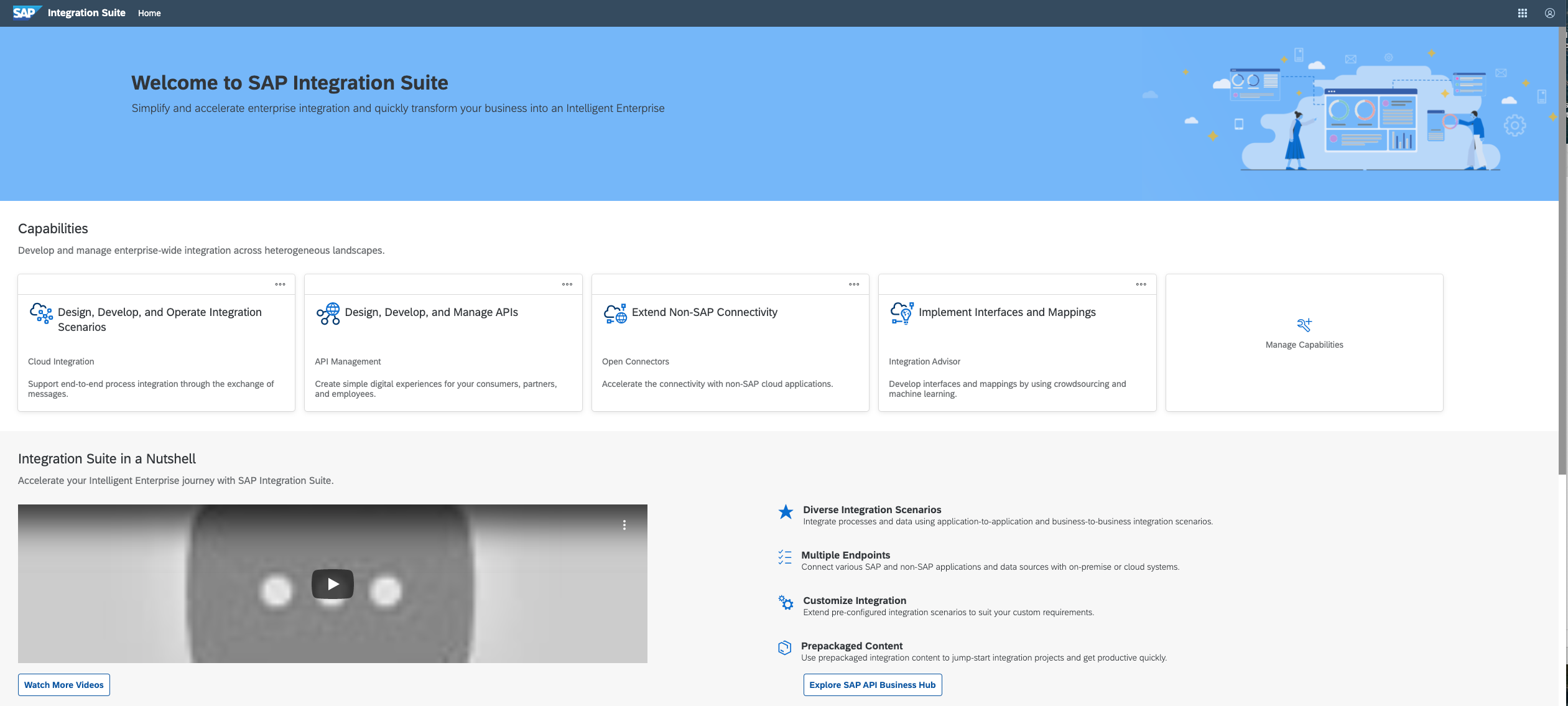
SAP Integration Suite is a modern, secure integration platform as a service (iPaaS) that connects applications, data, processes, and AI agents across SAP and non‑SAP environments.
$11,199
per year
Pricing
Microsoft BizTalk Server
SAP Integration Suite
Editions & Modules
No answers on this topic
No answers on this topic
Offerings
Pricing Offerings
Microsoft BizTalk
SAP Integration Suite
Free Trial
No
Yes
Free/Freemium Version
No
No
Premium Consulting/Integration Services
No
No
Entry-level Setup Fee
No setup fee
No setup fee
Additional Details
—
Access to free tier services does not expire while there is an active Pay-As-You-Go or CPEA account with SAP. Once a free tier service limit has been reached users have the option to update from a free to a paid service plan in the same account.
The best thing about SAP Integration Suite is the prepackaged content and ready-made adapters—they make setup so much quicker and cut down on custom work. Plus, since our team already knows SAP inside out, it’s a natural fit. We can jump right in and get integrations up and …
BizTalk is well suited as middleware. Where you wish to translate an input file into an output file and send it to some endpoint. In our case, we used it to convert and send files to SAP. In many ways, it very flexible, and you can do almost anything you want with it. In many ways, it's a better solution than your SAP XI or PI as middleware, since it's much less expensive, and allows you do interface with non-SAP systems.
Good at: 1. Integrations with in SAP applications, especially with event based triggers 2. Can be integrated very well with other BTP services to attain Batch processing and store credentials 3. Supports many authentication models Improvements: 1. No version history available compared to as it is available in S4HANA 2. Need a lot of improvement in git hub connections
It is very user friendly. Users can change rules during run time and change workflow.
Huge capacity for queueing messages. It supports all types of adapters like Oracle, Salesforce, SMTP, FTP, etc. Also users can built custom adaptors.
If users want to dynamically deploy their solution without any downtime, this is a perfect solution. BizTalk will be a good fit, especially for public-facing websites.
Well-proven in the market. I used it when developing a website for Virgin Trains, catering more than 800K user requests per day.
Provide more pre-built integrations to use within SuccessFactors or other modules instead of everything having to be custom built
Support is unable to provide advice on custom builds so you often have to engage a 3rd party partner
Works best when you have the functional and technical teams working together. Otherwise, the system is too technical for a functional user to create integration and a technical user not always understand the functional perspective
It is in place, our system integrators are familiar with it, and it fits into the ecosystem. A better user interface, flow build and debugging experience would see it grow, many technical staff do not enjoy using it for this reason, however it is quite capable and powerful behind this one shortcoming.
The user interface is messy and not intuitive. It has a steep learning curve, and flows developed around are easy to make a mess with layout and can be difficult to follow. The debugging is also quite difficult, it takes some time to figure out how to follow the flow and examine data. Error handling is also difficult and not intuitive, it is better to let some errors leak and monitor through ALM.
BizTalk Server has been supported for more than 15 years. It is well proven in the market. Microsoft has provided excellent support with technical issues.
The support for SAP Integration Suite is satisfactory. We leverage SAP support through our manage services partner. So far, we have not had many major issues. One concern, to make our rating a ten, would be turnaround time on high priority incidents. SAP Integration Suite drives our key business functions forward. Without a reasonable service level agreement on turnaround, we sometimes find us running into issues running pay, etc.
BizTalk was selected here mainly because it is easy to integrate to a .NET application (most of them are Web Service, WCF SOAP, WCF REST and Web API) and many backend databases are Microsoft SQL Server. Another benefit is that the monitoring job is easy to set up and centralize with other .NET application monitoring jobs.
Before deploying SAP Integration Suite, we assessed Oracle Financial Services Analytics and IBM Risk Analytics. While Oracle had proved its mettle in the exceptional database support and IBM in presenting risk model tools, SAP Integration Suite overwhelmed others by being effortlessly integrated with our existing banking framework.
A positive impact has been the quicker turnaround time of a part request and that part showing up in SAP using Biztalk as middleware.
A somewhat negative impact has been the somewhat insufficient error logging/message capture settings that Biztalk provide. This has caused occasional delays when attempted to create parts for the business.
A somewhat negative impact has been the need to have a specialized developer who understands Biztalk to troubleshoot issues with the Biztalk and SAP interaction when creating parts, and when adding new fields to the parts.