Microsoft Planner is presented as a solution to organize teamwork with intuitive, collaborative, visual task management. With it, users can create Kanban boards using task cards with files, checklists, and labels. Users can collaborate in Planner and Microsoft Teams and check visual status charts—all in the Microsoft cloud.
N/A
TimeCamp
Score 7.0 out of 10
Small Businesses (1-50 employees)
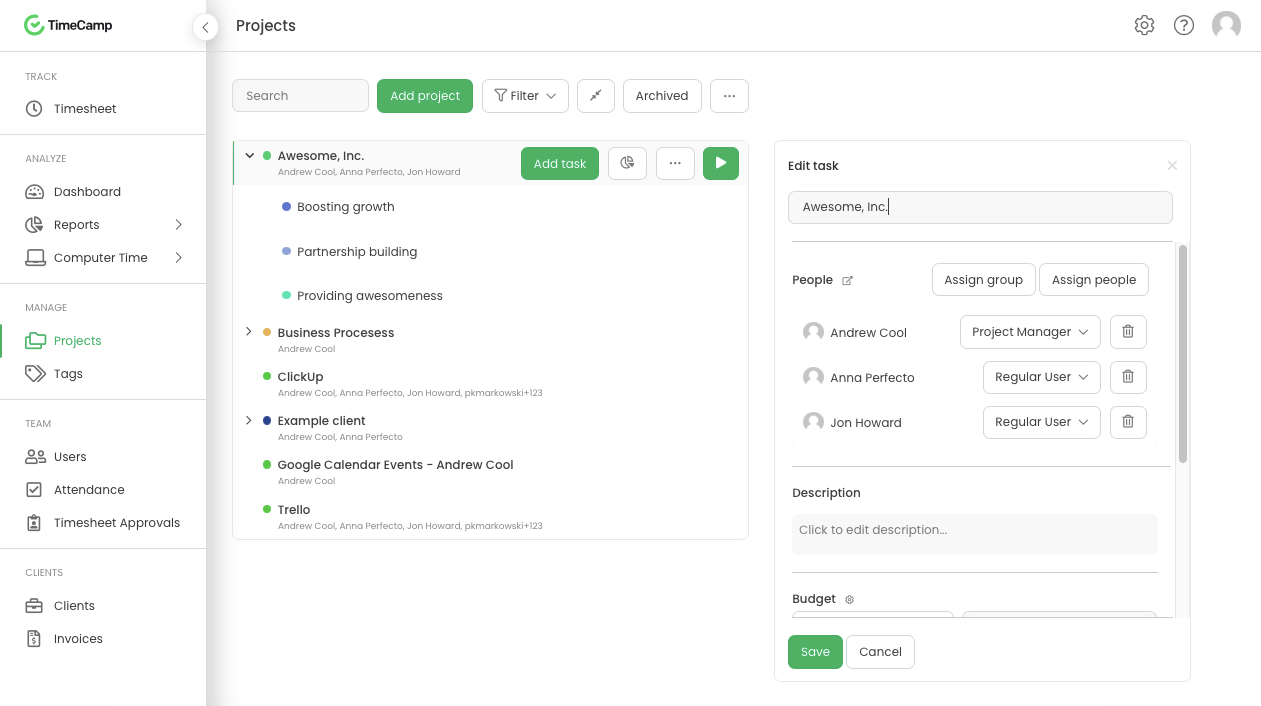
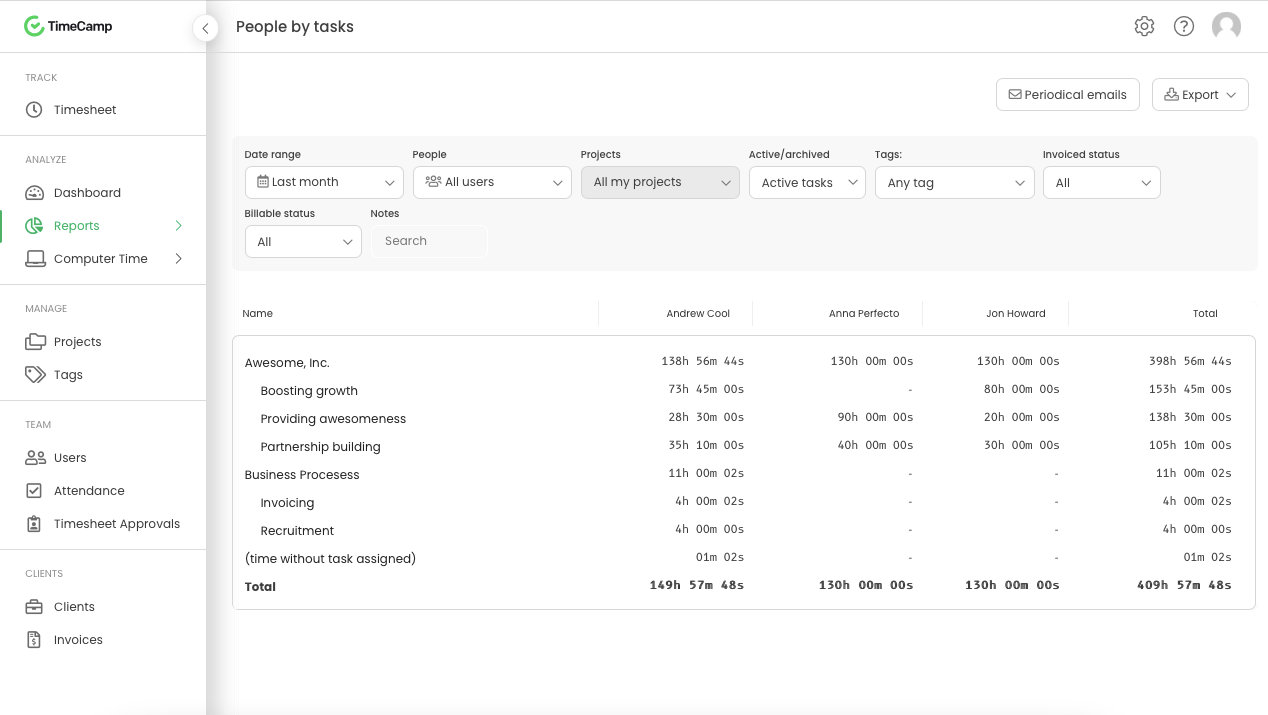
TimeCamp is cloud based, multi-platform (Windows, Mac, Linux, iOS, Android) time tracking and invoicing software.
$5.49
per month per user
Pricing
Microsoft Planner
TimeCamp
Editions & Modules
No answers on this topic
Free
$0
free with limited features.
Starter
$5.49
per month per user
Premium
$9.99
per month per user
Ultimate
$13.99
per month per user
Enterprise
Custom
Offerings
Pricing Offerings
Microsoft Planner
TimeCamp
Free Trial
No
Yes
Free/Freemium Version
No
Yes
Premium Consulting/Integration Services
No
Yes
Entry-level Setup Fee
No setup fee
No setup fee
Additional Details
—
Discount available for annual billing. The free plan encompass all basic time tracking features for unlimited users.
There are a few examples where MS Planner would be suitable for employees at a mature organization. In my opinion, if you have Outlook or Teams, you already have built-in calendars and to-do lists. If you need a project management tool, you have two options: either pay for MS Project or use an alternative tool like Monday, Asana, or Jira. Regardless, their free versions are much more sophisticated than Microsoft's (MS Planner). Any team wishing to put together a halfway-decent project management board will need to look elsewhere, as MS Planner is only suitable for a personal to-do list.
TimeCamp is comparable to all other time tracking apps. It predominantly depends on your specific use case and if the UX works for you if TimeCamp will be a good fit. Personally, I found the software not super intuitive and I think that was a big turn off.
TimeCamp does what it is made to do and it does it very well. It allows multiple levels of billing rates and does a great job tracking.
TImeCamp does take a little bit of time to set up, but that is no different than any other tool. The interface is easily understandable so the configuration goes pretty quickly.
Would be nice to see a calendar view instead of a list view
Permissions aren't configurable, anyone can delete any task at any time and there is no recycle bin
Notifications aren't great, you have to be attached as an owner to a task to see comments and be notified of changes, and even then notifications aren't shown for a lot of things
TimeCamp is a little bit expensive. It needs overall improvement in all tools. Moreover, the mobile version is not as useful as the web version of TimeCamp.
Other than that, customer service needs more attention and requires more improvement.
Also, I feel like that if there are more features of TimeCamp then it would be better.
It is a very useful tool that brings teams in sync with one another. The integration with other Microsoft products makes it an obvious choice because you don't have to purchase a license for a completely different tool that doesn't have cross-functional capabilities with the software you already use on a daily basis.
The board-and-bucket layout makes it easy to organize tasks, track progress, and prioritize work at a glance, even for first-time users. I also appreciate how Planner seamlessly integrates with tools like Teams, Outlook, and SharePoint, enabling users to collaborate, schedule tasks, and access their plans without needing to switch platforms. I also like how it’s accessible not only on desktops, but also on mobile devices.
I am giving support a rating of 8 but that is quite arbitrary. Honestly, we have never had the need to contact support for any reason. There has not been a situation where we became stuck and could not figure out how to work through it. Sign up was easy and billing is like clockwork so there has been no need to contact billing support. I think this is a testament to the ease of use of TimeCamp.
Many areas of the company still use Trello to organize their activities and tasks, but gradually Microsoft Planner must replace the activities. Users are often "attached" to familiar technologies, but Office 365 takes advantage of the more organized use of the tools. This year we will not renew the Trello contract.
TimeCamp is distinctive and virtuous because it provides a flexible payment system with a free plan to make it even more attractive, it simply provides the essential alternatives in our work processes, and the customer service team executes its work very effectively and with a positive attitude positive.
In my experience, productivity is negatively impacted because assigning subtasks aren't clear on Microsoft Planner
Managers aren't able to track direct reports' tasks across multiple boards -- leading to poor visibility for us
Notifications aren't always sent to inbox, so you rely on people's own project management skills to follow the communication on tasks they're assigned to. In my experience, this leads to missed deadlines impacting customer relationships.