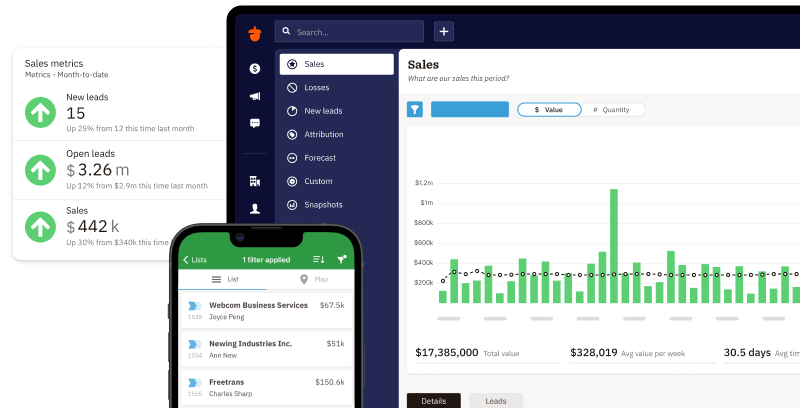
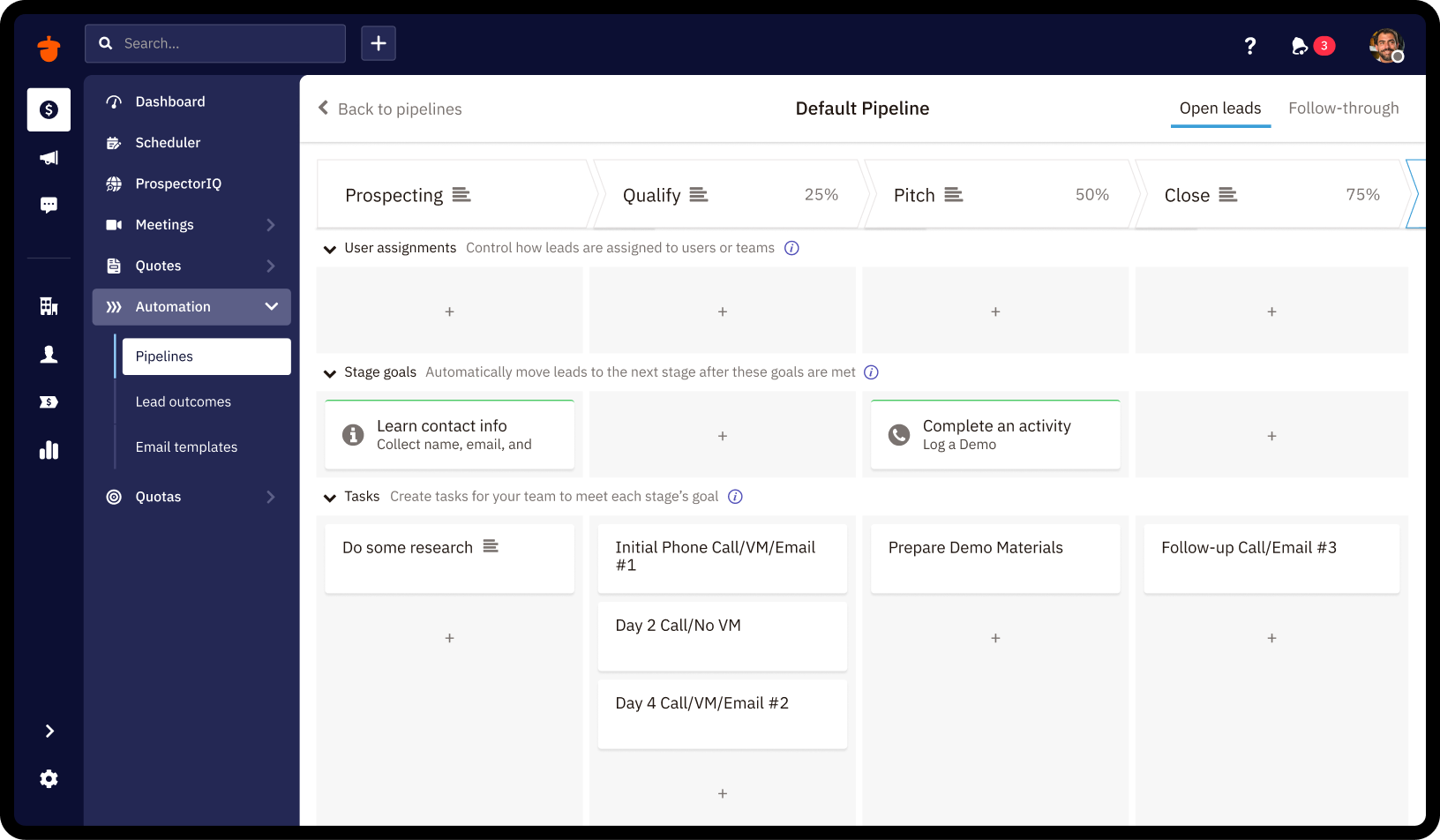
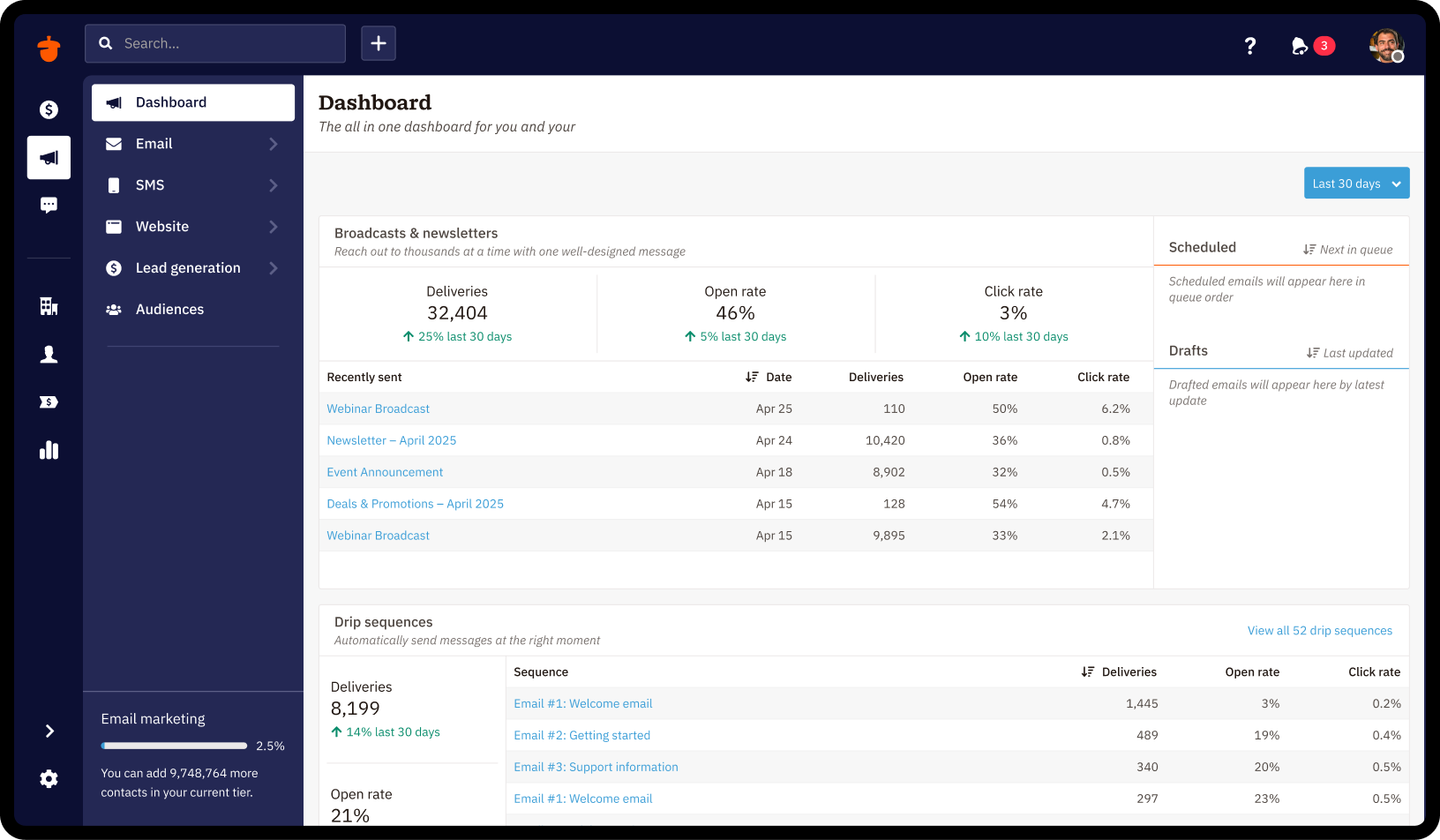
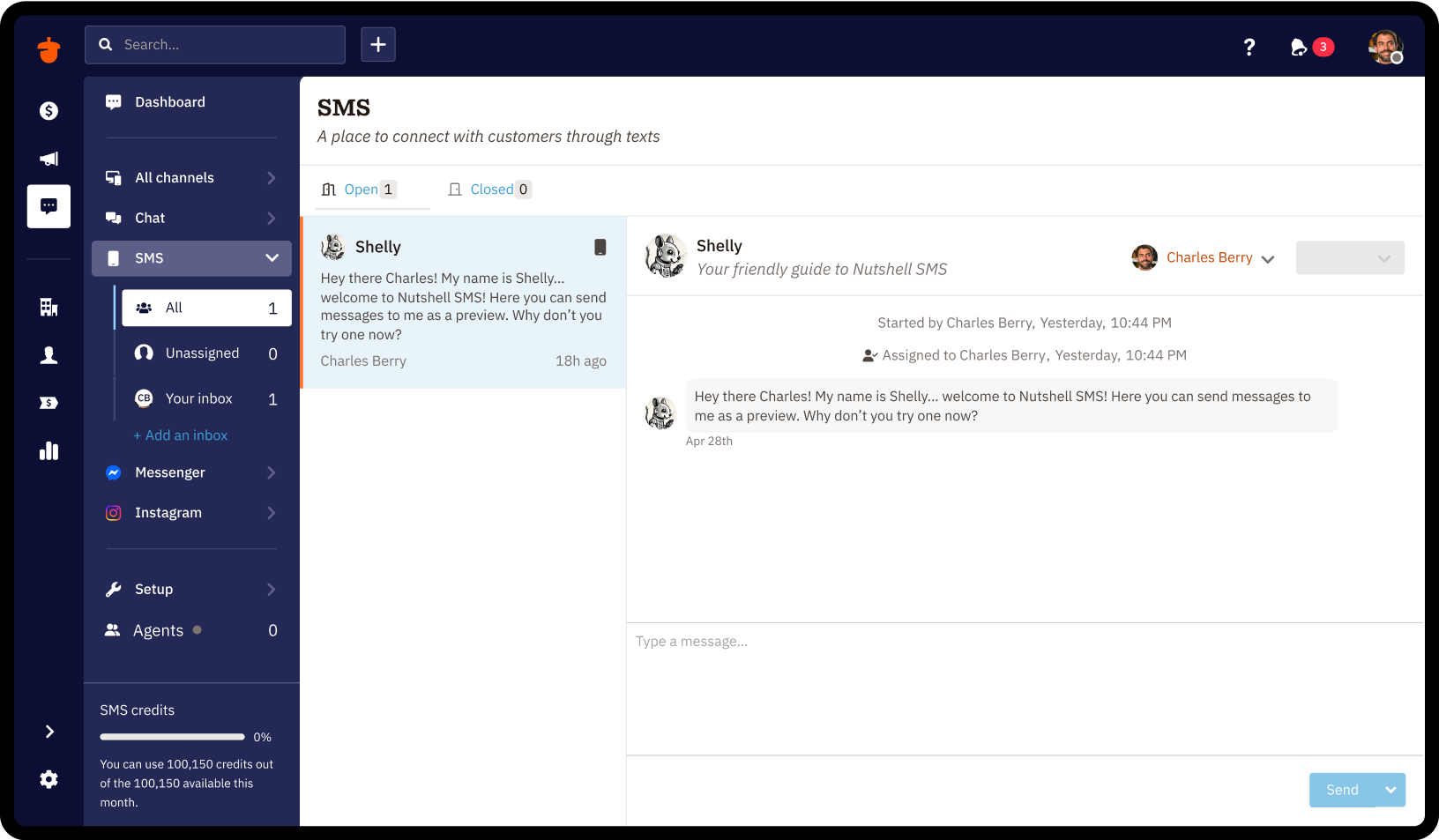
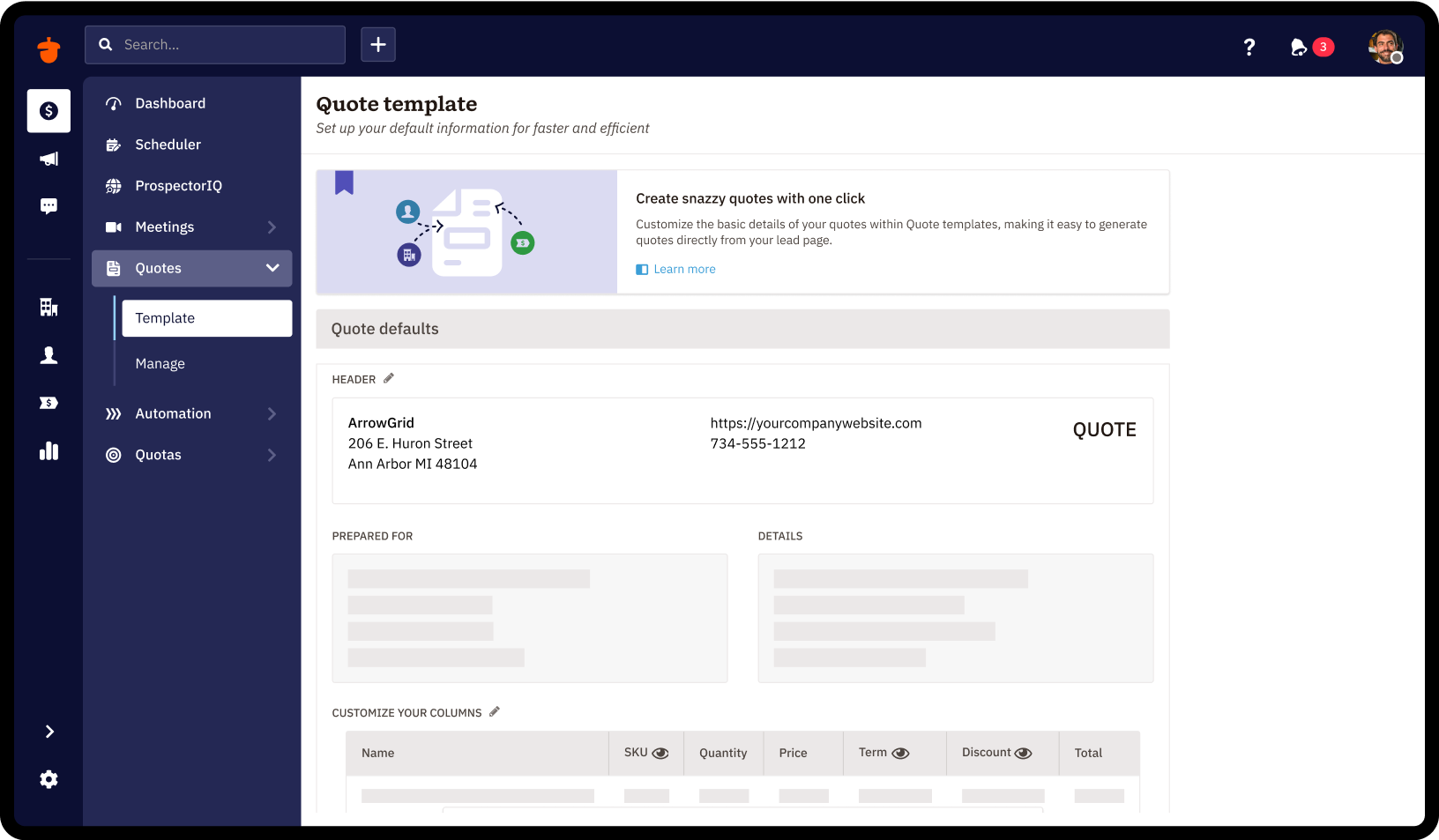
Nutshell offers a CRM with contact management, calendar sync, click-to-call, and collaboration features.
$19
per month per user
Shared Contacts for Gmail
Score 7.9 out of 10
N/A
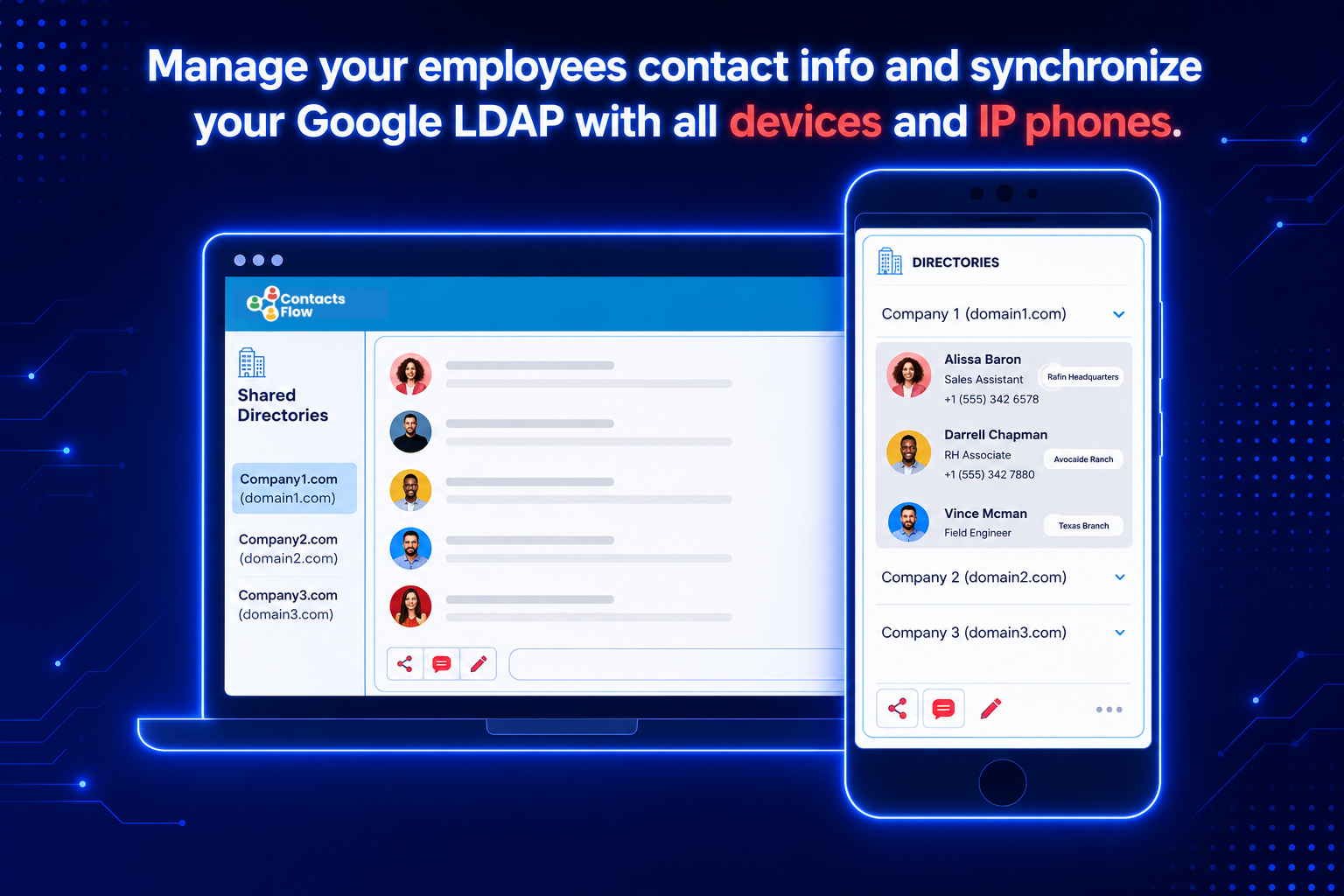
Shared Contacts for Gmail enables Google Workspace (G-Suite) & Gmail users to create, manage, share team address books (labels) from anywhere (Gmail, Google Contacts, Mobile phones etc.). Define access permissions exactly like you would do with a Google Doc: View Only Edit Delete permission Re-share Transfer of ownership Access contacts shared from anywhere in a workspace (Gmail, Google Contacts, Calendar, Mobile phones etc.).…
$0.99
per user per month
Pricing
Nutshell CRM
Shared Contacts for Gmail
Editions & Modules
Foundation
$19
per month per user
Growth
$32
per month per user
Pro
$49
per month per user
Business
$67
per month per user
Enterprise
$89
per month per user
Lite
$0.99
per user per month
Team
$1.79
per user per month
Business
$2.59
per user per month
Offerings
Pricing Offerings
Nutshell
Shared Contacts for Gmail
Free Trial
Yes
Yes
Free/Freemium Version
No
Yes
Premium Consulting/Integration Services
Yes
Yes
Entry-level Setup Fee
No setup fee
$0.99 per user per month
Additional Details
15% discount for annual pricing.
—
More Pricing Information
Community Pulse
Nutshell CRM
Shared Contacts for Gmail
Features
Nutshell CRM
Shared Contacts for Gmail
Sales Force Automation
Comparison of Sales Force Automation features of Product A and Product B
Nutshell CRM
9.1
15 Ratings
15% above category average
Shared Contacts for Gmail
-
Ratings
Customer data management / contact management
9.014 Ratings
00 Ratings
Workflow management
10.013 Ratings
00 Ratings
Territory management
10.08 Ratings
00 Ratings
Opportunity management
10.010 Ratings
00 Ratings
Integration with email client (e.g., Outlook or Gmail)
7.714 Ratings
00 Ratings
Contract management
10.01 Ratings
00 Ratings
Quote & order management
9.59 Ratings
00 Ratings
Interaction tracking
7.712 Ratings
00 Ratings
Channel / partner relationship management
8.43 Ratings
00 Ratings
Customer Service & Support
Comparison of Customer Service & Support features of Product A and Product B
Nutshell CRM
10.0
7 Ratings
26% above category average
Shared Contacts for Gmail
-
Ratings
Case management
10.06 Ratings
00 Ratings
Call center management
10.05 Ratings
00 Ratings
Help desk management
10.01 Ratings
00 Ratings
Marketing Automation
Comparison of Marketing Automation features of Product A and Product B
Nutshell CRM
8.7
14 Ratings
12% above category average
Shared Contacts for Gmail
-
Ratings
Lead management
9.713 Ratings
00 Ratings
Email marketing
7.712 Ratings
00 Ratings
CRM Project Management
Comparison of CRM Project Management features of Product A and Product B
Nutshell CRM
9.3
13 Ratings
19% above category average
Shared Contacts for Gmail
-
Ratings
Task management
9.712 Ratings
00 Ratings
Billing and invoicing management
8.42 Ratings
00 Ratings
Reporting
10.09 Ratings
00 Ratings
CRM Reporting & Analytics
Comparison of CRM Reporting & Analytics features of Product A and Product B
Nutshell CRM
10.0
13 Ratings
27% above category average
Shared Contacts for Gmail
-
Ratings
Forecasting
10.010 Ratings
00 Ratings
Pipeline visualization
10.012 Ratings
00 Ratings
Customizable reports
10.012 Ratings
00 Ratings
Customization
Comparison of Customization features of Product A and Product B
Nutshell CRM
9.8
11 Ratings
25% above category average
Shared Contacts for Gmail
-
Ratings
Custom fields
9.511 Ratings
00 Ratings
Custom objects
10.06 Ratings
00 Ratings
Scripting environment
10.02 Ratings
00 Ratings
API for custom integration
9.96 Ratings
00 Ratings
Security
Comparison of Security features of Product A and Product B
Nutshell CRM
9.6
4 Ratings
13% above category average
Shared Contacts for Gmail
-
Ratings
Single sign-on capability
9.63 Ratings
00 Ratings
Role-based user permissions
9.63 Ratings
00 Ratings
Social CRM
Comparison of Social CRM features of Product A and Product B
Nutshell CRM
9.6
9 Ratings
24% above category average
Shared Contacts for Gmail
-
Ratings
Social data
9.29 Ratings
00 Ratings
Social engagement
10.02 Ratings
00 Ratings
Integrations with 3rd-party Software
Comparison of Integrations with 3rd-party Software features of Product A and Product B
Nutshell CRM
10.0
2 Ratings
28% above category average
Shared Contacts for Gmail
-
Ratings
Marketing automation
10.02 Ratings
00 Ratings
Compensation management
10.02 Ratings
00 Ratings
Platform
Comparison of Platform features of Product A and Product B
This can be used for different industries, healthcare, IT, retail or any company with a customer service line, big or small. if i had to ask, i would say "Do you have any type of filing system that you use?" "anything where you are keeping track of personal/ business information." Do you need access to information on a day to day basis? If they do , then this can be used , especially if you need to keep track of the numbers; we like how we can see if are things going up or down.
Shared Contacts for Gmail is well suited for organizations that generate and coordinate long term partnerships and that have a big remote working component as a main form or working. It is less appropriate with organizations dedicated to sales and performance based ways of working. I would recommend it for medium size organizations.
I have been looking for a way to share our contacts within our organization for a while now. This process really improves how we were doing it within Google Sheets.
My only negative is that it has taken so long for it to be functional within Google.
This is perfect for a small business / Home based business with SaaS. Nutshell constantly adds new features and the price is much better than more robust software like Salesforce.
Extremely easy to use and they help you throughout the process. I find it not challenging, an effective utility to help us prioritize and engage efficiently at a reasonable price point. We enjoy working with the team there and they're easy to access. I've already recommended it to two colleagues
Very easy to use. Mostly related to the design of the program, but also due to the layout. I find it easy to find what I am looking for. As noted in earlier comments, greater implementation of AI would probably make the program even easier to use, as sometimes finding certain functions is not entirely transparent.
Nutshell's support team has always been great and they tend to go above and beyond. They are polite, friendly, personable and great listeners. They are also great about sending follow up emails too.
When I first started with BCI, they were using ACT!. It was hard to navigate and there were a lot of spots for duplicate information that made it hard to know if you were in the right spot or not. Then if you had trouble, you would spend 3 hours on the phone with customer service and often they would not even be able to find a solution. I would not recommend ACT! to anyone. Since getting nutshell, I have learned a bit about Cosential and I know that it is more catered to the construction industry and can help with proposal creation, so I think that may be something we consider in the not-too-near future.
My company used Zendesk Sell for a while, but the profiles weren't as manageable and easy accessed as Shared Contacts [for Gmail.] It resulted easier to update the contact information within Shared Contacts [for Gmail] and maintain the contact flow, than updating in Zendesk, and then manually go into gmail and continue the conversation. As well we don't use Shared Contacts [for Gmail] alone. We do accompany it with an internal operations system, were we manage the clients profile, but the combination between the two is perfect.
Nutshell CRM has had a major impact on ROI. The last program we used cost more and had fewer features and accessibility.
One negative impact is its email functions. As stated before in this review I need to be able to send large attachments and pics through email and Nutshell is very limited when it comes to that.