
Omnisend vs. OneSignal
| Product | Rating | Most Used By | Product Summary | Starting Price |
|---|---|---|---|---|
 Omnisend | Score8.2 out of 10 | N/A | Omnisend is an email and SMS marketing platform with features made to help ecommerce stores grow their audience and sales. It features one-click integration with major ecommerce platforms, pre-made automation and email templates, and 24/7/365 live customer support. | $16 per month 500 contacts, 6,000 emails / month |
 OneSignal | Score8 out of 10 | N/A | OneSignal’s omnichannel customer engagement platform offers push notifications, email, in-app messages, and SMS. OneSignal’s automated customer Journeys and one-off campaigns allow users to create messaging strategies that convert, inform, and retain audiences, with little to no coding required for setup. | $19 per month |
| Omnisend | OneSignal | |||||||||||||||
|---|---|---|---|---|---|---|---|---|---|---|---|---|---|---|---|---|
| Editions & Modules |
|
| ||||||||||||||
| Offerings |
| |||||||||||||||
| Entry-level Setup Fee | Required | Optional | ||||||||||||||
| Additional Details | Omnisend offers three pricing plans: Free, Standard and Pro. The Free plan is used to explore all of Omnisend's features (emails, SMS, push notifications, popups, segmentation, analytics, etc), send up to 500 emails and push notifications, plus 60 SMS per month at no cost. The standard plan starts at $16 per month and includes everything in Free, unlimited web push notifications, a customer success manager and 24/7 support. From $59 per month, the Pro plan can be used to send unlimited emails and push notifications, get advanced reporting features, a dedicated Customer Success Manager, and priority 24/7 support. It also includes free SMS credits equal to the price of the Pro plan selected. | — | ||||||||||||||
| More Pricing Information | ||||||||||||||||
| Omnisend | OneSignal | |
|---|---|---|
| Considered Both Products | No answer on this topic | No answer on this topic |
| Key User Insights | ||
| Would buy again | ||
91% Would buy again 10 Answers | 100% Would buy again 7 Answers | |
| Delivers good value for the price | ||
91% Delivers good value for the price 10 Answers | 100% Delivers good value for the price 7 Answers | |
| Happy with the feature set | ||
91% Happy with the feature set 10 Answers | 100% Happy with the feature set 7 Answers | |
| Lived up to sales and marketing promises | ||
86% Lived up to sales and marketing promises 6 Answers | 100% Lived up to sales and marketing promises 7 Answers | |
| Implementation went as expected | ||
89% Implementation went as expected 8 Answers | 83% Implementation went as expected 5 Answers | |
| Omnisend | OneSignal | |||||||||||||||||||||||||||||||
|---|---|---|---|---|---|---|---|---|---|---|---|---|---|---|---|---|---|---|---|---|---|---|---|---|---|---|---|---|---|---|---|---|
| Email & Online Marketing |
| |||||||||||||||||||||||||||||||
| Reporting & Analytics |
| |||||||||||||||||||||||||||||||
| Pre-Send Testing |
| |||||||||||||||||||||||||||||||
| Omnisend | OneSignal | |
|---|---|---|
| Small Businesses |  Mad Mimi Score10 out of 10 |  Vbout Score9.9 out of 10 |
| Medium-sized Companies |  Campaign Monitor by Marigold Score9 out of 10 |  Bloomreach Score9.2 out of 10 |
| Enterprises |  Emma by Marigold Score8.5 out of 10 |  Iterable Score8.2 out of 10 |
| All Alternatives | View all alternatives | View all alternatives |
| Omnisend | OneSignal | |
|---|---|---|
| Likelihood to Recommend | 6.3 | 10.0 |
| Usability | 8.7 | 8.0 |
| Support Rating | 5.0 | 7.1 |
| Omnisend | OneSignal | |
|---|---|---|
| Likelihood to Recommend |
|
|
| Pros |
|
|
| Cons |
|
|
| Usability |
|
|
| Support Rating |
|
|
| Alternatives Considered |
|
|
| Return on Investment |
|
|
| ScreenShots | Omnisend Screenshots    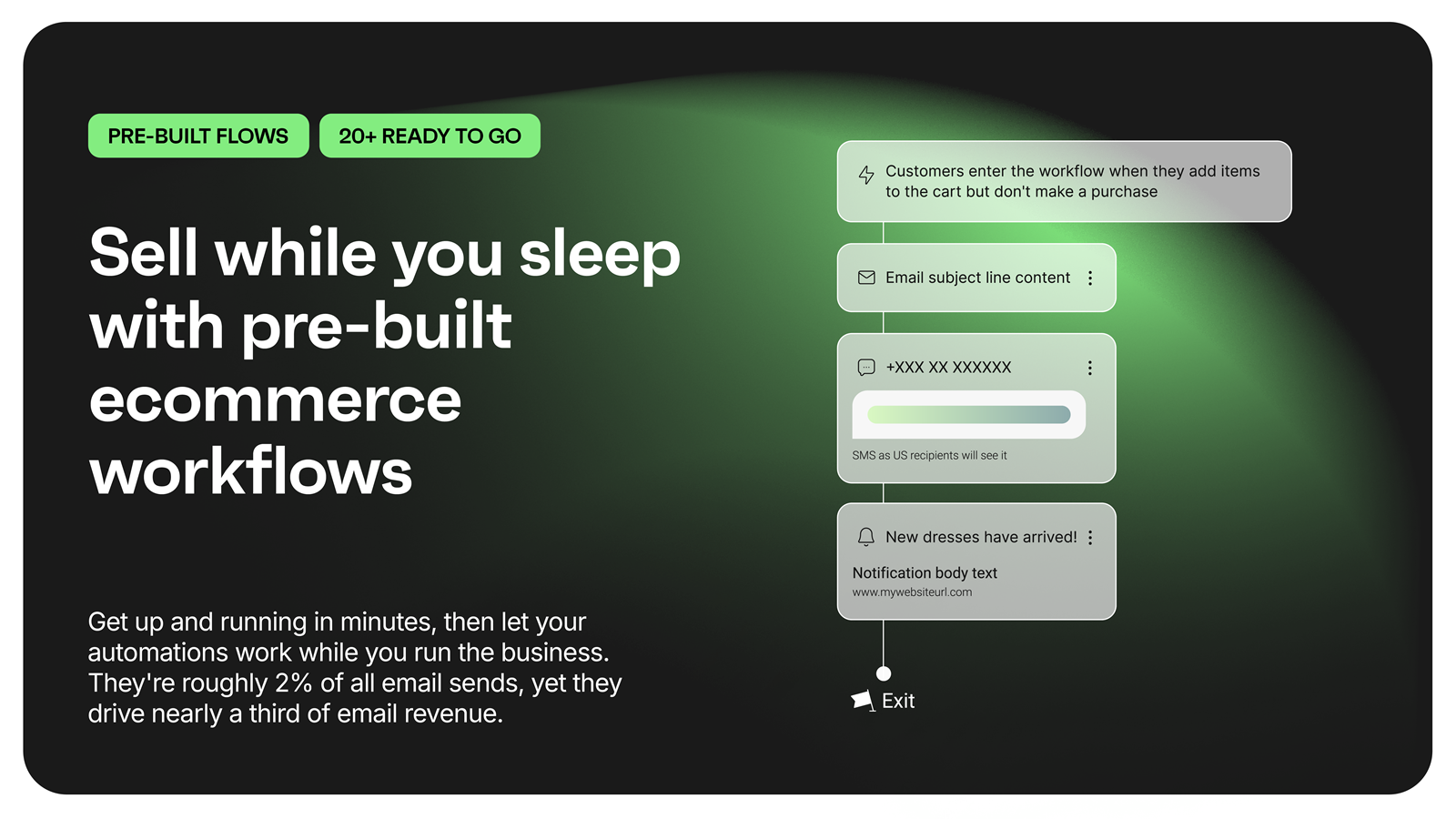  |




