Paycom is an automated HCM platform, built on a single database that eliminates redundant data entry through automation. A payroll and HR software solution, Paycom is used by organizations of all sizes to access employee data without navigating multiple systems.
N/A
Workday Workforce Management
Score8.1 out of 10
N/A
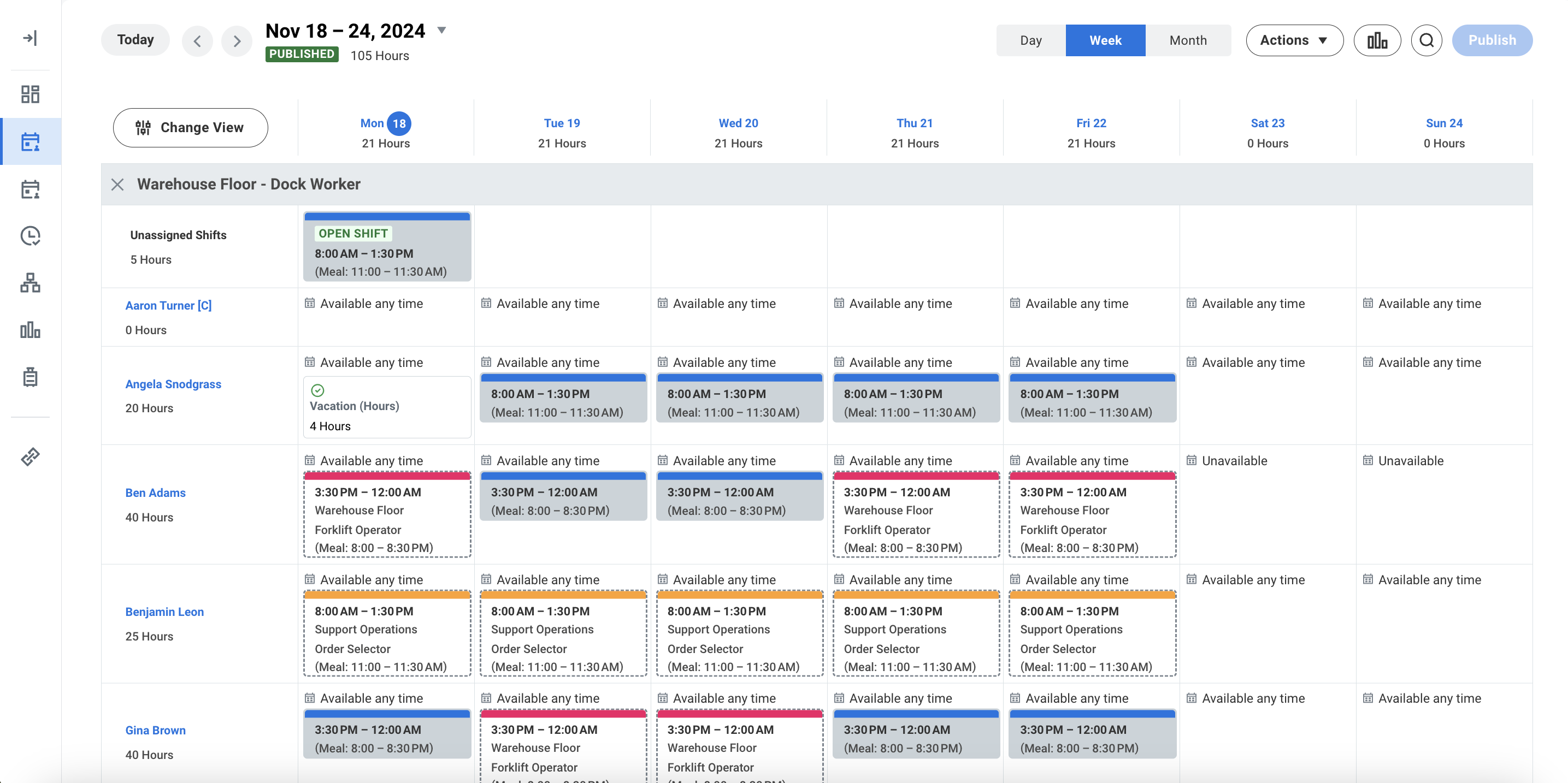
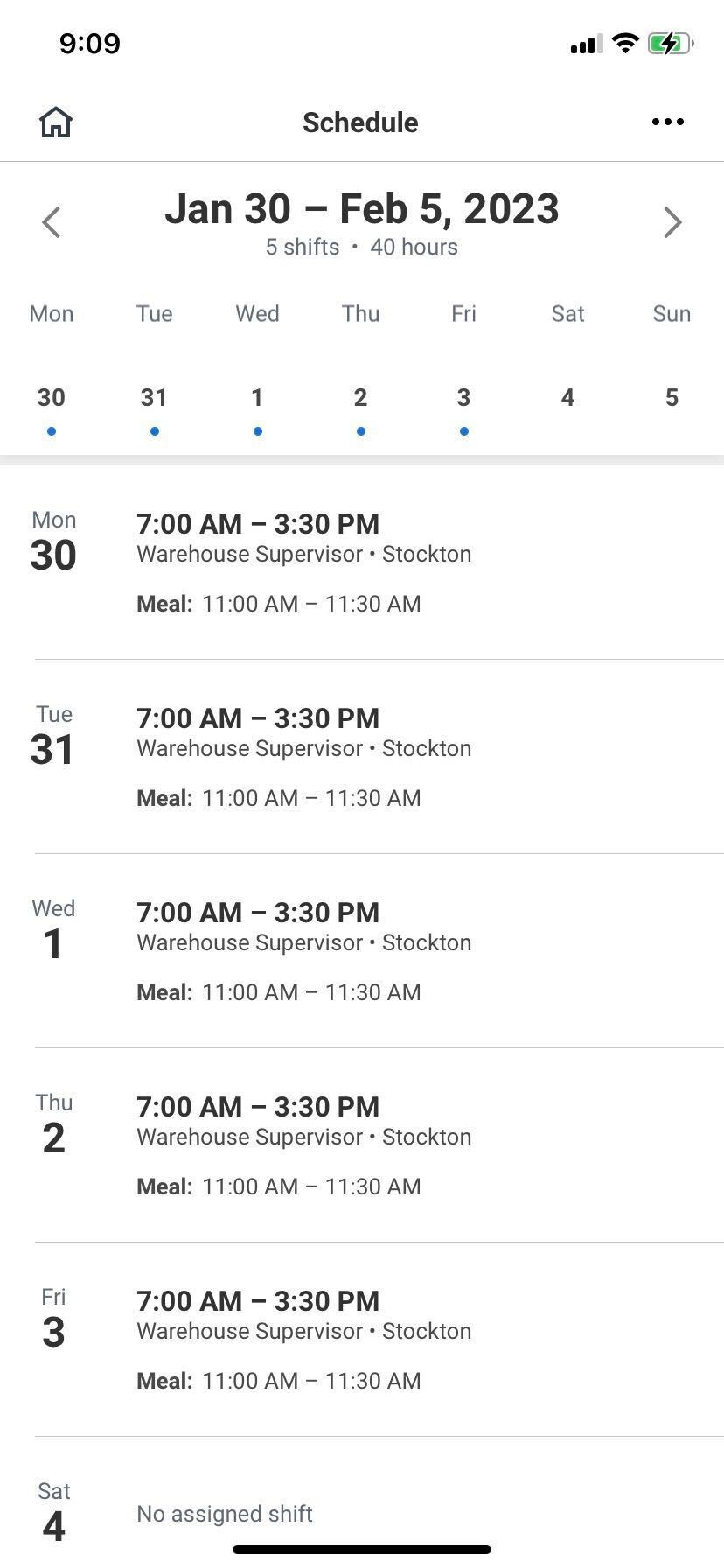
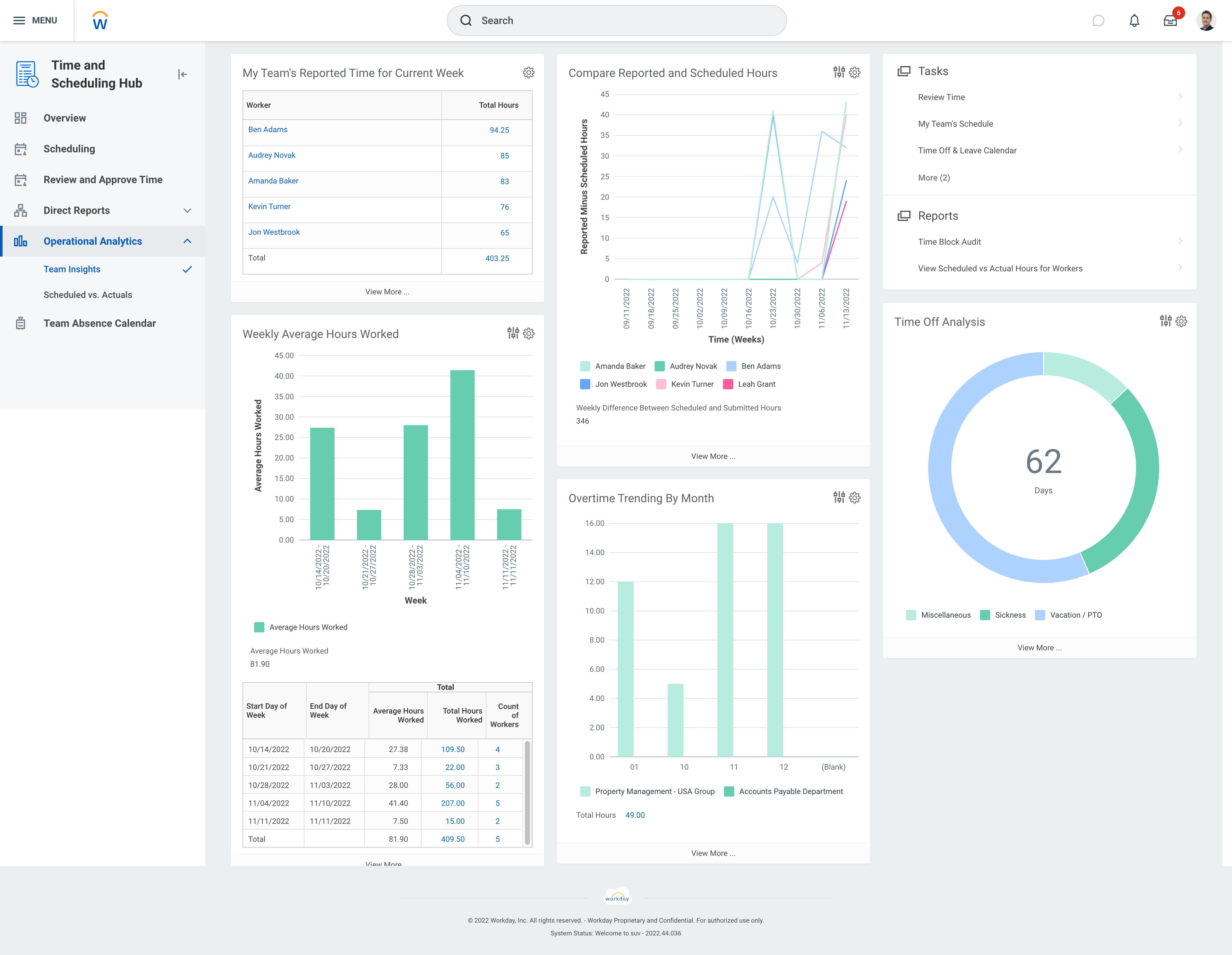
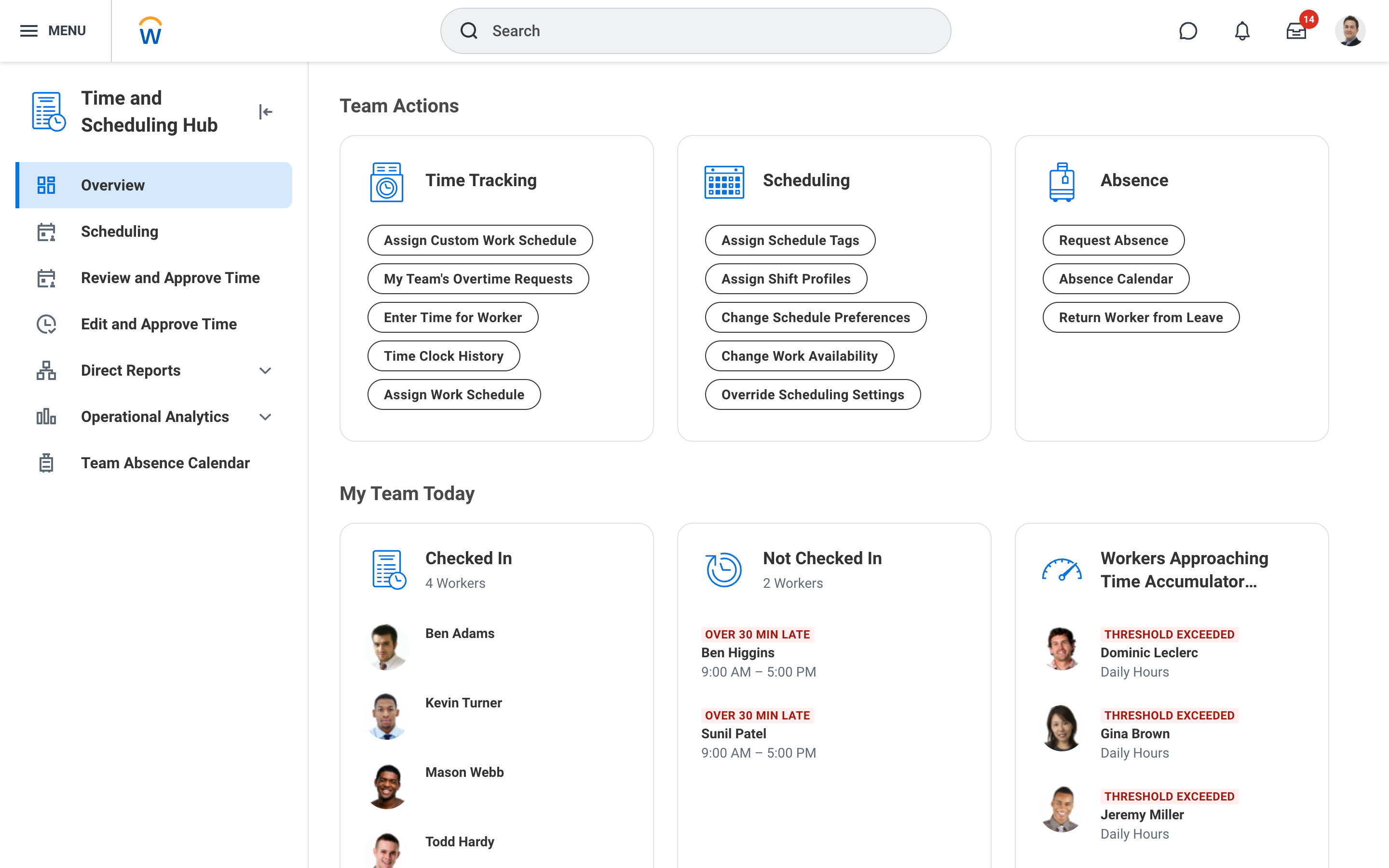
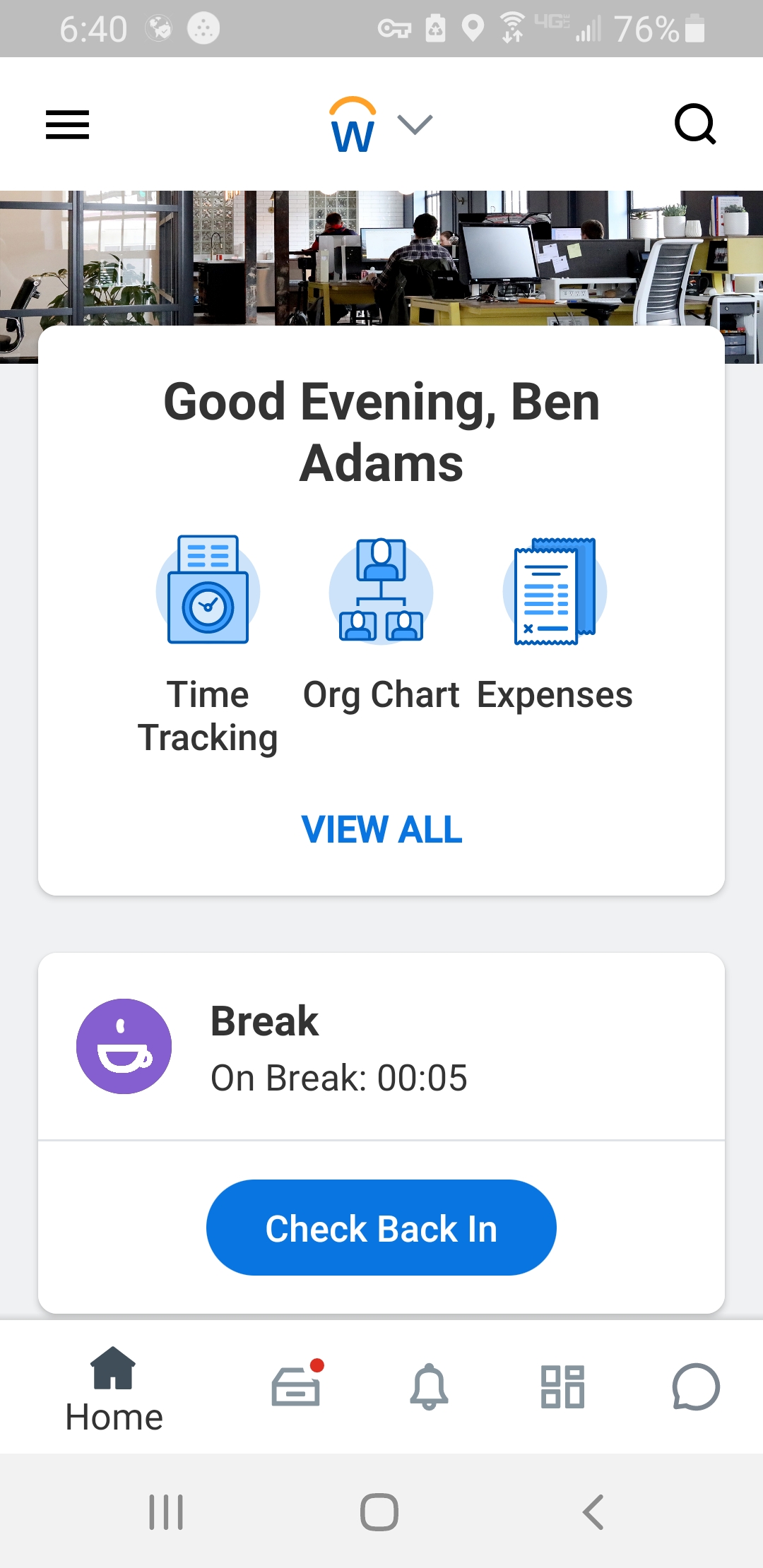
Workday Workforce Management is a workforce operations software that integrates HR, time, and scheduling data, to eliminate disjointed processes that halt day-to-day operations. Consistent with a worker-first approach, Workday provides mobile-first access to personalized pay, time, and schedules, giving workers frictionless on-the-go access. This helps overcome difficulties in retaining workers and keeps them engaged in a competitive labor…
HR Manager in Human Resources at Futures Explored (Non-profit Organization Management, 51-200 employees)
Chose Paycom
I like PayPal because, as I said, I haven't had any issues. I haven't had to call any of the representatives. I can't think of the main work for the company logo, but that's for a larger company, so I've only used it for smaller companies that don't work for that, but it …
A de minimis incentive was given to thank the reviewer for their time. The incentive was not used to bias or drive a particular response, nor was the incentive contingent on a positive endorsement. TR verified that a representative sample of customers was invited. More Info
Assistant General Manager of Administration in Human Resources at TOYOTETSU North America (Automotive, 501-1000 employees)
Chose Paycom
I do think it's very similar. I think it is on the higher end. I haven't used Workday in a very long time, so I can't really compare that because a lot of features are new, and maybe Workday has them. I do think Paycom and ADP are both a little better than Paycor, but that's …
A de minimis incentive was given to thank the reviewer for their time. The incentive was not used to bias or drive a particular response, nor was the incentive contingent on a positive endorsement. TR verified that a representative sample of customers was invited. More Info
Verified User
Chose Paycom
I think for Paycom, it's the user friendliness and the fact that it can do everything. So it can do our payroll, it can do our time management. We use it for our org charts. So really, it's kind of all in one for our company.
A de minimis incentive was given to thank the reviewer for their time. The incentive was not used to bias or drive a particular response, nor was the incentive contingent on a positive endorsement. TR verified that a representative sample of customers was invited. More Info
My company is currently at around 2,000 employees and meets all expectations. I have worked at companies of up to 7,000 employees that also used Paycom and that met all expectations as well. I do not know that Paycom would be worth it from a pricing perspective for a smaller company, maybe 30 employees or less. I also believe Paycom has an opportunity to better partner with clients in mergers and acquisitions.
A de minimis incentive was given to thank the reviewer for their time. The incentive was not used to bias or drive a particular response, nor was the incentive contingent on a positive endorsement. More Info
Workday has solved many organizational needs we have from tracking time and attendance, performance and goals, compliance trainings, benefits and so much more. It is easy to adjust schedules, assign attendance points, run reports and more to keep up with employee performance. Being able to source new employees (in and out of the network) all within the same platform that we track time and benefits helps solve many needs in just one easy to use platform.
A de minimis incentive was given to thank the reviewer for their time. The incentive was not used to bias or drive a particular response, nor was the incentive contingent on a positive endorsement. More Info
I like the employee self-service feature. It's very straightforward and easy to use. I also like my representative, Mikey. He's been very helpful—every time I call him, I get the assistance I need. I also appreciate how quickly I can get someone on the phone and get help when needed.
A de minimis incentive was given to thank the reviewer for their time. The incentive was not used to bias or drive a particular response, nor was the incentive contingent on a positive endorsement. TR verified that a representative sample of customers was invited. More Info
A de minimis incentive was given to thank the reviewer for their time. The incentive was not used to bias or drive a particular response, nor was the incentive contingent on a positive endorsement. More Info
I am not a fan of the most recent update. I wasn't prepared for the change especially given it came right before payroll was processed. I'm told given time, I will get used to it and I'm always open to change for the better.
IWant™ feature isn't what I hoped it would be. I haven't used it much given the information I need in Paycom I can find quickly on my own. I have heard however that several employees utilize and appreciate the IWant™ feature.
A de minimis incentive was given to thank the reviewer for their time. The incentive was not used to bias or drive a particular response, nor was the incentive contingent on a positive endorsement. TR verified that a representative sample of customers was invited. More Info
A de minimis incentive was given to thank the reviewer for their time. The incentive was not used to bias or drive a particular response, nor was the incentive contingent on a positive endorsement. More Info
we are having no problems with how the system works and our support system at paycom is the best - we are learning more and using the system in more ways all the time the only thing that could be better is pricing on some things
A de minimis incentive was given to thank the reviewer for their time. The incentive was not used to bias or drive a particular response, nor was the incentive contingent on a positive endorsement. TR verified that a representative sample of customers was invited. More Info
I'm probably going to have to go seven and three-quarter to eight, and that may be user error to me because I know Paycom has got it figured out, but there's times I just can't figure it out, even with some of the tutorials, the university, the show-mes, and calling Alex, our representative. He can hold my hand and walk me through that process, and it just may be I didn't get it, but that's why I gave that score. I'd give it a solid nine.
A de minimis incentive was given to thank the reviewer for their time. The incentive was not used to bias or drive a particular response, nor was the incentive contingent on a positive endorsement. TR verified that a representative sample of customers was invited. More Info
The UI is intimidating for a lot of people. You have to get used to where to click and search for specific information. What we have found that works is to have new hires sit with seasoned employees for tips and tricks on how to maneuver around in the system efficiently. It is important that new hires know from the start specific resources that they will need to access in using WFM daily and hone in on those skills and locations of data needed. Starting off, our experience shows that it's better to focus on the minimum tools and learn those well and build knowledge from there to make it less intimidating
A de minimis incentive was given to thank the reviewer for their time. The incentive was not used to bias or drive a particular response, nor was the incentive contingent on a positive endorsement. More Info
A de minimis incentive was given to thank the reviewer for their time. The incentive was not used to bias or drive a particular response, nor was the incentive contingent on a positive endorsement. More Info
A de minimis incentive was given to thank the reviewer for their time. The incentive was not used to bias or drive a particular response, nor was the incentive contingent on a positive endorsement. TR verified that a representative sample of customers was invited. More Info
In 6 years, we've never had a bad experience with client support. We implemented during COVID, and I was the only person in HR at the time. I was also having to homeschool our children, which meant bizarre work hours and limited time to focus on platform build at times. There were nights that I was literally on calls at 11 pm and the implementation team was unbelievably supportive. Recently, a Position Seat specialist came on site to help us set up for our 5 client codes - the experience was transformative for how we use the platform and an absolute game changer. I trust Paycom because I trust our representatives. They truly are strategic partners for us, and work to ensure we're maximizing the platform and that our needs are being met
A de minimis incentive was given to thank the reviewer for their time. The incentive was not used to bias or drive a particular response, nor was the incentive contingent on a positive endorsement. TR verified that a representative sample of customers was invited. More Info
Tadd and Ellie have been great! They have show us many aspects that implementation did not. They are very personable and action oriented as well. Anytime we need them they offer to swing in.
A de minimis incentive was given to thank the reviewer for their time. The incentive was not used to bias or drive a particular response, nor was the incentive contingent on a positive endorsement. TR verified that a representative sample of customers was invited. More Info
It was good, but hard to know what questions you need to ask until you actually get in there and start working with a live product. But Paycom is also very helpful every time I call and can't figure something out. Nathan has been very friendly and helpful no matter what I call him about. He is always eager to help out.
A de minimis incentive was given to thank the reviewer for their time. The incentive was not used to bias or drive a particular response, nor was the incentive contingent on a positive endorsement. More Info
Not at all satisfied it was a nightmare we spent over 8 months with the implementation team having issues after issues all related to the Puerto Rico regulations (half my employees are in Puerto Rico) and at the end we were moved over from the implementation team to the production team without all the issues being resolved
I have not currently used any other products. I'm still kind of new to the HR industry. The only other thing that I really have to compare it to is Vonmar's system, which they created themselves, and it was not user-friendly.
A de minimis incentive was given to thank the reviewer for their time. The incentive was not used to bias or drive a particular response, nor was the incentive contingent on a positive endorsement. TR verified that a representative sample of customers was invited. More Info
The only other tool I have used was paylocity. Paylocity is a great tool as well and is more user friendly, however it is not for as big of organizations as Workday is. I would say if you are under 1k employees go with Paylocity as it will be less expensive and has everything you need with a user friendly experience. Workday is great for larger orgs but doesn’t have as much of a user friendly experience
A de minimis incentive was given to thank the reviewer for their time. The incentive was not used to bias or drive a particular response, nor was the incentive contingent on a positive endorsement. More Info
A de minimis incentive was given to thank the reviewer for their time. The incentive was not used to bias or drive a particular response, nor was the incentive contingent on a positive endorsement. More Info
It's helped us save time. We've been able to automate a number of payroll and accounting functions. It's also enabled our employees to use the ask gear feature. So it's really saved time, and also we've not gotten hacked, which is always a plus.
A de minimis incentive was given to thank the reviewer for their time. The incentive was not used to bias or drive a particular response, nor was the incentive contingent on a positive endorsement. TR verified that a representative sample of customers was invited. More Info
A de minimis incentive was given to thank the reviewer for their time. The incentive was not used to bias or drive a particular response, nor was the incentive contingent on a positive endorsement. More Info