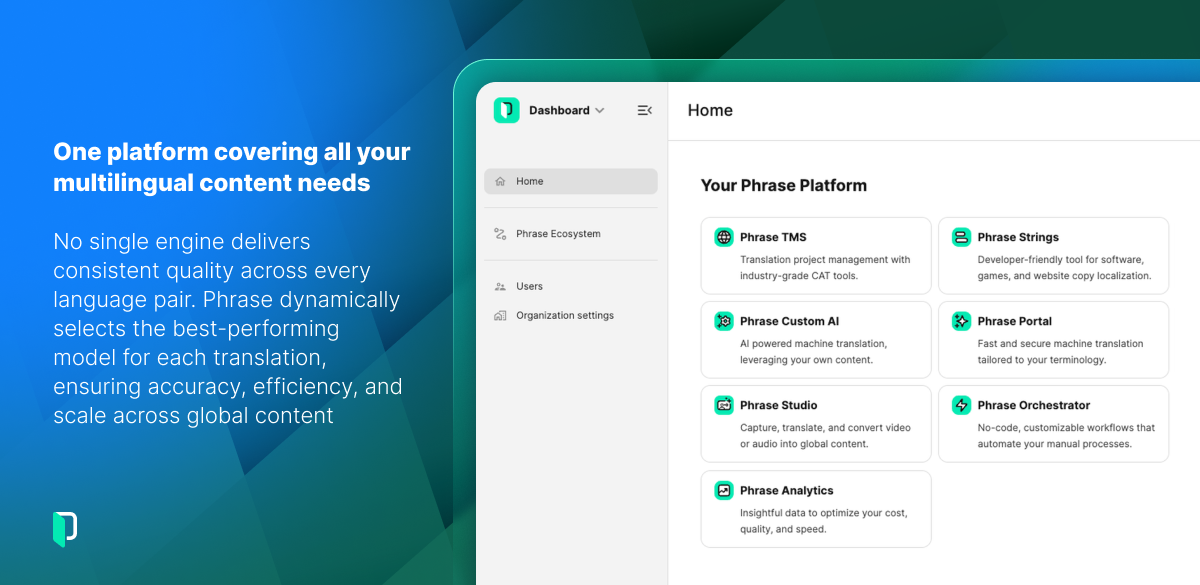
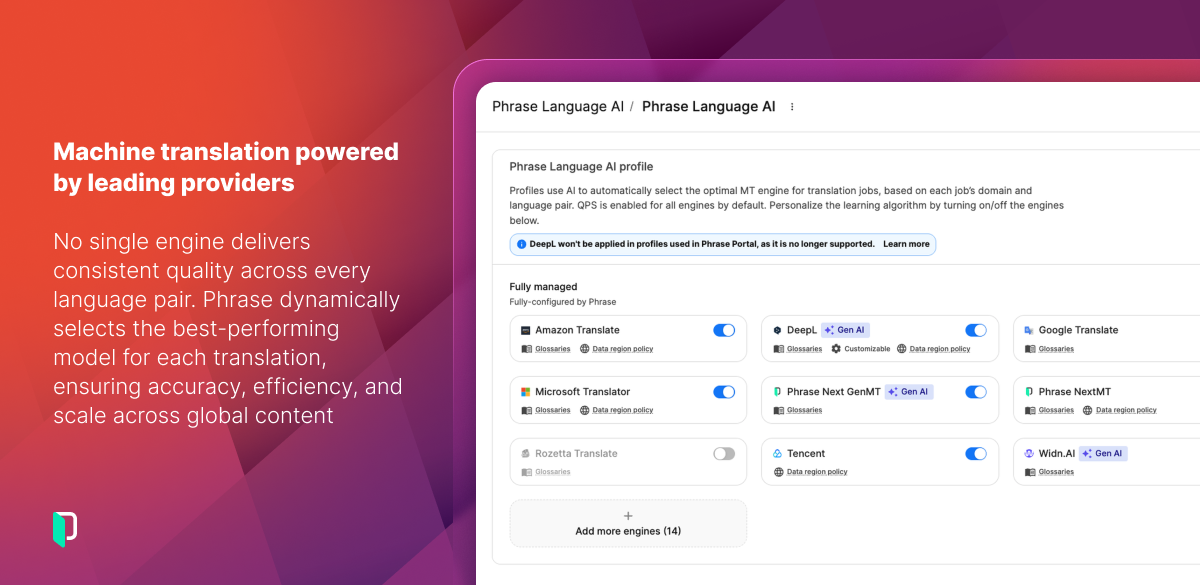
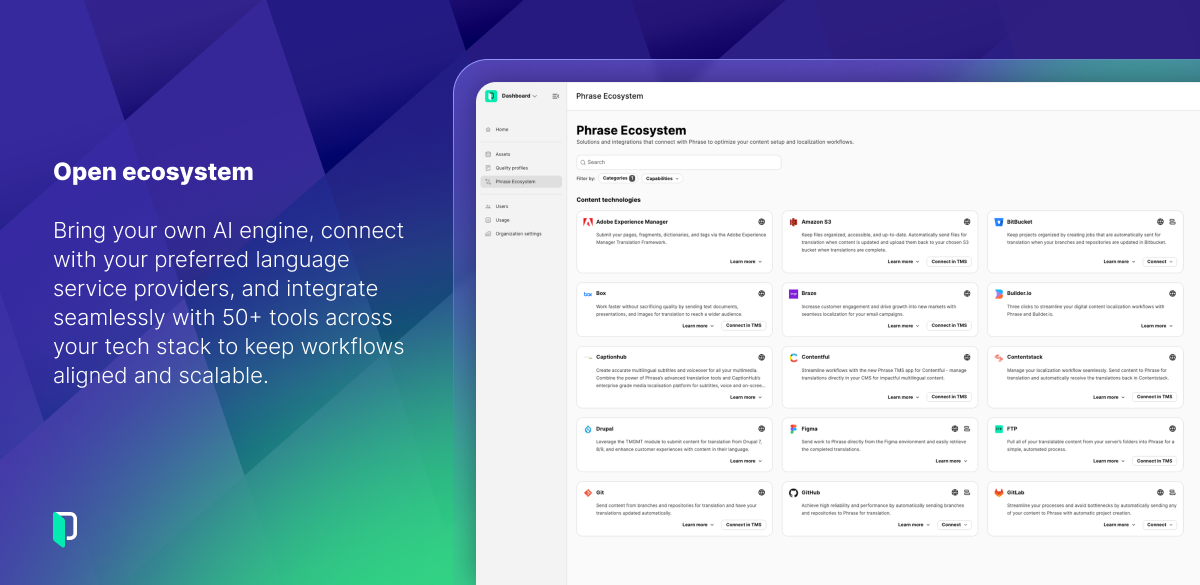
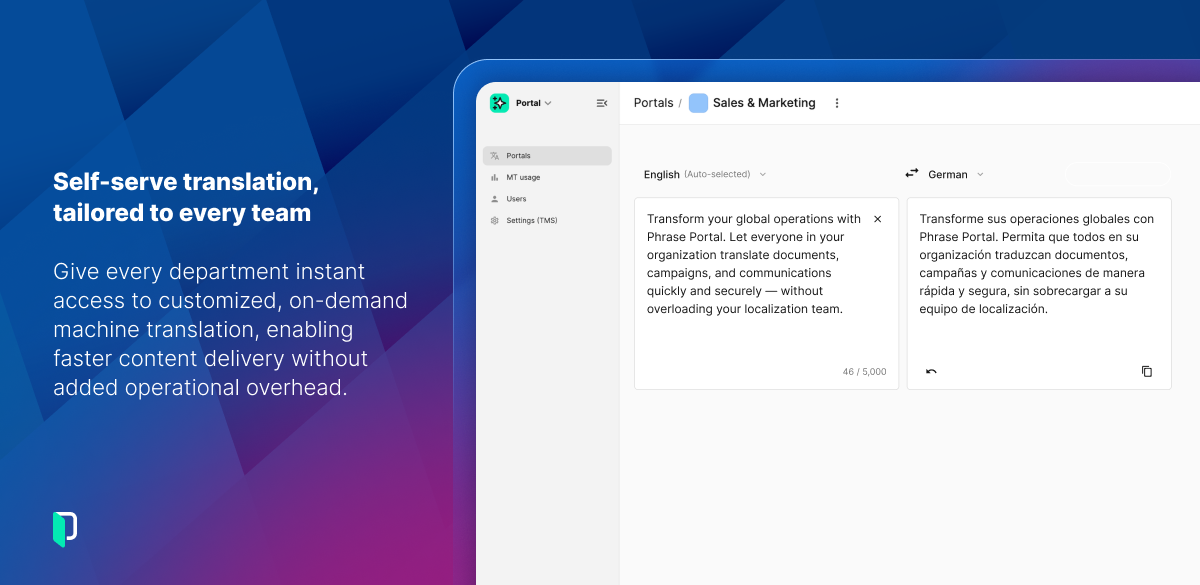
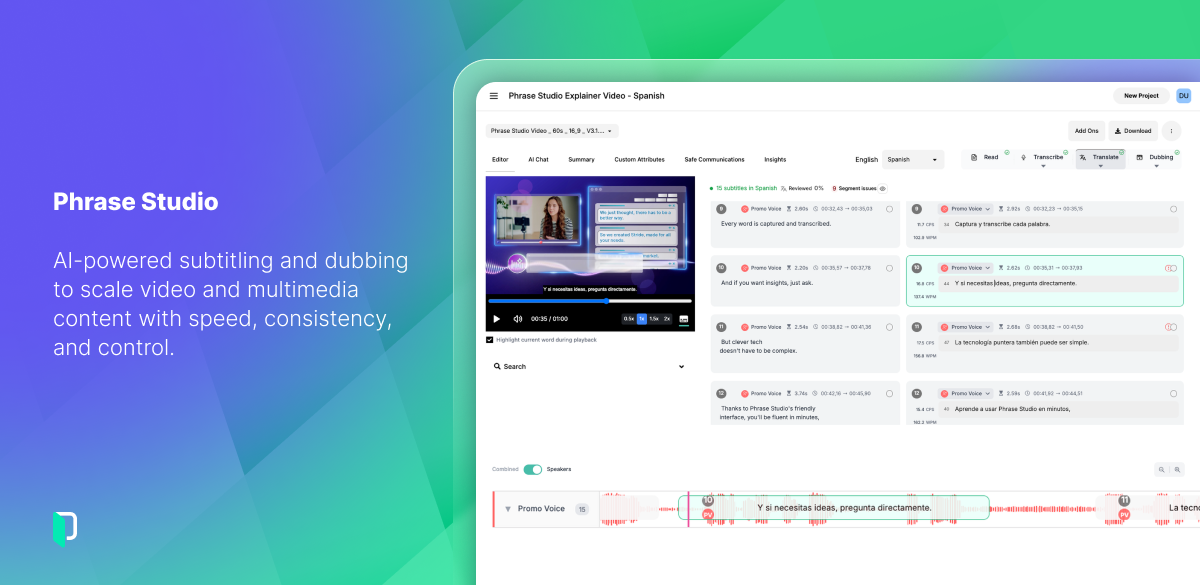
Phrase is a Language Intelligence provider. Its enterprise platform automates, manages, and delivers multilingual content. Global brands use Phrase across hundreds of languages to reduce time to market and deliver consistent brand experiences worldwide. The Phrase Platform brings together translation management, software localization, multimedia localization, machine translation, workflow automation, and language AI in a single integrated environment. From marketing…
$324
per year
Smartling
Score8.4 out of 10
Mid-Size Companies (51-1,000 employees)
The Smartling software platform supports localization of websites, mobile apps, web apps, software, and digital content. The internationalization platform includes a delivery network for global websites, support for mobile app localization, and other multilingual digital content.
A de minimis incentive was given to thank the reviewer for their time. The incentive was not used to bias or drive a particular response, nor was the incentive contingent on a positive endorsement. More Info
Verified User
Chose Phrase
Phrase and Smartling are slightly similar, except Phrase's visuals are a lot clearer and just better to look at. It is also easier to use and has less "clutter".
A de minimis incentive was given to thank the reviewer for their time. The incentive was not used to bias or drive a particular response, nor was the incentive contingent on a positive endorsement. More Info
Verified User
Chose Phrase
It is very expensive and more difficult to navigate. Compared to the other support is slow and ineffective. Dealing with anything more involved is all but impossible. It has become more prone to bugs since being bought by TMS. Support suggests things like "use incognito" mode …
A de minimis incentive was given to thank the reviewer for their time. The incentive was not used to bias or drive a particular response, nor was the incentive contingent on a positive endorsement. More Info
A de minimis incentive was given to thank the reviewer for their time. The incentive was not used to bias or drive a particular response, nor was the incentive contingent on a positive endorsement. More Info
Verified User
Chose Phrase
Phrase includes all the basic features a freelance translator needs in a very user-friendly approach. All you need is a click away and provides quick results.
A de minimis incentive was given to thank the reviewer for their time. The incentive was not used to bias or drive a particular response, nor was the incentive contingent on a positive endorsement. TR verified that a representative sample of customers was invited. More Info
The system is well suited if you also run Trados or any second system. As the system is very expensive and the use of MTUs is rather complicated to understand the best thing is to run most larger projects through Trados or any other CAT tool and then to import it. Large projects are expensive in Phrase Localization Platform so I would recommend it if you have small projects and have enough capacity to carefully check the terminology as the data pulled from the term base is inconsistent. The same applies to the find replace feature which can work great.
Smartling is great because I can use the Figma plugin to pull already translated strings into my project. If I need translations for the project, I can submit these strings from within and continue working on the next ask of the day. We also have great dev workflows built in: we submit one PR and a Smartling ticket, then, once the ticket is complete, run a simple command to pull in translated strings and refresh the project in a matter of seconds.
A de minimis incentive was given to thank the reviewer for their time. The incentive was not used to bias or drive a particular response, nor was the incentive contingent on a positive endorsement. More Info
A de minimis incentive was given to thank the reviewer for their time. The incentive was not used to bias or drive a particular response, nor was the incentive contingent on a positive endorsement. More Info
In the case of EN to JA translation, we enter text and then convert it to get the correct final text (word or phrase) which uses correct Chinese character(s), as there are often multiple Chinese characters with the same reading but different meanings. When those conversion options are displayed, it is usually possible to change our selection among them by hitting the Tab key, but in Phrase, hitting the Tab key makes us leave the text conversion and move to the source segment, so we must make sure to use arrow keys to choose the right conversion option when using Phrase.
When there are tag elements used in the source text, the tags must exist in the target text of course, but the tag order also must be the same. The tags cannot be moved around in the segment, which causes problems in the case of the Japanese language, because the word order differs between EN and JA.
In the Japanese language, Italics are basically not used, so there must be no texts between the tags which specify Italic font. But then the segment cannot be confirmed and the job status cannot be changed to "Complete".
We look forward to seeing more in-depth reporting and user management features specifically for translation agencies that handle multiple client accounts
I use and manage an Academic edition (approx. 15 students) and the corporate license (10 users). In both cases, the features are easy to find, set and use. My students and my translators understand the dynamics of the platform easily and get used to them quickly.
I have never seen a software company working so diligently to make improvements in a constant and consistent way. Their tool has truly transformed and made a great impact to localization industry
It is designed to be a lean system, but that means that things are clustered in weird groups and a lot of trial and error is involved getting the settings right. If something goes wrong first level support is very quick and has very fast answers which are quite typical of first level support and essentially equate to asking you if you have switched it off and on yet. Anything more involved is challenging for support to address.
I do think Smartling has a very high usability. It is easy to access, straightforward in what it can do and has a user-friendly design. It is also highly adaptable, though I wish there was a way to set more keyboard shortcuts for functionalities where they are not currently available.
A de minimis incentive was given to thank the reviewer for their time. The incentive was not used to bias or drive a particular response, nor was the incentive contingent on a positive endorsement. More Info
We rarely use support, but most questions were answered in a timely fashion, although we didn't exactly find them satisfactory. That's mostly the fault of the software and not the Support team because we asked for things that Phrase couldn't do.
A de minimis incentive was given to thank the reviewer for their time. The incentive was not used to bias or drive a particular response, nor was the incentive contingent on a positive endorsement. More Info
Phrase has a very good user interface that people can quickly learn and start using. Also, its analysis features are top class which helps me provide a detailed estimate to my client based on the file particulars. It has a QA feature that helps me do a very high-quality check before I send out my translation to the client.
We prefer Smartling as an online CAT tool because it is easy to use and we can onboard new translators quickly without lengthy training cycles. Our customers like Smartling because they can manage all of their translation needs (website, apps, business documents) through one single platform, share style guides, glossaries and translation memory and save on translation cost over time.
We can think in English and know that Smartling can localize and translate for the rest of the world's markets. This probably would have taken weeks, or at least a month, before Smartling, and now we can have translated strings for 150+ markets in a matter of a week.
A de minimis incentive was given to thank the reviewer for their time. The incentive was not used to bias or drive a particular response, nor was the incentive contingent on a positive endorsement. More Info