Quickbooks Desktop Pro is accounting software from Intuit, Inc. It includes core accounting features, plus analytics and exportable reports. It is offered in on-premise and SaaS forms.
N/A
Sentrifugo
Score 8.0 out of 10
Mid-Size Companies (51-1,000 employees)
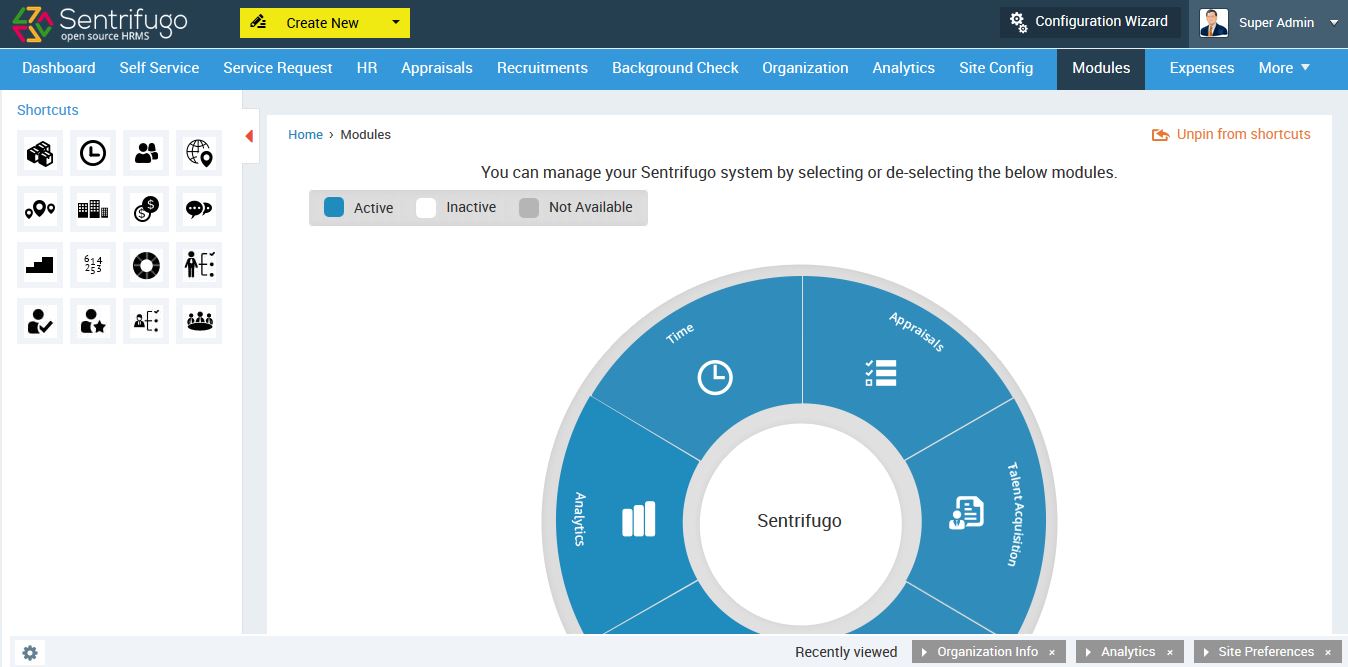
Sentrifugo is a free and open source HRMS from Sapplica Inc. This solution was launched in 2014. The vendor aims to help organizations streamline their HR processes and do away with manual paperwork. Additionally, the vendor says their solution can accommodate up to 5000 users. Sentrifugo is configurable and can be customized to reflect the work flow and processes of an organization. Sentrifugo is licensed under the terms of GNU General Public License version 3. Users are provided with free…
N/A
Pricing
QuickBooks Desktop Pro
Sentrifugo
Editions & Modules
No answers on this topic
Offerings
Pricing Offerings
QuickBooks Desktop Pro
Sentrifugo
Free Trial
No
Yes
Free/Freemium Version
No
Yes
Premium Consulting/Integration Services
No
Yes
Entry-level Setup Fee
No setup fee
No setup fee
Additional Details
—
Depending on the customization request, the price will be fixed accordingly.
More Pricing Information
Community Pulse
QuickBooks Desktop Pro
Sentrifugo
Features
QuickBooks Desktop Pro
Sentrifugo
Payroll Management
Comparison of Payroll Management features of Product A and Product B
QuickBooks Desktop Pro
6.7
69 Ratings
12% below category average
Sentrifugo
-
Ratings
Pay calculation
6.464 Ratings
00 Ratings
Benefit plan administration
6.438 Ratings
00 Ratings
Direct deposit files
6.756 Ratings
00 Ratings
Salary revision and increment management
6.452 Ratings
00 Ratings
Reimbursement management
7.654 Ratings
00 Ratings
Customization
Comparison of Customization features of Product A and Product B
QuickBooks Desktop Pro
5.8
43 Ratings
27% below category average
Sentrifugo
-
Ratings
API for custom integration
6.535 Ratings
00 Ratings
Plug-ins
5.039 Ratings
00 Ratings
Security
Comparison of Security features of Product A and Product B
QuickBooks Desktop Pro
8.4
101 Ratings
2% above category average
Sentrifugo
-
Ratings
Single sign-on capability
8.382 Ratings
00 Ratings
Role-based user permissions
8.595 Ratings
00 Ratings
Reporting & Analytics
Comparison of Reporting & Analytics features of Product A and Product B
QuickBooks Desktop Pro
8.5
117 Ratings
8% above category average
Sentrifugo
-
Ratings
Dashboards
8.4100 Ratings
00 Ratings
Standard reports
8.8117 Ratings
00 Ratings
Custom reports
8.2114 Ratings
00 Ratings
General Ledger and Configurable Accounting
Comparison of General Ledger and Configurable Accounting features of Product A and Product B
QuickBooks Desktop Pro
7.5
124 Ratings
2% below category average
Sentrifugo
-
Ratings
Accounts payable
9.2119 Ratings
00 Ratings
Accounts receivable
9.2121 Ratings
00 Ratings
Cash management
9.1107 Ratings
00 Ratings
Bank reconciliation
9.6119 Ratings
00 Ratings
Expense management
9.4108 Ratings
00 Ratings
Time tracking
7.451 Ratings
00 Ratings
Fixed asset management
5.669 Ratings
00 Ratings
Multi-currency support
7.031 Ratings
00 Ratings
Multi-division support
8.858 Ratings
00 Ratings
Regulations compliance
8.242 Ratings
00 Ratings
Electronic tax filing
8.355 Ratings
00 Ratings
Self-service portal
6.041 Ratings
00 Ratings
Global Financial Support
4.317 Ratings
00 Ratings
Primary and Secondary Ledgers
7.040 Ratings
00 Ratings
Intercompany Accounting
8.043 Ratings
00 Ratings
Localizations
4.319 Ratings
00 Ratings
Journals and Reconciliations
8.876 Ratings
00 Ratings
Enterprise Accounting
6.838 Ratings
00 Ratings
Configurable Accounting
7.647 Ratings
00 Ratings
Centralized Rules Framework
5.627 Ratings
00 Ratings
Standardized Processes
8.455 Ratings
00 Ratings
Inventory Management
Comparison of Inventory Management features of Product A and Product B
QuickBooks Desktop Pro
5.9
59 Ratings
21% below category average
Sentrifugo
-
Ratings
Inventory tracking
6.156 Ratings
00 Ratings
Automatic reordering
6.135 Ratings
00 Ratings
Location management
6.132 Ratings
00 Ratings
Manufacturing module
5.318 Ratings
00 Ratings
Order Management
Comparison of Order Management features of Product A and Product B
QuickBooks Desktop Pro
6.9
77 Ratings
8% below category average
Sentrifugo
-
Ratings
Pricing
7.555 Ratings
00 Ratings
Order entry
8.555 Ratings
00 Ratings
Credit card processing
7.351 Ratings
00 Ratings
Cost of goods sold
8.163 Ratings
00 Ratings
Order Orchestration
5.320 Ratings
00 Ratings
End-to-end order visibility
6.223 Ratings
00 Ratings
Order exception Resolution
5.318 Ratings
00 Ratings
Human Resource Management
Comparison of Human Resource Management features of Product A and Product B
QuickBooks Desktop Pro
-
Ratings
Sentrifugo
7.3
1 Ratings
11% below category average
Employee demographic data
00 Ratings
7.01 Ratings
Employment history
00 Ratings
8.01 Ratings
Job profiles and administration
00 Ratings
7.01 Ratings
Organizational charting
00 Ratings
6.01 Ratings
Organization and location management
00 Ratings
8.01 Ratings
Compliance data (COBRA, OSHA, etc.)
00 Ratings
8.01 Ratings
Leave and Attendance Management
Comparison of Leave and Attendance Management features of Product A and Product B
QuickBooks Desktop Pro
-
Ratings
Sentrifugo
7.7
1 Ratings
6% below category average
Approval workflow
00 Ratings
8.01 Ratings
Balance details
00 Ratings
7.01 Ratings
Annual carry-forward and encashment
00 Ratings
8.01 Ratings
Employee Self Service
Comparison of Employee Self Service features of Product A and Product B
QuickBooks Desktop Pro
-
Ratings
Sentrifugo
7.8
1 Ratings
5% below category average
View and generate pay and benefit information
00 Ratings
8.01 Ratings
Update personal information
00 Ratings
8.01 Ratings
View company policy documentation
00 Ratings
8.01 Ratings
View job history
00 Ratings
7.01 Ratings
Asset Management
Comparison of Asset Management features of Product A and Product B
QuickBooks Desktop Pro
-
Ratings
Sentrifugo
9.0
1 Ratings
11% above category average
Tracking of all physical assets
00 Ratings
9.01 Ratings
HR Reporting
Comparison of HR Reporting features of Product A and Product B
QuickBooks Desktop Pro
-
Ratings
Sentrifugo
8.0
1 Ratings
6% above category average
Report builder
00 Ratings
8.01 Ratings
Onboarding
Comparison of Onboarding features of Product A and Product B
QuickBooks Desktop Pro
-
Ratings
Sentrifugo
7.5
1 Ratings
6% below category average
New hire portal
00 Ratings
8.01 Ratings
Manager tracking tools
00 Ratings
7.01 Ratings
Performance and Goals
Comparison of Performance and Goals features of Product A and Product B
QuickBooks Desktop Pro
-
Ratings
Sentrifugo
7.7
1 Ratings
5% below category average
Corporate goal setting
00 Ratings
7.01 Ratings
Individual goal setting
00 Ratings
8.01 Ratings
Performance tracking
00 Ratings
8.01 Ratings
Performance Management
Comparison of Performance Management features of Product A and Product B
QuickBooks Desktop Pro
-
Ratings
Sentrifugo
8.0
1 Ratings
1% above category average
Performance plans
00 Ratings
8.01 Ratings
Performance improvement plans
00 Ratings
7.01 Ratings
Review status tracking
00 Ratings
8.01 Ratings
Review reminders
00 Ratings
9.01 Ratings
Multiple review frequency
00 Ratings
8.01 Ratings
Recruiting / ATS
Comparison of Recruiting / ATS features of Product A and Product B
For a small business, QuickBooks Desktop Pro is great! For a larger, more complex business, another system may be more beneficial. We actually run multiple businesses on QuickBooks Desktop Pro, but all are very small. The help feature is sometimes so beneficial, and sometimes it seems like you just can't get the right answer and need to find a workaround - but this is usually for more complex issues.
Sentrifugo is well suited in the following ways: 1. Fully equipped performance appraisal module which helps in designing appraisal cycle as per department 2. Scheduling meetings and reviews based on the availability of the team members 3. Generate custom reports based on department and team targets 4. Background verification and tracking progress.
QuickBooks Desktop Pro has been around for a few years and after an update[,] they force you to look at the changes/updates before you can use [them] after updating.
QuickBooks Desktop Pro does not have 2FA.
QuickBooks Desktop Pro should offer a way to store backups to a personal cloud without having to map a local network drive.
I'd love to keep using it, and do intend to - though we've not been pleased with price increases over the past several years. In fact, we used to subscribe to the payroll service, but QuickBooks priced themselves out of reach for us, so we discontinued that. Currently, pricing would be the primary reason for NOT renewing, if we didn't.
The set up was quite easy. I took some online training causes, and figured our the rest pretty quickly. The only issue I had during the implementation process was it was very hard to change some of the GL Account name to reflect the needs of a non-profit organization, such as Net Assets. At the end I had to scratch what I did, and used the existing formats that the third-party bookkeeping firm shared. Everything else is simple and easy to manage and implement.
They are awful. Intuit doesn't spend real money on support. They appear to have typically said, first-level script readers who are sending messages to the senior people for anything even a little bit difficult. Many of them don't speak particularly good English. Considering that they recently doubled (or, if you are paying annually, tripled) their pricing, and touted as one of the benefits that it includes [..] support, it's a real ripoff. However, we have to use the product because it is ubiquitous. I look forward to the day a competitor comes up with something good enough, which has excellent support, that matches all the features QuickBooks Desktop Pro currently has [...] or at least gives us a way to have all the functionality we currently have without excessive sacrifice [...] so that we can switch. I was very satisfied with QuickBooks for many years. This latest [rise] in price, and their sheer gall at touting the benefit of the 100 to 200% increase as being [the] inclusion of support, is what turned me so far against them.
Best thing I ever did was to attend a two day training seminar on QuickBooks, I learned an immense amount in a short time with hands on training by experts. I strongly recommend such training for anyone using any part of the software. It will pay for itself in the first month.
We implemented the software ourselves. The training we received on the software was done by taking a community course teaching us how to use QuickBooks. It allowed me to get started with some basics of how to use the program and have not needed much assistance since completing the course work.
We tried switching from QuickBooks Desktop Pro to QuickBooks Online, but there were a lot of issues and bugs so we ultimately decided to stay with Desktop Pro. Unfortunately, we are losing a lot of Online Banking capabilities on 5/31 as we have an older version of QB, but we plan to stick with Desktop Pro. In terms of invoicing, SaaSOptics beats QuickBooks in almost all aspects as it's all automated and takes seconds to create and send invoices. However, SaaSOptics is not really a full ERP program so it wouldn't serve us as a main bookkeeping software like QB.
As an organization, we have evaluated many Human Resource Management [systems]. We selected this software because it was a few features [that is] not found in 1 consolidated software. It has the following unique qualities: 1. It acts as time management software 2. It [acts] as an expense management software 3. It acts as a leave management software 4. It acts as a background verification software Moreover it has simple and easy-to-understand tax computation scenarios which are illustrated by easy-to-understand examples.