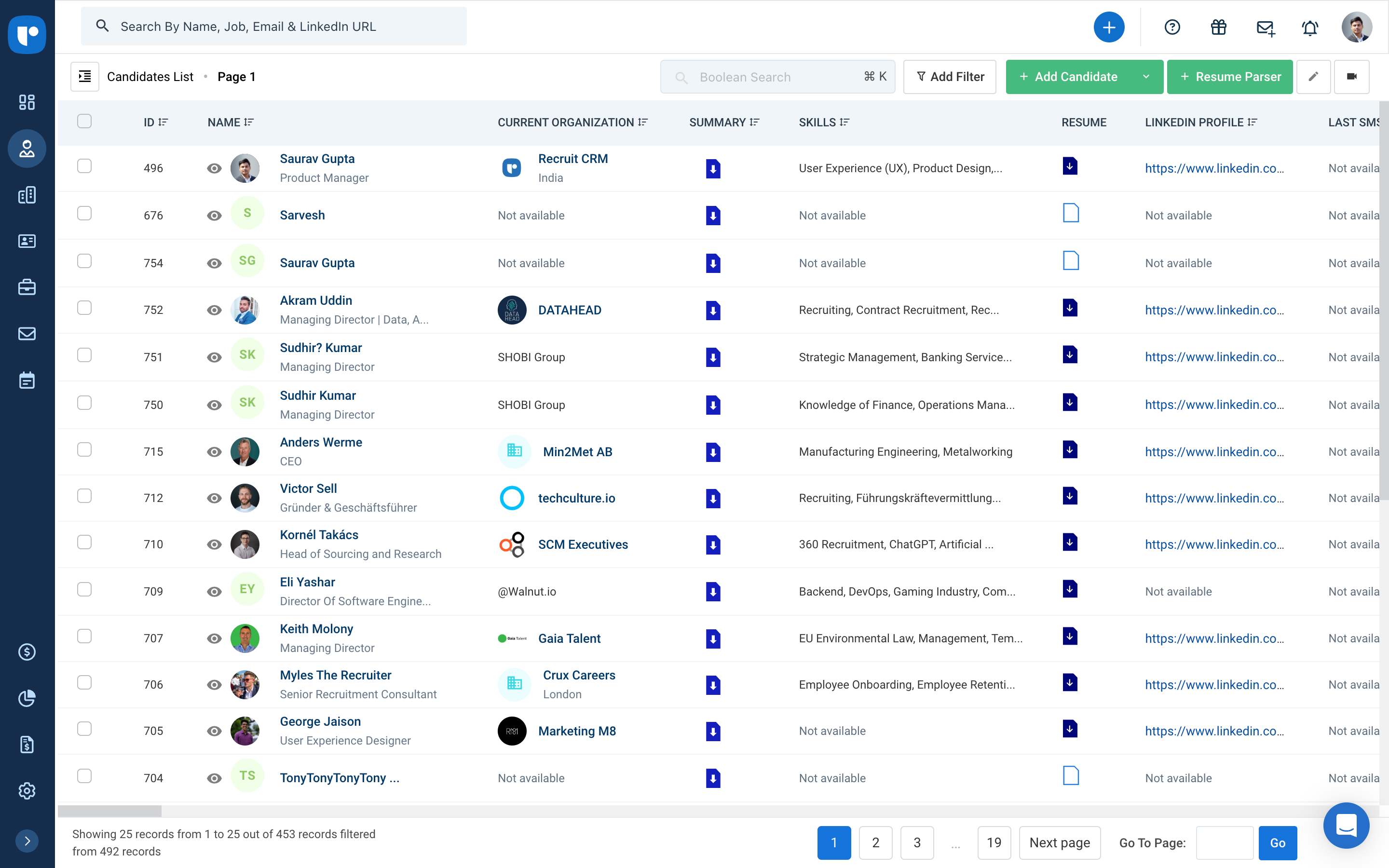
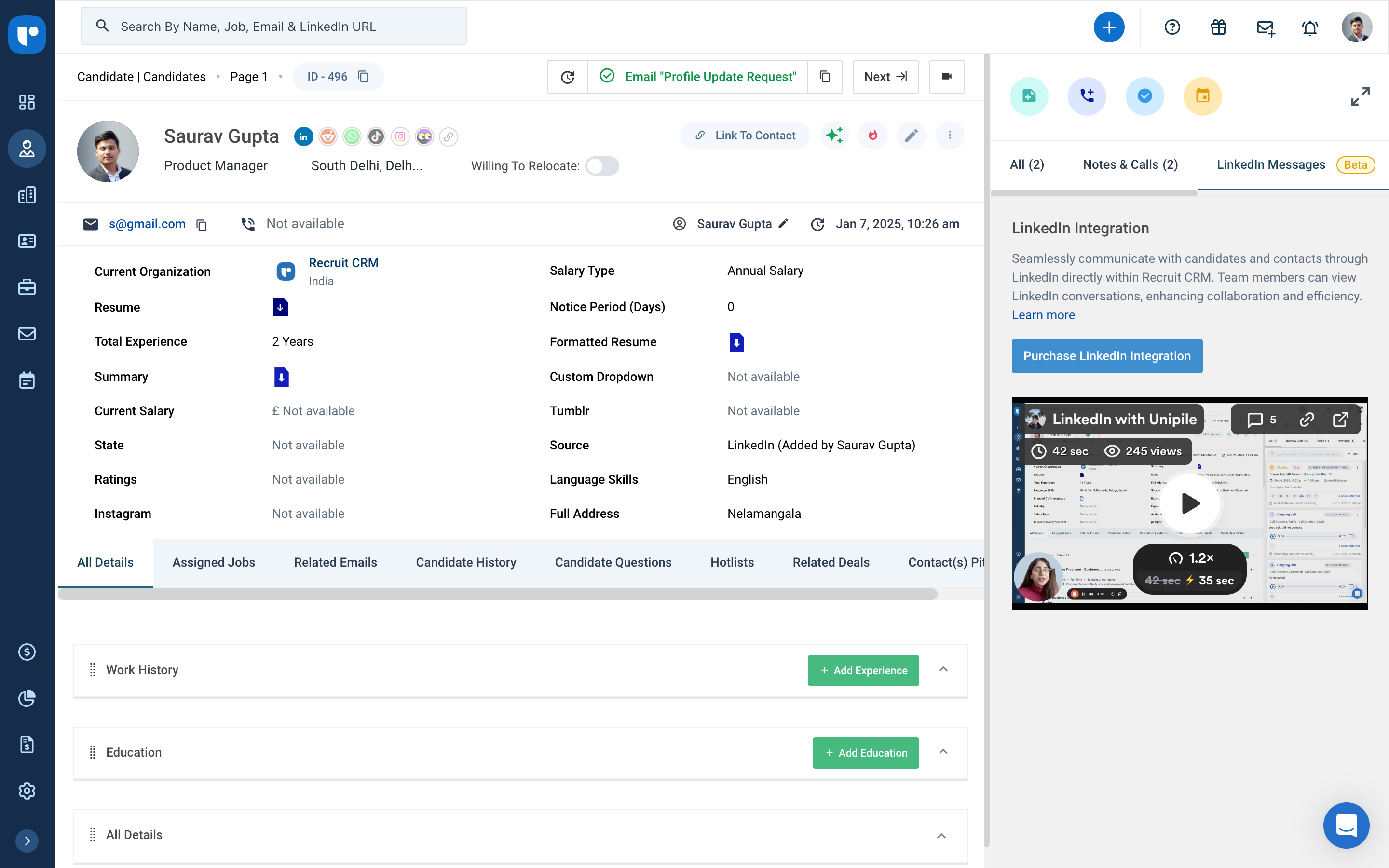
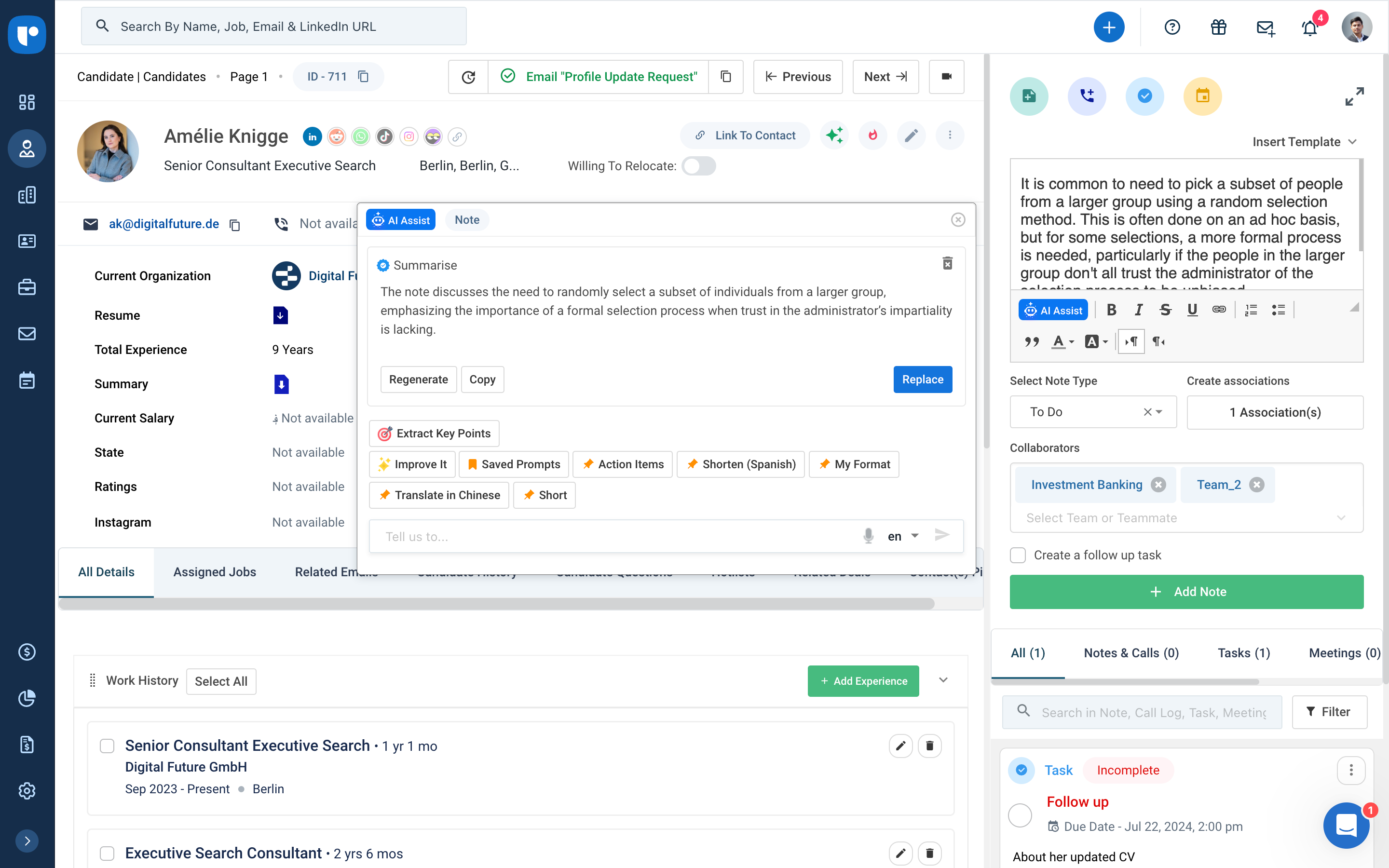
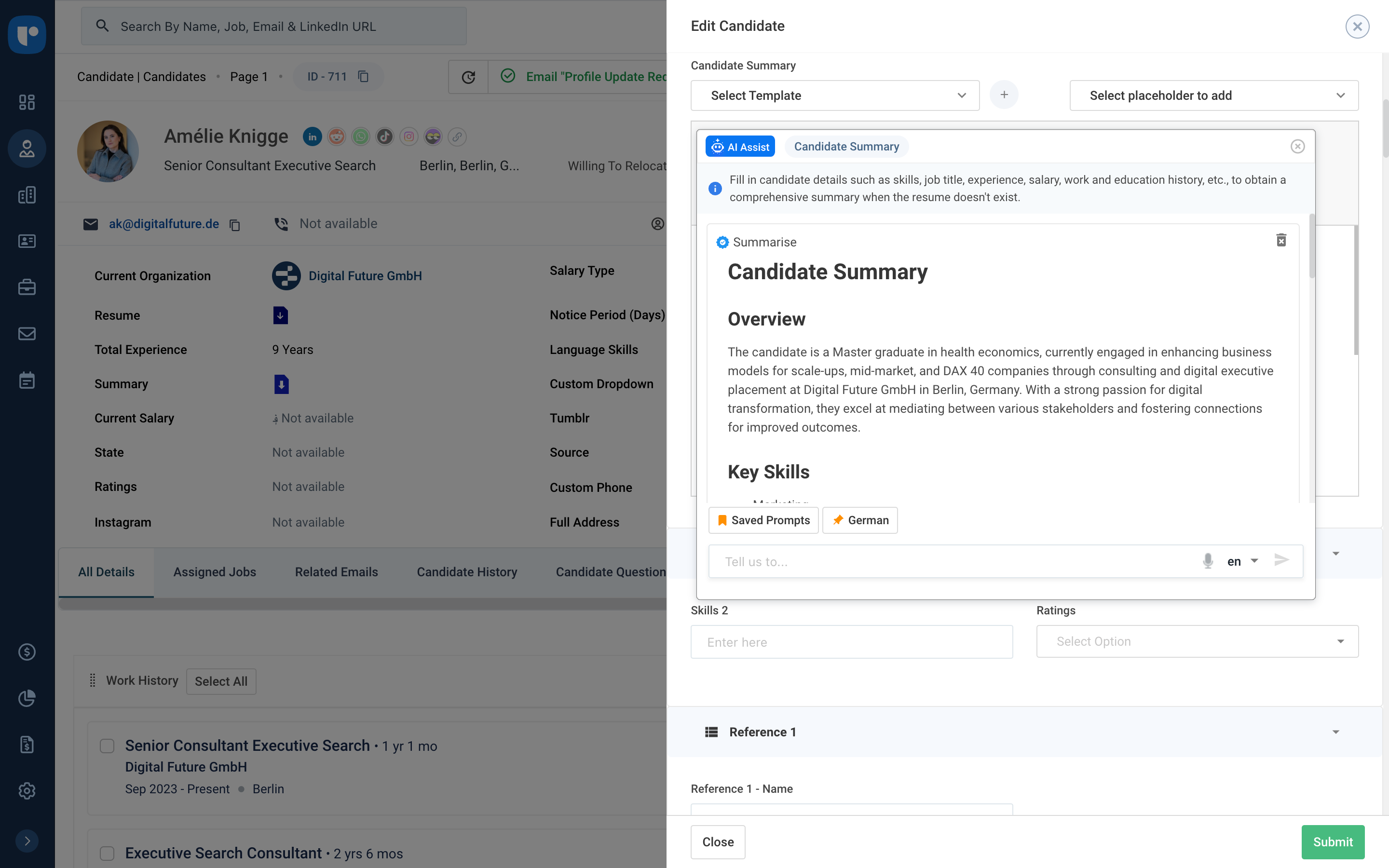
Recruit CRM is an ATS + CRM built for recruitment and executive search firms. It centralizes candidates, clients, jobs, and candidate communications. Key features include AI resume parsing, intelligent candidate matching, automated sourcing, GPT-powered content generation, and customizable workflow automation. A visual Kanban pipeline, AI search, and no-code integrations streamline operations, reduce manual work, and help recruiters fill roles faster while maintaining a structured, data-driven…
$95
per month per user
Salesforce Starter
Score 9.0 out of 10
Small Businesses (1-50 employees)
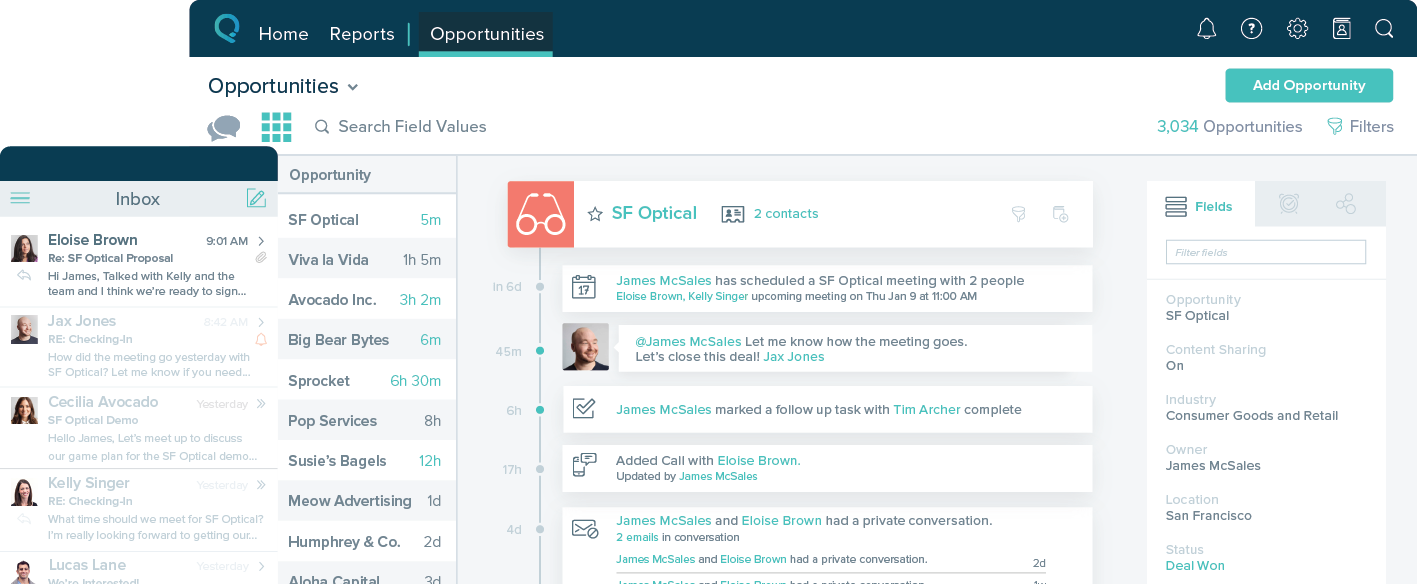
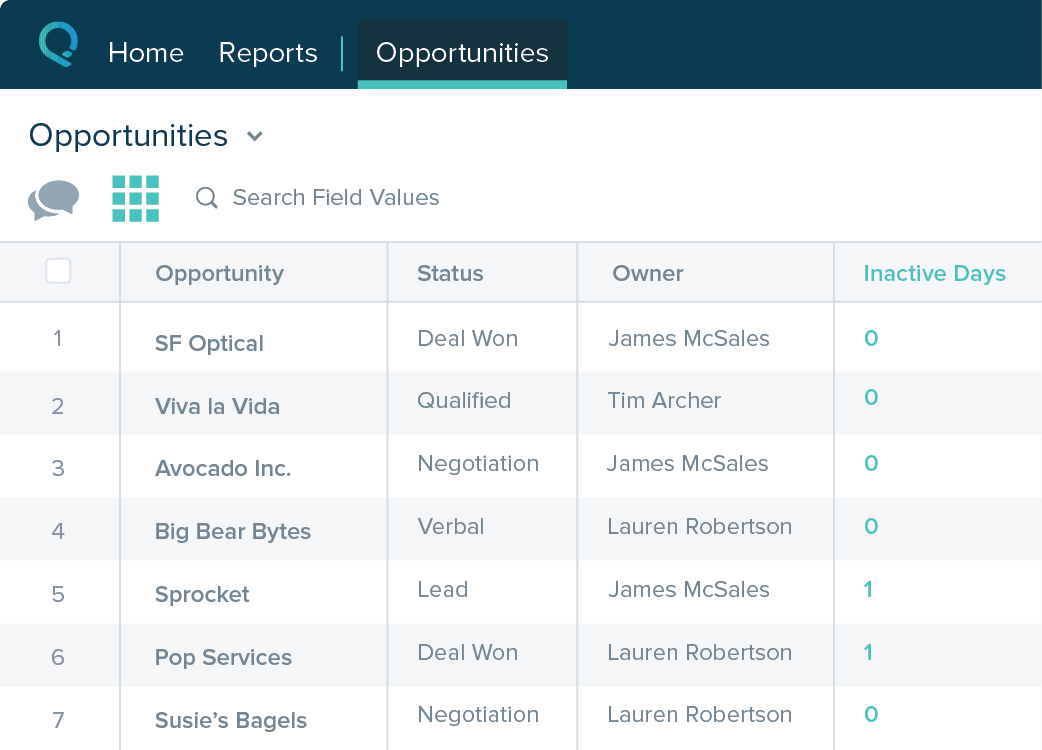
Salesforce Starter (formerly Salesforce Essentials) is a small business CRM that replaces the former SalesforceIQ product. It is priced at $35 per user, on a monthly basis, or at $25 per month for if billed annually ($300) and can be tried free for 14 days on a trial.
$35
per month per user
Pricing
Recruit CRM
Salesforce Starter
Editions & Modules
Pro
$95
per month per user
Business
$125
per month per user
Business
$135
per month per user
Enterprise
$259
per month per user
No answers on this topic
Offerings
Pricing Offerings
Recruit CRM
Salesforce Starter
Free Trial
Yes
Yes
Free/Freemium Version
Yes
No
Premium Consulting/Integration Services
Yes
Yes
Entry-level Setup Fee
No setup fee
No setup fee
Additional Details
Up to 20% discount for annual pricing on Pro and Business plans.
—
More Pricing Information
Community Pulse
Recruit CRM
Salesforce Starter
Features
Recruit CRM
Salesforce Starter
Recruiting / ATS
Comparison of Recruiting / ATS features of Product A and Product B
Recruit CRM
8.7
14 Ratings
9% above category average
Salesforce Starter
-
Ratings
Job Requisition Management
9.013 Ratings
00 Ratings
Company Website Posting
7.013 Ratings
00 Ratings
Publish to Social Media
9.010 Ratings
00 Ratings
Job Search Site Posting
8.010 Ratings
00 Ratings
Customized Application Form
10.013 Ratings
00 Ratings
Resume Management
8.014 Ratings
00 Ratings
Duplicate Candidate Prevention
9.013 Ratings
00 Ratings
Candidate Search
10.014 Ratings
00 Ratings
Applicant Tracking
9.013 Ratings
00 Ratings
Collaboration
9.012 Ratings
00 Ratings
Task Creation and Delegation
8.013 Ratings
00 Ratings
Email Templates
9.013 Ratings
00 Ratings
User Permissions
8.012 Ratings
00 Ratings
Notifications and Alerts
9.012 Ratings
00 Ratings
Reporting
8.012 Ratings
00 Ratings
Sales Force Automation
Comparison of Sales Force Automation features of Product A and Product B
Recruit CRM
-
Ratings
Salesforce Starter
8.7
7 Ratings
10% above category average
Customer data management / contact management
00 Ratings
7.57 Ratings
Territory management
00 Ratings
7.67 Ratings
Opportunity management
00 Ratings
9.07 Ratings
Integration with email client (e.g., Outlook or Gmail)
00 Ratings
9.66 Ratings
Quote & order management
00 Ratings
9.45 Ratings
Interaction tracking
00 Ratings
8.46 Ratings
Channel / partner relationship management
00 Ratings
9.75 Ratings
Marketing Automation
Comparison of Marketing Automation features of Product A and Product B
Recruit CRM
-
Ratings
Salesforce Starter
7.6
6 Ratings
2% below category average
Lead management
00 Ratings
7.66 Ratings
CRM Project Management
Comparison of CRM Project Management features of Product A and Product B
Recruit CRM
-
Ratings
Salesforce Starter
8.3
5 Ratings
7% above category average
Task management
00 Ratings
9.45 Ratings
Billing and invoicing management
00 Ratings
6.75 Ratings
Reporting
00 Ratings
8.85 Ratings
CRM Reporting & Analytics
Comparison of CRM Reporting & Analytics features of Product A and Product B
Recruit CRM
-
Ratings
Salesforce Starter
9.0
5 Ratings
16% above category average
Forecasting
00 Ratings
9.05 Ratings
Pipeline visualization
00 Ratings
8.85 Ratings
Customizable reports
00 Ratings
9.35 Ratings
Customization
Comparison of Customization features of Product A and Product B
Recruit CRM
-
Ratings
Salesforce Starter
7.2
6 Ratings
6% below category average
Custom fields
00 Ratings
7.56 Ratings
Custom objects
00 Ratings
7.55 Ratings
Scripting environment
00 Ratings
6.25 Ratings
API for custom integration
00 Ratings
7.75 Ratings
Security
Comparison of Security features of Product A and Product B
Recruit CRM
-
Ratings
Salesforce Starter
8.8
6 Ratings
5% above category average
Single sign-on capability
00 Ratings
8.86 Ratings
Role-based user permissions
00 Ratings
8.86 Ratings
Social CRM
Comparison of Social CRM features of Product A and Product B
Recruit CRM
-
Ratings
Salesforce Starter
8.4
5 Ratings
12% above category average
Social engagement
00 Ratings
8.45 Ratings
Integrations with 3rd-party Software
Comparison of Integrations with 3rd-party Software features of Product A and Product B
Recruit CRM
-
Ratings
Salesforce Starter
8.1
5 Ratings
8% above category average
Marketing automation
00 Ratings
8.35 Ratings
Compensation management
00 Ratings
8.05 Ratings
Platform
Comparison of Platform features of Product A and Product B
Another way to describe your CRM experience is to show your skills and abilities in using CRM software and tools. For example, you can mention the specific CRM platforms or systems that you have used or are familiar with, such as Salesforce, HubSpot, Zoho, or Microsoft Dynamics.Highlight both technical and transferable skills. Showcase your ability to collaborate with and contribute to a team in addition to your capabilities in CRM applications. This way, the interviewer can see how your skills are assets to their organization. Highlight any special certifications in CRM software you haveTalent Shortage.Attracting the Right Candidates.Targeting Passive Candidates.Engaging with Qualified Candidates.Reducing Time-to-hire.Building a Strong Employer Brand.Creating an Efficient Recruiting Process.Eliminating Bias in Hiring.
If you own a business that has complex selling processes or requires integrations with 3rd party tools/systems, you should look at Professional, Enterprise, or Unlimited editions. Salesforce operates very well across pretty much every industry, but not all sales, marketing, and operational processes are created equal. If your marketing process requires a long list of sendable contacts then I would recommend adding on Pardot or Hubspot. Always start small and scale up, to avoid boxing yourself in down the road.
Table views can be sorted by column. Filters can be applied, but only to one column. Multi-column filtering like Excel allows would be extremely useful and a big improvement.
The ability to quick copy data in a table view would also be helpful, like (ctrl ') in excel.
There is always room for improvement and I believe RCRM is a great system that is adapting to what it's users want and need. The system suits our needs and is a huge improvement from our previous system. I can't say enough good things about the customer service. They have great follow up and always get back to me within the same day. If there is ever an unknown, there is a timeline given for follow up and a promise to get it resolved. They always come through. It's important to have a team behind your software that listens and adapts.
The system is very user-friendly on a desktop but lacks mobile friendliness. The Customer relationship manager disappears after the deal is signed. We struggled to get the system in a usable format, which was not cost-effective. The CRM system on desktop was great but way more complicated than it should be.
Again, the customer service team is awesome. They always respond in the same day and have resolved any issue I have ever had. They have made improvements to the system on a weekly basis, always improving for their users. There is a forum where you can leave your feature suggestions and vote on ones left by other users. The reps will jump on a call or screen share with you if you need to be walked through anything. They go above and beyond.
We evaluated about 3-5 different vendors. The low barrier to entry made it an easy target to test out. Forcing an upfront annual fee was not in our interest without extensively testing the product. We also had a very basic requirement - an easy way to intake a large number of candidates and move them through a recruitment process. We didn't need anything else special at the time and recruit CRM was the most straightforward application that would provide us with a solution.