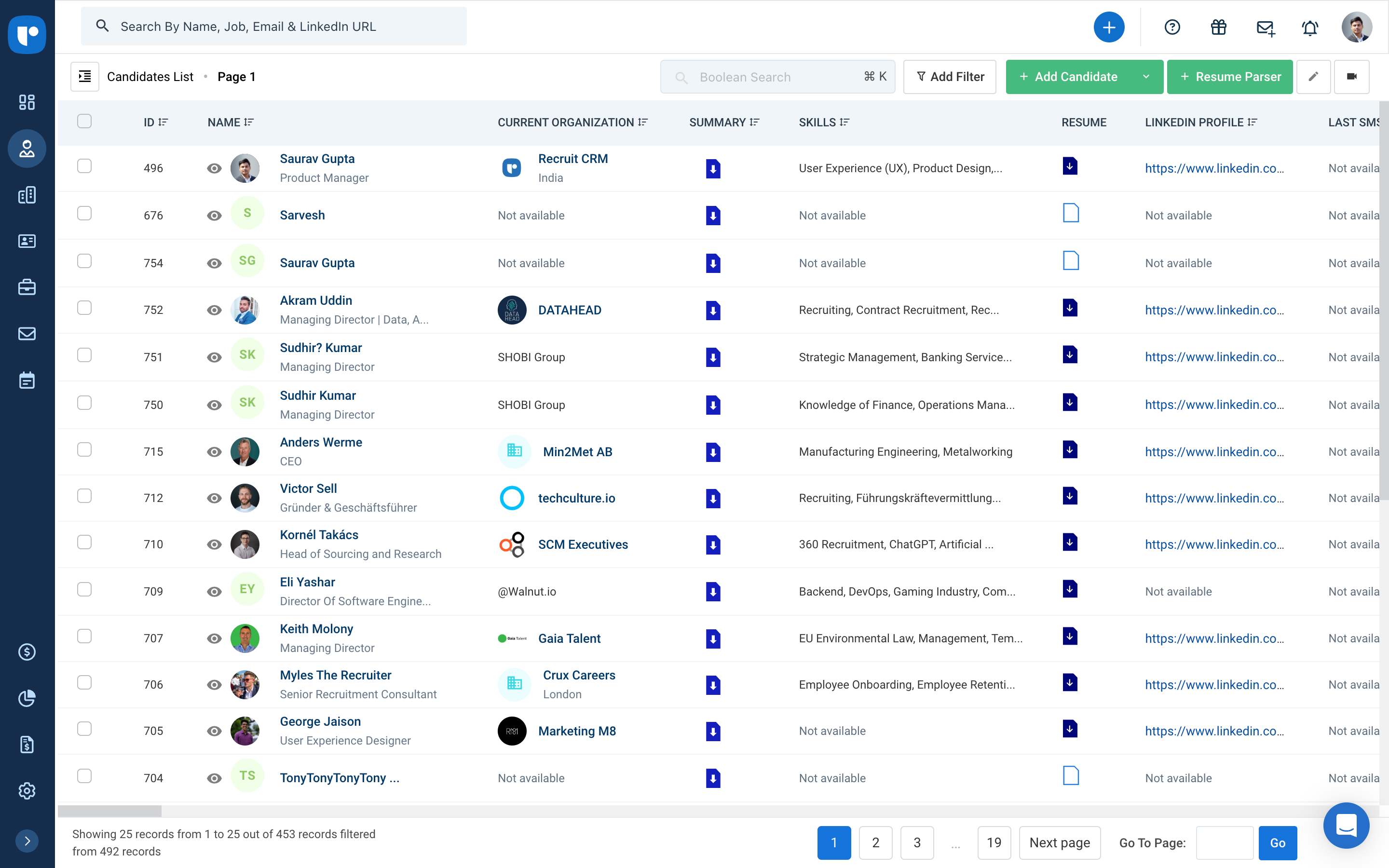
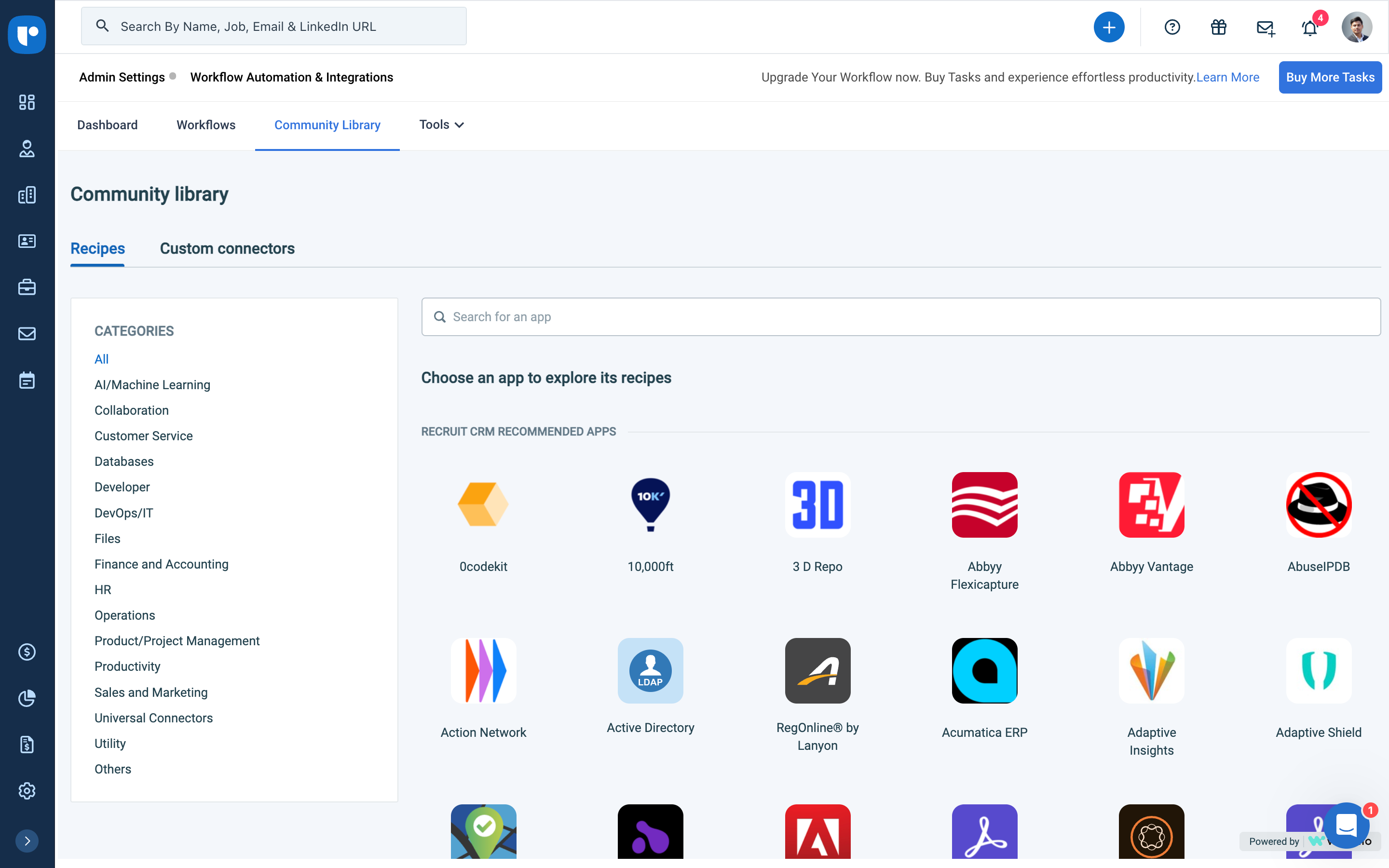
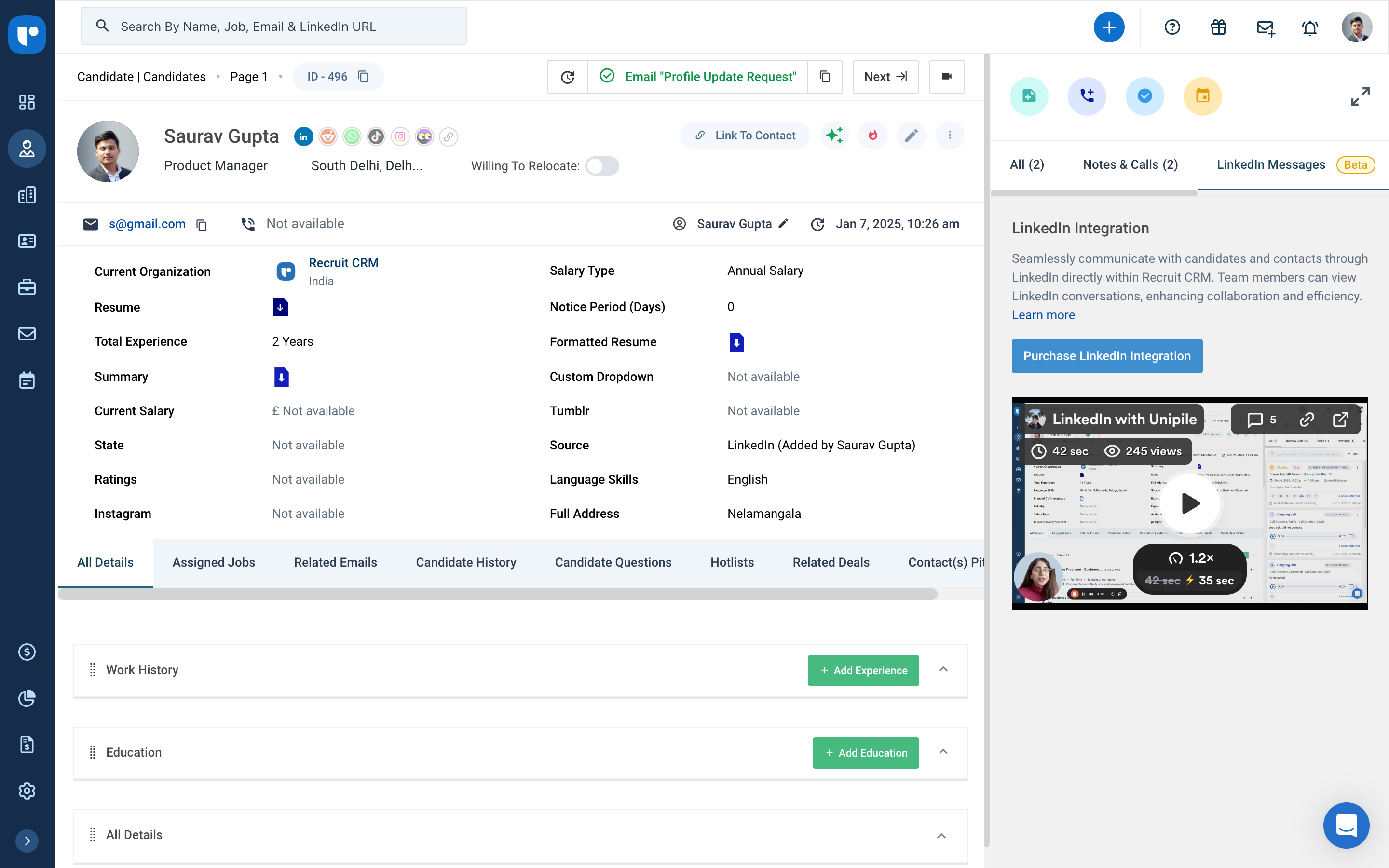
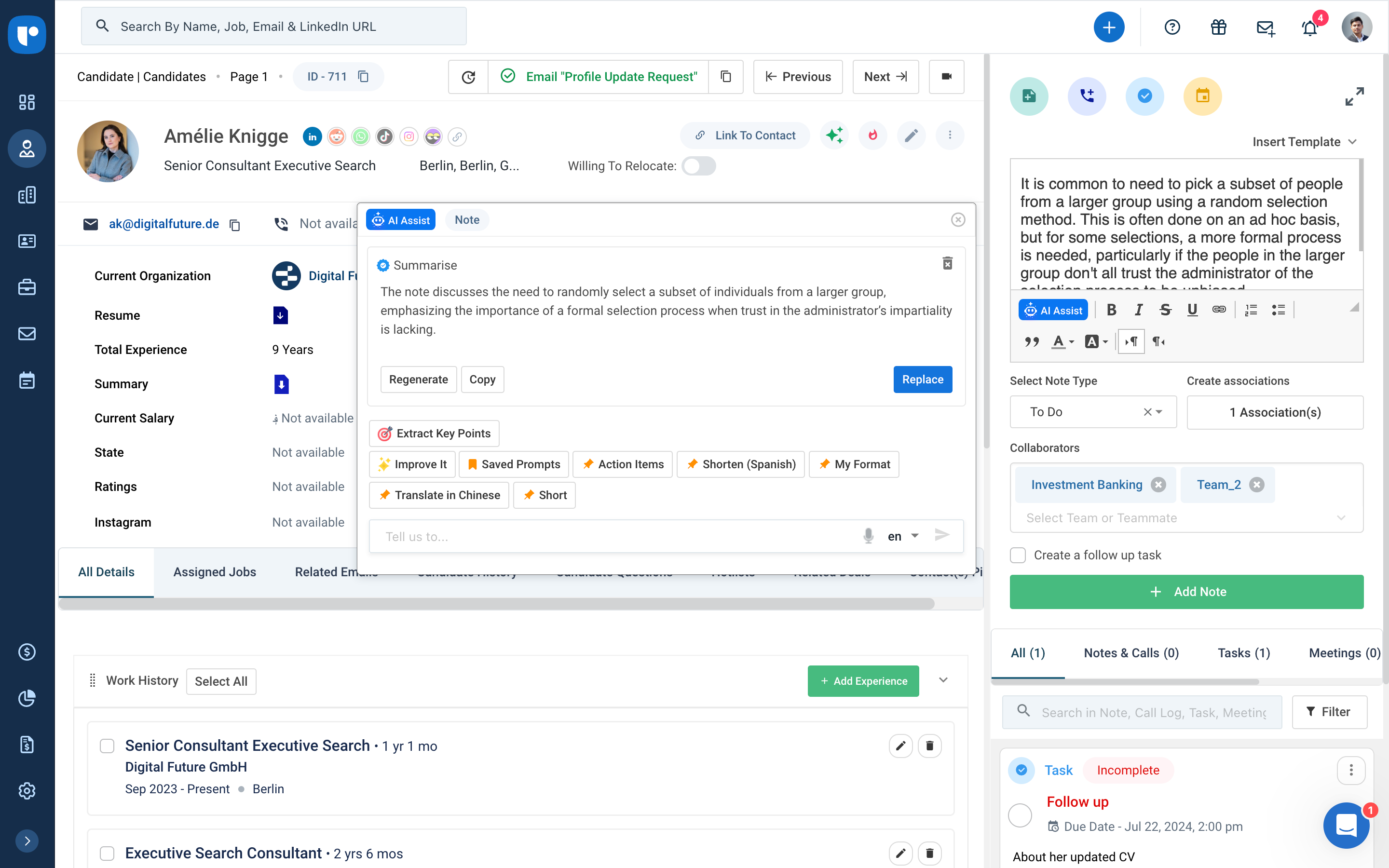
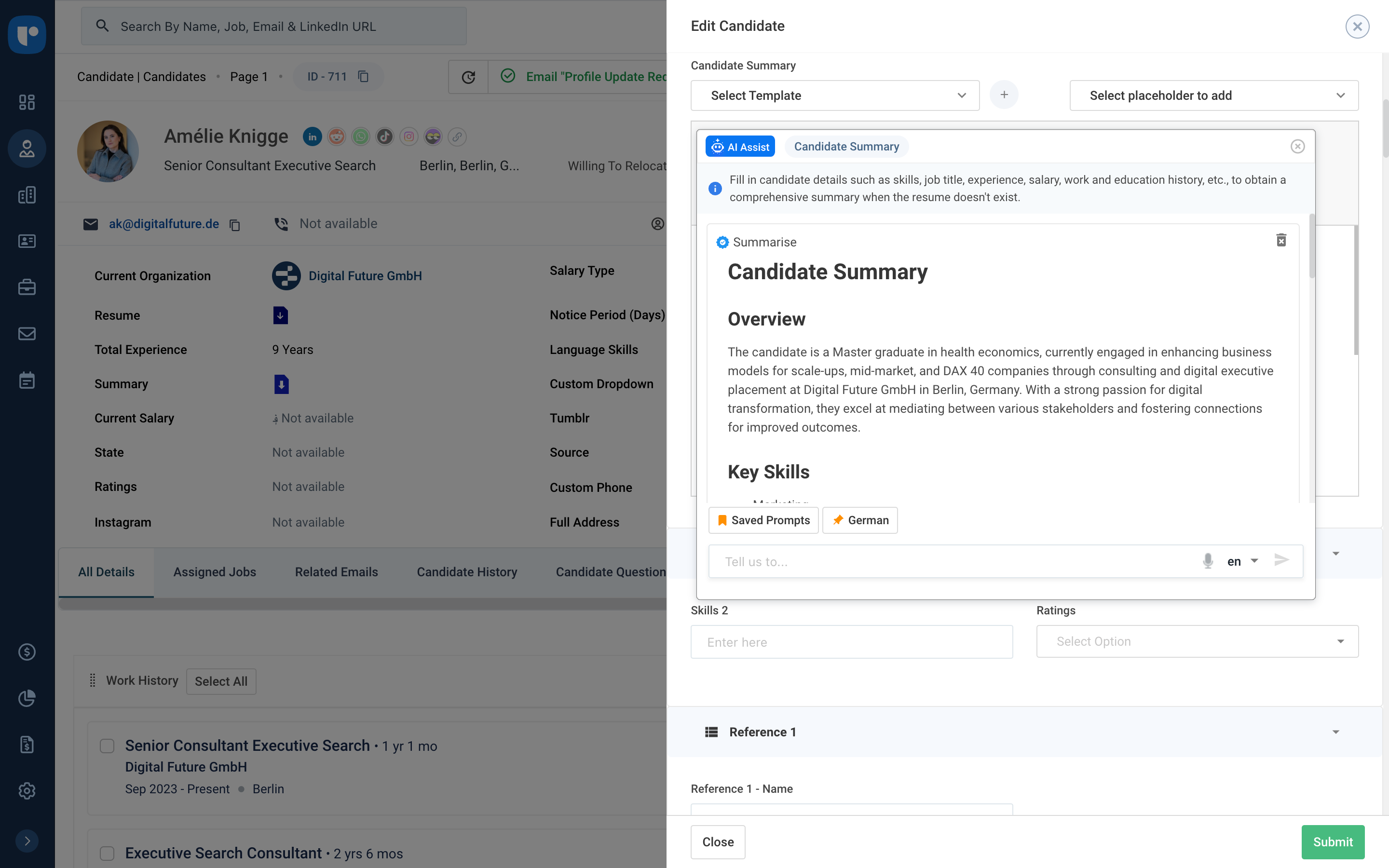
Recruit CRM is an ATS + CRM built for recruitment and executive search firms. It centralizes candidates, clients, jobs, and candidate communications. Key features include AI resume parsing, intelligent candidate matching, automated sourcing, GPT-powered content generation, and customizable workflow automation. A visual Kanban pipeline, AI search, and no-code integrations streamline operations, reduce manual work, and help recruiters fill roles faster while maintaining a structured, data-driven…
$95
per month per user
Zendesk Suite
Score 8.6 out of 10
N/A
Zendesk is a customer support solution with built-in ticketing, conversational messaging, and live chat, designed to help businesses of all sizes and industries deliver personalized service at scale. Zendesk's AI agents are trained in CX to help Service teams resolve customer issues faster and more accurately while still providing a human-centered experience. Zendesk ultimately aims to help businesses improve time to value, reduce effort per ticket, and keep costs low.
$69
per month per agent
Pricing
Recruit CRM
Zendesk Suite
Editions & Modules
Pro
$95
per month per user
Business
$125
per month per user
Business
$135
per month per user
Enterprise
$259
per month per user
Suite Team
$69
per month per agent
Suite Growth
$115
per month per agent
Suite Professional
$149
per month per agent
Suite Enterprise
Contact Sales
Offerings
Pricing Offerings
Recruit CRM
Zendesk Suite
Free Trial
Yes
Yes
Free/Freemium Version
Yes
No
Premium Consulting/Integration Services
Yes
Yes
Entry-level Setup Fee
No setup fee
Optional
Additional Details
Up to 20% discount for annual pricing on Pro and Business plans.
Another way to describe your CRM experience is to show your skills and abilities in using CRM software and tools. For example, you can mention the specific CRM platforms or systems that you have used or are familiar with, such as Salesforce, HubSpot, Zoho, or Microsoft Dynamics.Highlight both technical and transferable skills. Showcase your ability to collaborate with and contribute to a team in addition to your capabilities in CRM applications. This way, the interviewer can see how your skills are assets to their organization. Highlight any special certifications in CRM software you haveTalent Shortage.Attracting the Right Candidates.Targeting Passive Candidates.Engaging with Qualified Candidates.Reducing Time-to-hire.Building a Strong Employer Brand.Creating an Efficient Recruiting Process.Eliminating Bias in Hiring.
Being a customer support agent, I found it very good when it comes to send an email or call or chat- with the user. I can do all that from the one single platform which is so easy and time saving for you. It does not take much time to use this, We can chat- with the user and at the same time we can send an email to them as well.
Is there a way for AEs and CSMs to be informed in a weekly summary of all their accounts and any tickets? Example: Disney submitted a ticket on XYZ. Google has an urgent issue on X still unresolved.
Is there a way for CSMs or AEs to have a Dashboard that's specific to their accounts instead of seeing all the tickets in the queue that are not relevant to them?
Zendesk is an amazing tool for communicating with your customers easily. The communication tickets from sellers to us or from us to sellers are stored, and there are statuses used to make communication easy. We have internal conversations between departments, linked with useful software such as Zingtree, Talkdesk, and Webs.
There is always room for improvement and I believe RCRM is a great system that is adapting to what it's users want and need. The system suits our needs and is a huge improvement from our previous system. I can't say enough good things about the customer service. They have great follow up and always get back to me within the same day. If there is ever an unknown, there is a timeline given for follow up and a promise to get it resolved. They always come through. It's important to have a team behind your software that listens and adapts.
Pros: The agent interface is sleek, contemporary, and relatively easy to learn compared to many other enterprise tools. For common tasks, admins are given point-and-click options- adding fields, modifying workflows, constructing macros. The knowledge base (Guide) editor is easy to use for non-developers. Drawbacks: Once you move past the initial things - complex automations, reporting/analytics in Explore, and/or customizations integrating the API, it requires much more advanced training to use successfully. Navigating between the different modules (Support, Explore, Chat, Guide) can feel very disconnected; often you are reminded that it really is a "suite" of products brought together -not really one unified platform. If you're using multiple brands managing simultaneous support tickets, or heavily customizing workflows to meet your brand, you may run into a bit of struggle with usability. So: it's a lot more user friendly than the palaces (Salesforce Service Cloud, ServiceNow), but is not used as quickly or with as much streamlined flow as a product made for a small shop. So if you are looking for a great balance, this is a good option if you are a net new organization or an organization on their way to scaling from 15 - 50 employee. Expect some elbow grease from the admin team once learning, adapting, and working efficiently once you move past the basics with your support tickets and initial customizations.
Again, the customer service team is awesome. They always respond in the same day and have resolved any issue I have ever had. They have made improvements to the system on a weekly basis, always improving for their users. There is a forum where you can leave your feature suggestions and vote on ones left by other users. The reps will jump on a call or screen share with you if you need to be walked through anything. They go above and beyond.
We rarely need to contact their support team, but when we do they are responsive. However there have been notable times when communication between myself and the support rep was challenging despite me providing clear explanation of the issue, screenshots, and a thorough explanation of the goal we hope to achieve. It took several back and forth attempt, on a few occasions, to get resolution on an otherwise simple request
Zendesk has tons of available material for training - videos, webinars, articles, etc. The only reason this is not a 10 is because it can be hard to figure out how to navigate to these things and find what you are looking for.
I was very satisfied. They have a free trial for 30 days and I recommend you do that and use it. It is very easy to get started with the basics and the build on over time.
The only thing technically complex was single sign-on and integration to Salesforce.com required some tweaks – otherwise setting up system was very easy
We evaluated about 3-5 different vendors. The low barrier to entry made it an easy target to test out. Forcing an upfront annual fee was not in our interest without extensively testing the product. We also had a very basic requirement - an easy way to intake a large number of candidates and move them through a recruitment process. We didn't need anything else special at the time and recruit CRM was the most straightforward application that would provide us with a solution.
The customisable reporting every time. Our leadership reply on me to run my team and want to know what customers are telling us so they can elevate our products. We have extensive custom reports that tie up all aspects of our product and customer journeys. I've not found another product that allows me as much freedom as Zendesk Suite explore does, so far.
Integrating other AI solutions for an organization with high volumes can cost about USD5000 monthly. With Zendesk AI and by building onto the same with AI powered apps built for Zendesk Suite we save a projected USD4000 monthly.
Robust Zendesk APIs have enabled us to integrate our internal system with a customized app saving us hundreds of hours every quarter spent loading customer profiles that are not loaded instantly from the app.
Plug and play apps like Round robin save us weeks of sprint delay timelines as they do not require additional coding or developer support to install and start using.