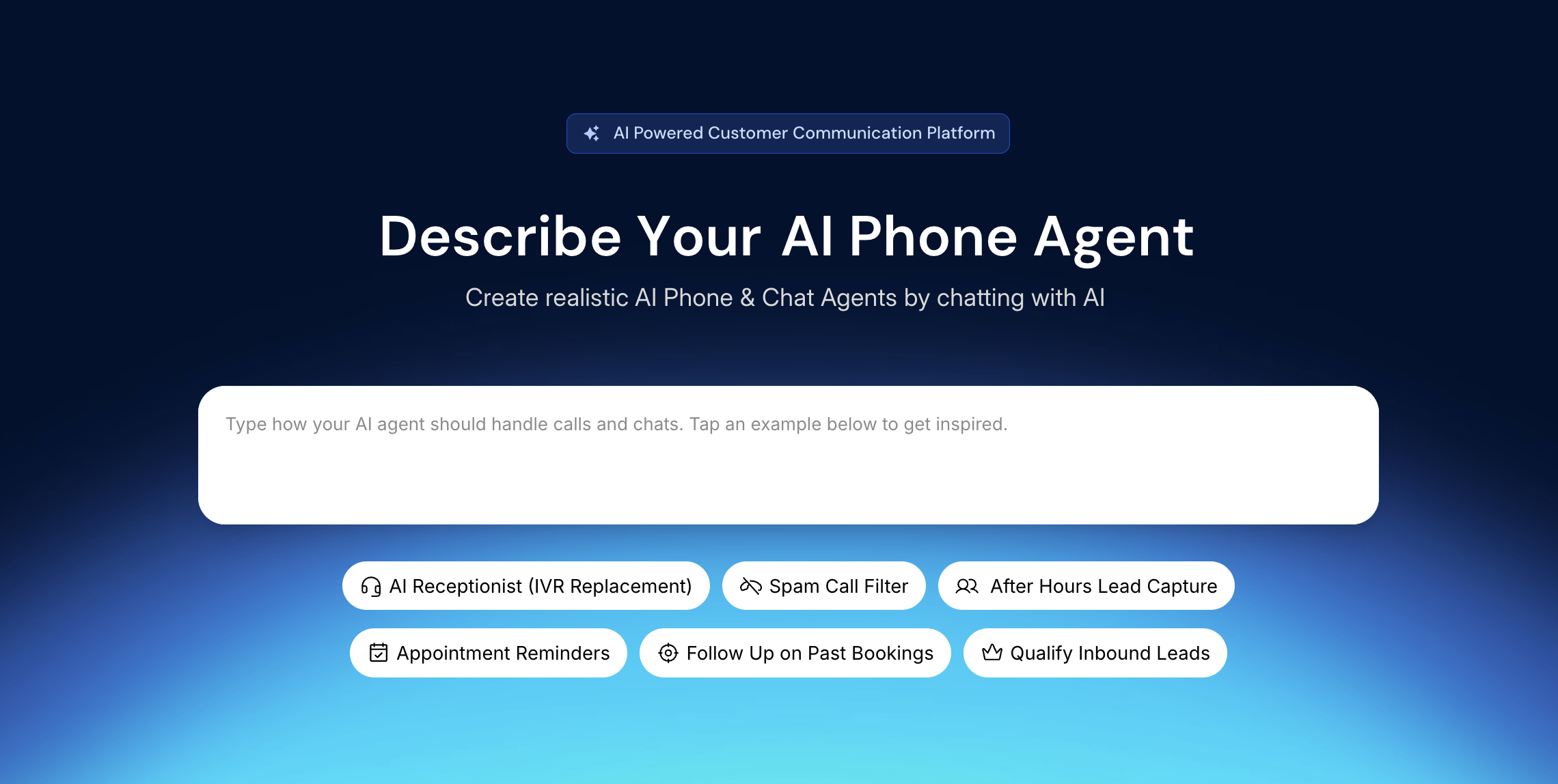
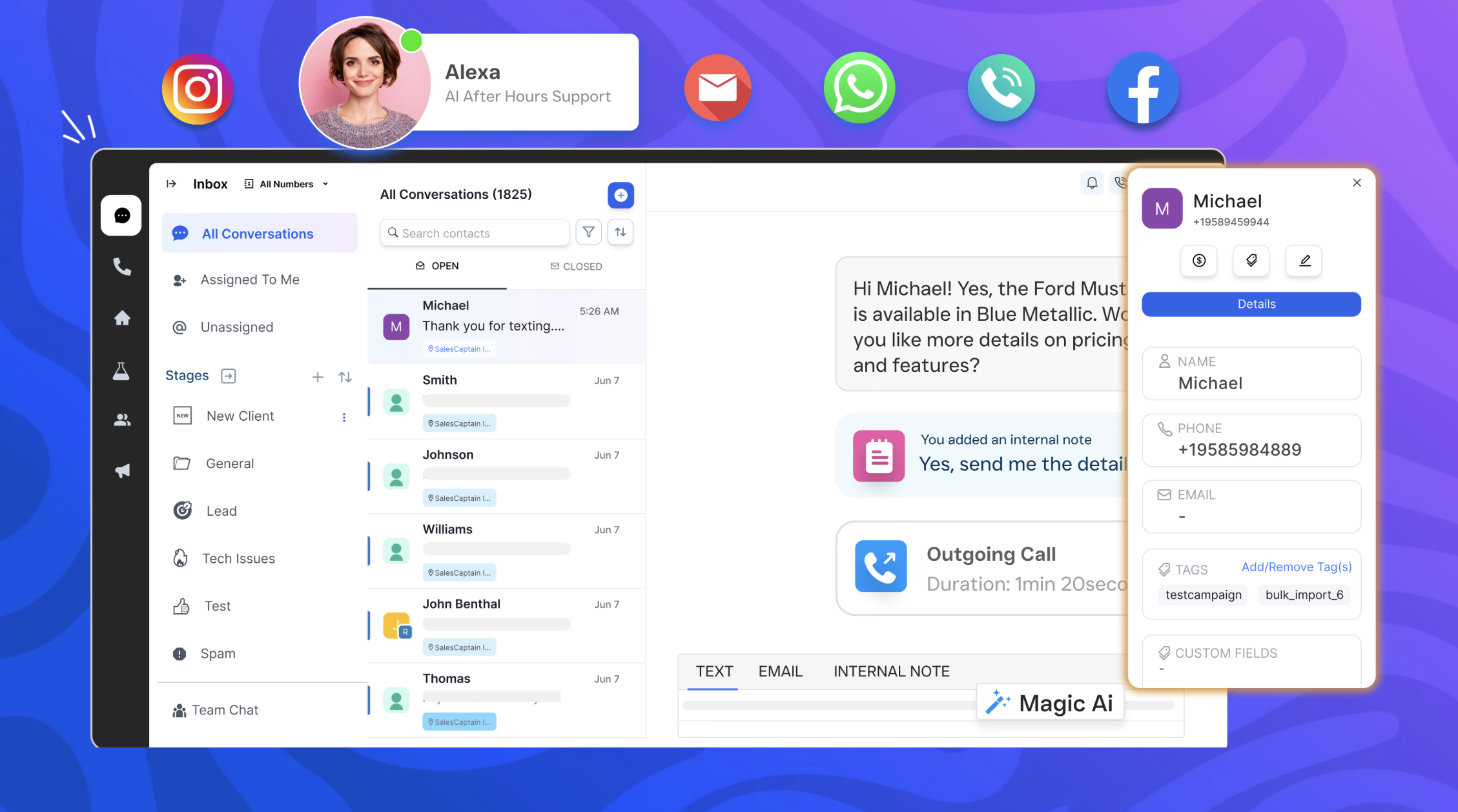
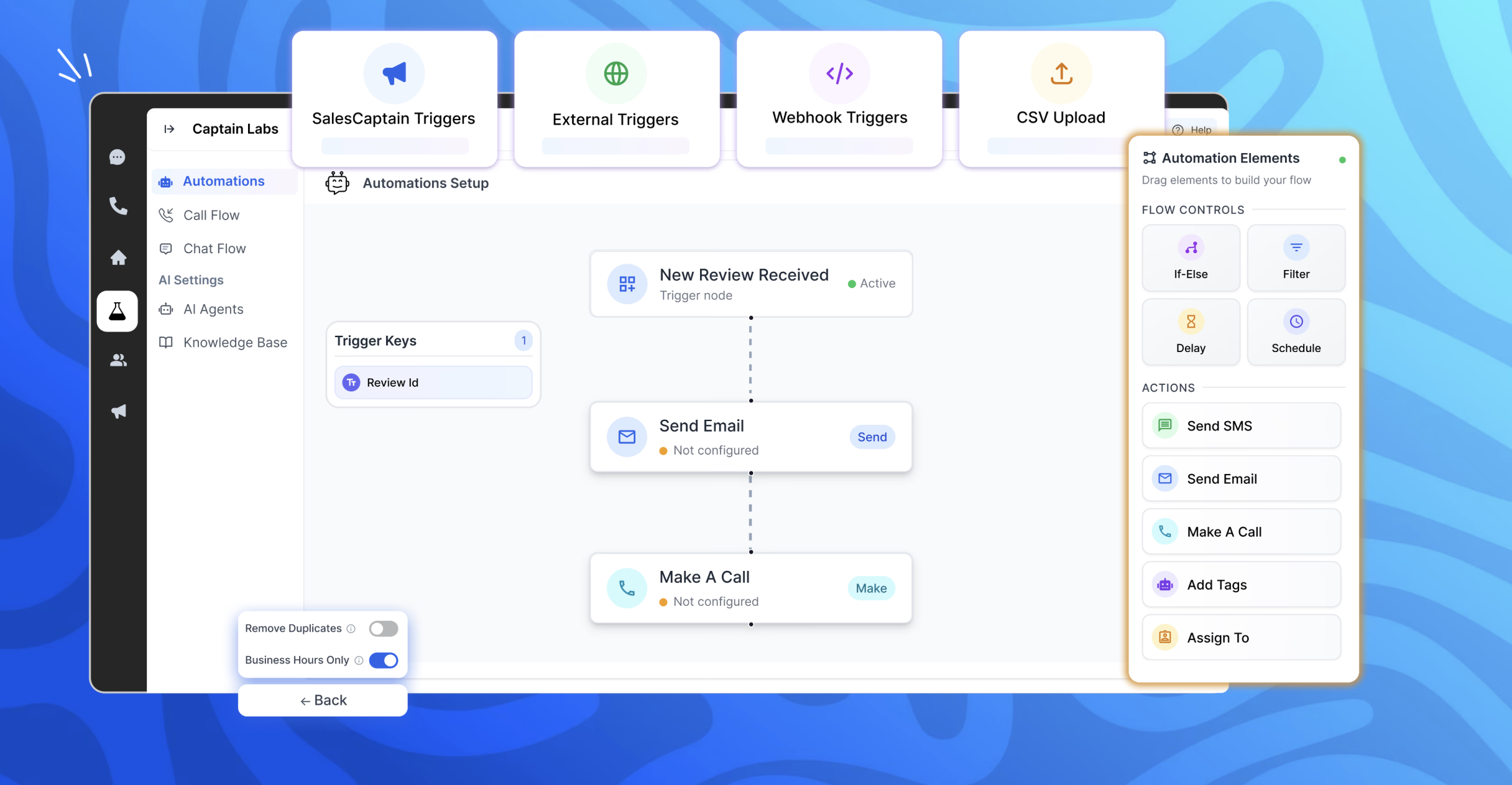
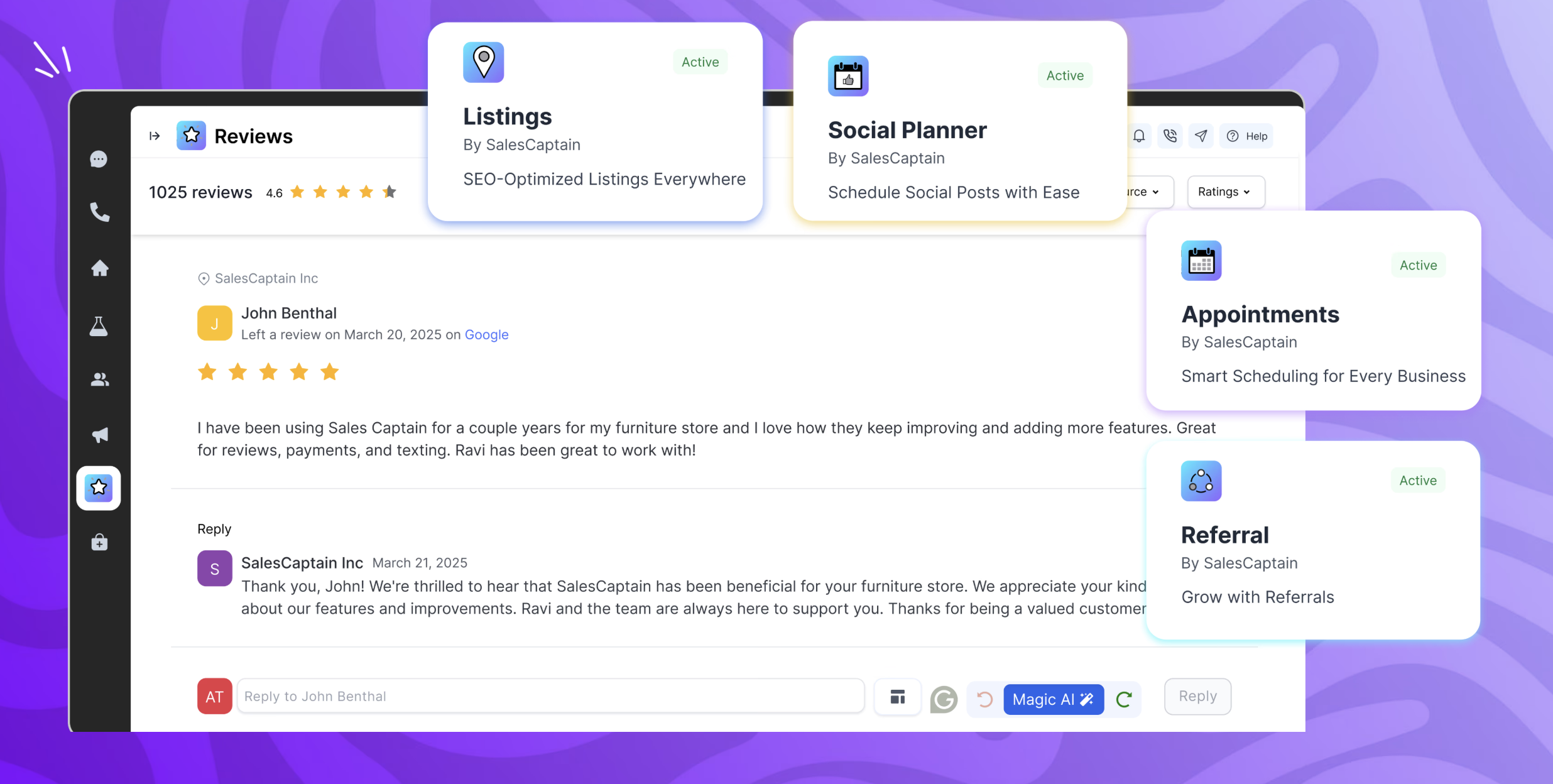
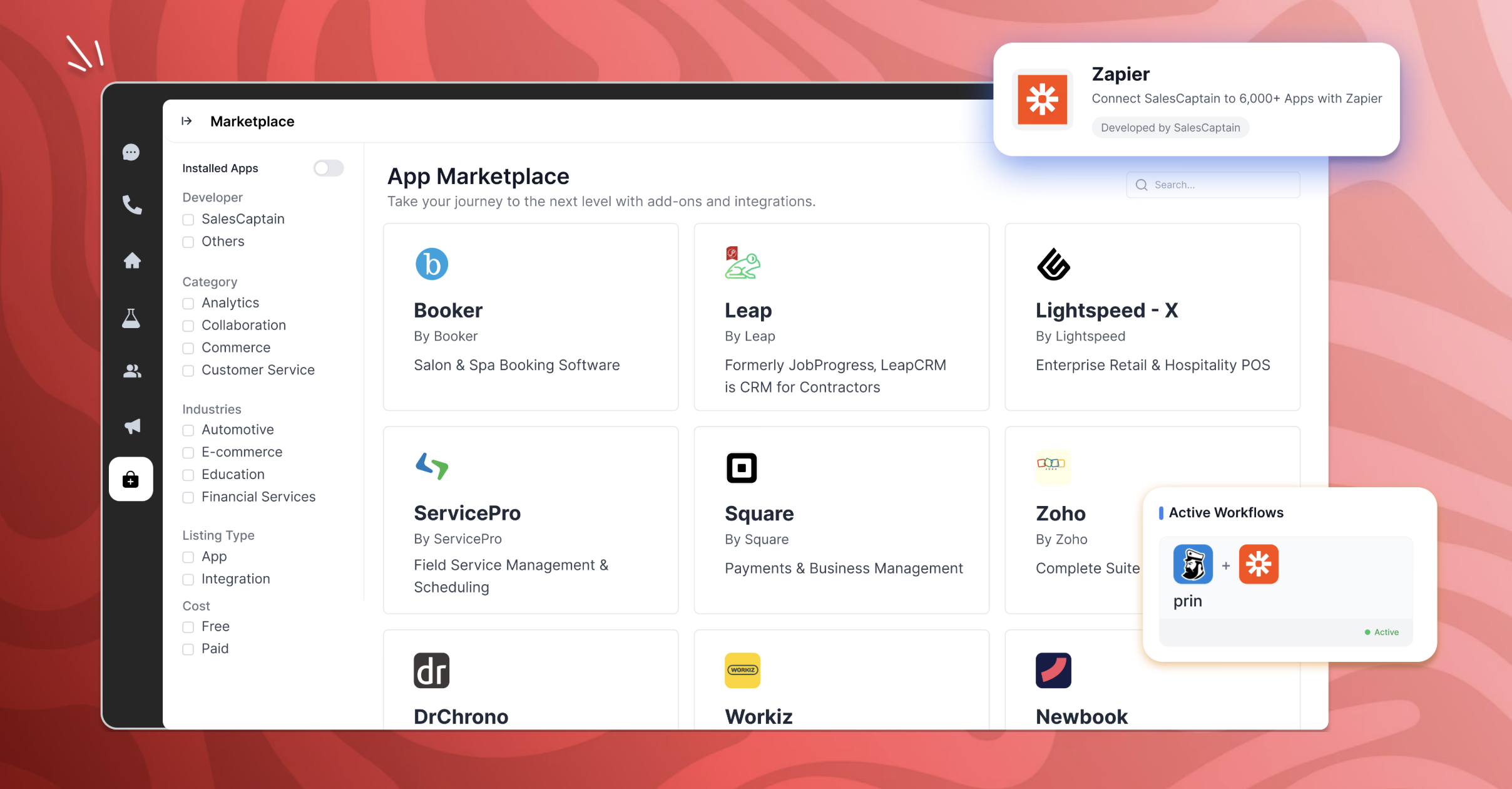
SalesCaptain is a communication platform with a chat based AI agent builder, designed for modern businesses. It unifies phone calls, texting, webchat, and social media messaging into a single collaborative inbox. SalesCaptain can be used to create AI-powered phone and text agents to handle calls, answer queries, route leads, filter spam, and automate tasks — without any technical expertise. SalesCaptain also includes a suite of built-in business apps for managing…
$159
per month per installation
Slack
Score9 out of 10
N/A
Slack is a group messaging or team collaboration app that aims to simplify communication for businesses. Features include open discussions, private groups, and direct messaging, as well as deep contextual search and message archiving, and file sharing. Slack integrates with a number of other tools, such as MailChimp, Dropbox, and Google Drive. Slack was acquired by Salesforce in December 2020.
The product is free to use, and also has paid plans with more features and greater controls.
The…
$8.75
per month per user
Pricing
SalesCaptain
Slack
Editions & Modules
Business Plan
$159
per month per installation
Enterprise Plan
300 onwards
per month per installation
Enterprise Plan
starting at $300
per month per installation
Free
$0
Pro
$7.25*
per month per user
Business+
$12.50*
per month per user
Enterprise
Contact Sales
Offerings
Pricing Offerings
SalesCaptain
Slack
Free Trial
Yes
Yes
Free/Freemium Version
No
Yes
Premium Consulting/Integration Services
Yes
No
Entry-level Setup Fee
No setup fee
No setup fee
Additional Details
—
*Per active user, per month, when paying once a year.
Pro is $8.75 USD per active user when paying month to month. Business+ is $15.00 USD per active user when paying month to month.
When several technicians are out in the field and the office is unable to respond to every call, SalesCaptain is particularly well suited for appliance service companies that manage a significant volume of calls and messages. We make extensive use of it for texting missed calls, gathering brief intake information, and keeping clients warm until we can set up a time. It’s also ideal for automated appointment confirmations/reminders, tech on the way updates, and post-service review requests, which reduces down on status-check calls and encourages repeat business. It is less suitable for really complicated diagnostic cases that necessitate a back-and-forth discussion with a senior technician, as well as edge cases where availability or pricing rely on on-site inspection, which are better managed by a human once the first data is obtained.
Slack is ideal for Scrum and agile teams that need continuous communication during sprint planning, daily stand-ups, backlog refinement, testing, and retrospectives. Slack is well-suited for maintaining team knowledge through searchable conversations and dedicated channels, where experienced team members help onboard new QA analysts.
Customer issues: Threads feature allows us to group a particular issue in a single thread and discuss within that thread. I can use the thread link to embed in JIRA ticket for tracking progress in JIRA (which is our details engineering tracking system).
Ability to add folder to Slack channel helps keep important information, documents easily accessible. e.g., we use this to keep a "ramp up" folder that can be used by any new joiner.
Global search is effective when I forget which group a particular message was in.
Would love a better integration with GitHub. For example, notifications when your PR is updated, when review is requested, @-mention in comments, etc.
Improved "Later" tab, for example the ability to create to-do lists or making the "Later" tab into a more powerful to-do list (annotate items with notes)
More powerful integrations, e.g. Google Calendar could render a calendar view within Slack, rather than sending the daily schedule
A de minimis incentive was given to thank the reviewer for their time. The incentive was not used to bias or drive a particular response, nor was the incentive contingent on a positive endorsement. TR verified that a representative sample of customers was invited. More Info
To be more transparent, I give 10 because Slack serves our collaboration needs. It provide us a good platform for team communication relaying important update within the company, it has even mobile app where you can install in your phone to monitor any updates within that team that needs your immediate attention and intervention.
A de minimis incentive was given to thank the reviewer for their time. The incentive was not used to bias or drive a particular response, nor was the incentive contingent on a positive endorsement. More Info
Because the daily workflow is simple, I would give usability an 8 out of 10. The shared inbox is easy to manage, chats are arranged by client, and once you understand the builder, setting up typical automations like missed-call texts, appointment reminders, and review requests is quick. The platform facilitates communication between techs and administrators and saves our office team a great deal of manual follow-up. I would prefer additional appliance-service templates and better contact/duplicate management to speed up onboarding and scalability. The primary reason it isn't a 10 is that certain sophisticated configuration more intricate routing, deeper reporting, and fine-tuning automations can require some understanding.
Slack has good usability. Devs that are not familiar with the platform are able to jump into conversations and start sharing code and links within just minutes. Non developers are also able to understand the layout such as the Project Managers that are keeping the projects on track. We have not seen any tickets where employees are having trouble understanding Slack.
A de minimis incentive was given to thank the reviewer for their time. The incentive was not used to bias or drive a particular response, nor was the incentive contingent on a positive endorsement. TR verified that a representative sample of customers was invited. More Info
Yes, the app works 24/7. I don't even recall having any period that we could not use since the implementation. Even the maintenance periods are barely noticeable and our work is not impacted by it when it happens.
A de minimis incentive was given to thank the reviewer for their time. The incentive was not used to bias or drive a particular response, nor was the incentive contingent on a positive endorsement. TR verified that a representative sample of customers was invited. More Info
Slack is a soft app, we don't have many issues with it. I recall one or two people complaining about something during our usage period, but I didn't have a bad experience. When the app is slow, usually the problem is with my computer or my internet. The app works just fine.
A de minimis incentive was given to thank the reviewer for their time. The incentive was not used to bias or drive a particular response, nor was the incentive contingent on a positive endorsement. TR verified that a representative sample of customers was invited. More Info
Whenever I've had to troubleshoot an issue with Slack (which, to be honest, has not happened very often), their online documentation has been easy to locate, easy to understand, and effective in resolving my issue. Slack's ever-growing popularity also means that there's a large community of practice out there that can be depended upon.
A de minimis incentive was given to thank the reviewer for their time. The incentive was not used to bias or drive a particular response, nor was the incentive contingent on a positive endorsement. More Info
A de minimis incentive was given to thank the reviewer for their time. The incentive was not used to bias or drive a particular response, nor was the incentive contingent on a positive endorsement. TR verified that a representative sample of customers was invited. More Info
We primarily assessed Podium and Birdeye for customer messaging and reputation management. Both are good at creating reviews and handling simple conversations, but we needed more end-to-end follow-up in our appliance service workflow. Specifically, we needed to convert missed calls into scheduled jobs, automatically gather service-intake information appliance type/brand, symptoms, address, preferred time, and run regular appointment reminders and post-job follow-ups from a single shared inbox. SalesCaptain is a better fit since it supports review requests and reputation procedures while being more adaptable for creating those appliance-specific automations and keeping the complete lead-to-job dialog in one location.
I like Slack better than ClickUp, because I would spend 30-60 minutes a day updating my ClickUp tasks. The way ClickUp was used was very micromanaging. I billed by the hour, so I was willing to put in the time to alert the boss what tasks I was working on.
One of my jobs used Hive - I mostly just ran it in the background in case anyone messaged me. I did not use it often.
A de minimis incentive was given to thank the reviewer for their time. The incentive was not used to bias or drive a particular response, nor was the incentive contingent on a positive endorsement. TR verified that a representative sample of customers was invited. More Info
Slack has been incredibly helpful in connecting various tech apps and ecosystems, creating a more streamlined and responsive process.
Slack has made it significantly easier to communicate with our team members across multiple time zones, creating a more engaging environment for our all-remote team.
A de minimis incentive was given to thank the reviewer for their time. The incentive was not used to bias or drive a particular response, nor was the incentive contingent on a positive endorsement. TR verified that a representative sample of customers was invited. More Info