TrustRadius: an HG Insights company

Save this comparison

Save this comparison

Add Product

Recommended Comparisons

    Overview
    ProductRatingMost Used ByProduct SummaryStarting Price

    SAP Crystal

    Score7.1 out of 10
    N/ASAP Crystal is an analytics and reporting software solution for SMBs. SAP Crystal comprises Crystal Reports for pixel-perfect reporting, and SAP Crystal Server for automated distribution and self-service access to reports, dashboards and data exploration.

    $295

    per single user license

    ZoomMate

    Score8.5 out of 10
    N/AZoomMate is Zoom’s next-generation "agentic" workspace, launched in June 2026 to transform how teams move from conversation to completion. Positioned as an "AI Teammate" or virtual "Chief of Staff," ZoomMate goes beyond standard chatbots by proactively executing tasks across a company's entire digital ecosystem.

    $20

    per month includes 2,200 AI credits

    Pricing
    SAP CrystalZoomMate
    Editions & Modules
    Upgrade Version to SAP Crystal Reports 2020
    $295
    per single user license
    SAP Crystal Reports 2020 64-Bit
    $495
    per single user license
    SAP Crystal Reports 2016 32-Bit
    $495
    per single user license
    SAP Crystal Server 2020 1 NUL
    $869
    per user license + first year maintenance to be added
    SAP Crystal Server 2020 5 CAL
    $8,744
    5 concurrent users + first year maintenance to be added
    No answers on this topic
    Offerings
    Pricing Offerings
    SAP CrystalZoomMate
    Free Trial
    YesNo
    Free/Freemium Version
    YesYes
    Premium Consulting/Integration Services
    YesYes
    Entry-level Setup FeeOptionalNo setup fee
    Additional Details* SAP Crystal Reports 2020 Viewer allows you to view static data within a SAP Crystal Reports file. * SAP Crystal Reports 2020 - Full version allows you to create powerful, richly formatted, and dynamic reports from virtually any data source, delivered in dozens of formats, in up to 28 languages. If you already have an older version of Crystal Reports, buy a license for SAP Crystal Reports 2020 - Upgrade at a discounted, upgrade price. * SAP Crystal Server 2020, 1 NUL includes 1 license of: SAP Crystal Reports 2020 - SAP Crystal Server 2020. * As an add-on to SAP Crystal Server 2020 1 NUL, SAP Crystal Server 2020 5 CAL allows you to support a wider, intermittent audience of end users, up to five logged on at the same time.—
    More Pricing Information
    Features
    SAP CrystalZoomMate
    BI Standard Reporting
    Comparison of BI Standard Reporting features of SAP Crystal and ZoomMate
    Feature
    SAP Crystal
    7.7
    124 Ratings
    6% below category average
    ZoomMate
    -
    Ratings
    Pixel Perfect reports8.0113 Ratings00 Ratings
    Customizable dashboards6.7100 Ratings00 Ratings
    Report Formatting Templates8.4117 Ratings00 Ratings
    Ad-hoc Reporting
    Comparison of Ad-hoc Reporting features of SAP Crystal and ZoomMate
    Feature
    SAP Crystal
    8.3
    136 Ratings
    4% above category average
    ZoomMate
    -
    Ratings
    Drill-down analysis9.0117 Ratings00 Ratings
    Formatting capabilities8.8135 Ratings00 Ratings
    Integration with R or other statistical packages6.964 Ratings00 Ratings
    Report sharing and collaboration8.6120 Ratings00 Ratings
    Report Output and Scheduling
    Comparison of Report Output and Scheduling features of SAP Crystal and ZoomMate
    Feature
    SAP Crystal
    8.7
    136 Ratings
    6% above category average
    ZoomMate
    -
    Ratings
    Publish to Web9.191 Ratings00 Ratings
    Publish to PDF9.4133 Ratings00 Ratings
    Report Versioning7.994 Ratings00 Ratings
    Report Delivery Scheduling8.997 Ratings00 Ratings
    Delivery to Remote Servers8.454 Ratings00 Ratings
    Data Discovery and Visualization
    Comparison of Data Discovery and Visualization features of SAP Crystal and ZoomMate
    Feature
    SAP Crystal
    7.6
    89 Ratings
    5% below category average
    ZoomMate
    -
    Ratings
    Pre-built visualization formats (heatmaps, scatter plots etc.)7.650 Ratings00 Ratings
    Location Analytics / Geographic Visualization7.576 Ratings00 Ratings
    Predictive Analytics7.841 Ratings00 Ratings
    Access Control and Security
    Comparison of Access Control and Security features of SAP Crystal and ZoomMate
    Feature
    SAP Crystal
    8.5
    88 Ratings
    0% above category average
    ZoomMate
    -
    Ratings
    Multi-User Support (named login)8.481 Ratings00 Ratings
    Role-Based Security Model8.480 Ratings00 Ratings
    Multiple Access Permission Levels (Create, Read, Delete)8.480 Ratings00 Ratings
    Report-Level Access Control8.43 Ratings00 Ratings
    Single Sign-On (SSO)8.940 Ratings00 Ratings
    Mobile Capabilities
    Comparison of Mobile Capabilities features of SAP Crystal and ZoomMate
    Feature
    SAP Crystal
    6.6
    65 Ratings
    16% below category average
    ZoomMate
    -
    Ratings
    Responsive Design for Web Access6.163 Ratings00 Ratings
    Mobile Application5.946 Ratings00 Ratings
    Dashboard / Report / Visualization Interactivity on Mobile6.060 Ratings00 Ratings
    Application Program Interfaces (APIs) / Embedding
    Comparison of Application Program Interfaces (APIs) / Embedding features of SAP Crystal and ZoomMate
    Feature
    SAP Crystal
    7.8
    45 Ratings
    1% above category average
    ZoomMate
    -
    Ratings
    REST API7.48 Ratings00 Ratings
    Javascript API8.437 Ratings00 Ratings
    iFrames7.18 Ratings00 Ratings
    Java API8.437 Ratings00 Ratings
    Themeable User Interface (UI)7.439 Ratings00 Ratings
    Customizable Platform (Open Source)8.433 Ratings00 Ratings
    Best Alternatives
    SAP CrystalZoomMate
    Small Businesses
    Cyfe
    Score4 out of 10
    No answers on this topic
    Medium-sized Companies
    Qlik Cloud Analytics (Qlik Sense)
    Score8.1 out of 10
    Cortana (discontinued)
    Score7.5 out of 10
    Enterprises
    Sisense
    Score6.9 out of 10
    Cortana (discontinued)
    Score7.5 out of 10
    All AlternativesView all alternativesView all alternatives
    User Ratings
    SAP CrystalZoomMate
    Likelihood to Recommend
    6.7
    (159 ratings)
    8.5
    (36 ratings)
    Likelihood to Renew
    10.0
    (19 ratings)
    -
    (0 ratings)
    Usability
    7.1
    (31 ratings)
    8.6
    (4 ratings)
    Availability
    8.0
    (1 ratings)
    -
    (0 ratings)
    Performance
    8.0
    (1 ratings)
    -
    (0 ratings)
    Support Rating
    8.6
    (21 ratings)
    -
    (0 ratings)
    In-Person Training
    10.0
    (1 ratings)
    -
    (0 ratings)
    Implementation Rating
    8.8
    (14 ratings)
    -
    (0 ratings)
    Configurability
    8.0
    (1 ratings)
    -
    (0 ratings)
    Data Sharing and Collaboration
    8.8
    (124 ratings)
    -
    (0 ratings)
    Data Sources
    9.2
    (129 ratings)
    -
    (0 ratings)
    Ease of integration
    7.0
    (1 ratings)
    -
    (0 ratings)
    Product Scalability
    7.0
    (1 ratings)
    -
    (0 ratings)
    Vendor post-sale
    8.0
    (1 ratings)
    -
    (0 ratings)
    Vendor pre-sale
    7.0
    (1 ratings)
    -
    (0 ratings)
    User Testimonials
    SAP CrystalZoomMate
    Likelihood to Recommend
    SAP
    Generation of templated reports is the strong suit of SAP Crystal. Allows users to change formats in templates bases on requirement with minimal effort. Automated report delivery requires the user to be aware of sql which cannot be expected from all users. Should support more document export formats and improve the UI for SAP B1 Users
    Incentivized
    Read full review
    Zoom
    While doing training and technical support to our users, we need to connect to their system, and we do not go physically. With Zoom Workplace, we can connect with them in the meeting, and they can share their screen, and we can access their screen, which is very easy to give training and support. With other software, you cannot do all these things at once.
    Incentivized
    Read full review
    Pros
    SAP
    • Crystal Reports allows us to create a consistent template for all of our reports.
    • Crystal Reports and Server allows us to house a repository for all of our reports to make them easy to find and update when necessary.
    • Crystal Reports can connect to a wide variety of data sources.
    • Crystal Reports can be a little daunting when first implementing. There are a lot of nuances in learning how to truly master this software and it can be frustrating at times.
    Incentivized
    Read full review
    Zoom
    • AI - Powered productivity. With this feature, drafting messages, automating tasks, and summarizing meetings are easy, which boosts productivity.
    • It is an all-in-one collaboration tool. With Zoom Workplace, we can send messages, make calls, schedule meetings, and share documents. It offers all the collaboration features our team needs.
    • Makes scheduling easy thanks to Zoom Scheduler that is part of Zoom Workplace.
    • The tool ensures teams communicate securely which is a plus.
    • It comes with a mobile app for added convenience, and no one misses important updates.
    Incentivized
    Read full review
    Cons
    SAP
    • The export of reports to Excel is very cumbersome and the results are difficult to format.
    • The design of reports and the graphical features (e.g. charts) feel quite rigid.
    • The learning curve for a non-programmer is incredibly steep, making Crystal a specialty tool.
    Incentivized
    Read full review
    Zoom
    • I don't think there is any malfunction in their solution; it's extremely convenient to use, be it creating a meeting invite, adding people, sending any extra stuff to them. It's quick, and this is the only tool that works seamlessly even on Androids.
    Incentivized
    Read full review
    Likelihood to Renew
    SAP
    We have been using this product for so many years and it has truly become a cornerstone to our business processes when it comes to developing and distributing information via reports. We currently have over 500 reports developed to date over about 30 systems and that will continue to grow as user needs change.
    Read full review
    Zoom
    No answers on this topic
    Usability
    SAP
    Crystal is very robust, but not always easy to use. It create wonderful looking reports, and so deserves a high rating. However, I have to take a couple of points off for the simple fact that I cannot hand it to a user and expect them to be able to do development with it.
    Incentivized
    Read full review
    Zoom
    It's really easy to use - the AI icon is everywhere all over the place in the Zoom client so it's easy to be able to leverage AI whenever you need it, and similarly in the meeting it's easy to find and to use. I don't have complaints here that I can think of
    Read full review
    Support Rating
    SAP
    The support community can be difficult to navigate. I've also run into issues with my login. The SAP system has a bizarre mechanism for validating users that requires users to have what is called an S-ID. A basic ID may not give you access to all the features in the portal. The limitation may include not being able to perform a simple task like downloading patches and updates. This isn't a big deal for single user license but for teams it can be a pain.
    Incentivized
    Read full review
    Zoom
    No answers on this topic
    In-Person Training
    SAP
    Trainer was patient and thorough in going through the basics and willing to answer questions by email after the initial training
    Incentivized
    Read full review
    Zoom
    No answers on this topic
    Implementation Rating
    SAP
    Just like any other implementation: When designing the differing reports, get end users' input, make sure to design the reports so that they display the information that the company requires, in the best and clearest way possible.
    Test, test, test, revise when needed, and, particularly, do sufficient training so users are comfortable using Crystal Reports!
    Incentivized
    Read full review
    Zoom
    No answers on this topic
    Alternatives Considered
    SAP
    Crystal reports is useful in case we want to import data from data base . We can write queries in it but Google Charts require to be implemented in our application using code so crystal reports is better than Google Charts.
    Incentivized
    Read full review
    Zoom
    Compared to Microsoft Teams, Zoom AI Companion is a clear pioneer in this remote and virtual collaboration platform, leading the way. It is possible to have a remote meeting on both Microsoft Teams and Zoom AI Companion. But Zoom AI Companion provides
    more productivity and time savings to users. Zoom AI Companion continues to enhance its features to provide value to the product.
    Incentivized
    Read full review
    Return on Investment
    SAP
    • It is a decent buy for specific departments in terms of reporting capabilities but updates and cost (frequent) demands are higher with the benefits offered.
    • So long as the requirements are not ever changing, with scheduling functionality, it's a handsome tool.
    Incentivized
    Read full review
    Zoom
    • We've been able to significantly accelerate our quest production, enabling us to give many more youth a voice on our platform, and give the kids who play [...] many more windows into one another's worlds!
    • It's increased our fundraising capacity since grant applications require pulling together insights from funder meetings, advice from previous grantees, outside research, and testimonials from users. ZoomMate helps to synthesize and package it efficiently so we can do more.
    Read full review
    ScreenShots

    SAP Crystal Screenshots

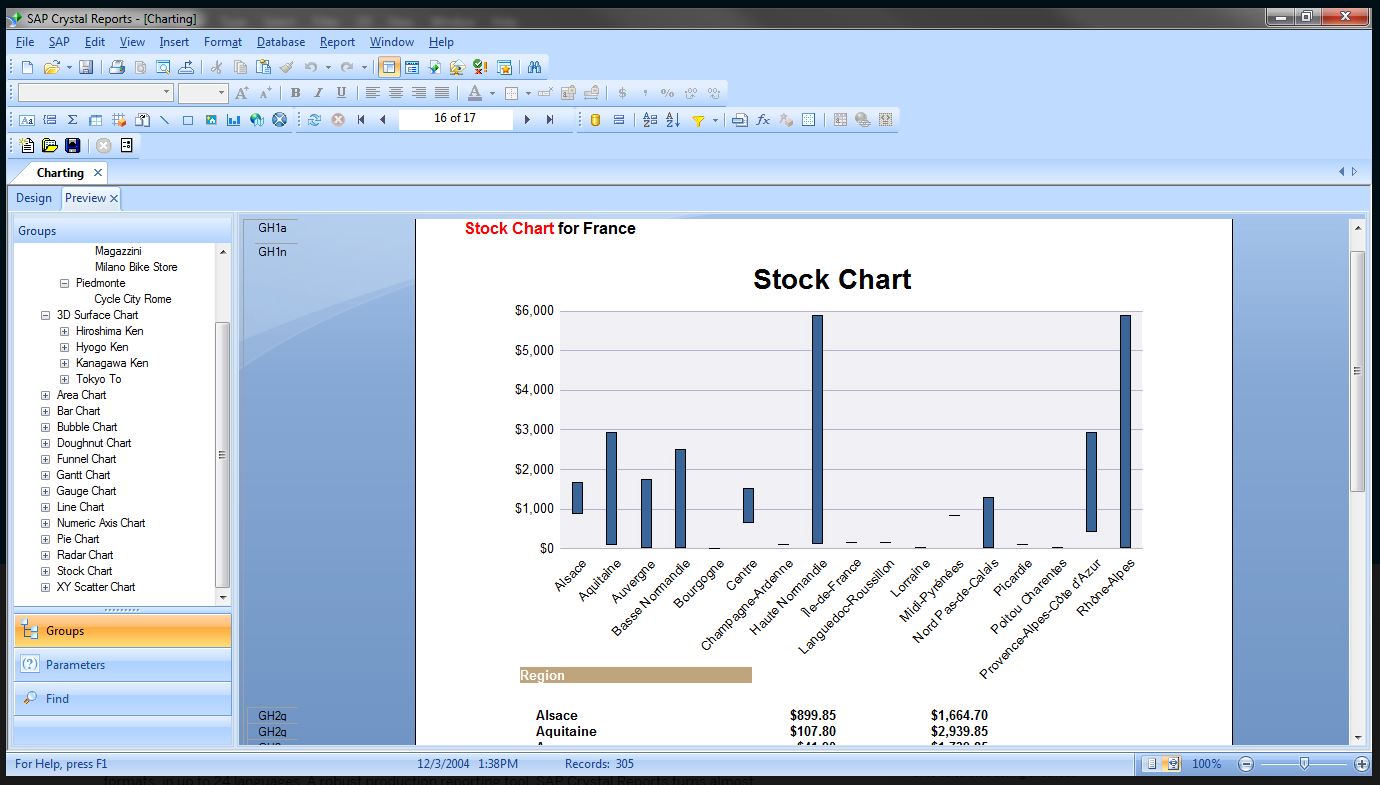
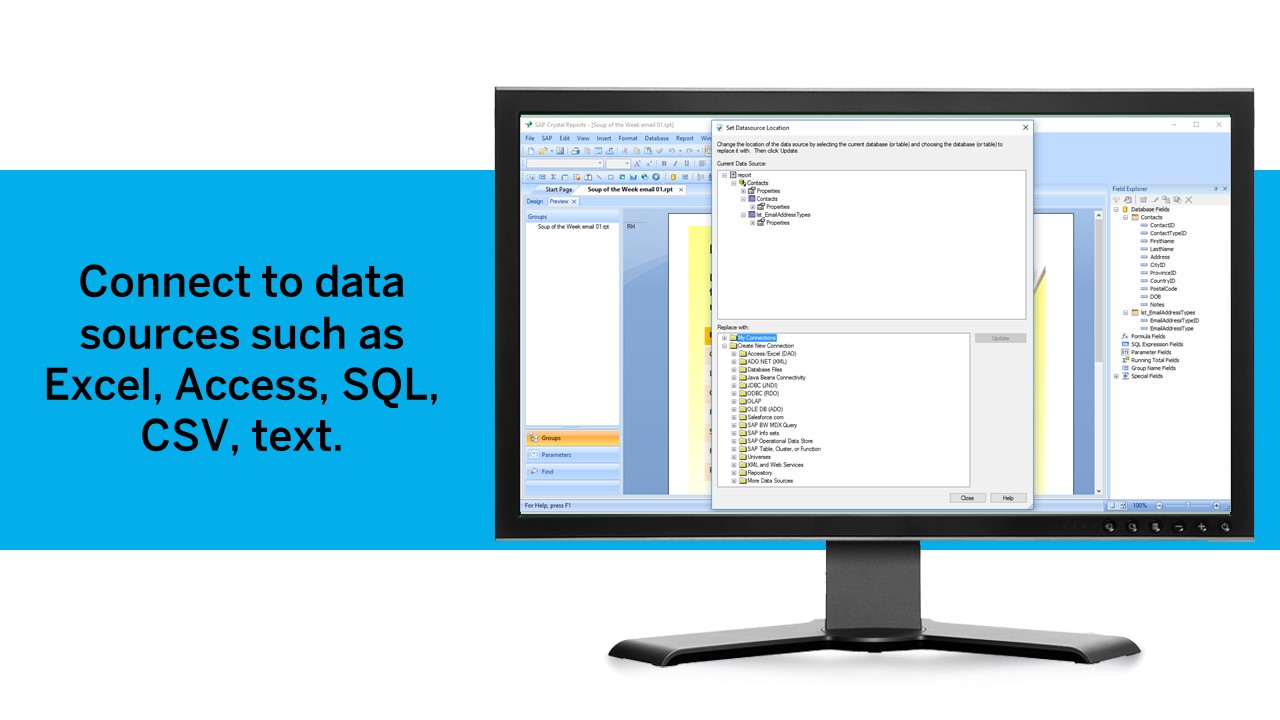
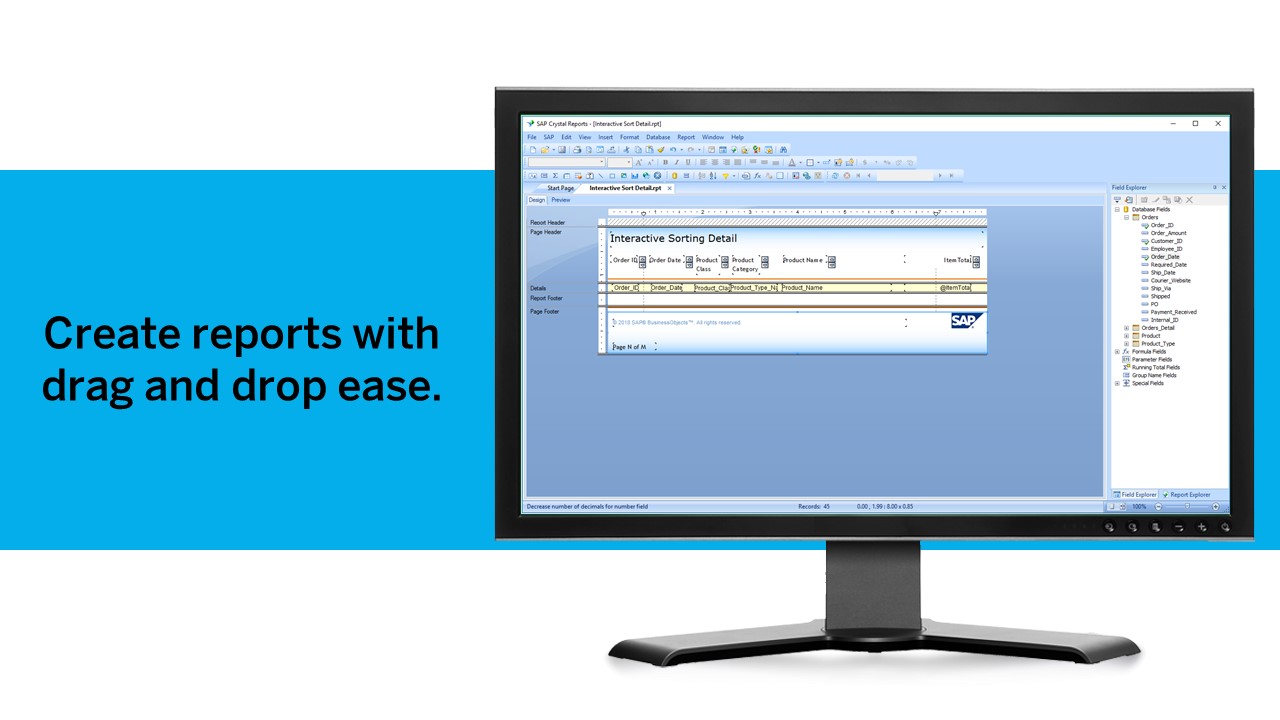
    Screenshot of Pixel-perfect reporting solutionScreenshot of Refresh with a clickScreenshot of Build pixel-perfect documentsScreenshot of Connect to all data sourcesScreenshot of Use drag and dropScreenshot of Build interactive reports

    ZoomMate Screenshots

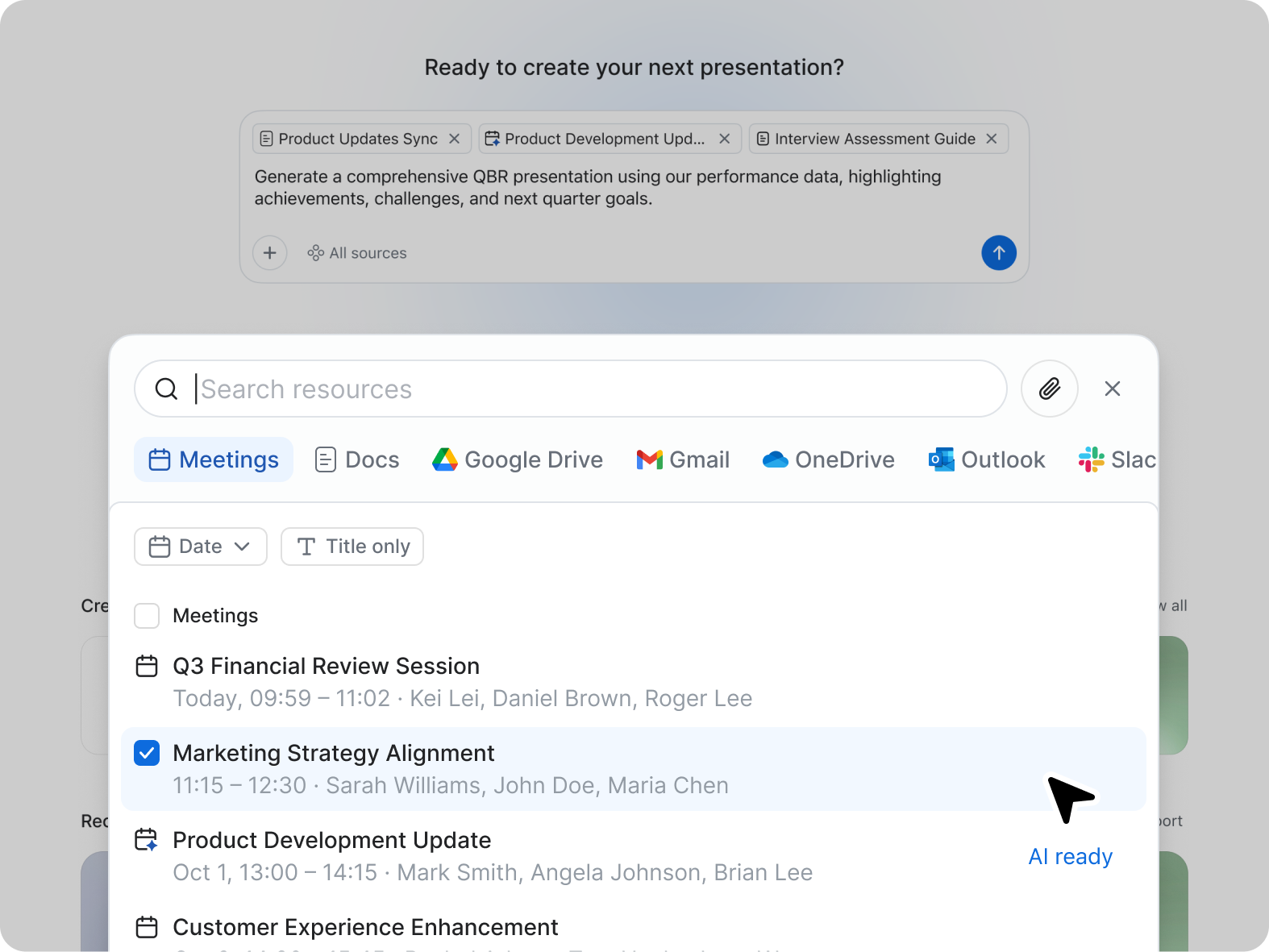
    Screenshot of ZoomMate, the AI teammate. ZoomMate analyzes, learns, and acts on conversations to complete work.Screenshot of Search: agentic search and deep researchScreenshot of Workflows are conversational and visual automations that handle multi-step processes across meetings, apps, and systems. You can describe a workflow in natural language ("when someone files a support ticket about pricing, route it to the sales team and post a notification in the deal channel"), use pre-built templates, or build one visually. They run on triggers — events, schedules, or agentic logic — and can be configured with approval checkpoints to keep you in the loop where approvals are needed.Screenshot of Create: AI-first productivity tools