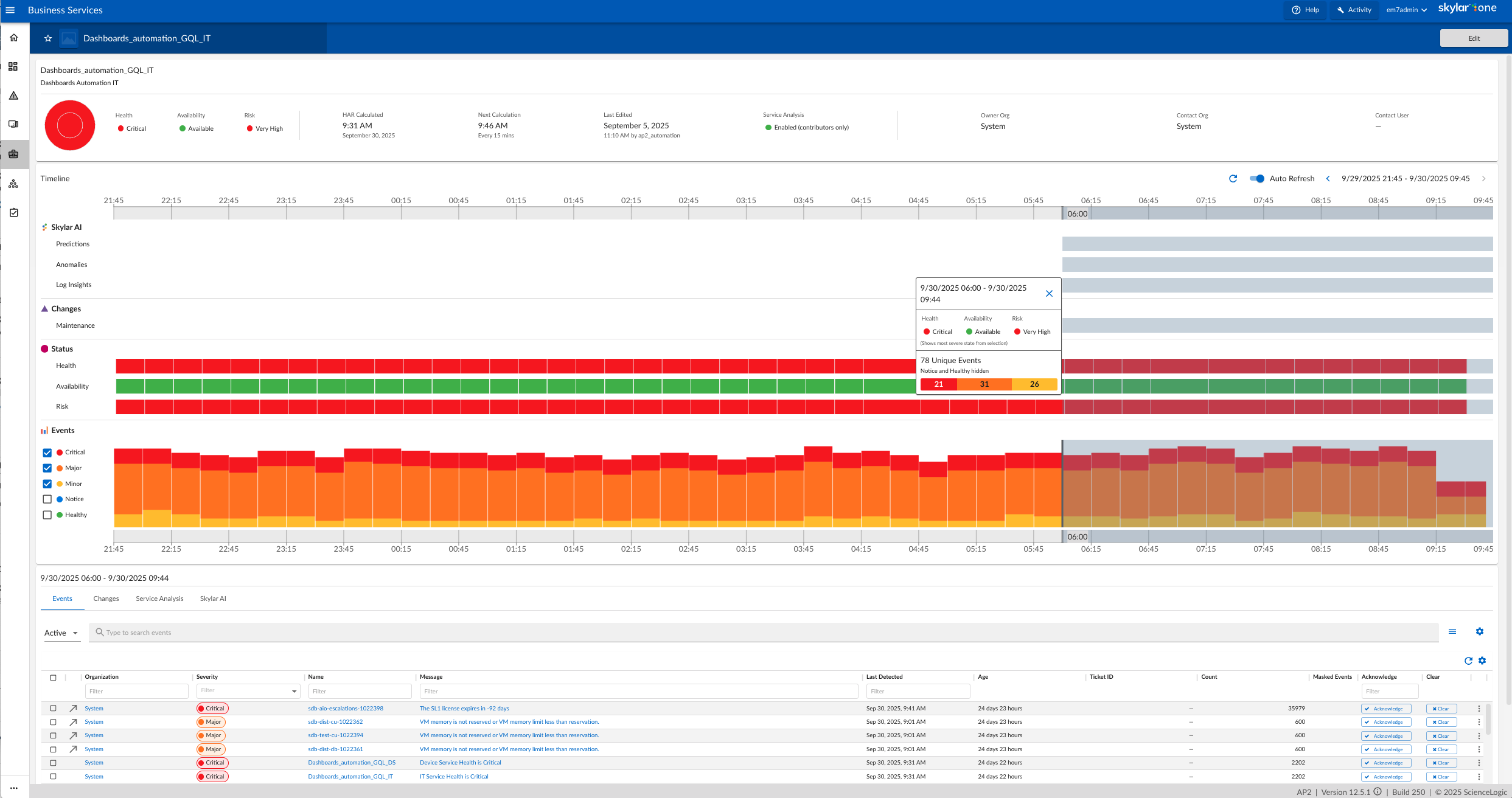
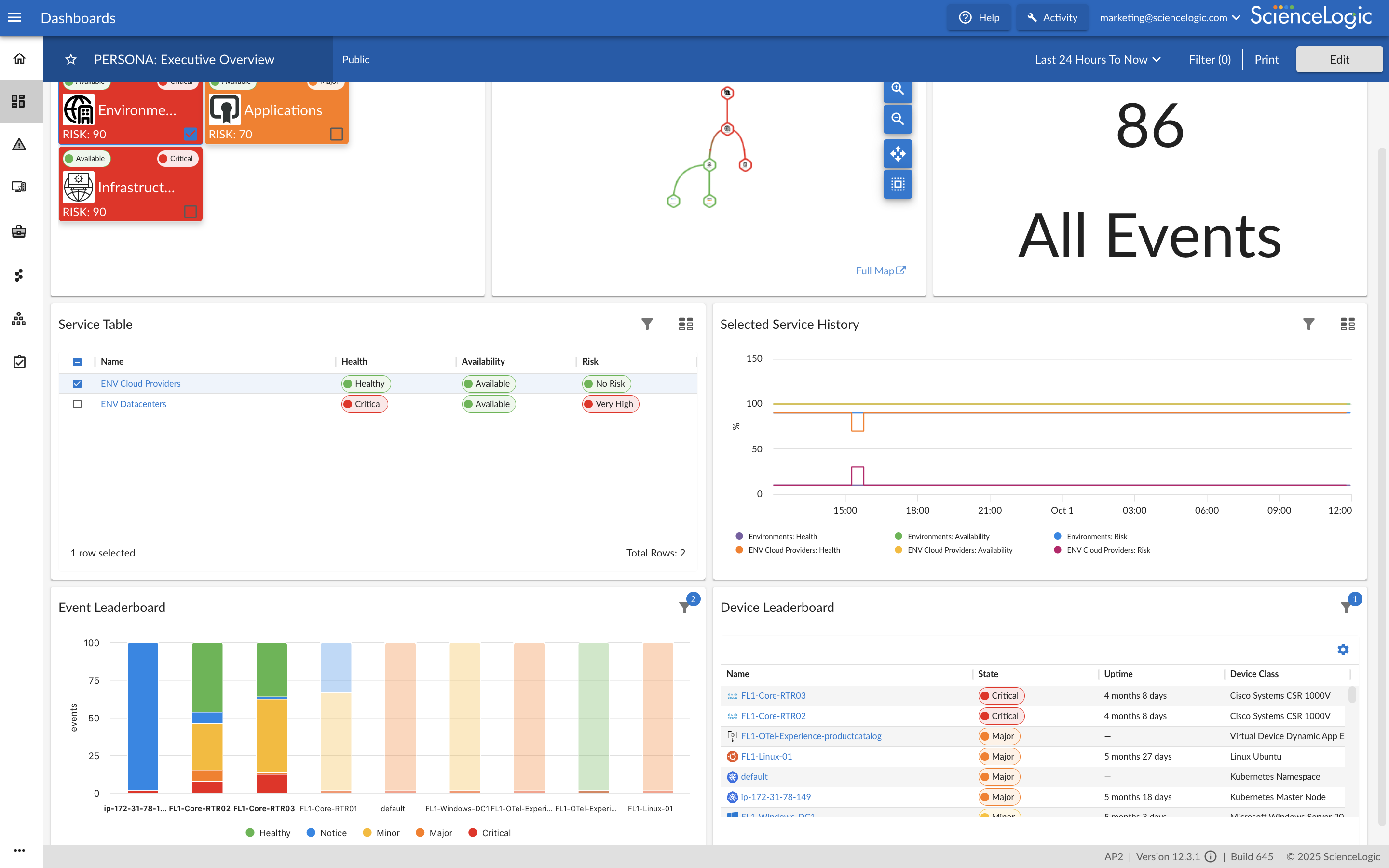
ScienceLogic provides a unified IT Operations platform designed to manage operational workflows using high-fidelity Telemetry Data and explainable automation.
The ScienceLogic AI Platform is deployable across On-Premises, Cloud, and Hybrid Environments. The platform consolidates monitoring tools to provide Observability and enables engineers to automate manual processes using Machine Learning capabilities.
The platform utilizes automation for Closed-Loop Remediation and provides insights…
N/A
SMTX OS
Score 0.0 out of 10
N/A
N/A
N/A
SolarWinds Virtualization Manager (VMAN)
Score 10.0 out of 10
N/A
SolarWinds® Virtualization Manager (VMAN) is a tool for monitoring, performance management, capacity planning and optimization for on-premises or cloud-based virtual environments. It also integrates with other SolarWinds products.
N/A
Pricing
ScienceLogic AI Platform
SMTX OS
SolarWinds Virtualization Manager (VMAN)
Editions & Modules
No answers on this topic
Offerings
Pricing Offerings
ScienceLogic AI Platform
SMTX OS
SolarWinds Virtualization Manager (VMAN)
Free Trial
No
No
Yes
Free/Freemium Version
No
No
No
Premium Consulting/Integration Services
No
No
No
Entry-level Setup Fee
Required
No setup fee
No setup fee
Additional Details
ScienceLogic SL1 offers four tiers:
SL1 Advanced – Application Health, Automated Troubleshooting and Remediation Workflows
SL1 Base – Infrastructure Monitoring, Topology & Event Correlation
SL1 Premium – AI/ML-driven Analytics, Low-Code Automated Workflow Authoring
SL1 Standard – Infrastructure Monitoring – with Agents, Business Services, Incident Automation, CMDB Synchronization, Behavioral Correlation
real-time data monitoring, scalability of a complex environment is the key feature. For any new requirement, powerpack installation is very easy & handful.
Both of the tools we used before were with agents, so there was a need to configure the agent initially, before it could be used. Sometimes, there were issues with the service or the configuration of the agent, and deep troubleshooting was necessary to find the mistake in …
Restorepoint is a great tool and perfectly integrated with ScienceLogic SL1. However, PowerFlow implementation is not smooth and don't have enough resources to help build out the features necessary for a successful implementation. Also, documentation is not well written.
ScienceLogic SL1 supports large scale of IT Infrastructure devices and vendors. Was the single tool providing multiple functionalities at same time and allowed to remove additional legacy tools used for monitoring. Allowed integration with incident management and CMDB. Allowed …
From a capability perspective they stack up very similar but from a look and feel, ScienceLogic SL1 one is miles behind the curve on all three. We chose SL because we already had elements of the service in place on our infrastructure from our previous MSP so they were a …
I see great potential and infact i do strongly beleive it offers even beter capabilities than the traditional tools out there but again it comes down to how well you have trained us on how to unlock these capabilities. I suggest incentives for techs for providing feedback for …
Geneos is more complicated and 'heavy' to setup. It requires a lot of expertise in setting up. Also the dashboards are not great. ScienceLogic SL1 works well for customer facing dashboards.
Entuity was lacking a lot of custom reporting and also the out of the box automation and RBA was also less. Our customers were mainly looking for devices which are next gen like sdwan which Entuity doesn't support. When it come to ScienceLogic SL1 it will support all sets of …
As a fresher, this is my first organization, and they use SL1. So, I don’t have more knowledge of other tools. But I do know Grafana, which is predominantly used for dashboards. I think compared to that, the SL1 dashboard gives more details about devices. So, I feel SL1 would …
Galileo analyzes storage arrays and backups more thoroughly, but SL1 is much better for host and network monitoring. SL1 has some storage monitoring features for some storage arrays, but they are not as detailed.
I was not part of the team selecting ScienceLogic SL1. Our goal was to increase event visibility in our server environment. We were using scripting which created many false events. SolarWinds is primarily used in the Network space to monitor network gear.
Agentless product that can integrate easily with other product and also allow us to automate tasks, example closing tickets when events are cleared automatically which user interactions.
Just because Science logic provides much more better enhancement and getting improved everyday. The autonomous integration and overall customization provided by the SL1 Platform is outstanding. In every sections be it in Monitoring or checking system logs and provide the best …
To be honest we never looked into any other products. We already made use of SolarWinds SAN, and once we found out SolarWinds was also able to monitor our virtual environment, we immediately had a trial of the software. We were very happy with what the VMAN component had to …
In the past we had used VMware's VRealize yet this integration into our Orion platform makes it easier to work with plus there is price savings when we moved to VMAN.
The operation began using Nagios Xi, after a year of use, and based on the results obtained, we realized that what our client wanted was not fully met. Our client asked us to use WhatsUp, however, SolarWinds covered in a more efficient way what was required by our client (IT) …
SolarWinds VMAN provides comprehensive monitoring and performance metrics for your VM environment. Provides Recommendations for optimal VM performance. SolarWinds VMAN integrates with the Orion Platform and provides a single pane of glass for monitoring your entire VM …
We chose SolarWinds for the price point, the ability for Single Pain of Glass monitoring for Dashboards, and having a single vendor to support all our monitoring needs.
Honestly we didn't check in depth other vendors, because we use the entire Solarwinds Eco-system. So first of all, we want to keep one unique tool to handle everything. In addition the migration to another product would be super difficult or nearly impossible.
Datadog and Log Monitor are doing great in bringing in new technologies for monitoring, however SolarWinds has still got edges since we are using it [for] many years. By using [it], we know that their product development team was always on top of new technologies monitoring. …
Better performance monitoring. Was able to see bottlenecks in our network that we were able to address. Ability to set thresholds and critical warning
alerts to match our specific business needs and parameters. The predefined reports helped us with metrics to ensure the …
If you used these two products, you know the difference. It's too vast to explain here. PRTG does have its place in a network, but SolarWinds is the high bar in this space.
Veeam ONE is a product to compare against SolarWinds Virtualization Manager. Veeam ONE is a solid product, however, SolarWinds Virtualization Manager has multiple product tie-ins for a bigger more complete picture of the total environment it is deployed in. It is hard to put a …
We have trialed almost all of the SolarWinds family of products if they were seen to have a potential positive effect on our environment and ability to find/resolve problems. We are currently using all of the products outlined previously as it gives us an excellent top down …
In our experience, the market for exemplary tools for managing a VMware environment is pretty small. Either go with the VMware tools, which may or may not be part of your enterprise licensing, or use a 3rd-party platform. If you have a multi-vendor environment (say VMware + …
The Cisco solution is more expensive and complex to install and configure The VMware horizon does not detect and manage the non VMware VMs such as Microsoft Hyper-V In case the environment is purely VMware, then VMware horizon provides more possibilities of managing the VMs and …
Seamless incorporation into the Orion framework. We needed a tool to tell us what was going on with our vSphere environment beyond what vCenter was telling us. There are just 2 of us that manage 40 ESXi hosts on1000 virtual machines and we needed some additional insight. I have …
Appropriate if you are setting up a monitoring suite in new Infrastructure Environment. Definitely NOT suited for Migration Projects. ScienceLogic SL1 cannot cater to a lot of monitoring requirements which already would have been configured in old monitoring suite. Plus, limited support for customizations and having to go to "Feature Requests" route makes in extremely complicated.
[It is well suited for] full integration with the virtual environment (VMware vcenter in our case). [It is also useful] when updating [the] host to a new version, including [a] new version of VM Tools. Messages are automatically created in SolarWinds VMAN to notice which VM's still need to be updated with [the] newer version of VM tools. This [makes] management [easy].
I created custom dashboards, to view the different elements of the virtual environment. For example, you can view the number of online VMs and those off, or disconnected. You can also choose to see the status of every virtual cluster, the storage disk usage on every VM, the RAM usage, CPU usage.
I used this application to see the growth of virtual memory in each cluster and accordingly do forecasting for future growth. A capacity planner included in this application would help in doing accurate estimations and setting a future upgrade budget.
Another powerful tool was the customized reports, where i could generate reports on any element of the VM or cluster. Reports can be exported to Excel or PDF and are very useful for sharing information with colleagues and management.
Alerts can be customized. For example, you can set a rule to get an email alert if any virtual server RAM usage exceeds 85% and send a text message if RAM usage exceeds 90% for more than 10 minutes.
Creating powerpacks from scratch for new devices may be straightforward but will rarely be easy. Rewarding when completed, but not easy.
Developer documentation needs a rethink. While the information may be there (it isn't always) it is not easy to find. This is not helped by using different terms for the same things.
A developer console/dashboard for monitoring data collection from powerpacks instances without having to switch webpages or have to monitor multiple webpages.
Server trending could be stronger. A server which sits at the same resource usage day in and day out can be normal operation while Virtualization manager may report it as an issue.
Orion in general can be painful to change a node page with the desired screens and widgets
We migrated away from our 20-year-old homegrown solution and have no back-tracking capability. ScienceLogic is demonstrating new capabilities that we would not have been able to do on our own using our legacy system. We understand the capabilities of competitors based on our bake-off selection where ScienceLogic won on capabilities and future near-term potential (expandability, platform growth). We know that those competitors are not really close to where we have been able to push ScienceLogic (as a partner).
Critical component for companies ability to maintain services both customer facing as well as internal systems. Without insight into our VM estate provided by VMAN outage duration as well as frequency would increase to unacceptable levels. VMAN has allowed us to consolidate multiple monitoring mechanisms into one, as part of the Orion suite providing us with 1 solution. This has the added benefit of enabling our engineers to focus on learning 1 solution oppose to multiple solutions, meaning we're able to handle administration and support of our monitoring across the whole company alot more efficiently from a time spent resource as well as savings on costings.
We use ScienceLogic SL1 in our organization to serve effective monitoring solutions to our external customers. Our customers depend upon us for critical events/alerts related to their IT infrastructure gears and using SL1, we're able to provide them with a proactive monitoring solution that resolves an issue before an impact is noticed by the customer. There are very few monitoring solutions that can cater to a variety of Cloud platforms like Public Cloud (AWS, Azure) and private cloud simultaneously and SL1 addresses this business problem very well
SolarWinds VMAN is easy to use for everyone. When I say everyone which literally means anyone e.g. Virtualization Environment SME, Consultant, Support Team, Management Officers etc. Anyone who have worked on IT technologies could easily deploy SolarWinds by reading videos, Thwack posts or Virtual Classrooms (Custom Success Centers) - this makes this application easy to operation and for maintenance support is always there.
Science Logic SL1 provides the option of Distributed deployment where multiple instances of each appliance can be deployed to manage the load and availability. SL1 provides a High Availability feature for Database Servers and Data Collection. If one of the Data Collectors in the collector group fails, it will automatically redistribute the devices from the failed Data Collector among the other Data Collectors in the Collector Group. The high availability feature for the Database server ensures that SL1 performs failover automatically to another server without causing the outage to the application.
The performance is entirely dependent on the complexity of the environment/network being used to host the platform. Outside of those factors, the platform runs very efficiently and quickly out of the box. We have integrations with other platforms and neither seem to take a hit from our moderate API usage. Any issues with performance would be experienced by choices made in infrastructure or complexity of things built by the customer to display in the GUI (overly complicated and cluttered dashboards for example)
So far, it's good as part of my overall experience, except for a couple of use cases. The support team is well knowledgeable, has technical sound, and is efficient. When support escalates to engineering, the issue gets stuck and takes months to resolve.
SolarWinds gives good support. I have never had a time when i was working through a support case where I did not get the support I needed for the required issues to be resolved. I have always had resolutions from SolarWinds support. They are top notch. Issues once had are no more.
When I joined our company, I did not know about the in person training at firts. Logging onto the SL University, I realised that there were different sessions being held at different times throughout the year. The training itself was good, but being in a different time zone, made it difficult to attend, but the sessions that I attended was great!
There are a lot of educational materials and courses on the SL1 training site (Litmos university). However the recording quality is sometimes not very good - screen resolution is low. There is a lack of professional rather than user-oriented documents and there are mistakes in documentation and education is not well structured.
Along with the purchase of the solution, we purchased a statement of work with their Professional Services organization to meet our outcomes and fill our critical gaps. The PS team was outstanding, very professional and allowed us to screen share while they built our integrations. In many cases they would teach us how they did certain things within the platform.
Pretty straighforward, as long as you check Solarwinds site for recommended installation path. KEY ITEM - be sure that you know which versions of all SolarWinds products you are using, because there are incompatability issues between versions for many products. It took me about 2 hours with a spreadsheet to figure out an upgrade path. Don't assume that the version you downloaded is the right/most current version without checking first!
Both of the tools we used before were with agents, so there was a need to configure the agent initially, before it could be used. Sometimes, there were issues with the service or the configuration of the agent, and deep troubleshooting was necessary to find the mistake in configuration before the communication with the endpoint was restored. Once the tools were running, they enabled very smooth reporting of what is running and what not, and the performance impact was lover than with WINRM monitoring.
To be honest we never looked into any other products. We already made use of SolarWinds SAN, and once we found out SolarWinds was also able to monitor our virtual environment, we immediately had a trial of the software. We were very happy with what the VMAN component had to offer as well as having it integrate into our already existing SolarWinds SAM environment.
Our deployment model is vastly different from product expectations. Our global / internal monitoring foot print is 8 production stacks in dual data centers with 50% collection capacity allocated to each data center with minimal numbers of collection groups. General Collection is our default collection group. Special Collection is for monitoring our ASA and other hardware that cannot be polled by a large number of IP addresses, so this collection group is usually 2 collectors). Because most of our stacks are in different physical data centers, we cannot use the provided HA solution. We have to use the DR solution (DRBD + CNAMEs). We routinely test power in our data centers (yearly). Because we have to use DR, we have a hand-touch to flip nodes and change the DNS CNAME half of the times when there is an outage (by design). When the outage is planned, we do this ahead of the outage so that we don't care that the Secondary has dropped away from the Primary. Hopefully, we'll be able to find a way to meet our constraints and improve our resiliency and reduce our hand-touch in future releases. For now, this works for us and our complexity. (I hear that the HA option is sweet. I just can't consume that.)
VMAN has been used for reports provided to executive-level meetings. These reports showed our growth patterns, allowing for easier decisions on purchasing additional hardware.
VMAN has provided a positive impact on allowing for near real-time monitoring of resources, able to pinpoint when services are using more memory than expected, not running at all, or other options as defined.
VMAN was purchased to help monitor our VMware platform, the added abilities for AWS allowed us to migrate clients from on-prem to cloud-based with the same views.