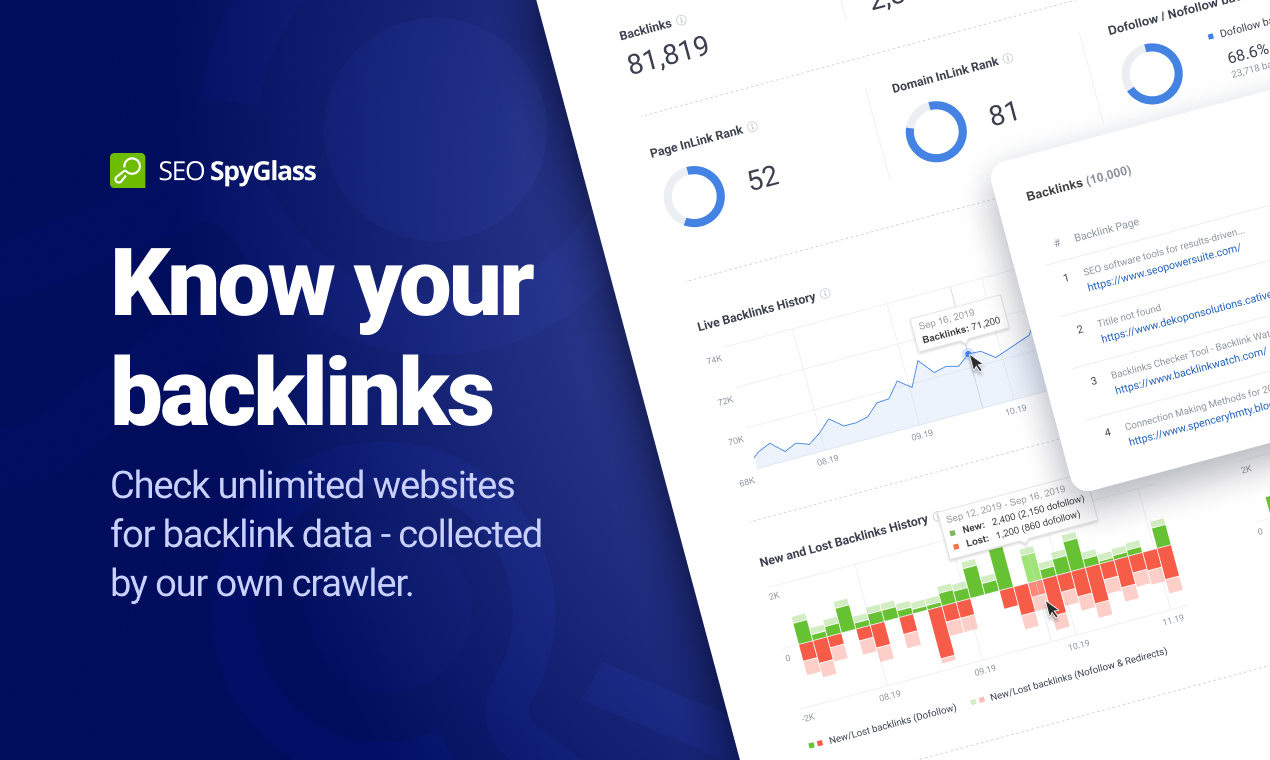
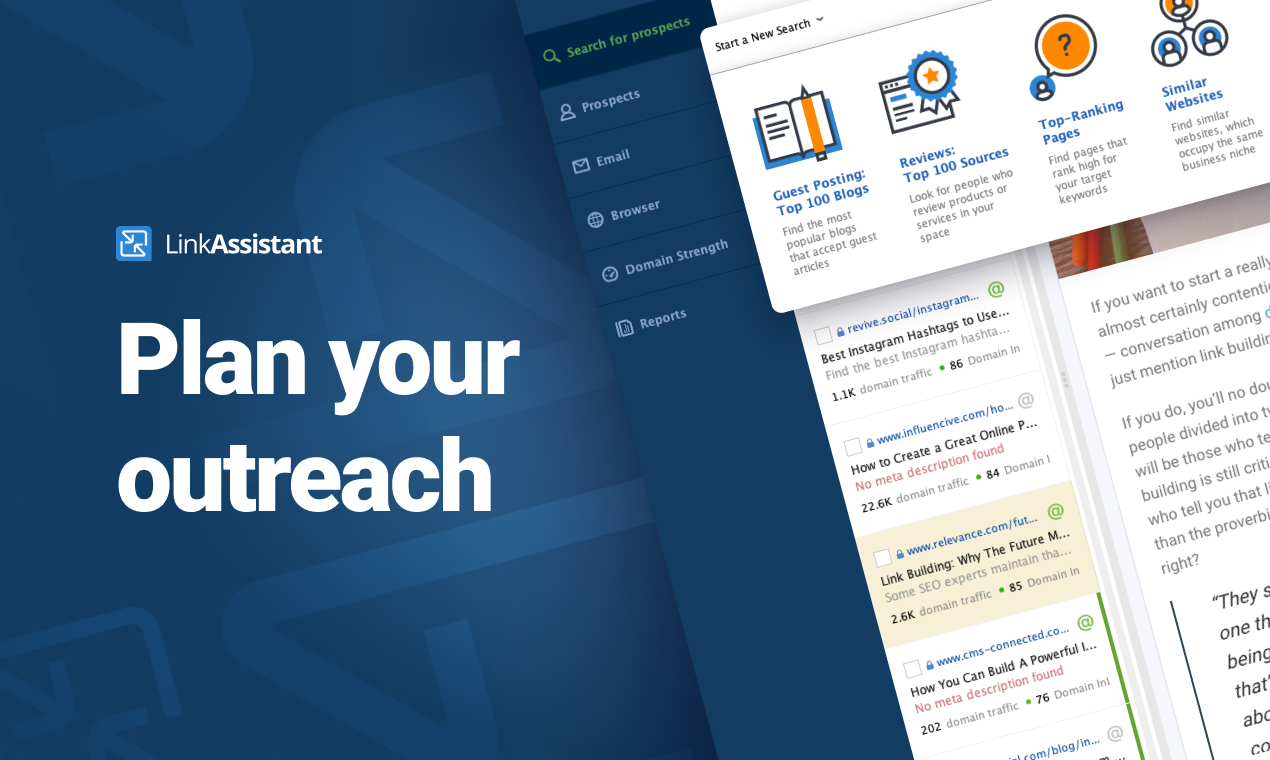
SEO PowerSuite is a SEO software tookit that includes 4 applications - Rank Tracker, WebSite Auditor, SEO SpyGlass, and LinkAssistant. Each application helps website owners and SEOs focus on a specific aspect of search engine optimization. With Rank Tracker, the user can set up rank monitoring, analyze competitors, look for new keyword ideas and organize them in relevant keyword groups. WebSite Auditor helps to run sitewide audits for technical issues, as well as get actionable recommendation…
$299
per year
ZoomSphere
Score9.1 out of 10
N/A
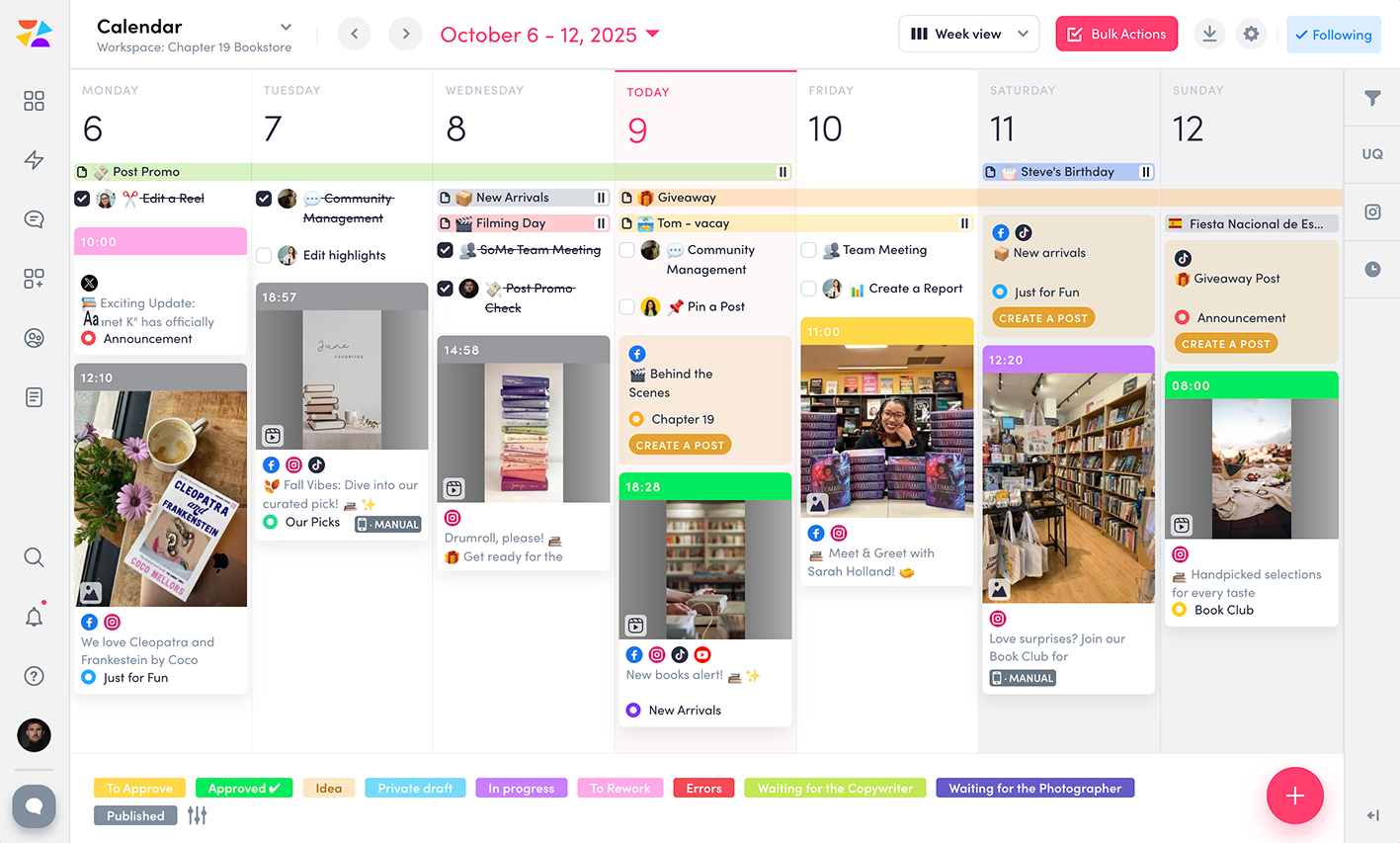
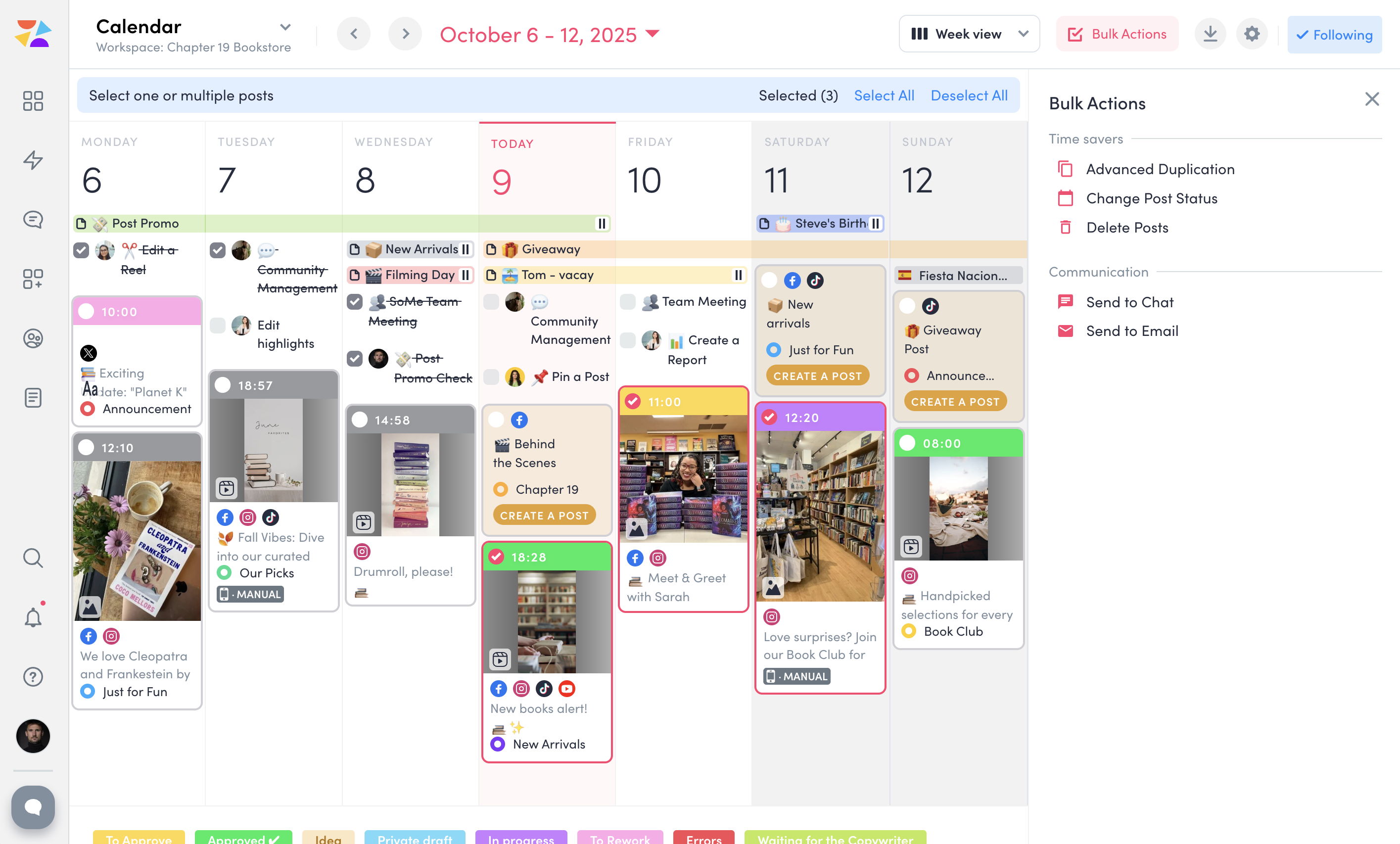
ZoomSphere is a social media scheduling and management solution designed for teams to plan, schedule, auto-publish, and analyze their social media content across multiple platforms.
ZoomSphere is primarily used by social media managers, marketing teams, and agencies to streamline content workflows, improve collaboration, and track performance across various social media platforms, including Instagram, Facebook, TikTok, LinkedIn, YouTube, and X. The software helps users automate…
After starting your online business, you have to use SEO PowerSuite to start up. You want to know where you have to go in terms of SEO journey, what keywords you need to use, who your competition is and which locations are the most important to you. Also, you need to know the power of your website, how well it performs now and how it can be improved. If you just want to start blogging for fun, about stuff that interests you and only you, you might find this program a bit over the top. It has way too many features to "just" see how many visitors you get on your website. A simple plugin will probably do the job.
ZoomSphere is suited for all companies - from small to big, for one brand or more brands within company. With ZoomSphere you can leverage your social media presence - but you need to use lot of apps ZoomSphere has. I think that ZoomSphere is not suited for company that want to use ZoomSphere for only one purpose, for example content creation and publishing. There are plenty of ways how to use ZoomSphere more complex.
A de minimis incentive was given to thank the reviewer for their time. The incentive was not used to bias or drive a particular response, nor was the incentive contingent on a positive endorsement. More Info
A de minimis incentive was given to thank the reviewer for their time. The incentive was not used to bias or drive a particular response, nor was the incentive contingent on a positive endorsement. More Info
A de minimis incentive was given to thank the reviewer for their time. The incentive was not used to bias or drive a particular response, nor was the incentive contingent on a positive endorsement. More Info
The software is not strong with processing large amounts of data. So, it is really good for small and medium size businesses, but can be cumbersome for large projects.
Due to large number of settings it takes time to learn it.
Need to purchase proxies or captcha solution. I think those can be provides as part of the package already.
A de minimis incentive was given to thank the reviewer for their time. The incentive was not used to bias or drive a particular response, nor was the incentive contingent on a positive endorsement. More Info
I gave SEO PowerSuite a two because our company did not renew our subscription. The pricing was too complicated and having multiple platforms made it more difficult to use. We dropped our subscription to SEO PowerSuite and implemented Moz. Moz gave us a full view of all of the metrics we were looking for on one web-based platform. Plus, the pricing model was simple so it was easier to get senior management to cosign on.
Overall, the documentation makes SEO PowerSuite easy to use; however, if someone was just starting off, it will take a bit of a higher learning curve as there are a lot of tools to work with. Starting off can be overwhelming, but once you get the hang of it, it's fairly intuitive
A de minimis incentive was given to thank the reviewer for their time. The incentive was not used to bias or drive a particular response, nor was the incentive contingent on a positive endorsement. More Info
There is always a space for improvement, but overall I see ZoomSphere as a valuable partner and tool for our business on social media. Maybe in a future rest of the apps in tool (community management, social media listening,...) will be on a same level as competitors and we will use only one tool for whole social media management. But if not, ZoomSphere is still awesome for the most of it
A de minimis incentive was given to thank the reviewer for their time. The incentive was not used to bias or drive a particular response, nor was the incentive contingent on a positive endorsement. More Info
I have had several interactions with support at SEO PowerSuite. Each time I have been quite pleased with the response. I have interacted with billing and tools support and have found them to both be on top of things. they follow up well and they get the issue resolved in a timely manner. I have no complaints here.
A de minimis incentive was given to thank the reviewer for their time. The incentive was not used to bias or drive a particular response, nor was the incentive contingent on a positive endorsement. More Info
Whenever I contacted customer service, I had a great response within minutes. Sometimes was not easy to solve, but somehow we figured it out. I would like to reccommend more proactive communication with clients regarding product roadmap, for example "In 1Q we will launch XY,..." Client should know that before implementation - client can prepare for news, client can test something,...
A de minimis incentive was given to thank the reviewer for their time. The incentive was not used to bias or drive a particular response, nor was the incentive contingent on a positive endorsement. More Info
SEO Powersuite has a lot of training videos online, combined with some live streaming tutorials. Also, they have a guide that comes with their software to outline the basics of your SEO workflow. This will get you on the right track right from the start. Their guides and tutorials are easy to follow and detail every possible option you have when doing work with SEO Powersuite. Even if you want to switch to different software, the courses are easy to implement in all other tools too! Very recommended if you want to get started in the SEO world, or want to expand your knowledge.
It works in combination with all of them, the closest would be a combination of Ahrefs, Majestic, and Screaming Frog. However, where this tool steps up its game, is when you integrate it with Google Search Console and then tie them both into Google Data Studio. When you get this right, you can show your client how much money they would need to spend on PPC to get the same 'value' of traffic. This changes the way they look at optimization, now the cost of a term in PPC is also used as a reason to optimize the customer journey.
We see ZoomSphere as a better option than Kontentino. They are almost the same in way you can use the tool, but ZoomSphere has better UI and UX and also customer service. We also know that pricing levels are better with ZoomSphere than Kontentino. But both tools are quite awesome for social media management. Just book a demo, have a trial and you will see by yourself.
A de minimis incentive was given to thank the reviewer for their time. The incentive was not used to bias or drive a particular response, nor was the incentive contingent on a positive endorsement. More Info
SEO PowerSuite is a one-time payment SEO software which shortens the time it takes for you to optimize websites in terms of SEO, content, visibility and conversions which can improve your ROI if used wisely.
Can be used on multiple platforms and scales nicely. An Enterprise license allows multiple people to run the software, and it's easy to set up. It's updated regularly which means zero maintenance.
BuzzBundle and LinkAssistant can increase your brands reach, potentially increasing the number of prospects and leads.
A de minimis incentive was given to thank the reviewer for their time. The incentive was not used to bias or drive a particular response, nor was the incentive contingent on a positive endorsement. More Info
A de minimis incentive was given to thank the reviewer for their time. The incentive was not used to bias or drive a particular response, nor was the incentive contingent on a positive endorsement. More Info