TrustRadius: an HG Insights company

Save this comparison

Save this comparison

Add Product

Recommended Comparisons

    Overview
    ProductRatingMost Used ByProduct SummaryStarting Price

    SmartSuite

    Score10 out of 10
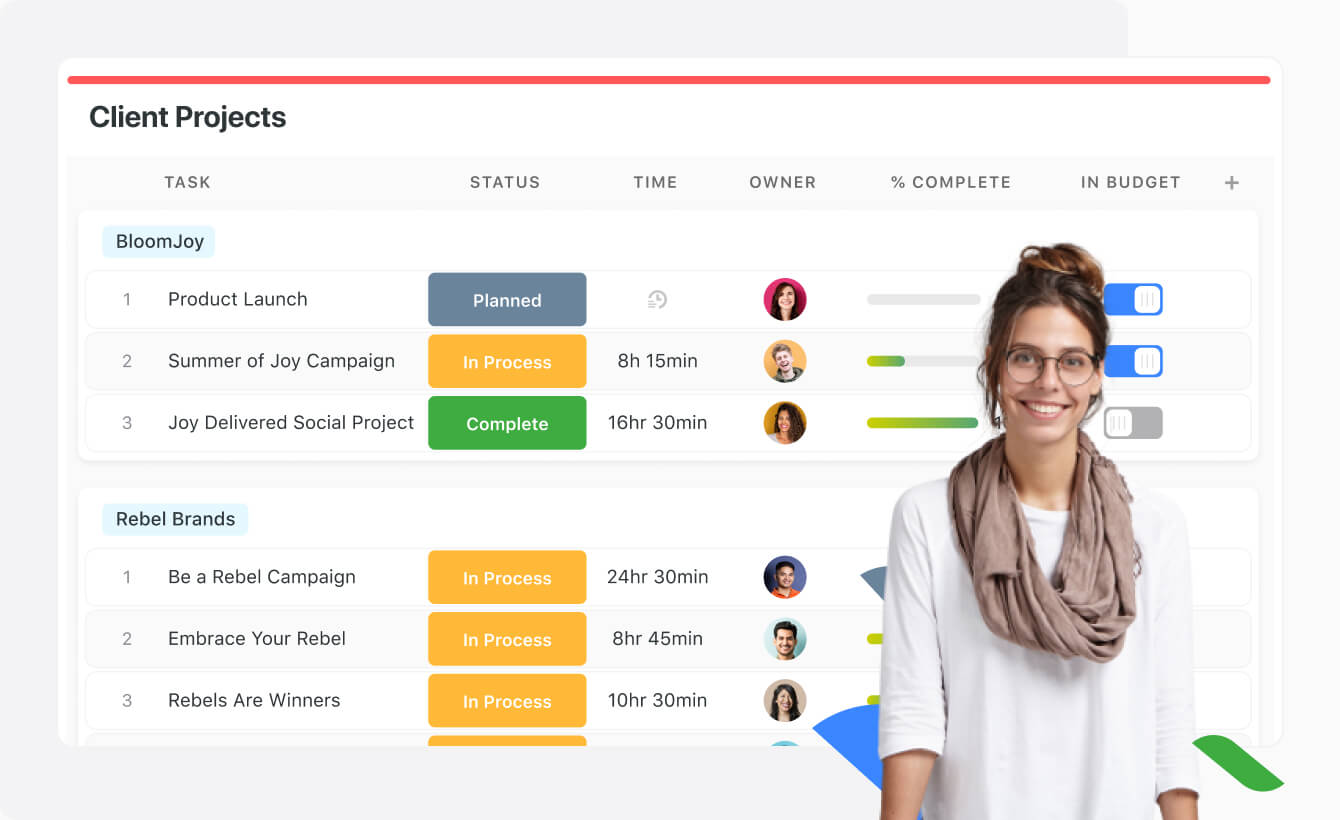
    N/ASmartSuite provides a collaborative Work Management platform that enables teams to plan, track and manage workflows - whether it be a project, an ongoing process or routine everyday tasks. SmartSuite helps coordinate people and work across all levels of an organization to ensure that team members have the information they need to accomplish the work that matters most. Team members can create a workflow, or choose from over 200 templates that can be tailored to their exact needs.

    $10

    per month per user

    HighQ

    Score8 out of 10
    N/AHighQ Collaborate, now from Thomson Reuters (acquired 2019) is a cloud-based enterprise collaboration platform, featuring secure file sharing but also means for sharing documents with users outside the enterprise, as well as a user-interface optimized for mobile devices and intuitive interface, with real-time communication.N/A
    Pricing
    SmartSuiteHighQ
    Editions & Modules
    No answers on this topic
    No answers on this topic
    Offerings
    Pricing Offerings
    SmartSuiteHighQ
    Free Trial
    YesNo
    Free/Freemium Version
    NoNo
    Premium Consulting/Integration Services
    NoNo
    Entry-level Setup FeeNo setup feeNo setup fee
    Additional Details
    More Pricing Information
    Community Pulse
    SmartSuiteHighQ
    Considered Both Products
    SmartSuite
    No answer on this topic
    Thomson Reuters
    No answer on this topic
    Key User Insights
    Would buy again
    94%
    Would buy again
    17 Answers
    No answers on this topic
    Delivers good value for the price
    100%
    Delivers good value for the price
    18 Answers
    No answers on this topic
    Happy with the feature set
    100%
    Happy with the feature set
    18 Answers
    No answers on this topic
    Lived up to sales and marketing promises
    100%
    Lived up to sales and marketing promises
    18 Answers
    No answers on this topic
    Implementation went as expected
    100%
    Implementation went as expected
    18 Answers
    No answers on this topic
    Features
    SmartSuiteHighQ
    Project Management
    Comparison of Project Management features of SmartSuite and Thomson Reuters HighQ
    Feature
    SmartSuite
    9.1
    18 Ratings
    17% above category average
    Thomson Reuters HighQ
    8.2
    2 Ratings
    6% above category average
    Task Management9.218 Ratings8.01 Ratings
    Resource Management9.117 Ratings00 Ratings
    Gantt Charts9.114 Ratings00 Ratings
    Scheduling9.016 Ratings8.01 Ratings
    Workflow Automation9.117 Ratings9.01 Ratings
    Team Collaboration9.218 Ratings00 Ratings
    Support for Agile Methodology9.118 Ratings00 Ratings
    Document Management9.117 Ratings00 Ratings
    Email integration9.117 Ratings00 Ratings
    Mobile Access9.017 Ratings9.32 Ratings
    Timesheet Tracking9.214 Ratings00 Ratings
    Change request and Case Management9.016 Ratings00 Ratings
    Budget and Expense Management9.215 Ratings00 Ratings
    Search00 Ratings9.62 Ratings
    Visual planning tools00 Ratings5.01 Ratings
    Professional Services Automation
    Comparison of Professional Services Automation features of SmartSuite and Thomson Reuters HighQ
    Feature
    SmartSuite
    9.2
    15 Ratings
    18% above category average
    Thomson Reuters HighQ
    -
    Ratings
    Quotes/estimates9.214 Ratings00 Ratings
    Project & financial reporting9.114 Ratings00 Ratings
    Integration with accounting software9.29 Ratings00 Ratings
    Communication
    Comparison of Communication features of SmartSuite and Thomson Reuters HighQ
    Feature
    SmartSuite
    -
    Ratings
    Thomson Reuters HighQ
    8.6
    2 Ratings
    7% above category average
    Chat00 Ratings9.01 Ratings
    Notifications00 Ratings9.02 Ratings
    Discussions00 Ratings9.01 Ratings
    Surveys00 Ratings6.01 Ratings
    Internal knowledgebase00 Ratings10.01 Ratings
    File Sharing & Management
    Comparison of File Sharing & Management features of SmartSuite and Thomson Reuters HighQ
    Feature
    SmartSuite
    -
    Ratings
    Thomson Reuters HighQ
    9.4
    2 Ratings
    15% above category average
    Versioning00 Ratings10.01 Ratings
    Video files00 Ratings9.01 Ratings
    Audio files00 Ratings9.01 Ratings
    Document collaboration00 Ratings9.22 Ratings
    Access control00 Ratings9.22 Ratings
    Advanced security features00 Ratings10.02 Ratings
    Best Alternatives
    SmartSuiteHighQ
    Small Businesses
    Any.do
    Score8 out of 10
    Flock
    Score9.5 out of 10
    Medium-sized Companies
    KanbanFlow
    Score7.3 out of 10
    Troop Messenger
    Score9.8 out of 10
    Enterprises
    Microsoft To Do
    Score7.9 out of 10
    Cisco Business Edition 7000 (discontinued)
    Score9 out of 10
    All AlternativesView all alternativesView all alternatives
    User Ratings
    SmartSuiteHighQ
    Likelihood to Recommend
    9.2
    (18 ratings)
    9.2
    (2 ratings)
    Likelihood to Renew
    9.1
    (1 ratings)
    -
    (0 ratings)
    Usability
    9.1
    (1 ratings)
    -
    (0 ratings)
    Support Rating
    9.1
    (1 ratings)
    10.0
    (1 ratings)
    Implementation Rating
    9.1
    (1 ratings)
    -
    (0 ratings)
    User Testimonials
    SmartSuiteHighQ
    Likelihood to Recommend
    SmartSuite
    It is best suited to be a google alternative for a google drive due to its multiple functions. Can add action items, upload multiple types of files and assign people responsibilities and tasks. It combines resource platform abilities with project management functionality in order to unite all your needs in one area.
    Read full review
    Thomson Reuters
    HighQ Collaborate is well suited to situations where a law firm maintains numerous documents for a client and the client needs access to them on a regular basis. For example, we may store the client's minute book (which is relatively common for a large corporate law firm to do), but the client may need access to documents in that minute book on a regular basis. Likewise, we have an internal system at the firm for hosting digital versions of closing books, however, many clients would not have a similar system because they would only receive closing books irregularly. USBs get lost and the client might not want to put the closing book on the main server where anyone can access it. By putting the closing book on the extranet site, the individuals in the client's organization who should be able to access the closing book can do so.
    Incentivized
    Read full review
    Pros
    SmartSuite
    • SmartSuite is a good collaboration tool
    • The capabilities of the platform are immense
    • The customization features allow users to set up the report type and view it exactly as they want
    • The choice of the fields to be used in the records and reports is really wide
    Read full review
    Thomson Reuters
    • Document sharing. This product makes it easy to upload, review and organize documents related to a particular project or matter.
    • Permissions. Collaborate allows very granular permissions to be assigned for shared documents and administrative activities such as workflows.
    • Reliability. The product is cloud-based and rarely, if ever, unavailable.
    Incentivized
    Read full review
    Cons
    SmartSuite
    • A little better home screen, which is already in the works!
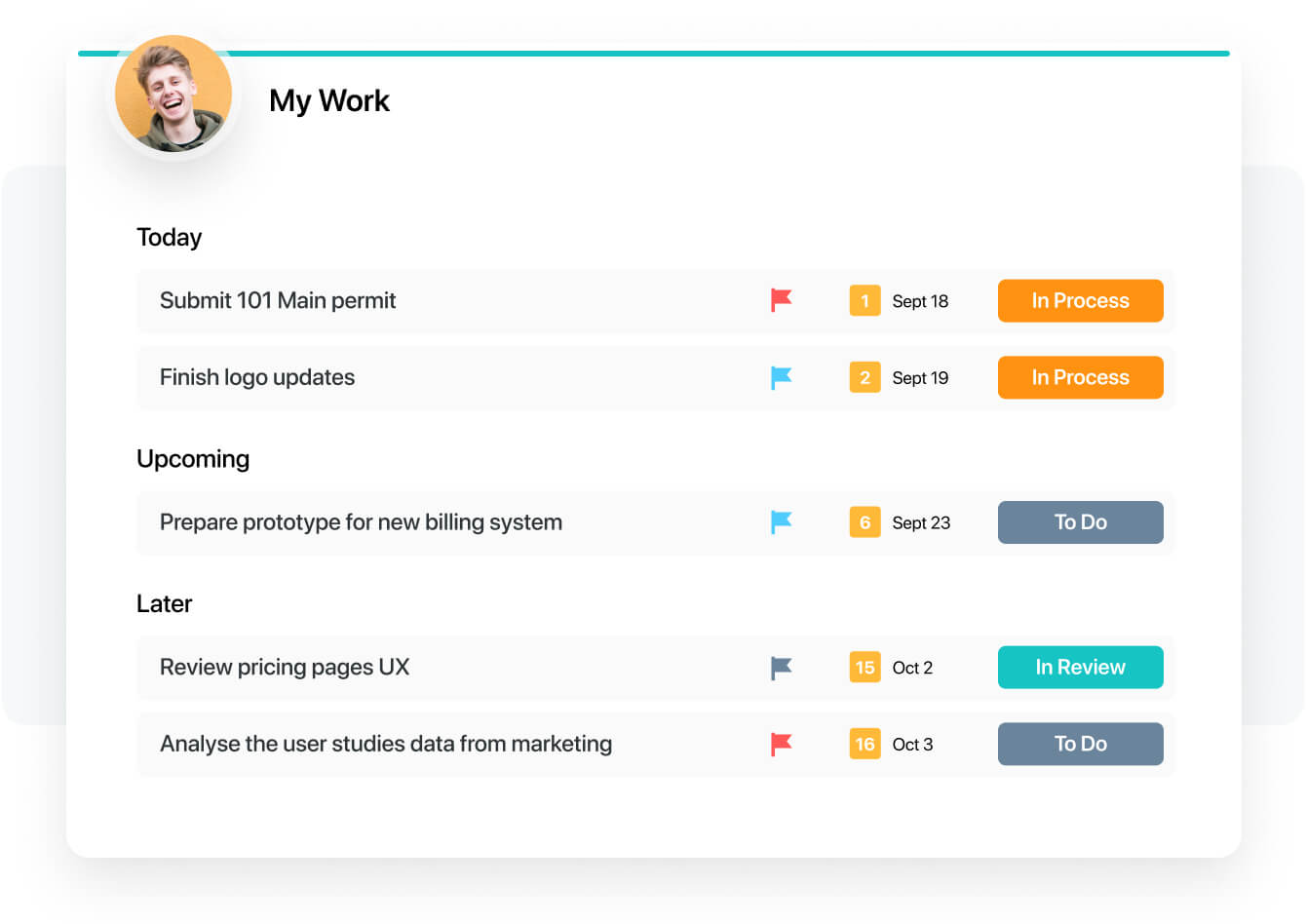
    • Better experience in the my work panel, which is also in the works already!
    Read full review
    Thomson Reuters
    • It is just not that exciting. We host documents on there for clients but the extranet sites have ultimately turned out to not be a product that our clients are clamoring for or that we are regularly pushing.
    Incentivized
    Read full review
    Likelihood to Renew
    SmartSuite
    I have a great expereance
    Read full review
    Thomson Reuters
    No answers on this topic
    Usability
    SmartSuite
    The product is usability friendly, easy to use, flexible and has all functions I need for my purposes
    Read full review
    Thomson Reuters
    No answers on this topic
    Support Rating
    SmartSuite
    They have a great tutorial and a lot of hits during the work process
    Read full review
    Thomson Reuters
    The interface is easy to use and overall the software seems pretty robust (I haven't had any crashes yet), so I haven't had to use the support very often. Likewise, I don't think I've ever had a client e-mail me with questions or issues - the software is pretty idiot-proof.
    Incentivized
    Read full review
    Implementation Rating
    SmartSuite
    That's easy. Just try
    Read full review
    Thomson Reuters
    No answers on this topic
    Alternatives Considered
    SmartSuite
    For our team, SmartSuite contains all features that we need. Before we use Asana, Trello and tried to use Airtable. But all of these management systems did not satisfy us. Then we started using SmartSuite, got to know all the possibilities and decided to switch to it
    Read full review
    Thomson Reuters
    I feel that HighQ does not really have any real competition in this space because it simply accomplishes its goals far better than the competition at lower cost, while requiring less training and administration.
    Incentivized
    Read full review
    Return on Investment
    SmartSuite
    • We have to spend less time on checking where the project is at
    • We can have less PM's in the business
    • Our clients are happier thus leading to more business
    Read full review
    Thomson Reuters
    • Permits fairly simple administration by a single person for hundreds of Extranets
    • One shop stopping for reliable, secure document sharing and signing with external parties
    • Simple enough to use that internal and external users do not need training to take advantage of the product.
    Incentivized
    Read full review
    ScreenShots

    SmartSuite Screenshots

    Product screenshotProduct screenshotProduct screenshotProduct screenshotProduct screenshotProduct screenshot