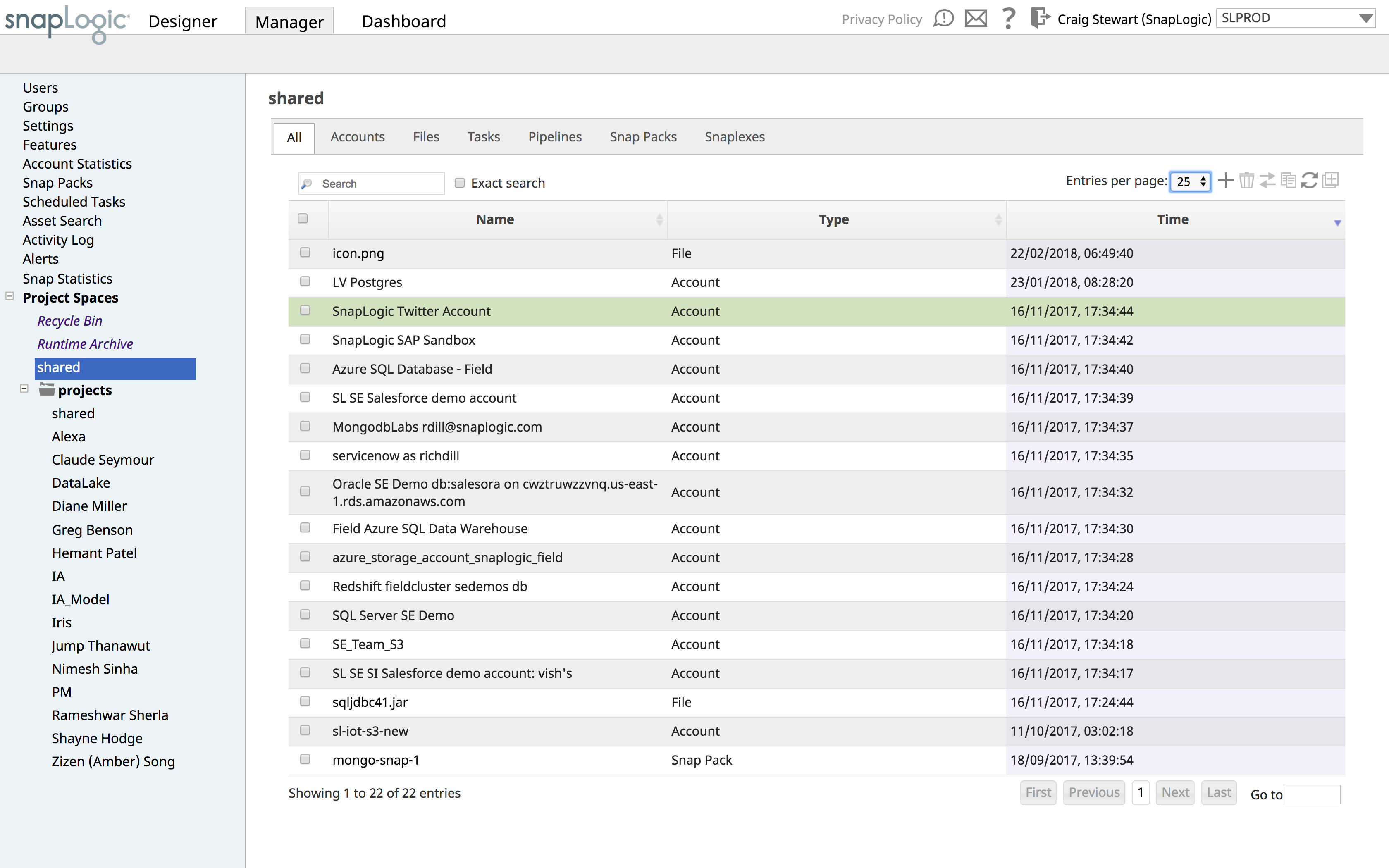
SnapLogic is a cloud integration platform with a self-service capacity supported by over 450 prebuilt modifiable connectors. SnapLogic also offers real-time and batch integration processes for interfacing with external data sources, a drag-and-drop interface, and use of the vendors’ Iris AI.
N/A
Toad Data Point
Score8.4 out of 10
N/A
Toad Data Point is a cross-platform, self-service, data-integration tool that simplifies data access, preparation and provisioning. It provides data connectivity and desktop data integration, and with the Workbook interface for business users, it provides simple-to-use visual query building and workflow automation.
Snaplogic is unique from other IPASS tools if you're very sensitive about data security as they have an on-premise option where your data never needs to leave your data center. And data pipelines can be quickly created if Snaplogic has the requisite connector to your data sources. On the downside, if you're transforming a large amount of data for example in training machine learning models, a tool with elastic compute capability is more appropriate.
Appropriate for general querying and some DBA work. It's the universal least-offensive solution for most environments - not best of breed, but not subject to unusual/extensive requirements. It just works. On the other hand, some functionality (e.g. data import/export, snippets) are perfunctory and minimal and seem to be either difficult or impossible to automate. If you need to streamline those operations, you'll be forced to rely on third-party solutions that mostly work on top of (instead of with) TOAD.
A de minimis incentive was given to thank the reviewer for their time. The incentive was not used to bias or drive a particular response, nor was the incentive contingent on a positive endorsement. More Info
A de minimis incentive was given to thank the reviewer for their time. The incentive was not used to bias or drive a particular response, nor was the incentive contingent on a positive endorsement. More Info
A de minimis incentive was given to thank the reviewer for their time. The incentive was not used to bias or drive a particular response, nor was the incentive contingent on a positive endorsement. More Info
A de minimis incentive was given to thank the reviewer for their time. The incentive was not used to bias or drive a particular response, nor was the incentive contingent on a positive endorsement. More Info
The workflow is a relatively new feature. Quest is adding additional functionality and the workflows are useful now.
Would be nice if the 'Automate' feature was a bit easier to use.
Would be nice if some of the SQL Editor features in the traditional interface worked better in the new workflow interface (although, these are being fixed with each release).
A de minimis incentive was given to thank the reviewer for their time. The incentive was not used to bias or drive a particular response, nor was the incentive contingent on a positive endorsement. More Info
This has been hands down the BEST software company I have ever used and dealt with. I am a 25 year IT veteran at this college. They go above and beyond in soliciting our feedback/input and proactively follow up about bugs, issues, etc. I have given multiple potential clients my thoughts and after seeing the SL demo they all sign up. I appreciate their support model, it's REFRESHING!
A de minimis incentive was given to thank the reviewer for their time. The incentive was not used to bias or drive a particular response, nor was the incentive contingent on a positive endorsement. More Info
A de minimis incentive was given to thank the reviewer for their time. The incentive was not used to bias or drive a particular response, nor was the incentive contingent on a positive endorsement. More Info
I find Toad Data Point easy to use for both the novice and the experienced business analyst. If all you desire is to access data and create spreadsheets...this is a snap. Toad Data Point actually has cool data analysis features built into it. The newer workflow interface makes automating steps a snap
A de minimis incentive was given to thank the reviewer for their time. The incentive was not used to bias or drive a particular response, nor was the incentive contingent on a positive endorsement. More Info
They can be prompt but they have not been as useful as I've wanted. We had a bug that affected many of our customers through an API connection between SnapLogic and our platform. Eventually they were able to figure it out, but it took a long time of negotiating between our engineering team and theirs. Additionally, we installed the SnapLogic groundplex for our customers and we've run into a bunch of problems of connectivity. If SnapLogic offered to be on those calls with our clients to troubleshoot how to fix these problems, I would give them a better grade here.
A de minimis incentive was given to thank the reviewer for their time. The incentive was not used to bias or drive a particular response, nor was the incentive contingent on a positive endorsement. More Info
A de minimis incentive was given to thank the reviewer for their time. The incentive was not used to bias or drive a particular response, nor was the incentive contingent on a positive endorsement. More Info
We opted for SnapLogic due its ease of use and the flexibility it offers, it was the platform that was strongest in both application integration and data integration and both were use cases we wanted to be able to cover.
A de minimis incentive was given to thank the reviewer for their time. The incentive was not used to bias or drive a particular response, nor was the incentive contingent on a positive endorsement. More Info
A de minimis incentive was given to thank the reviewer for their time. The incentive was not used to bias or drive a particular response, nor was the incentive contingent on a positive endorsement. More Info
It is the least common denominator - not particularly optimized for our environment or workflows.
Hangs or slowdowns add anywhere from 5% - 7% for projects utilizing large/complicated data setts. (This could be due to other IT-imposed constraints and not entirely due to TOAD.)
Trying to perform some operations requires reading documentation and experimenting in order to figure out the TOAD-specific approaches and commands.
It just works (when we understand it). Updates don't break things and things don't suddenly start behaving differently. Best of all, we don't mysteriously lose functionality.
A de minimis incentive was given to thank the reviewer for their time. The incentive was not used to bias or drive a particular response, nor was the incentive contingent on a positive endorsement. More Info