



An easy to use tool for reporting expenses

Use Cases and Deployment Scope
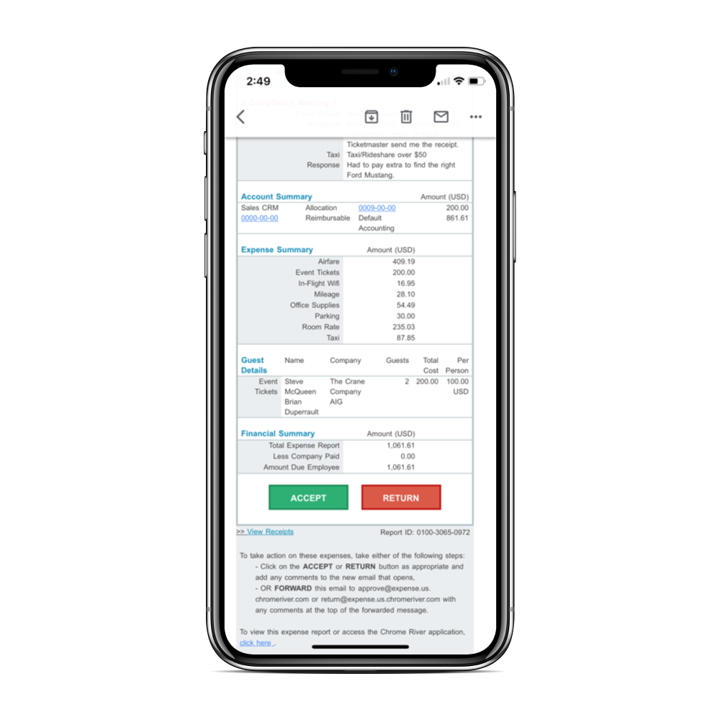
I submit my monthly expense reports via Chrome River. The program's interface allows me to summarize my expenses, categorize them by type, attach all necessary documentation, and even automatically calculate mileage reimbursements. This generally makes submitting monthly reports much simpler for me, an employee looking for quick and painless reimbursement.
Pros
- Attaching documents
- address search for mileage calculation
- having multiple reports for multiple purposes and easily switching between them
Cons
- The description fields do not accept all standard punctuation, which means having to rewrite my descriptions of expenses while I try to guess which characters are allowed
- Distinguishing between the save report vs. submit report function
- the description fields are too limited, which makes it difficult for my boss to understand my punctuation-less descriptions
Return on Investment
- It has definitely streamlined the submission and review of expense reports, saving time across all personnel levels
- It has standardized mileage reporting with a uniform set of addresses
- It provides a self-referential library for reports, making it easy to standardize reports


