
TrustRadius: an HG Insights company

FormAssembly

Score8.9 out of 10

98 Reviews and Ratings

Visit our Website

Contact about FormAssembly

Please fill out the form below to get in touch.

FormAssembly

Connect with FormAssembly

What are you interested in?

Already have an account?

You hereby consent to have TrustRadius share the information supplied on this form with FormAssembly so that FormAssembly and TrustRadius may contact you in regard to the information requested.

What is FormAssembly?

FormAssembly is an enterprise data collection and automation platform designed to enable organizations to capture clean, compliant data from the start.

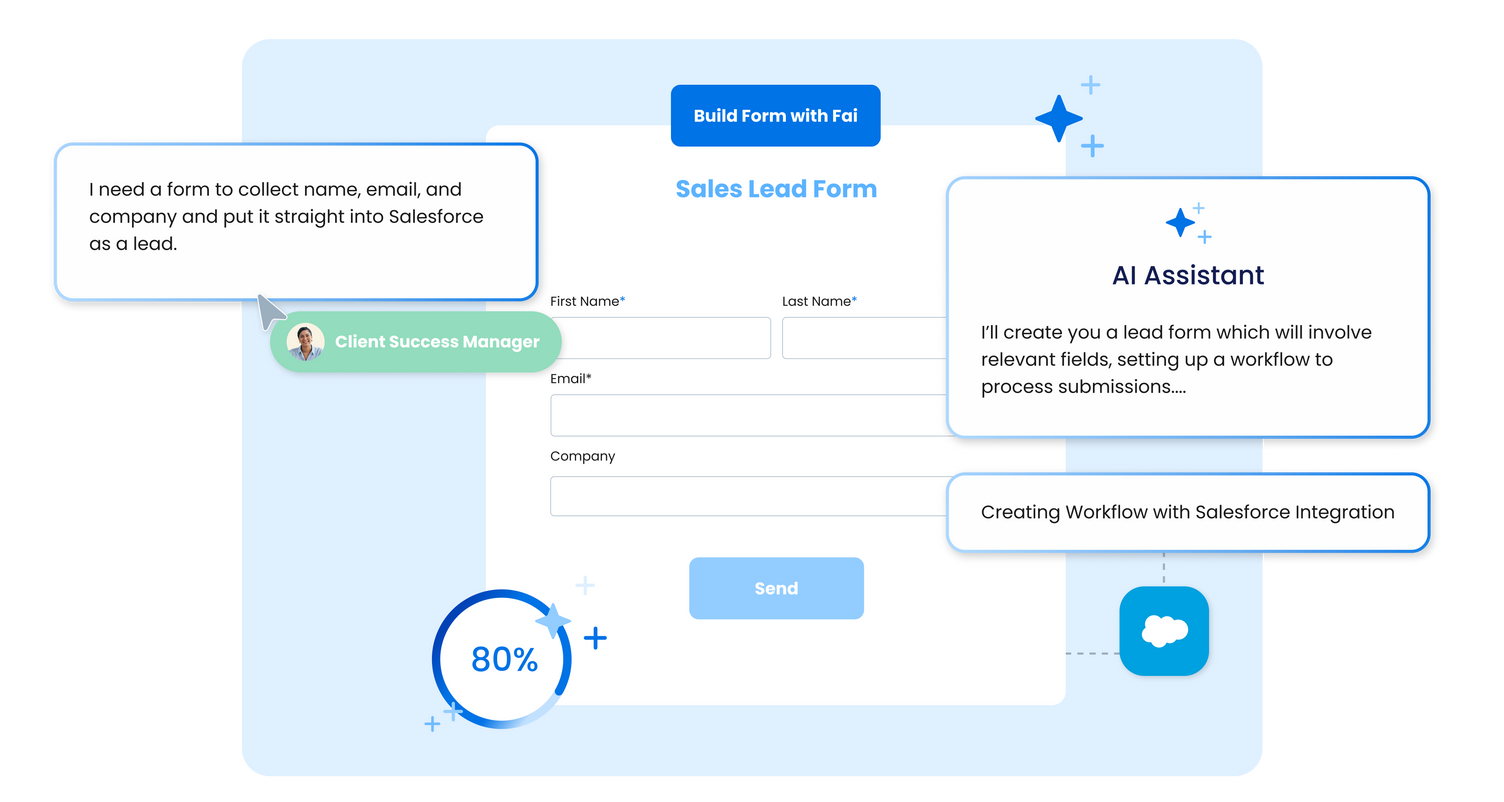
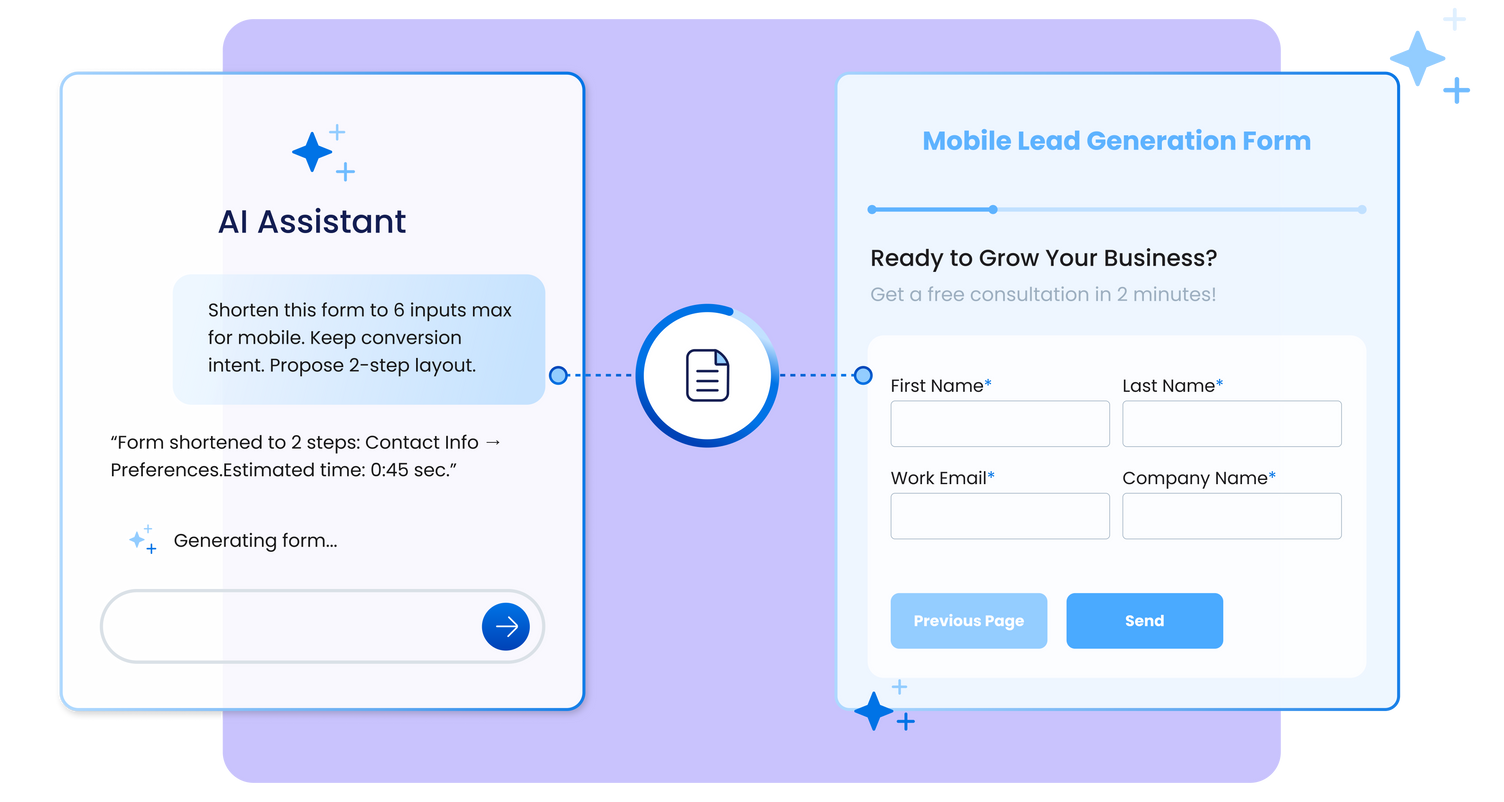
With the latest edition of the platform, FormAssembly Atlas, and its built-in AI assistant, Fai, forms and workflows build themselves, connect to Salesforce and other systems in just a few clicks, and ensure every record is structured, secure, and ready for automation or AI. In short, FormAssembly is designed to eliminate the manual work of form building and data cleanup.

KEY FEATURES

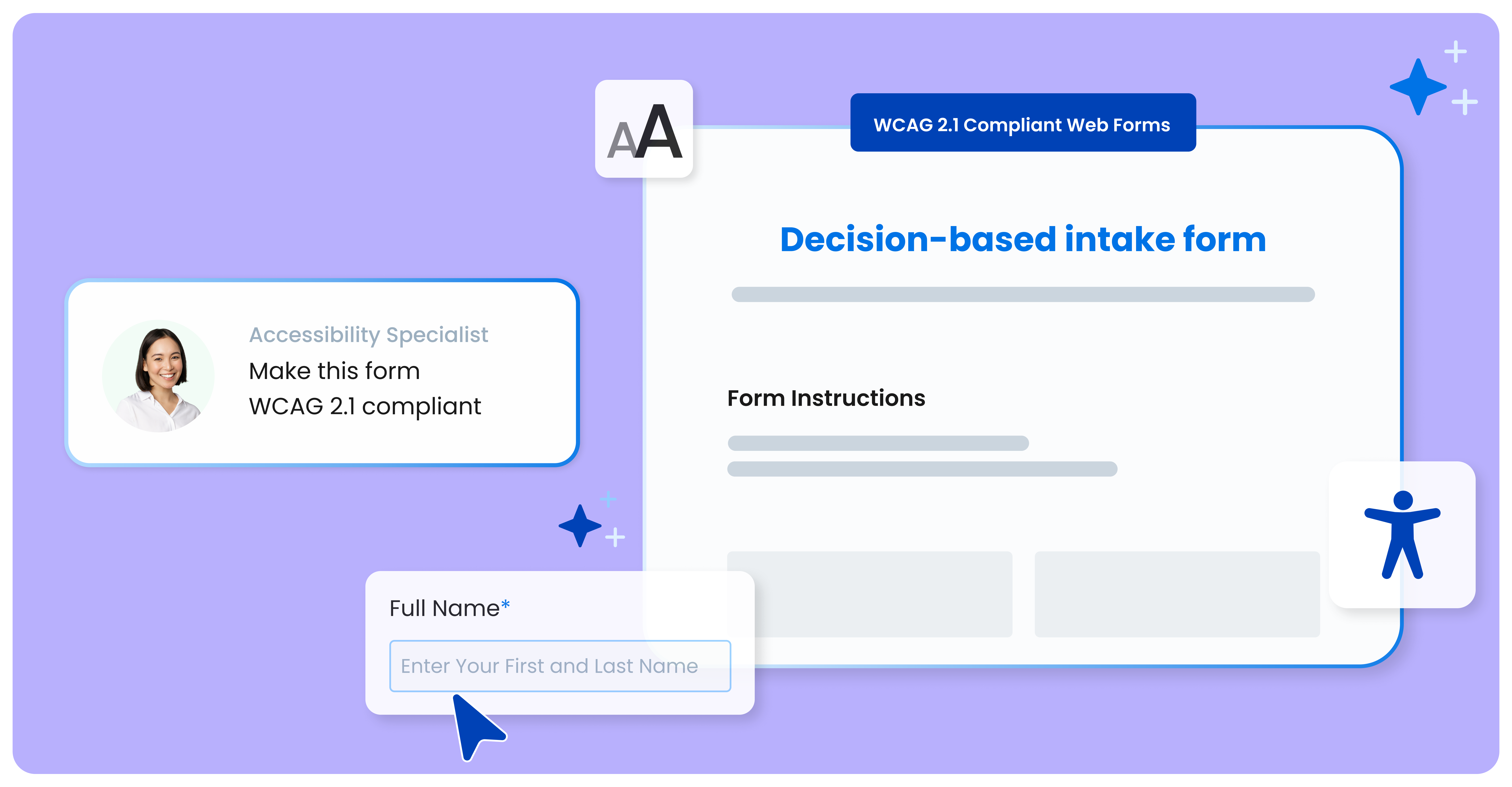
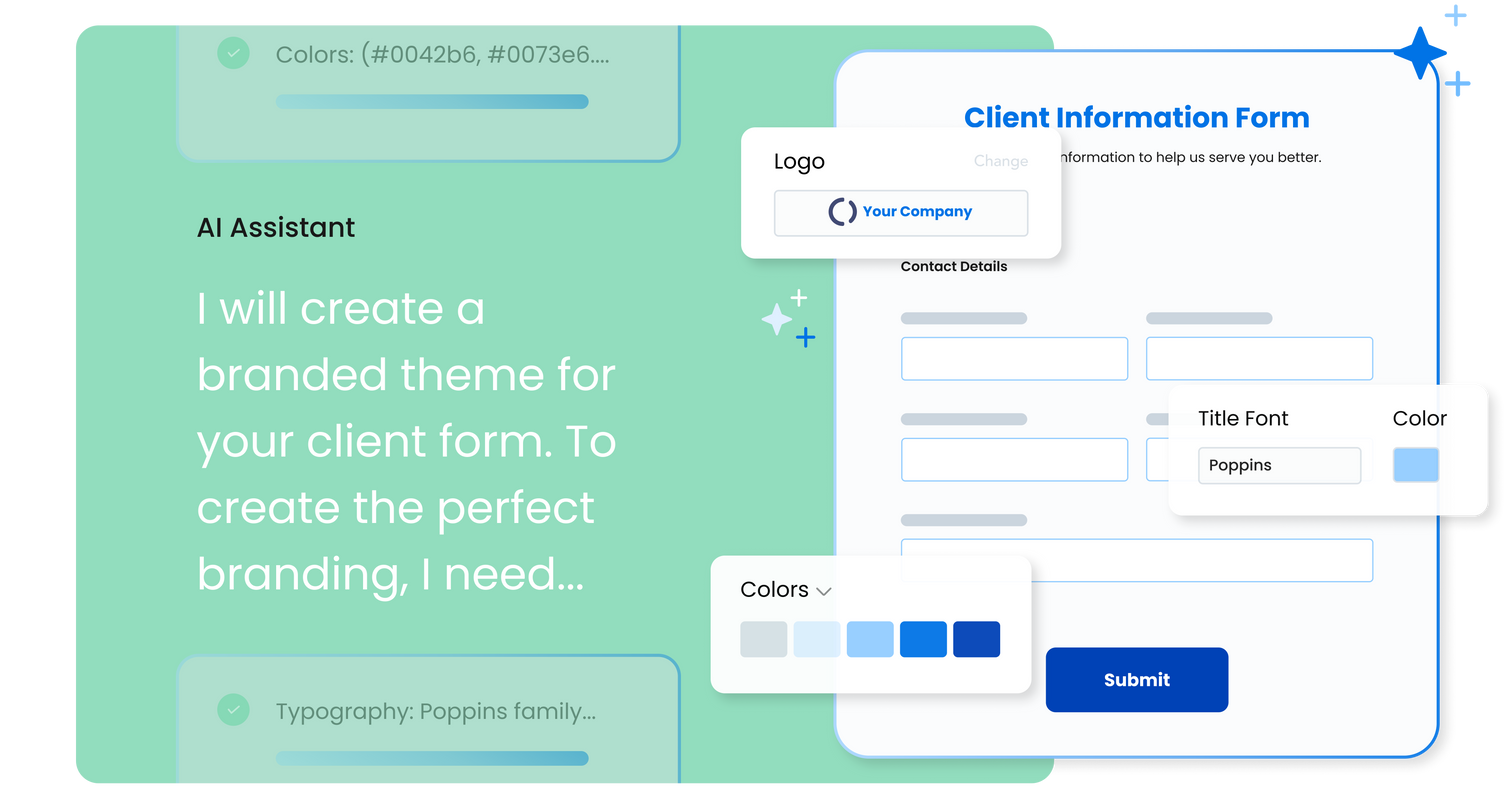
  • Fai – AI-assisted form and workflow creation: Build compliant, branded forms and automated workflows using natural language prompts.
  • Salesforce integration: Create, update, or look up any standard or custom Salesforce object, and prefill forms with existing CRM data.
  • Extensive third-party integrations: Connect with over 30 solutions, including Microsoft, Google Workspace, HubSpot, and Dropbox.
  • Enterprise-grade security: Protects sensitive data with HIPAA, PCI DSS Level 1 certification, encryption at rest, and other advanced security controls.

Media

FormAssembly
FormAssembly
FormAssembly
FormAssembly
FormAssembly

1 / 5

Top Performing Features

  • Multiple question types

    Supports a variety of question types, such as multiple choice, select all that apply, ratings, text responses, etc.

    Category average: 8.7

  • Survey logic flexibility

    Survey question flow can be customized with skip logic, conditional questions, question branching logic, piping logic, and/or randomization.

    Category average: 8.3

  • Custom logo/branding

    Allows the user to include their company logo (rather than the survey vendor’s logo) and/or create a company template so that branding is consistent across multiple surveys.

    Category average: 7.9

Areas for Improvement

  • Analytics

    Allows users to run different types of analysis, such as statistical analysis, cross tabs, sentiment analysis, etc. within the tool.

    Category average: 8.1

  • Custom reports

    Allows users to report on custom metrics, choose which metrics to include in a report, run reports with advanced segmentation and/or customize the look and feel of a report.

    Category average: 7.9

  • Vendor-offered crowdsourcing

    Vendor offers access to an audience or panel of respondents.

    Category average: 8

Who Buys & Uses FormAssembly

Pros

  • Seamless and robust Salesforce integration with bi-directional data flow and prefilling
  • User-friendly interface for building forms with conditional logic
  • Extensive customization options, including custom CSS and JavaScript

Cons

  • Form builder can be clunky or limited without advanced coding knowledge
  • Customer support responsiveness and resolution times are inconsistent
  • Pricing structure is perceived as expensive, especially for smaller organizations or additional users

Security through Forms

Use Cases and Deployment Scope

Our organization uses FormAssembly as a tool to conduct member conferences. We use the secure forms to gather new business items and constitutional amendments. Since COVID. our organization has used this program to offer a secure format to gather important information in a more streamlined process than we previously had as paper and pencil. Not only are we more secure, but also environmentally friendly.

Pros

  • Security
  • User-friendly - make duplicates of forms
  • Workflow makes forms and connections easy to develop
  • Automated notifications make for a smooth process

Cons

  • Live amendments to forms

Return on Investment

  • Easier collection with automated forms
  • Ability to connect forms with multiple options in workflow
  • Less need for manual labor

Usability

Alternatives Considered

Wufoo

Other Software Used

Salesforce Agentforce 360 for Nonprofits, Clio, Google Workspace

FormAssembly Has Really Helped Speed Up Our Admissions

Use Cases and Deployment Scope

We use FormAssembly for our Admissions process. We use it to obtain supplemental information from applicants of certain programs. We also use it to request recommendations for our applicants. We also use it for applicants to sign up for tours and other events.

Pros

  • It is a reliable method to request information.
  • It allows for prefilling from Salesforce.
  • It is able to return data to Salesforce or through email.

Cons

  • I would like to see the option for a signature without the E-Signature process.
  • Copying and pasting into FormAssembly often causes trouble with PDF generation if the text had any formatting. I would rather it remove all formatting when pasting into it.

Return on Investment

  • FormAssembly has sped up our admissions process. Recommenders no longer have to mail their forms in, and instead, they can be completed within minutes online.
  • We considered using FormAssembly to accept payments, but we discovered the cost to add that feature was too expensive for our use case.

Usability

Alternatives Considered

TargetX and from Liaison

Other Software Used

Laserfiche, TargetX, from Liaison, Entrinsik Informer

FormAssembly solves our problems and offers great support

Use Cases and Deployment Scope

We use FormAssembly for everything from event registration and donations to collecting research data from farmers across the MidAtlantic region. We needed a solution that was simple enough to implement ourselves, but robust enough to grow with our organization. We connect some fields and forms to Salesforce, but not all.

Pros

  • Customer support
  • Value
  • Continuous improvement & upgrades

Cons

  • User interface for workflows is still really complicated and not super intuitive
  • Increased collaboration (e.g. adding notes on the form outline for future me)
  • Formula builder for in-form calculations (Java)

Return on Investment

  • With just one tool, we can do it all. We don't need multiple survey tools.
  • User interface means no coding, so we can create in house. No need to hire external consultants.

Usability

Alternatives Considered

SurveyMonkey, monday CRM, Jotform and Cvent Event Management

FormAssembly

Use Cases and Deployment Scope

We use FormAssembly for all types of forms-informational, survey, event-and what we love about it is the ability to easily connect it to Salesforce. It has been a game changer. From managing client cases to collecting event feedback, FormAssembly provides solutions for all of our data collection needs.

Pros

  • Integrates with Salesforce
  • Provides attractive formatting options
  • Allows skiplogic
  • Provides value for cost

Cons

  • I would like to see integration with Excel offered as standard
  • Possibly offer integration with PowerBI

Return on Investment

  • Allows us to abandon paper forms and tracking.
  • Allows us to collect key variables such as income and family size privately.
  • Gave us the ability to track event attendance which we have never had before so that we can follow up with attendees

Usability

Alternatives Considered

Typeform and Jotform

Other Software Used

Salesforce Experience Cloud, Adobe Acrobat, NiCE CXone

FormAssembly is great

Use Cases and Deployment Scope

We use FormAssembly for front end forms on our website (i.e. Participant Feedback Form) so the information can go into Salesforce. It also helps our staff have an easier way of filling out client intake forms and daily logs, this way they don't have to interact in Salesforce directly and the data can automatically go to the places it needs to go.

Pros

  • User friendly front end forms
  • Getting information into our database
  • Easy to customize forms

Cons

  • Being able to delete a conditional and not lose the information underneath it. Or being able to drag workflow steps to a different spot (if this is available and I just don't know, PLEASE let me know!!)
  • Being able to reprocess a workflow in it's entirety instead of just a step
  • Being able to search workflow responses by a name or piece of data collected
  • Being able to close Fai's window, when you are trying to work split screen it is not resizable and makes it very difficult when using the form builder
  • When saving Workflows I often get an error then have to click into different steps and it eventually saves.
  • Being able to have questions have a specific answer based on conditional logic. For example if I select I do not have kids, then it automatically marks an answer on the next questions. We need to have an answer in all of the questions for the scoring on some of our forms so if it could automatically respond a certain way then those questions could be automatically skipped in specific cases.
  • A non AI chat option, or prompt service request replies

Return on Investment

  • Though I can't quantify it, It has improved our data collection so that we are better able to help clients and know what they need.
  • It's helped keep the information in our database clean.
  • It allows staff to save time.

Usability