
Absolute Control vs. LogMeIn Resolve
Absolute Control vs. LogMeIn Resolve
| Product | Rating | Most Used By | Product Summary | Starting Price |
|---|---|---|---|---|
 Absolute Control | N/A | Absolute Control includes all of the features of Absolute Visibility, including automatic inventories, persistent visibility, and comprehensive data on app health, device location, and usage. It also includes geofencing, remote data delete, remote supervisor password, device freeze, and end user messaging. | N/A | |
 LogMeIn Resolve | N/A | LogMeIn Resolve is an IT management and support solution designed to help organizations take control of their IT infrastructure. The platform combines features like remote monitoring, access, and support with tools such as ticketing, AI-assisted task automation, and patch management. | $29 per month |
| Absolute Control | LogMeIn Resolve | |||||||||||||||
|---|---|---|---|---|---|---|---|---|---|---|---|---|---|---|---|---|
| Editions & Modules | No answers on this topic |
| ||||||||||||||
| Offerings |
| |||||||||||||||
| Entry-level Setup Fee | No setup fee | No setup fee | ||||||||||||||
| Additional Details | — | Volume discounts are available. MDM is available as a standalone or as an add-on. Discount available for annual billing. | ||||||||||||||
| More Pricing Information | ||||||||||||||||
| Absolute Control | LogMeIn Resolve | |
|---|---|---|
| Small Businesses |  Avast CloudCare Score 10.0 out of 10 | Avast CloudCare Score 10.0 out of 10 |
| Medium-sized Companies |  Action1 Score 9.5 out of 10 | Action1 Score 9.5 out of 10 |
| Enterprises |  ManageEngine Endpoint Central Score 9.0 out of 10 | ManageEngine Endpoint Central Score 9.0 out of 10 |
| All Alternatives | View all alternatives | View all alternatives |
| Absolute Control | LogMeIn Resolve | |
|---|---|---|
| Likelihood to Recommend | 10.0 (1 ratings) | 9.0 (131 ratings) |
| Likelihood to Renew | - (0 ratings) | 6.8 (17 ratings) |
| Usability | 10.0 (1 ratings) | 8.3 (111 ratings) |
| Availability | - (0 ratings) | 9.1 (3 ratings) |
| Performance | - (0 ratings) | 6.4 (2 ratings) |
| Support Rating | - (0 ratings) | 9.1 (7 ratings) |
| In-Person Training | - (0 ratings) | 9.1 (1 ratings) |
| Online Training | - (0 ratings) | 9.1 (1 ratings) |
| Implementation Rating | - (0 ratings) | 9.1 (5 ratings) |
| Configurability | - (0 ratings) | 9.1 (1 ratings) |
| Contract Terms and Pricing Model | - (0 ratings) | 7.3 (1 ratings) |
| Product Scalability | - (0 ratings) | 9.1 (1 ratings) |
| Professional Services | - (0 ratings) | 9.1 (1 ratings) |
| Vendor post-sale | - (0 ratings) | 9.1 (1 ratings) |
| Vendor pre-sale | - (0 ratings) | 9.1 (1 ratings) |
| Absolute Control | LogMeIn Resolve | |
|---|---|---|
| Likelihood to Recommend |  Absolute
|  GoTo formerly LogMeIn
|
| Pros | Absolute
| GoTo formerly LogMeIn
|
| Cons | Absolute
| GoTo formerly LogMeIn
|
| Likelihood to Renew | Absolute No answers on this topic | GoTo formerly LogMeIn
|
| Usability | Absolute
| GoTo formerly LogMeIn
|
| Reliability and Availability | Absolute No answers on this topic | GoTo formerly LogMeIn
|
| Performance | Absolute No answers on this topic | GoTo formerly LogMeIn
|
| Support Rating | Absolute No answers on this topic | GoTo formerly LogMeIn
|
| In-Person Training | Absolute No answers on this topic | GoTo formerly LogMeIn
|
| Online Training | Absolute No answers on this topic | GoTo formerly LogMeIn
|
| Implementation Rating | Absolute No answers on this topic | GoTo formerly LogMeIn
|
| Alternatives Considered | Absolute No answers on this topic | GoTo formerly LogMeIn
|
| Contract Terms and Pricing Model | Absolute No answers on this topic | GoTo formerly LogMeIn
|
| Scalability | Absolute No answers on this topic | GoTo formerly LogMeIn
|
| Professional Services | Absolute No answers on this topic | GoTo formerly LogMeIn
|
| Return on Investment | Absolute
| GoTo formerly LogMeIn
|
| ScreenShots | LogMeIn Resolve Screenshots  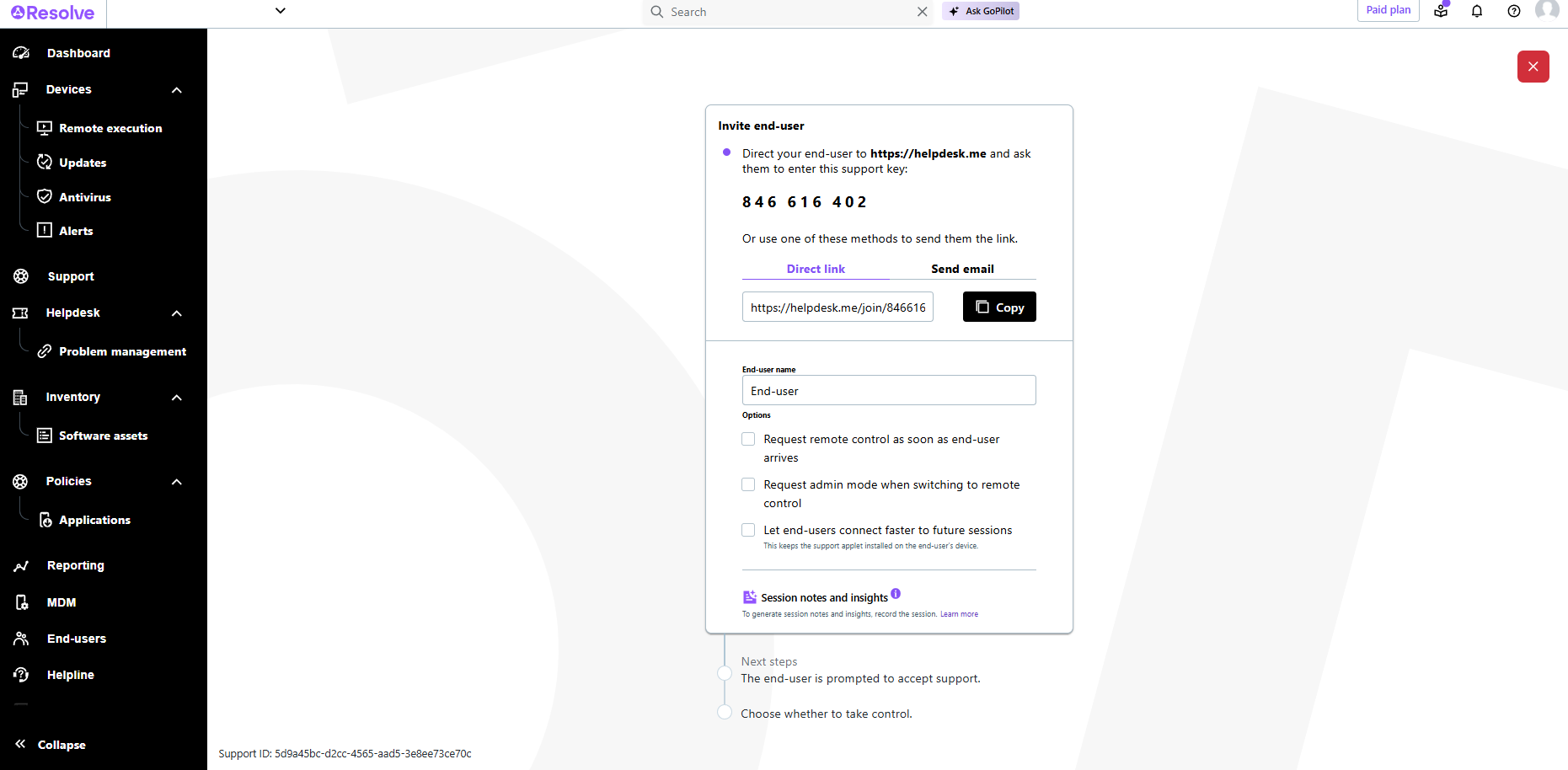    |