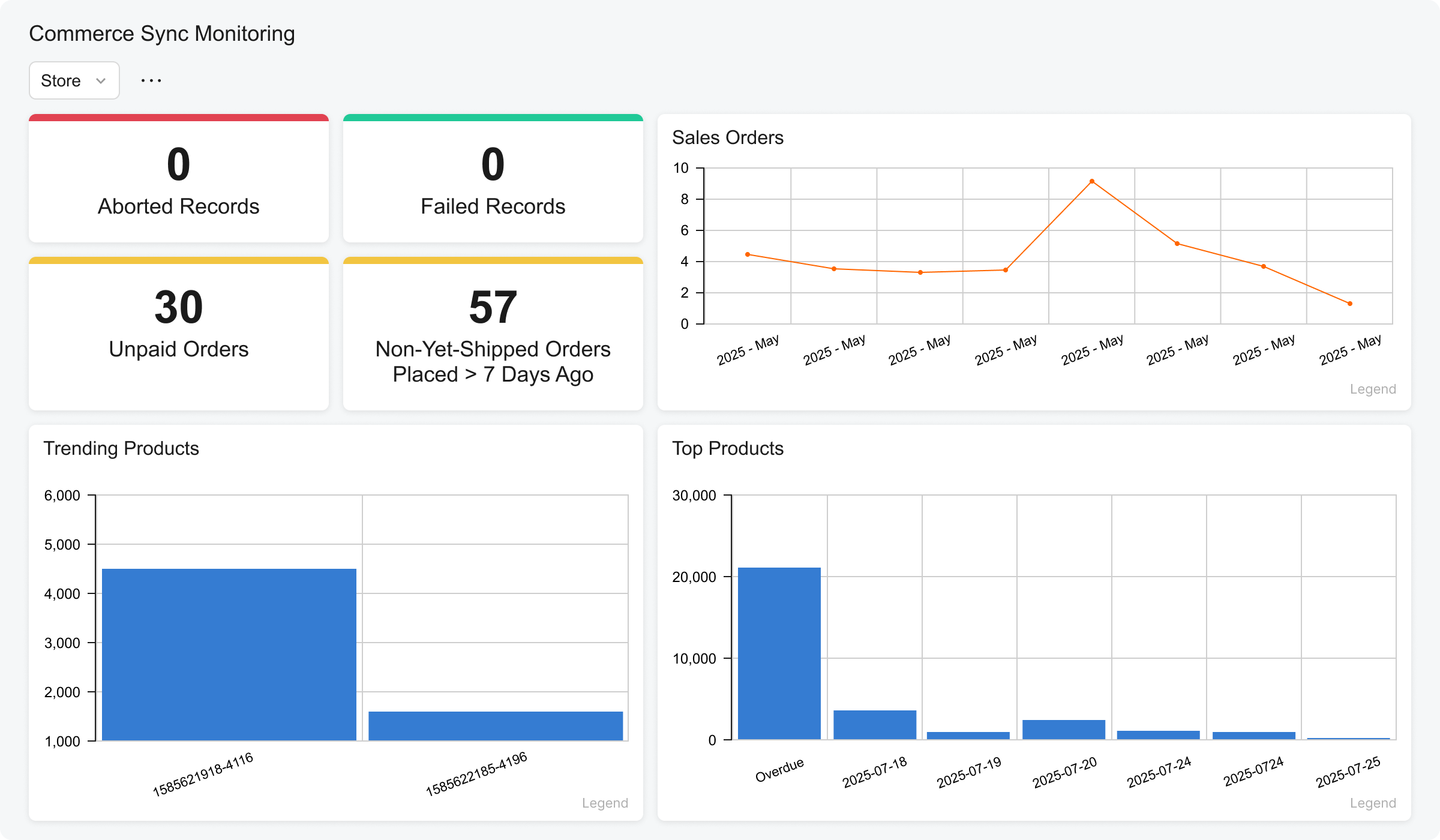
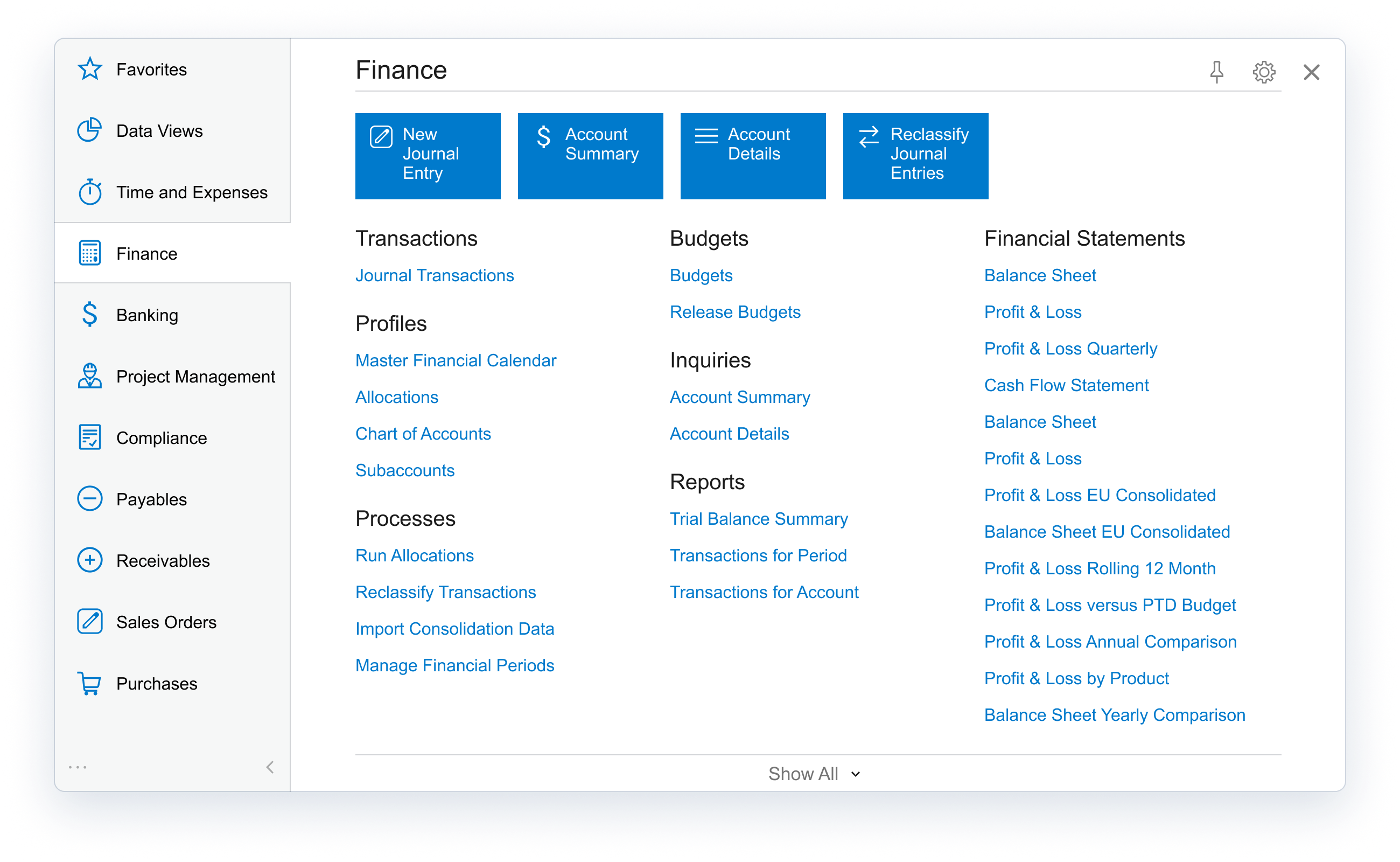
Acumatica delivers a set of cloud-based business software applications with dashboards, reporting tools, integrated document management, centralized security, and customization tools.
$1,000
per year
macOS
Score 9.2 out of 10
N/A
macOS is the graphical operating system for Apple desktop devices.
N/A
Pricing
Acumatica
macOS
Editions & Modules
No answers on this topic
No answers on this topic
Offerings
Pricing Offerings
Acumatica
macOS
Free Trial
No
No
Free/Freemium Version
No
No
Premium Consulting/Integration Services
Yes
No
Entry-level Setup Fee
No setup fee
No setup fee
Additional Details
Pricing is always consumption-based with no five-year lock-ins or termination penalties.
The Acumatica ERP pricing structure allows adding casual users, suppliers, and customers without paying for additional licenses.
The cost is based on the features and resources utilized, not on the number of users who access the system. An Acumatica partner works with users to understand specific requirements, determine the proper resources and modules for the company, and presents a price for the license.
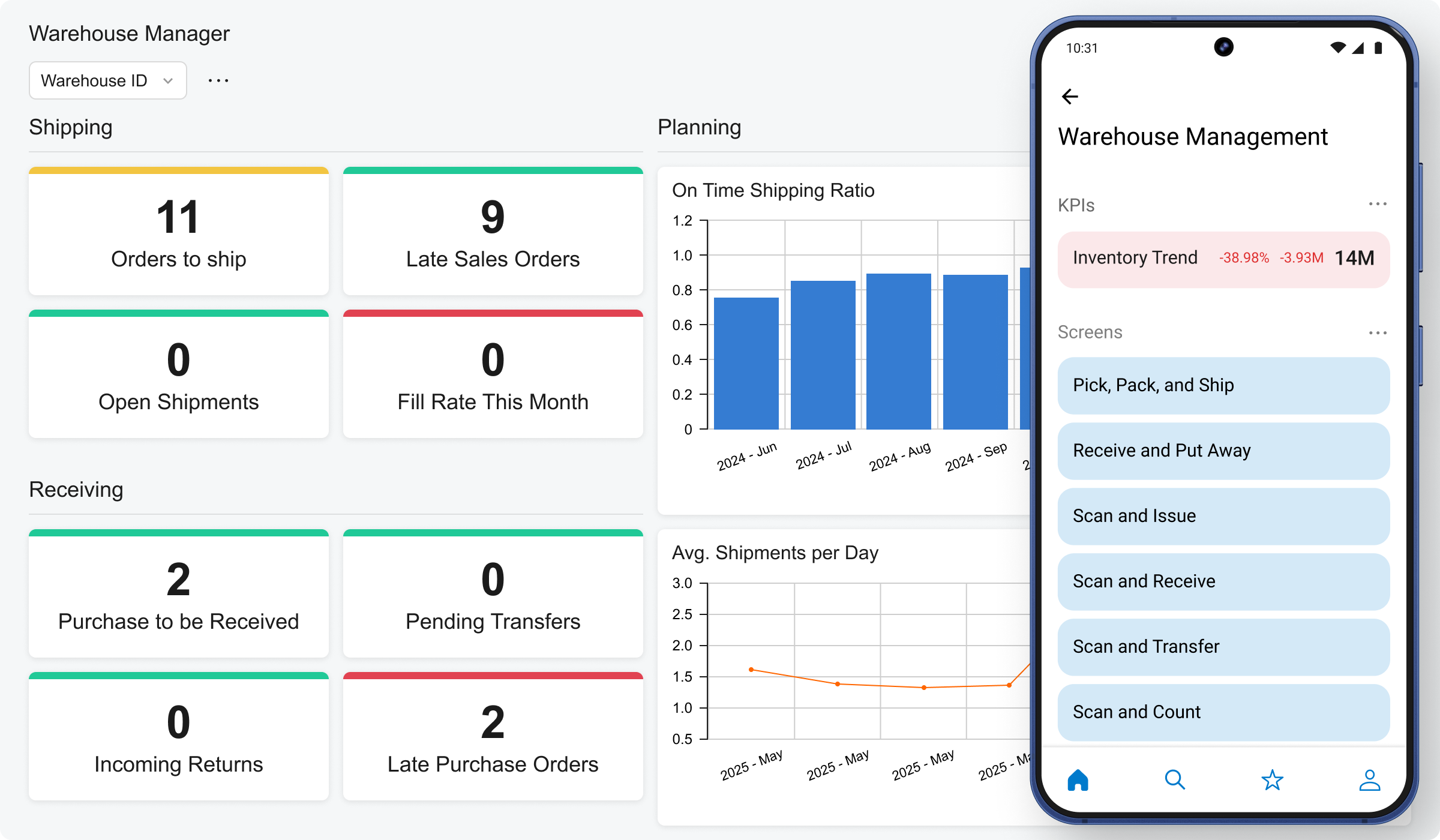
Coming from Sage, when you have to post financial data, it locks the system. Acumatica, there is no delay, there is no downtime. Dashboards. My CEO recently asked me, "I really want to see what our top customers are and what markets that they're spending the most money in." Acumatica had that widget already prepared for me.
Macs, macOS, and the appropriate Mac applications really shine in ease of use. Specifically, the system's media-handling features are excellent. The developer frameworks (libraries) are excellent and provide easy programmatic access to the operating system's features. macOS is very stable and is built on a solid foundation of a Unix kernel. The Swift programming language is very approachable, and macOS supports many scripting and programming languages, opening up a wide variety of coding libraries.
Real-time access to financials across firm's locations in India for better in-house sales, cost and financial health analysis
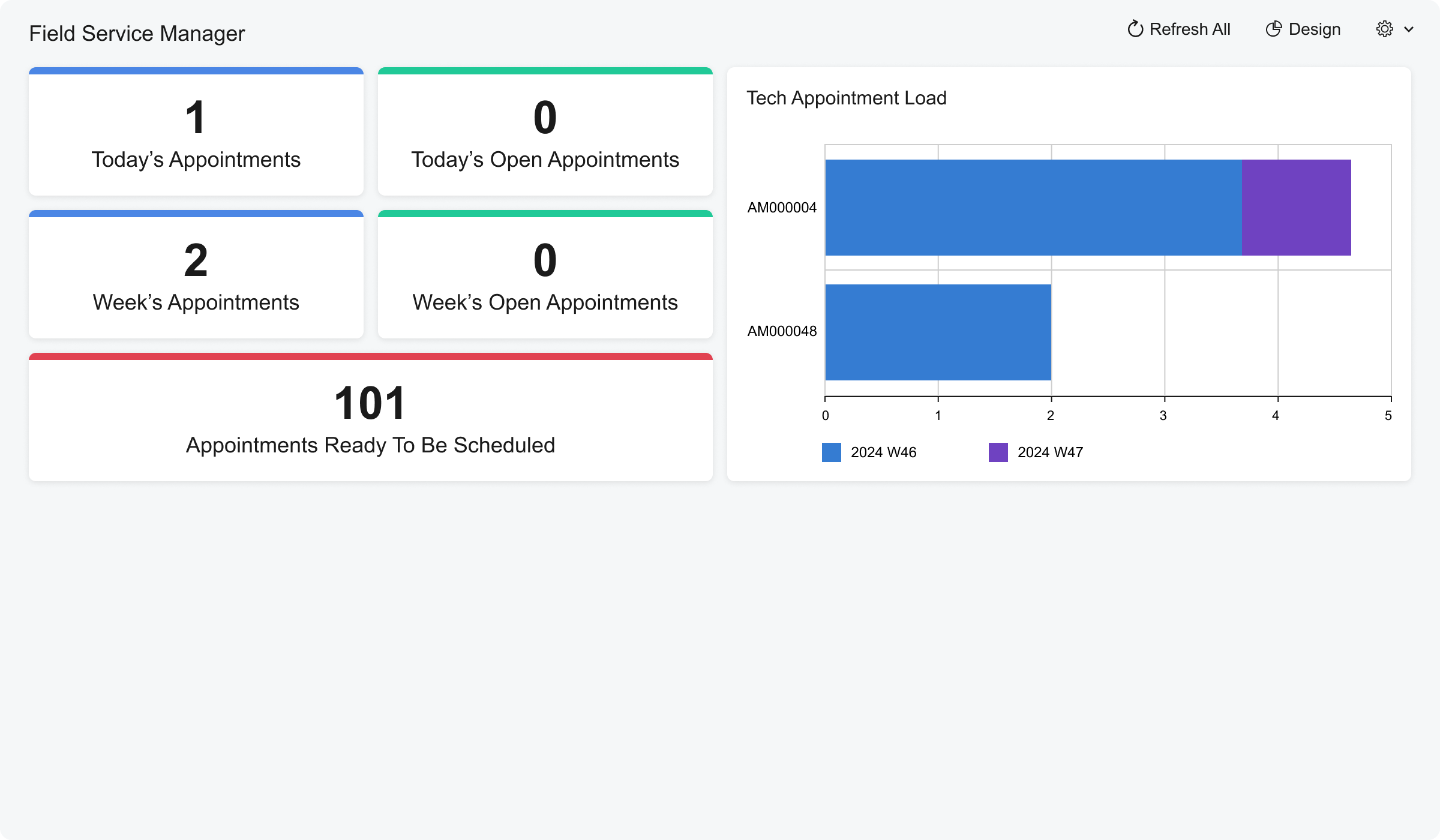
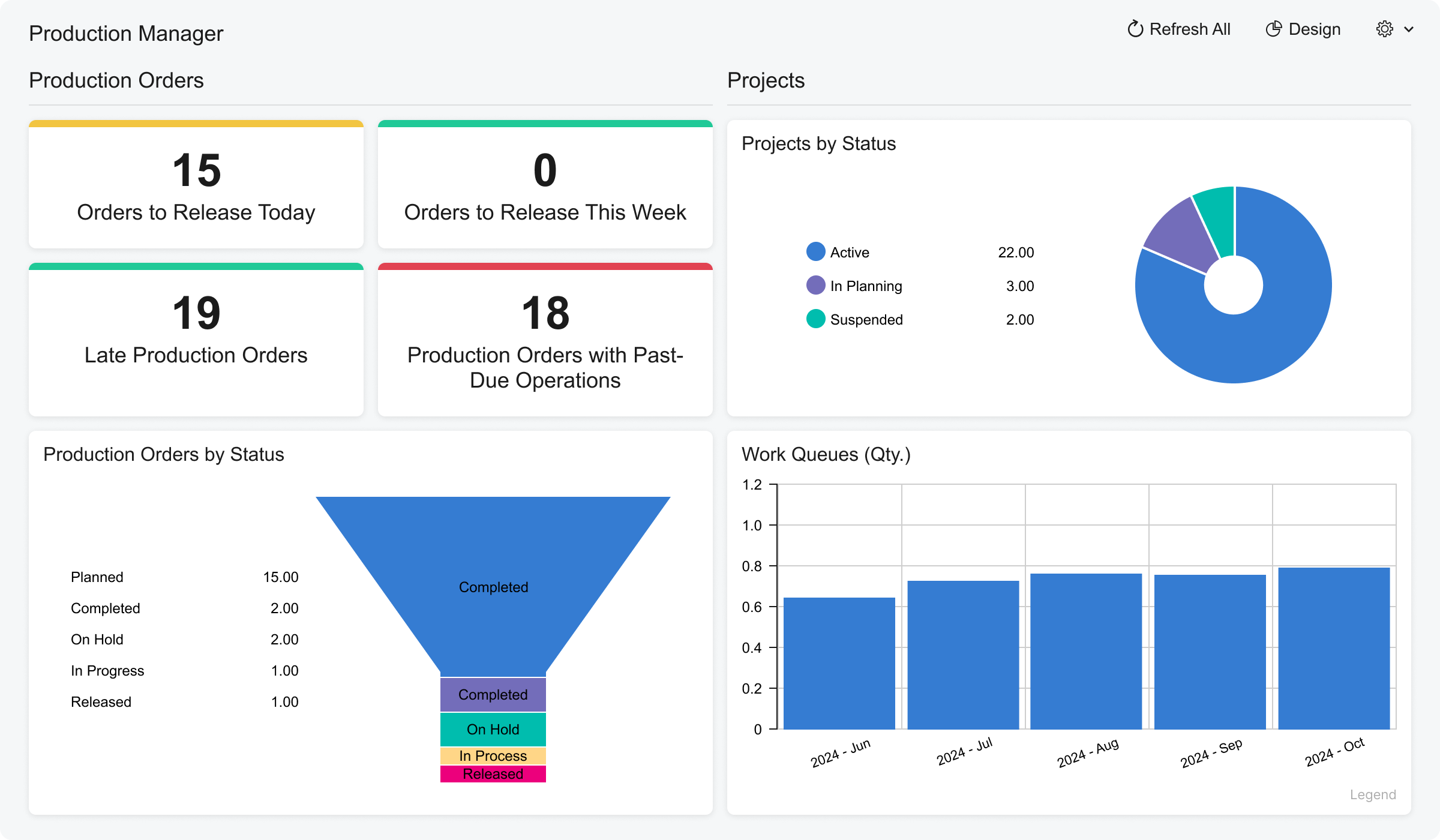
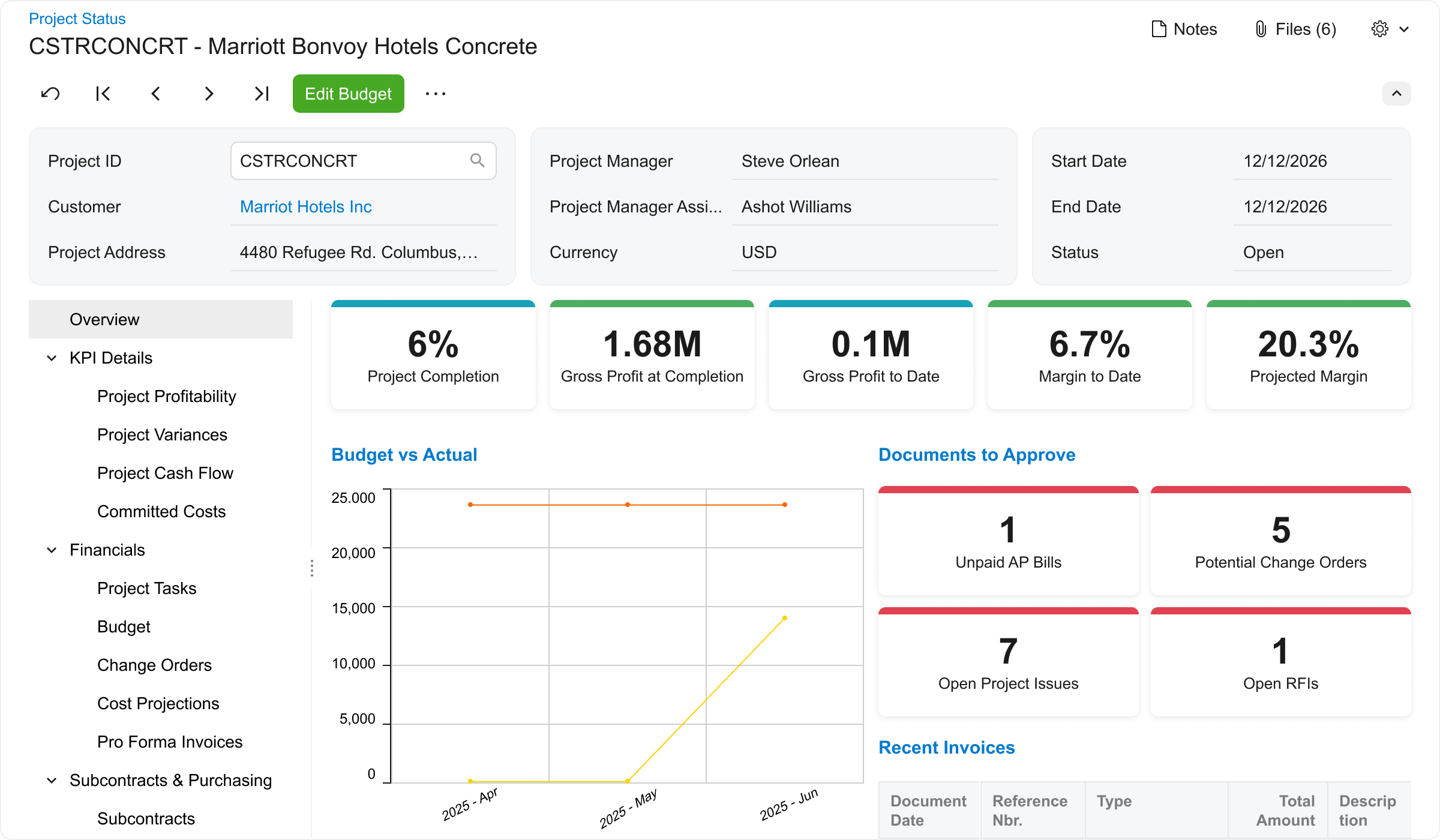
The tool is great with respect to the creation of dashboards and KPI reporting to get visual picture of profitability and cash flow metrics across projects
Mass updating existing BOMs or Production Order Details. For larger orders, especially if many things need to be changed it can take a painstakingly long time to update each production order one-by-one.
The product configurator is too flat, we definitely need nested configurations that can capture variable subassemblies.
Accounting has room for improvement, I don't really like the idea of SO Invoices living in a separate spot until they are Released. I have had complaints from our accounting personnel since they have to leave the "Accounting World".
We are highly likely to renew because Acumatica has become the foundation of our ERP strategy replacing another ERP system with a more flexible, scalable platform while improving governance, planning, and operational visibility. Ongoing stabilization, roadmap investment in IBP and automation, and strong alignment across Finance and Operations give us long‑term confidence in the platform.
The processes are very intuitive and easy to use. Whether you are entering AP bills, timecards for payroll, or AR invoices, the processes are similar and easy to use. The drill-down capability is also a huge plus as you can easily toggle between different modules without having to leave the screen you are in and navigating through a menu to get the information you need. We found that the standard reports out of the box are lacking. Our implementation did not go so well and when we were finally ready to run financial reports, it was both disappointing and frustrating to discover that the P&L was highly summarized and to get a detailed report required having to do a lot of formatting myself. I was able to figure it out on my own, but when our financials were already delayed getting published, I did not really have the time to spend trying to figure out how to build my own P&L.
I'm sure I'm biased. I've been using a Mac for 30+ yrs. I am significantly more productive on a Mac than on any other platform. It comes down to some personal preference and familiarity, but I just think the interface is more intuitive and streamlined
macOS tends to be very reliable, and Apple distributes updates as needed to patch known vulnerabilities or issues. It is very seldom that a macOS-based system is unavailable, and if that happens, the cloud-based storage and identity management support make it very easy to slot in a loaner machine while the user's primary machine is repaired.
The Apple Silicon hardware allows macOS to perform very well, with rapid response. Local processing for Apple Intelligence-related items is quite fast, and the response is impressively complete. Our experience with integrations to other enterprise systems is that the other system is usually the bottleneck in the process, rather than macOS.
I would rate the overall support for Acumatica an 8 out of 10. The support team is generally responsive, knowledgeable, and helpful when resolving issues or answering questions. Documentation and community resources are also useful. However, response times can occasionally vary depending on the complexity of the issue or support queue, which slightly affects the overall experience.
I'd say the partner selection is critically important. I think the software is very easy to implement. It's very customizable to your business. Finding a partner that will work with you to understand your business and your needs is the critical piece to make sure that the system goes along with it.
Having used Pastel for a long time in the business, it lacked certain features, or the system was not probably setup for our business needs and requirements at the time. It was also not 100% cloud based and needed to be used through remote desktop which had its limitations. Zero just had 10% of what our business needed.
From my understanding, the P.O. module is not very robust, at least the last time I inquired about it. At the time, it had a one-to-one match, with one invoice for one P.O. and that isn't practical for many businesses. I don't believe it would be an easy system to use for sending out invoices, if we had thousands of retail utility customers. We do a small number of invoices because we sell wholesale power, not retail, so we only Invoice the municipality. Not each utility customer.
macOS is very easily deployed with central MDM/DDM management systems. There are several of these available to select, depending on the amount and type of deployment needed. We use Jamf Pro to support a "zero touch" deployment model, which makes it almost as easy to deploy 100 endpoints as 10 (other than delivery and unboxing).
They are very responsive and knowledgeable about the product. If the rep doesn't have the ability to solve the issue, they quickly get someone else involved to assist us.
I feel like I am not using it to it's potential and it's frustrating to know that it can do more than I am able to use and more help with that would be great
The implementation was a lot of customize building and I felt like some of it could have been built by my partner rather than having them sit and watch me enter a bunch of stuff, especially when a lot of it was over my head in understanding