Adobe Connect is a web conferencing platform that enables users to create presentations, online training materials, and learning modules. The product is entirely Adobe Flash-based and has several add-ons for customizing its software to suit each users’ unique needs.
$50
per host/per month
Vidyard
Score 9.1 out of 10
N/A
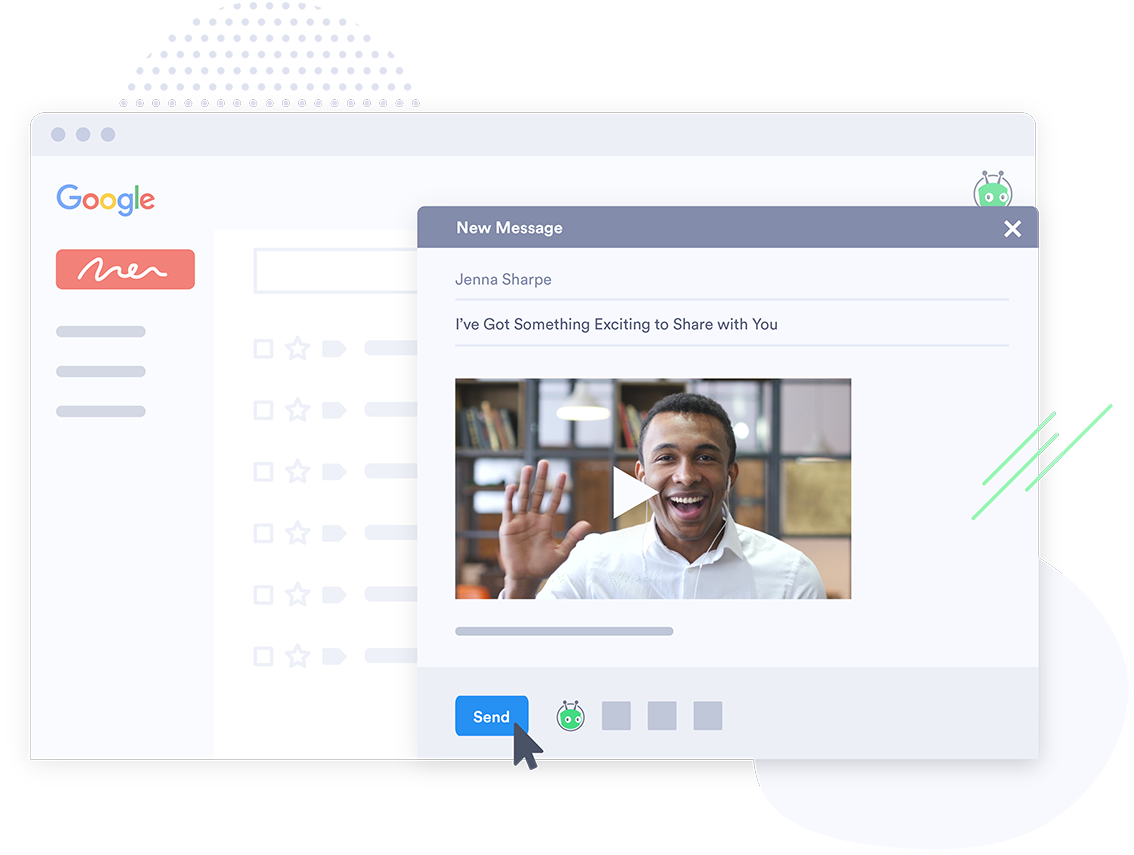
Vidyard is an enterprise video platform built to turn viewers into customers with in-depth insights and robust integrations with different customer relationship management (CRM) and marketing automation platforms.
$0
Pricing
Adobe Connect
Vidyard
Editions & Modules
Meetings
$50
per host/per month
Webinars & Learning
$130
per host/per month
Small Meetings
Free
Forever free for up to 3 participants
Free
$0
per month per user
Starter
$59
per month per user
Enterprise
Custom Pricing
per year
Teams
Contact Sales
per month per user
Offerings
Pricing Offerings
Adobe Connect
Vidyard
Free Trial
Yes
Yes
Free/Freemium Version
No
Yes
Premium Consulting/Integration Services
No
Yes
Entry-level Setup Fee
No setup fee
No setup fee
Additional Details
—
—
More Pricing Information
Community Pulse
Adobe Connect
Vidyard
Features
Adobe Connect
Vidyard
Performance & Compatibility of Online Events Software
Comparison of Performance & Compatibility of Online Events Software features of Product A and Product B
Adobe Connect
7.7
66 Ratings
3% below category average
Vidyard
-
Ratings
High quality audio
8.065 Ratings
00 Ratings
High quality video
7.065 Ratings
00 Ratings
Low bandwidth requirements
6.855 Ratings
00 Ratings
Mobile support
9.042 Ratings
00 Ratings
Screen Sharing
Comparison of Screen Sharing features of Product A and Product B
Adobe Connect
7.5
65 Ratings
5% below category average
Vidyard
-
Ratings
Desktop sharing
7.065 Ratings
00 Ratings
Whiteboards
8.055 Ratings
00 Ratings
Online Meetings / Events
Comparison of Online Meetings / Events features of Product A and Product B
Adobe Connect
5.6
66 Ratings
37% below category average
Vidyard
-
Ratings
Calendar integration
6.042 Ratings
00 Ratings
Meeting initiation
5.057 Ratings
00 Ratings
Integrates with social media
4.029 Ratings
00 Ratings
Record meetings / events
6.061 Ratings
00 Ratings
Slideshows
7.052 Ratings
00 Ratings
Online Events Collaboration
Comparison of Online Events Collaboration features of Product A and Product B
Adobe Connect
6.7
65 Ratings
19% below category average
Vidyard
-
Ratings
Live chat
7.063 Ratings
00 Ratings
Audience polling
7.056 Ratings
00 Ratings
Q&A
6.053 Ratings
00 Ratings
Online Events Security
Comparison of Online Events Security features of Product A and Product B
Adobe Connect
8.4
61 Ratings
5% above category average
Vidyard
-
Ratings
User authentication
7.953 Ratings
00 Ratings
Participant roles & permissions
8.061 Ratings
00 Ratings
Confidential attendee list
9.348 Ratings
00 Ratings
VoIP system collaboration
Comparison of VoIP system collaboration features of Product A and Product B
Adobe Connect
6.5
1 Ratings
14% below category average
Vidyard
-
Ratings
Video conferencing
8.01 Ratings
00 Ratings
Audio conferencing
7.01 Ratings
00 Ratings
Video screen sharing
8.01 Ratings
00 Ratings
Instant messaging
3.01 Ratings
00 Ratings
Video Marketing
Comparison of Video Marketing features of Product A and Product B
Adobe Connect
-
Ratings
Vidyard
6.2
49 Ratings
20% below category average
Lead generation
00 Ratings
7.938 Ratings
Video personalization
00 Ratings
9.145 Ratings
eCommerce
00 Ratings
2.82 Ratings
Support for advertisements
00 Ratings
5.51 Ratings
Video SEO
00 Ratings
6.431 Ratings
Integration to Marketing Automation
00 Ratings
5.737 Ratings
Video Platform Integrations
Comparison of Video Platform Integrations features of Product A and Product B
Adobe Connect
-
Ratings
Vidyard
5.2
36 Ratings
18% below category average
Integration to Salesforce.com
00 Ratings
3.121 Ratings
Integration to Marketo
00 Ratings
5.011 Ratings
Integration to HubSpot
00 Ratings
5.421 Ratings
Integration to Eloqua
00 Ratings
7.31 Ratings
Video Security
Comparison of Video Security features of Product A and Product B
Adobe Connect
-
Ratings
Vidyard
8.4
47 Ratings
2% below category average
Video access controls
00 Ratings
8.637 Ratings
User management
00 Ratings
6.441 Ratings
Video link sharing
00 Ratings
10.047 Ratings
Internal video
00 Ratings
8.639 Ratings
External video
00 Ratings
8.642 Ratings
Video Player
Comparison of Video Player features of Product A and Product B
Adobe Connect
-
Ratings
Vidyard
6.1
47 Ratings
29% below category average
Player customization
00 Ratings
5.639 Ratings
Embedded videos
00 Ratings
5.842 Ratings
Video quality / Bandwidth controls
00 Ratings
5.144 Ratings
Mobile compatibility
00 Ratings
7.837 Ratings
Video Analytics
Comparison of Video Analytics features of Product A and Product B
Adobe Connect
-
Ratings
Vidyard
8.1
48 Ratings
3% above category average
A/B testing
00 Ratings
6.32 Ratings
Streaming quality reports
00 Ratings
9.031 Ratings
Per viewer tracking
00 Ratings
9.342 Ratings
Per video tracking
00 Ratings
9.345 Ratings
Video analytics dashboard
00 Ratings
6.445 Ratings
Video Hosting, Management & Storage
Comparison of Video Hosting, Management & Storage features of Product A and Product B
Adobe Connect
-
Ratings
Vidyard
6.3
37 Ratings
32% below category average
On-Demand video
00 Ratings
6.428 Ratings
Live streaming
00 Ratings
5.79 Ratings
Impact of streaming on network
00 Ratings
7.31 Ratings
Video upload & format support
00 Ratings
6.434 Ratings
Video library / File management
00 Ratings
5.63 Ratings
Video portal
00 Ratings
6.429 Ratings
Video Engagement
Comparison of Video Engagement features of Product A and Product B
Adobe Connect is wonderful for repeatable branded learning experiences or webinars. They allow for creating an event with a series of similar layouts. The ability to alter these are easy, and duplicating layouts makes for fast alterations. Changing between layouts also creates visual interest as learners see things shift. Adobe Connect also is great for accessibility, the captions allow for resizing and placing the captions in various sections. The recordings also can have a searchable transcript to get to the information you want fast. Adobe Connect allows for running fun games/events as well, there are lots of apps that make the experience unique, and allows for managing content on screen as you'd like.
Vidyard has been critical for our team in many ways. One way that we didn't realize how much we'd be using it is for training new teammates while we're all working remotely. I frequently use the chrome extension to record a video of how to do something to send to our whole team or certain teammates. There are other products that do that, but this seems to be the most efficient, easiest, and quickest. Vidyard is incredibly useful for both inbound, and outbound sales and marketing strategies. It helps us increase our open and click rate for emails and overall engagement for our customer journey.
It's a quick method to exchange files, file, documents, and videos from a web app. Real-time conversation, and screen-sharing are all supported. It has a highly user-friendly interface. It is really simple to assist the teams.
Even team engagements is beneficial since it allows them to share their expertise with others, and the big benefit is the security of the rooms' access is fairly simple to manage.
The interface, which include features like notes, chat, pods, etc. When we're trying to gather rapid and exact information, simplify our work as much as possible.
Adobe Connect's features since they allow team members to express their ideas during meetings without causing disruptions, thereby bypassing the current international boundary of distance.
The longer you use Adobe Connect, the longer you are likely to use it. Because you can build more and more resources over time, creating rooms that you re-use, recorded content you can repurpose, and tools that form the basis of ever increasing productivity, the more you use Connect, the more productive you become. Unlike competing products where, with every meeting you essentially start over -- setting up your resources for each meeting -- in my Connect rooms, I have highly tuned tools to accomplish my knowledge transfer goals. When I want to conduct another session - I send a link out to the appropriate room and instantly we are all focusing on getting a job done together. This ability of Adobe Connect to make you productive at an ever quickening rate is a competitive advantage
Vidyard has truly become an essential part of our organization. It's useful for our day to day communication internally amongst departments and externally with our customers. This platform has allowed us to create knowledge base articles, training portals, webinars and communicate effectively with our customers. We receive raving feedback from customers on how helpful the videos are that they receive. We also like the ability to view metrics, insights, etc. of the videos. Always allows us to pivot accordingly based on the feedback we receive
I gave it a 6 because it does have lots of functionality, has a strong brand and reputation following, etc. but it does have its glitches and experiences with low bandwidth issues. I believe it has more features than my organization fully leverages, so some of those pieces haven't been explored yet. But there are opportunities for improvement in their online resource support, stability at high usages as well.
Vidyard is super easy for new people to pick up - I've never had to spend time explaining the UI or menu, which is a testament so how easy it is. The plugin also makes it quite user-friendly. There's no need to go anywhere else - it's all on the browser.
Absolutely, the unpredictable nature of technology always keeps us on our toes. However, I'm pleased to share that my experience with Vidyard has been remarkably consistent and reassuring. To date, I haven't encountered any instances of service outages. This unparalleled reliability and dependability have instilled a high level of confidence in the platform, making it a stalwart companion in our digital endeavors. While the tech landscape can be uncertain, Vidyard's track record of steadfast performance has truly set it apart.
It performs very well. I have never had any bugs while recording, and none of the videos have been impaired or corrupted. I don't believe it integrates with any other software but you could contact the company to learn more. I am not sure if it is only available on Chrome.
The customer support of Adobe connect is professional and well-skilled for resolving our minor and major issues. Moreover, it has almost all the features that will provide you a secure connection, with people across the world. Education institutes can also implement this software. On the basis of its quality and technology, I will surely advise you to try it once.
Customer support at Vidyard has always been good. When I first looked into the product, the salesperson took a consultative approach that allowed me to see how Vidyard would benefit our specific use case. Since coming on board, the customer service team has been quick to respond if I have any questions.
The training experience proved to be tremendously valuable. Our dedicated representative exhibited an exceptional level of helpfulness and patience as she skillfully addressed all of our inquiries. Notably, she went beyond merely answering questions, providing us with a wealth of resources and sharing best practices that are pivotal for our success in utilizing the software.Her guidance transcended the boundaries of a conventional training session, empowering us with insights that extend far beyond the immediate
The ability to have most of the functionality of a full LMS at a fraction of the cost is huge. I can create manage and deploy both synchronous and asynchronous training based on the situation and all of my training is tracked through a series of easily created reports
The online training experience proved to be incredibly valuable. Our dedicated representative demonstrated exceptional patience and unwavering support in addressing our queries and requests, which greatly contributed to our learning process. Their guidance was pivotal in helping us navigate the intricacies of the training, ensuring that we absorbed the material effectively.
Prices do not seem to vary much among resellers of the Adobe Connect hosted license; the only price variation you're likely to find are among the audio providers. When implementing, you may also wish to look into expanding the amount of storage you are allowed on the server to avoid any problems later on as your library of files starts to build up
It's pretty straightforward. The bulk of the work goes on outside of Vidyard - it's the time required to add different videos to your website - that was probably the only difficult part and had nothing to do with Vidyard.
Actually, it was the other way around....we were using Adobe Connect, company-wide, then switched over to Zoom, mostly, I think, as a cost-cutting measure. But some Learning & Development folks campaigned to be allowed to retain some Adobe Connect licenses (for example, one L&D area had literally over 250 room layouts that their course facilitators could just jump into and use to deliver a course on short notice), which also allows some of us to continue to publish Presenter and Captivate modules to the Adobe server. (But, even those of us who still have Adobe Connect licenses use Zoom for most regular business meetings.)
I've never evaluated another product like Vidyard. I just used screen recordings with RingCentral before, and I remember the file size being very large and having to add the video as an attachment. So this was a major improvement to be able to shoot videos and easily share with my clients.
The product exhibits an exceptional degree of scalability, accommodating diverse usage scenarios across various departments within our organization. This remarkable flexibility has enabled us to harness the software's potential in ways tailored to the unique needs of each team.In particular, the impact on our communication efforts with both potential and existing customers has been truly transformative.
Save on time - our instructors and people that use the platform can teach more classes and more often than in-person training and time traveling.
We cut down on spending. When we offer training using Connect - we do not have to spend on meals, hard copy materials, and reserving a venue to deliver training.
We increase our training sales significantly but offering Connect as an alternative - any unforeseen cancellations to a public class can result in transferring to a remote online Connected class.
We save hundreds of dollars a month because we don't have to send out nearly as many physical samples for customers to review. We can send them a video that shows off the product and they love it!
We have improved conversion rates as a result of using Vidyard to communicate with new leads.
Our sales reps are clearly more engaged in the sales process. Each week we discuss how Vidyard helped them win a deal.