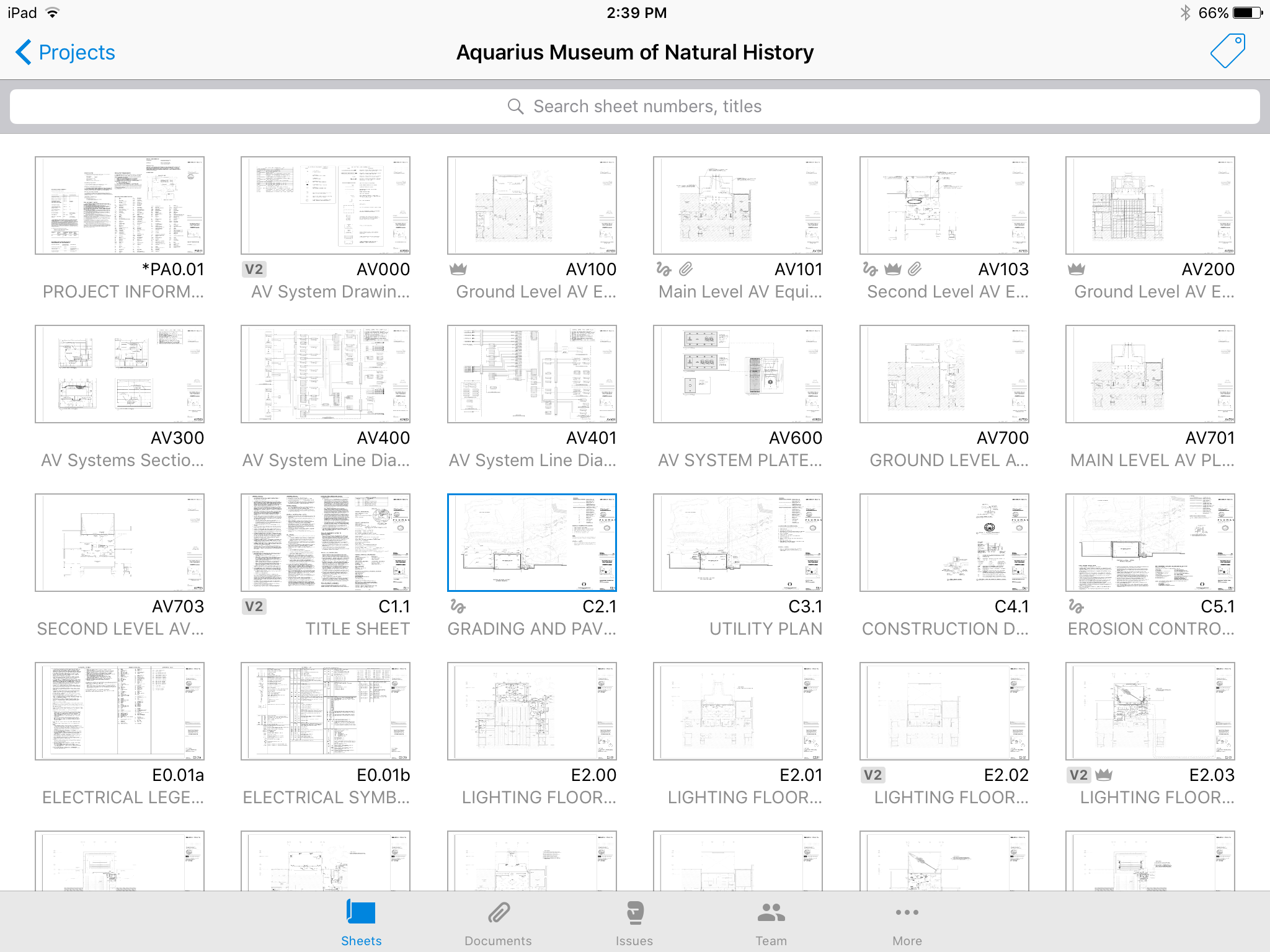
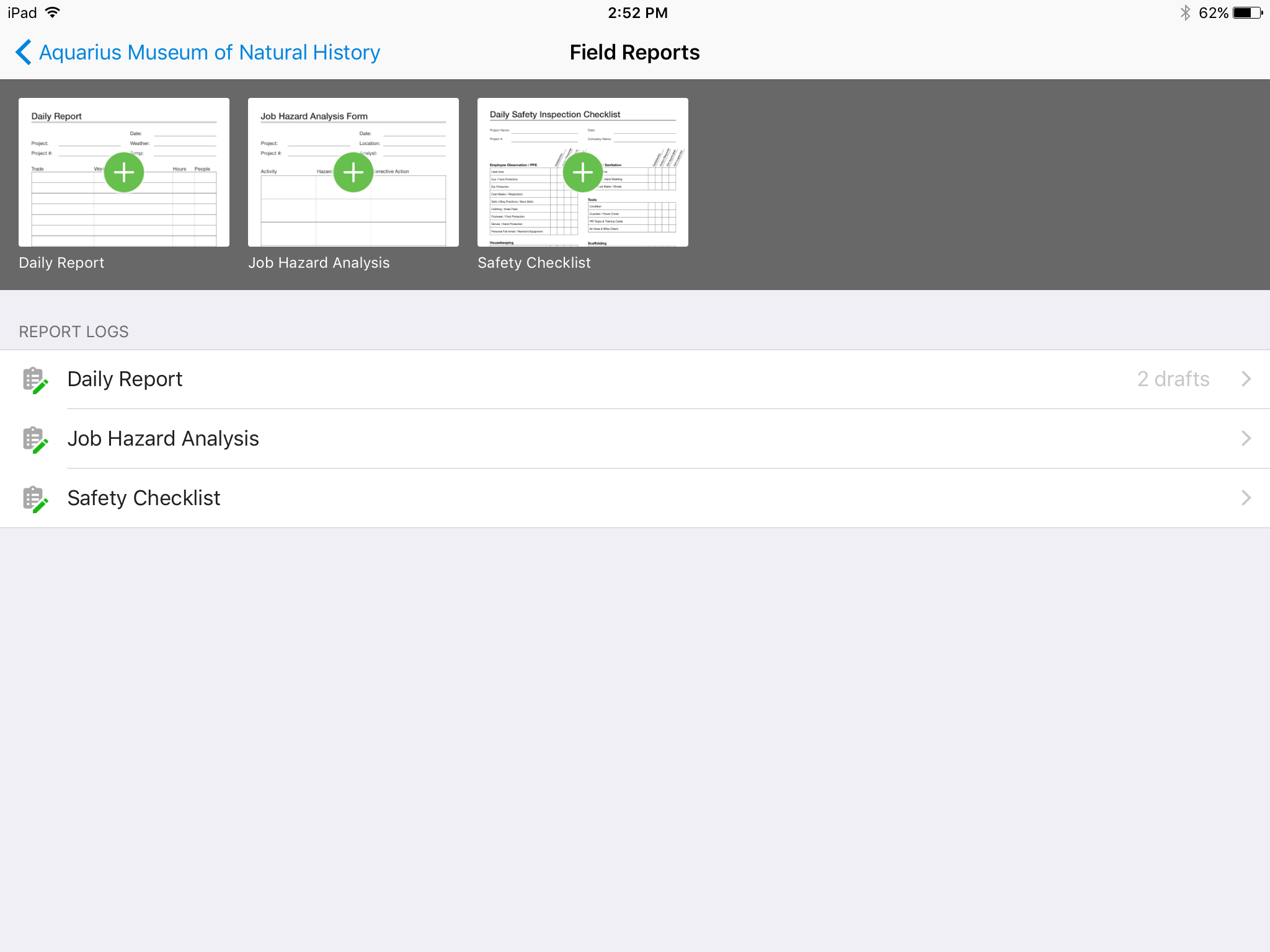
Autodesk Build, based on the former PlanGrid, is construction productivity software. It includes tools to collaborate, collect, and manage project information throughout the project’s construction and operations lifespan. It enables document centralization and tracking.
$39
user per month
Buildertrend
Score 7.5 out of 10
N/A
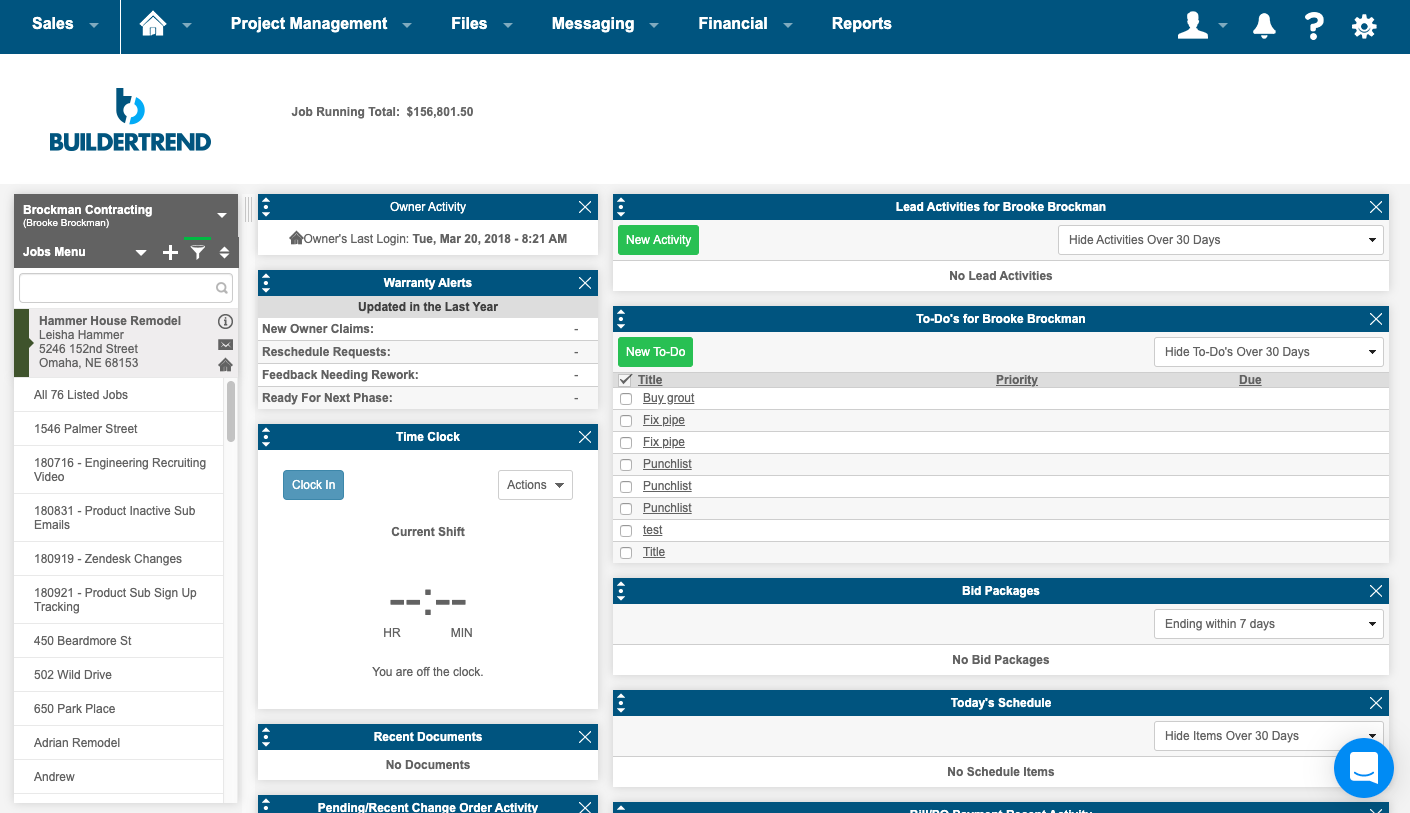
BuilderTrend is a construction management system. It includes functionality for pre-sale, project management, financial management, and customer management processes. It also provides mobile accessibility.
N/A
Pricing
Aidadom
Autodesk Build
Buildertrend
Editions & Modules
No answers on this topic
Nailgun
$39
user per month
Dozer
$59
user per month
Crane
$139
user per month
Core Subscription
Contact for quote
per year
Premium
Contact for quote
per month
Premium
Contact for quote
Offerings
Pricing Offerings
Aidadom
Autodesk Build
Buildertrend
Free Trial
No
Yes
No
Free/Freemium Version
No
No
No
Premium Consulting/Integration Services
No
No
No
Entry-level Setup Fee
No setup fee
No setup fee
No setup fee
Additional Details
—
—
—
More Pricing Information
Community Pulse
Aidadom
Autodesk Build
Buildertrend
Considered Multiple Products
Aidadom
No answer on this topic
Autodesk Build
Verified User
Anonymous
Chose Autodesk Build
I have only used Autodesk Build at work. Compared to Procore which I have recently been introduced to, Autodesk Build has a more modern look and accessibility features. I can not give an in-depth review between the two products as I do not spend a lot of time using Procore.
Procore and PlanGrid are the most direct competitors. The pricing structures are very dynamically different between PlanGrid and Procore. Procore tends to succeed better in the "project management" realm, while PlanGrid succeeds far beyond Procore in its ability to deal with …
PlanGrid is very similar to Procore but offers a slightly more straightforward user interface and seems not to be loaded with extra options that rarely would get used like Procore. PlanGrid is a much smoother software than Submittal Exchange or CMiC due to that same interface. …
Compared on pricing, PlanGrid was best. Procore does submittals and pay apps, but GoBridgit was completely unrealistic in price for us to consider them. The overall use of PlanGrid along with current pricing makes it worthwhile for us. If pricing goes up, it would no longer be …
BlueBeam is a program that some of our customers use as their management tool. It is a little more cumbersome than Plan Grid. We would certainly prefer using PlanGrid over other products that we have tried. Our field staff prefers to have a consistent platform to share the …
Plangrid would sit in between these two when it comes to mobile job site collaboration and document management. Procore is more a full-featured product but it is 2X-3X the cost and there is some question whether the extra costs actual turns in to an ROI at the end of the day. …
PlanGrid is an easier system to use then Procore; however, Procore offers more of a full management software than PlanGrid does with plan distribution.
PlanGrid provides the perfect balance of simplicity and accuracy. As I've noted, ProCore is more robust but the learning curve is steep, and, for my company, the majority of features would go unused (and thus would be a waste of money). PlanGrid offers a few solid features and …
The programs are not exactly parallel, however, we formerly posted RFIs on Bluebeam and by owner request we are now using Plangrid. I have found that this feature on Plangrid is slightly more intuitive and the interface is more user-friendly. Bluebeam, on the other hand, has …
PlanGrid is great for quickly communicating information within the field, however, its office capabilities are more limited compared to some alternative software I have used.
They have similar platforms and uses. At this time we use both because General Contractors require we use some of these programs to work on their projects, and we don't have a choice which one we use. It's tough because we then have multiple platforms to learn, manage and use …
I feel that Plangrid does a good job at combining most of the best attributes of the above programs into one solid software. Finishline seems to be a bit stronger punchlist tool but it doesnt have any other features, can't be used a doc control, etc.
(Hubspot) For Sales & Marketing, it is really a killer awesome program that I would encourage Buildertrend to look into. Hubspot is just on another level of intelligence and access that Buildertrend doesn't match up to. At the same time, perhaps HubSpot lacks what Buildertrend …
I have tried some competitors. Overall, there are some alternatives but personally, I feel that Quickbooks is the "Google" of management systems. The customer service is amazing and they offer a no-hassle product. The only wish would be that they had offered a true "free trial" …
I am still very new with using BuilderTrend but enjoy using the application. When we have an issue or a feature addition the BuilderTrend team is very responsive to help or point us to where we may seek an answer.
The program has outstanding customer service. With project scheduling, project management, financial management, customer management, and service management capabilities in a single suite, there's really not much this program can't do! Owners generally love the use of this …
BuilderTrend allows me to see a full view of all my jobs in one place. I picked it for this reason. I wanted a solution that subcontractors would be able to use without having to do anything except open their email to get the information they needed to get the job done on time. …
Plangrid is well suited for companies (that are not currently using a different SaaS construction package) to make their construction document management more collaborative and mobile friendly. Companies requiring/wanting their subs and owners to collaborate with them as part of the life of a construction project will find Plangrid very helpful in fulfilling this goal. On the negative side, companies that are fully entrenched in using other construction suites will struggle to fully use Plangrid to its potential as pre-built integration between Plangrid and other packages is limited
Perfect for General Contractor's and subcontractor's that want to be a leader in their industry. Sure, you can limp along without a management system but you won't be able to take your business to the next level in most cases. If you are small enough and only doing one maybe two jobs at a time and you are good at keeping every single detail in your head and don't have any issues with schedule or timeframes then you may not need this. However, I have not been in a situation where software like Buildertrend didn't/couldn't add significant value and a need in my company
It'd be nice to have access to upload and edit documents from the app. Only for certain users.
A small business billing option that addresses multiple users of a single account would make managing access simpler. Being able to load unlimited sheets, but only access a specific limit on your team's devices.
Allow users to integrate their own RFI templates into the app, so RFIs can be generated in your own format right from the field, immediately ready to ship.
In messaging an Out of Office type auto response would be great for when people go out on vacation
When using the Job Type field of Mutli-Family this should allow the interface to group that all in one job but be section out into the different unit in that building. So different selections can all be located within that same unit.
Building new jobs from templates can take up to 10 minutes some times. Please reduce the amount of time it take to make jobs off templates.
Owner accounts should not be directly tied to a job, they should be completely separate so the account can be linked to different jobs and not cause problems to that account or what that account has access to.
We are at the point where we have shown our teams what is possible with this software. We cannot take it away and go back to the way we used to do things. I think that they would push back on us to give them access to something electronic. It is a good program that we will continue to use
Hard to get the hang of this software, but with time it become very repetitive and easier to navigate. I have used this software for over a year now and the constant updates by Autodesk have made the software better and better to use at work. This allows me to use this tool more effectively
Its simple to use and intuitive. The level of support that we have from online videos, to access to customer support, and the ability to call anyone at anytime on the main line has been invaluable to utilize and not get stuck on something you don't know yet. We've never not had anyone that couldn't respond in time for us.
Online chat during business hours is extremely helpful. The Plangrid staff has gone above and beyond many times to help us. One time they even offered to completely rebuild our 900+ sheet project so I could slip sheet a few old drawing revisions! This undoubtedly would have taken hours on Plangrid's end. They are always responsive and are continually improving, listening to user feedback.
I highly recommend. The only suggestion I have would be to offer a free trial. They do offer a 30 day money back guarantee. The price point isn't daunting if you have had a 100 % no strings attached/no effort to cancel or try to remember to get your money back - no strings attached chance to try out the product. Especially for such a big purchase decision, I think Buildertrend would see an incredible increase in sales. They have the value and companies just need a chance to see it first hand.
Procore and PlanGrid are the most direct competitors. The pricing structures are very dynamically different between PlanGrid and Procore. Procore tends to succeed better in the "project management" realm, while PlanGrid succeeds far beyond Procore in its ability to deal with project documentation (plans and specs). Bim360 is a great product, but it is limited in its use due to the modeling requirement; while PlanGrid bridges that gap and plays in both 2D and 3D spaces. Buildertrend has some aspects of plan distribution, but it is limited in functionality.
(Hubspot) For Sales & Marketing, it is really a killer awesome program that I would encourage Buildertrend to look into. Hubspot is just on another level of intelligence and access that Buildertrend doesn't match up to. At the same time, perhaps HubSpot lacks what Buildertrend has on the Finance and Construction Management side - that I don't know. Our business is virtually complete by combining both of these platforms together across our teams.
Positive: Syncing drawings. As I said, keeping an up-to-date set of drawings is seamless on ProCore, as compared to a traditional server or even the cloud. The software is designed to see and mark-up drawings. Though markup tools aren't as robust as, say, Bluebeam Revu (I wouldn't expect all of that from a web app, anyway), it's very nice to easily see all the newest drawings.
Positive: Saved time. Documents are updated at the same time, across all devices, with only one upload.
Positive: Punch list is easy. ProCore punch lists are quite complicated. In PlanGrid, with 1-tap we can add items and give a brief description. When doing a walk-thru, it should be easy to jot down notes. These can be detailed once you're sitting at a desk, and PlanGrid allows for that. But for field personnel, punch lists are an easy and efficient use of time.
Negative: Photo management. For us, there should be a way to just upload photos, and not require to use the photo tool within the app.
BuilderTrend has not only helped me double my business year over year, but it's also created a new career for myself as a BuilderTrend consultant for new or existing users looking to maximize their ROI faster.