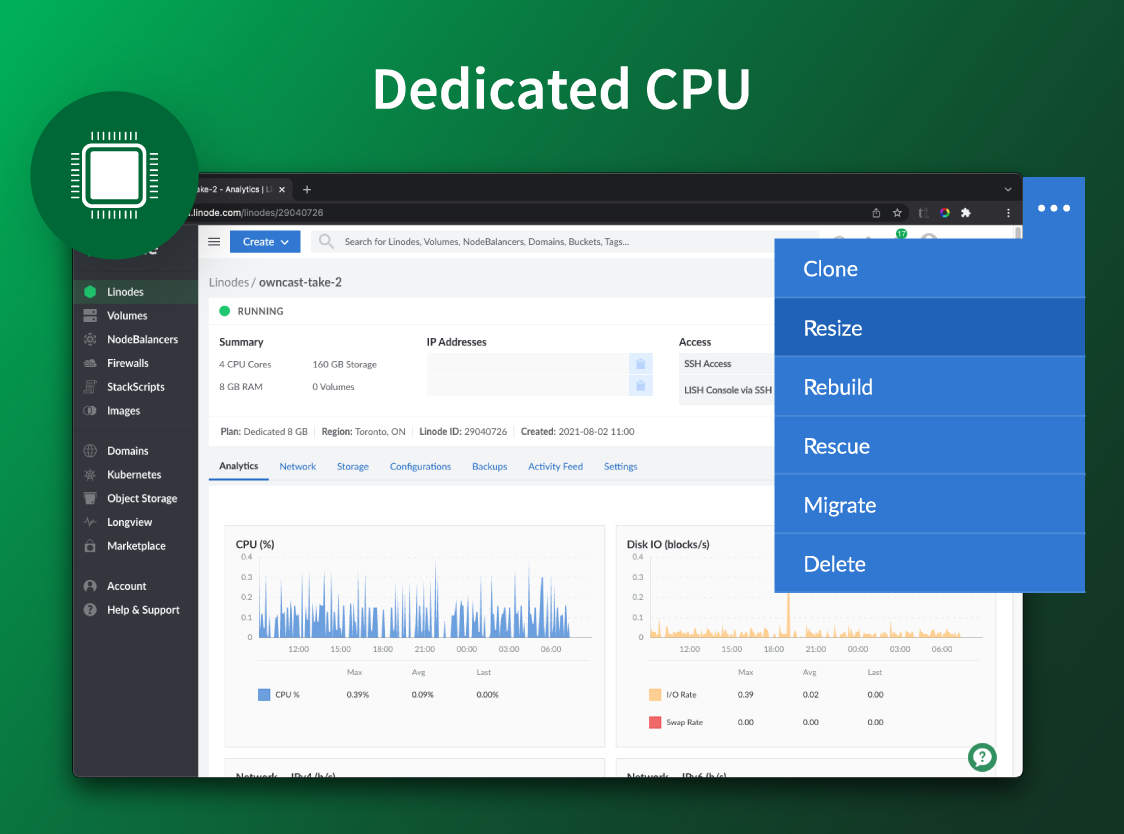
Akamai Cloud Computing (formerly Linode) include scalable and accessible Linux cloud solutions and services. These products and services support developers and enterprises as they build, deploy, secure, and scale applications.
$5
per month
Progress ShareFile
Score 8.3 out of 10
N/A
ShareFile is a cloud-based file sharing and storage service built for business. The product was acquired by Citrix Systems in 2011, and is now offered by Progress Software.
$52.80
per month 3 users (minimum)
Pricing
Akamai Cloud Computing
Progress ShareFile
Editions & Modules
No answers on this topic
Advanced
$17.60
per month per user (minimum 3 users)
Premium
$27.50
per month per user (minimum 3 users)
Industry Advantage
$45.83
per month per user (minimum 3 users)
Virtual Data Room
$75.00
per month per user (minimum 5 users)
Offerings
Pricing Offerings
Akamai Cloud Computing
Progress ShareFile
Free Trial
Yes
Yes
Free/Freemium Version
No
No
Premium Consulting/Integration Services
Yes
No
Entry-level Setup Fee
Optional
No setup fee
Additional Details
CPU, transfer, storage, and RAM are bundled into one price. Storage capacity can be increased with additional Block Storage or S3-compatible Object Storage. Instant Backups can be added with complete independence to the stack. Linode NodeBalancers ensure applications are available.
Akamai Connected Cloud Linode would be a good service to host a content delivery network (CDN) because of its edge network but I'd prefer not to use Akamai Connected Cloud Linode for tasks that need GPU power such as Machine Learning or Artificial Intelligence (AI) because Akamai Connected Cloud Linode lacks deep GPU compute compared to AWS or Google Cloud or Microsoft Azure
When we have a particularly large ad or job printing file that would "clog up" the email process, using ShareFile is very helpful. It's also useful for particular photographers we work with to upload a batch of photos all at once. Where it doesn't work as well for us is when trying to get clients to make use of a login to access folders. We find them reluctant to take on the learning curve. It works best for us when we just send them a clickable download link, and at most just require a tracking name and email address.
Workflows to get customer/affiliate responses to comments on documents.
I used to have the signature feature initially, but it was removed from the original plan, so I could only use it if I chose to select the higher plan price.
I love the upload notifications and reports on user activity.
The document storage versions are fantastic. I am the only user with Delete privileges, and I love that I can make those selections.
Integrations with Microsoft 365 - FANTASTIC - thank you.
The web console is not the most user friendly site to use to get to, and send my files.
We have had users that have not liked the change in workflow to get files from Progress ShareFile when they were used to just clicking on files on an email.
That management of the tools are not the most user friendly. There have been some improvements but keeping up with certs and setting up new users can be more work than expected.
I've been with them a long time. They provide me with the capabilities I need coupled with knowledgeable support that's not pay-for-extra. However, if I move to a non-Linux OS, the level of support by necessity will drop off. I can still ask questions about the infrastructure but I my ability to ask about OS features will decrease.
It's a highly effective and secure storage system, has robust workarounds for serving the various equipment limits of our users, meets high security requirements of HIPAA standards, significantly reduces our needs for producing paper trails.
Simple and clear, no BS interface. From a design perspective it's no Apple or Stripe, but it does what it needs without making me want to stick a fork in my eyes, like when being forced to use Azure, AWS or GCP.
ShareFile is so easy to use I was able to download all of my projects files and have them set up to sync before my supervisor could even come over to explain the process to me. It is a neatly organized and intuitive software that allows even the less tech-savvy to become power users.
There is very little planned downtime. Whenever planned downtime is necessary I'm always given lots of advanced notice and an explanation that I can pass along to my users that they'll understand. I really appreciate that Linode appreciates my commitment to reliable service to my users. It shows that they believe they've been successful when I'm successful.
Servers are well dimensioned and price performant. Of course one always wants more, so if they were to upgrade their hardware for the same price I'd consider moving more workloads. Networking - never had an issue. Hardware speeds - disks are fast and can grow to great size.
Easy to use, easy to integrate with Outlook. I only gave it a 9 because I have found that sometimes it does not play nicely with Outlook and can slow it down. But, when that happens (not frequent), I restart Outlook and all is well again
Support was excellent and fast. The documentation is extensive and helpful. I learned many things from their online documentation. I did not contact them by phone, but email took a day or less. Complex problems would probably need a service contract. I liked the friendly and polite tone of the support.
Citrix was generally responsive and helpful in solving technical issues. Like any cloud based SaaS product there is a danger that it may go down. This was a rare occurrence over my three years of using the product. The more common issue we encountered was clients forgetting their login which was easily managed through a forgot password functionality.
We got kick started with an initial walkthrough along with some free credits. The initial walkthrough helped us to understand Linode's ecosystem and start our hands on with Linode. We tried out some apps from Marketplace initially with the free credits, which not only helped us understand Linode better, but also those apps. We had implemented many such apps to our customers with Linode
We're a small organization. The implementation of our Linode solution was trivial. Once I justified a cloud server to my bosses over a co-location -- the co-lo wasn't as fast as our linode server in load tests -- it was a matter of moving one Linux implementation to another. Trivial.
Good documentation for the API. With a little help from RS tech staff, any competent programmer should be able to integrate RightSignature with an existing system in a week or three. That help is easy to get as well
We switched to Linode from Namecheap due to poor uptime, and never had any issues with stability ever again after switching. We also cut our costs in half by switching. We compared Linode to DigitalOcean and Vultr, with the primary factor that caused us to go with Linode initially being their documentation. After using Linode for 3 years, their amazing support is another reason why we wouldn't consider anyone else at this point.
ShareFile is easier and does what you need. I have moved a few organizations from SharePoint to ShareFile. Just easier. You can setup different areas for different departments, setup their permissions and it is easy enough for them to do what they want in their zones. The mobile app works great as well. So you can all the features you really use from SP, but just easier to setup and use.
Although I use only a fraction of their product offerings, the total set makes scalability an easy goal to shoot for. As I said, I have a few customers that use the services my Linode provides...and I like it that way. However, should I need to scale up, I can...without incurring any more cost than I need to.
All of our clients and consulting engineers find ShareFile easy to use, thus complementing our business.
Our staff also find ShareFile intuitive, accessible, and easy to use, making it an ideal, everyday indispensable desktop tool for everyone in our company.
ShareFile can be linked to our firm's primary website as a placed for private use. We haven't found need for this yet, but might in the future.