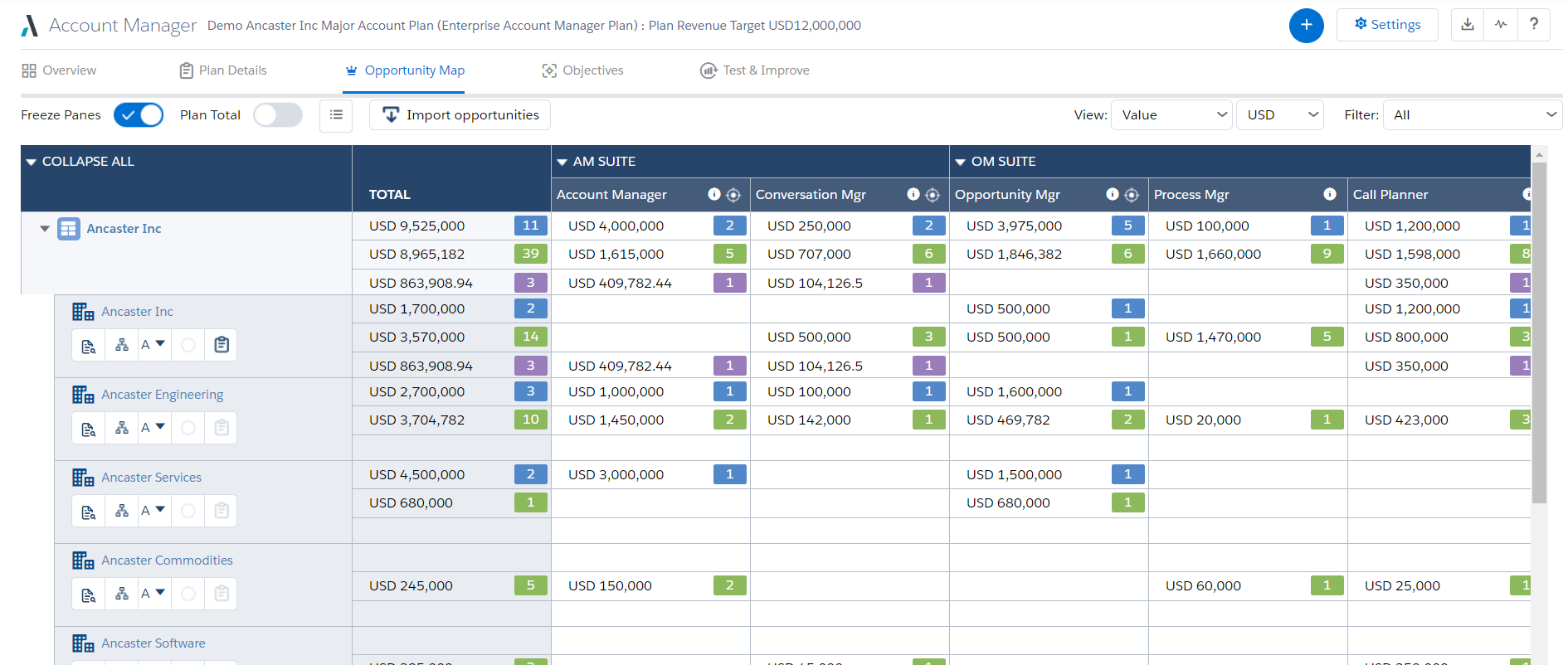
Altify’s suite of Salesforce native solutions guide and coach sellers to identify and map key relationships, uncover business insights, align sales processes to buying processes, qualify, manage and execute deals, and grow wallet share in accounts.
N/A
MoData
Score 8.5 out of 10
Mid-Size Companies (51-1,000 employees)
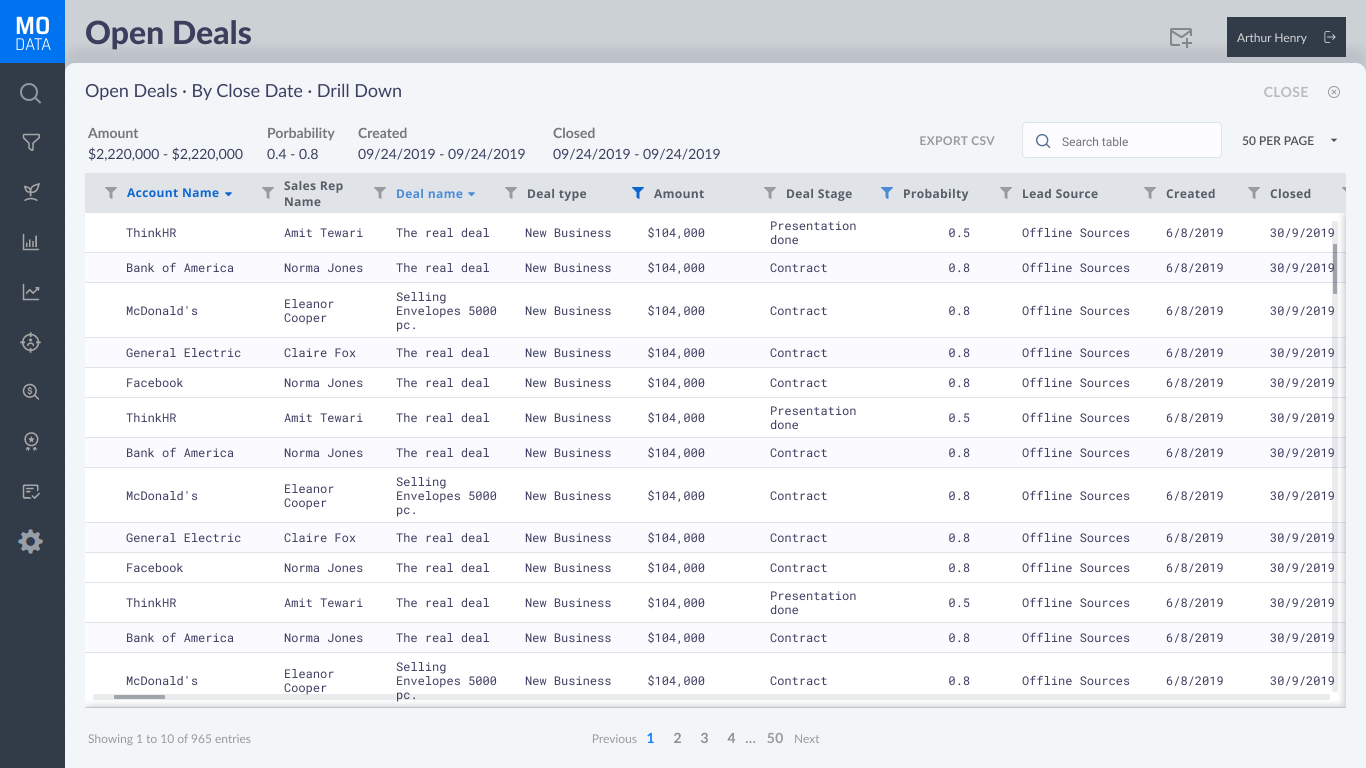
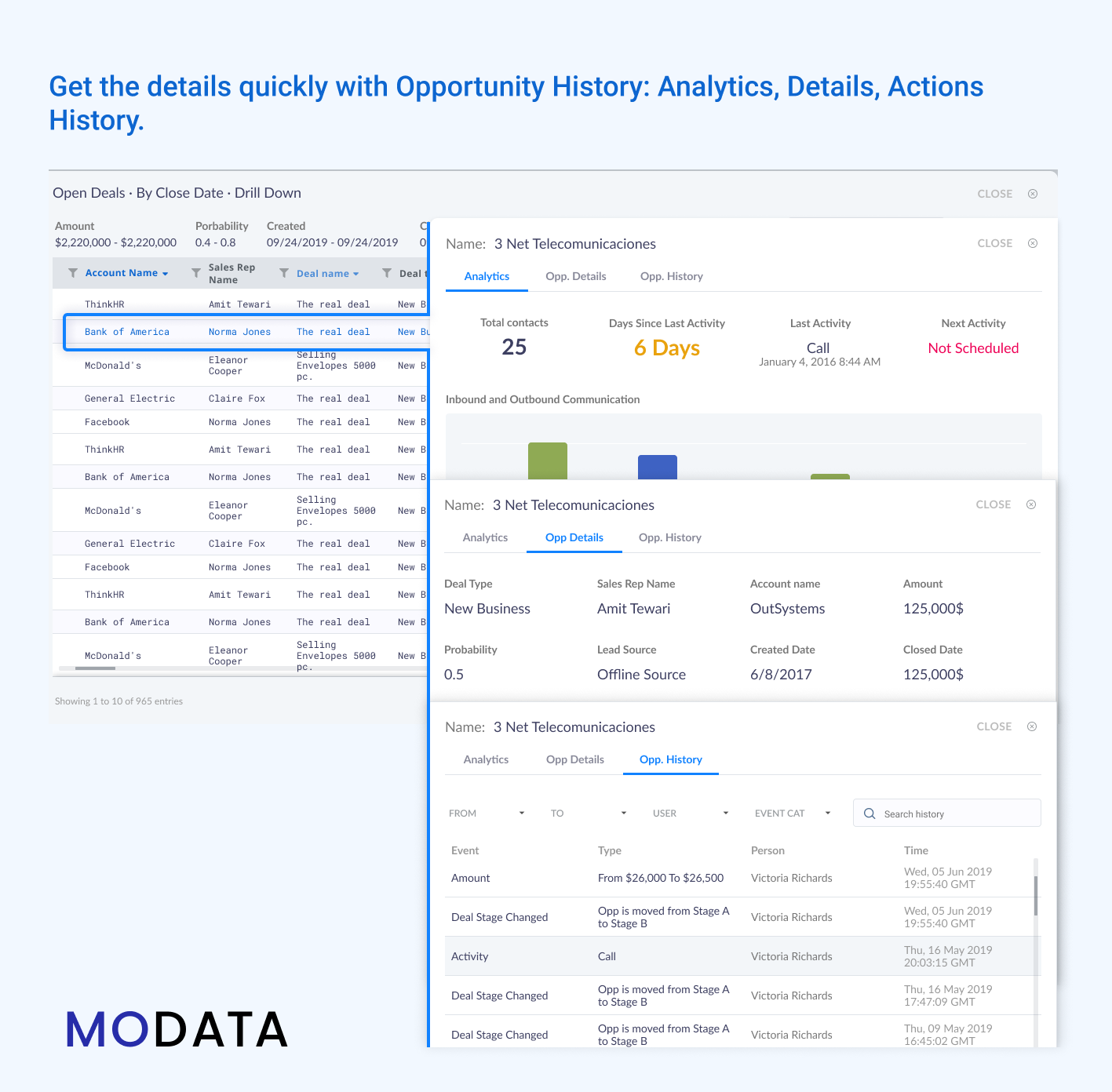
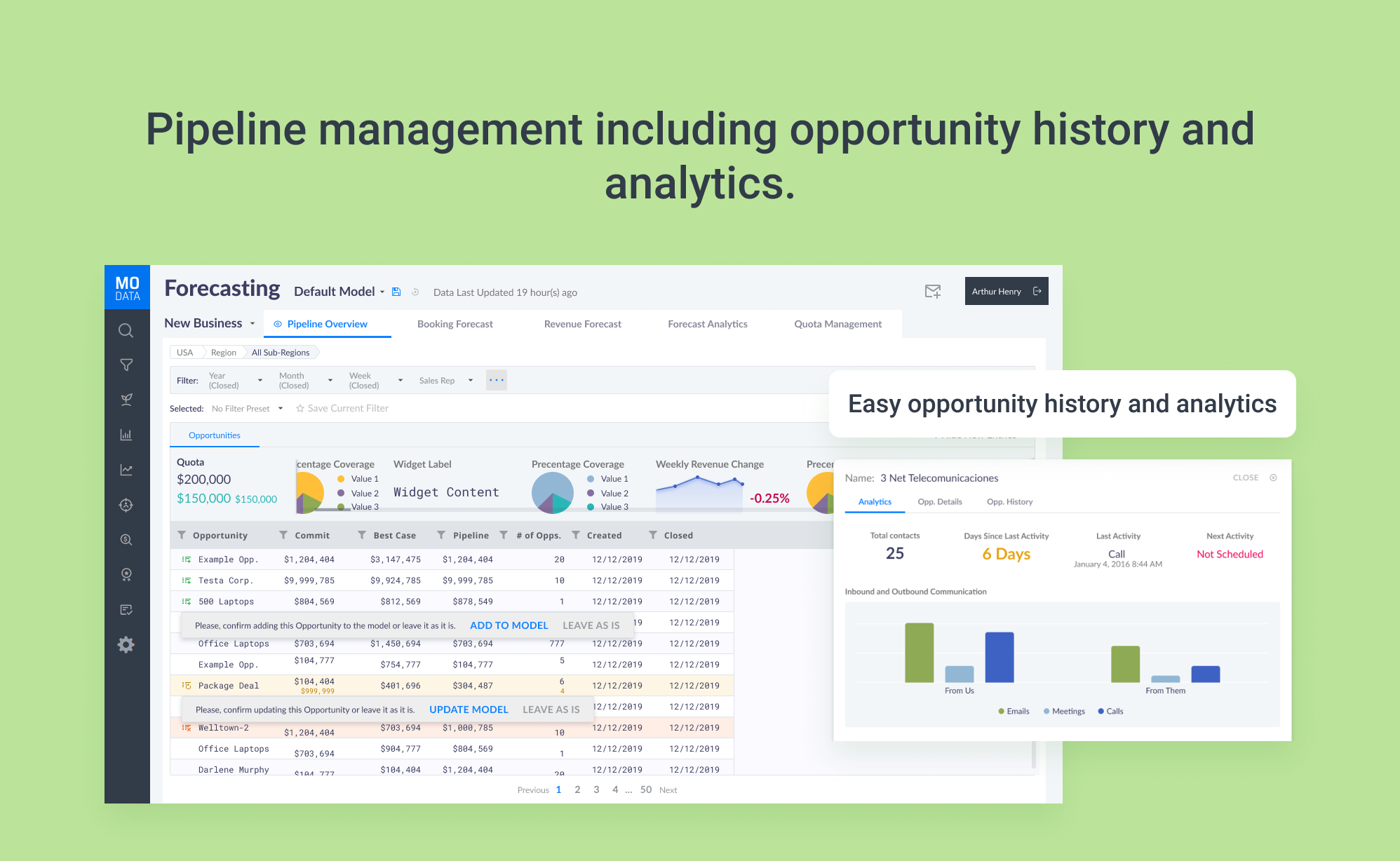
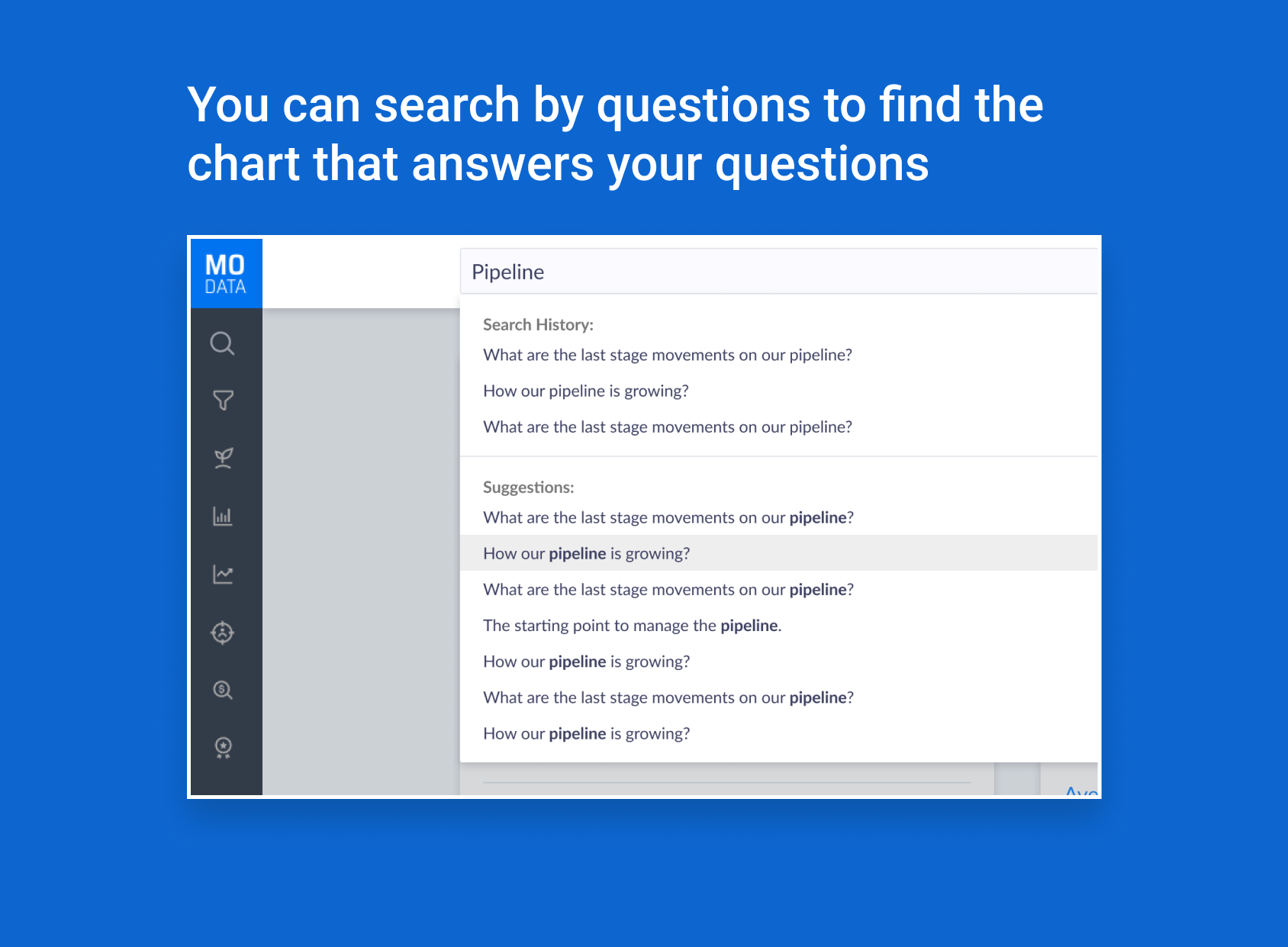
MoData is an AI-powered sales intelligence software that provides organizations with insights on all major sales metrics to help make data-driven business decisions. Key capabilities include pipeline analysis, sales forecasting, revenue analysis, and account based sales reports. The self-service solution comes with hundreds of pre-built widgets and sales KPI charts/reports, enabling users to manage pipelines, leads, sales funnels, and sales activity. MoData’s sales…
N/A
Zoho CRM
Score 8.5 out of 10
N/A
Zoho CRM is a simple, very low-cost CRM option for the smaller end of the SMB segment.
The product has several useful integrations with other products, including QuickBooks, and Google Apps and Google Docs.
The product also has an integrated project management module.
$14
per month
Pricing
Altify
MoData
Zoho CRM
Editions & Modules
No answers on this topic
No answers on this topic
Standard
$14.00
Per User/Per Month
Professional
$23.00
Per User/Per Month
Enterprise
$40.00
Per User/Per Month
Ultimate
$52.00
Per User/Per Month
Plus
$57.00
Per User/Per Month
Offerings
Pricing Offerings
Altify
MoData
Zoho CRM
Free Trial
No
Yes
Yes
Free/Freemium Version
No
No
Yes
Premium Consulting/Integration Services
Yes
No
Yes
Entry-level Setup Fee
Optional
Optional
$14 /user/month
Additional Details
—
The vendor offers custom pricing depending on: the size and makeup of your team, where your data is housed, your technology stack, customer segmentation, or the features you want.
The vendor offers custom quoting and a free trial.
—
More Pricing Information
Community Pulse
Altify
MoData
Zoho CRM
Features
Altify
MoData
Zoho CRM
Sales Force Automation
Comparison of Sales Force Automation features of Product A and Product B
Altify
-
Ratings
MoData
-
Ratings
Zoho CRM
8.4
288 Ratings
7% above category average
Customer data management / contact management
00 Ratings
00 Ratings
8.5279 Ratings
Workflow management
00 Ratings
00 Ratings
8.2266 Ratings
Territory management
00 Ratings
00 Ratings
8.6196 Ratings
Opportunity management
00 Ratings
00 Ratings
8.6253 Ratings
Integration with email client (e.g., Outlook or Gmail)
00 Ratings
00 Ratings
8.6248 Ratings
Contract management
00 Ratings
00 Ratings
8.6203 Ratings
Quote & order management
00 Ratings
00 Ratings
8.1203 Ratings
Interaction tracking
00 Ratings
00 Ratings
8.0249 Ratings
Channel / partner relationship management
00 Ratings
00 Ratings
8.3192 Ratings
Customer Service & Support
Comparison of Customer Service & Support features of Product A and Product B
Altify
-
Ratings
MoData
-
Ratings
Zoho CRM
8.2
221 Ratings
6% above category average
Case management
00 Ratings
00 Ratings
8.4213 Ratings
Call center management
00 Ratings
00 Ratings
7.8172 Ratings
Help desk management
00 Ratings
00 Ratings
8.4189 Ratings
Marketing Automation
Comparison of Marketing Automation features of Product A and Product B
Altify
-
Ratings
MoData
-
Ratings
Zoho CRM
8.4
266 Ratings
8% above category average
Lead management
00 Ratings
00 Ratings
8.5261 Ratings
Email marketing
00 Ratings
00 Ratings
8.4219 Ratings
CRM Project Management
Comparison of CRM Project Management features of Product A and Product B
Altify
-
Ratings
MoData
-
Ratings
Zoho CRM
8.4
263 Ratings
9% above category average
Task management
00 Ratings
00 Ratings
8.5248 Ratings
Billing and invoicing management
00 Ratings
00 Ratings
8.2180 Ratings
Reporting
00 Ratings
00 Ratings
8.4242 Ratings
CRM Reporting & Analytics
Comparison of CRM Reporting & Analytics features of Product A and Product B
Altify
-
Ratings
MoData
-
Ratings
Zoho CRM
8.4
258 Ratings
9% above category average
Forecasting
00 Ratings
00 Ratings
8.3216 Ratings
Pipeline visualization
00 Ratings
00 Ratings
8.3235 Ratings
Customizable reports
00 Ratings
00 Ratings
8.5249 Ratings
Customization
Comparison of Customization features of Product A and Product B
Altify
-
Ratings
MoData
-
Ratings
Zoho CRM
8.2
277 Ratings
7% above category average
Custom fields
00 Ratings
00 Ratings
8.3275 Ratings
Custom objects
00 Ratings
00 Ratings
8.1222 Ratings
Scripting environment
00 Ratings
00 Ratings
8.0178 Ratings
API for custom integration
00 Ratings
00 Ratings
8.3203 Ratings
Security
Comparison of Security features of Product A and Product B
Altify
-
Ratings
MoData
-
Ratings
Zoho CRM
8.3
266 Ratings
1% below category average
Single sign-on capability
00 Ratings
00 Ratings
8.3231 Ratings
Role-based user permissions
00 Ratings
00 Ratings
8.3261 Ratings
Social CRM
Comparison of Social CRM features of Product A and Product B
Altify
-
Ratings
MoData
-
Ratings
Zoho CRM
8.2
165 Ratings
9% above category average
Social data
00 Ratings
00 Ratings
8.2164 Ratings
Social engagement
00 Ratings
00 Ratings
8.2157 Ratings
Integrations with 3rd-party Software
Comparison of Integrations with 3rd-party Software features of Product A and Product B
Altify
-
Ratings
MoData
-
Ratings
Zoho CRM
8.5
210 Ratings
13% above category average
Marketing automation
00 Ratings
00 Ratings
8.7207 Ratings
Compensation management
00 Ratings
00 Ratings
8.4138 Ratings
Platform
Comparison of Platform features of Product A and Product B
Altify is very well suited for customer relationship mapping and for use on very large, long term and complex deals. Altify is created and represented as an enterprise-level tool, but even some of its functions are too overbuilt for enterprise level sales activities. Altify is a tool best utilized only for the top level of complex deals within an organization. Features such as customer relationship mapping do have use and benefit for mid to large level deals and is arguably the most valuable tool in the Altify suite. After nearly a year using Altify, my recommendation on its use would be to enable account plans, account management, opportunity management, and sales process manager only to the top strategic account reps in the organization, realizing that they are probably best used purely out of the box as any customizations create other complications. For the rest of the sales teams, the customer relationship mapping feature is the one tool reps would gain the most value out of.
Interfacing with our target clients at the correct minute is crucial in today's society. Another valuable include is its capacity to coordinated with other programs. It helps me in keeping track of the every day work emails I send to my colleagues or get. Zoho CRM makes it straightforward to consequence or send out information agreeing to our needs. Zoho makes a difference keep in mind individuals by means of e-mail and pop-ups, which dispenses with the issue of overlooking follow-ups and reminders. This not as it were helps within the organization of this incredible instrument but moreover within the execution of data.
Sales Process Manager: The Altify Sales Process manager's biggest drawback is the lack of usability for the end user. Altify has an out of the box sales process or a custom one can be created based on the company sales process. The drawback is that unless the sales process includes very few items, it can be more cumbersome than helpful. The Rep walks through the Sales Process by selection whether they have "Completed" are "In Progress" or have "Not Completed" the sales process activities at each stage of the opportunity. Altify saves after each selection so there is considerable downtime as the user waits for their selection to be recorded before they can answer the next question. Altify has an option to automatically advance the Salesforce opportunity Sales Stage once a certain % or mandatory steps in the sales process are completed, however this is not entirely useful as it does not advance until the set % or mandatory marked processes within a Sales Stage are completed AS WELL as at least one process from the next sales stage. This becomes very confusing and cumbersome for the users. In most cases, the sales process manager becomes more of a micromanagement tool with managers requiring all items to be marked completed and the Users merely marking items to satisfy that requirement without getting the intended benefit of the guided selling experience.
Account Plans: Account Plans can be grouped in both "does well" and "does poorly" for the Altify Suite. I will outline the bad in this portion of the review. Altify Account Plans do have some ability for customization, however the standard out of the box options are incredibly overbuilt. Filling out all of the information within the Account Plan can consume 40+ man hours for a single Account. While some of this information can be useful and important to note, other portions become more cumbersome than useful. The Completeness and Scorecard portions of the use a number of calculations. These calculations are explained at the bottom of the page but from a user perspective are very confusing and not straightforward. Most users that begin using account plans quickly abandon them because of the difficulty in setting them up correctly and the minimal insights that are gleaned out of the work put into them. One place for the greatest opportunity to improve account plans is in the objectives section, there the user can set objectives and activities (tasks) to meet them. The tasks must be manually selected to create an actual task in Salesforce and this cannot be assigned out to other SF Users. This portion of the Account plan would be improved if it could be used as a holistic account management platform to manage tasks across all the opportunities and potential opportunities, with an ability to assign them out to others in Salesforce within the account team.
Altify Max Insights: Altify max insights is intended to provide coaching advice at the opportunity level. This feature is tied into the opportunity manager. The drawback to this feature is that the insight mainly pertains to whether or not a user filled out all the steps in the opportunity manager: the sales process, the opportunity assessment, strategy, and the customer relationship map. The insights are far less action-oriented and more of a reminder to use the tool components. This tool just doesn't hold value, especially as it is an add on product.
Lack of Customization - While Altify does allow customization of some of their products and components, Altify has a ton of limitations. One of the most frustrating aspects is that all of the processes happen from their "black box" which is the dealmaker opportunity objects that Altify creates. This is essentially a shadow copy of the opportunities within Salesforce that then push changes to the actual opportunity. There is no way to tap into this shadow opportunity to either run custom processes or to even surface the Altify insights in a BI tool such as Einstein. This means that a lot of the use and functionality that Altify does do well cannot be leveraged for company insights or user end improvements.
Need some way to switch a field type without losing the pre-existing data.
The settings controls should be broken out differently - I don't like that I can't keep some users from exporting all contact records (i.e., the entire Contacts module) because if the export function is turned off, the export function of Reports for those same modules is also blocked.
Frustrating that only 3 custom lookup fields are allowed per module in our license.
i have already renewed my subscription twice. I am in the 3rd Year now. I have been using it for a while and have been recommending to my friends as well.. have attended ZOHOLICs the annual program of zoho and it gave me new insights of managing the crm solutoin.
The methodology of the 'out of the box' user interface is fairly easy to learn. In some cases however, the interface is not consistent throughout the software. Upgrades to the interface has certainly improved some of this--- but now we are seeing the same kinds of inconsistencies across Zoho apps, particularly those more recently added to their platform. This issue is not major in that everybody on staff seems able to learn how to work the programs--- it's just annoying and less than efficient when inconsistent user interfaces or inconsistent terms are used in the programs and/or the requisite documentation.
In my many years using Zoho, I think there were only 1 or 2 days when there was something happening and I was not able to log in. Sure, it wasn't fun and we all panicked a bit, but right after that, all was well and work-life continued. Being cloud based, I'm never worried about losing my iPhone, iPad or Laptop as I know I can log in anywhere on any device and workflow won't stop.
I don't recall every having any issues with a page not loading due to it being a Zoho issue. Anytime I've had any issues with something being wonky, I clear cache and that has always solved the problem. Or a simply computer reboot and we're back, hard at work. Look, I don't expect any product to delivery 100%, 100% of the time but if I had any consistent ongoing issues, I would have left many years ago. I still keep my eyes open to what is new but after a quick evaluation, I know Zoho will long be my home.
We did the training and that was a huge waste of money. The information provided was basic and the instructor was sloppy (he even forgot to turn off his mic when he used the restroom - no one should ever hear what we heard). I offered up a 9 because we were able to find what we needed on your website.
I attended a Zoho-Holics event in Austin, TX, several years ago, and it blew my mind. So many industries were represented using Zoho in so many different ways. It was unbelievable all that I learned from that experience, as there were features that I wasn't aware of that I immediately started using. Best of all, the trainers were patient and knowledgeable
There is an endless supply of YouTube videos from Zoho and the many Zoho partners/consultants. Plus, Zoho has it's own library of training videos and webinars to learn from plus an entire community at the ready to answer any questions. While Zoho has been available for many years, there are constantly new training videos and webinars available for the novice and the experienced users.
When you switch CRMs, you can automatically assume everything isn’t going to match up correctly. We had used Salesforce for 10+ years and had a ton of data and customizations. It was not a clean transfer, but we were able to sort it all out. The only issue that really bothered me was Zoho support. Even simple questions couldn’t be answered over chat, and we would have some team members try for hours to find the right answer
While Skuid is not a match to what Altify does in terms of capabilities, Skuid did allow us to natively create the functions that we needed within the business in a way that was more useful than the Altify tools out of the box functionality. Altify does not offer anything for a more "light touch" opportunity, which is its greatest drawback. With Skuid we were able to create our own solution for these lighter touch opportunities
Free user access was one reason to use it more than any other software. Also, for a mid-size organization, the Salesforce cost was a little higher, and Pipedrive was almost similar to Zoho. As we were already using Zoho, we found no urgency to switch.
I think Zoho CRM is priced at a reasonable amount. Simply put, you get what you pay for and Zoho does not disappoint. My organization is comfortable with what we pay and pleased with continually renewing the software. The billing frequency is just right. There are no complaints on our end
We're still in the early stages of scaling this across departments. We have high aspirations of doing this, but it takes time to migrate to the new system and to help people get acquainted of doing their work in a different way thru Zoho.
In addition to being a user of Zoho CRM, we are a reseller as well. Often, at times our Partners request for on-boarding the platform configuration for them. During such requirements, we have utilized the Professional services team directly from the Zoho CRM team. Our partner feedback was quite positive, throughout.