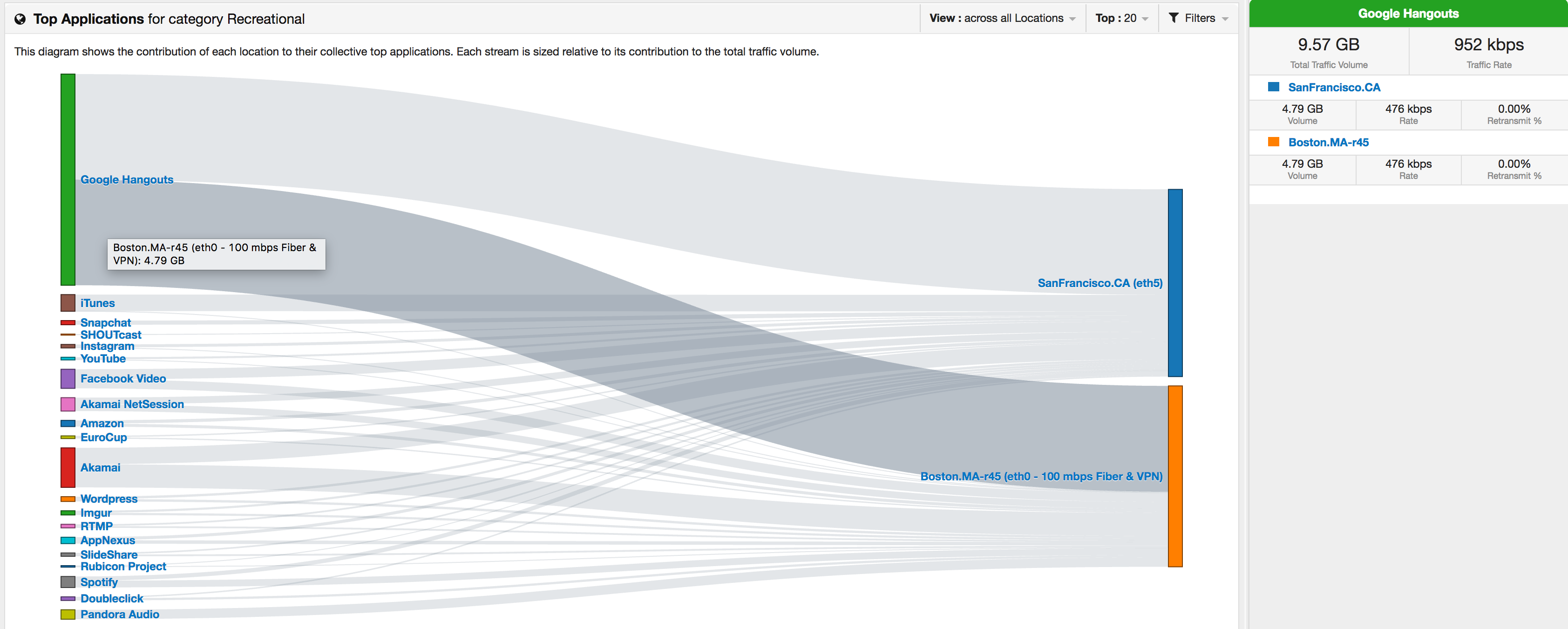
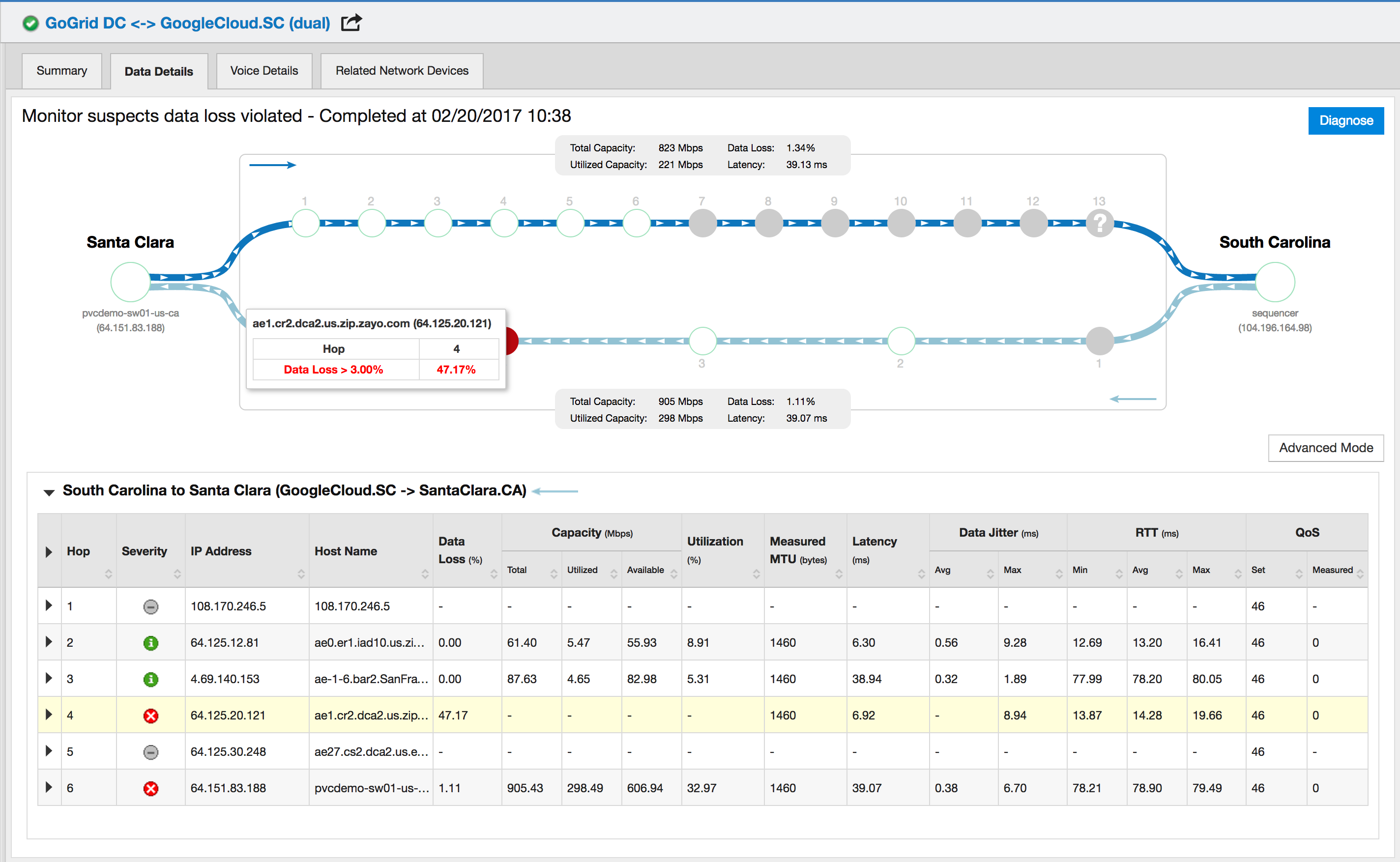
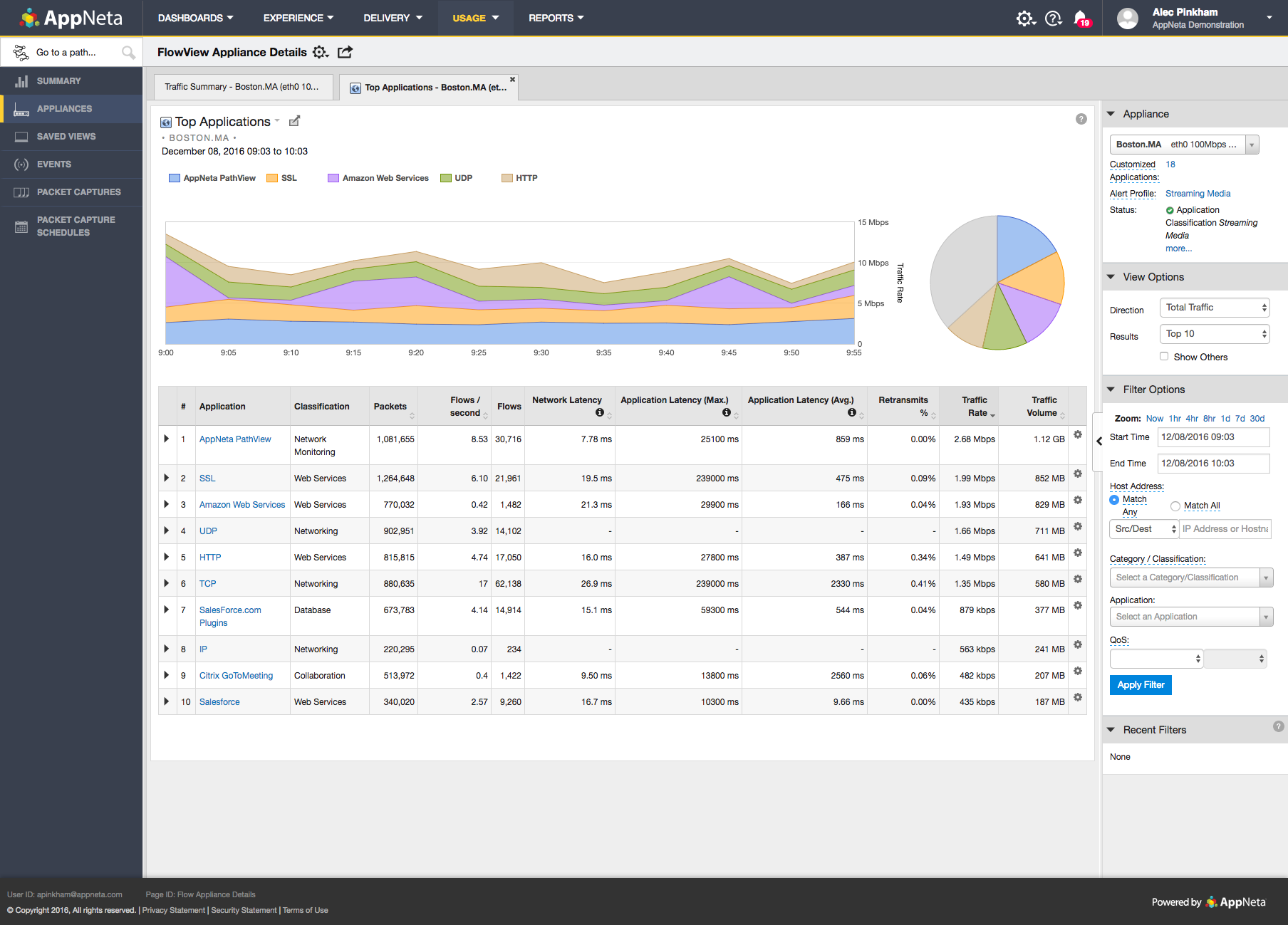
AppNeta provides performance monitoring solutions for distributed, cloud-connected, digital enterprises. AppNeta’s SaaS-based solutions give IT teams application and network performance data, allowing them to constantly monitor user experience across any application, network, data center or cloud.
N/A
Paessler PRTG
Score8.4 out of 10
N/A
PRTG Network Monitor is the flagship offering from German software company Paessler, for monitoring local and wide area networks (LANs & WANs), servers, websites, apps, and more.
$2,149
per year
PingPlotter
Score9 out of 10
N/A
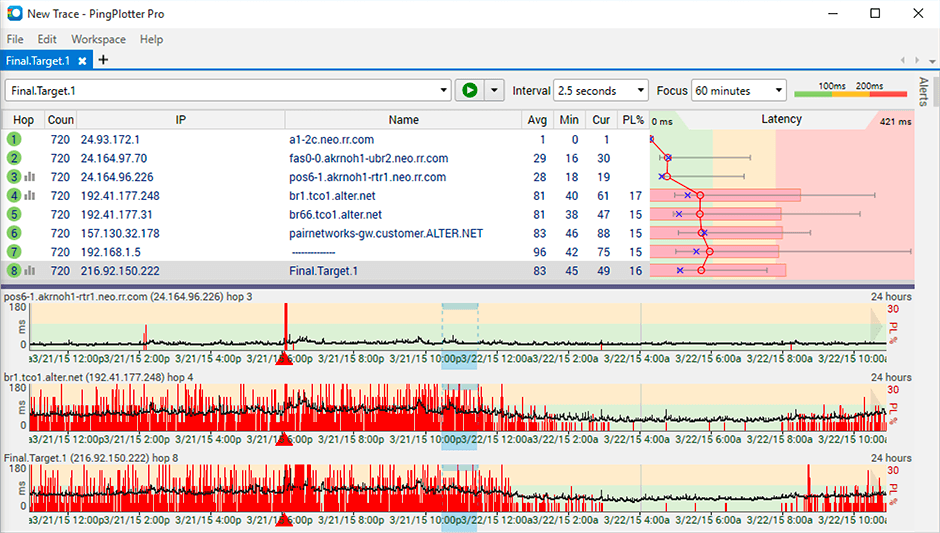
PingPlotter is a graphical traceroute and ping tool that visualizes network performance in a way that makes identifying the source of problems quicker and easier for everyone from online gamers and video streamers to VoIP admins and IT pros. Features for remote deployment, network monitoring, scripting, and a web interface are included along with several additional capabilities.
$0
per user
Pricing
AppNeta
Paessler PRTG
PingPlotter
Editions & Modules
No answers on this topic
PRTG 500
$2,149
per year
Hosted 500
$2,149
per year
PRTG 1,000
$3,899
per year
Hosted 1000
$3,899
per year
PRTG 2,500
$8,099
per year
Hosted 2500
$8,099
per year
PRTG 5,000
$14,199
per year
Hosted 5000
$14,199
per year
PRTG 10000
$17,899
per year
PRTG Enterprise
Custom Pricing
subscription license
PingPlotter Free
$0.00
per user
PingPlotter Free
$0.00
per user
PingPlotter Standard
$6.99
per user per month
PingPlotter Professional
$29.00
per user per month
PingPlotter Standard
$39.99
per user
PingPlotter Professional
$349.00
per user
Offerings
Pricing Offerings
AppNeta
Paessler PRTG
PingPlotter
Free Trial
No
Yes
Yes
Free/Freemium Version
No
No
Yes
Premium Consulting/Integration Services
No
Yes
No
Entry-level Setup Fee
No setup fee
No setup fee
No setup fee
Additional Details
—
—
—
More Pricing Information
Community Pulse
AppNeta
Paessler PRTG
PingPlotter
Considered Multiple Products
Broadcom
No answer on this topic
Paessler
No answer on this topic
Pingman Tools
Verified User
Chose PingPlotter
I've tried more products that are not in the list but PingPlotter is the easiest to use and the better one so far because of the interface and function.
A de minimis incentive was given to thank the reviewer for their time. The incentive was not used to bias or drive a particular response, nor was the incentive contingent on a positive endorsement. More Info
Network Engineer in Information Technology at People's Postcode Lottery (Gambling & Casinos, 201-500 employees)
Chose PingPlotter
I have tried a few free products and some paid ones but never really did what I wanted. I just needed a simple, always-on link monitor specifically with a traceroute element and this is what PingPlotter delivers. The others were either overly complex or too expensive, some just …
A de minimis incentive was given to thank the reviewer for their time. The incentive was not used to bias or drive a particular response, nor was the incentive contingent on a positive endorsement. More Info
AppNeta is awesome for getting site-to-site statistics or trying to find out why at 3 am every night, this server loses connectivity to another server in a different data center. But we have found the multiple bugs in the hardware hard to deal with when the devices are a 4-hour plane ride away and require someone to console into the device.
A de minimis incentive was given to thank the reviewer for their time. The incentive was not used to bias or drive a particular response, nor was the incentive contingent on a positive endorsement. More Info
integrates seamlessly with Windows servers via WMI and PowerShell, providing deep insights into resource usage, performance metrics, and system health. It's excellent at tracking CPU, memory, disk space, and event logs, enabling rapid troubleshooting and proactive maintenance. PRTG Network Monitor also effectively monitors Fortigate devices, providing detailed data on firewall health, traffic patterns, bandwidth utilization, VPN status, and security alerts. This visibility helps detect and resolve network security issues promptly.
A de minimis incentive was given to thank the reviewer for their time. The incentive was not used to bias or drive a particular response, nor was the incentive contingent on a positive endorsement. More Info
This tool is best suited to get a quick read on basic network access across multiple hops. It provides immediate, very valuable feedback. If you know your stuff, there are other tools that handle the rest you need: packet capture, port scans, etc. We are all looking for that multi-tool, but this is perfect for the basic need of knowing where in the network a problem might be.
A de minimis incentive was given to thank the reviewer for their time. The incentive was not used to bias or drive a particular response, nor was the incentive contingent on a positive endorsement. More Info
A de minimis incentive was given to thank the reviewer for their time. The incentive was not used to bias or drive a particular response, nor was the incentive contingent on a positive endorsement. More Info
A de minimis incentive was given to thank the reviewer for their time. The incentive was not used to bias or drive a particular response, nor was the incentive contingent on a positive endorsement. More Info
Licensing on a per entity basis can be cumbersome for devices which have a ton of monitoring points like network switches\routers. Each sensor may count against a license, which could be a lot of you were monitoring every TX\RX of an SFP for example
A better method to easily template\copy monitors across devices
The navigation in the web GUI could be a little more straightforward in terms of the hierarchy
A de minimis incentive was given to thank the reviewer for their time. The incentive was not used to bias or drive a particular response, nor was the incentive contingent on a positive endorsement. More Info
Being able to export data would have been helpful for a larger analysis.
It is a robust program and probably more than we needed for a small business; some options that were better aligned with our budget would have been good.
As a non-technical person in the networking space, I found the data helpful for communicating, but not always easy to understand.
I would renew it because the platform has brought us many technical and economic benefits that make the cost-benefit ratio very good. Additionally, to do so does not require large investments in training, licensing or infrastructure, and at the administration level, extensive knowledge is not required to be able to bear it.
A de minimis incentive was given to thank the reviewer for their time. The incentive was not used to bias or drive a particular response, nor was the incentive contingent on a positive endorsement. More Info
The tool is very intuitive to use and it is Windows-based (everybody knows how to use Windows) so it's easy to get into. Every time is setup in a hierarchy so if you have a good initial hierarchy design, it will really reduce administrative effort down the road.
A de minimis incentive was given to thank the reviewer for their time. The incentive was not used to bias or drive a particular response, nor was the incentive contingent on a positive endorsement. More Info
I installed it and it just started working. I realized I could then tweak it to show what I needed but didn't have to spend a long time configuring it before use, editing YAML files etc. Maybe that's fine for a network professional, but I only need this software if something goes wrong, and then need it to work quickly out of the box.
A de minimis incentive was given to thank the reviewer for their time. The incentive was not used to bias or drive a particular response, nor was the incentive contingent on a positive endorsement. More Info
A de minimis incentive was given to thank the reviewer for their time. The incentive was not used to bias or drive a particular response, nor was the incentive contingent on a positive endorsement. More Info
PRTG does everything we need it to do and more. Ease of use, ease of management and maintenance and clarity of monitoring of hundreds of different types of device and service gives this a large advantage over other products on the market that I have tried. I would definitely recommend it to anyone who needs a network monitoring product in their environment and even to people who don't know they need a solution yet!
A de minimis incentive was given to thank the reviewer for their time. The incentive was not used to bias or drive a particular response, nor was the incentive contingent on a positive endorsement. More Info
I have not had much contact with the PingPlotter support, only one time have I went to them and it was a positive experience. The questions I had were answered quickly and professionally. I have no issue with the experience I had with the Support team. This was from before and after the purchase of the product.
A de minimis incentive was given to thank the reviewer for their time. The incentive was not used to bias or drive a particular response, nor was the incentive contingent on a positive endorsement. More Info
It's very important that de project's teams have different member of the TI. We have learned too late the importa of Security Analyst at the design architecture moment. We have to rebuild part of the implementation for made this big mistake.
A de minimis incentive was given to thank the reviewer for their time. The incentive was not used to bias or drive a particular response, nor was the incentive contingent on a positive endorsement. More Info
A de minimis incentive was given to thank the reviewer for their time. The incentive was not used to bias or drive a particular response, nor was the incentive contingent on a positive endorsement. More Info
PRTG offers more versatility in monitoring when compared to the other solutions we tested. The other solutions were also limited as far as customization options, which made them less adaptable to our networks. When compared to Auvik, for instance, we prefer PRTG as it offers immediate notifications through the desktop client - not limited to email notifications as with Auvik. We also appreciate the fact that PRTG can be self/on-prem hosted vs Auvik's cloud model. This makes for an easier deployment and less firewall adjustments to allow traffic to cloud-hosted solutions.
A de minimis incentive was given to thank the reviewer for their time. The incentive was not used to bias or drive a particular response, nor was the incentive contingent on a positive endorsement. More Info
I used Ping.app and UptimeLog.app on the Mac. These both provided different aspects. These two had a menubar to show me green or red for multiple connections. UptimeLog showed me very clearly when my connectivity was on or off and for exactly how long
A de minimis incentive was given to thank the reviewer for their time. The incentive was not used to bias or drive a particular response, nor was the incentive contingent on a positive endorsement. More Info
The ability to analyze multiple pieces of information in one place, especially with historical data, has saved our IT department time and headaches. It would be so much more difficult to trace an issue without PRTG, just relying on event logs and an open task manager window.
The cost is not cheap, so it's an expense that hits the bottom line like everything else. Figure in hardware costs as well, ideally a server outside of your main environment.
I keep saying this, but the historical data piece is worth so much. There's really no good way to collect all of that information in one place without something like PRTG. And that definitely saves time and money in the long run.
A de minimis incentive was given to thank the reviewer for their time. The incentive was not used to bias or drive a particular response, nor was the incentive contingent on a positive endorsement. More Info
A de minimis incentive was given to thank the reviewer for their time. The incentive was not used to bias or drive a particular response, nor was the incentive contingent on a positive endorsement. More Info