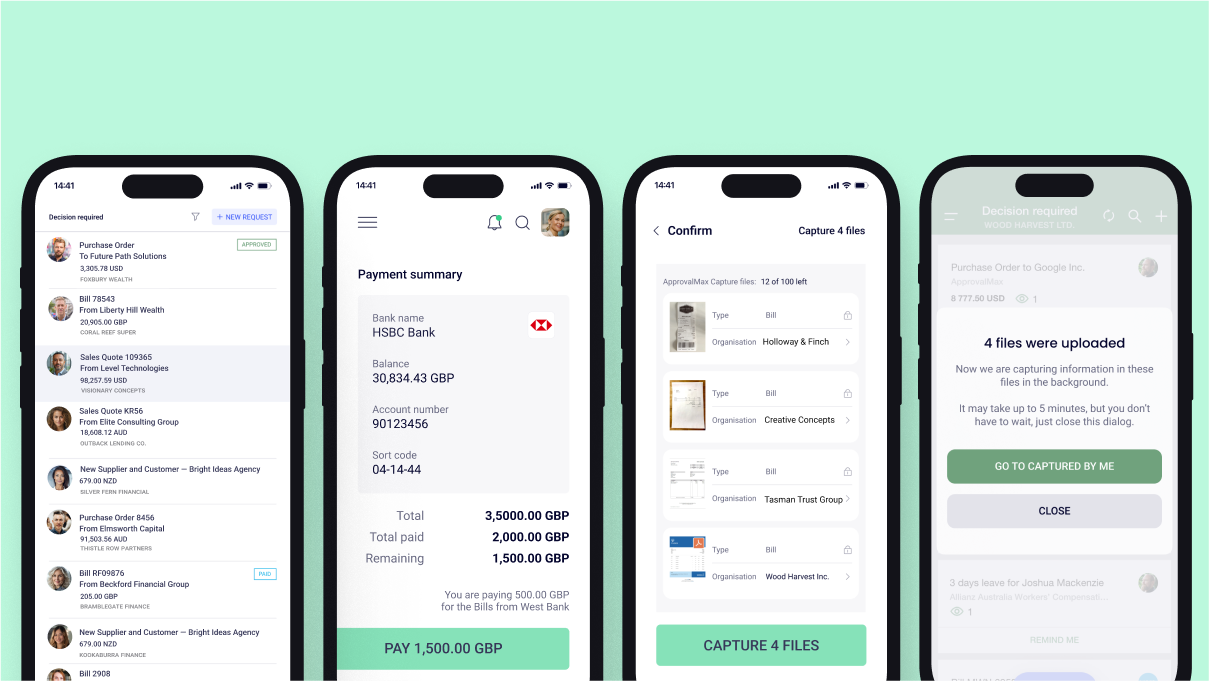
ApprovalMax
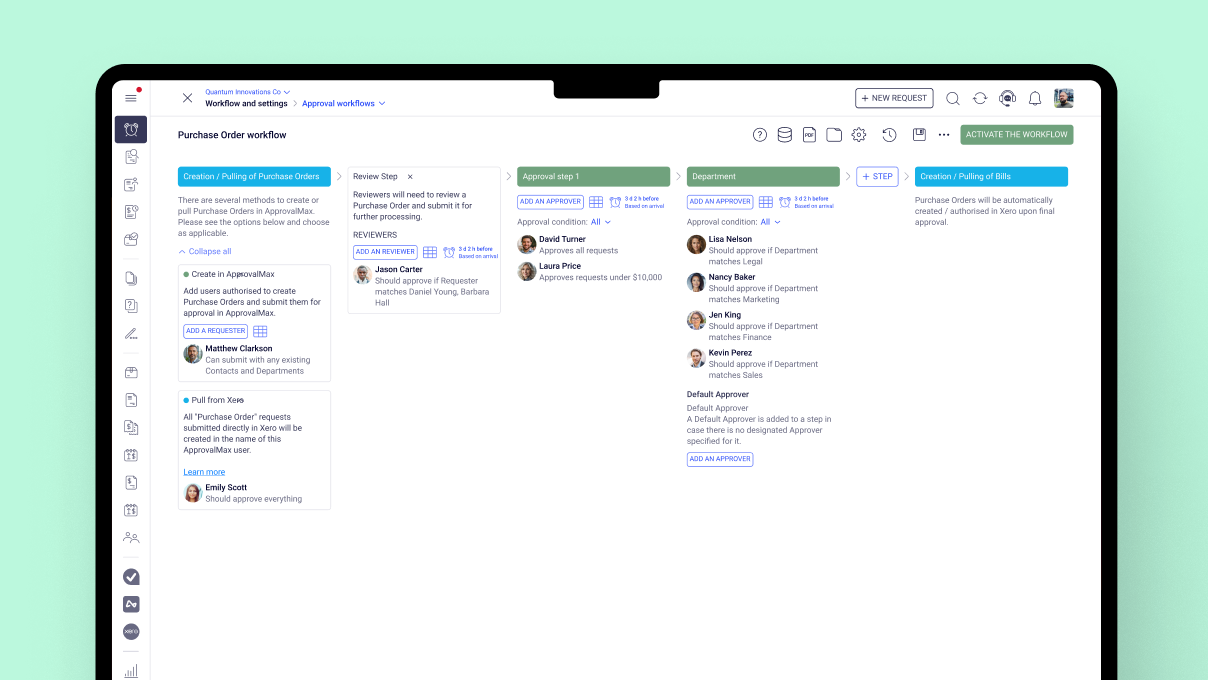
provides approval workflow automation for cloud accounting platforms such as
Xero and QuickBooks Online. It replaces paper- and email-based approval
processes with multi-step and multi-role automated approval workflows that
enable automated notifications to approvers, automated audit trails, and mobile
approvals.
Approval
workflows include:
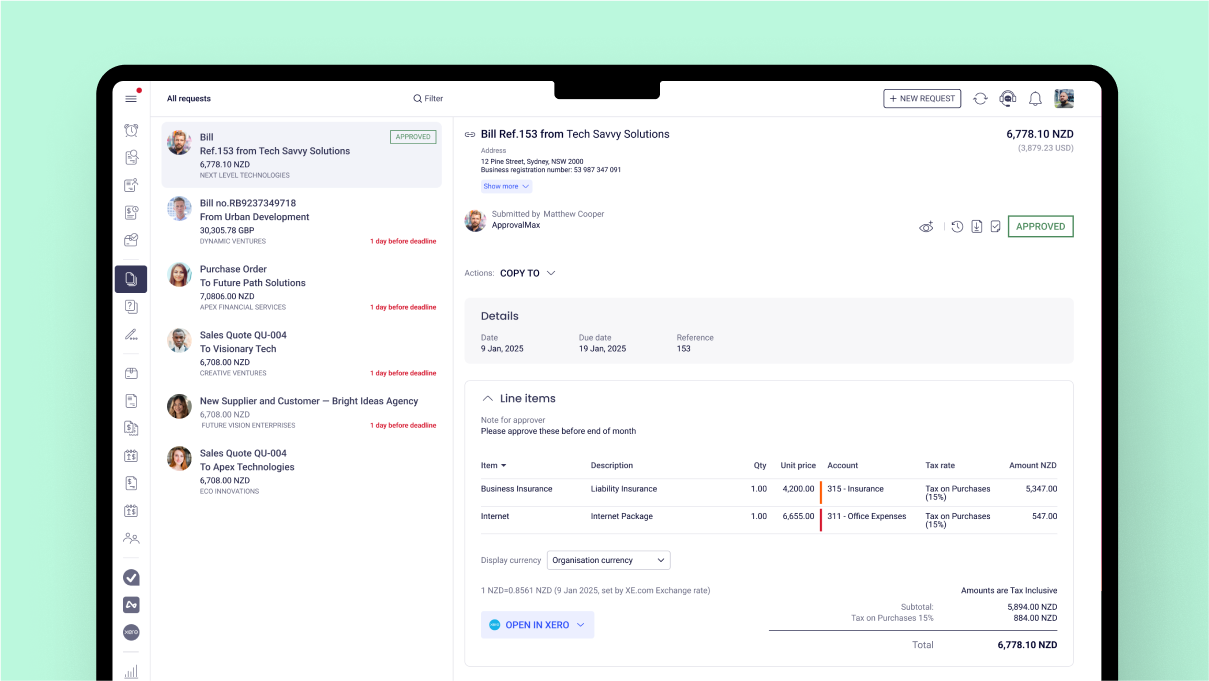
Invoice approvals / bill review and
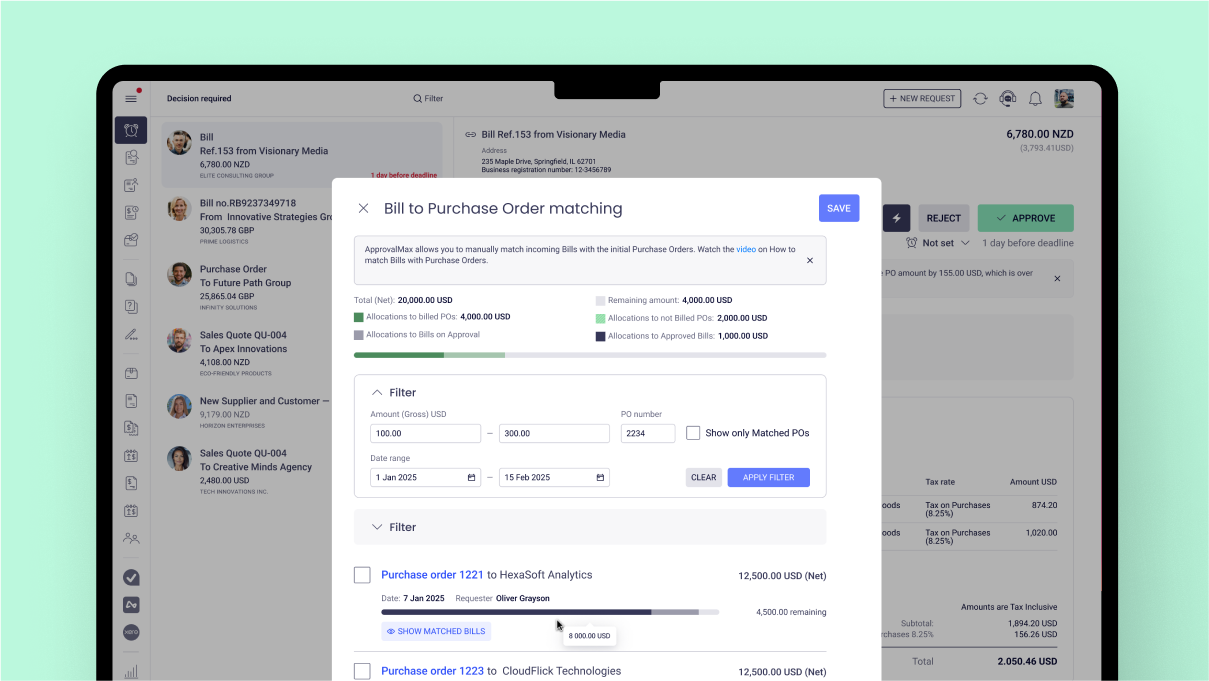
bill approval Purchase order approval, including
the functionality to create…
$54
per month
Expensify
Score9 out of 10
N/A
Expensify automates the entire spend management process. Scan receipts, track mileage, submit and approve expenses, manage corporate cards, reimburse employees, pay bills, send invoices, and book travel. Built for individuals and companies of all sizes, anywhere in the world.
$5
per month per user
Pricing
ApprovalMax
Expensify
Editions & Modules
ApprovalMax Standard
$54
per month per organization
ApprovalMax Advanced
$83
per month per organization
ApprovalMax Premium
$121
per month per organization
Collect
$5
per month per user
Control
$9
per month per user
Offerings
Pricing Offerings
ApprovalMax
Expensify
Free Trial
Yes
Yes
Free/Freemium Version
No
No
Premium Consulting/Integration Services
Yes
No
Entry-level Setup Fee
Optional
No setup fee
Additional Details
Discount available for annual pricing and for management of multiple organizations.
As mentioned previously - able to send invoice based on amount , program code and division code ,supplier is very useful feature ; If an invoice does not fit into approval process than it is rejected and an email is received mentioning the reason
A de minimis incentive was given to thank the reviewer for their time. The incentive was not used to bias or drive a particular response, nor was the incentive contingent on a positive endorsement. More Info
I think it's really good for small businesses. At least in the way we use it. It's very good for keeping an eye on employee spending in nearly real time. I'm not sure how it works for larger companies when there is a larger number of people to keep track of.
A de minimis incentive was given to thank the reviewer for their time. The incentive was not used to bias or drive a particular response, nor was the incentive contingent on a positive endorsement. More Info
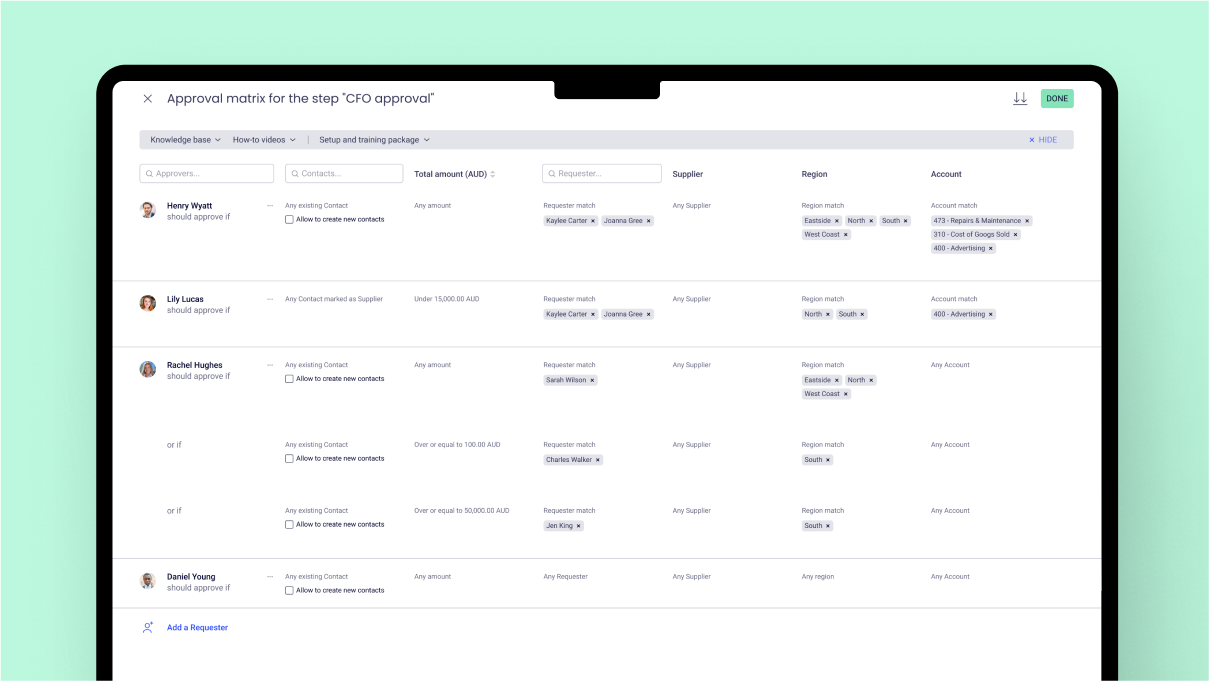
choice based on Program codes / division codes - we use Xero accounting system and we have 22 program codes and 11 divison codes ; once invoice is entered in Xero depending on relevant program code and divison code, Approval max automatically send invoice to relevant person depending on approval workflow process . One manager could be handling multiple divison and program codes; if our approval work flow process is properly designed - it is accurate in sending invoice to relevant manager.
invoice can also send to various managers based on General ledger codes ; this flexibility makes useful when manager is handling only certain nature of expenses regardless of program codes / divisionl.
Approval process can also be designed based on level of amount ; and level of amount is derived from our Delegation policy. it makes audit of application of delegation policy easy ; we give copy of delegation policy and print of approval work flow process to auditor.
A de minimis incentive was given to thank the reviewer for their time. The incentive was not used to bias or drive a particular response, nor was the incentive contingent on a positive endorsement. More Info
A de minimis incentive was given to thank the reviewer for their time. The incentive was not used to bias or drive a particular response, nor was the incentive contingent on a positive endorsement. More Info
date and time of change in approval process ; for example if Mr. A was responsible for all expenses above $1000 in Oct 23 and from Nov 23 it is changed to $5000 . in Dec 23 if it is checked - it will show approval limit of $5000 ; but will not show from which date limit was changed. Auditor always asks this question when the limit was changed in approval max - we cannot prove it.
If there is audit trail of who made the changes , when and what changes were made ; will be good.
when we are in main page of seeing invoices awaiting approval - there are hundreds of invoices - searching for one invoice from particular supplier is very cumbersome job - we have to go by each and every invoice in order to find that invoice ; it will be good if we have search function on main page itself ; in current scenario we have to go to report section - input all filters and than search for that particular invoice.
A de minimis incentive was given to thank the reviewer for their time. The incentive was not used to bias or drive a particular response, nor was the incentive contingent on a positive endorsement. More Info
I wish that I could sync accounts on the back end kind of like with banking software, so that Expensify would automatically port over receipts for recurring expenses as soon as they're available
It would be nice to one-click submit an expense all the way through instead of having to attach it to a report
Wackier profile icons? :) Not a big deal. This software is pretty much amazing as it is now, and typically the urge to update and modify very good software leads to poor outcomes!
A de minimis incentive was given to thank the reviewer for their time. The incentive was not used to bias or drive a particular response, nor was the incentive contingent on a positive endorsement. More Info
We like using the tool and we receive positive feedback from employees and management who use the tool. It saves time and helps us concentrate on the value adding activities so we are very likely to keep using Expensify in the future
A de minimis incentive was given to thank the reviewer for their time. The incentive was not used to bias or drive a particular response, nor was the incentive contingent on a positive endorsement. More Info
My rating of 8 out of 10 for Expensify's overall usability reflects its strong performance in empowering individual users and streamlining core expense processes, while acknowledging that there are specific areas, particularly on the administrative or enterprise side, where the user experience could be further refined. Exceptional End-User Experience (for basic tasks).Automation & Time-Saving Features.Clear Workflow for Approvers. Why it's not a perfect 10 (areas for improvement that dock points): Limited corporate bank to choose from, limited multi-currency to pay to ( for instance, as a foreign corporatio,n i cannot pay with my US account to Israeli employees, or pay to our UK employees)
Our rep has been amazing. He has built custom reports for us that have been very time consuming and difficult. Our reps are also currently looking into new submission solutions for us that we are excited about. They came up with this and recommended it on their own without me complaining about an issue. They are about our success and are very excited about the product they offer.
A de minimis incentive was given to thank the reviewer for their time. The incentive was not used to bias or drive a particular response, nor was the incentive contingent on a positive endorsement. More Info
The implementation process went rather smoothly, linking it to the bank and cards was handled easily. without too many unnecessary steps. Getting the accounts setup did take some time, but that would be true with any organization. All in all things went smoothly and I was very pleased with the setup and implementation process
A de minimis incentive was given to thank the reviewer for their time. The incentive was not used to bias or drive a particular response, nor was the incentive contingent on a positive endorsement. More Info
It is definitely 10 times better than using an Excel spreadsheet. We are talking a digitized with AI type capabilities to do the work for you. It’s honestly a lifesaver. This beats manual calculations and data entry any day. Scanning 100 receipts and saving them to pdf files not only takes space on your storage but it is an extra unnecessary step
A de minimis incentive was given to thank the reviewer for their time. The incentive was not used to bias or drive a particular response, nor was the incentive contingent on a positive endorsement. More Info
It has certainly made a positive impact ; it is definately worth its value ; when we are processing hundreds of invoices every fortnight ; getting approval of invoices in timely manner for all invoices is of paramount importance . as approval max has its own app - approval can be done on mobile phone also ; this is particularly helpful when staff is travelling .
A de minimis incentive was given to thank the reviewer for their time. The incentive was not used to bias or drive a particular response, nor was the incentive contingent on a positive endorsement. More Info
We went from paying credit card fees with no approval process to a no fees and complex approval processes.
I personally save time in not having to develop a spend report I just have my admin assistent fill in the details of the auto generated report and it is done. Went from an hour long process to 5- 10 minutes max to prepare a high quality audit ready report.
A de minimis incentive was given to thank the reviewer for their time. The incentive was not used to bias or drive a particular response, nor was the incentive contingent on a positive endorsement. More Info