
Atlassian Loom vs. Userlytics
Atlassian Loom vs. Userlytics
| Product | Rating | Most Used By | Product Summary | Starting Price |
|---|---|---|---|---|
 Atlassian Loom | N/A | Loom is a screen recorder for Chrome, Mac, Windows, and iOS from Atlassian, presented as quick to install, easy to use, and boasting a functional free edition. | $8 per month | |
 Userlytics | N/A | Userlytics headquartered in San Francisco provides their suite of usablity testing tools for UI or website developers (or deliverers of similar digital assets) on a pay-as-you-go / per participant basis, or a subscription basis. | $3,450 per year |
| Atlassian Loom | Userlytics | |||||||||||||||
|---|---|---|---|---|---|---|---|---|---|---|---|---|---|---|---|---|
| Editions & Modules |
| No answers on this topic | ||||||||||||||
| Offerings |
| |||||||||||||||
| Entry-level Setup Fee | Optional | No setup fee | ||||||||||||||
| Additional Details | — | — | ||||||||||||||
| More Pricing Information | ||||||||||||||||
| Atlassian Loom | Userlytics |
|---|
| Atlassian Loom | Userlytics | |
|---|---|---|
| Small Businesses |  Sendspark Score 10.0 out of 10 |  Smartlook Score 8.7 out of 10 |
| Medium-sized Companies |  Snagit Score 9.6 out of 10 |  Optimal Score 9.1 out of 10 |
| Enterprises | Snagit Score 9.6 out of 10 | Optimal Score 9.1 out of 10 |
| All Alternatives | View all alternatives | View all alternatives |
| Atlassian Loom | Userlytics | |
|---|---|---|
| Likelihood to Recommend | 9.7 (39 ratings) | 7.6 (4 ratings) |
| Likelihood to Renew | - (0 ratings) | 7.0 (1 ratings) |
| Usability | 9.7 (6 ratings) | 9.0 (2 ratings) |
| Availability | - (0 ratings) | 4.0 (1 ratings) |
| Performance | 10.0 (2 ratings) | 5.0 (1 ratings) |
| Support Rating | 8.9 (7 ratings) | 9.0 (1 ratings) |
| In-Person Training | - (0 ratings) | 9.0 (1 ratings) |
| Online Training | - (0 ratings) | 7.0 (1 ratings) |
| Implementation Rating | - (0 ratings) | 8.0 (1 ratings) |
| Configurability | - (0 ratings) | 2.0 (1 ratings) |
| Ease of integration | 8.1 (2 ratings) | 5.0 (1 ratings) |
| Product Scalability | - (0 ratings) | 5.0 (1 ratings) |
| Vendor post-sale | - (0 ratings) | 2.0 (1 ratings) |
| Vendor pre-sale | - (0 ratings) | 7.0 (1 ratings) |
| Atlassian Loom | Userlytics | |
|---|---|---|
| Likelihood to Recommend | Atlassian
 Carlos Andrés Patiño Talent & Culture Manager | Userlytics
 Sarah O'Donnell UX & CRO Executive |
| Pros | Atlassian
| Userlytics
 Kristina Guzikova, UXC UX Manager |
| Cons | Atlassian
| Userlytics
|
| Usability | Atlassian
 Jack Edward Heald Managing Partner | Userlytics
|
| Performance | Atlassian
| Userlytics No answers on this topic |
| Support Rating | Atlassian
| Userlytics
|
| In-Person Training | Atlassian No answers on this topic | Userlytics
|
| Online Training | Atlassian No answers on this topic | Userlytics
|
| Implementation Rating | Atlassian No answers on this topic | Userlytics
|
| Alternatives Considered | Atlassian
 Manan Vora CEO and Founder | Userlytics
Sarah O'Donnell UX & CRO Executive |
| Scalability | Atlassian No answers on this topic | Userlytics
|
| Return on Investment | Atlassian
 Alyssa Parr Founder & Creative Director | Userlytics
Kristina Guzikova, UXC UX Manager |
| ScreenShots | Atlassian Loom Screenshots  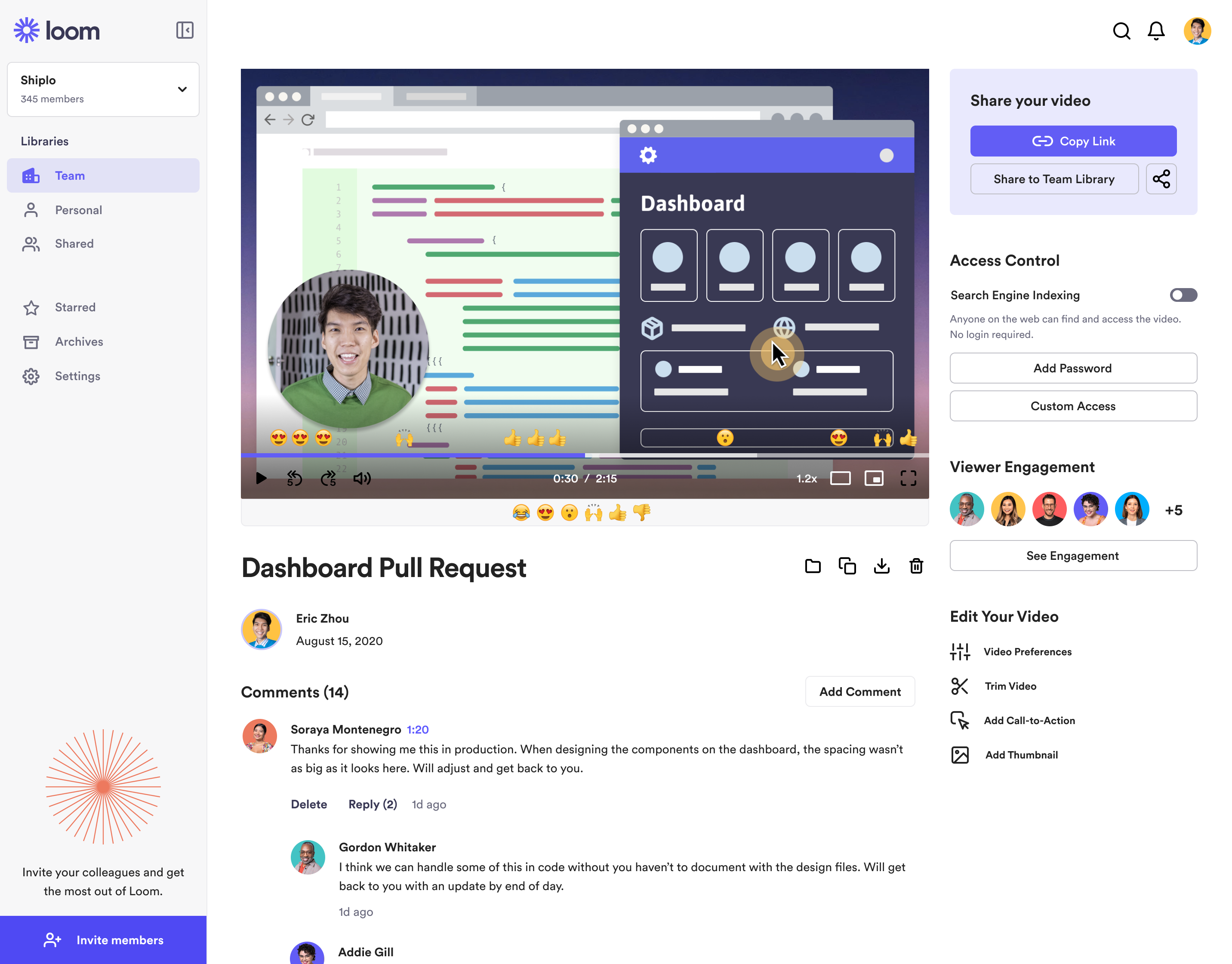  | Userlytics Screenshots      |
