AuditBoard is a cloud-based audit management software solution from the company of the same name in Cerritos.
N/A
SharePoint
Score 7.7 out of 10
N/A
Microsoft's SharePoint is an Intranet solution that enables users to share and manage content, knowledge, and applications to empower teamwork, quickly find information, and collaborate across the organization.
$5
Per User Per Month
SAP Crystal
Score 7.4 out of 10
N/A
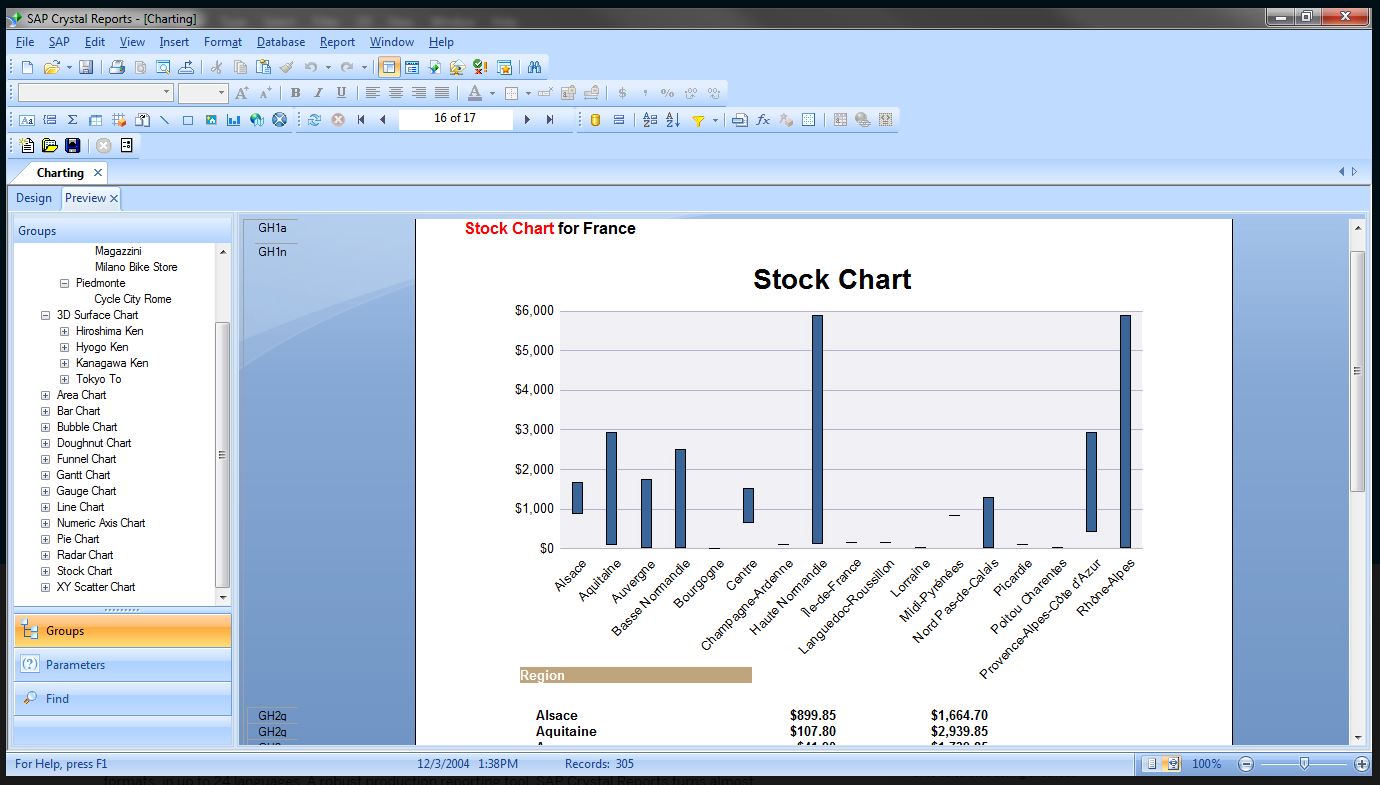
SAP Crystal is an analytics and reporting software solution for SMBs. SAP Crystal comprises Crystal Reports for pixel-perfect reporting, and SAP Crystal Server for automated distribution and self-service access to reports, dashboards and data exploration.
$295
per single user license
Pricing
AuditBoard
Microsoft SharePoint
SAP Crystal
Editions & Modules
No answers on this topic
Plan 1
$5.00
Per User Per Month
Plan 2
$10.00
Per User Per Month
Office 365 E3
$20.00
Per User Per Month
Upgrade Version to SAP Crystal Reports 2020
$295
per single user license
SAP Crystal Reports 2020 64-Bit
$495
per single user license
SAP Crystal Reports 2016 32-Bit
$495
per single user license
SAP Crystal Server 2020 1 NUL
$869
per user license + first year maintenance to be added
SAP Crystal Server 2020 5 CAL
$8,744
5 concurrent users + first year maintenance to be added
Offerings
Pricing Offerings
AuditBoard
SharePoint
SAP Crystal
Free Trial
No
Yes
Yes
Free/Freemium Version
No
No
Yes
Premium Consulting/Integration Services
No
No
Yes
Entry-level Setup Fee
No setup fee
No setup fee
Optional
Additional Details
—
—
* SAP Crystal Reports 2020 Viewer allows you to view static data within a SAP Crystal Reports file.
* SAP Crystal Reports 2020 - Full version allows you to create powerful, richly formatted, and dynamic reports from virtually any data source, delivered in dozens of formats, in up to 28 languages. If you already have an older version of Crystal Reports, buy a license for SAP Crystal Reports 2020 - Upgrade at a discounted, upgrade price.
* SAP Crystal Server 2020, 1 NUL includes 1 license of: SAP Crystal Reports 2020 - SAP Crystal Server 2020.
* As an add-on to SAP Crystal Server 2020 1 NUL, SAP Crystal Server 2020 5 CAL allows you to support a wider, intermittent audience of end users, up to five logged on at the same time.
More Pricing Information
Community Pulse
AuditBoard
Microsoft SharePoint
SAP Crystal
Considered Multiple Products
AuditBoard
No answer on this topic
SharePoint
Verified User
Professional
Chose Microsoft SharePoint
MS SharePoint is a corporate-wide tool that we utilize within and across departments. The system does allow security for silo information that is needed yet can allow approved access to other SharePoint sites, as needed.
SAP Crystal
No answer on this topic
Features
AuditBoard
Microsoft SharePoint
SAP Crystal
BI Standard Reporting
Comparison of BI Standard Reporting features of Product A and Product B
AuditBoard
-
Ratings
Microsoft SharePoint
-
Ratings
SAP Crystal
7.8
124 Ratings
5% below category average
Pixel Perfect reports
00 Ratings
00 Ratings
8.0113 Ratings
Customizable dashboards
00 Ratings
00 Ratings
7.0100 Ratings
Report Formatting Templates
00 Ratings
00 Ratings
8.4117 Ratings
Ad-hoc Reporting
Comparison of Ad-hoc Reporting features of Product A and Product B
AuditBoard
-
Ratings
Microsoft SharePoint
-
Ratings
SAP Crystal
8.3
136 Ratings
3% above category average
Drill-down analysis
00 Ratings
00 Ratings
9.0117 Ratings
Formatting capabilities
00 Ratings
00 Ratings
8.7135 Ratings
Integration with R or other statistical packages
00 Ratings
00 Ratings
7.064 Ratings
Report sharing and collaboration
00 Ratings
00 Ratings
8.7120 Ratings
Report Output and Scheduling
Comparison of Report Output and Scheduling features of Product A and Product B
AuditBoard
-
Ratings
Microsoft SharePoint
-
Ratings
SAP Crystal
8.8
136 Ratings
7% above category average
Publish to Web
00 Ratings
00 Ratings
9.091 Ratings
Publish to PDF
00 Ratings
00 Ratings
9.3133 Ratings
Report Versioning
00 Ratings
00 Ratings
8.094 Ratings
Report Delivery Scheduling
00 Ratings
00 Ratings
9.097 Ratings
Delivery to Remote Servers
00 Ratings
00 Ratings
8.554 Ratings
Data Discovery and Visualization
Comparison of Data Discovery and Visualization features of Product A and Product B
Auditboard is especially useful for SOX control testing. It is very convenient having all our information on a single platform. It is easy to communicate PBC requests to clients, store control testing working papers for review, communicate deficiencies and build dashboards to provide visual statistics. Situations where it might not be useful are for organizations that are smaller in size where the templates don't fit well with their internal audit/controls program. There is a significant amount of testing required before using the platform, and adapting working papers to fit in well with AuditBoard
SharePoint Document Management excels as a central repository for storing, organising, and retrieving documents. It supports version control, metadata tagging, secure access, and integration with tools like Power Automate. At our organisation, it's used for managing contracts, policies, and supplier documents. SharePoint Workflow Automation integrates with Power Automate to streamline approvals, gather feedback, and automate recurring tasks. This reduces reliance on email chains and manual trackers.
Generation of templated reports is the strong suit of SAP Crystal. Allows users to change formats in templates bases on requirement with minimal effort. Automated report delivery requires the user to be aware of sql which cannot be expected from all users. Should support more document export formats and improve the UI for SAP B1 Users
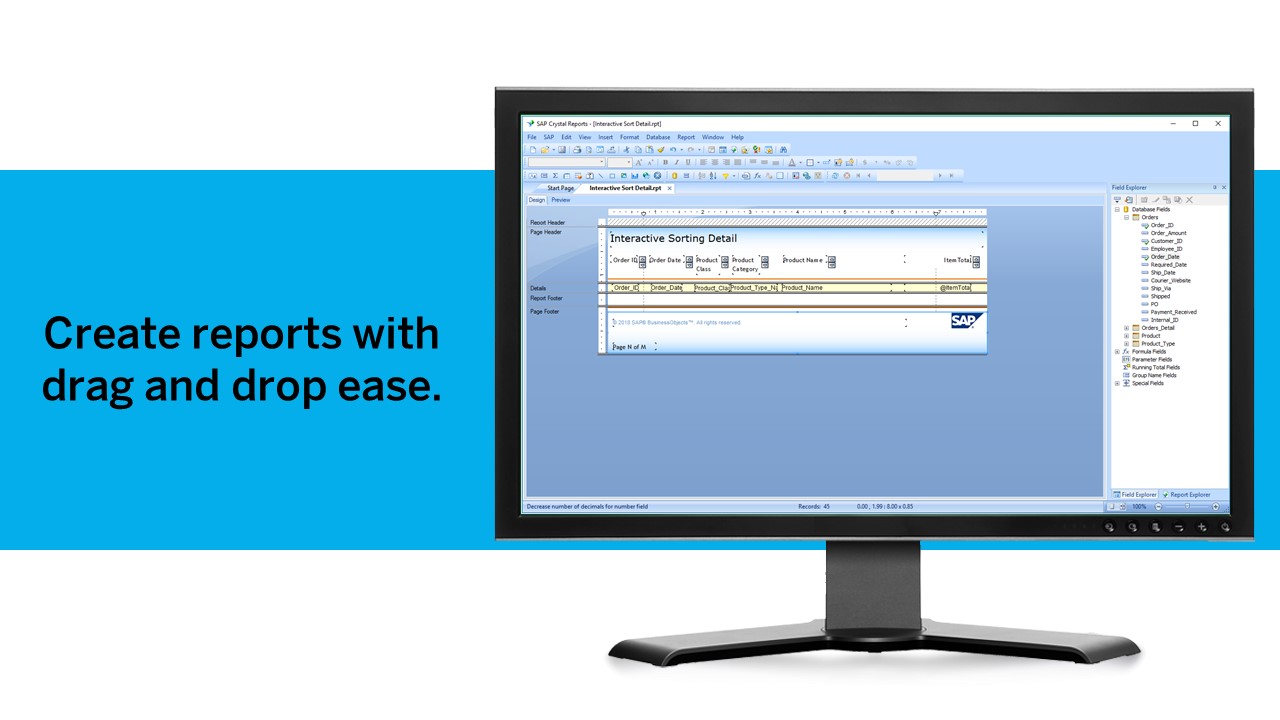
Crystal Reports allows us to create a consistent template for all of our reports.
Crystal Reports and Server allows us to house a repository for all of our reports to make them easy to find and update when necessary.
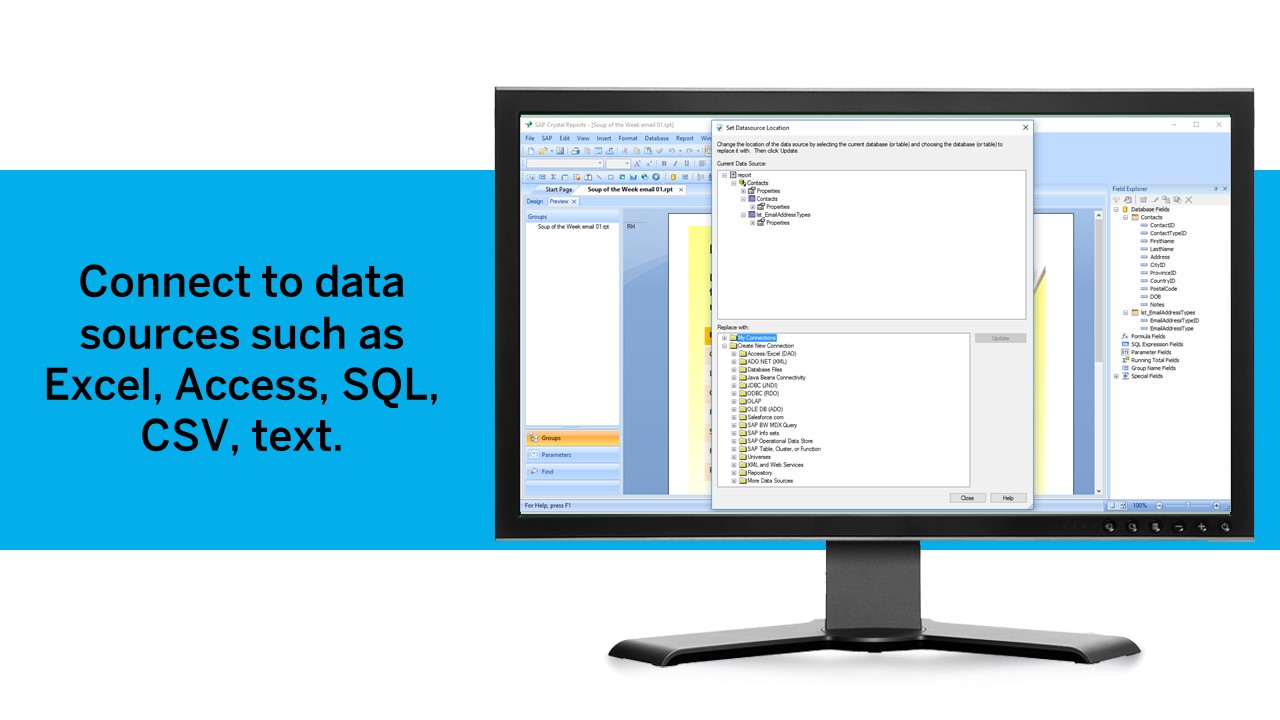
Crystal Reports can connect to a wide variety of data sources.
Crystal Reports can be a little daunting when first implementing. There are a lot of nuances in learning how to truly master this software and it can be frustrating at times.
We used to perform our Risk Control Analysis (RCA) for each audit's planning in an Excel spreadsheet. Once we purchased the Risk Oversight module, AuditBoard helped us convert the RCA to a system function rather than a spreadsheet. At first, we lost some of the functionality the spreadsheet provided, but AuditBoard did continue to help us build and work towards a solution more similar to what we previously had. Though happy with it, it's still not perfect. As one example, I'd like to be able to link actual Ops Audit work steps that cover the risk and controls being outlined in the RCA, rather than just adding a comment to state which steps cover them. More of a preference, I suppose.
I also had demoed their beta Resources and Scheduling module, but it didn't have enough functionality at the time to work for how we put the quarterly Internal Audit schedule together (using Excel). One thing I recall was that you couldn't pull in SOX controls or non-chargeable work (such as education or administration) to auditor's schedules; it was meant to schedule the Ops Audits only. It is possible they have already fixed or improved this; I just haven't seen the updated version.
Windows Explorer users have some difficulty having to constantly UPLOAD / DOWNLOAD files. Specifically on the DOWNLOAD when they are used to Drag & Drop in & out of LOCAL folders via Window's explorer.
Microsoft SharePoint supports multiple "library" types. When implementing our "image" library the search function is done via "tags" and boolean logic. This is challenging to most end users. I'd like our users to be able to search our Microsoft SharePoint image library without having to enter KEYWORD or other BOOLEAN logic.
Microsoft SharePoint can also be an internal website for each department or company wide communication tool but I believe these features are geared for much larger organizations. Since we are a SMB we really aren't using these features. So maybe something more useful to SMBs would be nice.
It's integral to our business. It's already included with most of the Office 365 licensing we buy, so the cost is effectively zero. It stores our files, it is the foundation for custom applications, and Microsoft only continues to enhance its functionality and its connections to other Microsoft tools. SharePoint just keeps getting better and better.
We have been using this product for so many years and it has truly become a cornerstone to our business processes when it comes to developing and distributing information via reports. We currently have over 500 reports developed to date over about 30 systems and that will continue to grow as user needs change.
No usability issues reported. Individual teams also have allocated areas which replace legacy shared drives on local LANs. Access to Sharepoint resources is fully integrated with corporate Active Directory with additional two-factor authentication required for administrative users. Users have access to Microsoft Services Hub which allows you to create, manage, and track support requests while staying current on Microsoft technologies with access to select self-paced learning paths
Crystal is very robust, but not always easy to use. It create wonderful looking reports, and so deserves a high rating. However, I have to take a couple of points off for the simple fact that I cannot hand it to a user and expect them to be able to do development with it.
The support community can be difficult to navigate. I've also run into issues with my login. The SAP system has a bizarre mechanism for validating users that requires users to have what is called an S-ID. A basic ID may not give you access to all the features in the portal. The limitation may include not being able to perform a simple task like downloading patches and updates. This isn't a big deal for single user license but for teams it can be a pain.
The face to face training I received was on SharePoint Administration. It was rushed as there was a lot of information to cover and the application of the labs weren't that great either. I like to be able to relate what I am learning to what I am currently doing.
I like to learn at my own pace and online training allows for that. Additionally, you can skip through pieces of content that you already know or are already comfortable with. Microsoft actually offers great videos on their website for basic fundamental SharePoint Training. I have used these training videos in some of my own training sessions with end users.
Just like any other implementation: When designing the differing reports, get end users' input, make sure to design the reports so that they display the information that the company requires, in the best and clearest way possible.
Test, test, test, revise when needed, and, particularly, do sufficient training so users are comfortable using Crystal Reports!
I remember there were a lot of sync issues when I used the internally developed software, but that's probably because a few people were working on the same project at the same time. I have not come across this issue in AuditBoard
The reasons for selecting MS SharePoint are: SharePoint provides ease of use and web design assistance and support SharePoint helps you schedule your content for publishing. enables users to share documents with external parties and offers a better internal structure of the content and better indexing and searching capabilities.
Crystal reports is useful in case we want to import data from data base . We can write queries in it but Google Charts require to be implemented in our application using code so crystal reports is better than Google Charts.
Hard to quantify. It was cheaper than the tool we had and we were able to get rid of standalone tool for surveys. overall, just better user experience for all.
It is a decent buy for specific departments in terms of reporting capabilities but updates and cost (frequent) demands are higher with the benefits offered.
So long as the requirements are not ever changing, with scheduling functionality, it's a handsome tool.