Auris, formerly Heartland Payroll, is a solution designed to serve as a single point of contact, where customers have online access to their payroll data and employee information.
N/A
Workday Workforce Management
Score 8.2 out of 10
N/A
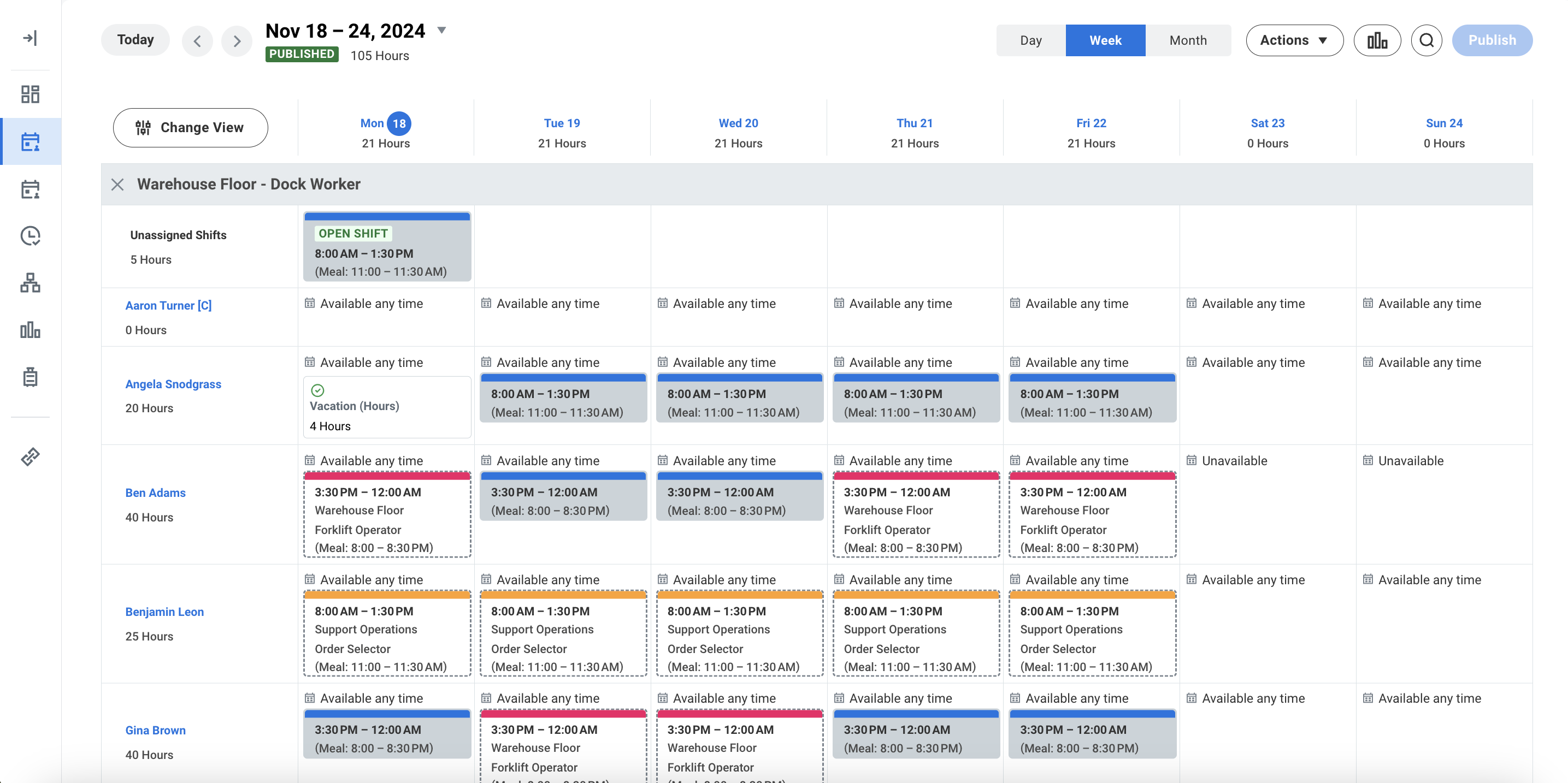
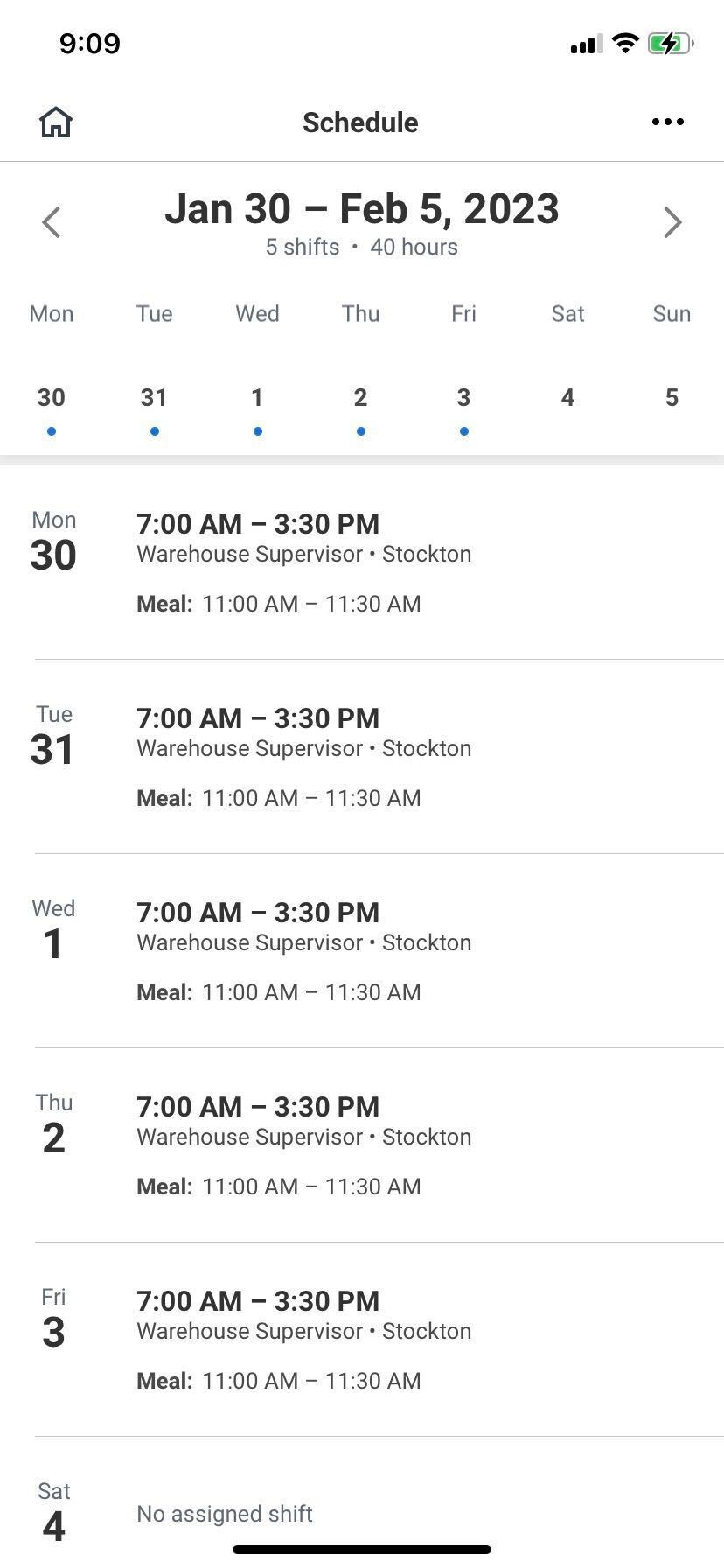
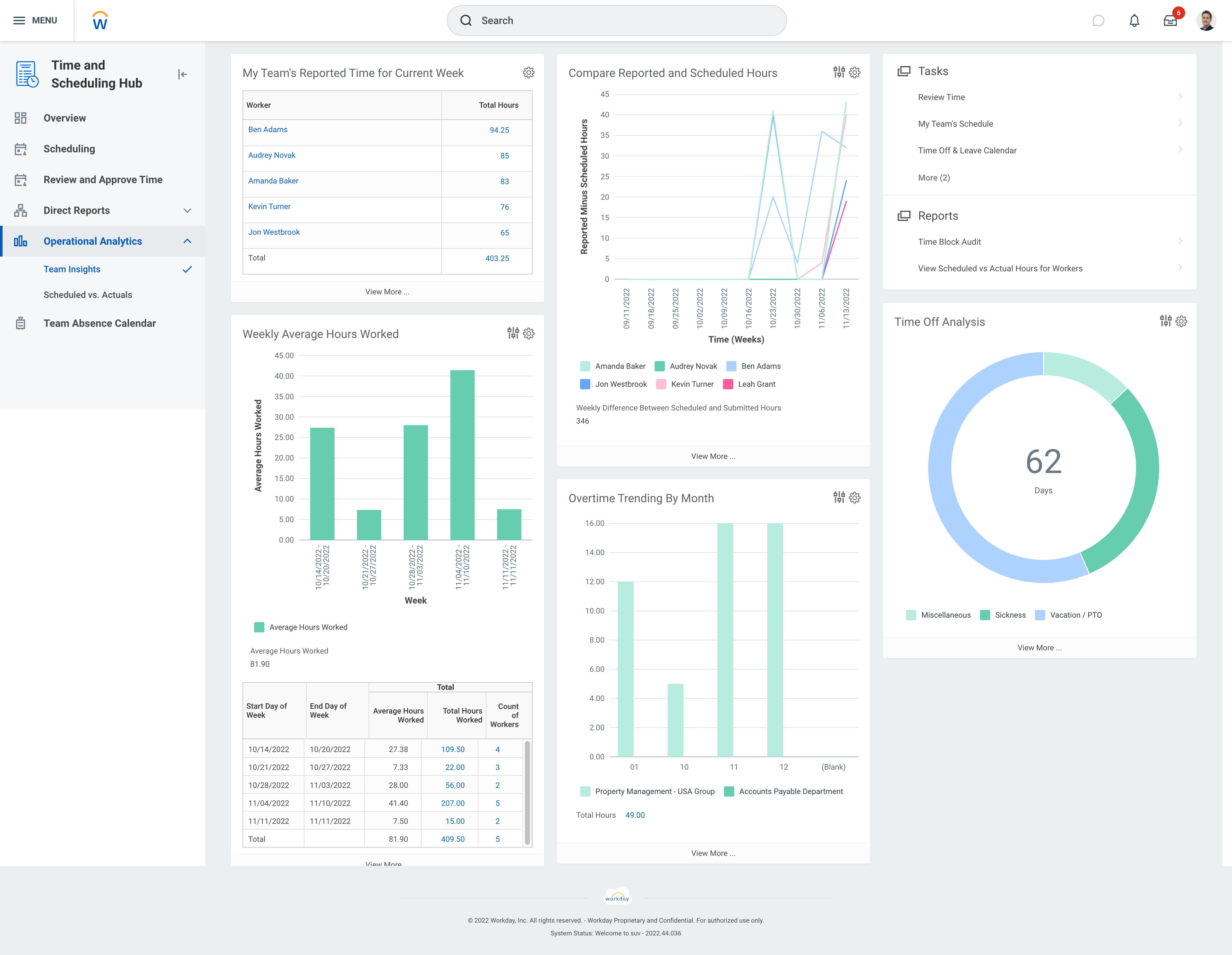
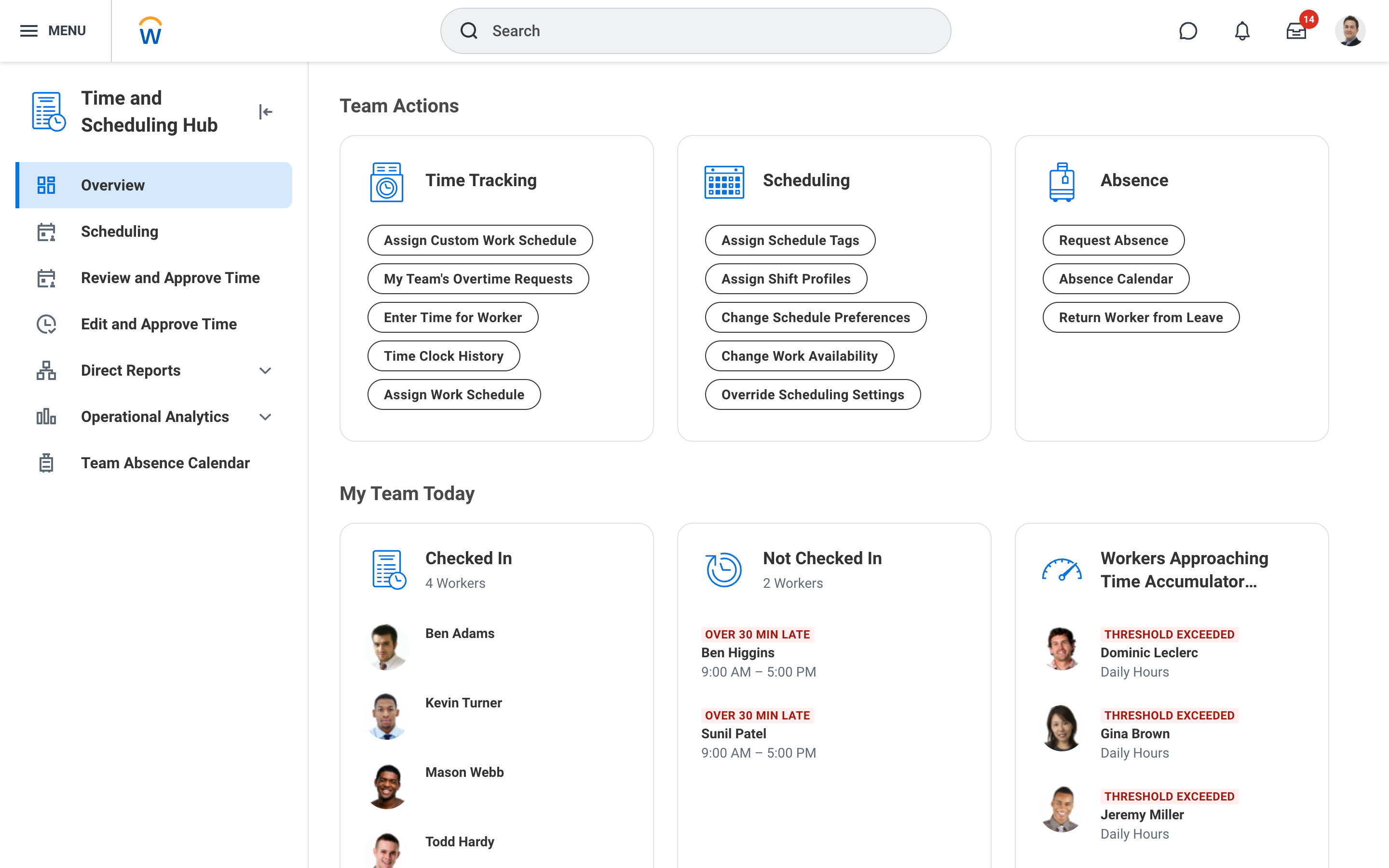
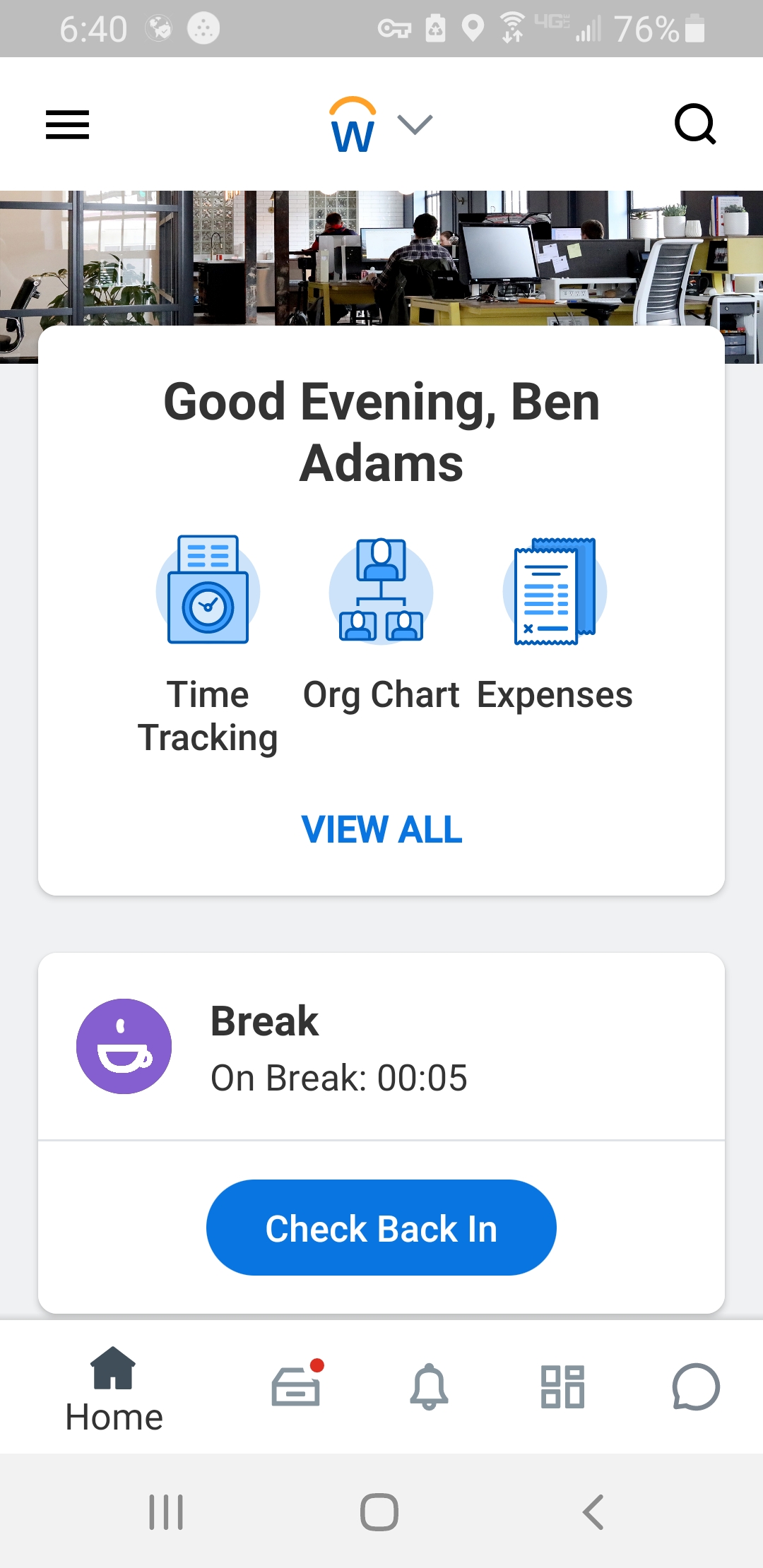
Workday Workforce Management is a workforce operations software that integrates HR, time, and scheduling data, to eliminate disjointed processes that halt day-to-day operations. Consistent with a worker-first approach, Workday provides mobile-first access to personalized pay, time, and schedules, giving workers frictionless on-the-go access. This helps overcome difficulties in retaining workers and keeps them engaged in a competitive labor…
N/A
Pricing
Auris
Workday Workforce Management
Editions & Modules
No answers on this topic
No answers on this topic
Offerings
Pricing Offerings
Auris
Workday Workforce Management
Free Trial
No
No
Free/Freemium Version
No
No
Premium Consulting/Integration Services
No
No
Entry-level Setup Fee
No setup fee
No setup fee
Additional Details
—
—
More Pricing Information
Community Pulse
Auris
Workday Workforce Management
Features
Auris
Workday Workforce Management
Payroll Management
Comparison of Payroll Management features of Product A and Product B
We changed payroll companies from Paycom to Heartland this year at the recommendation of our insurance agent who insisted they would integrate with the EASE system, which tracks employee benefits and deductions. However, 8 weeks into it, I regret my decision, since the setup hasn't been completed yet. The lack of responsiveness in some cases is astounding and often we have to ask 3, 4, and 5 times for something to be done. I hate to think what will happen after we are "handed off" from the payroll implementation team to the regular schmucks. We still are not able to track PTO and time off and we have been begging for the self-service feature to be turned on for employees so they can change addresses, bank account info, etc. Their training is NONEXISTENT and their manual is abysmal. DO NOT USE THIS COMPANY!!!!! I wish I could go back to Paycom!
Workday has solved many organizational needs we have from tracking time and attendance, performance and goals, compliance trainings, benefits and so much more. It is easy to adjust schedules, assign attendance points, run reports and more to keep up with employee performance. Being able to source new employees (in and out of the network) all within the same platform that we track time and benefits helps solve many needs in just one easy to use platform.
The UI is intimidating for a lot of people. You have to get used to where to click and search for specific information. What we have found that works is to have new hires sit with seasoned employees for tips and tricks on how to maneuver around in the system efficiently. It is important that new hires know from the start specific resources that they will need to access in using WFM daily and hone in on those skills and locations of data needed. Starting off, our experience shows that it's better to focus on the minimum tools and learn those well and build knowledge from there to make it less intimidating
I never have trouble reaching customer support. They always are able to assist with fixing any problems that arise. There honestly haven't been many issues at all. Only ones I've created :)
I've considered moving payroll over to QuickBooks Online so that everything is in one place, but it would probably take too much work considering that our current system works really well. I think QuickBooks would confuse me, honestly. There are other systems that offer different user interfaces that are neat looking, but I haven't done too much research because Heartland Payroll offered me a really good deal for processing since we are a small company.
The only other tool I have used was paylocity. Paylocity is a great tool as well and is more user friendly, however it is not for as big of organizations as Workday is. I would say if you are under 1k employees go with Paylocity as it will be less expensive and has everything you need with a user friendly experience. Workday is great for larger orgs but doesn’t have as much of a user friendly experience