azendoo vs. SmartSuite

Overview
ProductRatingMost Used ByProduct SummaryStarting Price
azendoo
Score 3.1 out of 10
Mid-Size Companies (51-1,000 employees)
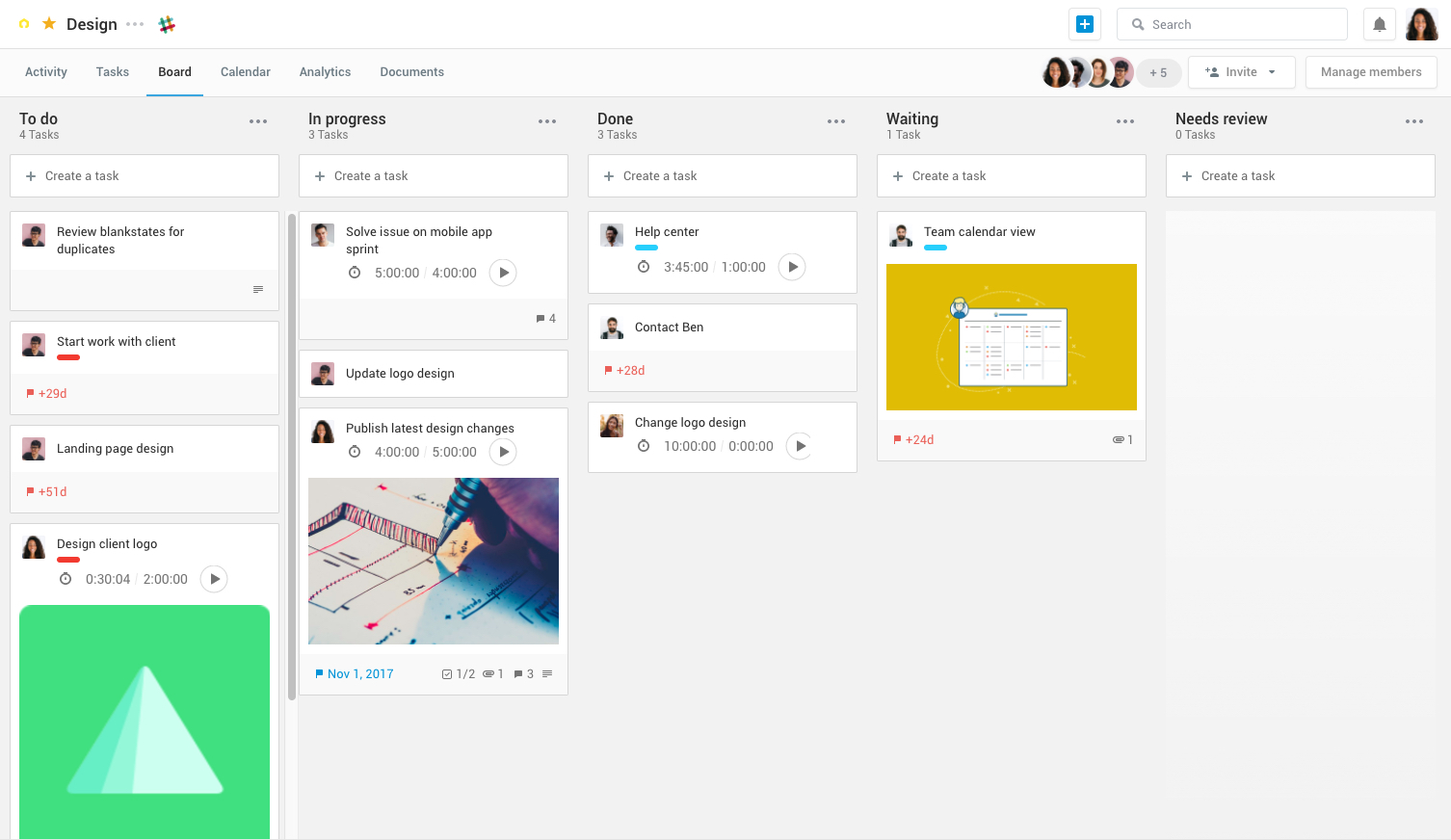
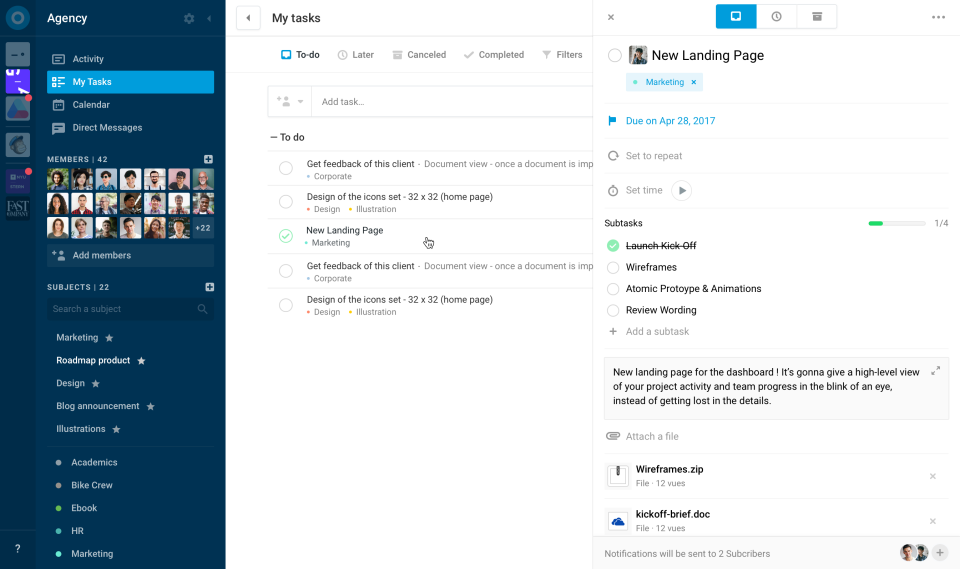
Azendoo is a work management application to help teams work more effectively by giving them the tools to communicate, plan and execute together. Azendoo is designed to make teams collaborate in a more transparent and positive way while making work more enjoyable. Conversations are held in threads shared on projects to see through every piece of information and eventually take action by creating a task based on a conversation. Tasks allow team members to see all of their work in one…
$7.50
per user
SmartSuite
Score 10.0 out of 10
N/A
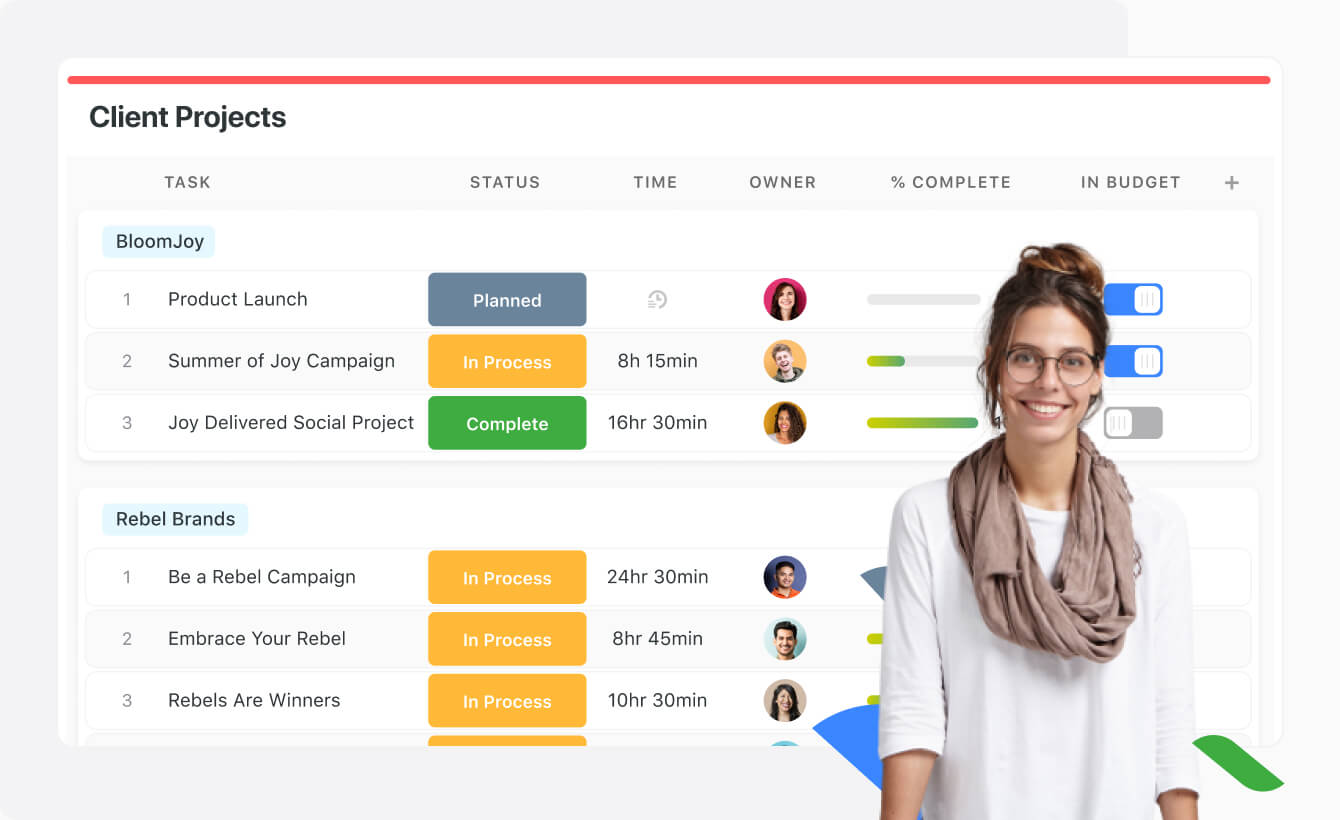
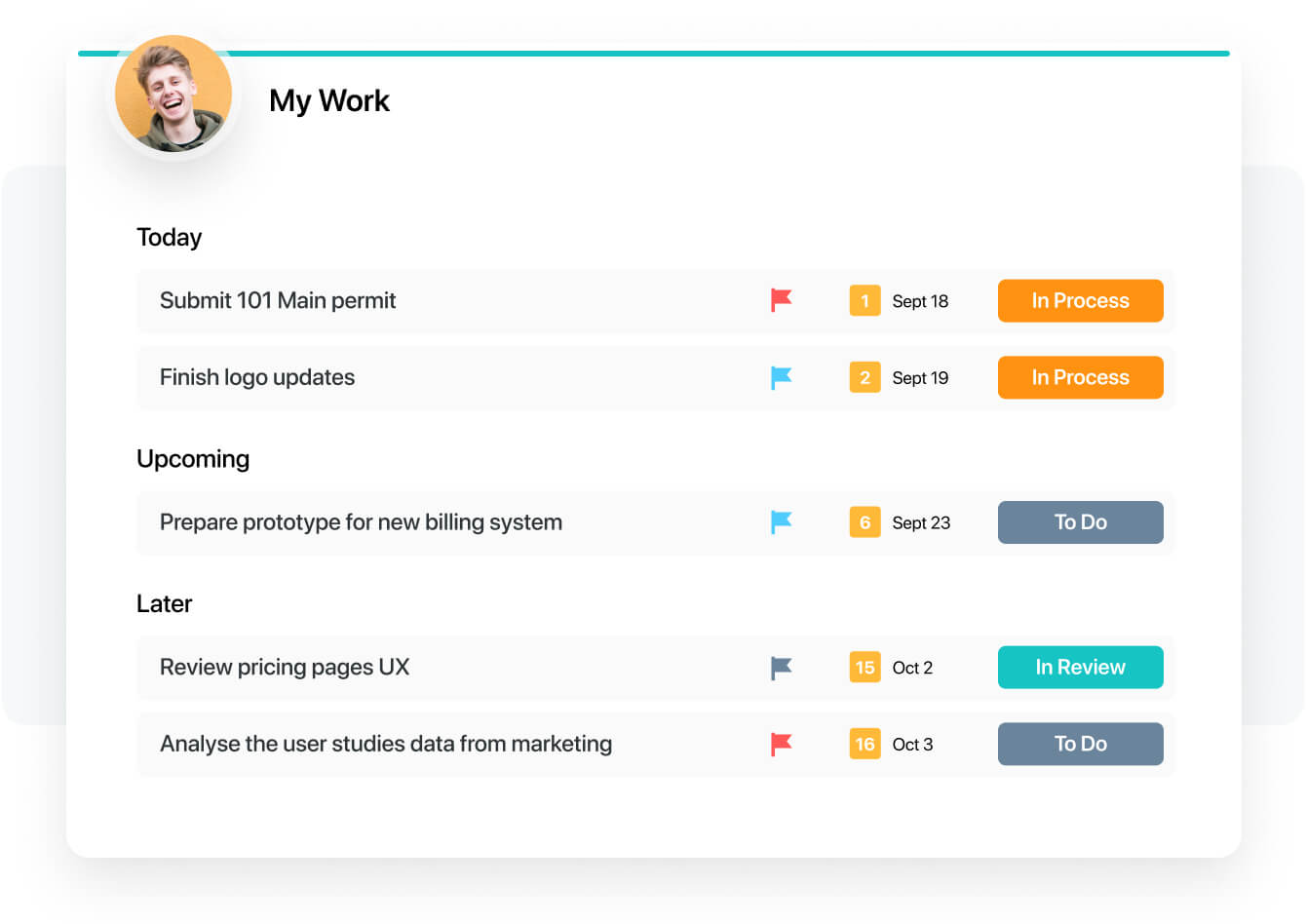
SmartSuite provides a collaborative Work Management platform that enables teams to plan, track and manage workflows - whether it be a project, an ongoing process or routine everyday tasks. SmartSuite helps coordinate people and work across all levels of an organization to ensure that team members have the information they need to accomplish the work that matters most. Team members can create a workflow, or choose from over 200 templates that can be tailored to their exact needs.
$10
per month per user
Pricing
azendooSmartSuite
Editions & Modules
Team plan
$7.50
per user
Business plan
$14.00
per user
Enterprise plan
custom pricing
per user
No answers on this topic
Offerings
Pricing Offerings
azendooSmartSuite
Free Trial
YesYes
Free/Freemium Version
NoNo
Premium Consulting/Integration Services
YesNo
Entry-level Setup Fee$7.50 per userNo setup fee
Additional DetailsAdd some time tracking: +$5.00 user/month Scheduled and accumulated time per task
More Pricing Information
Community Pulse
azendooSmartSuite
Features
azendooSmartSuite
Project Management
Comparison of Project Management features of Product A and Product B
azendoo
8.3
3 Ratings
7% above category average
SmartSuite
9.1
18 Ratings
16% above category average
Task Management8.13 Ratings9.218 Ratings
Resource Management9.03 Ratings9.117 Ratings
Scheduling7.93 Ratings9.016 Ratings
Workflow Automation8.93 Ratings9.117 Ratings
Team Collaboration9.03 Ratings9.218 Ratings
Document Management8.03 Ratings9.117 Ratings
Email integration8.02 Ratings9.117 Ratings
Mobile Access8.03 Ratings9.017 Ratings
Budget and Expense Management8.02 Ratings9.215 Ratings
Gantt Charts00 Ratings9.114 Ratings
Support for Agile Methodology00 Ratings9.118 Ratings
Timesheet Tracking00 Ratings9.214 Ratings
Change request and Case Management00 Ratings9.016 Ratings
Professional Services Automation
Comparison of Professional Services Automation features of Product A and Product B
azendoo
9.0
1 Ratings
15% above category average
SmartSuite
9.2
15 Ratings
17% above category average
Integration with accounting software9.01 Ratings9.29 Ratings
Quotes/estimates00 Ratings9.214 Ratings
Project & financial reporting00 Ratings9.114 Ratings
Best Alternatives
azendooSmartSuite
Small Businesses
Stackby
Stackby
Score 8.9 out of 10
Stackby
Stackby
Score 8.9 out of 10
Medium-sized Companies
InEight
InEight
Score 8.4 out of 10
InEight
InEight
Score 8.4 out of 10
Enterprises
InEight
InEight
Score 8.4 out of 10
InEight
InEight
Score 8.4 out of 10
All AlternativesView all alternativesView all alternatives
User Ratings
azendooSmartSuite
Likelihood to Recommend
9.0
(3 ratings)
9.2
(18 ratings)
Likelihood to Renew
-
(0 ratings)
9.1
(1 ratings)
Usability
-
(0 ratings)
9.1
(1 ratings)
Support Rating
-
(0 ratings)
9.1
(1 ratings)
Implementation Rating
-
(0 ratings)
9.1
(1 ratings)
User Testimonials
azendooSmartSuite
Likelihood to Recommend
azendoo
I think Azendoo is suited well to small office tracking projects and tasks together. The shared projects/calendar use is helpful and can make work easier if everyone uses it in a similar manner. The ability to add things from other sources (Dropbox, Evernote, etc) does make it a useful platform because you can integrate other things into the app well. The visibility and shared spaces provide good accountability and follow up for work being done.
Read full review
SmartSuite
It is best suited to be a google alternative for a google drive due to its multiple functions. Can add action items, upload multiple types of files and assign people responsibilities and tasks. It combines resource platform abilities with project management functionality in order to unite all your needs in one area.
Read full review
Pros
azendoo
  • Software Updates - The azendoo interface is constantly being updated with new features which are helpful to our organization. For example, they just rolled out the ability to assign subtasks, so that we don't have to manually update the assignee on each step of a large, multi-step task.
  • Email Notifications - azendoo provides complete customization over the amount of notification emails you receive. Some of us prefer to be emailed with each update made within a task, whereas others prefer just a once-daily notification email.
  • Levels of organization - azendoo provides many tiers of structure within the platform, making it easy for us to layer levels of detail for a single project. For example, at the workspace level we can define where our teams "live" on azendoo, and at the subject level we can categorize projects for tracking purposes. With the new addition of subtasks, we now have an additional layer of organization which helps us keep track of where a task is at in its lifecycle.
Read full review
SmartSuite
  • SmartSuite is a good collaboration tool
  • The capabilities of the platform are immense
  • The customization features allow users to set up the report type and view it exactly as they want
  • The choice of the fields to be used in the records and reports is really wide
Read full review
Cons
azendoo
  • Despite being integrated with Google Calendar, this integration presents some inconveniences, so working with them together is not very convenient.
  • It requires fairly stable internet access to avoid a slow connection with your platform.
  • When performing searches, it must be done within the limit of work since otherwise no results are found.
  • Its cost can be high but I think it's worth it.
  • It is necessary to introduce it to the team slowly so that they can adapt to the software and thus get the most out of it.
Read full review
SmartSuite
  • A little better home screen, which is already in the works!
  • Better experience in the my work panel, which is also in the works already!
Read full review
Likelihood to Renew
azendoo
No answers on this topic
SmartSuite
I have a great expereance
Read full review
Usability
azendoo
No answers on this topic
SmartSuite
The product is usability friendly, easy to use, flexible and has all functions I need for my purposes
Read full review
Support Rating
azendoo
No answers on this topic
SmartSuite
They have a great tutorial and a lot of hits during the work process
Read full review
Implementation Rating
azendoo
No answers on this topic
SmartSuite
That's easy. Just try
Read full review
Alternatives Considered
azendoo
azendoo is a different tool, meant for a different project type. While it's a good program on its own, Evernote ultimately had all I needed as a single employee/student is the only person within my workspaces. I did not need to network and as such, I did not find it applicable. Later down the road in a shared office, I might feel differently.
Read full review
SmartSuite
For our team, SmartSuite contains all features that we need. Before we use Asana, Trello and tried to use Airtable. But all of these management systems did not satisfy us. Then we started using SmartSuite, got to know all the possibilities and decided to switch to it
Read full review
Return on Investment
azendoo
  • azendoo's integration with Google Drive has been valuable to our organization, as we are heavy users of Drive. We've been able to seamlessly attach documents to tasks which has been very helpful from a collaboration perspective.
  • Training new team members - It's relatively easy to get new team members up-to-speed on what's going on in the department, as they can just log into azendoo and catch up on all of our existing projects and things coming down the pipeline.
  • App - azendoo's mobile app has been great for keeping up with progress on items while many of us are out of office or working away from the office. The app has a great user experience and is much easier than keeping tabs via email.
Read full review
SmartSuite
  • We have to spend less time on checking where the project is at
  • We can have less PM's in the business
  • Our clients are happier thus leading to more business
Read full review
ScreenShots

azendoo Screenshots

Screenshot of Screenshot of Screenshot of Screenshot of

SmartSuite Screenshots

Screenshot of Screenshot of Screenshot of Screenshot of Screenshot of Screenshot of