Chose TestMu AI
To be honest, I chose Lambdatest over BitBar because there was a cheaper plan.

| Product | Rating | Most Used By | Product Summary | Starting Price |
|---|---|---|---|---|
 Azure DevOps | N/A | Azure DevOps (formerly VSTS, Microsoft Visual Studio Team System) is an agile development product that is an extension of the Microsoft Visual Studio architecture. Azure DevOps includes software development, collaboration, and reporting capabilities. | $2 per GB (first 2GB free) | |
 BitBar | N/A | BitBar allows users to test applications across the latest and most popular real browsers and devices. Users can scale testing by increasing test coverage and decreasing test execution time by running automated tests in parallel across browsers and devices. BitBar integrates with the user's current tech stack or CI/CD pipeline. Key Features: * BitBar offers one cloud for all testing platforms whether it be web, native, or hybrid applications. * Test an application across real… | $39 per month | |
 TestMu AI | Mid-Size Companies (51-1,000 employees) | TestMu AI (Formerly LambdaTest) is a Full Stack Agentic AI Quality Engineering platform that uses end-to-end AI agents to plan, author, execute, and analyze software quality. The platform enables testing of web, mobile, and enterprise applications at any scale across real devices, real browsers, and custom real-world environments. | $19 per month per user |
| Azure DevOps | BitBar | TestMu AI | ||||||||||||||||||||||
|---|---|---|---|---|---|---|---|---|---|---|---|---|---|---|---|---|---|---|---|---|---|---|---|---|
| Editions & Modules |
| No answers on this topic |
| |||||||||||||||||||||
| Offerings |
| |||||||||||||||||||||||
| Entry-level Setup Fee | No setup fee | No setup fee | No setup fee | |||||||||||||||||||||
| Additional Details | — | Enterprise packages are available for larger teams and customers. | Discount available for annual pricing. | |||||||||||||||||||||
| More Pricing Information | ||||||||||||||||||||||||
| Azure DevOps | BitBar | TestMu AI | |
|---|---|---|---|
| Considered Multiple Products |  Azure DevOps No answer on this topic | BitBar No answer on this topic | TestMu AI  Punam Hans Software Automation Engineer Chose TestMu AI When we were comparing LambdaTest with its competitor tools, we found:
 Federico Sarmiento Full Stack Developer Chose TestMu AI Easier and better in free version that is a plus to convert a free user to a paid one.  Archita Naha Selenium Automation Test Engineer Chose TestMu AI LambdaTest is much easier to use than CrossBrowserTesting.  Antra Gupta Embedded Software Engineer Chose TestMu AI It's more user-friendly. |
| Azure DevOps | BitBar | TestMu AI | |
|---|---|---|---|
| Small Businesses |  GitHub Score 9.1 out of 10 |  BrowserStack Score 8.5 out of 10 | BrowserStack Score 8.5 out of 10 |
| Medium-sized Companies | GitHub Score 9.1 out of 10 | BrowserStack Score 8.5 out of 10 | BrowserStack Score 8.5 out of 10 |
| Enterprises |  Perforce P4 Score 7.2 out of 10 | BrowserStack Score 8.5 out of 10 | BrowserStack Score 8.5 out of 10 |
| All Alternatives | View all alternatives | View all alternatives | View all alternatives |
| Azure DevOps | BitBar | TestMu AI | |
|---|---|---|---|
| Likelihood to Recommend | 8.4 (69 ratings) | 8.2 (6 ratings) | 9.1 (110 ratings) |
| Likelihood to Renew | 10.0 (3 ratings) | - (0 ratings) | 8.7 (7 ratings) |
| Usability | 7.8 (9 ratings) | - (0 ratings) | 9.2 (62 ratings) |
| Availability | - (0 ratings) | - (0 ratings) | 10.0 (1 ratings) |
| Performance | - (0 ratings) | - (0 ratings) | 9.0 (1 ratings) |
| Support Rating | 8.1 (11 ratings) | - (0 ratings) | 10.0 (7 ratings) |
| Implementation Rating | 10.0 (1 ratings) | - (0 ratings) | 9.0 (2 ratings) |
| Configurability | - (0 ratings) | - (0 ratings) | 8.0 (1 ratings) |
| Contract Terms and Pricing Model | - (0 ratings) | - (0 ratings) | 9.0 (1 ratings) |
| Ease of integration | - (0 ratings) | - (0 ratings) | 10.0 (1 ratings) |
| Product Scalability | - (0 ratings) | - (0 ratings) | 10.0 (1 ratings) |
| Vendor post-sale | - (0 ratings) | - (0 ratings) | 9.0 (1 ratings) |
| Vendor pre-sale | - (0 ratings) | - (0 ratings) | 9.0 (1 ratings) |
| Azure DevOps | BitBar | TestMu AI | |
|---|---|---|---|
| Likelihood to Recommend | Microsoft
 Tim Kikke Head of PMO | SmartBear
| LambdaTest Inc.
|
| Pros | Microsoft
 Chris Studebaker Technical Architect | SmartBear
 Deborah Thayer Front-end Web Developer/Designer | LambdaTest Inc.
|
| Cons | Microsoft
| SmartBear
| LambdaTest Inc.
|
| Likelihood to Renew | Microsoft
 Raylene Wall, PMP Business Analyst | SmartBear No answers on this topic | LambdaTest Inc.
|
| Usability | Microsoft
| SmartBear No answers on this topic | LambdaTest Inc.
 Danish Amin Senior Full Stack Developer |
| Reliability and Availability | Microsoft No answers on this topic | SmartBear No answers on this topic | LambdaTest Inc.
|
| Performance | Microsoft No answers on this topic | SmartBear No answers on this topic | LambdaTest Inc.
|
| Support Rating | Microsoft
| SmartBear No answers on this topic | LambdaTest Inc.
Katie Hans Software Automation Engineer |
| Implementation Rating | Microsoft
| SmartBear No answers on this topic | LambdaTest Inc.
|
| Alternatives Considered | Microsoft
| SmartBear
| LambdaTest Inc.
 Ajay Rabari Shopify Developer |
| Scalability | Microsoft No answers on this topic | SmartBear No answers on this topic | LambdaTest Inc.
|
| Return on Investment | Microsoft
 Amy Liston Product Owner | SmartBear
| LambdaTest Inc.
 Keir Smith Full-stack Developer |
| ScreenShots | TestMu AI Screenshots 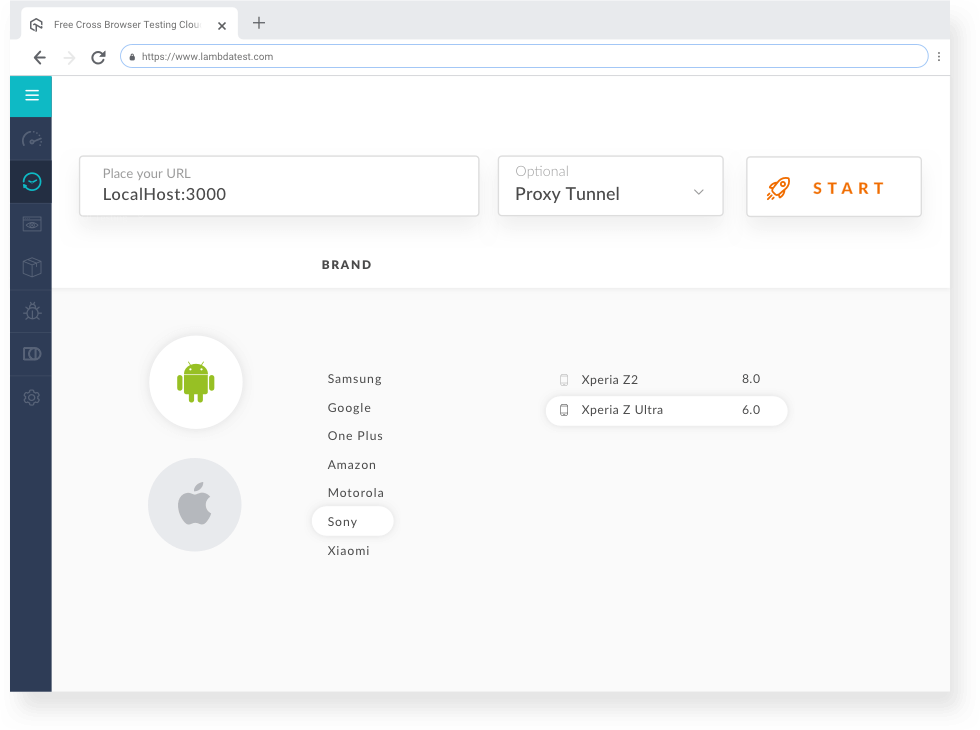 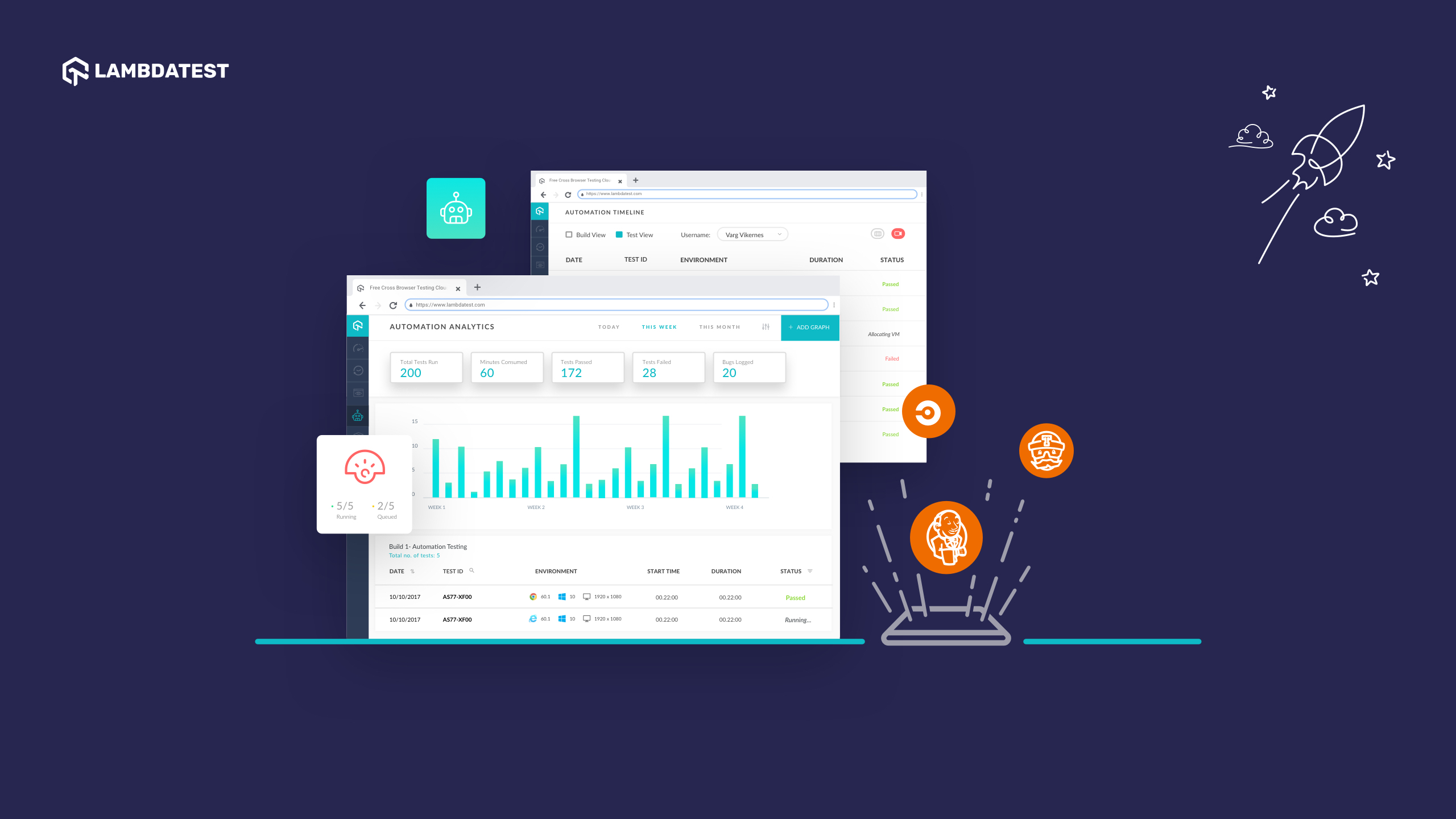    |